Enabling Password Protection for Shared Files in Dropbox
Dropbox
Log in to Dropbox.com
1. Navigate to the folder you'd like to password protect

2. Select the folder

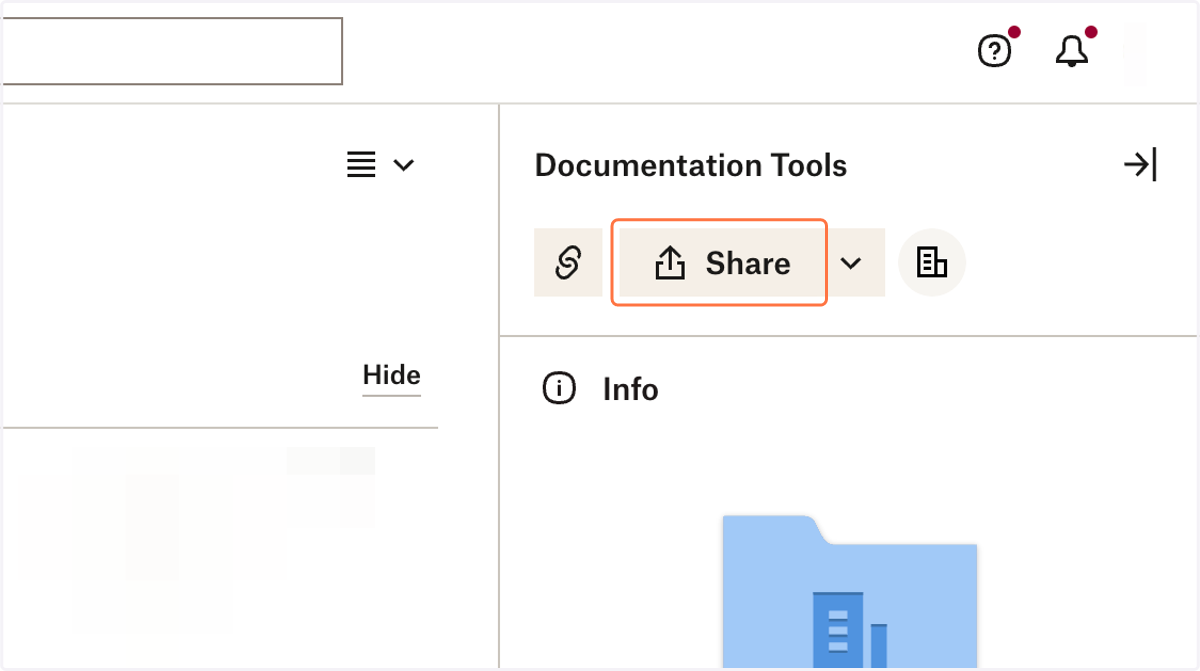
3. Click on Share
4. Click on Settings

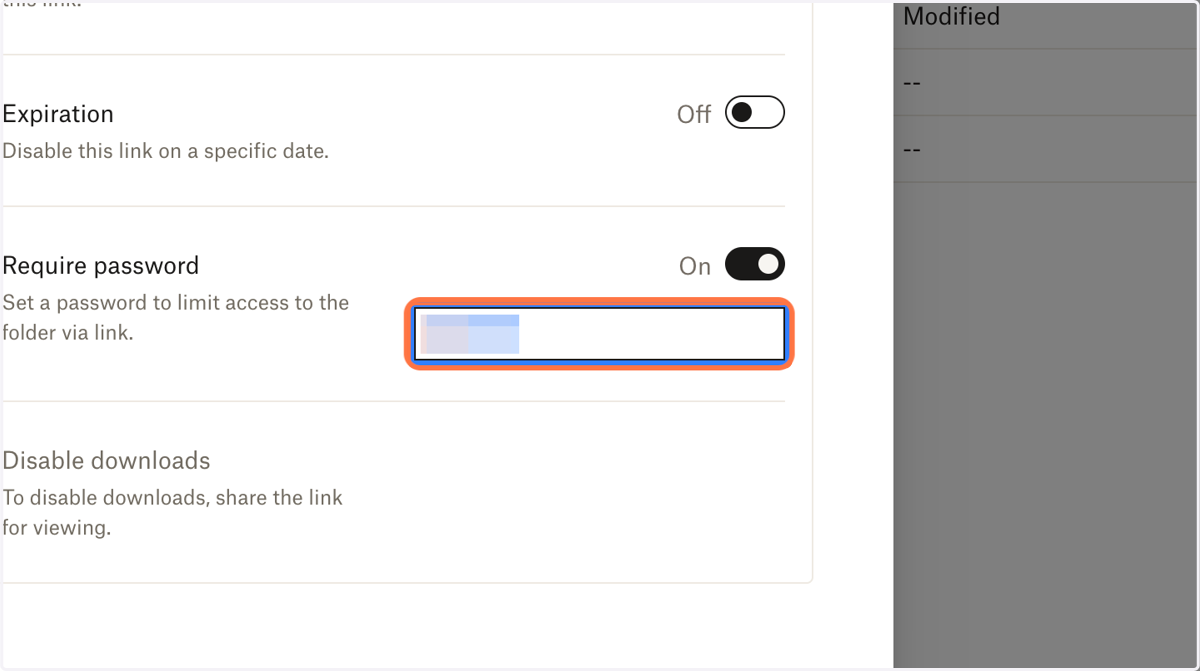
5. In the "Require Password" section, toggle it "on"

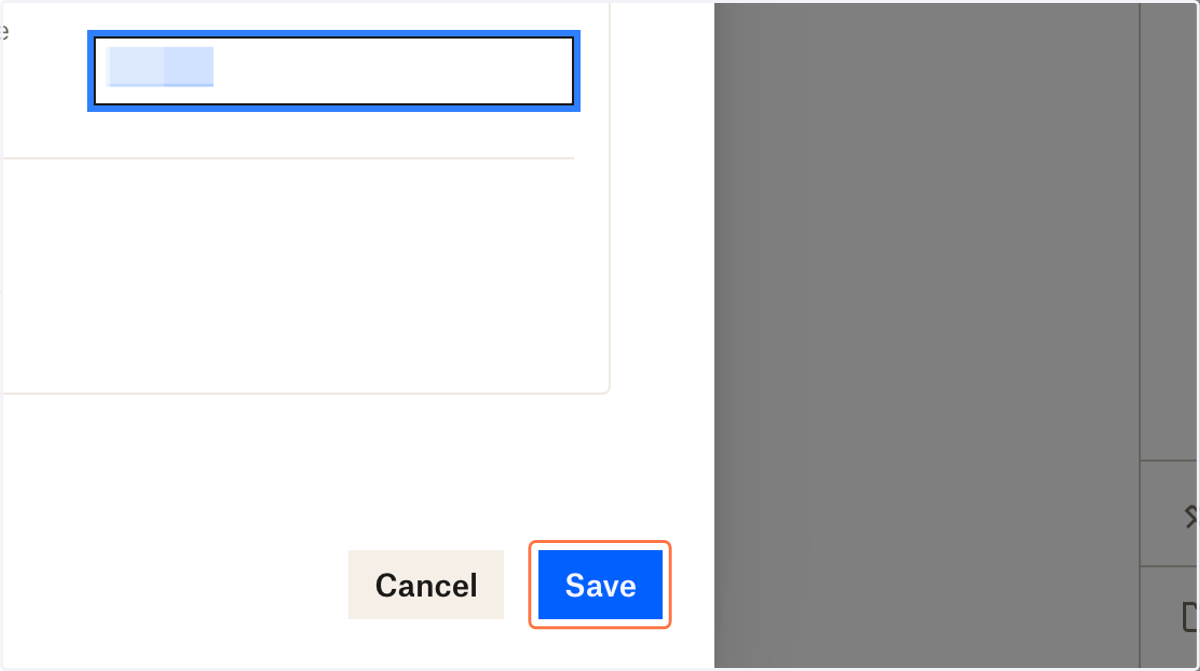
6. Enter your desired password
7. Click on Save