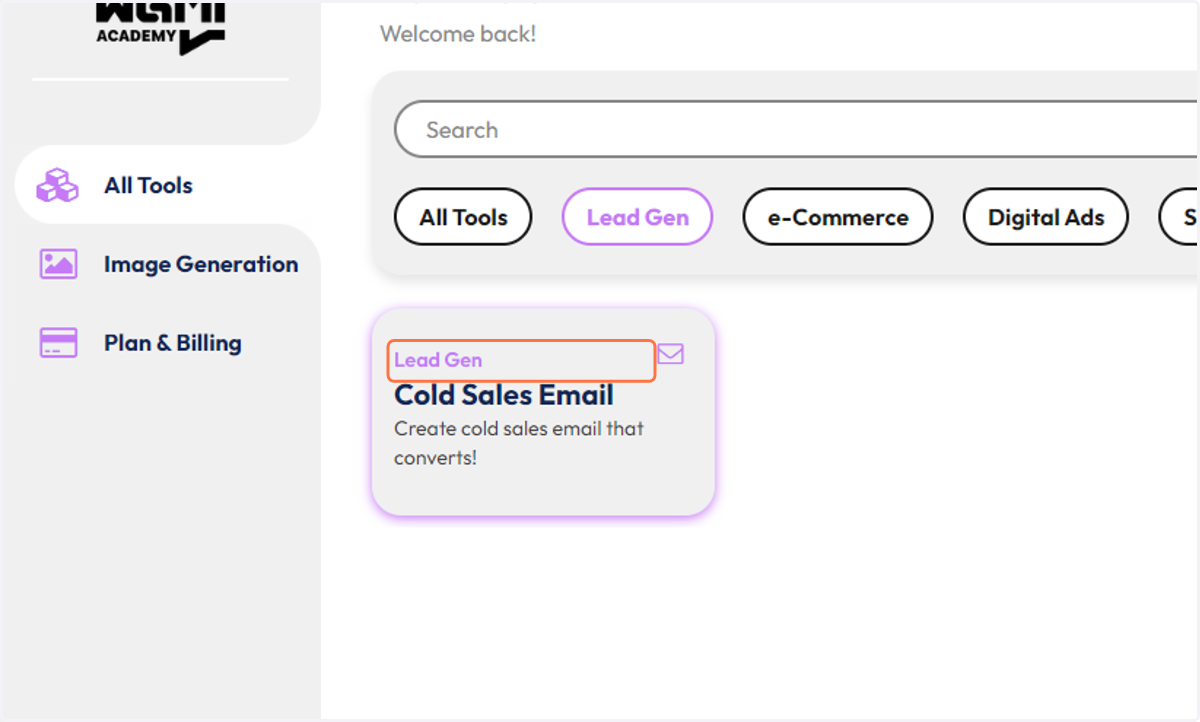
Displaying Category Above each tool (optional)
This is for front-end integration to give a category to each tool
Bubble.io
Go to https://bubble.io
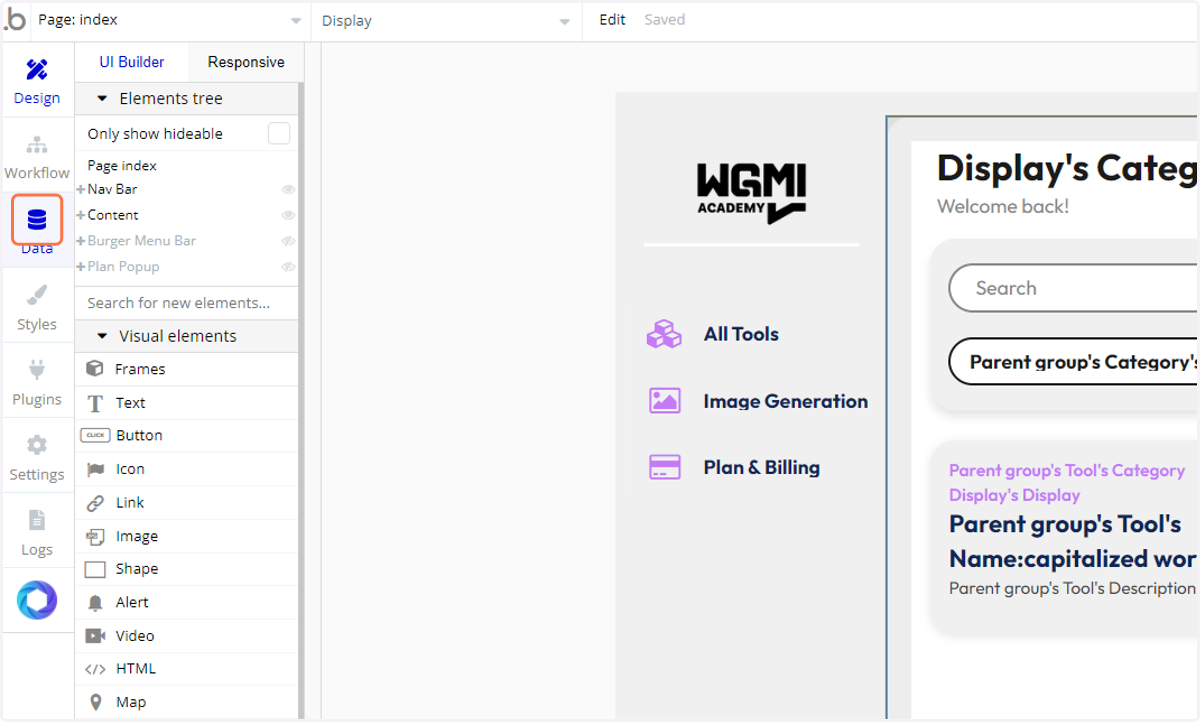
1. Click on Data
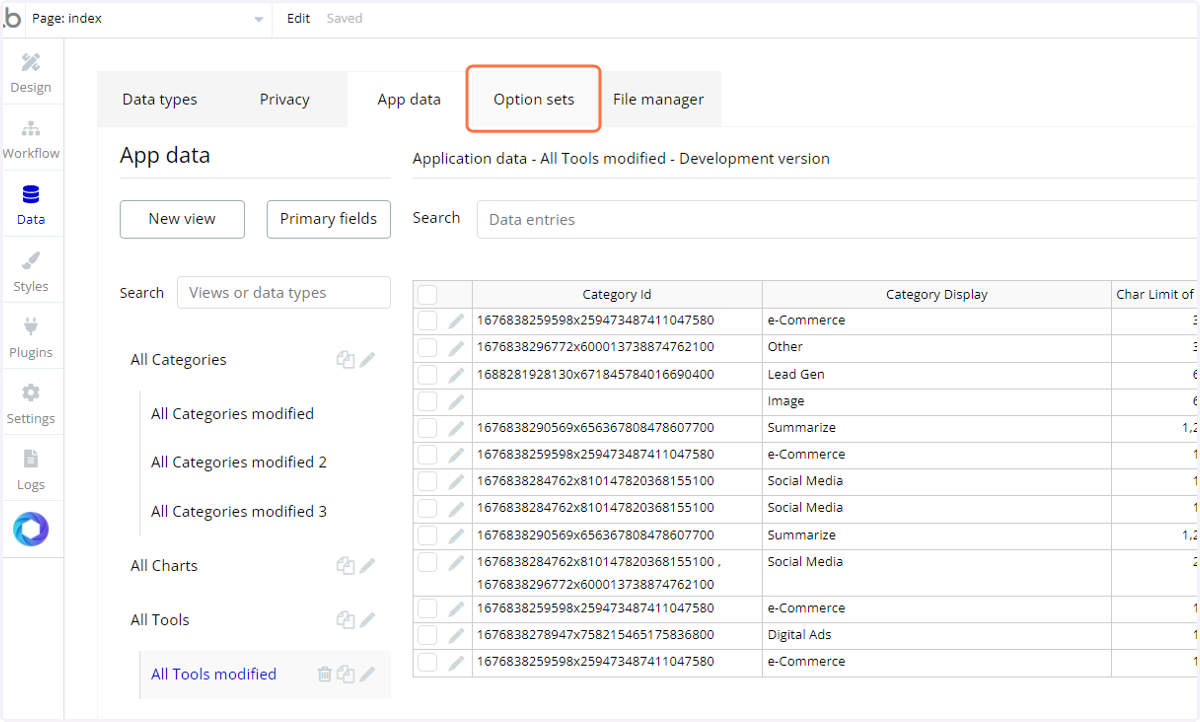
2. Click on Option sets
3. Click on Category Display
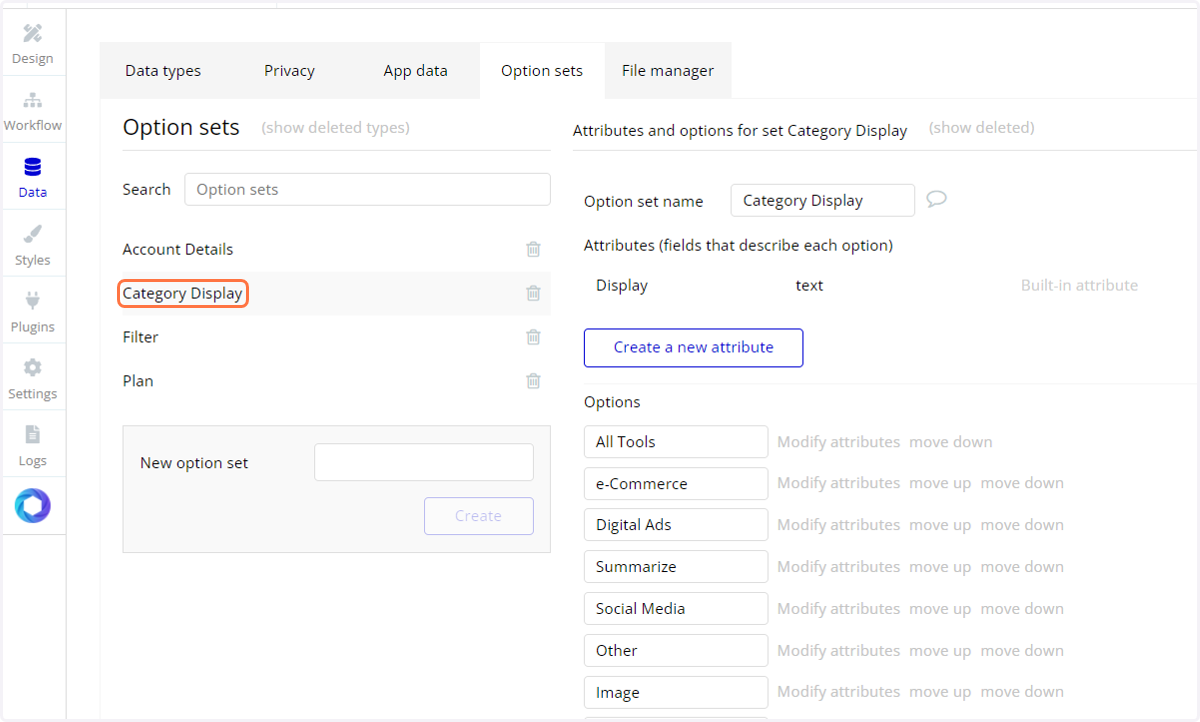
4. Add your new category that you created in the last tutorial
Again this just helps with the display on the dashboard (above the tool's name)
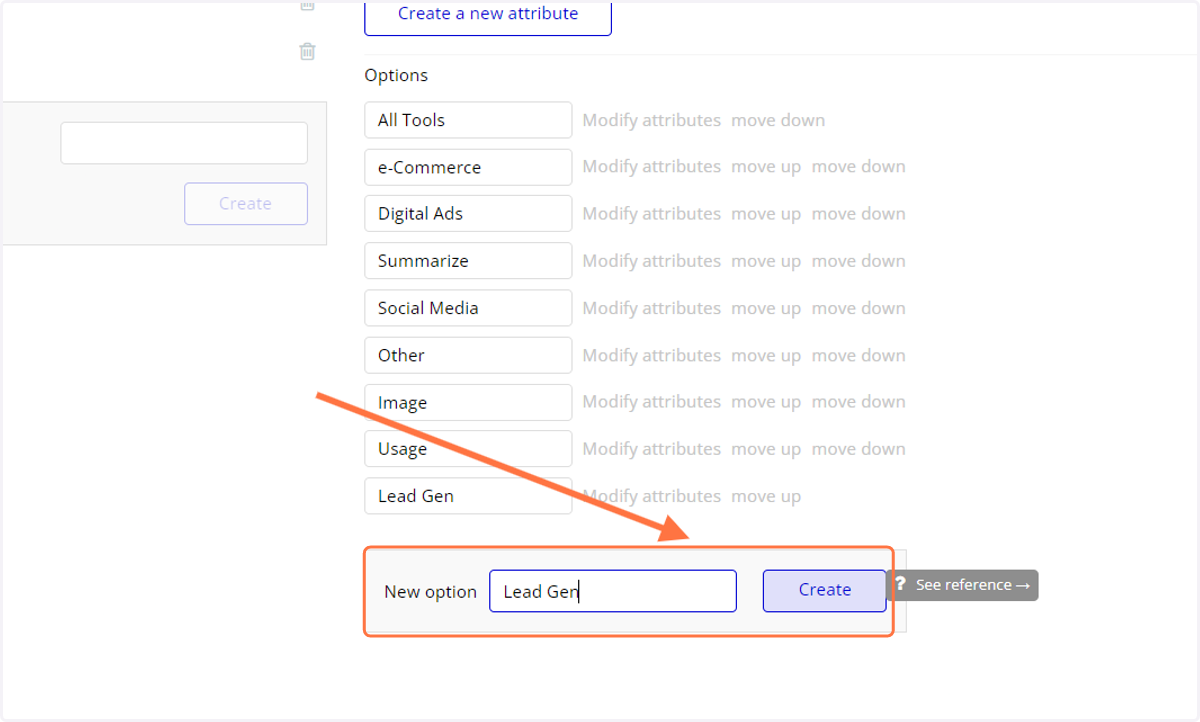
5. Example