DICOM Viewer - How To
HUB - Healthcare
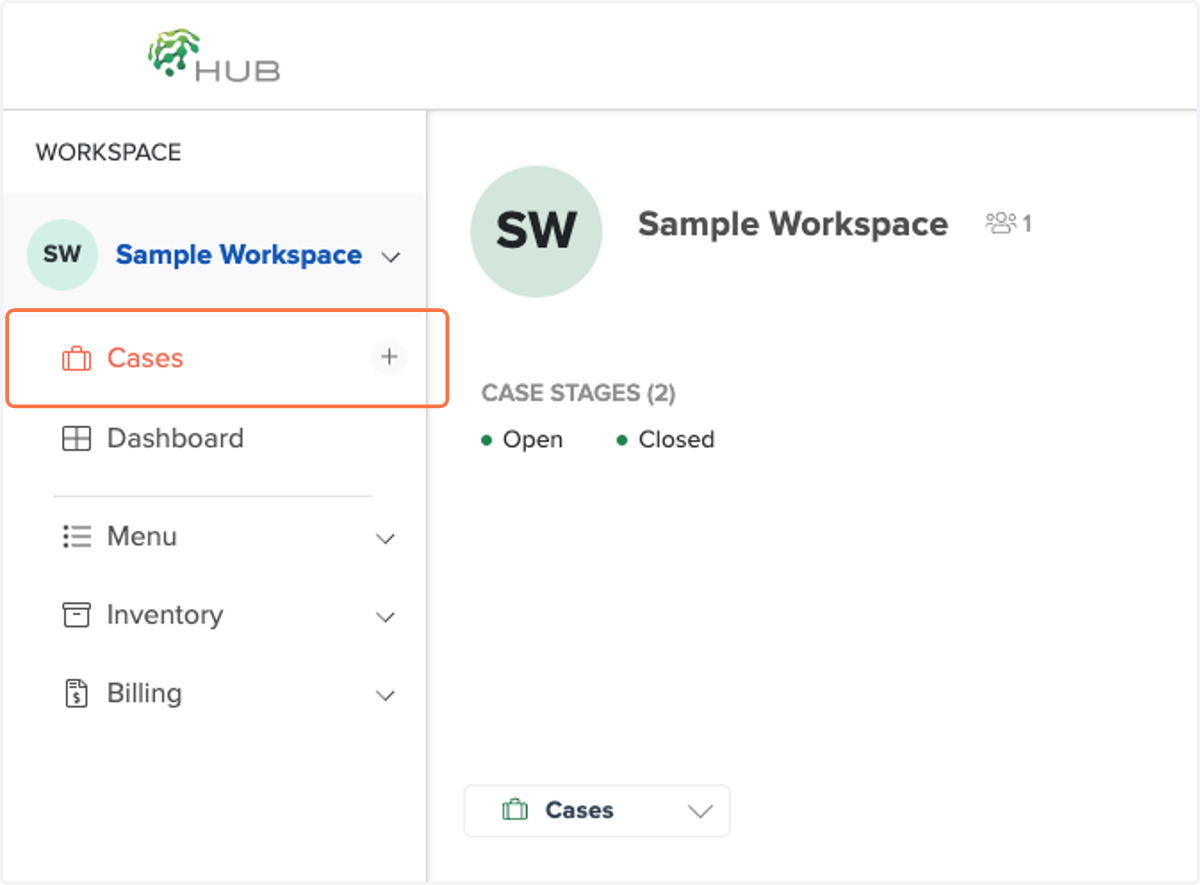
1. Click on Cases to create a case
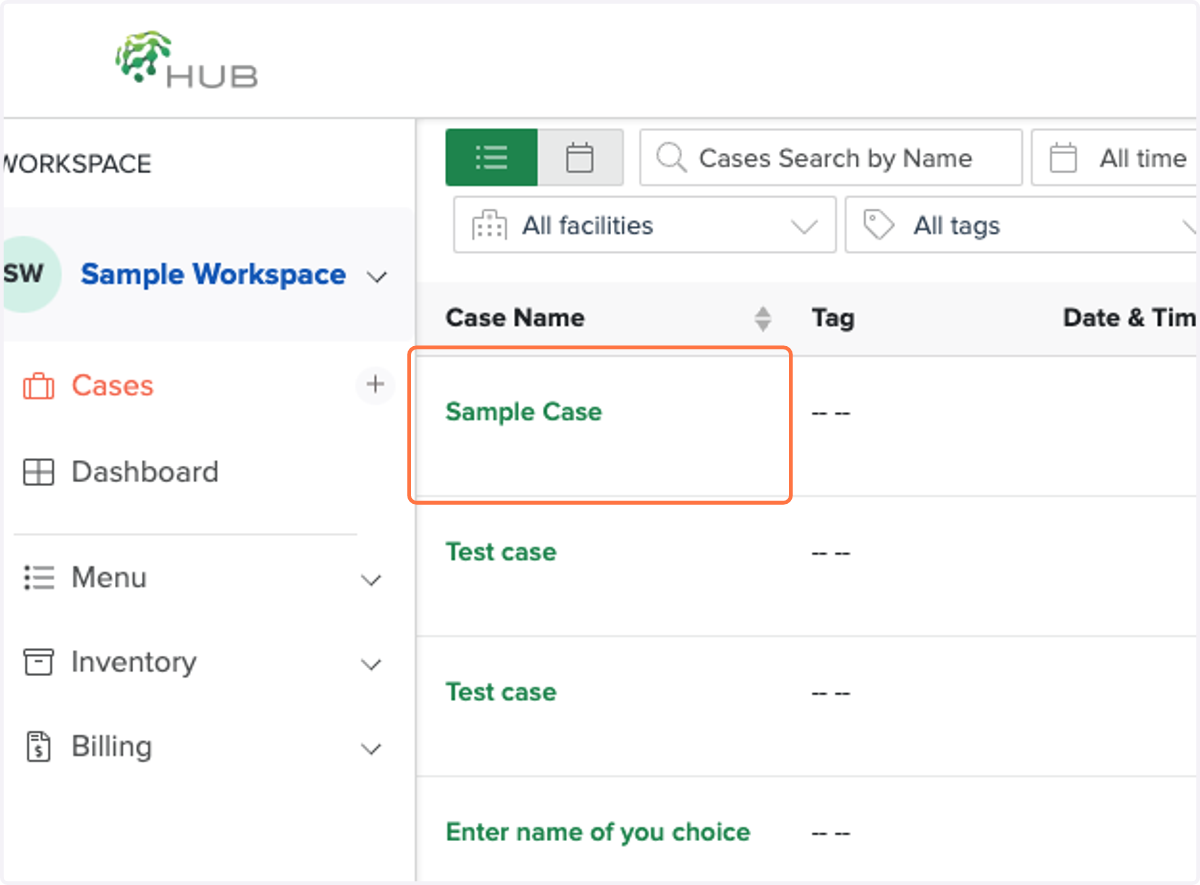
2. Click on your new case to add your images
3. Click on Upload to import your files
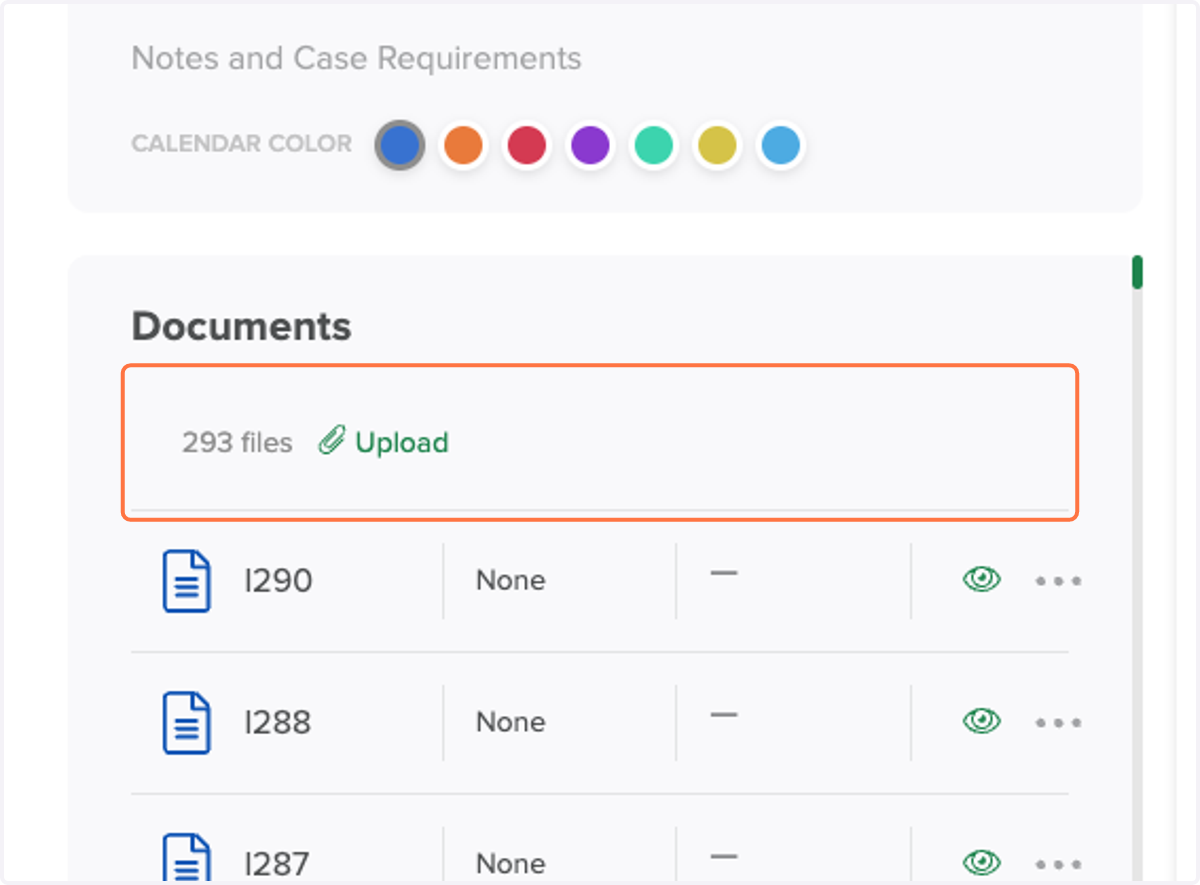
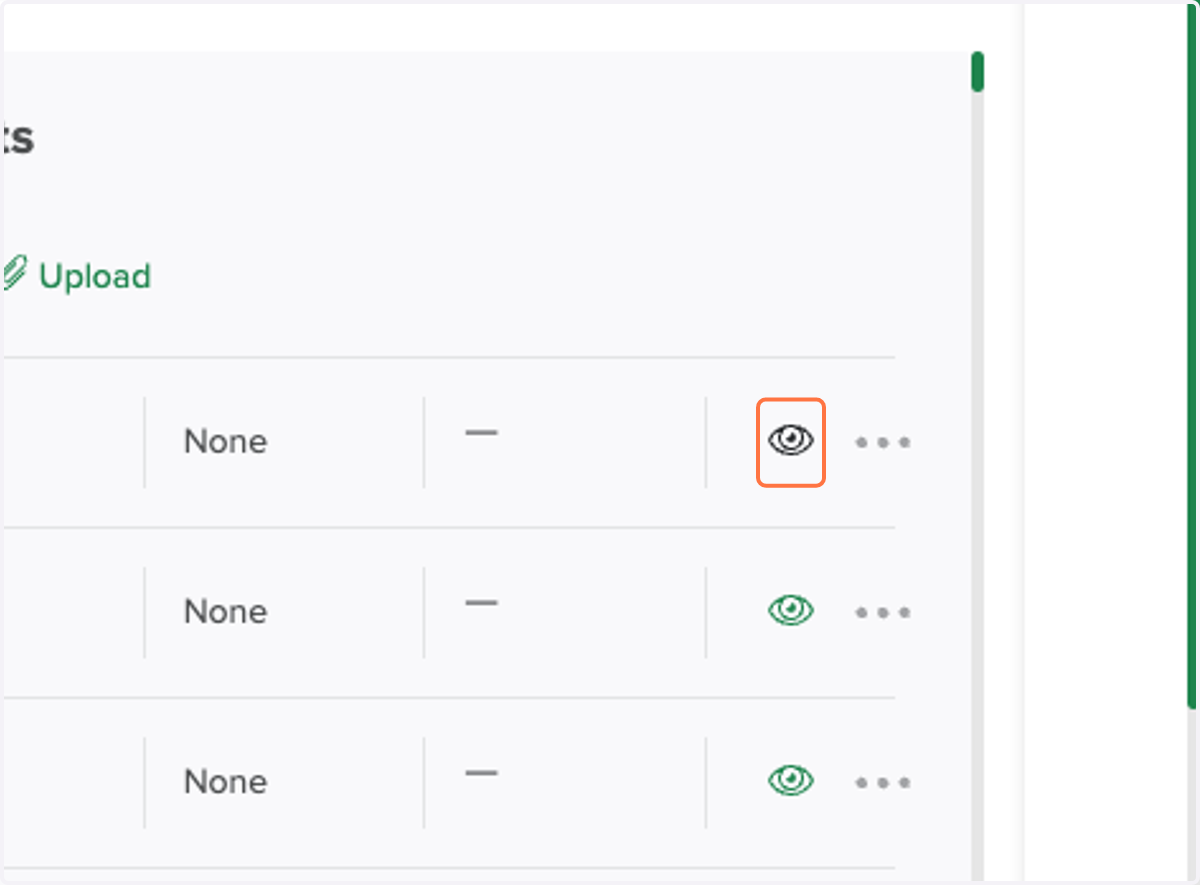
4. Click on the Highlight icon to view your files in the DICOM viewer
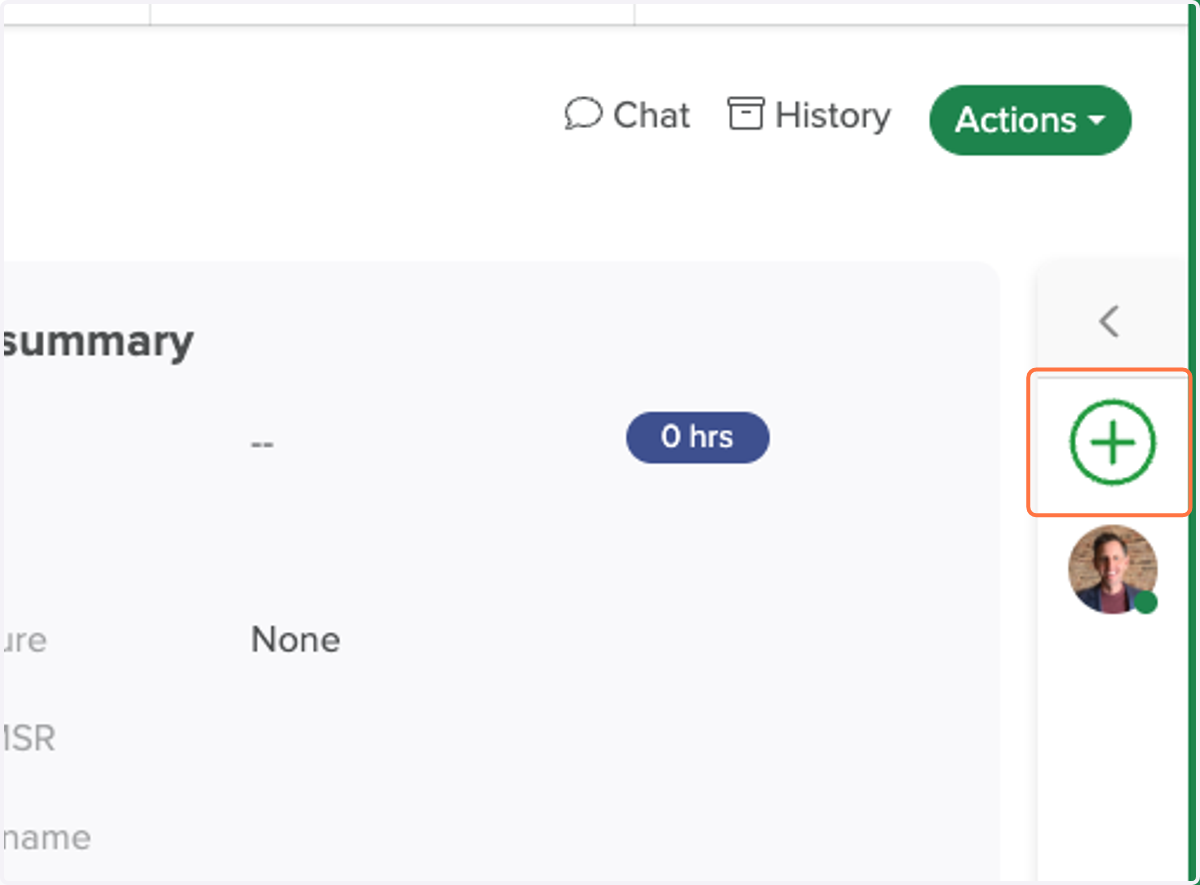
5. Click to add other people you want to share your case file with