Creating a Preset
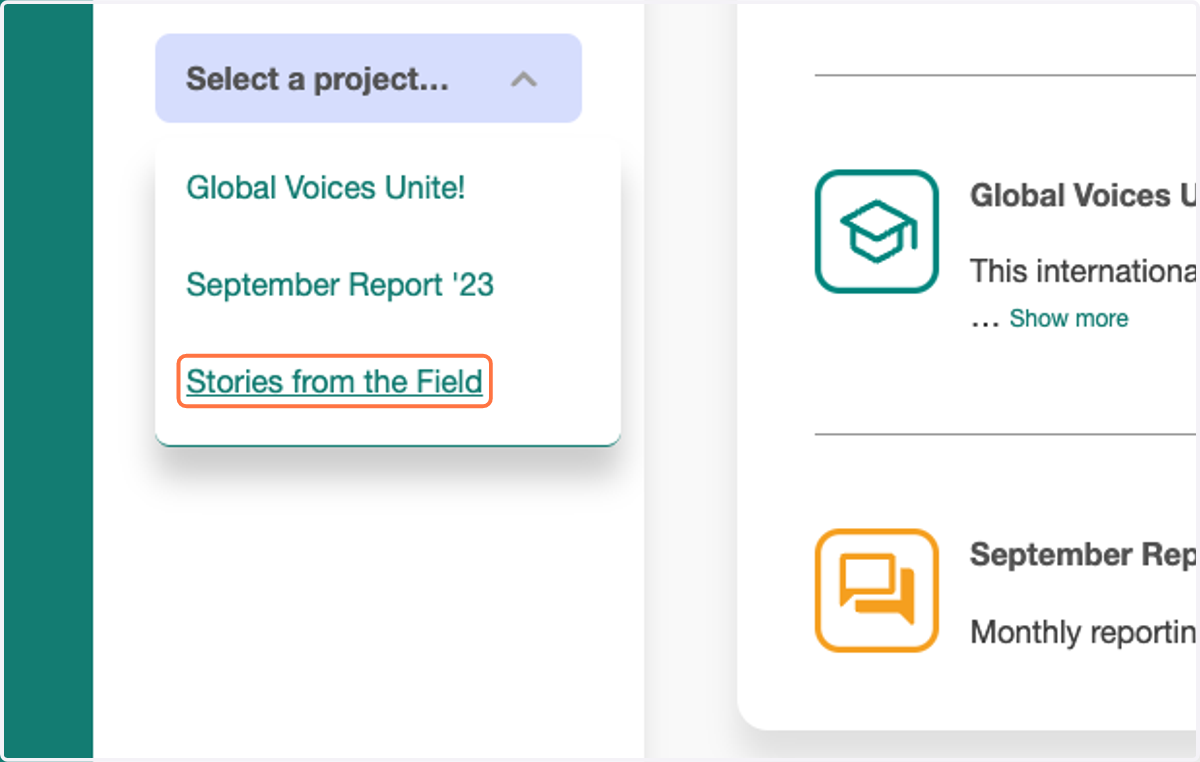
1. To begin, select a project from your Workspace menu
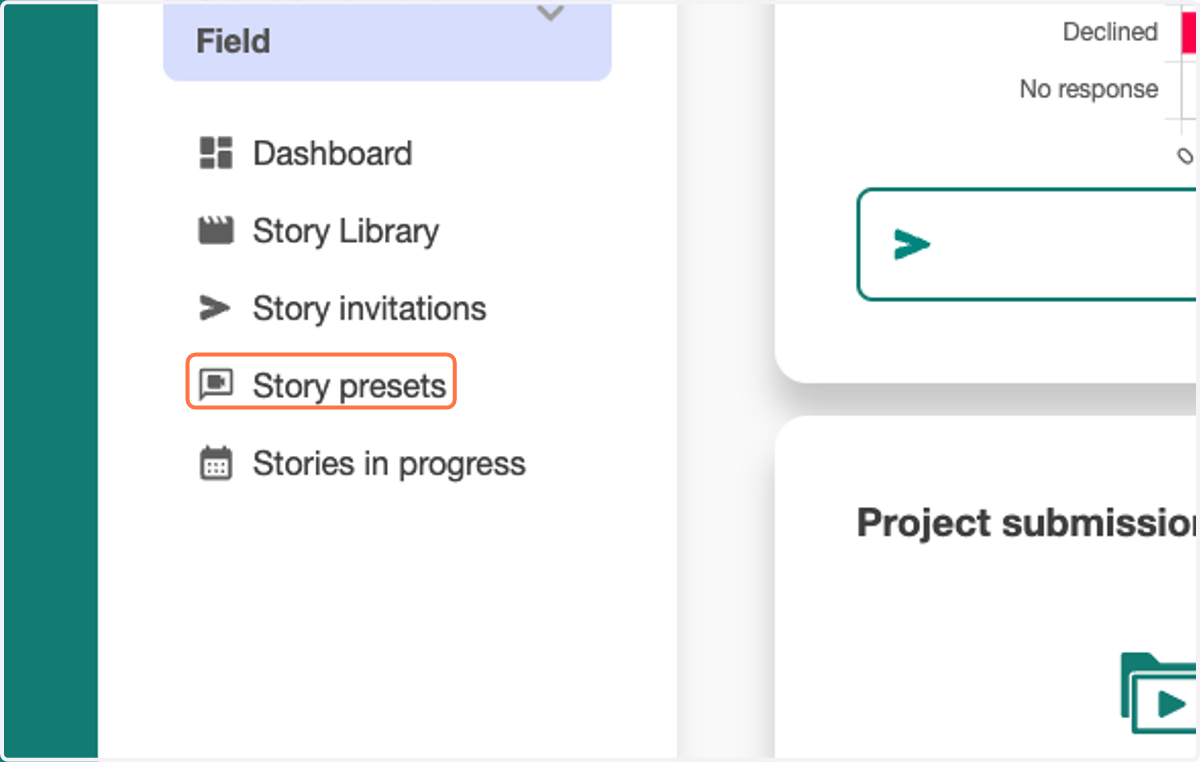
2. Click on Story presets
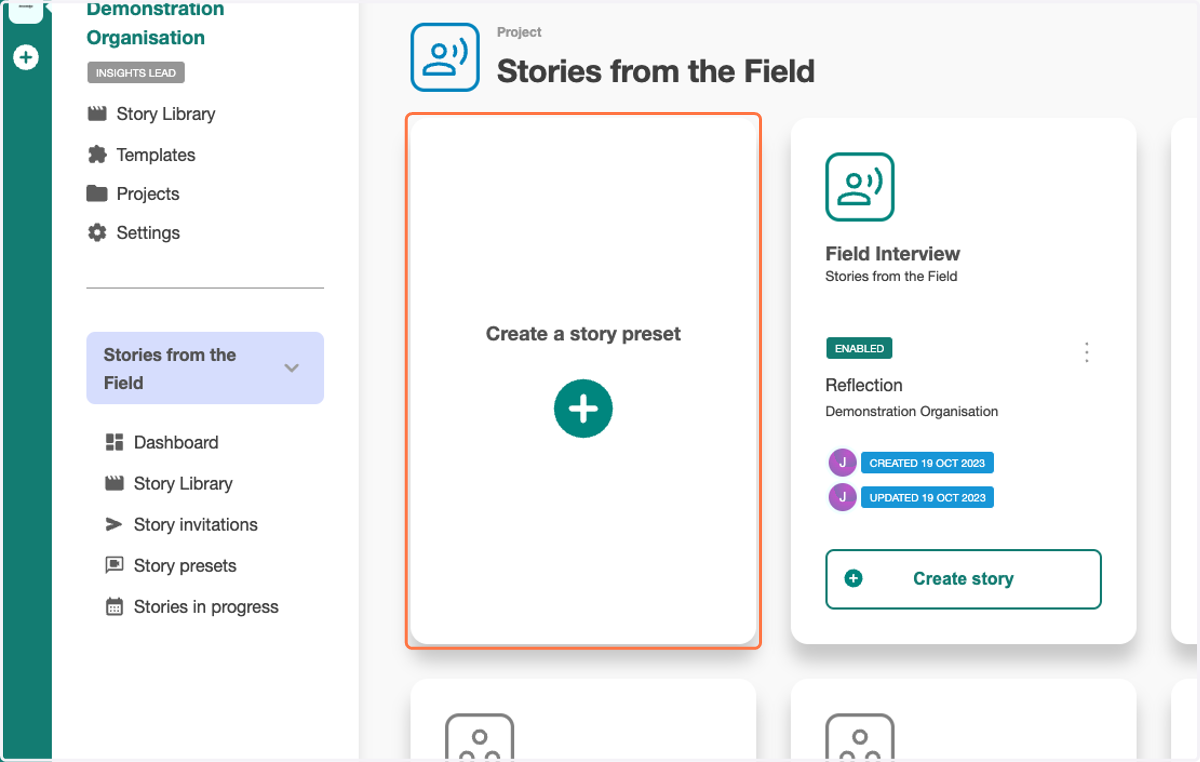
3. Click on Create a story preset
4. Include a clear and concise title for your preset
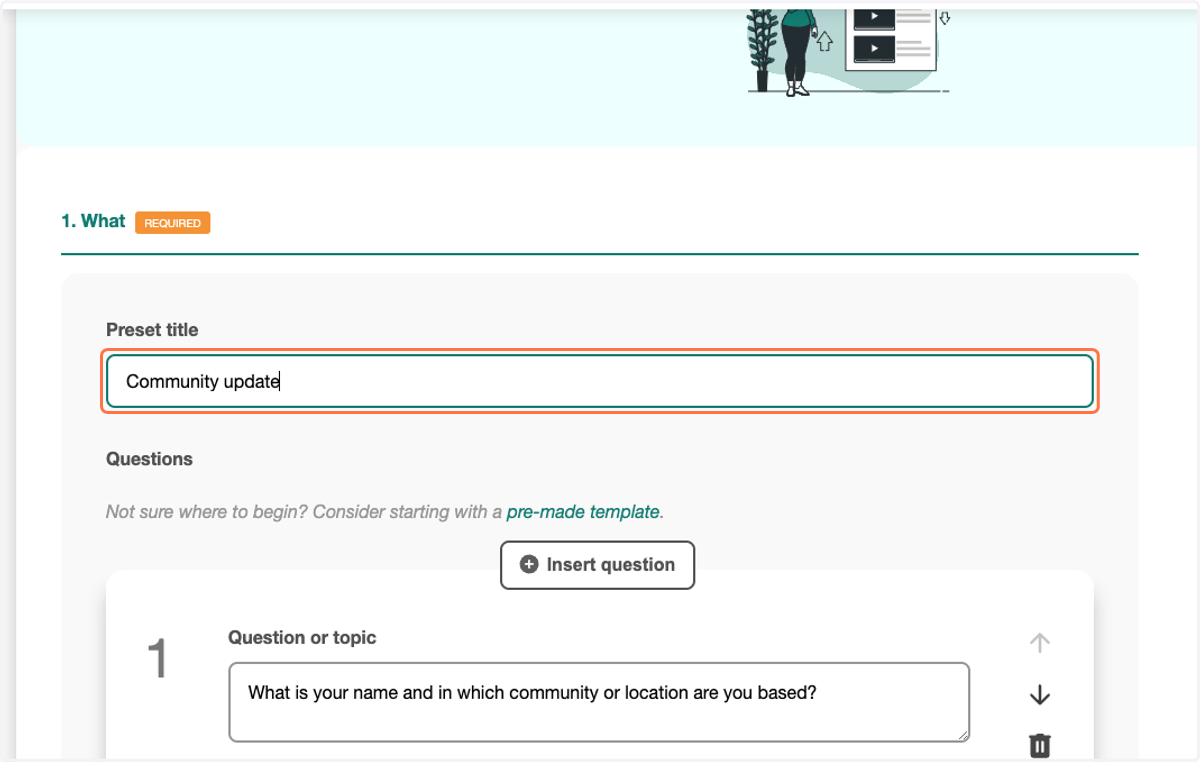
5. Include your questions
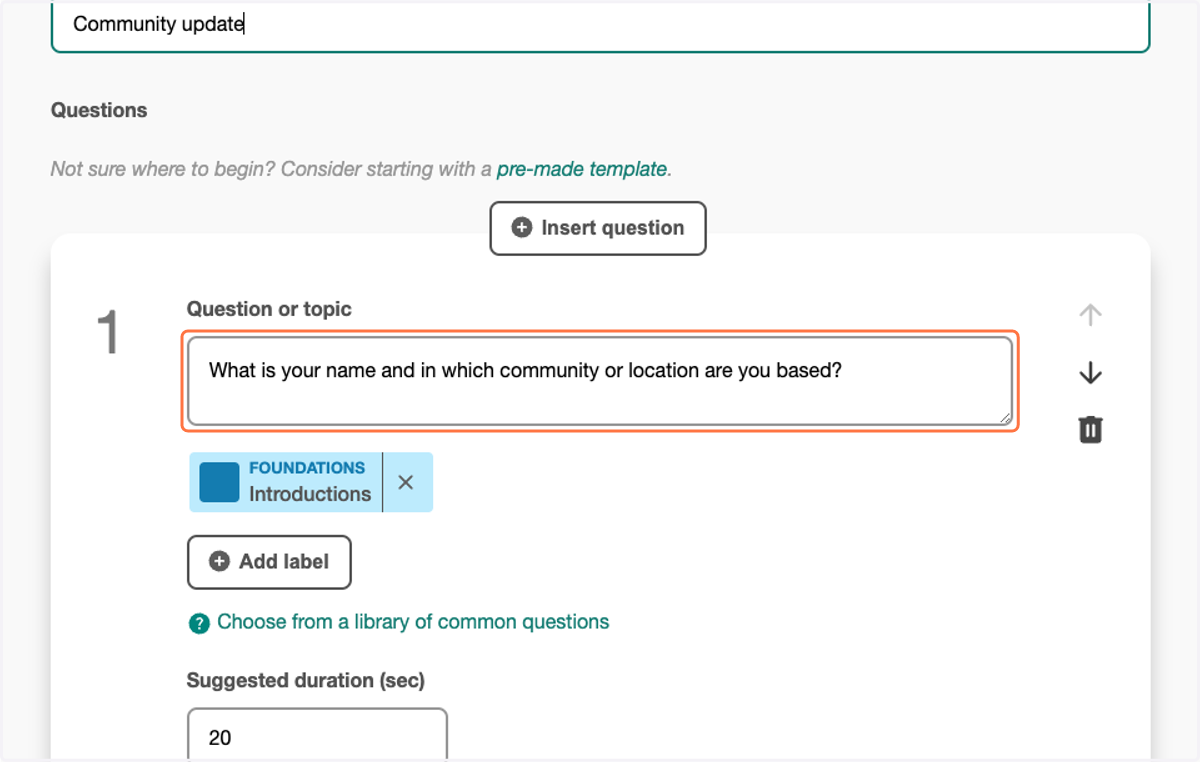
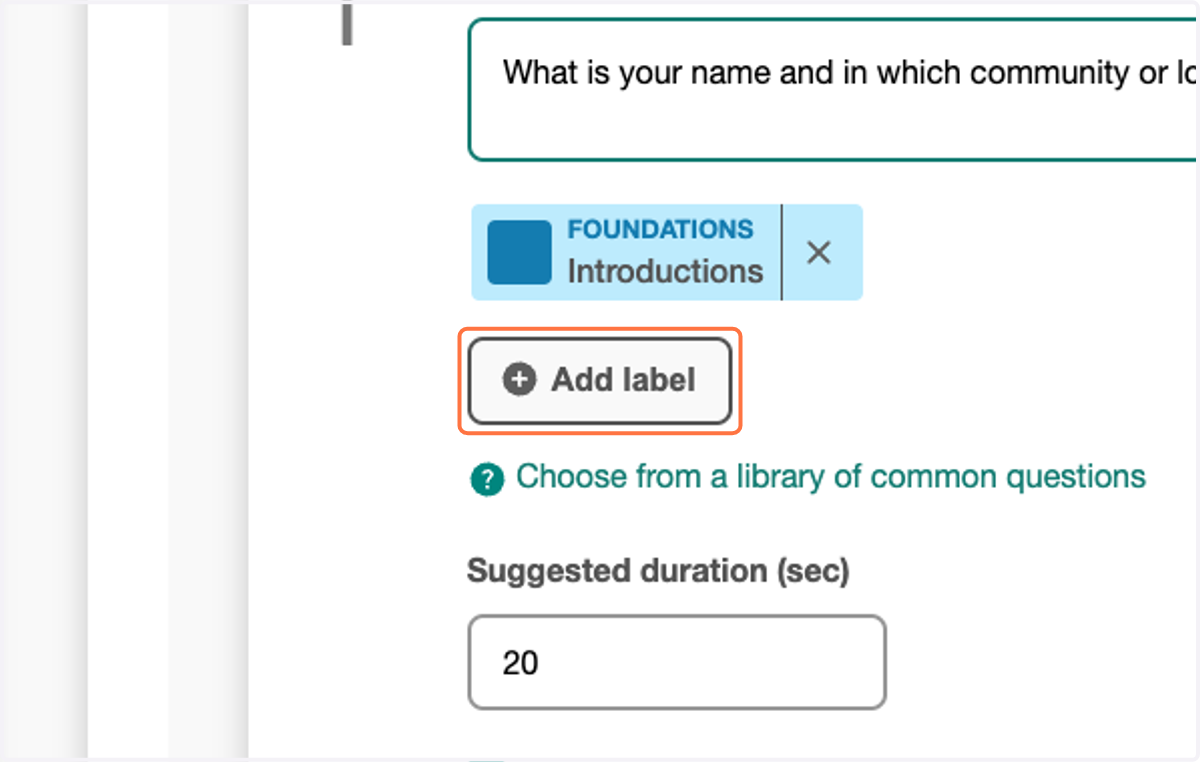
6. Add labels to help contextualise responses
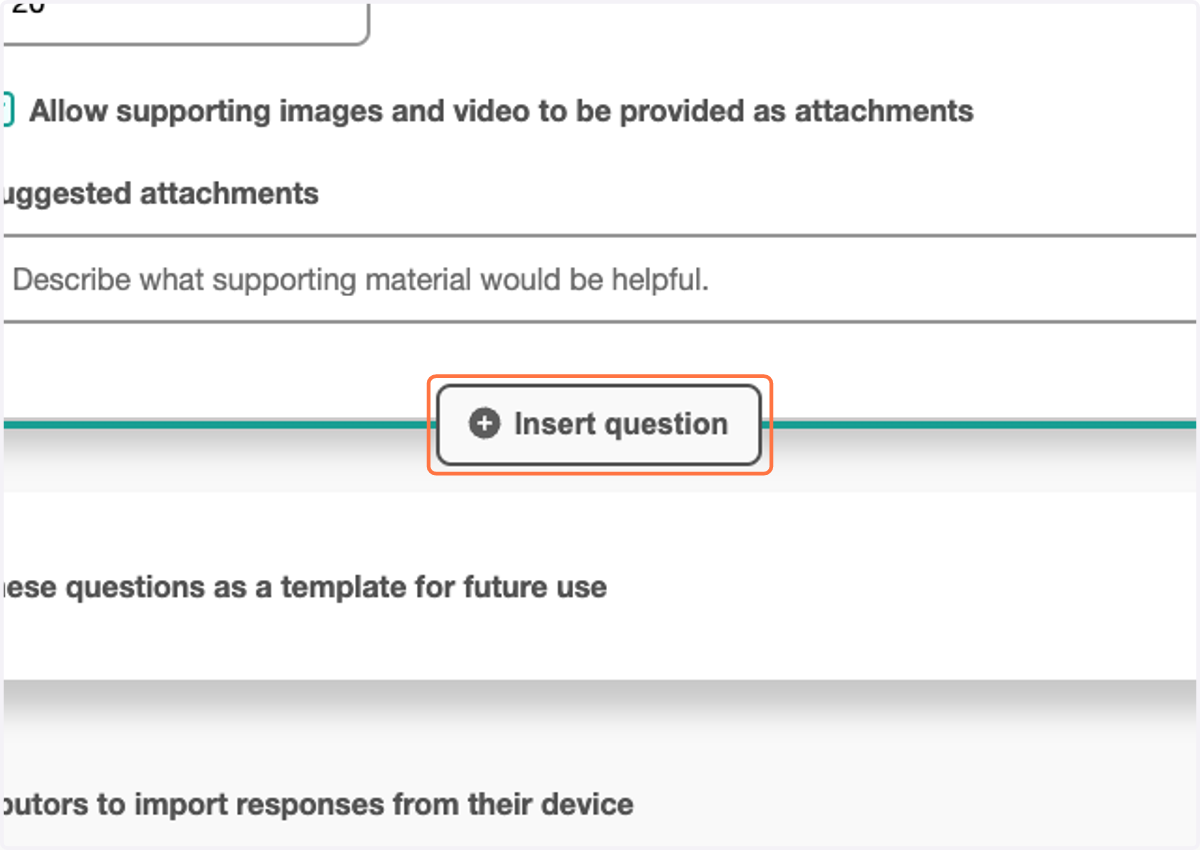
7. Click "Insert question" and repeat the above to include additional questions
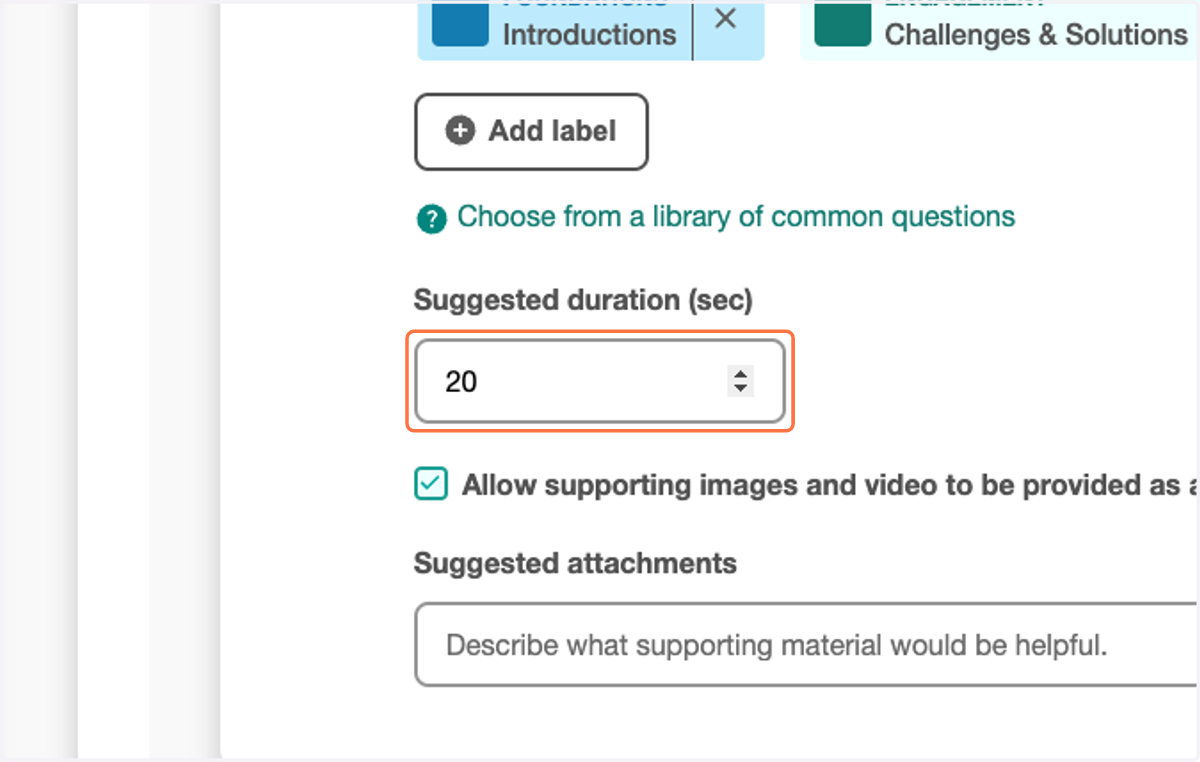
8. Adjust the suggested response duration
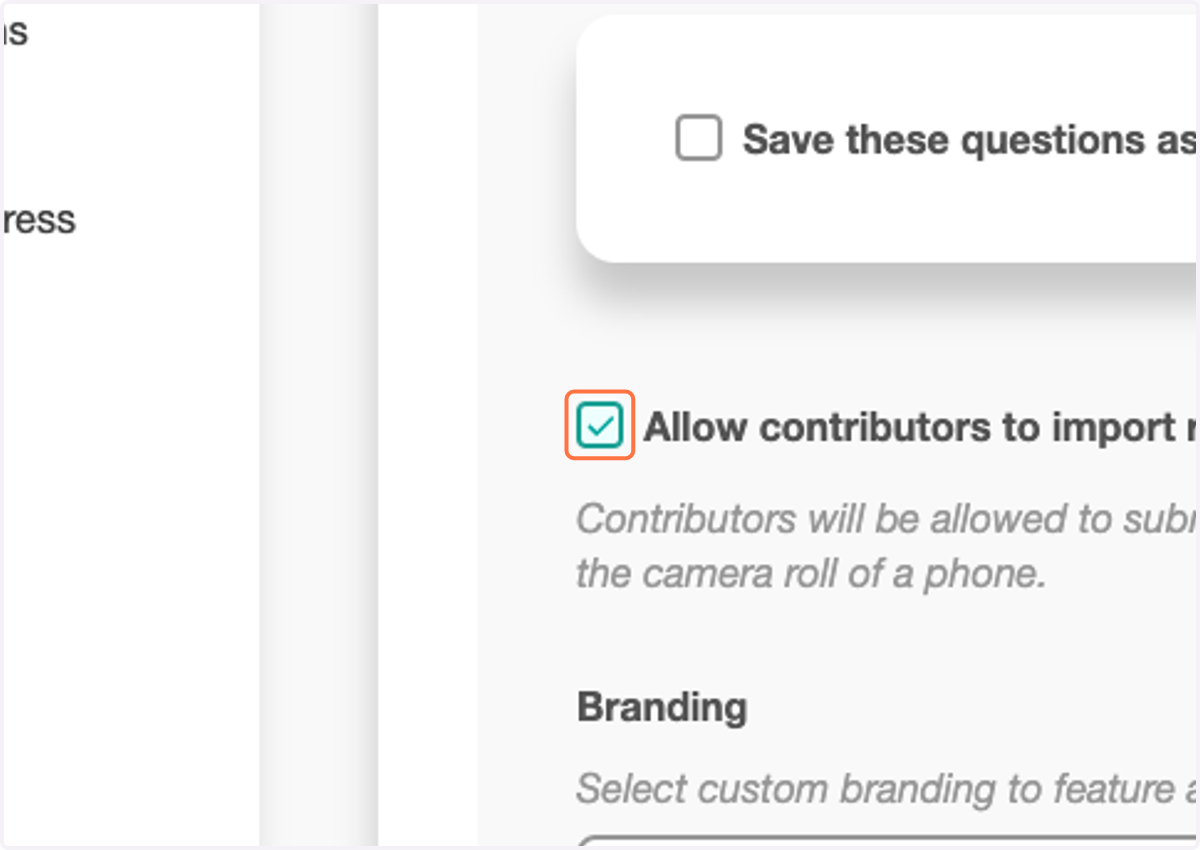
9. Toggle Allow contributors to import responses from their device
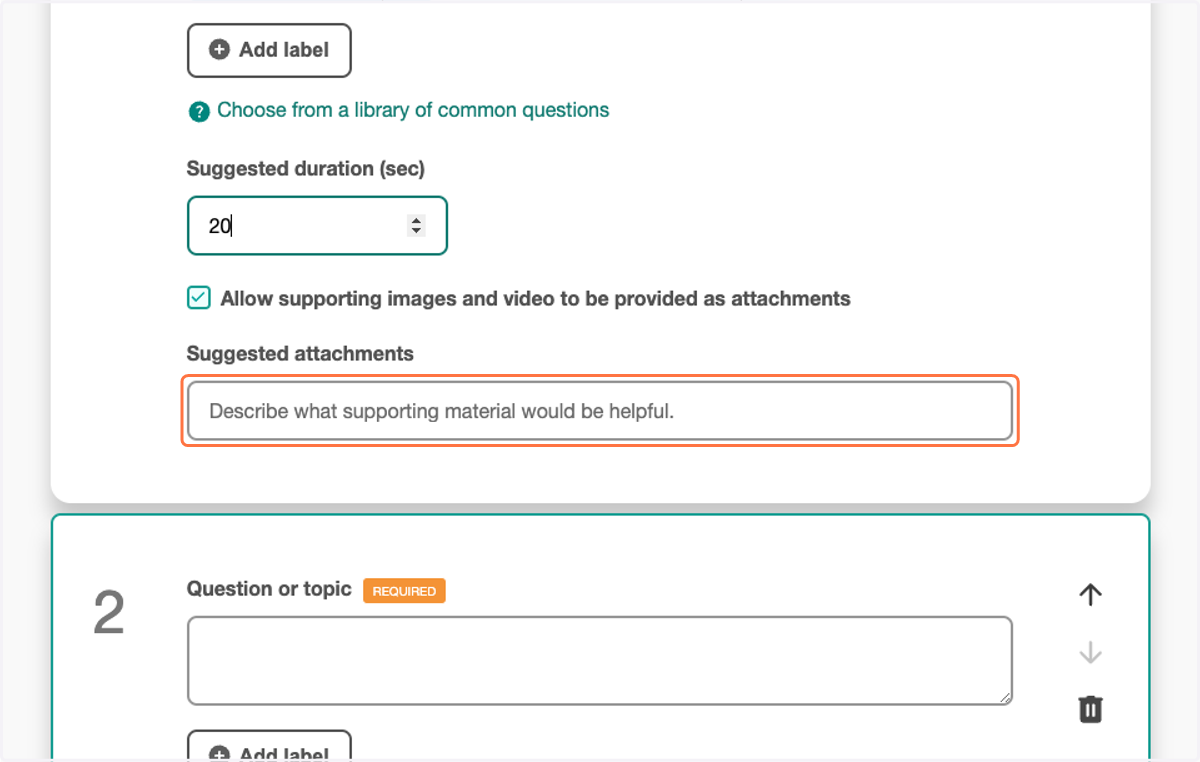
10. Provide a brief description of suggested attachments
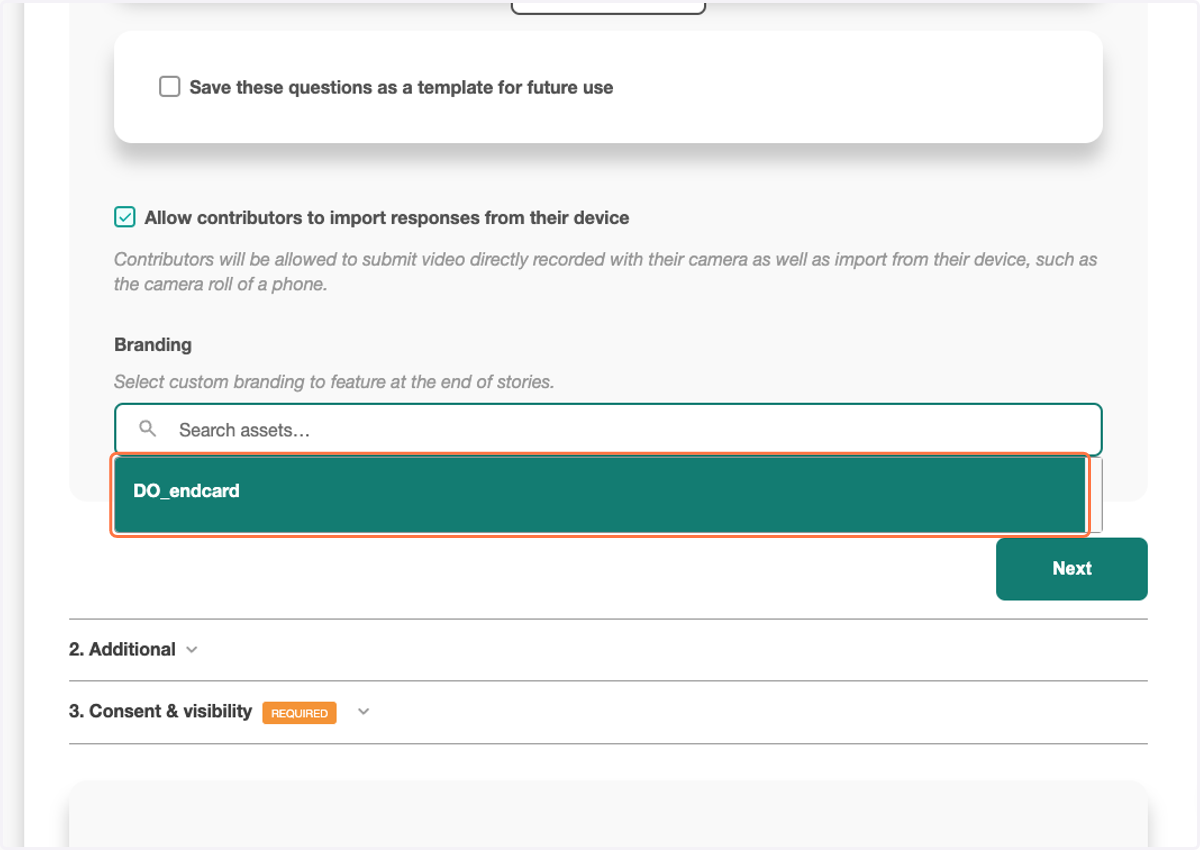
11. Include the end card best suited to the expected responses
12. Click on Next
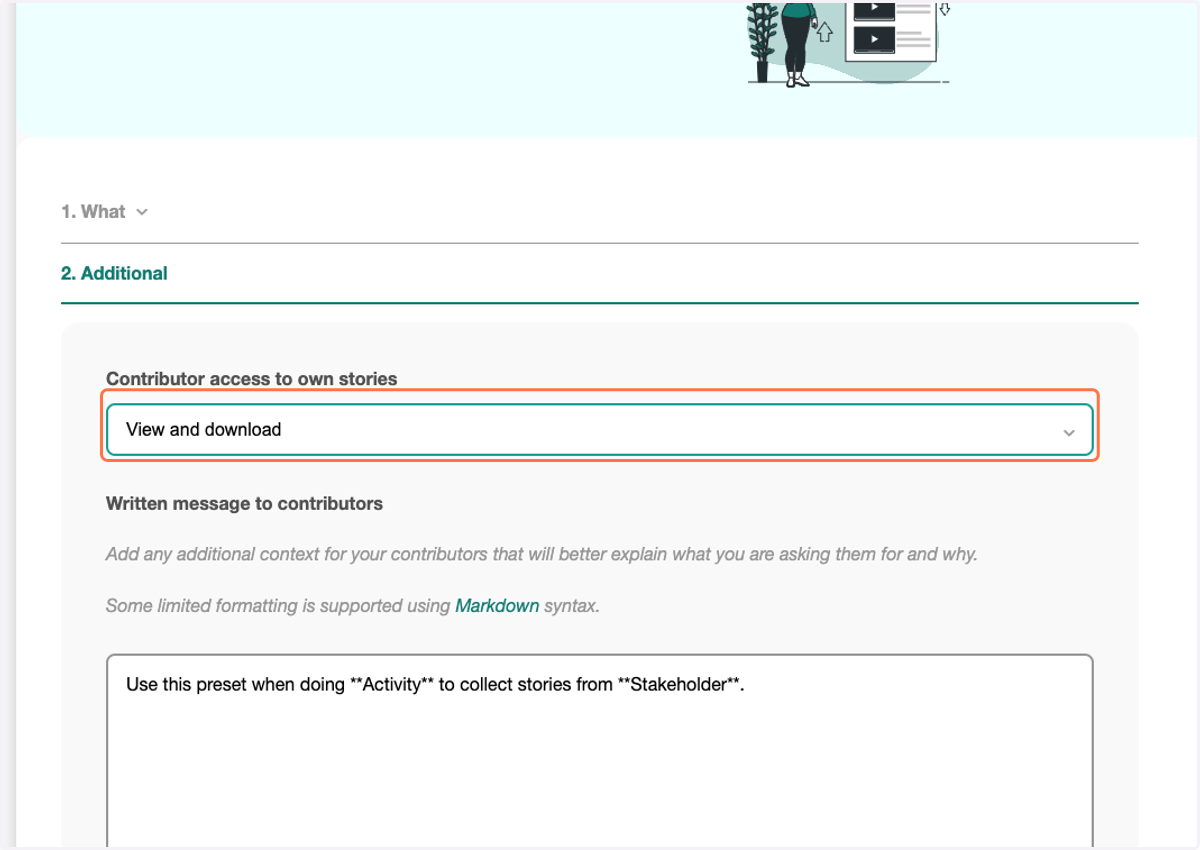
13. Select the correct access settings
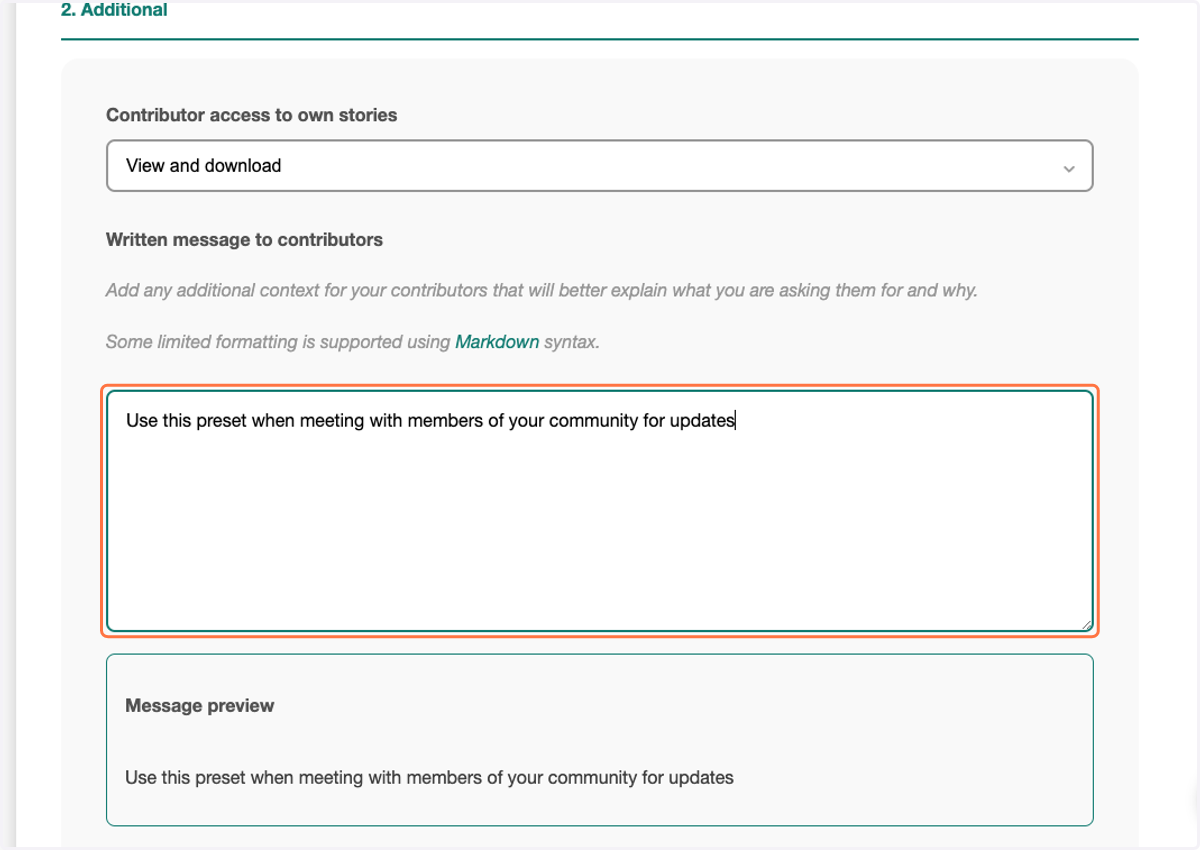
14. Provide a brief description of when this preset can be used
15. Click on Next
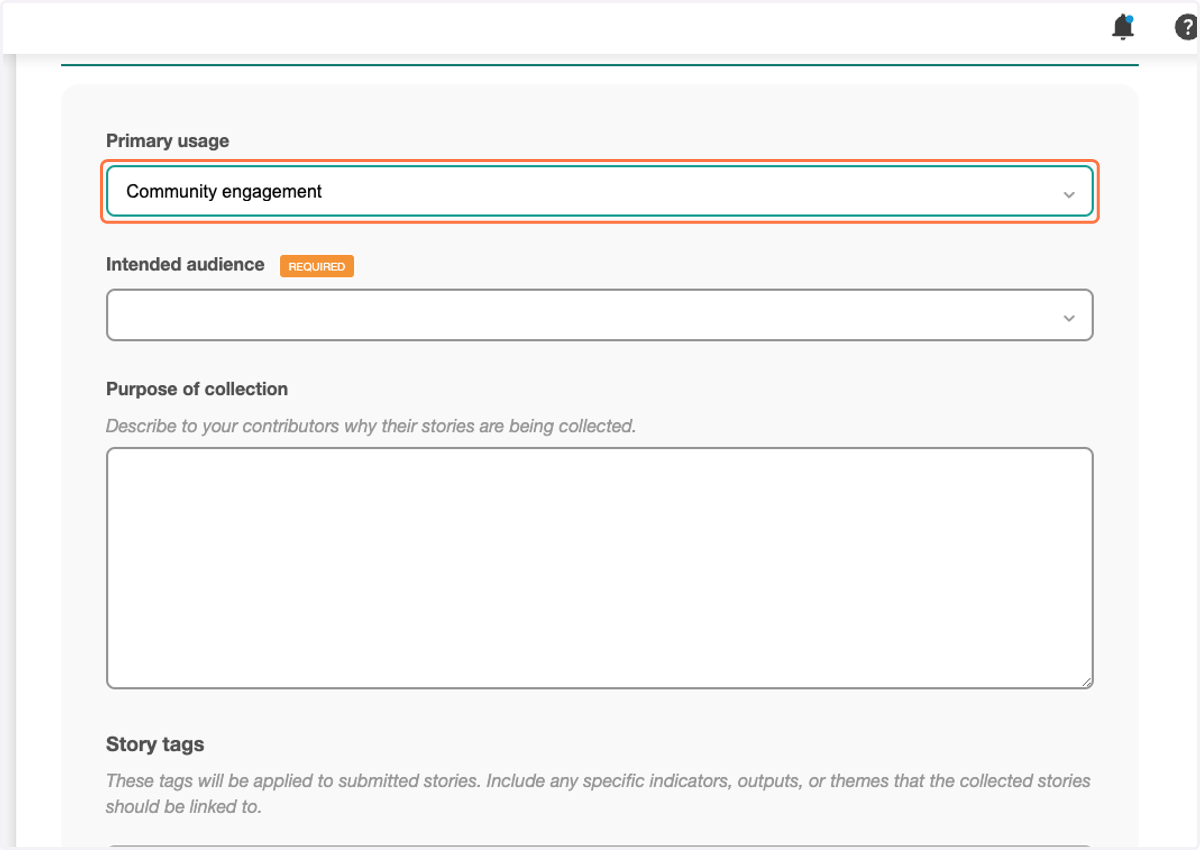
16. Include the intended primary usage of responses
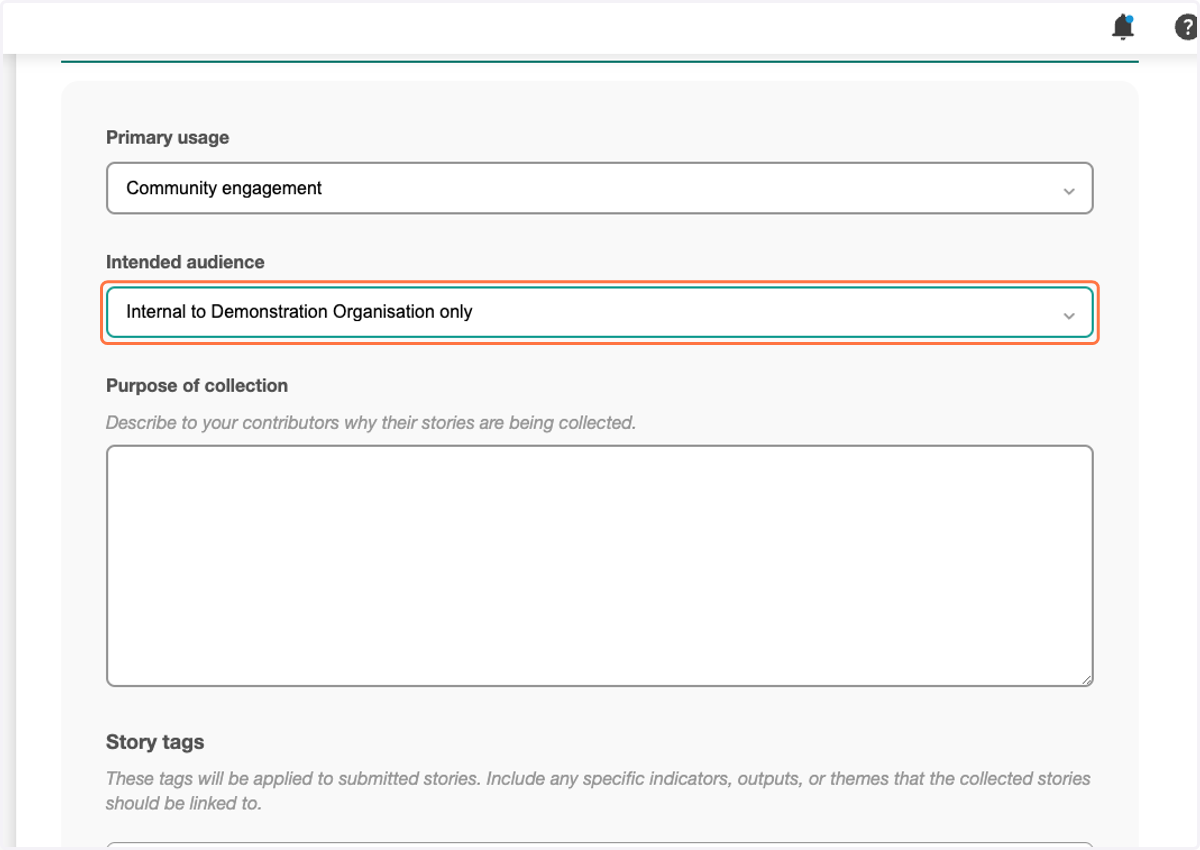
17. Be clear about whether responses will remain within the Workspace or shared externally
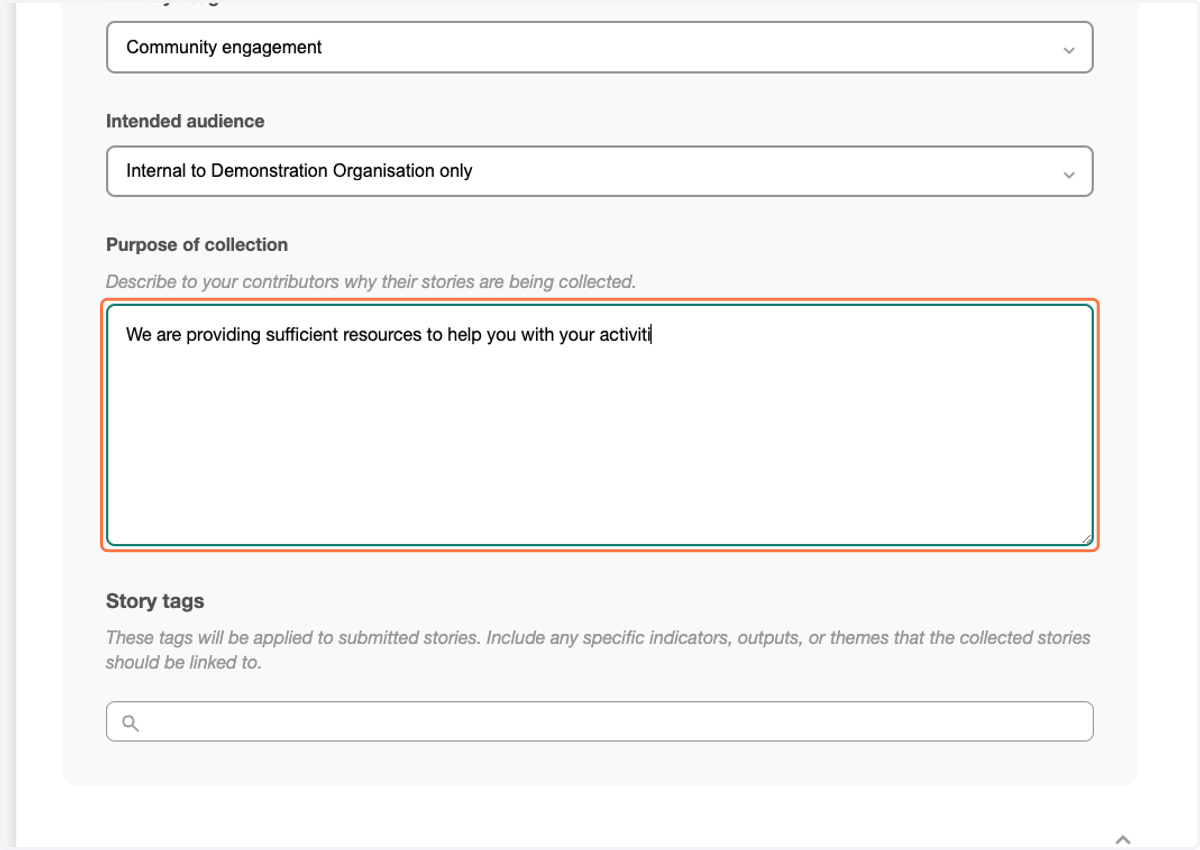
18. Include a brief explanation of why you are collecting stories
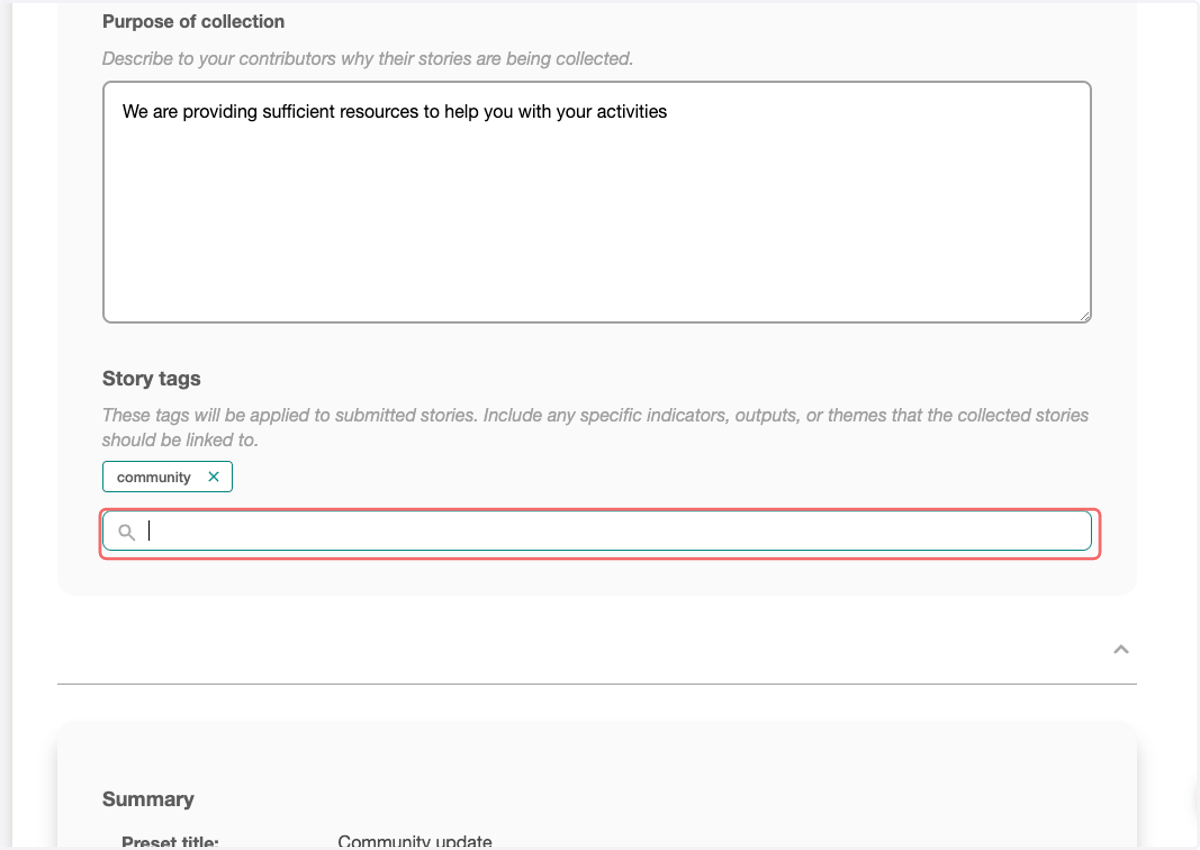
19. Include tags to help identify the expected themes of responses
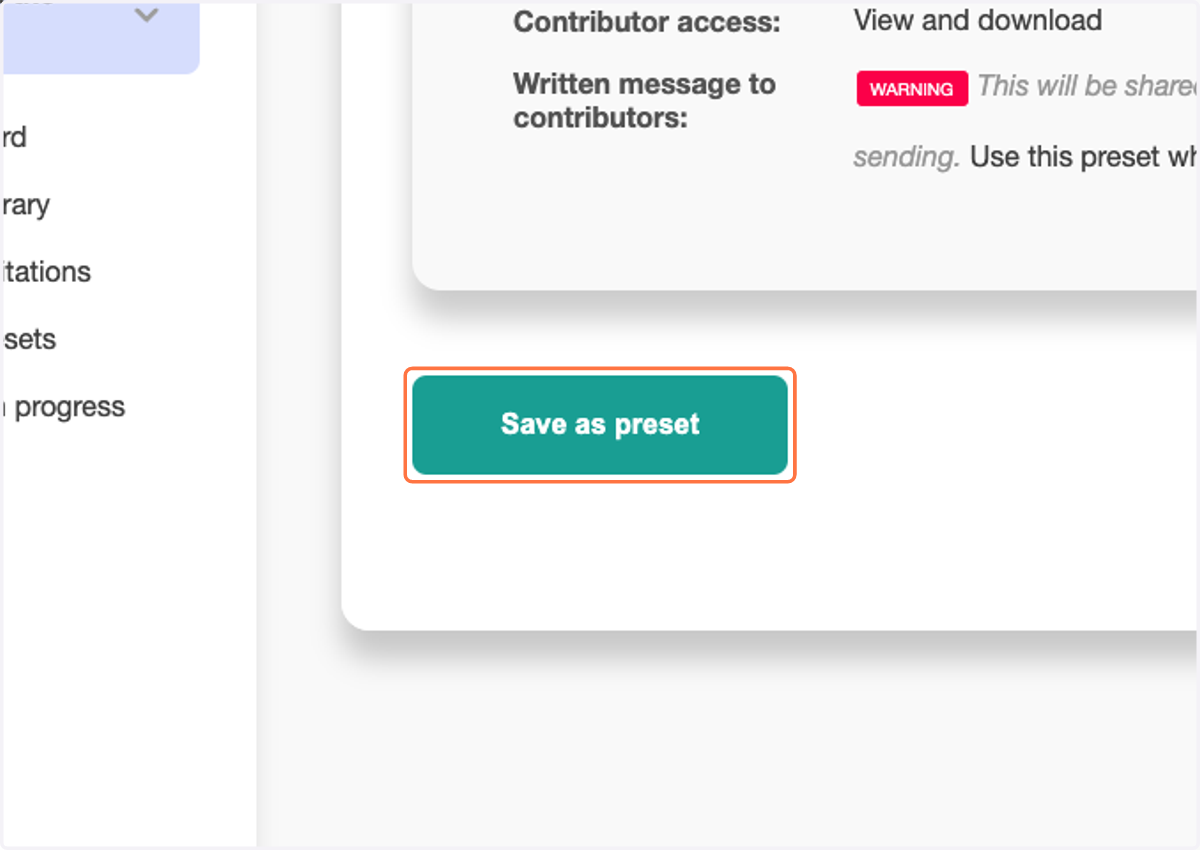
20. Click on Save as preset