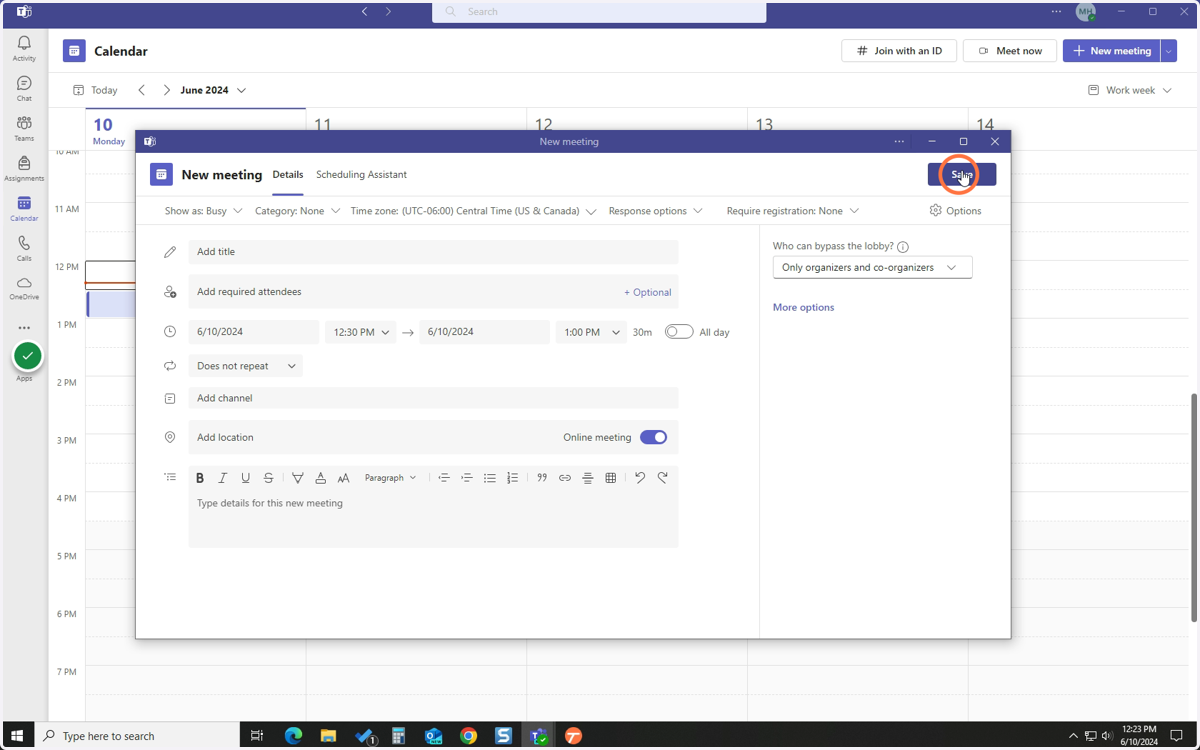
Create a Meeting from Microsoft Teams
This is for the installed version of Teams and the web version.
Microsoft Teams
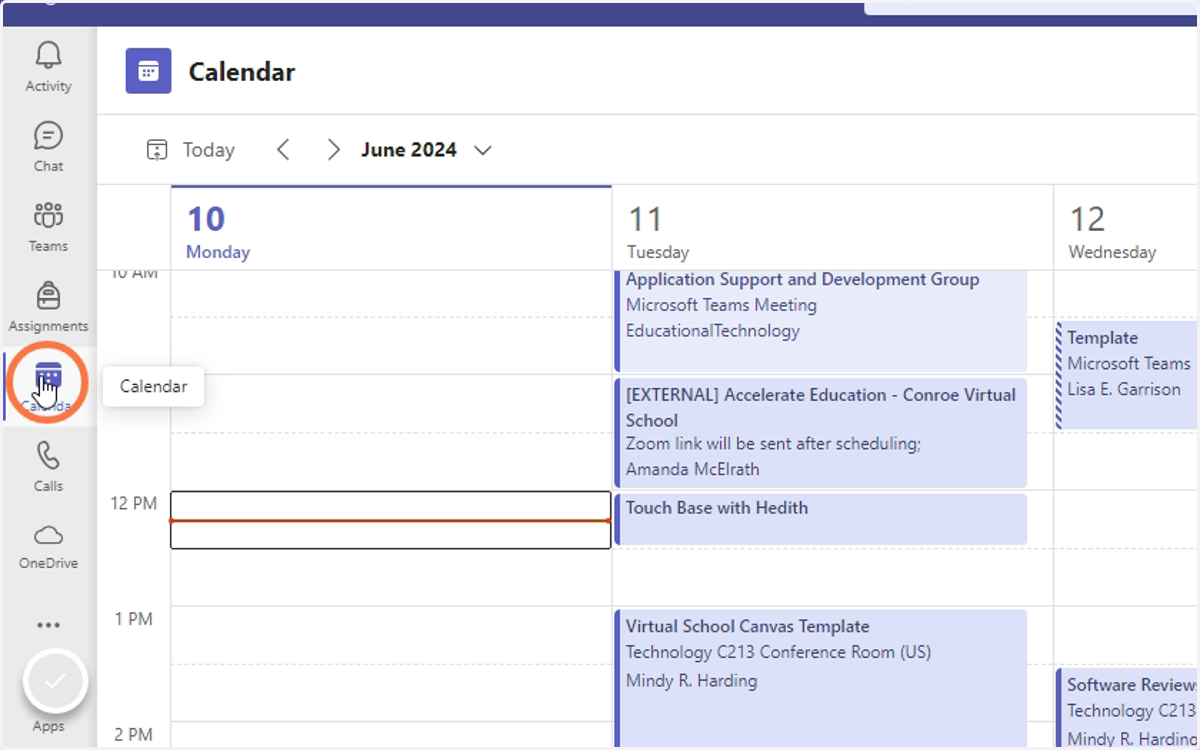
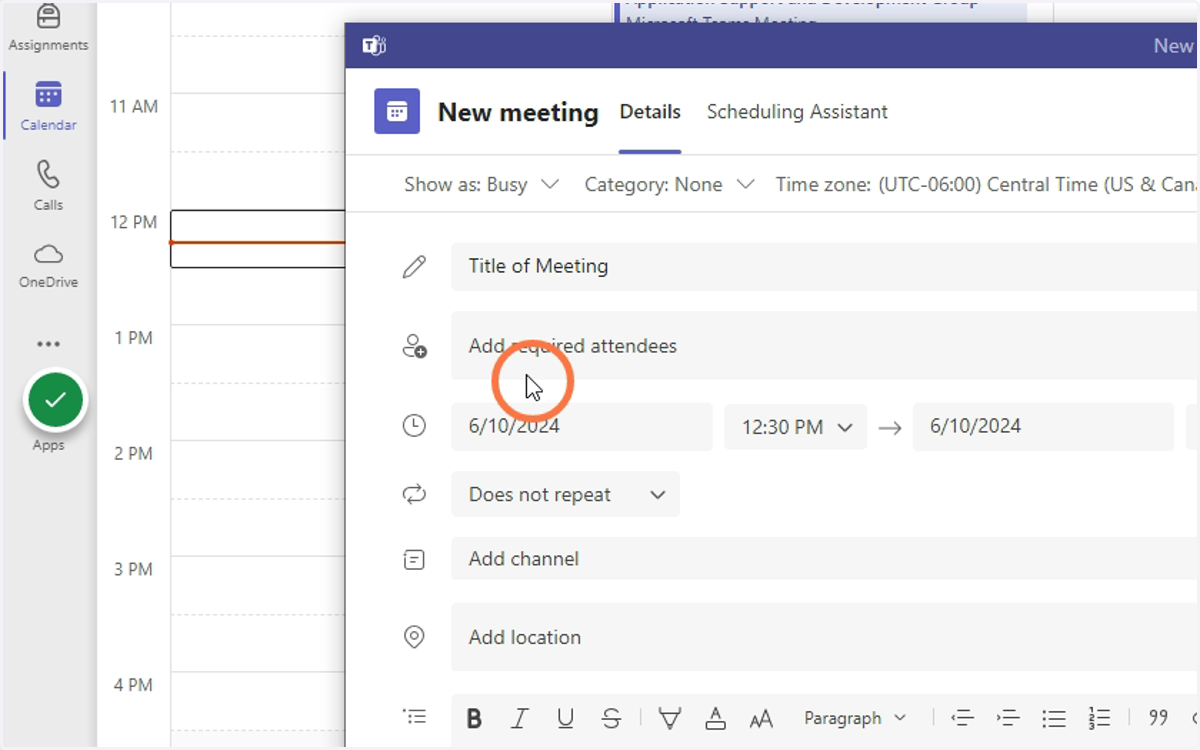
1. Click Calendar
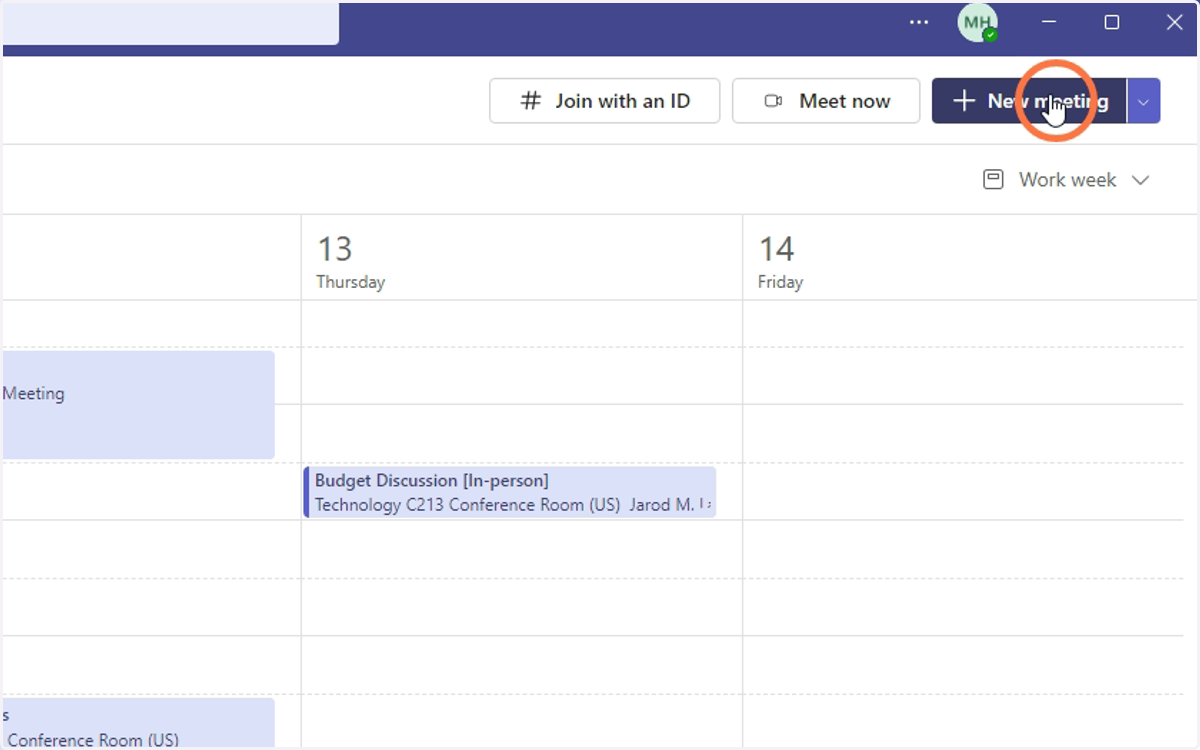
2. Click New meeting
3. Enter Name of Meeting
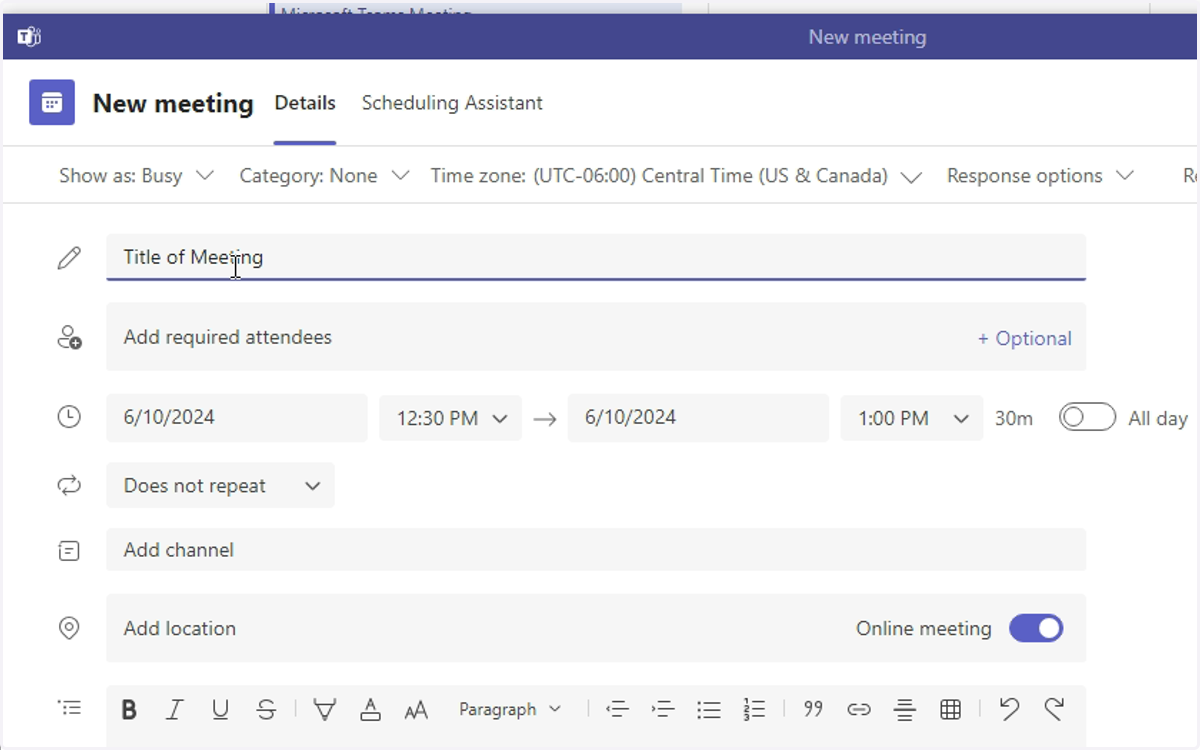
4. Add attendees, date, time, and any additional details to your meeting.
You can add external email addresses here. You can get a web link to the meeting after the meeting is created.
5. Click Save/Send.