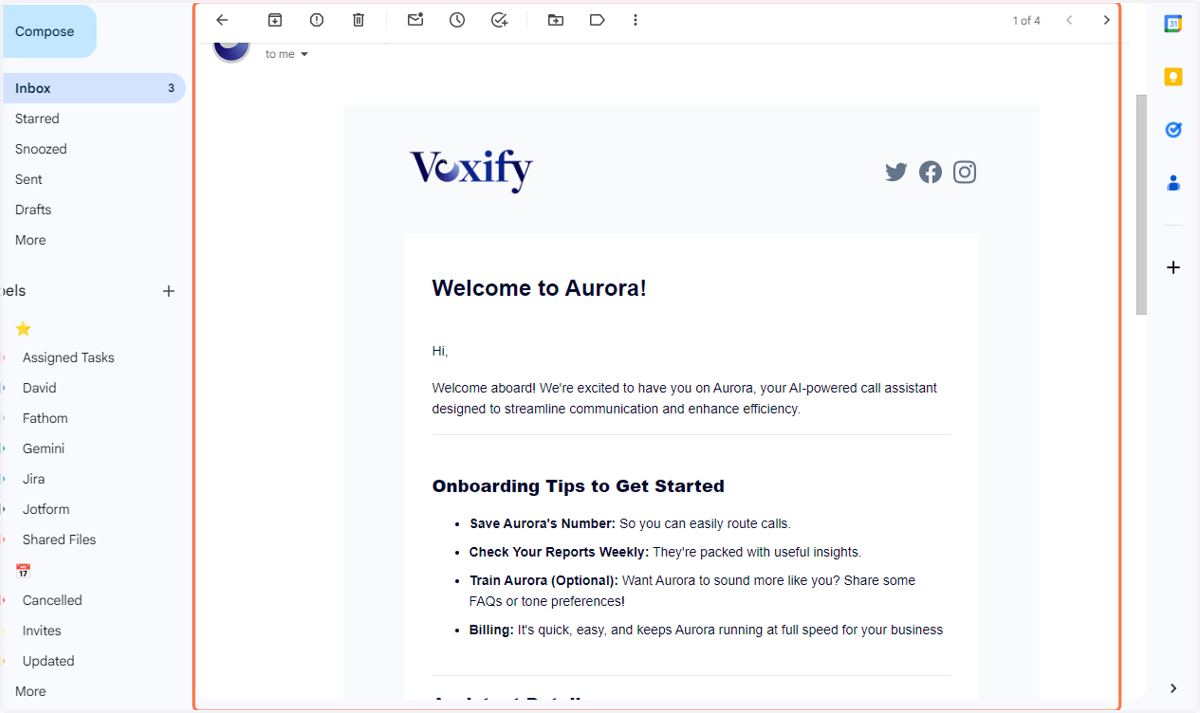
Create Your Assistant in the Website
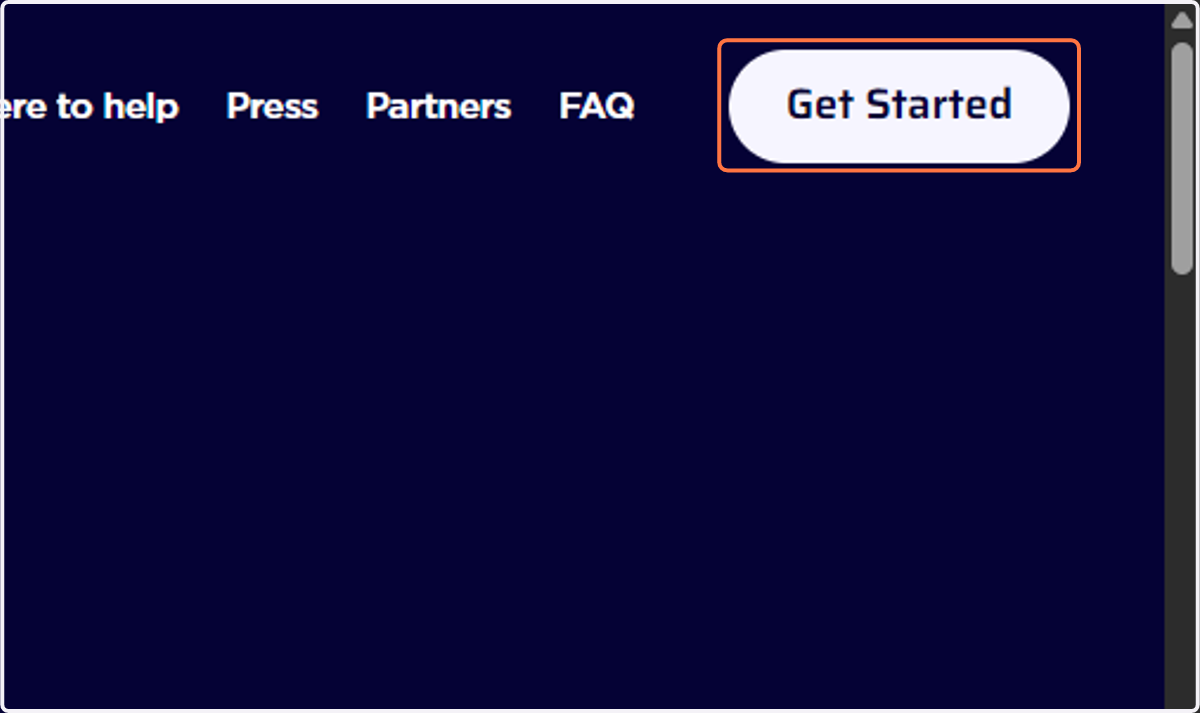
1. Go to hellovoxify.com and click on Get Started
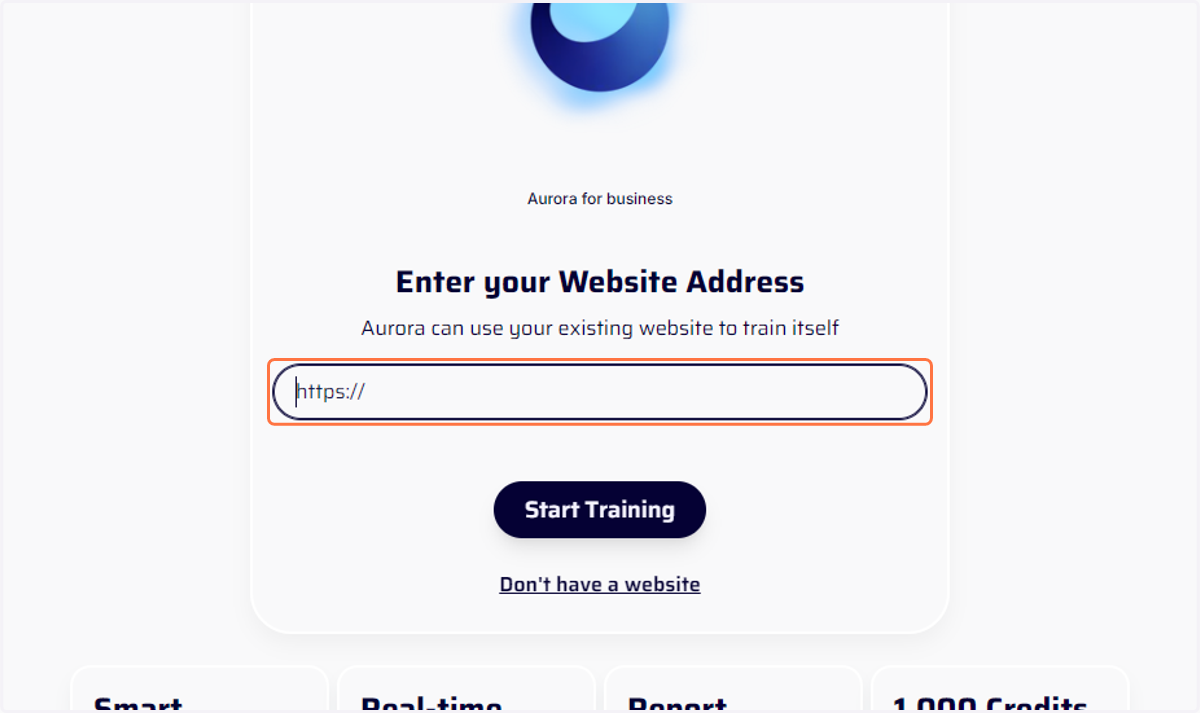
2. Enter your website or;
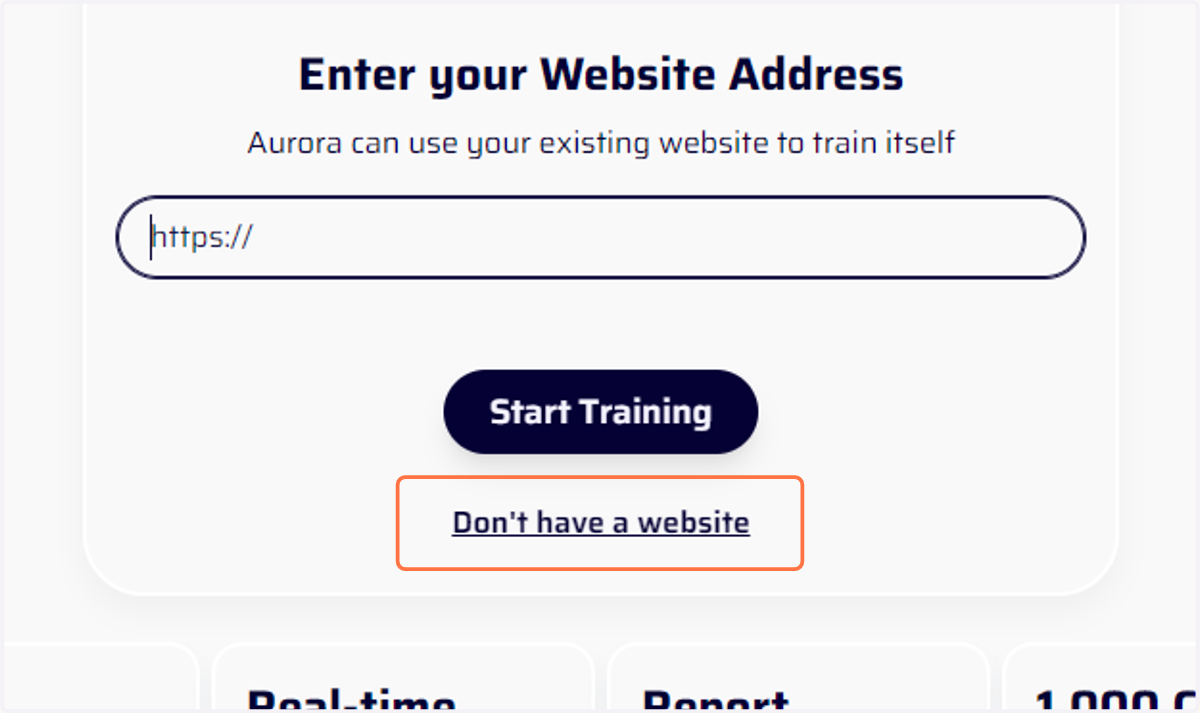
3. Click on Don't have a website
4. Enter your company details
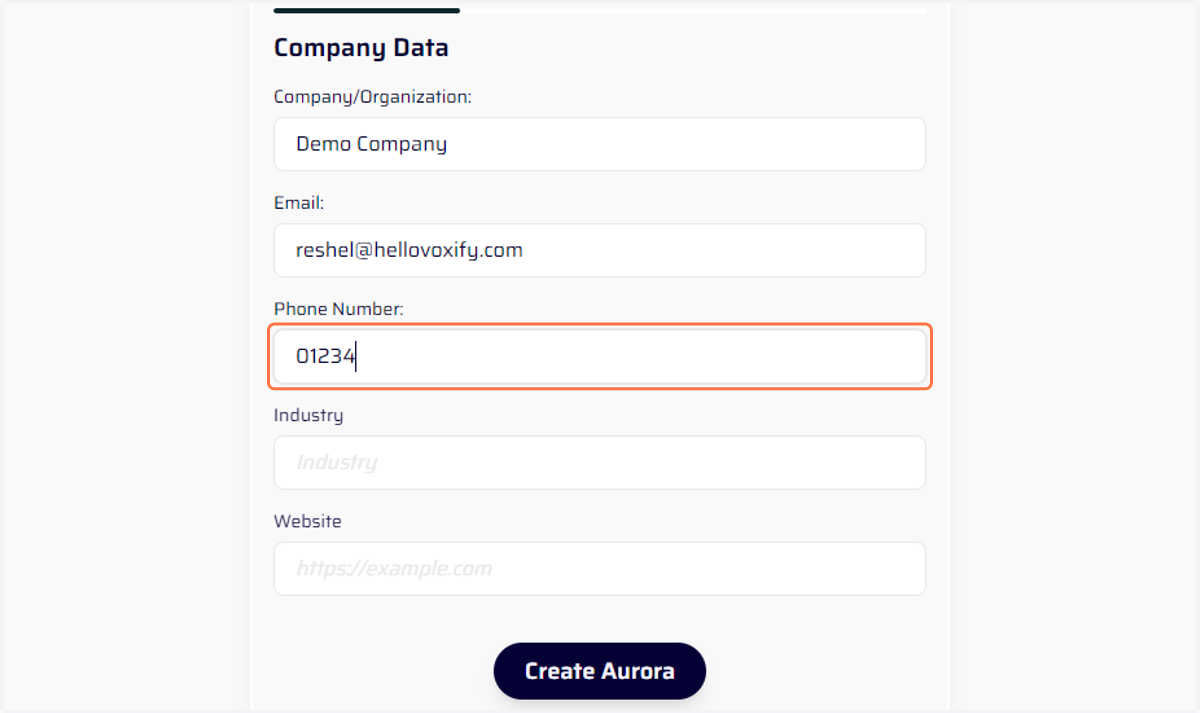
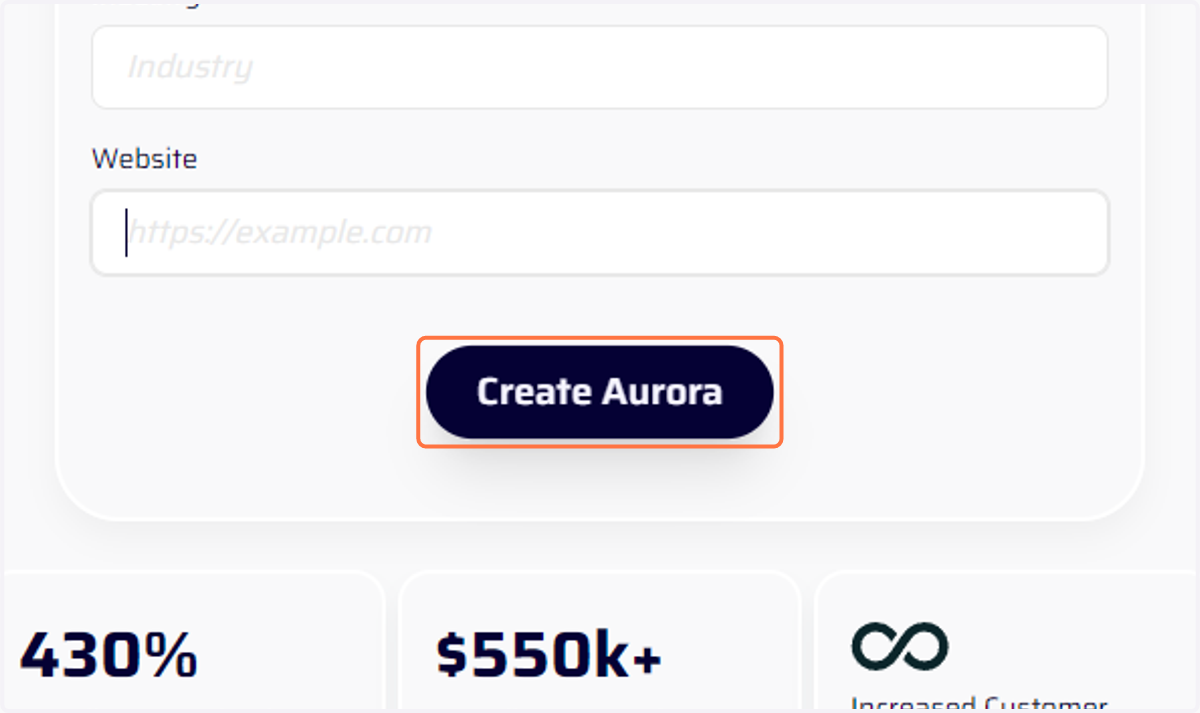
5. Click on Create Aurora
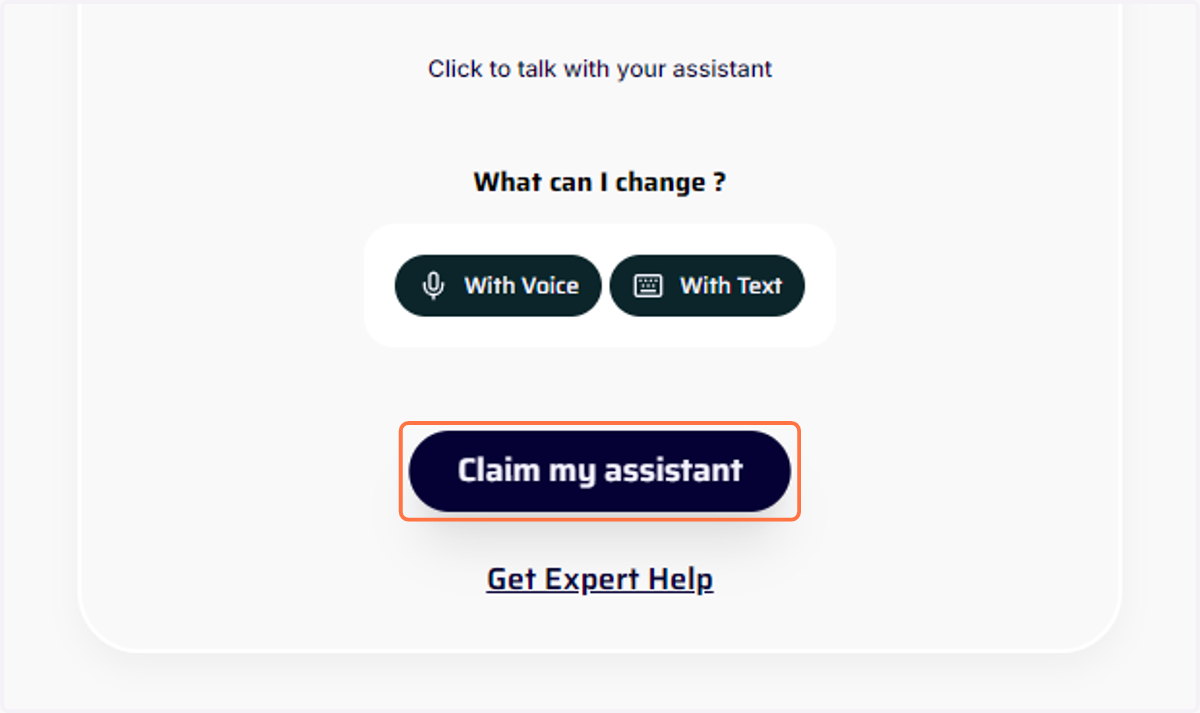
6. Click on Claim my assistant
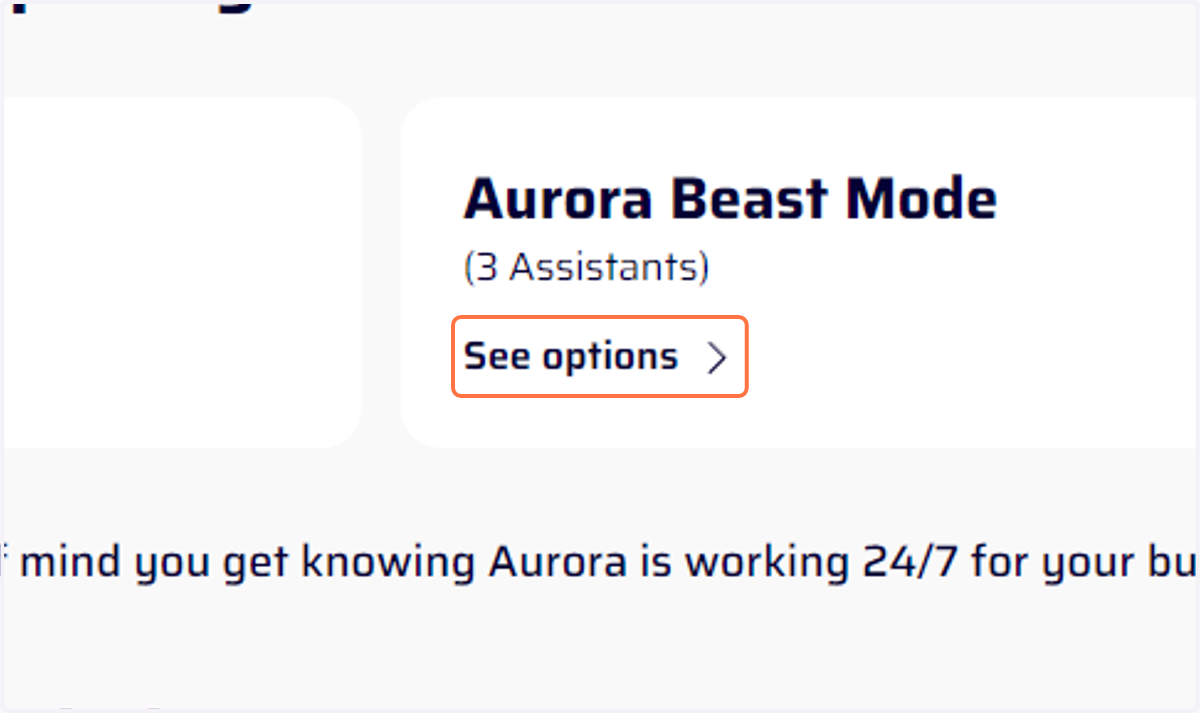
7. Pick a package
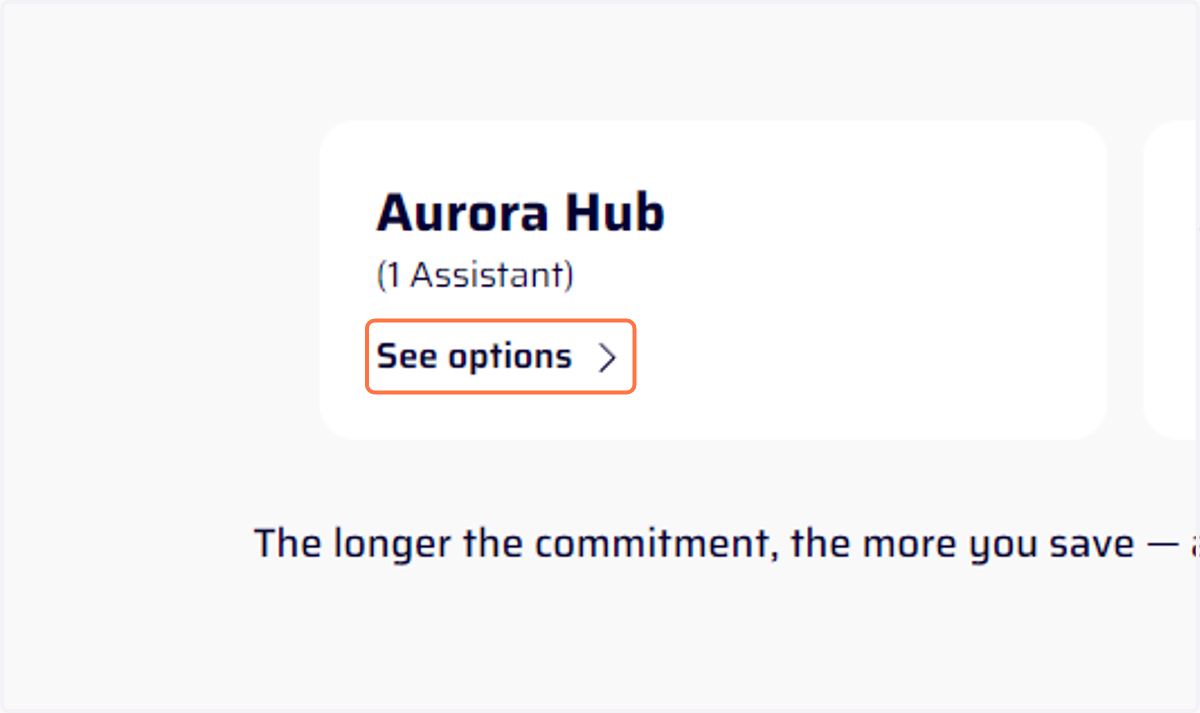
8. Pick a package
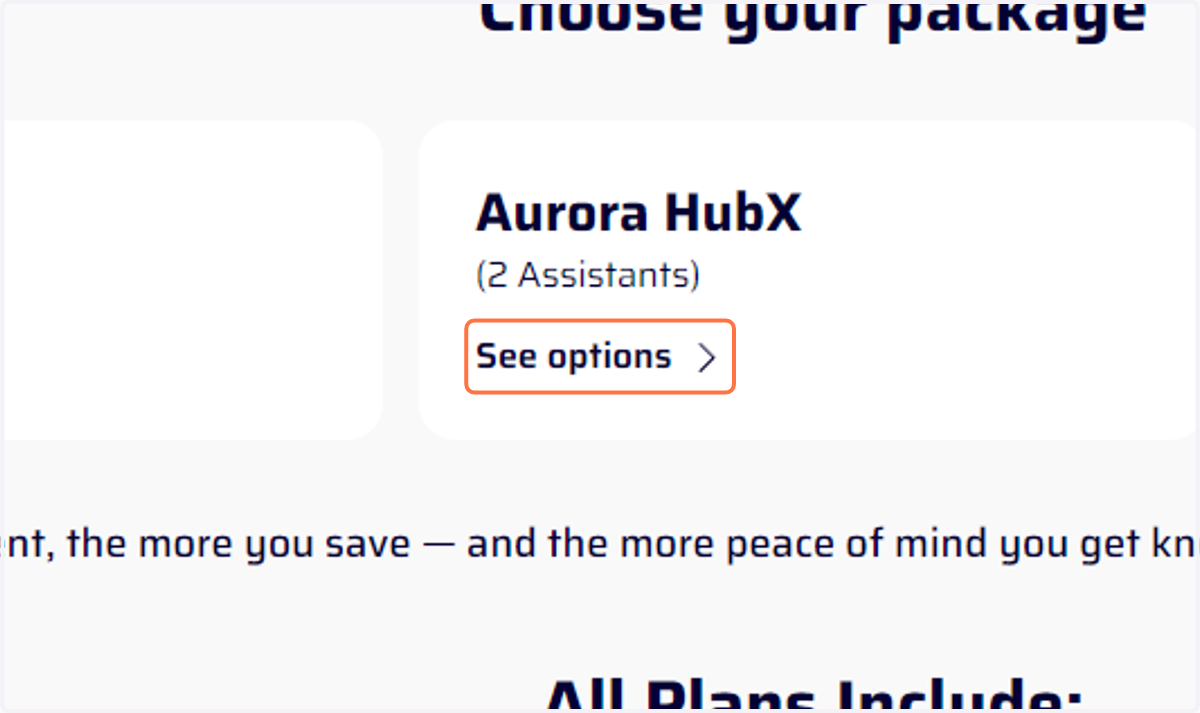
9. Pick a package
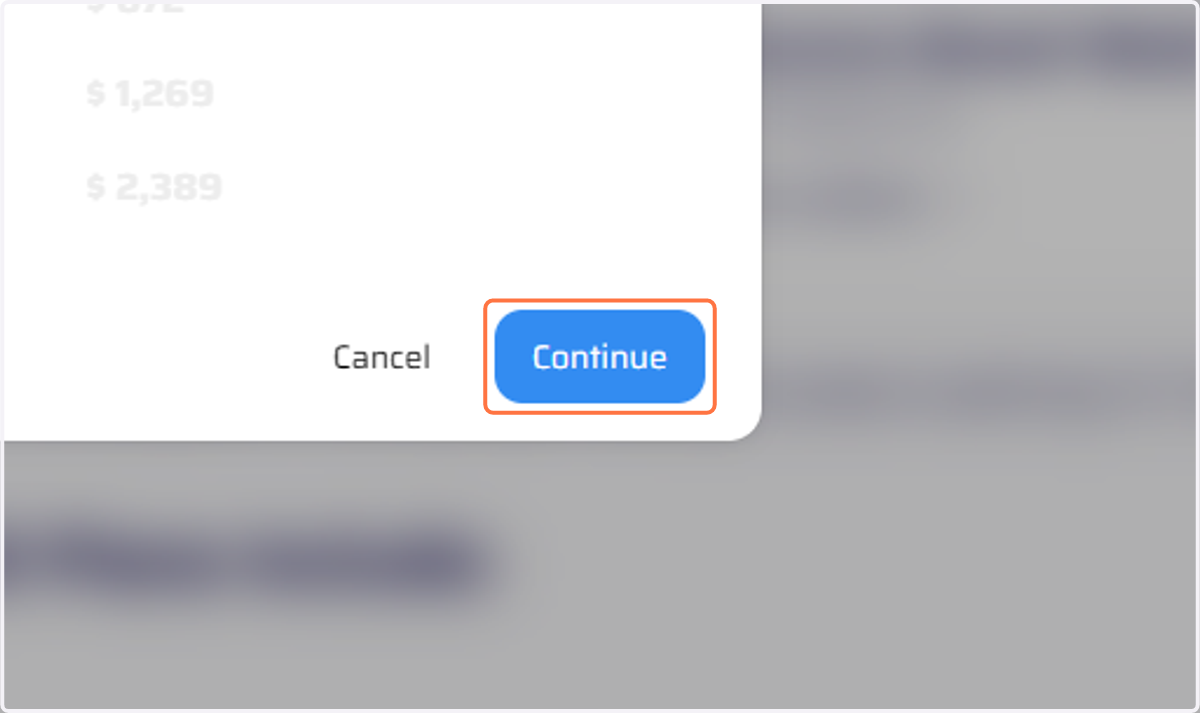
10. Click on Continue
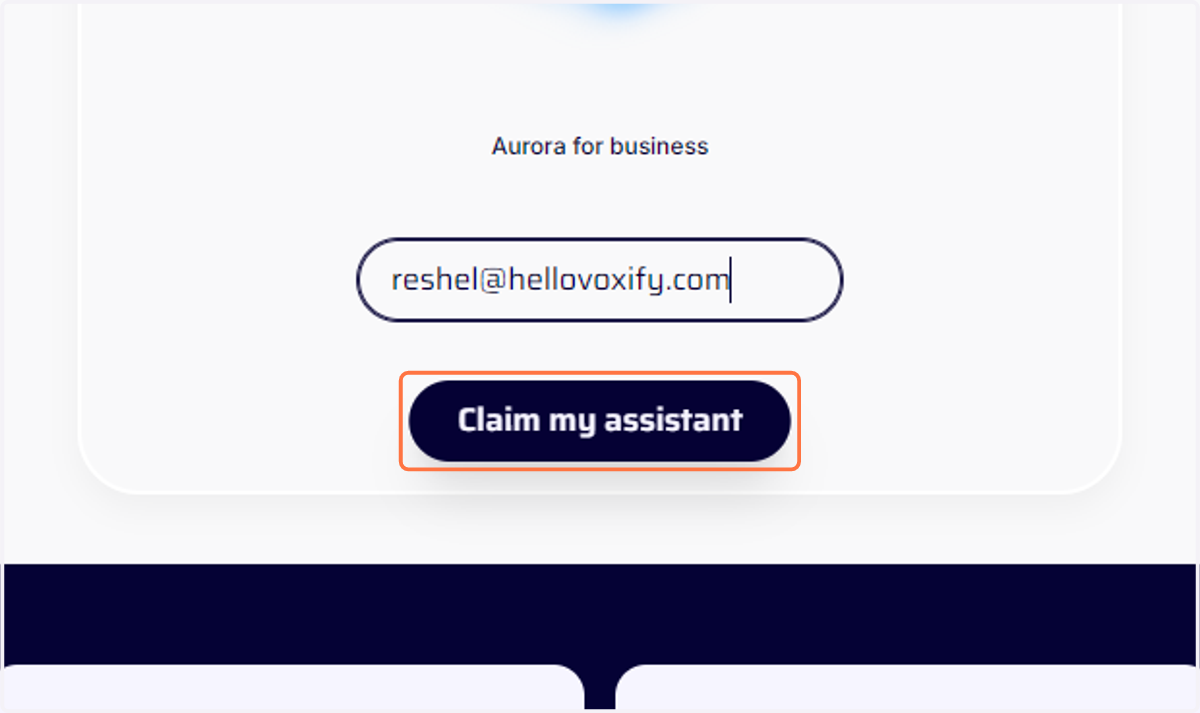
11. Enter your email address
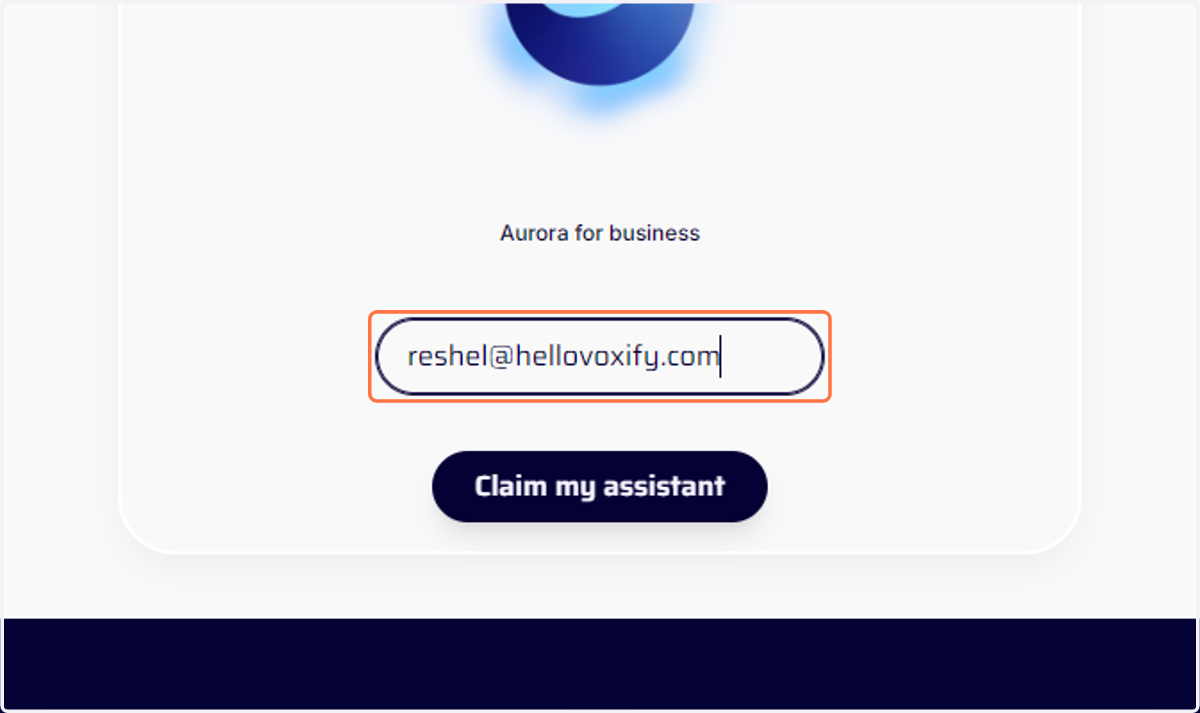
12. Click on Claim my assistant
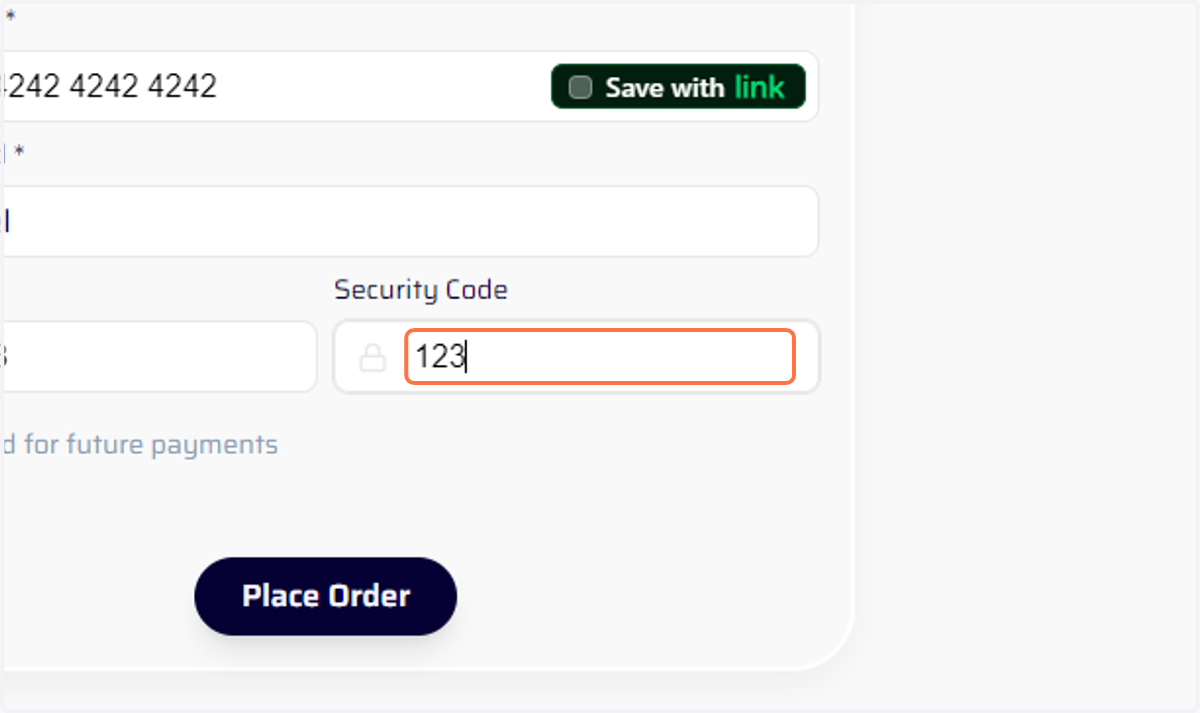
13. Enter your payment details
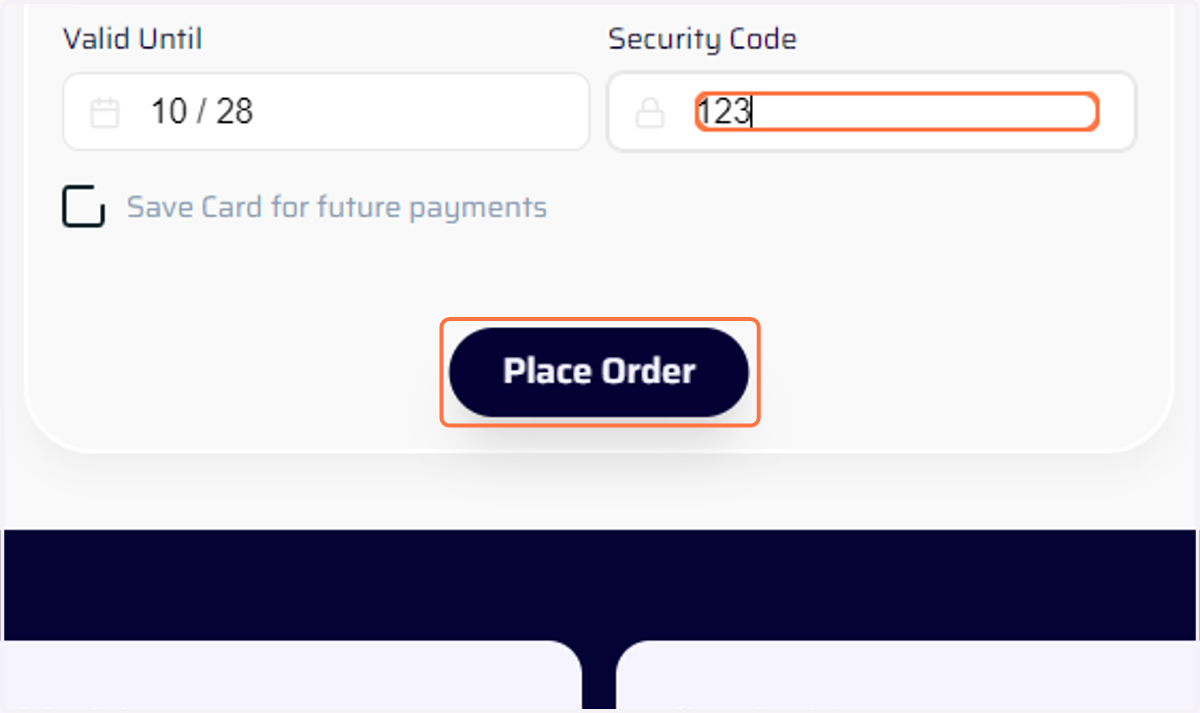
14. Click on Place Order
15. Check your email for confirmation
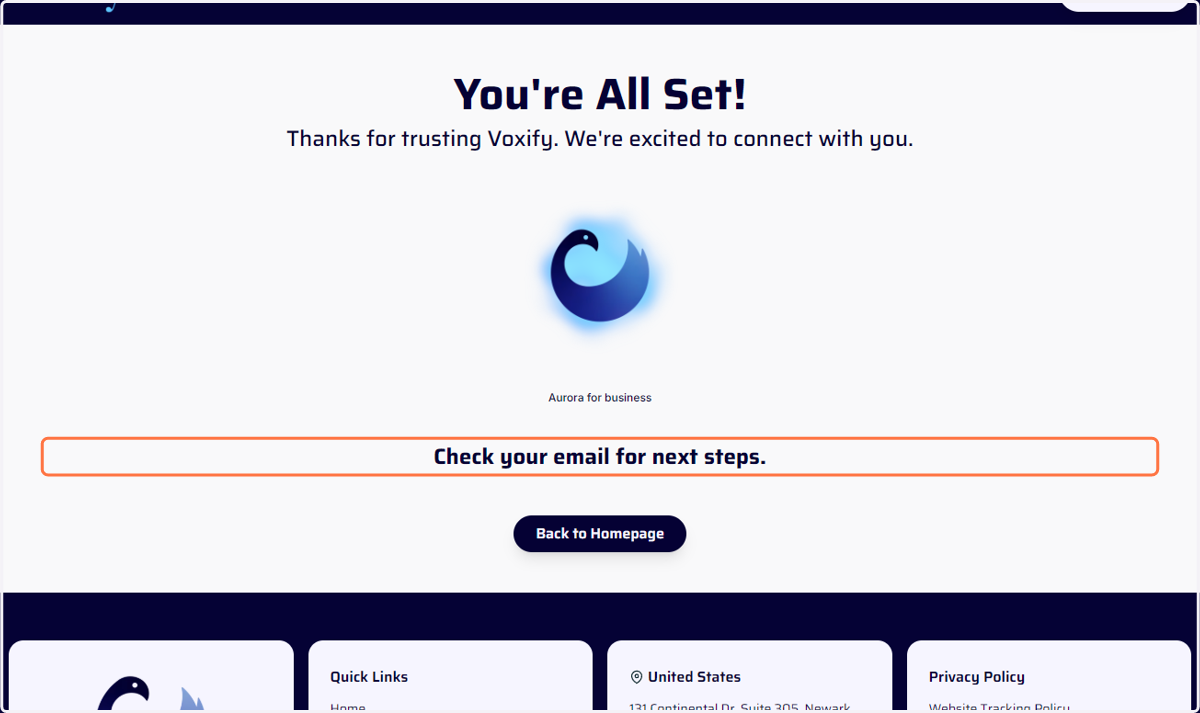
16. Check your email for confirmation
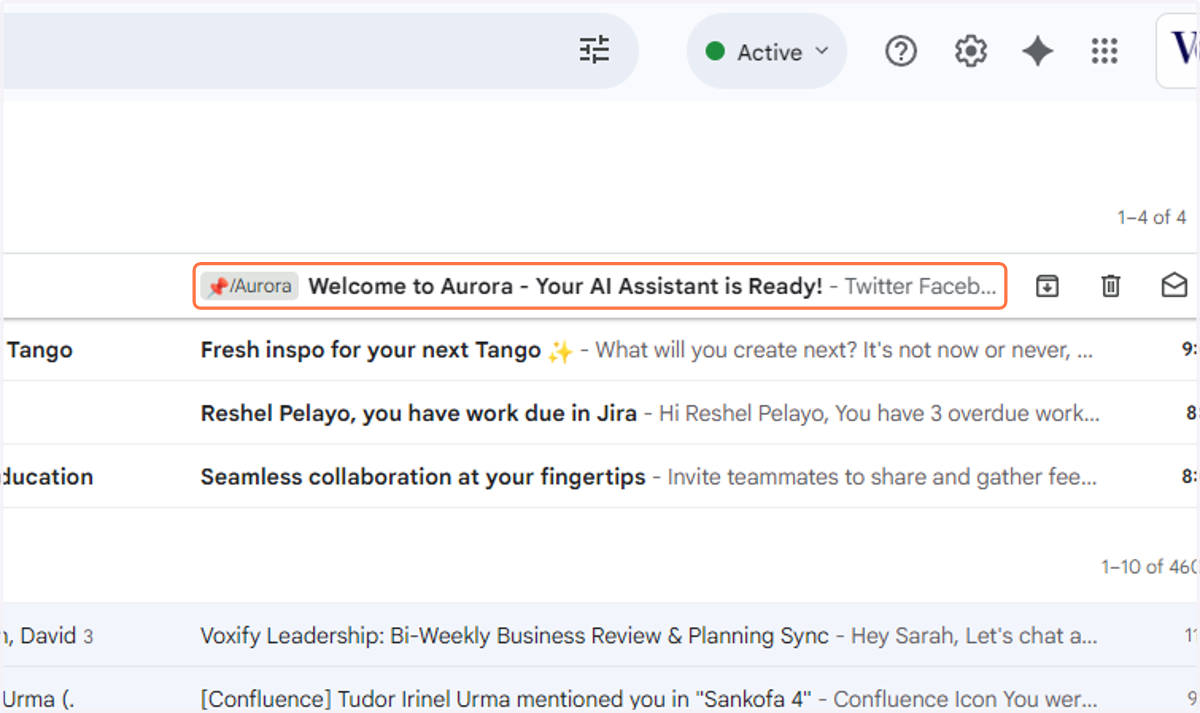
17. Check your email for confirmation