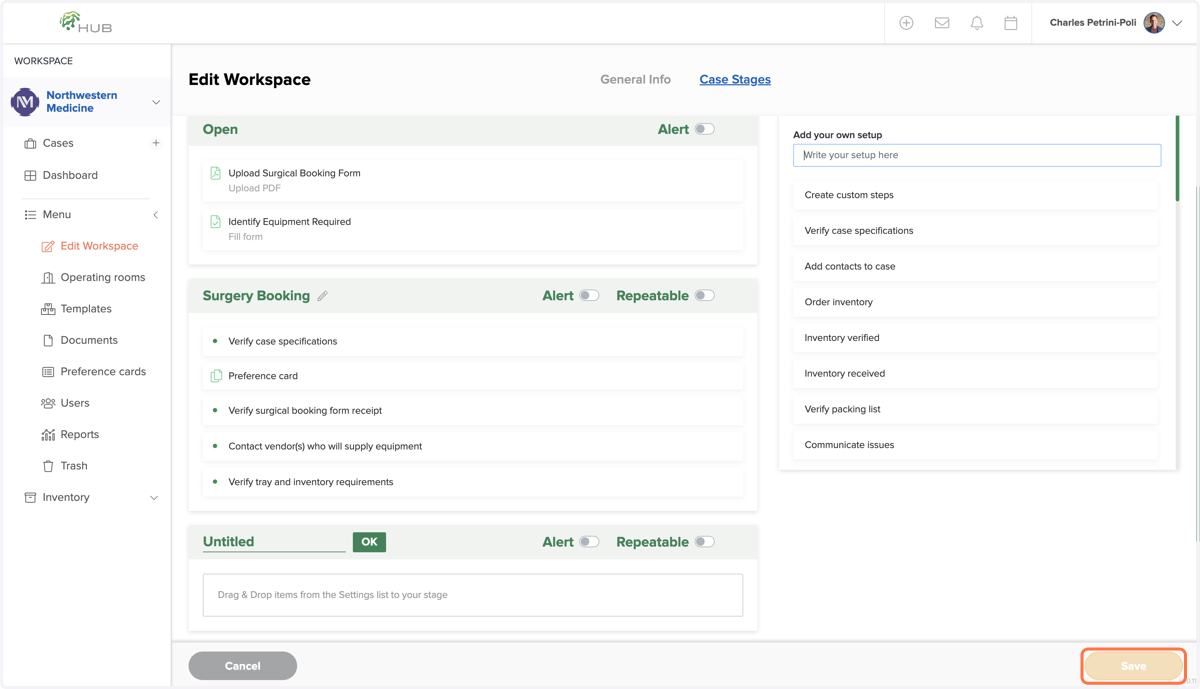
Configuring Custom Steps and Stages in Workspace
HUB - Healthcare
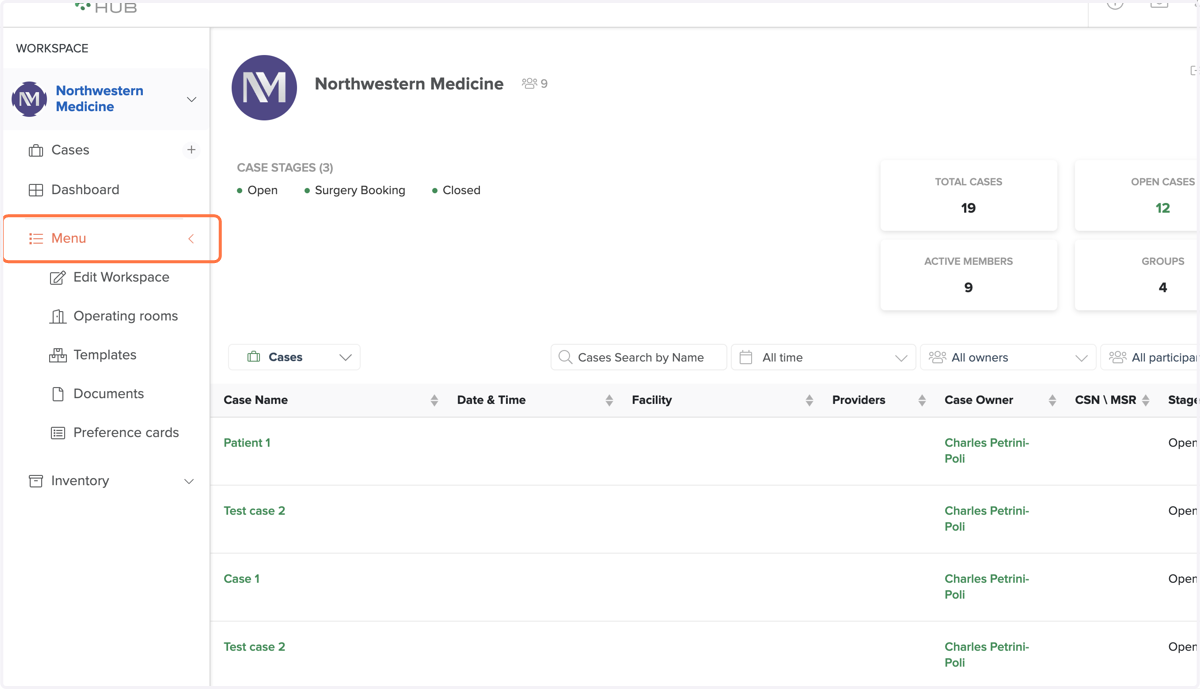
1. Click on Menu
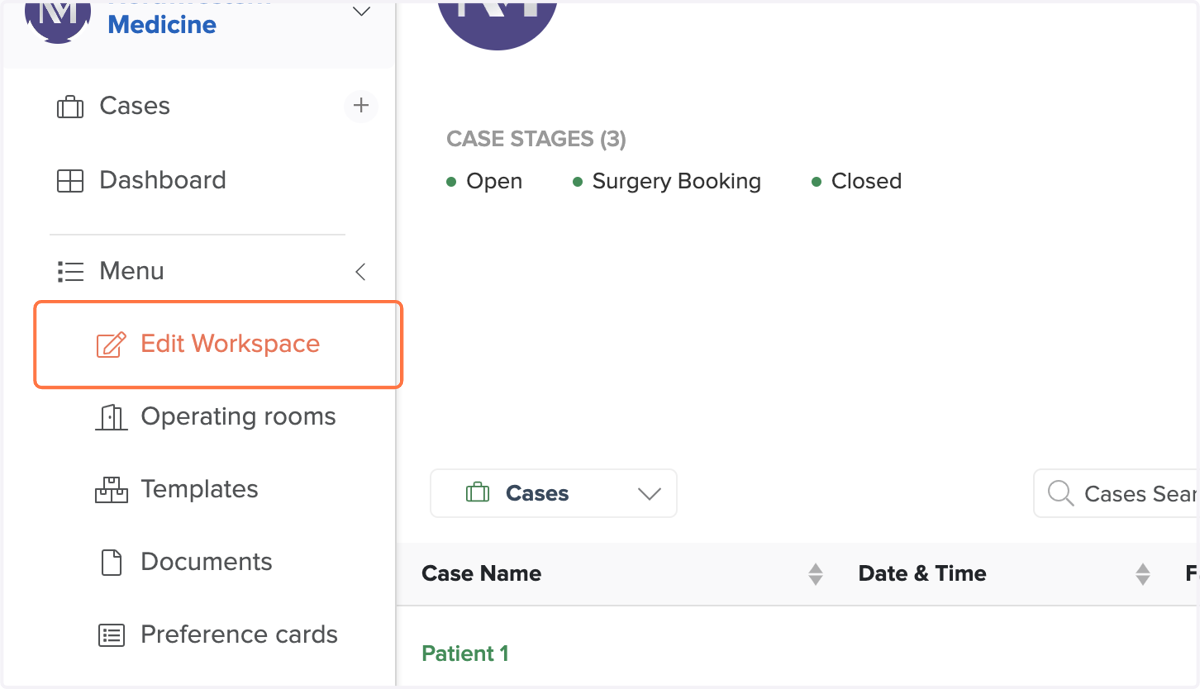
2. Click on Edit Workspace
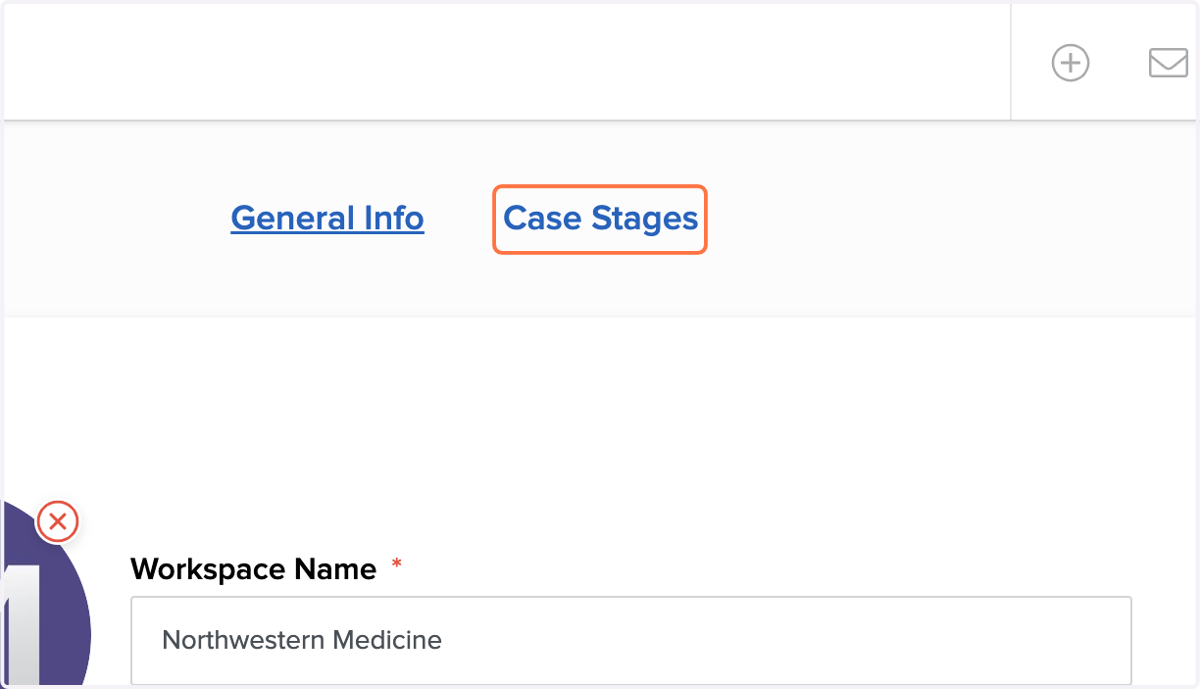
3. Click on Case Stages
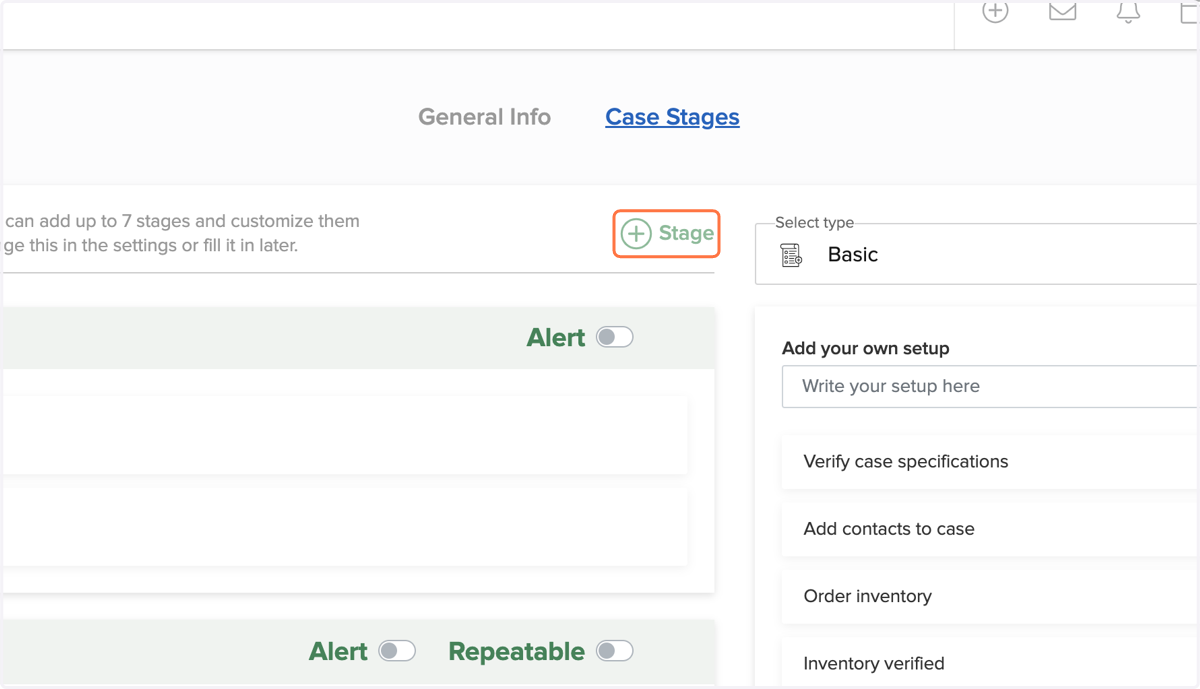
4. Add Stages as Required
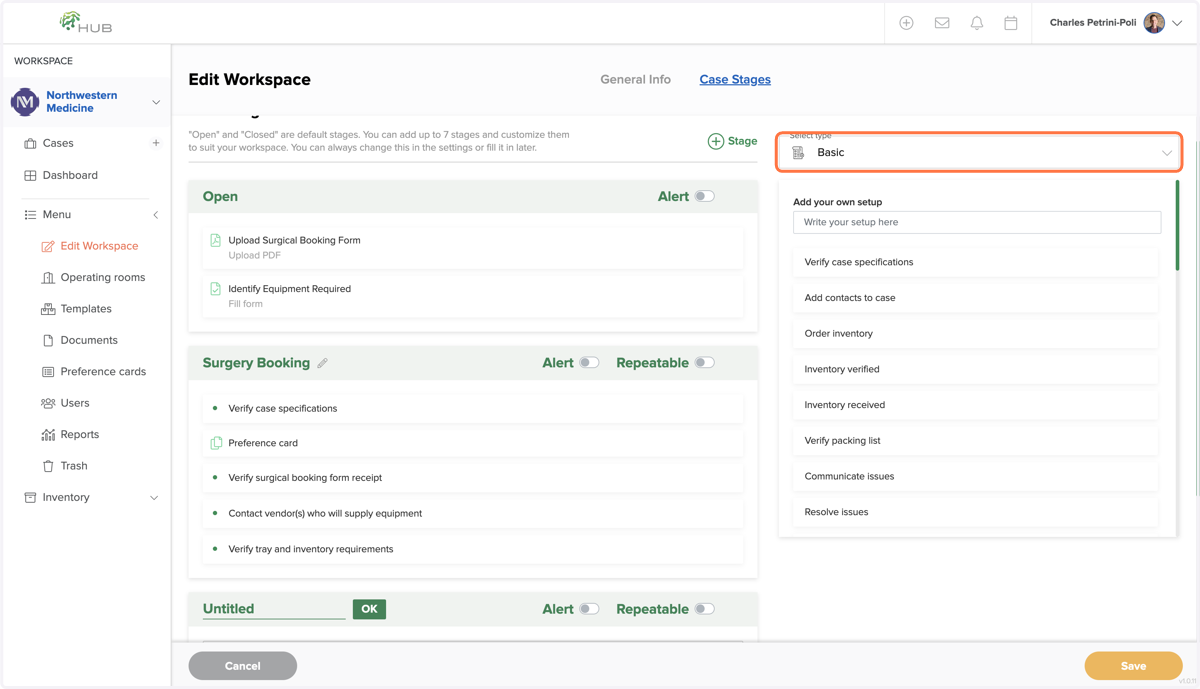
5. Your Step Options Are Here
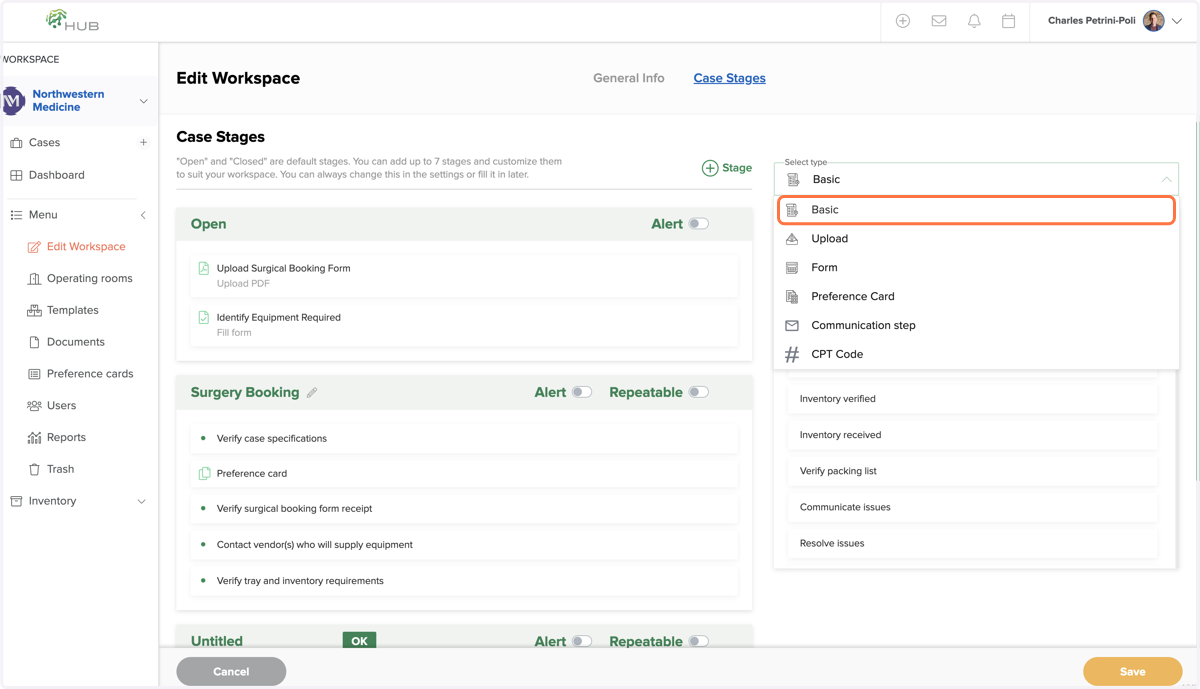
6. Chose the Step Type
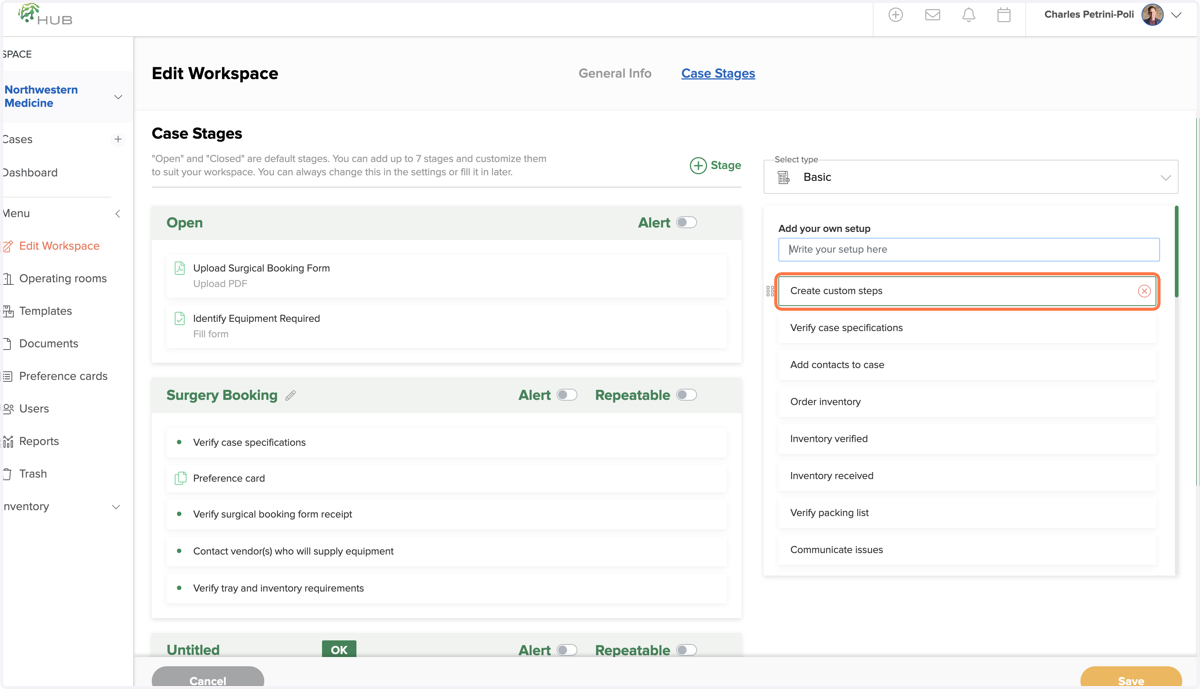
7. Create Custom Steps as Required
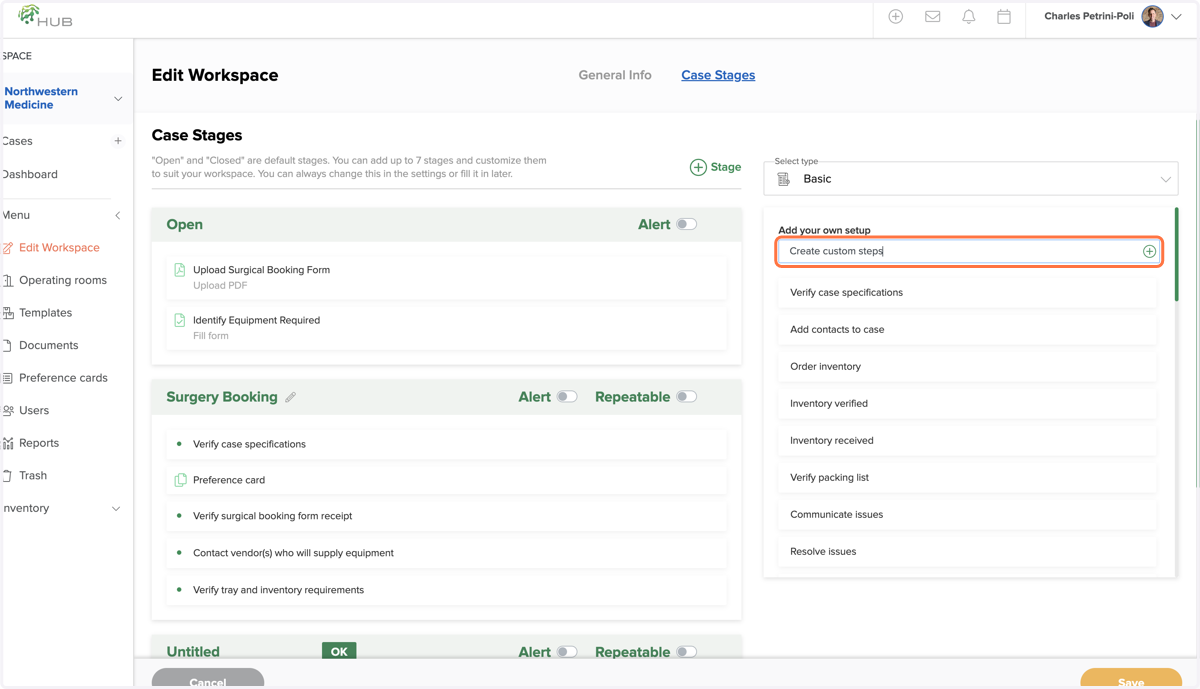
8. Click on Create custom steps
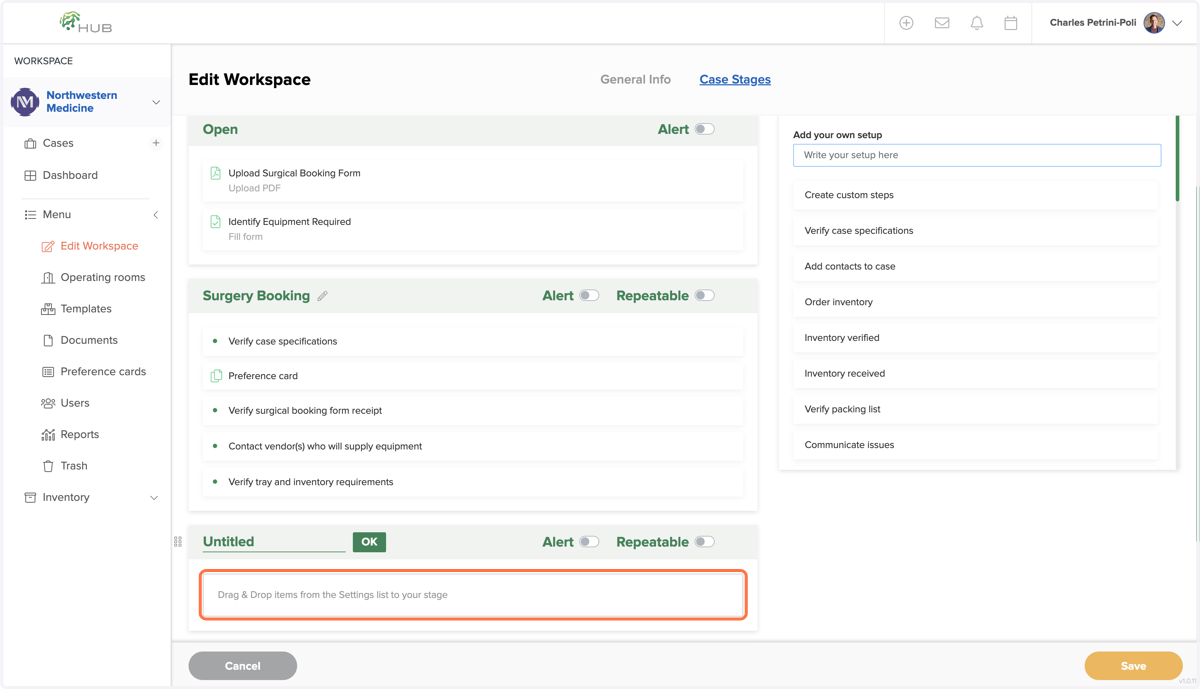
9. Drag Your Steps Into the Stages
10. Click on Save When Complete