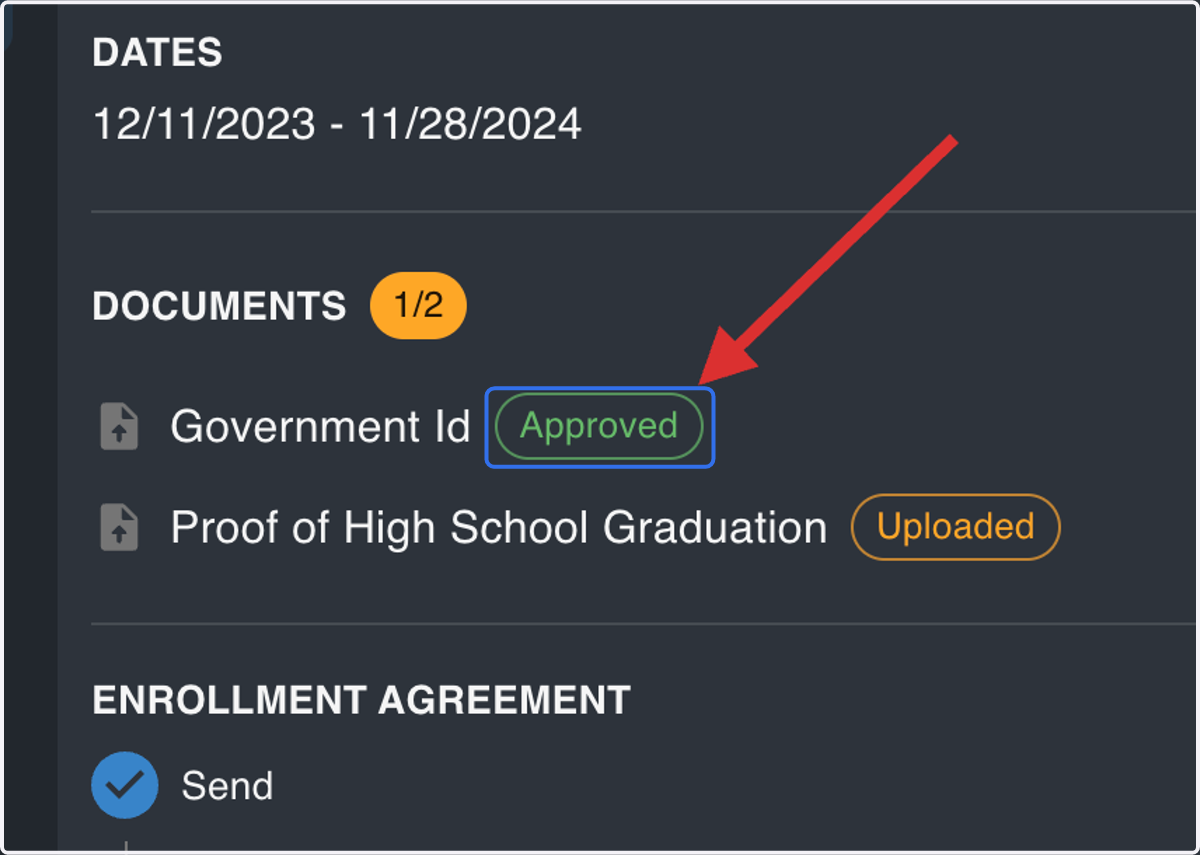
Approve Admissions Documents
My Path
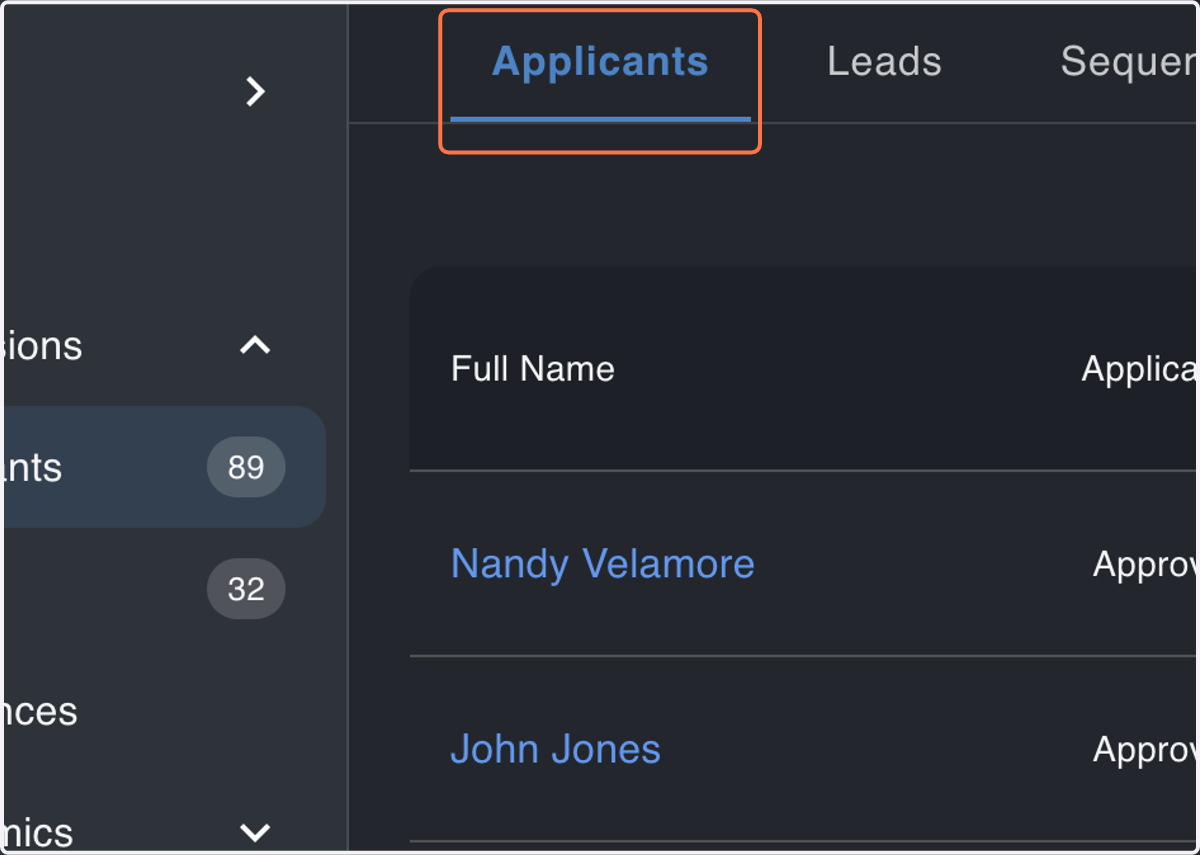
1. Navigate to the Applicants Module
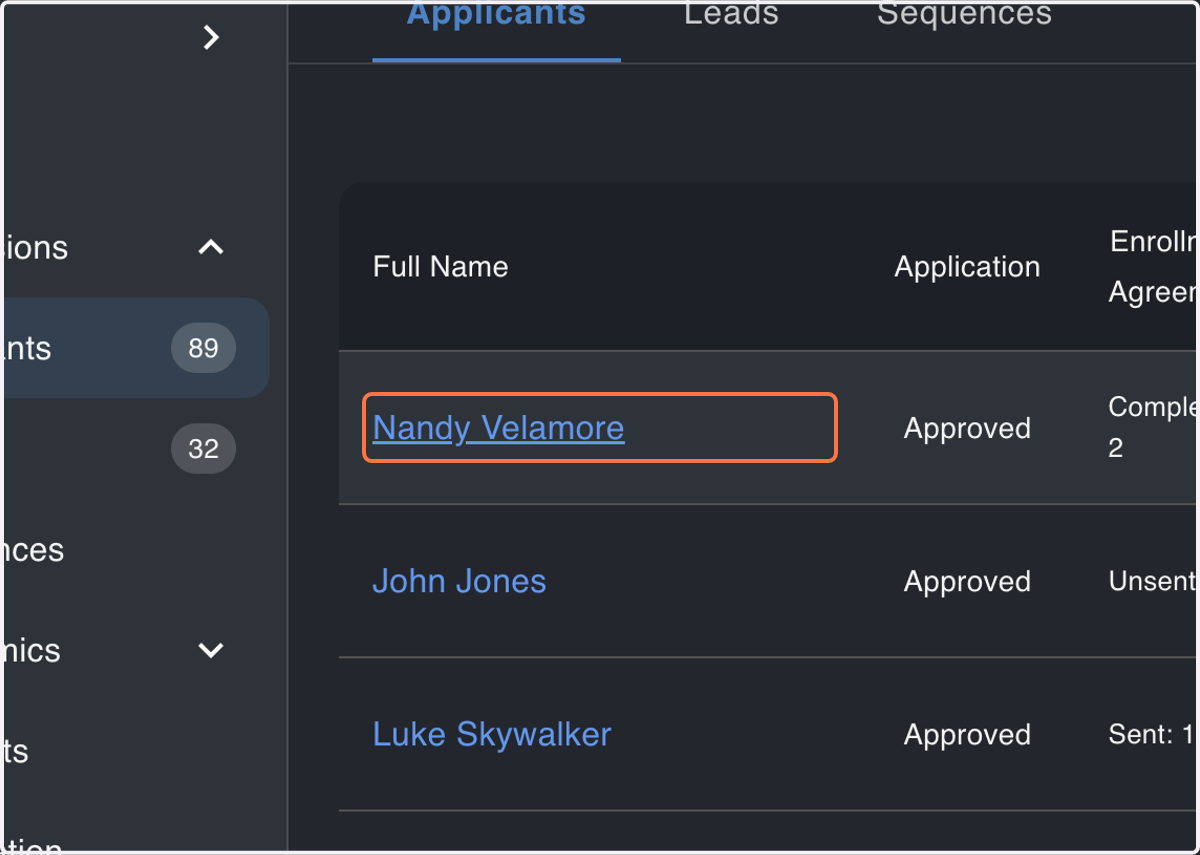
2. Click on Applicant
Find the Applicant of interest, and click on their name from the Admissions table
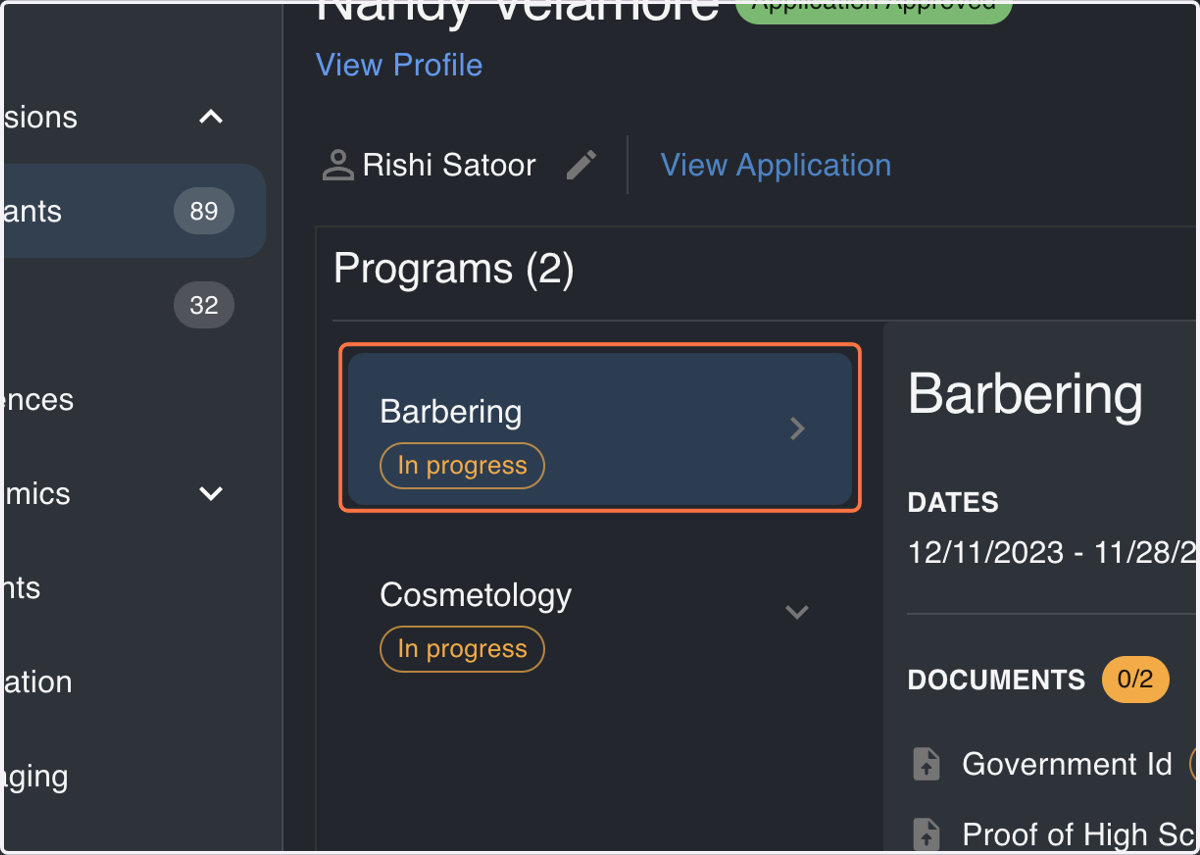
3. Select a Program Application
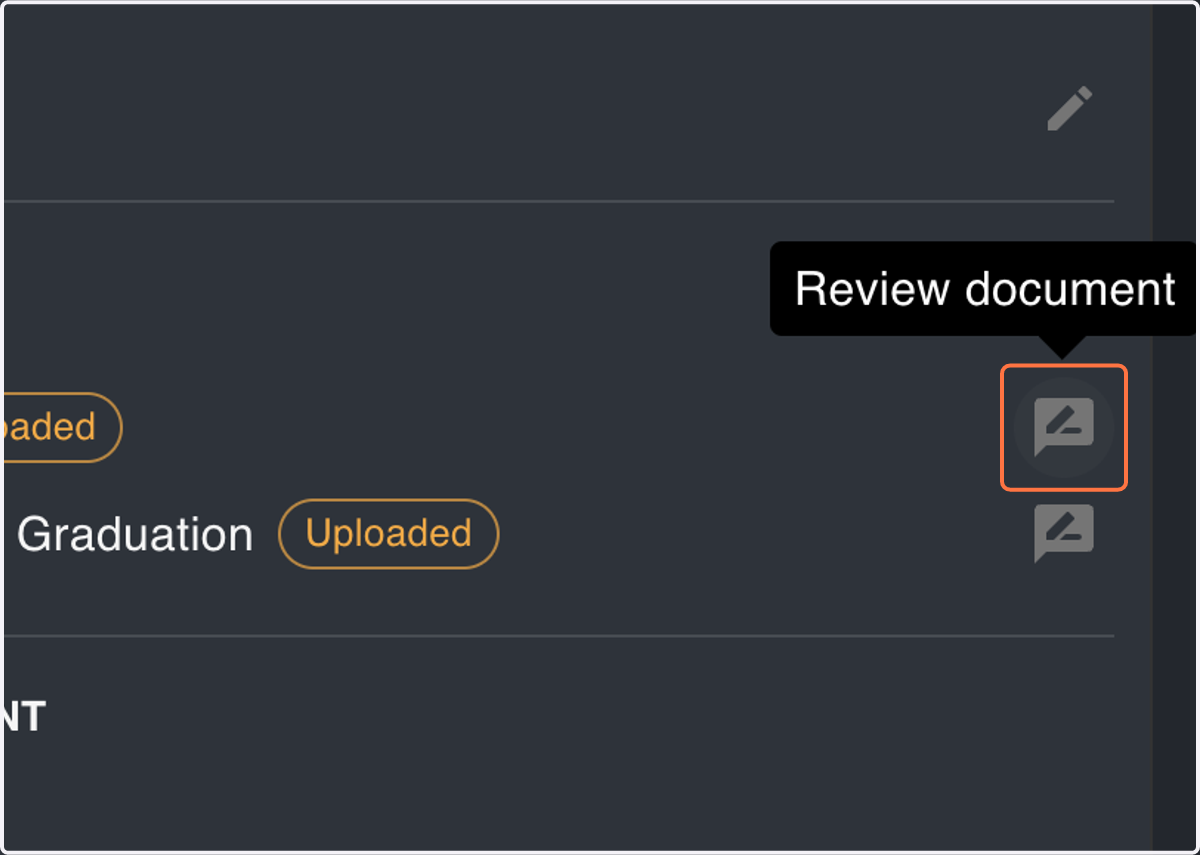
4. Click the Review Icon
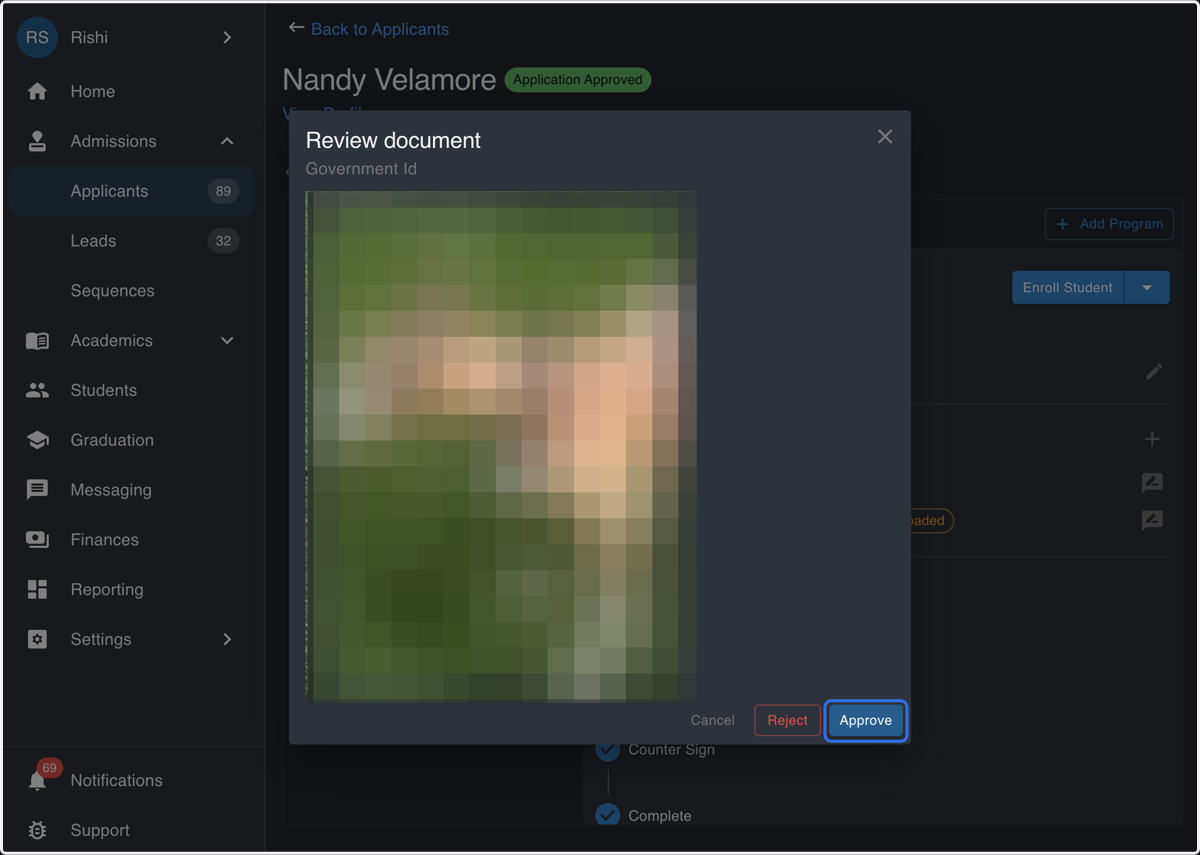
5. Click on Approve
6. Confirm Success
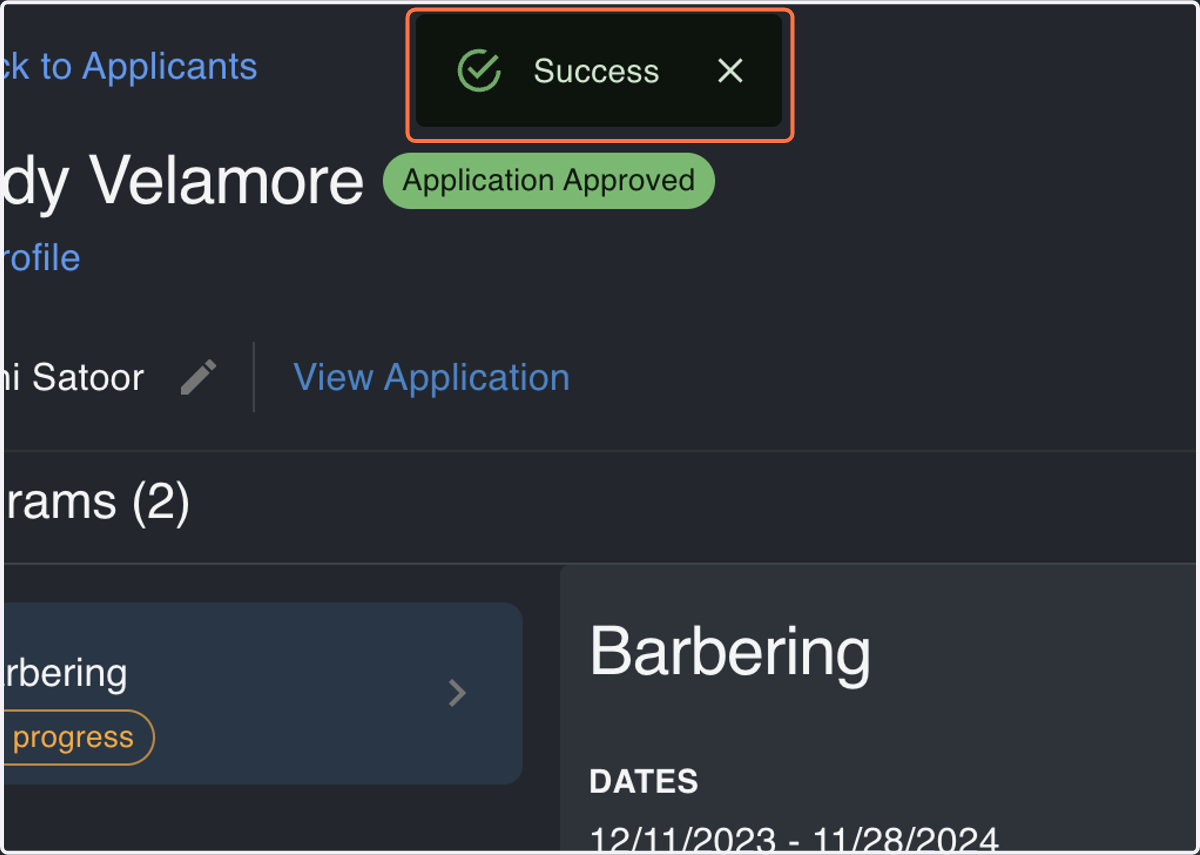
7. Confirm Status Update