Adjusting Attachments in Folktale
Once your attachments have been included in to your Story certain adjustments can be made to ensure the best results.
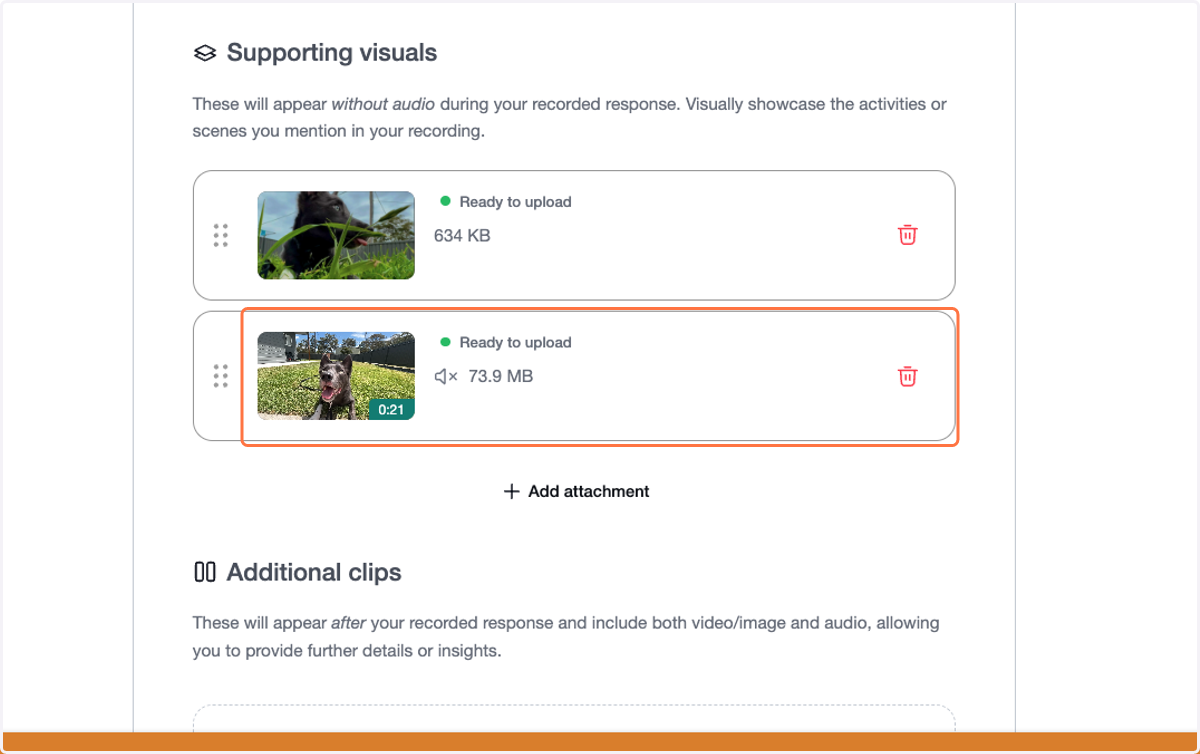
1. Select the attachment you want to adjust
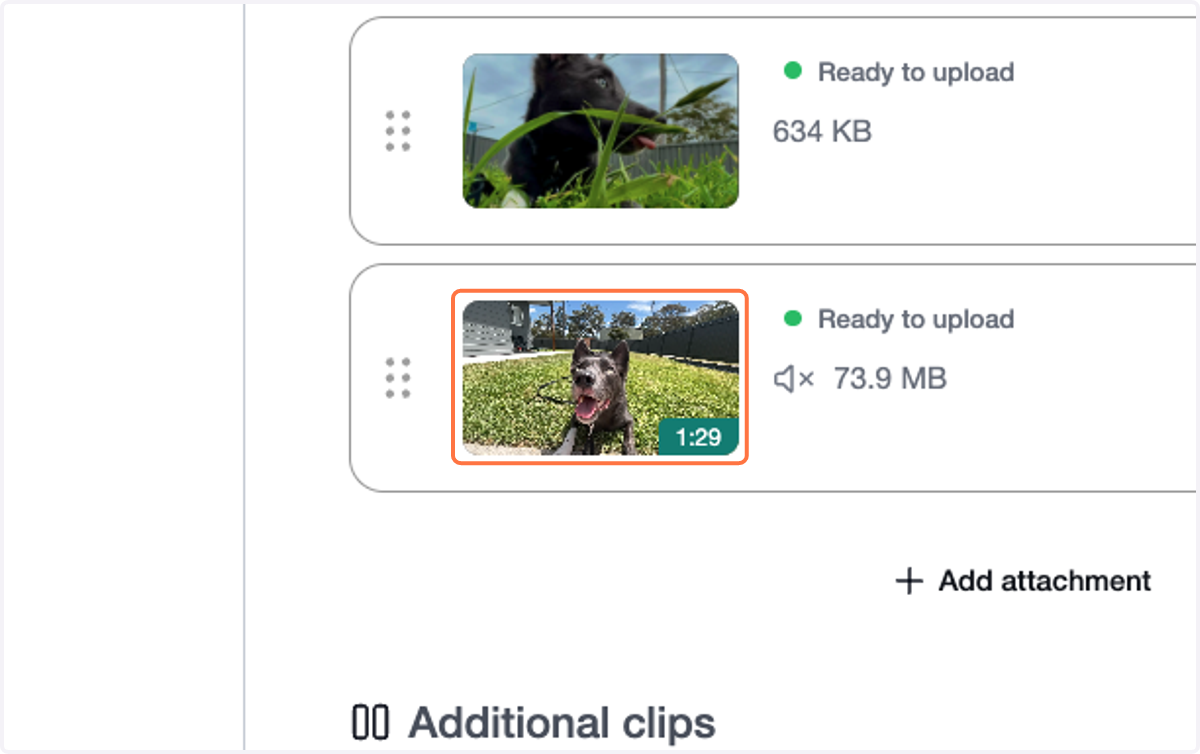
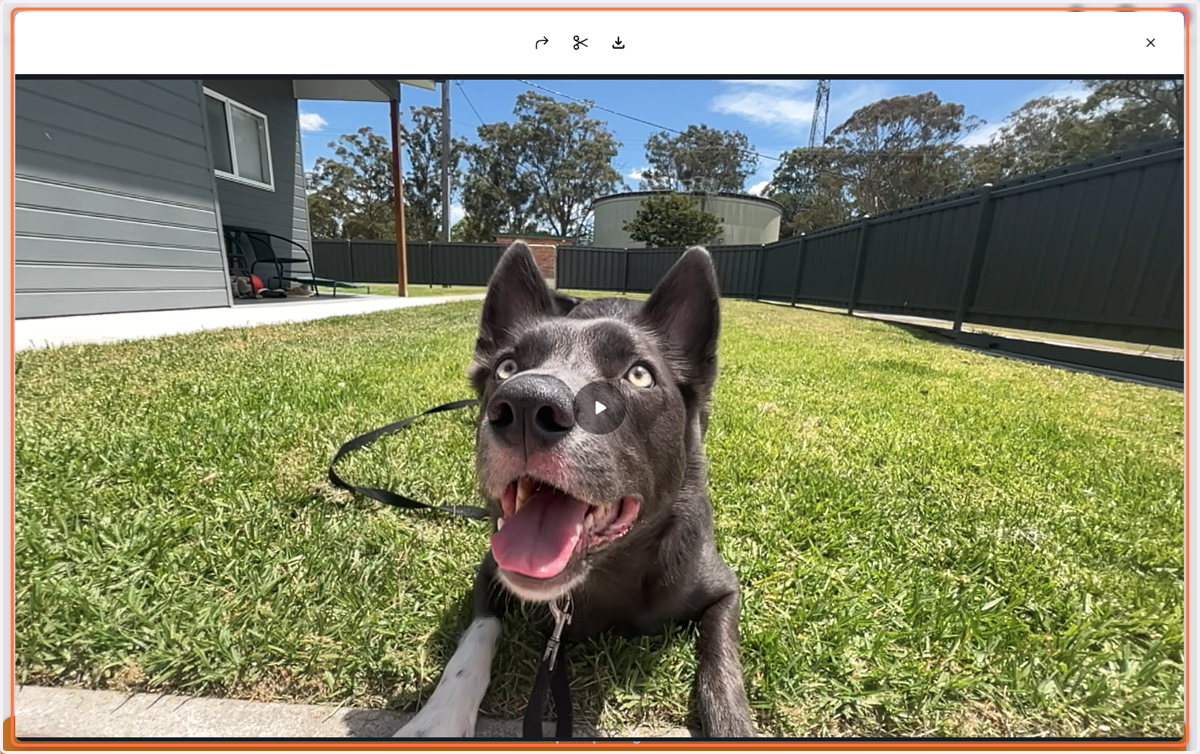
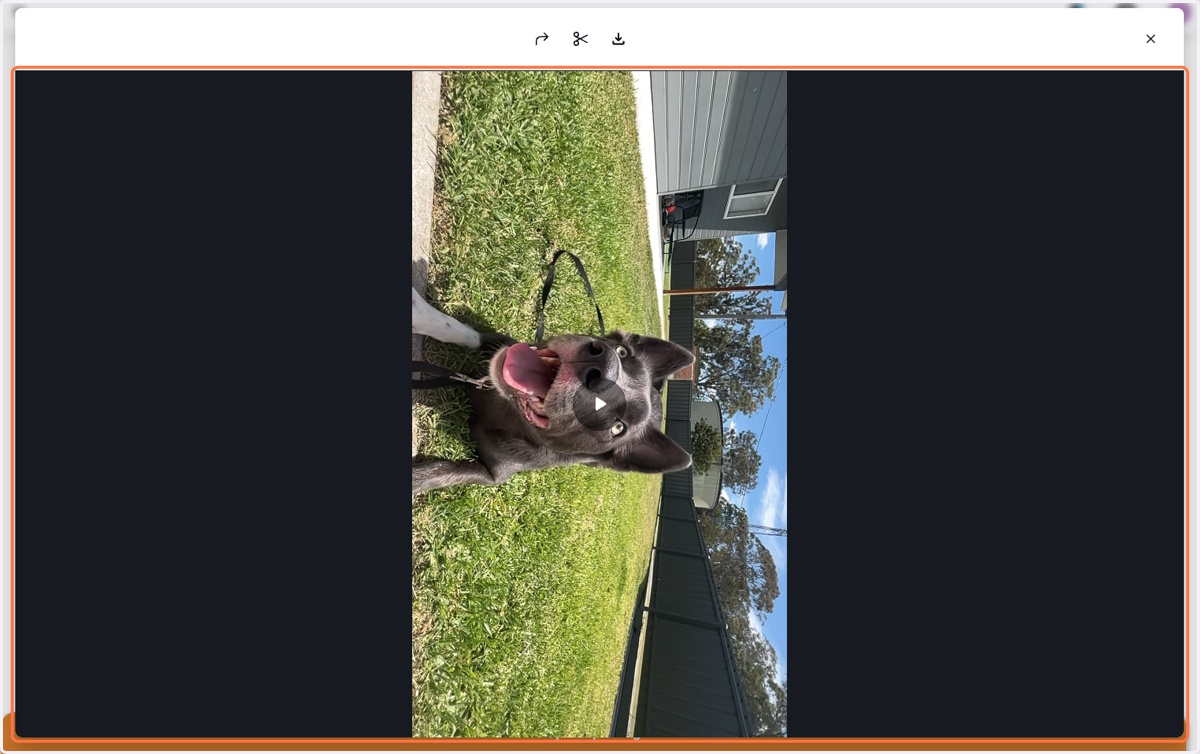
2. This will open the editing station
3. Use the arrow icon to rotate your attachment and align it with other shots
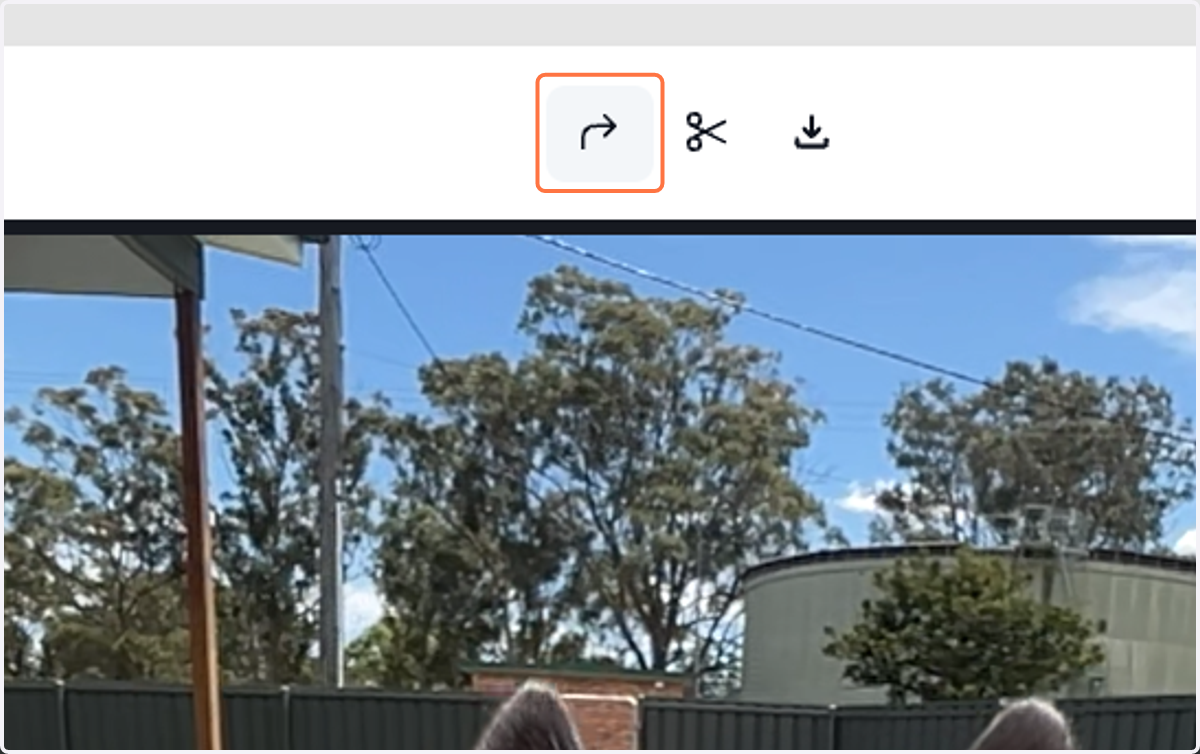
4. You should immediately see the effect. Adjust as needed
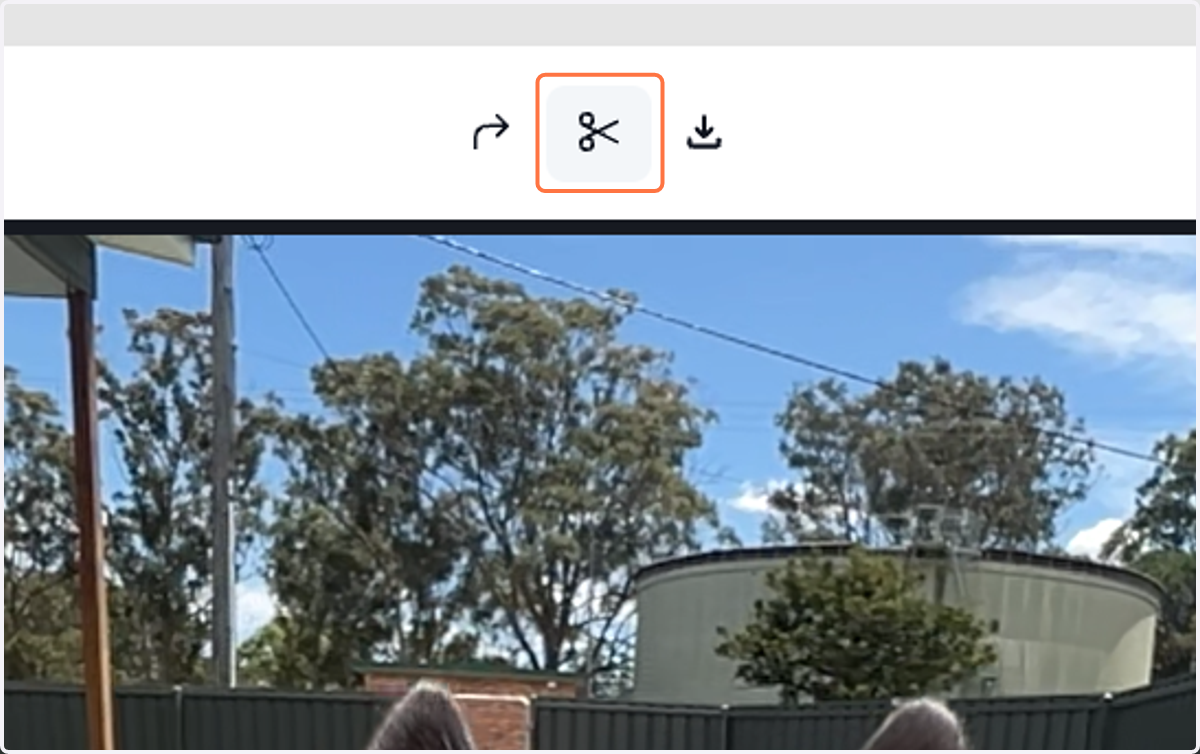
5. Use the scissors tool to trim your attachment.
6. Drag each end of the green bar... to set the desired length
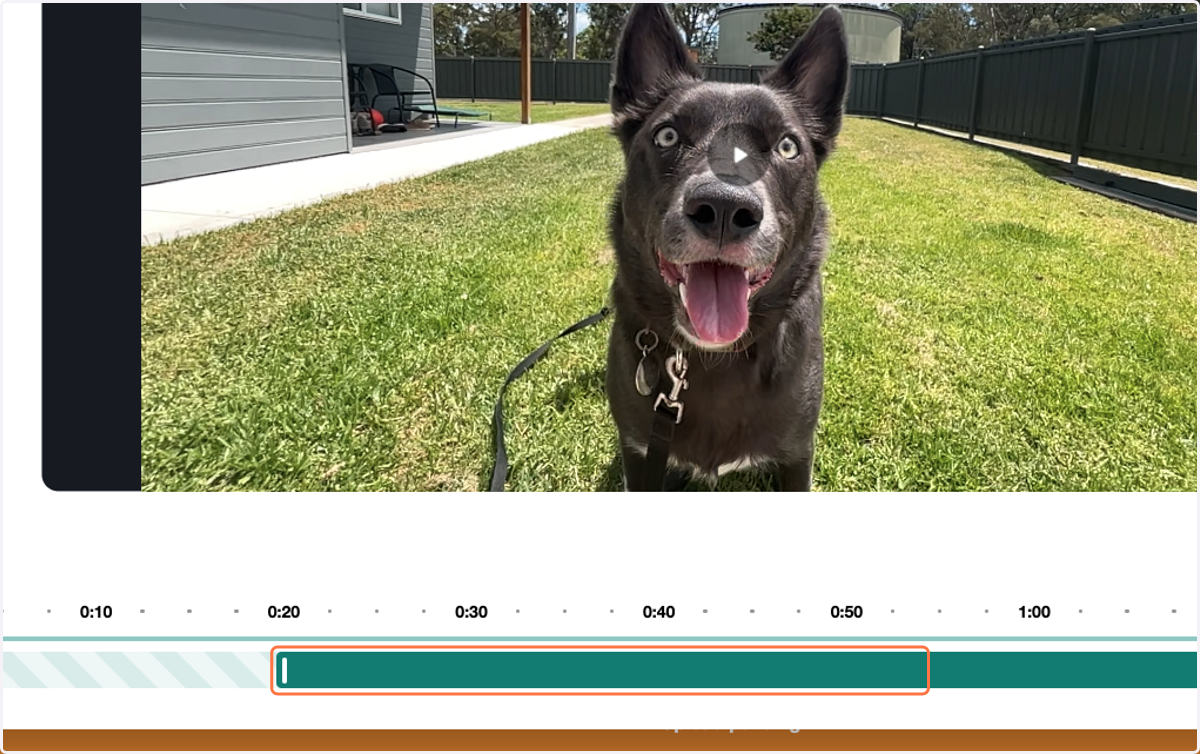
7. ...to set the desired length
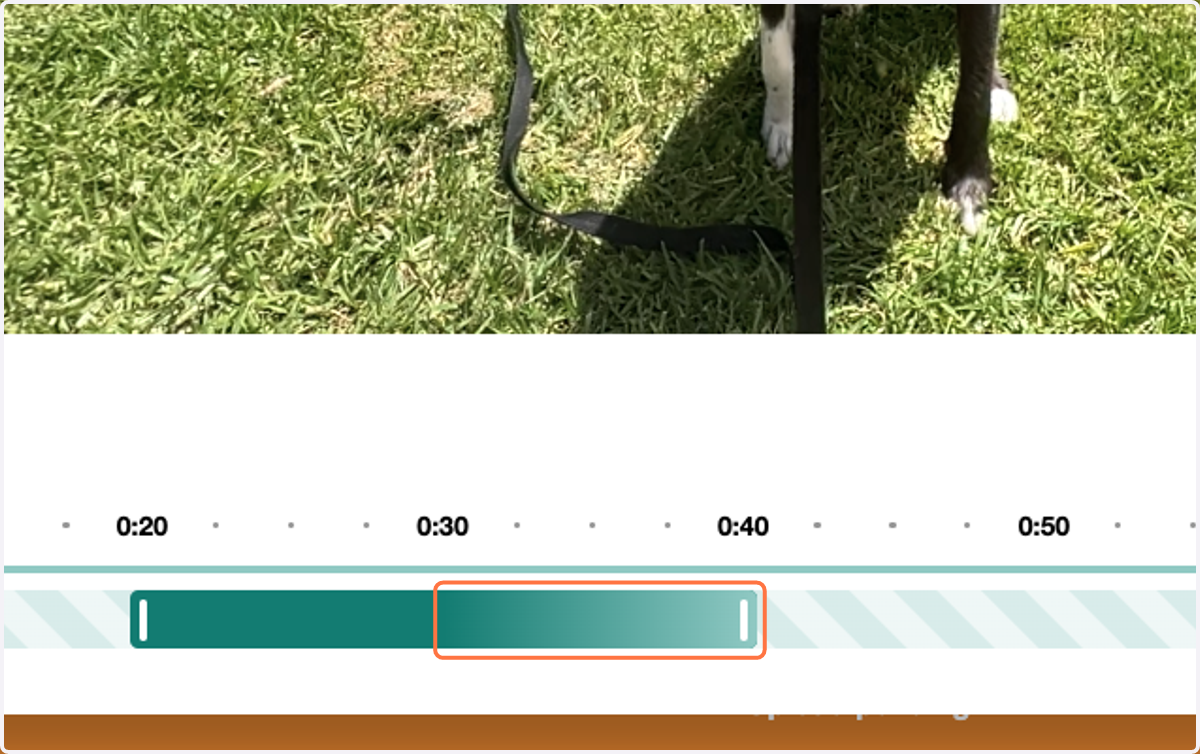
8. Trimmed sections will appear faded with diagonal bars, indicating they won’t be included in the final Story
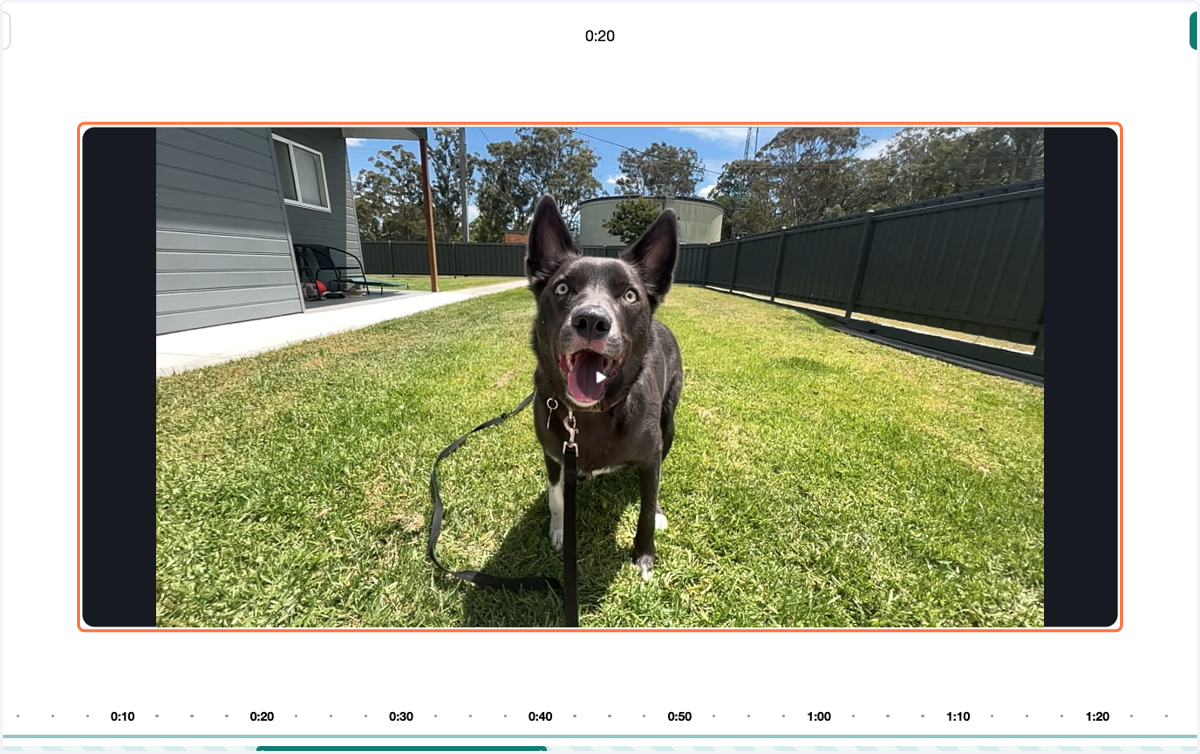
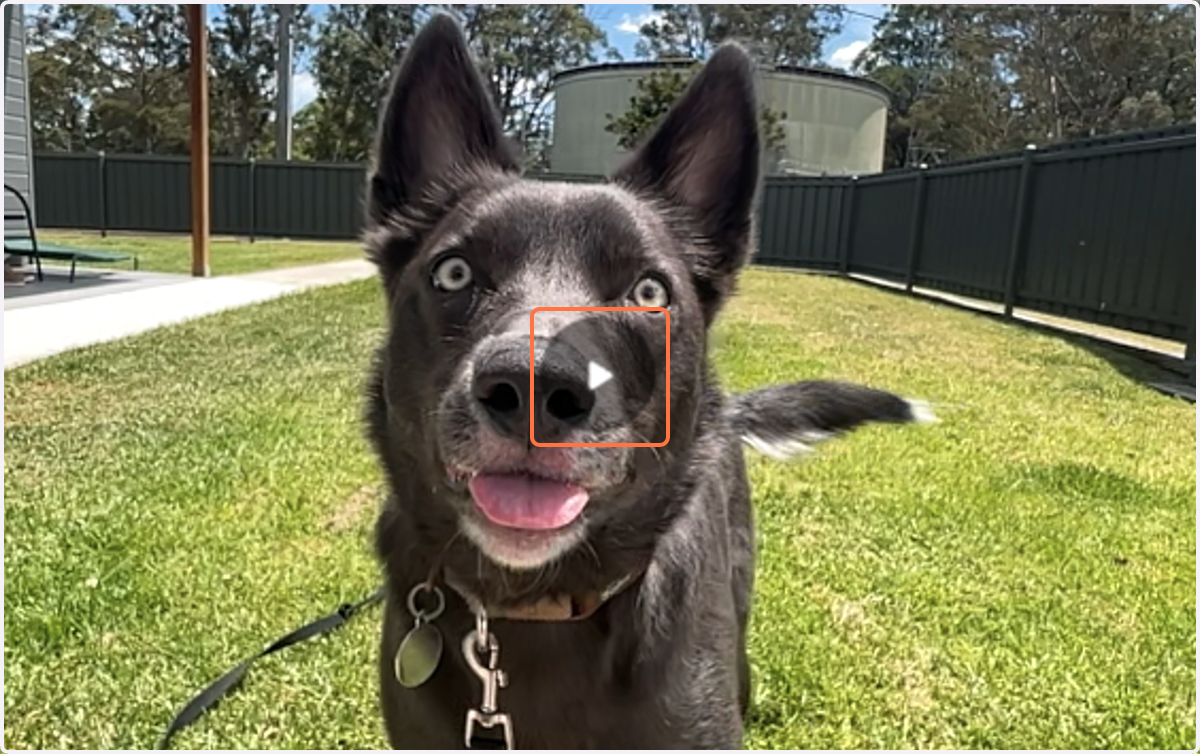
9. Click the Play button to preview your adjustments
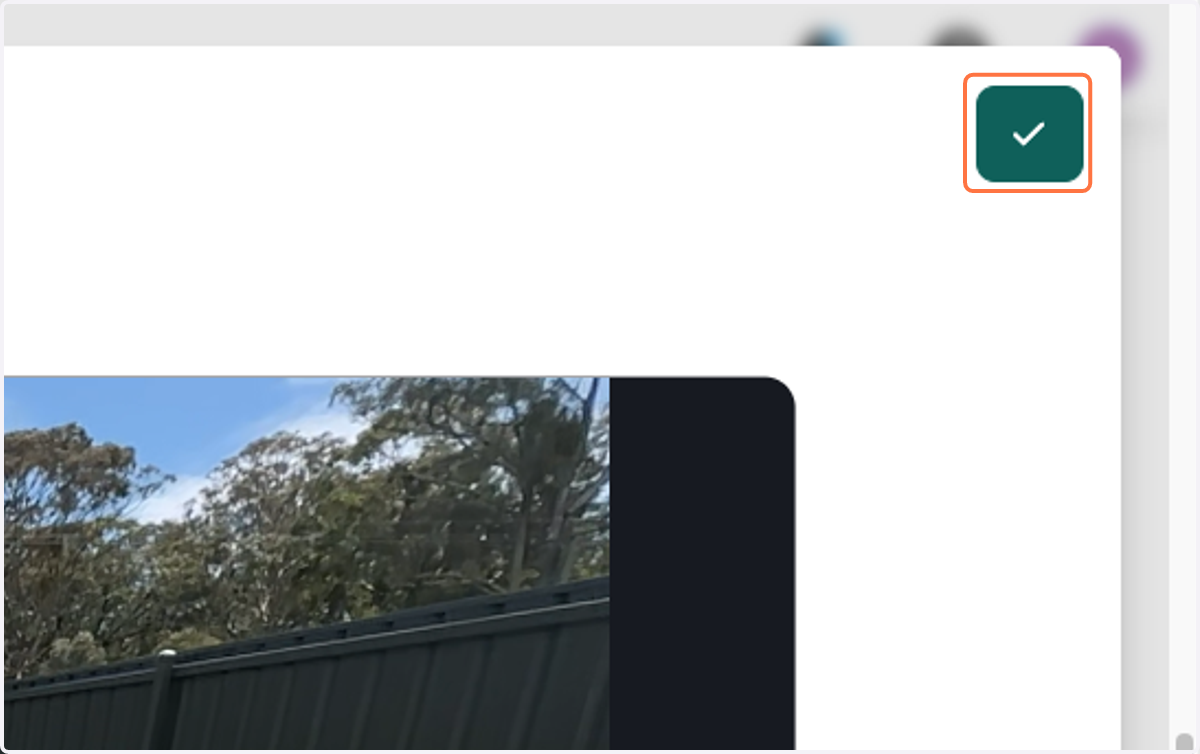
10. If you're happy with the changes, click the green tick to save...
11. ...and the "x" to close your editing menu.
12. That’s it! Your attachment is now adjusted to best fit your Story.