Adding Additional inputs to Tools
Adding Additional inputs to Tools
Bubble
Go to bubble.io
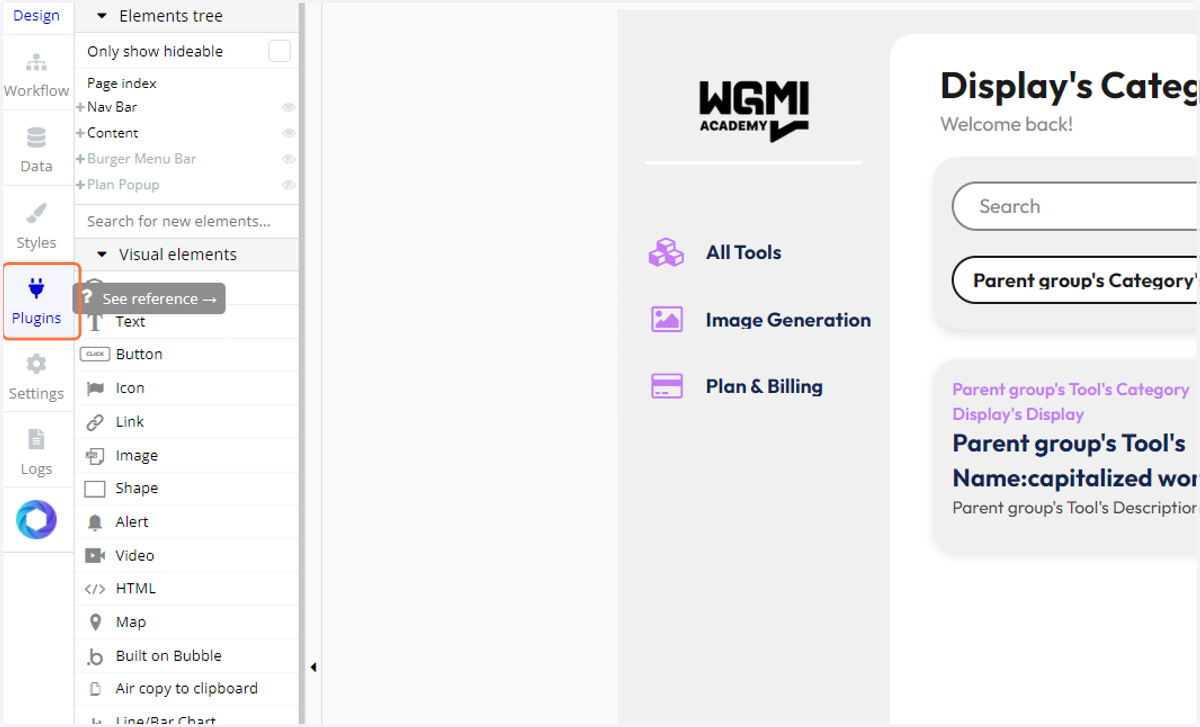
1. Click on Plugins
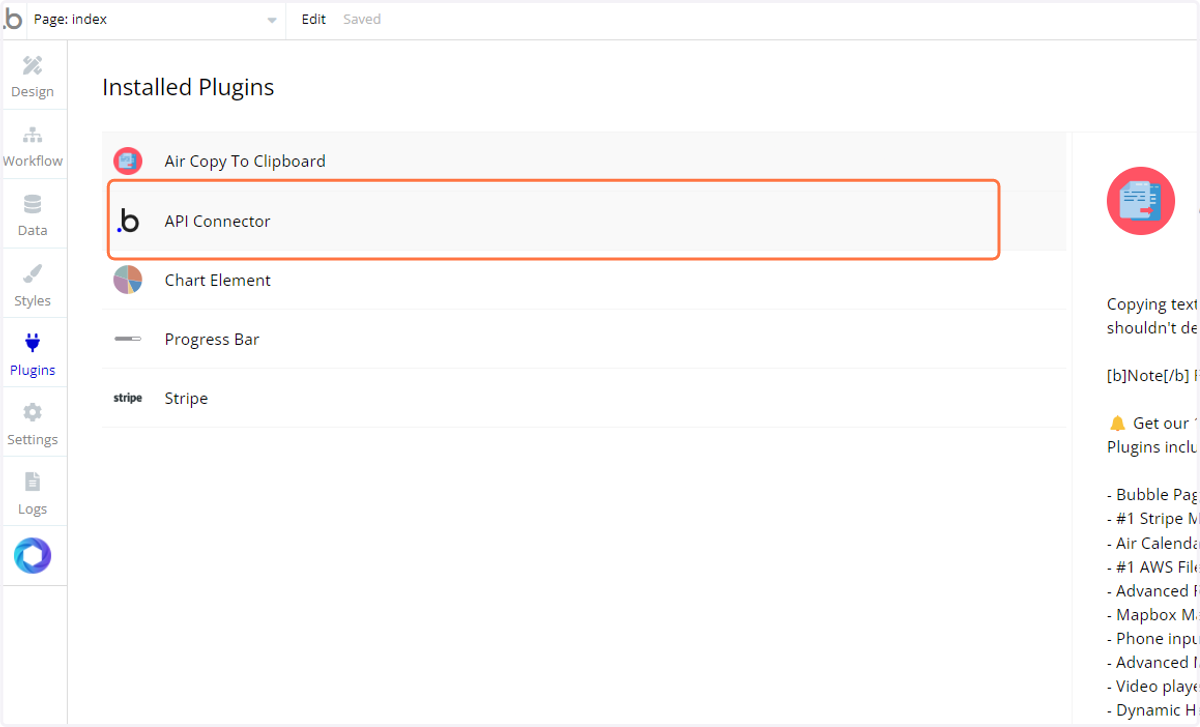
2. Click on API Connector
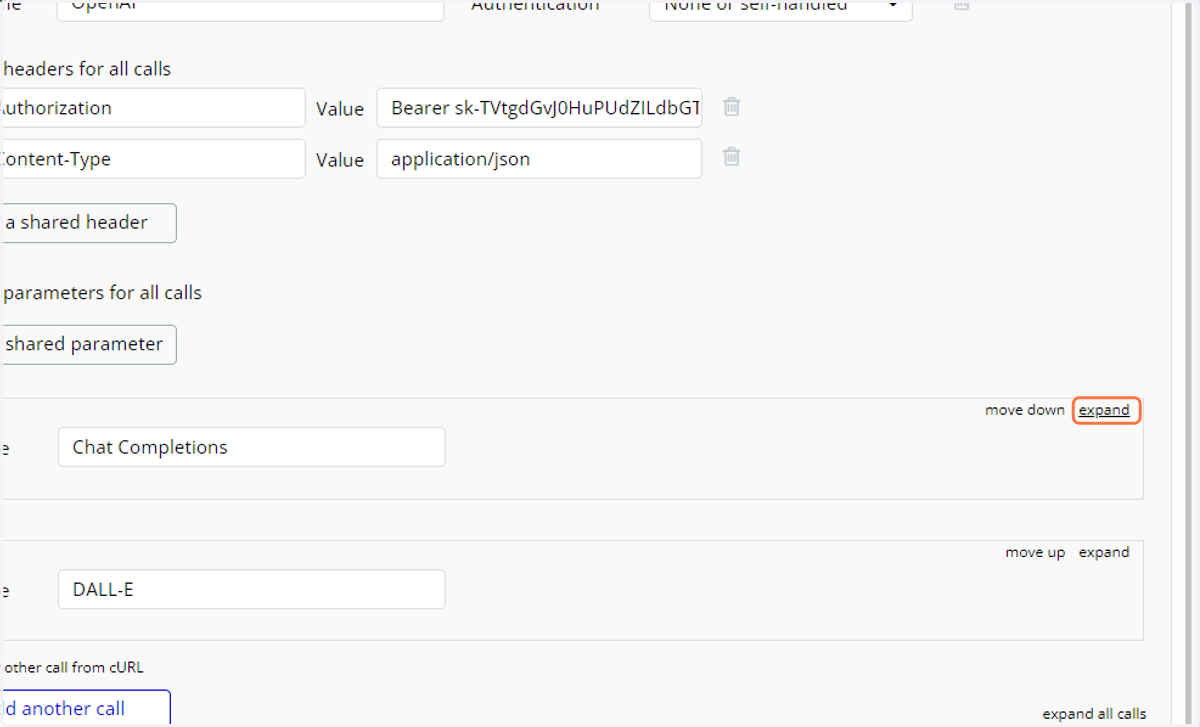
3. Click on expand
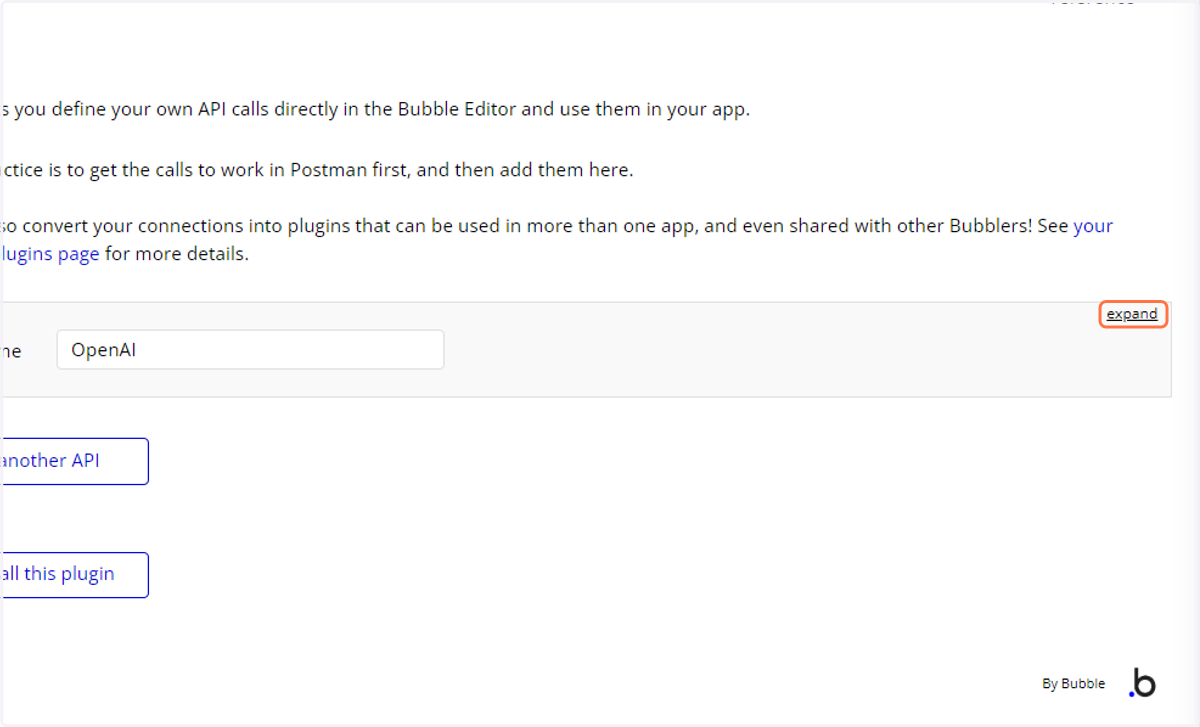
4. Click on expand
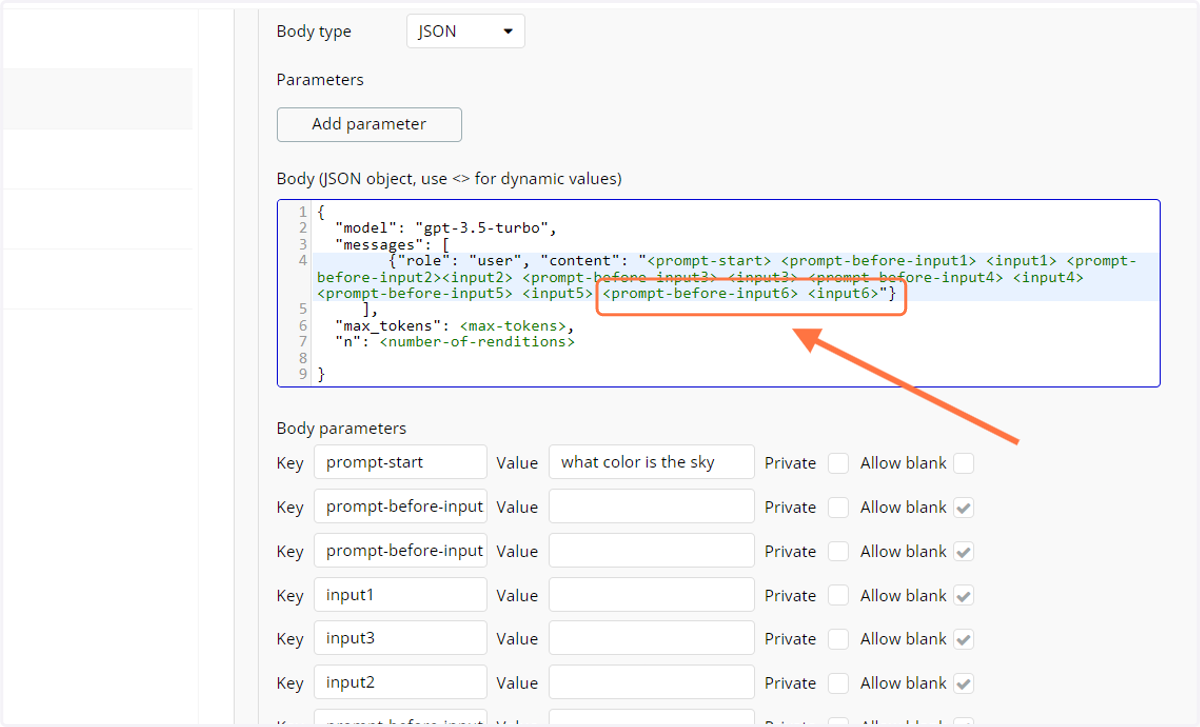
5. Add 2 more input params to the body
<prompt-before-input6> <input6>
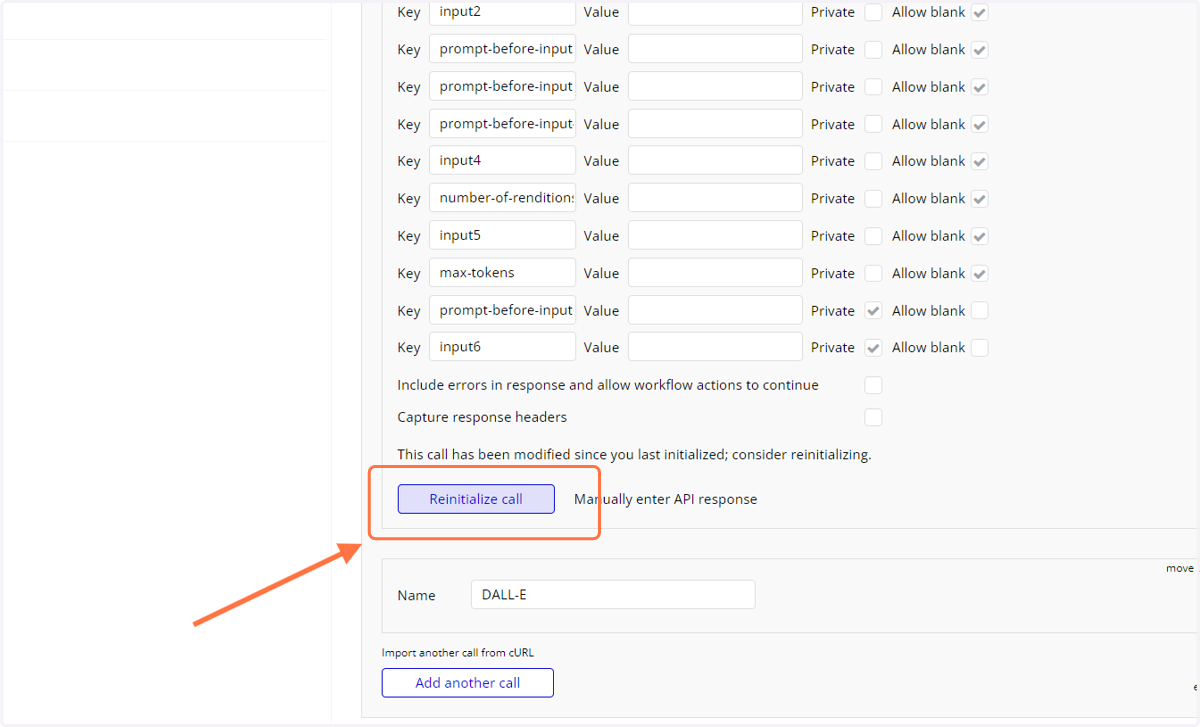
6. Click on Reinitialize call & save the response just to make sure it got added
7. Adding the parameters in the tool Data Type
Click on Data navbar
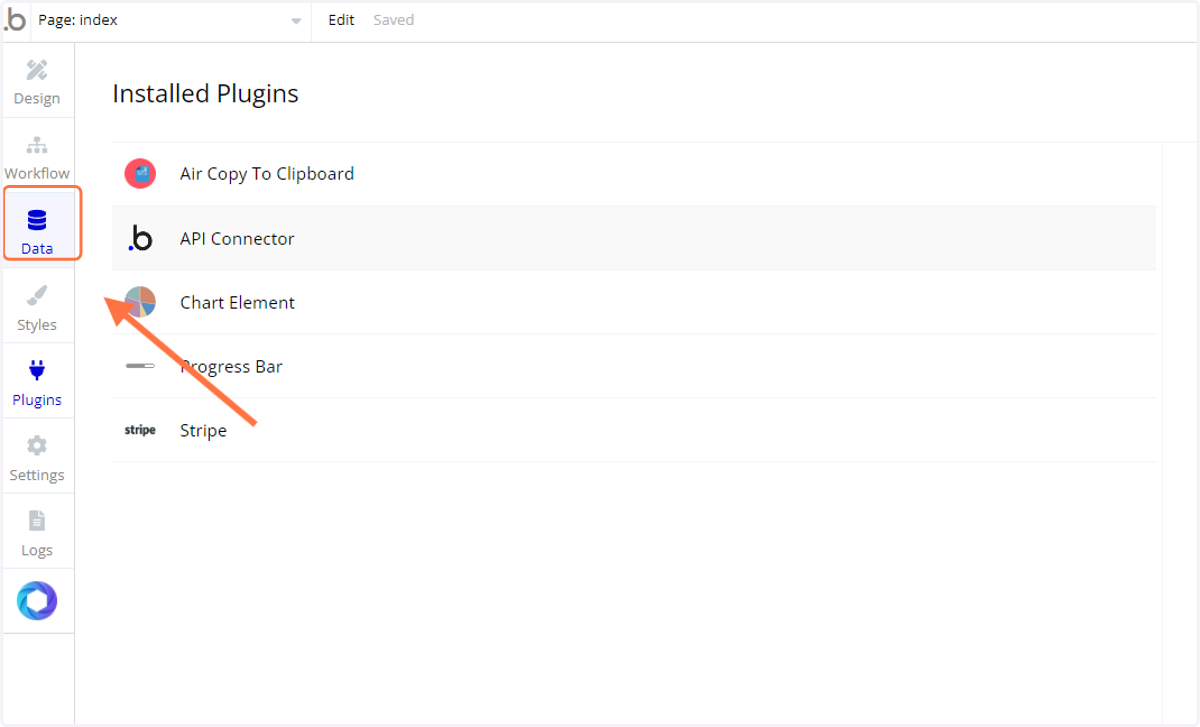
8. Click on Data types
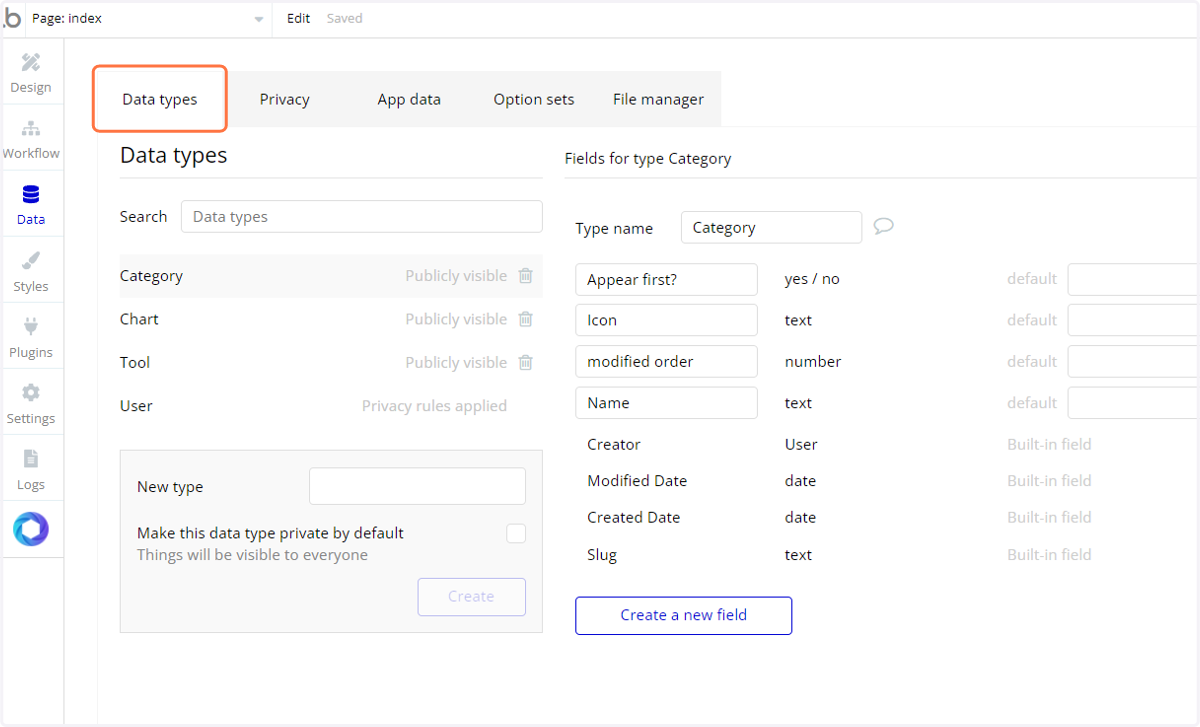
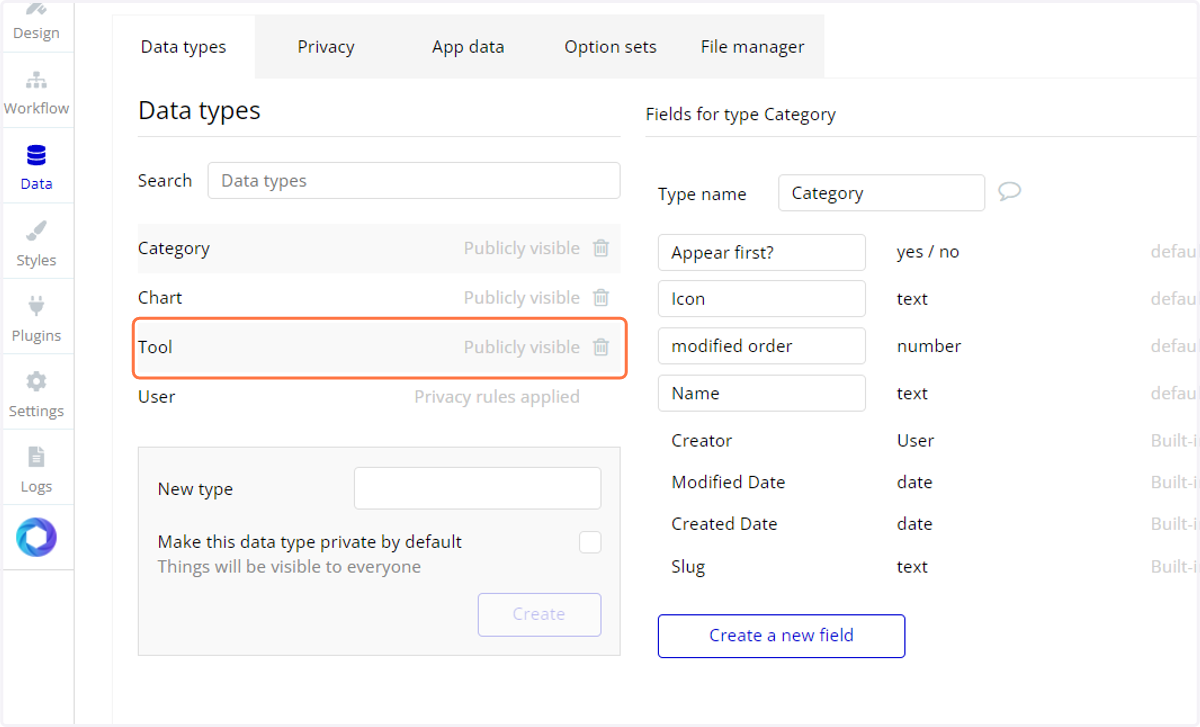
9. Click on Tool
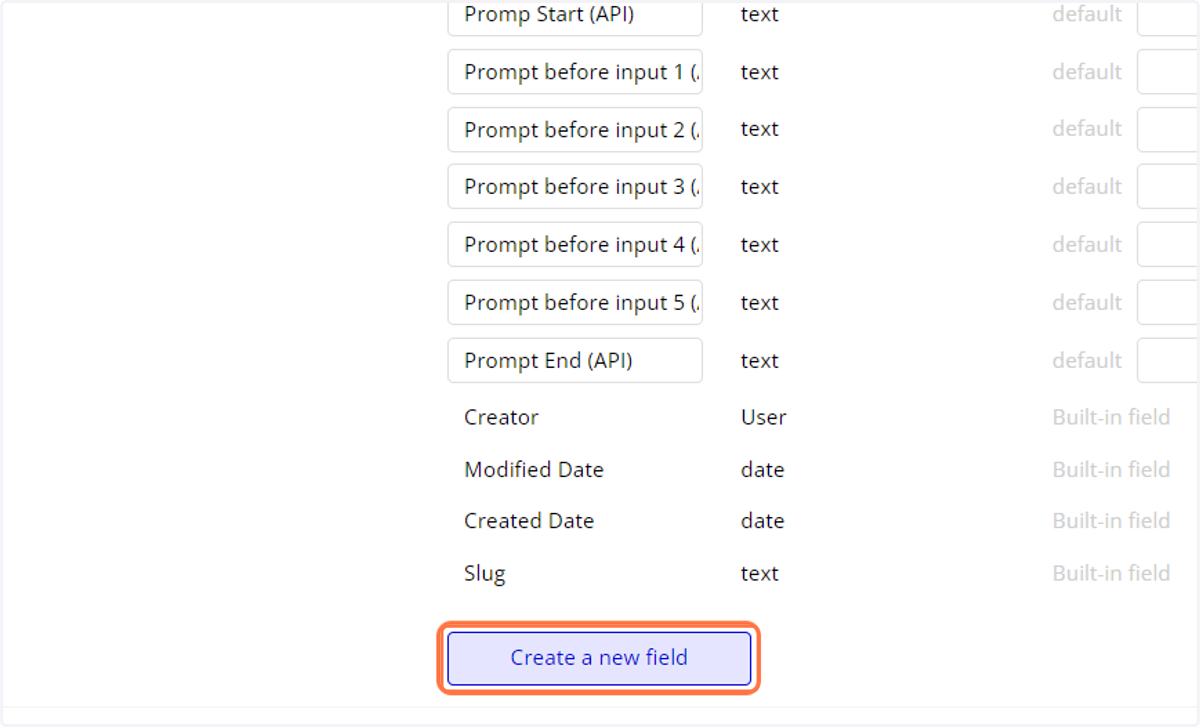
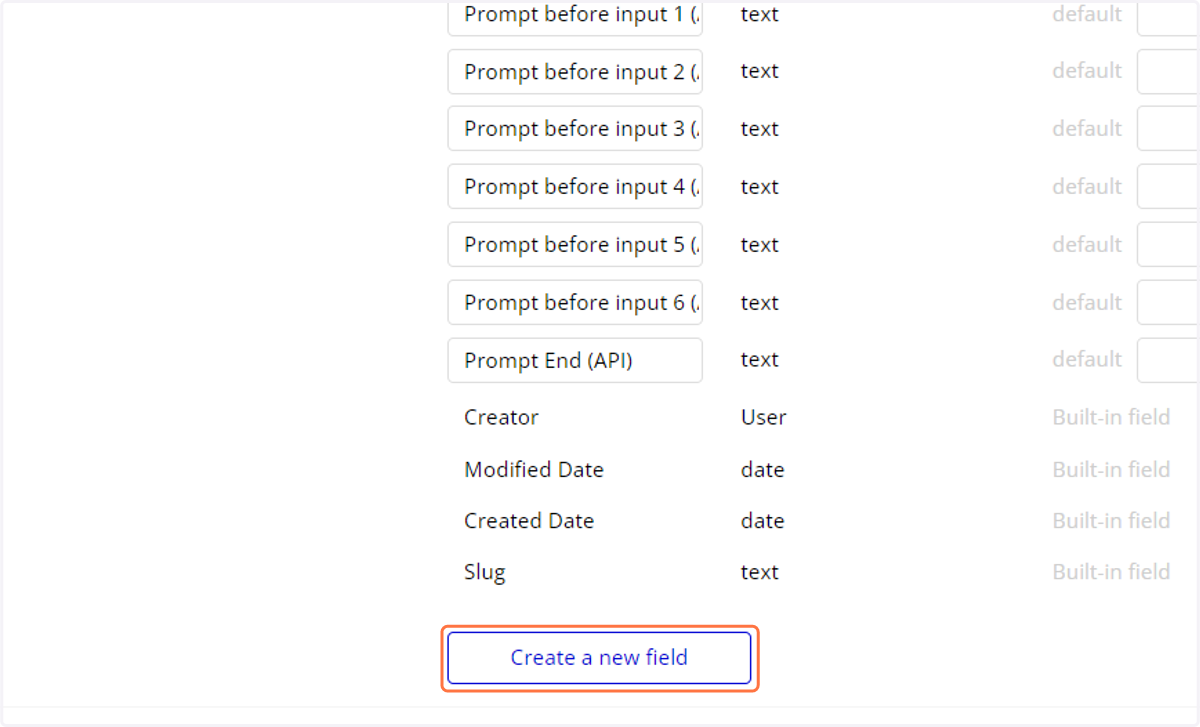
10. Click on Create a new field to add a datafield
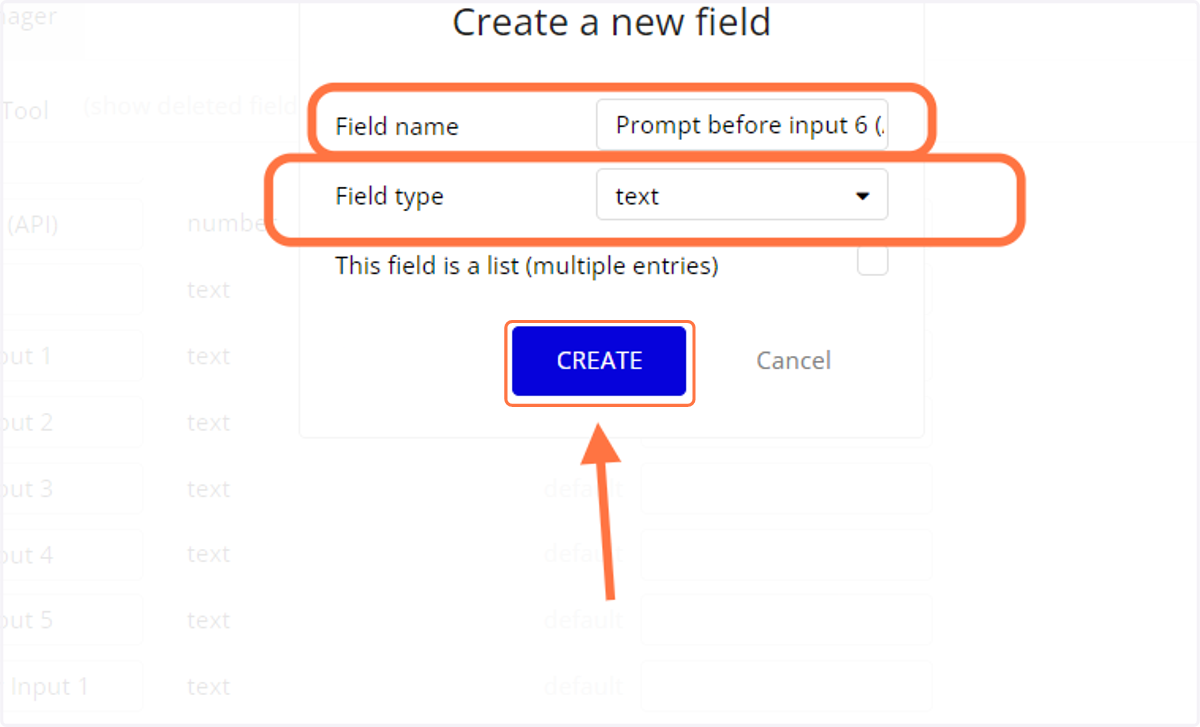
11. Add "Prompt before input 6 (API)", Field type "text"
following same convention
12. Click on Create a new field to add data field
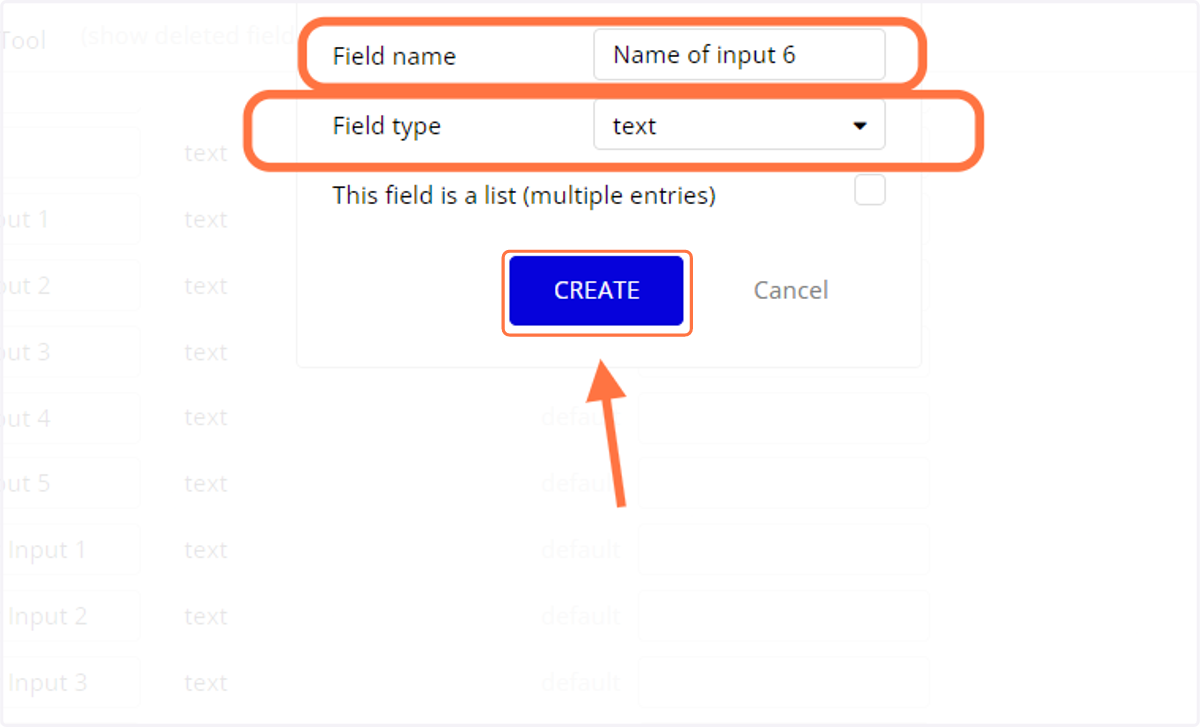
13. Add "Name of input 6", type: text