Create a Recording in Magento Admin
Create a Recording in Magento Admin
In this step, you will create a recording in Magento Admin which can be used to create optimization later.
1. Click on SYSTEM
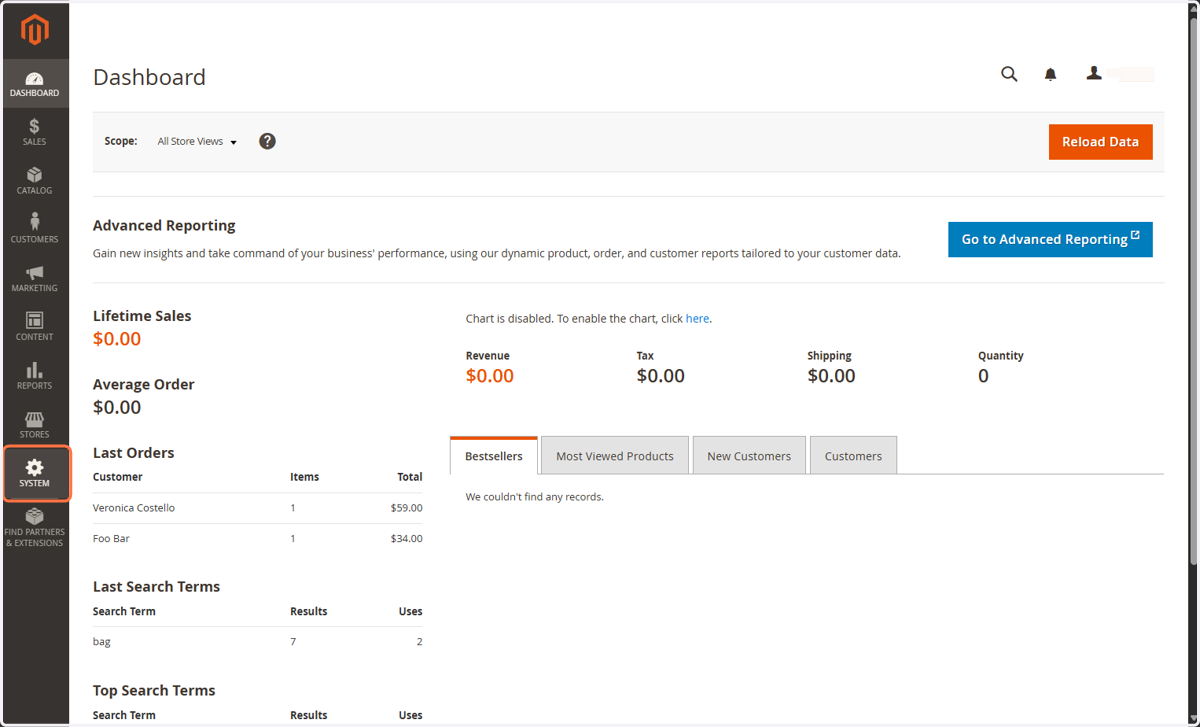
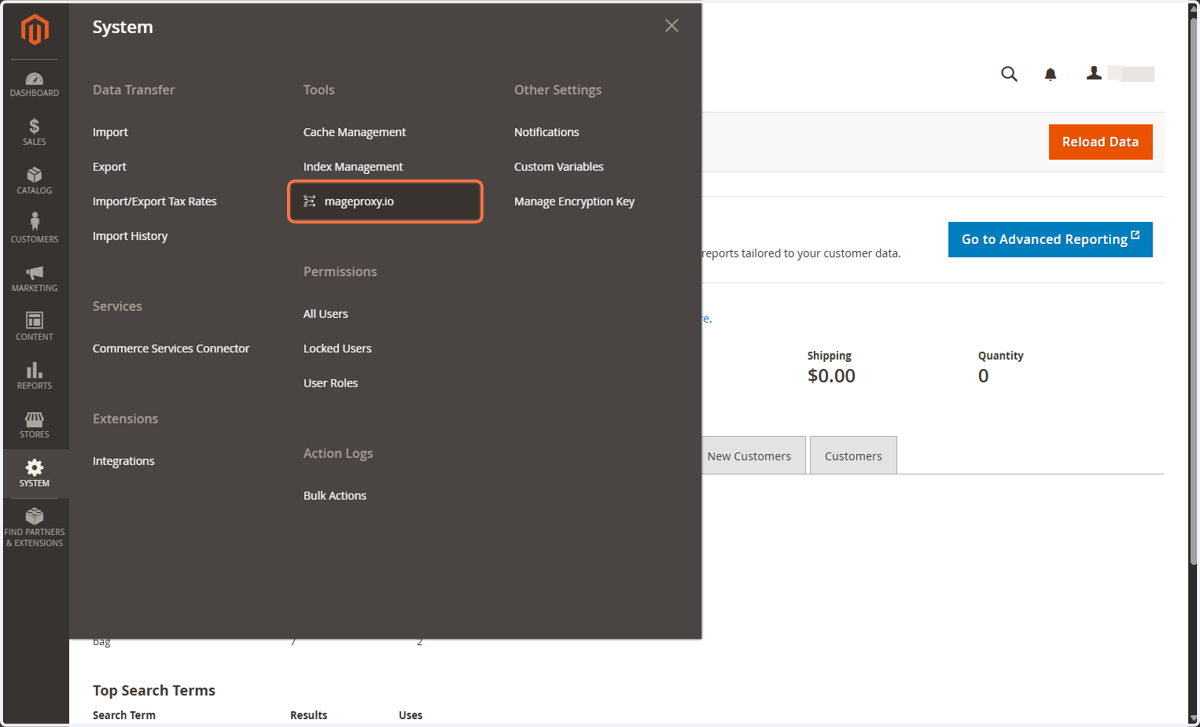
2. Click on mageproxy.io
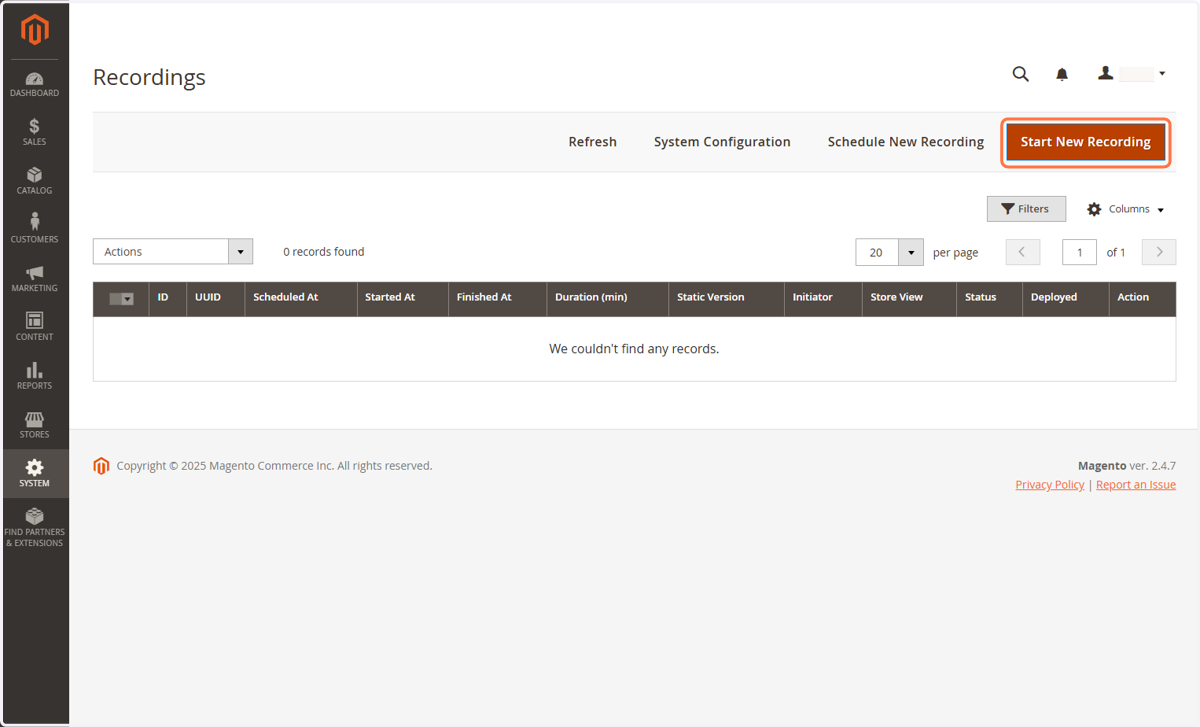
3. Click on Start New Recording
4. You can choose how long your want your recording to run
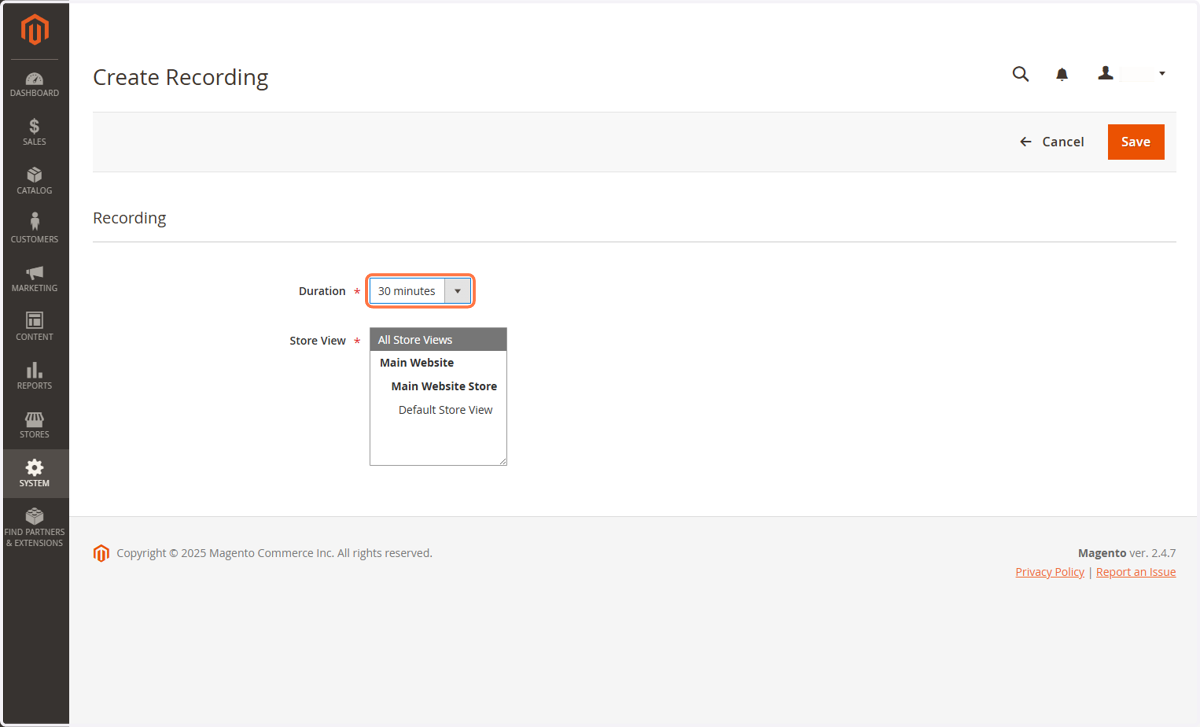
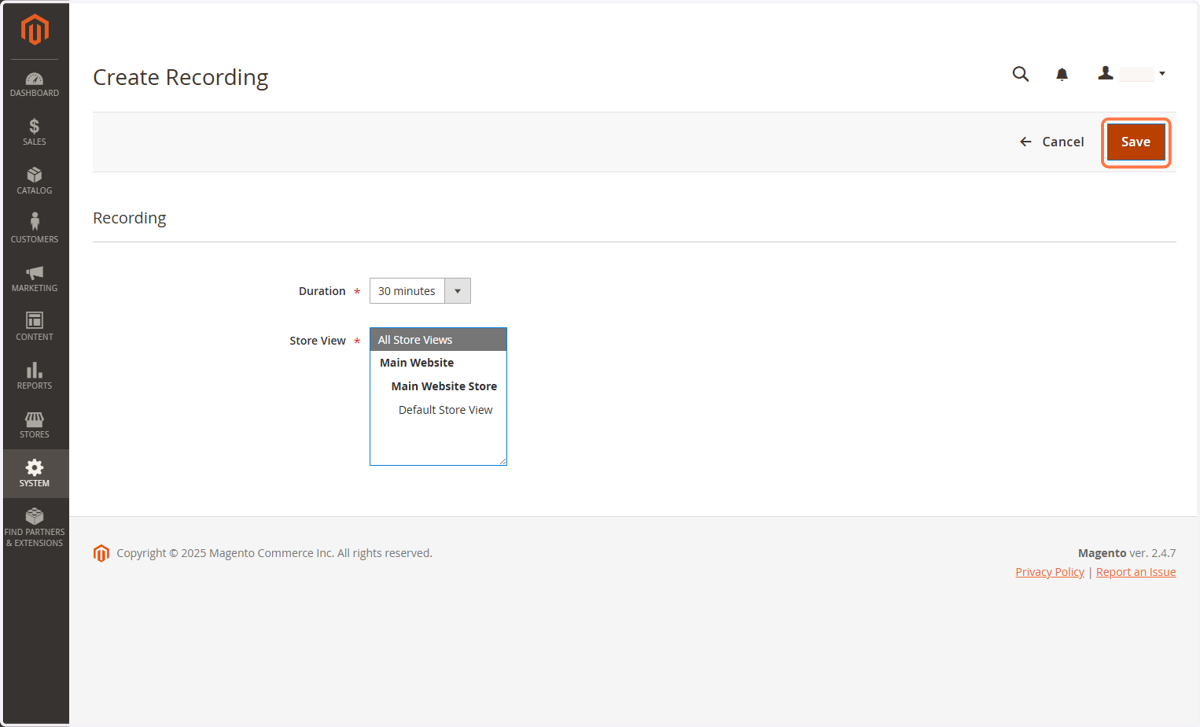
5. Click on Save
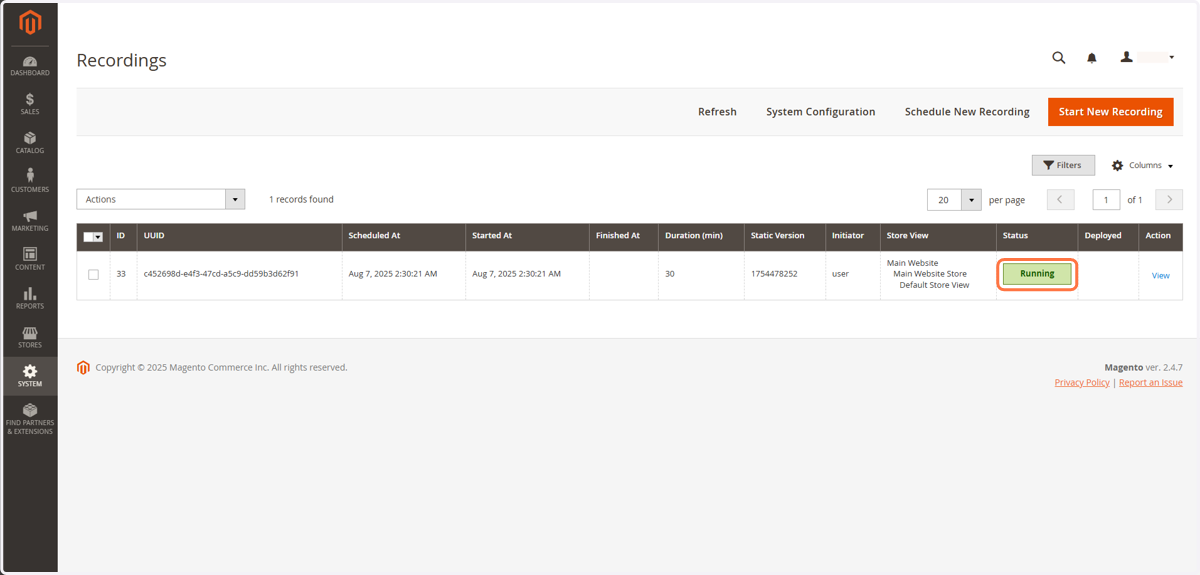
6. Your recording is started automatically
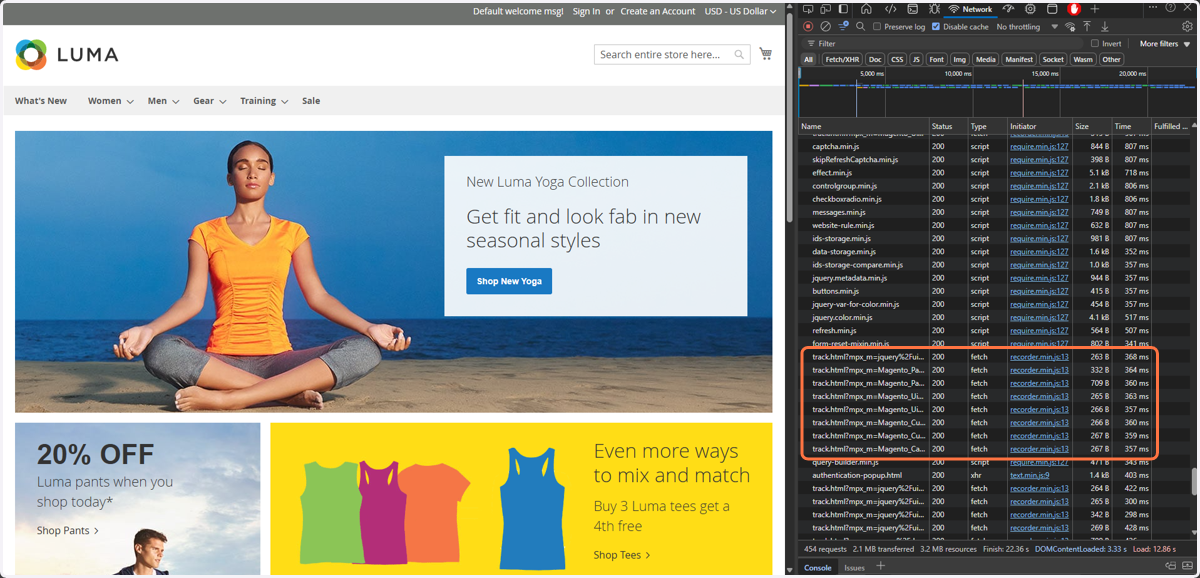
7. Visiting website while recording is running
(Optional) If you want to see if the extension is actually working; you can open Developer Tools with [CTRL] + [SHIFT] + [I] shortcut. In the Network tab, you should see that the recorder is tracking your JavaScript dependencies.
8. Click on View
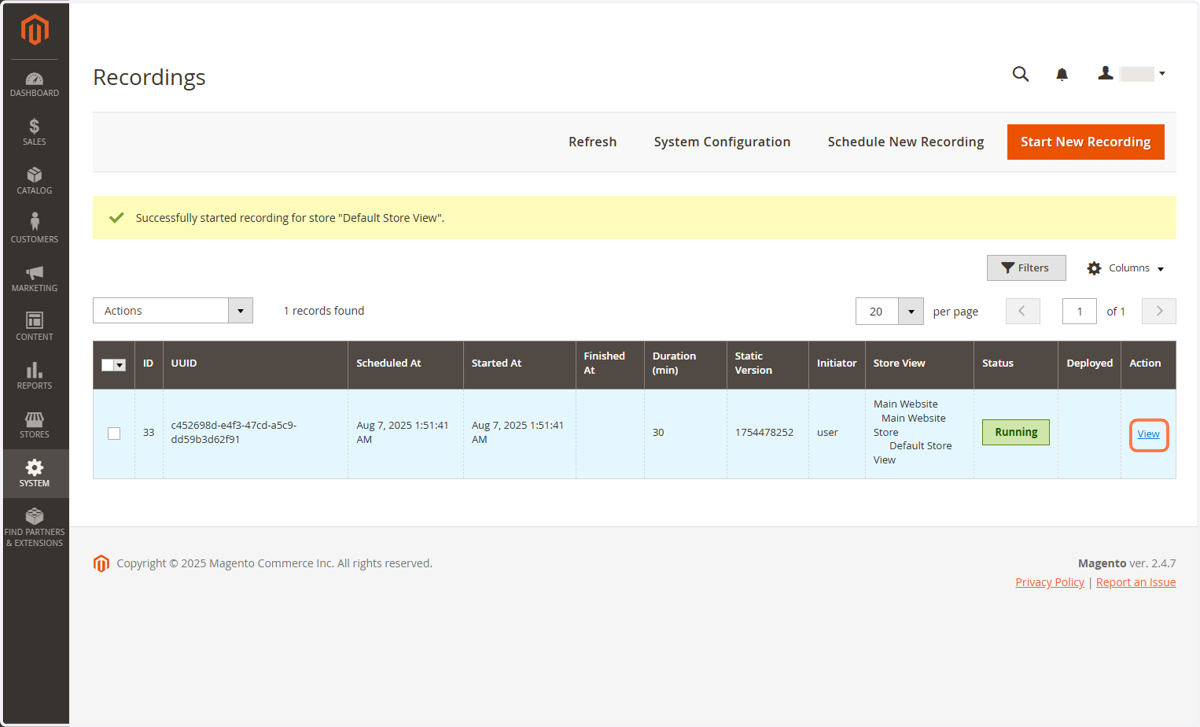
9. Recording will stop automatically after the duration has passed
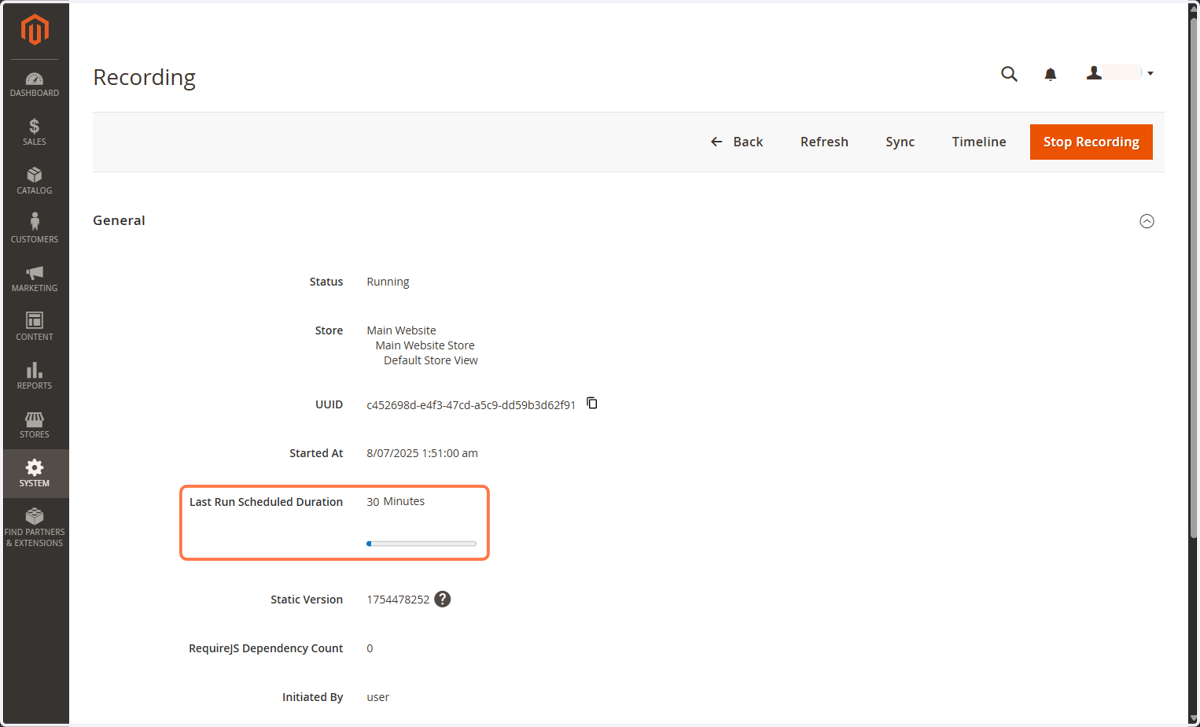
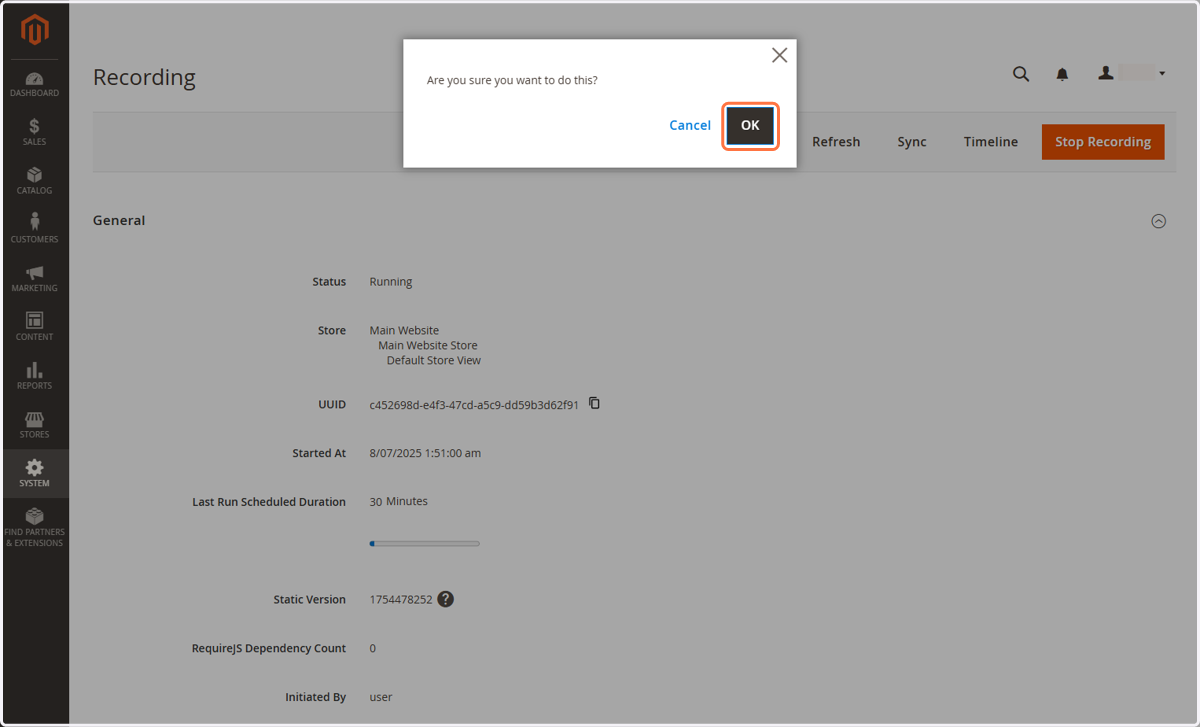
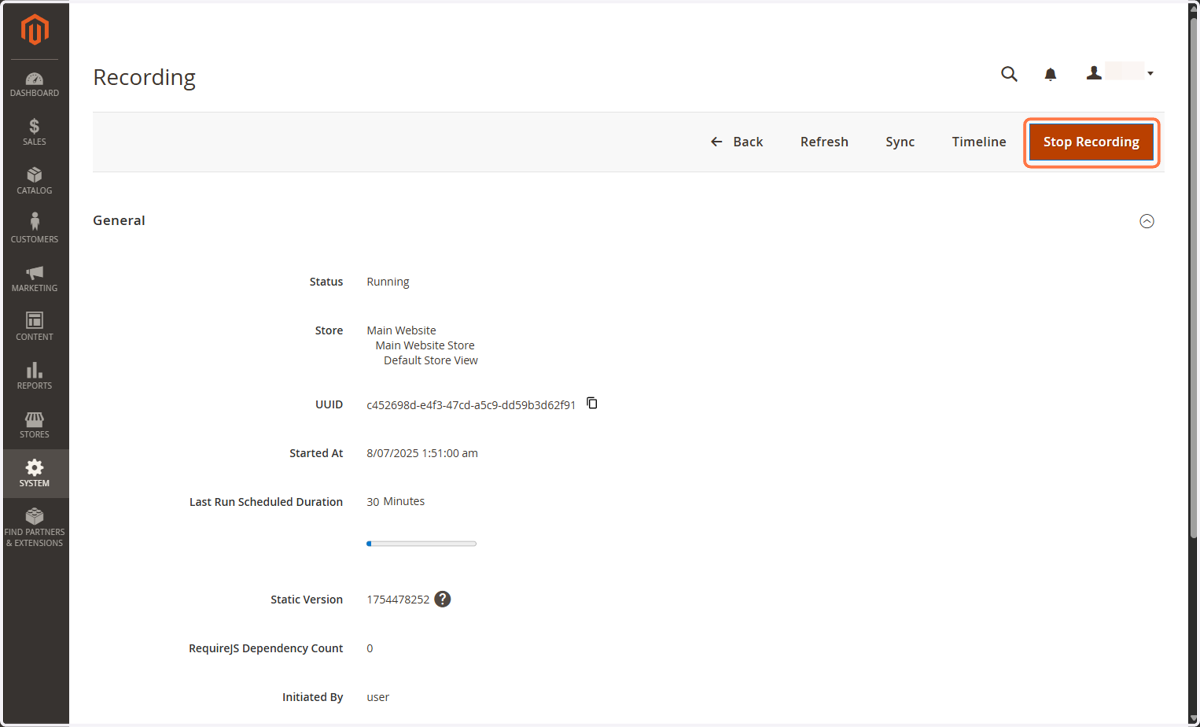
10. To stop recording manually, Click on Stop Recording
The recording will stop immediately.
11. Click on OK
To confirm that you want to stop the recording