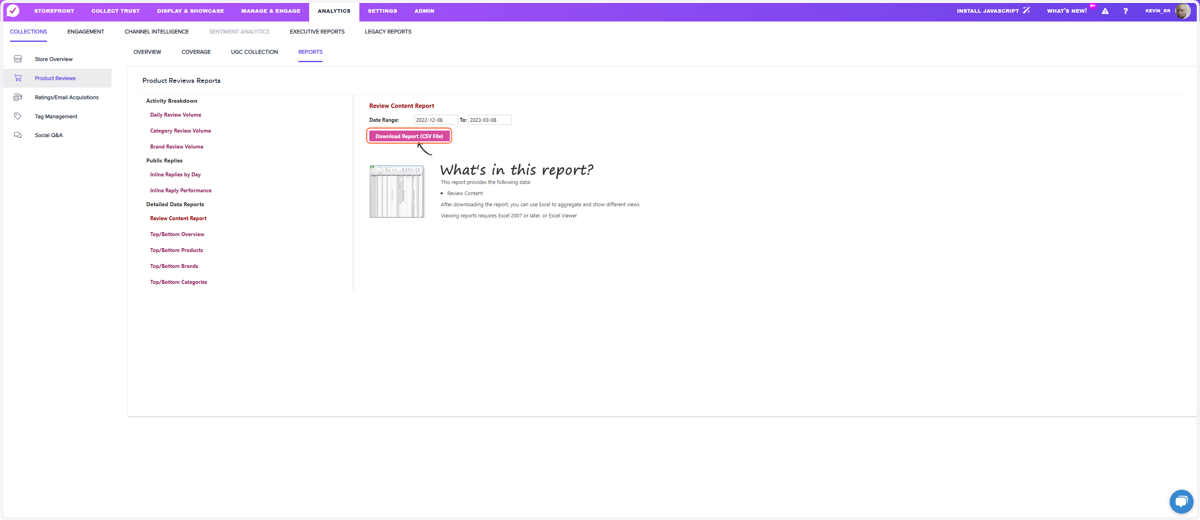
Exporting Review Content - Product Reviews
1. Login to your ResellerRatings Dashboard
Resellerratings
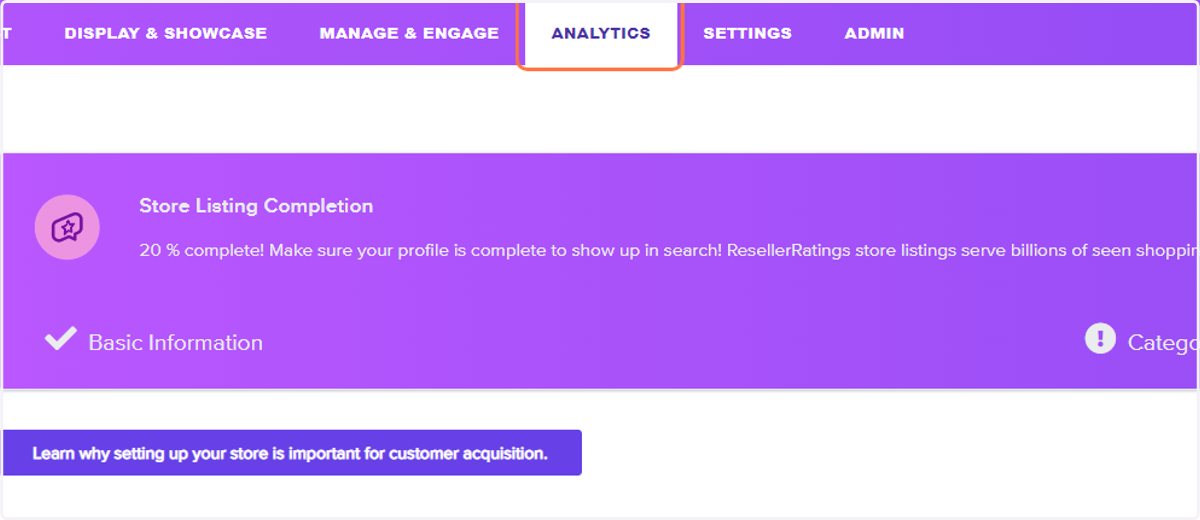
2. Click on Analytics
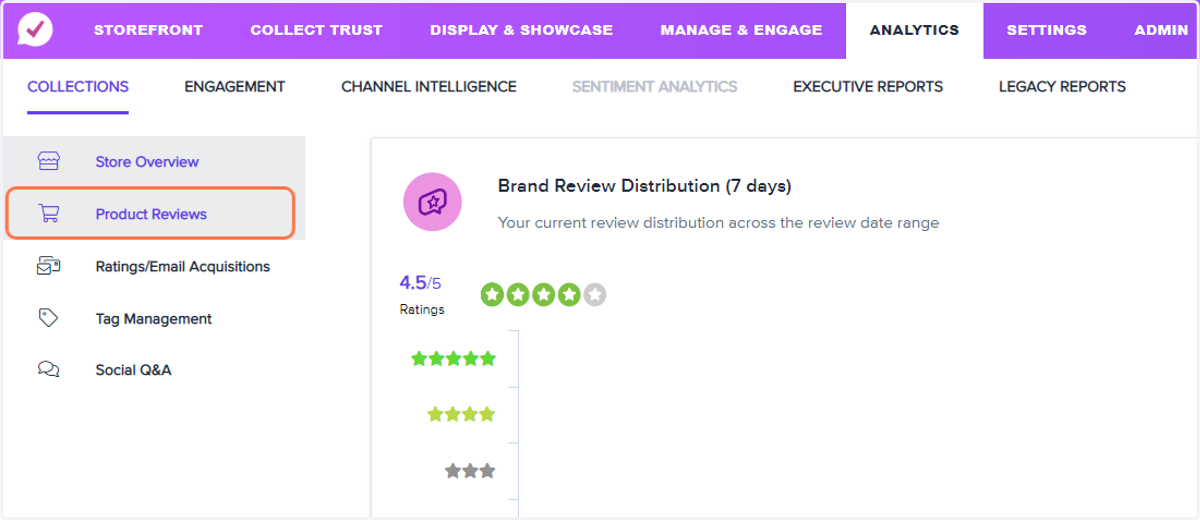
3. Click on Product Reviews
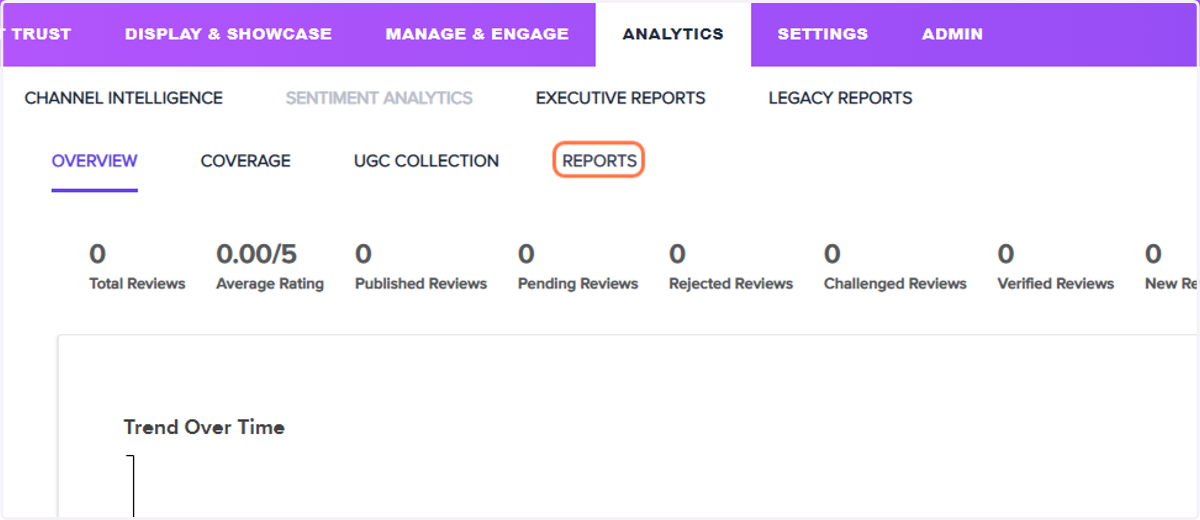
4. Click on REPORTS
5. Click on Review Content Report
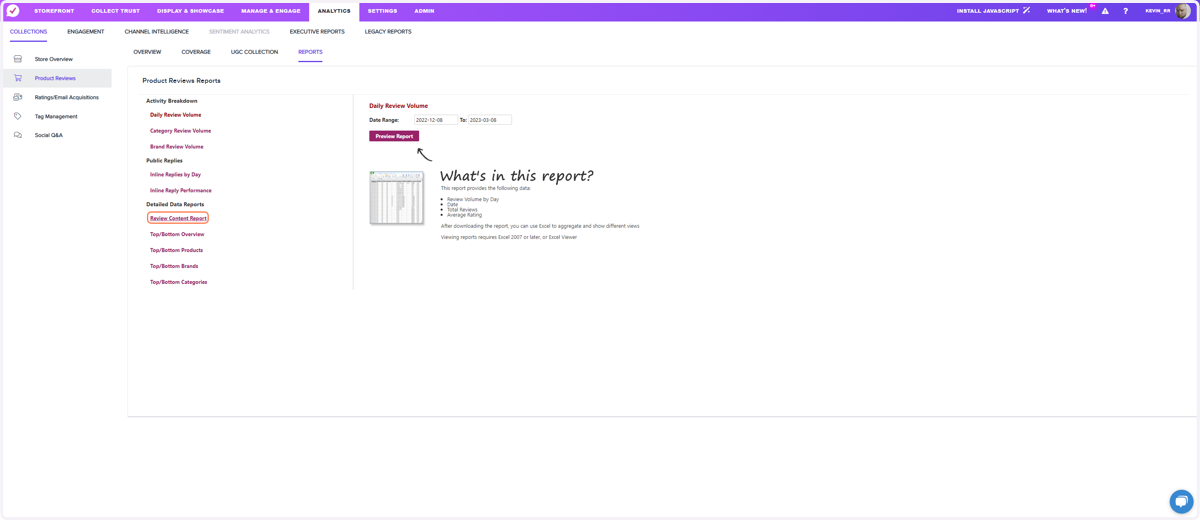
6. Select the date range of the reviews you wish to export, larger files will take time to export. Please do not leave the page.
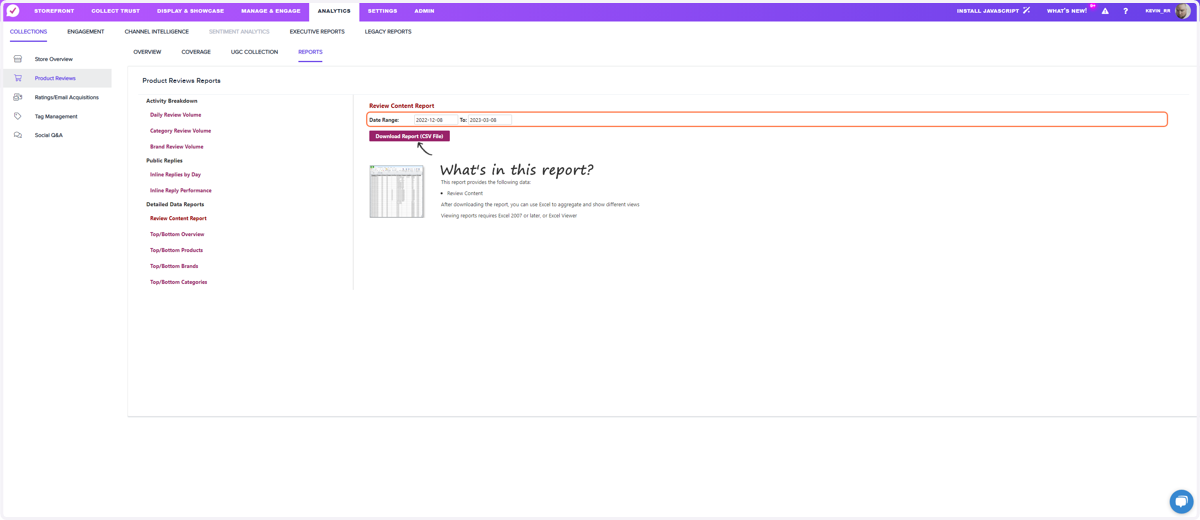
7. Click on Download Report (CSV File)