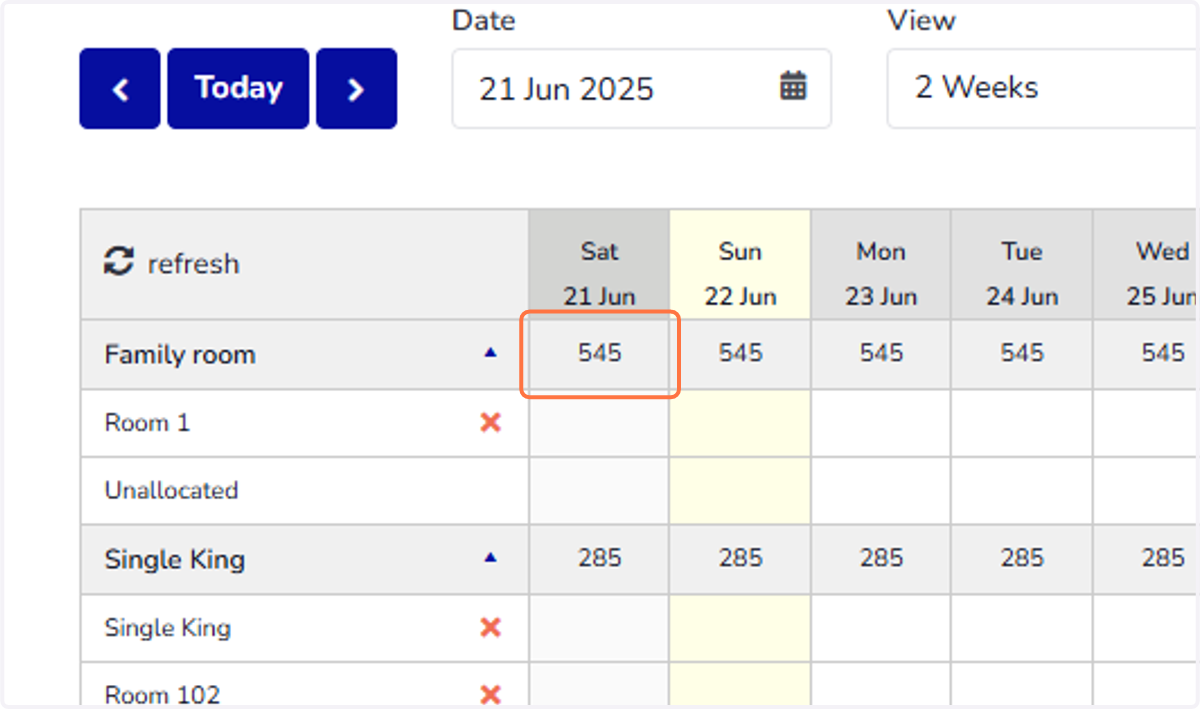
How to display rates on Calendar
Calendar | Hotel Link
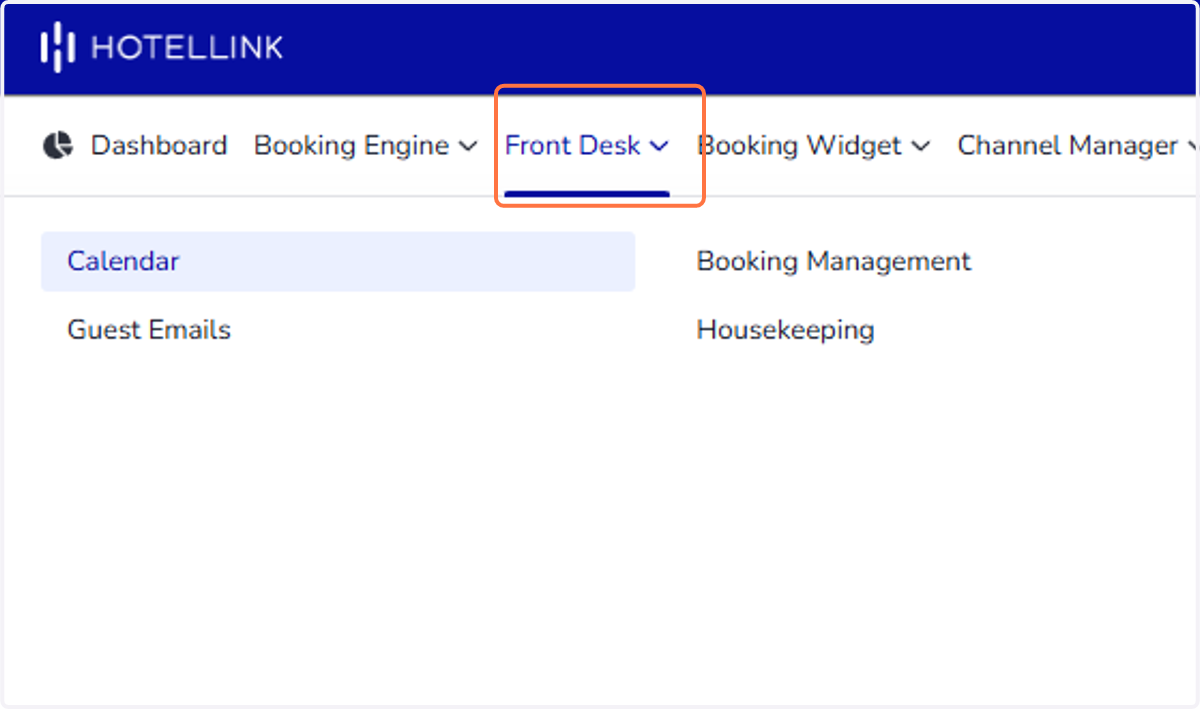
1. Click on Front Desk
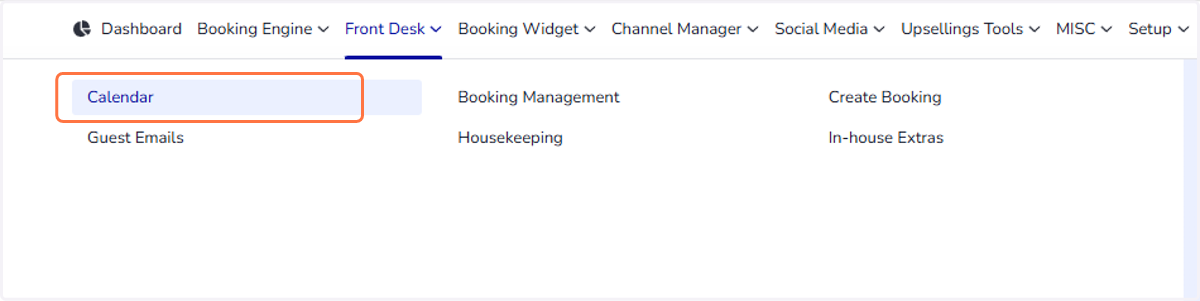
2. Select Calendar
3. Click on Actions
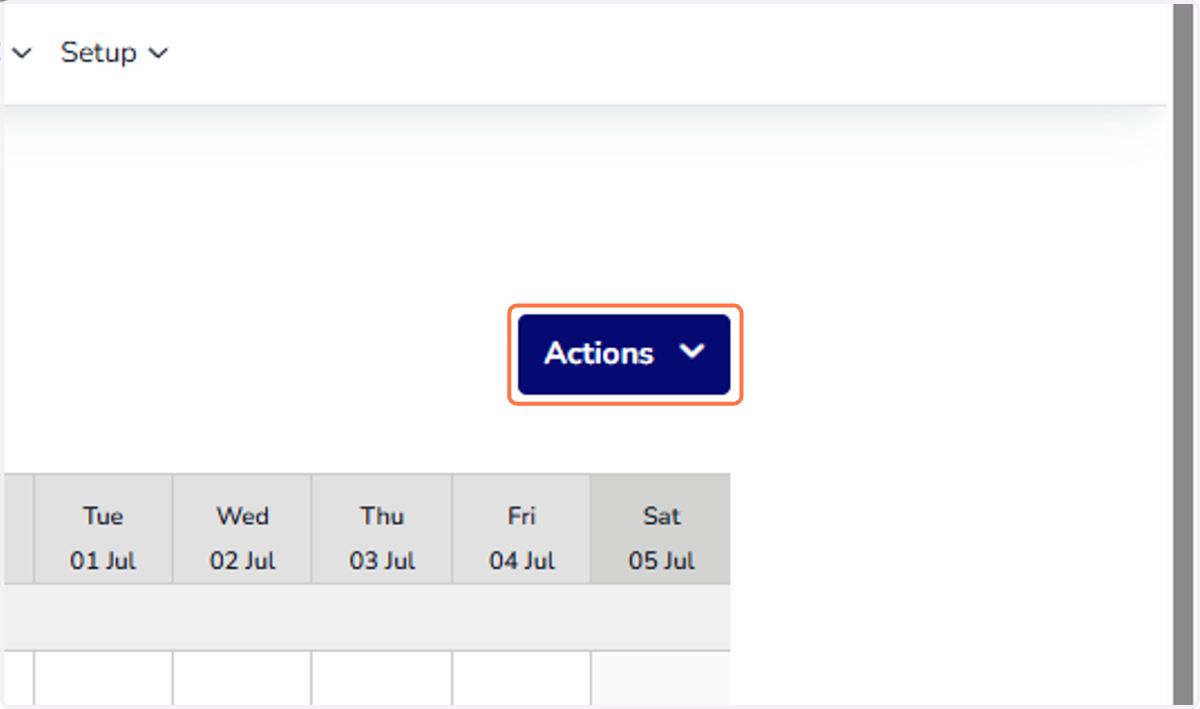
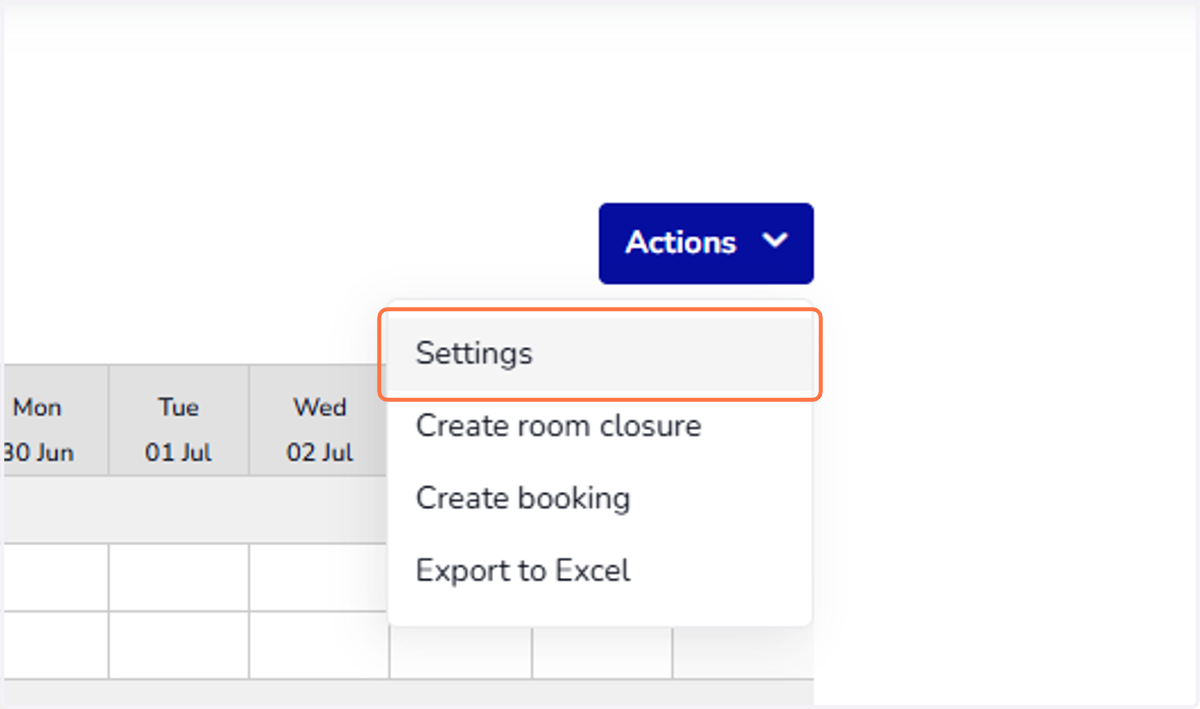
4. Select 'Settings' option
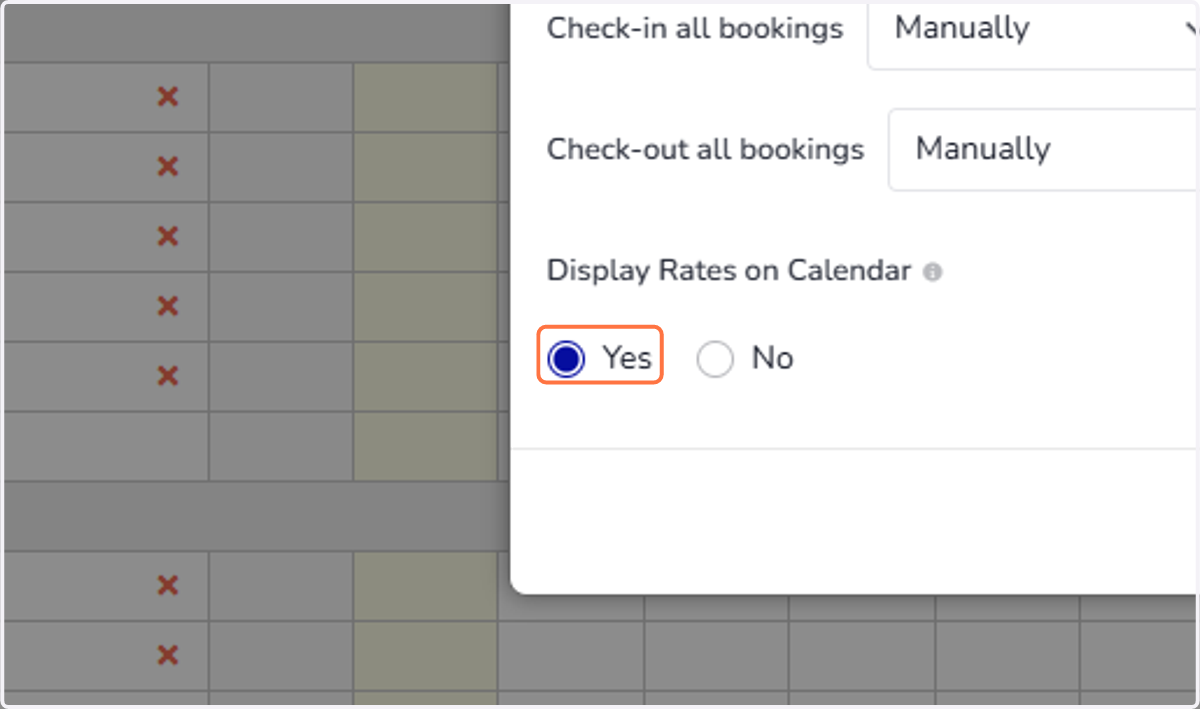
5. In 'Display Rates on Calendar' option, select 'Yes' to display the room rates alongside the dates in your calendar.
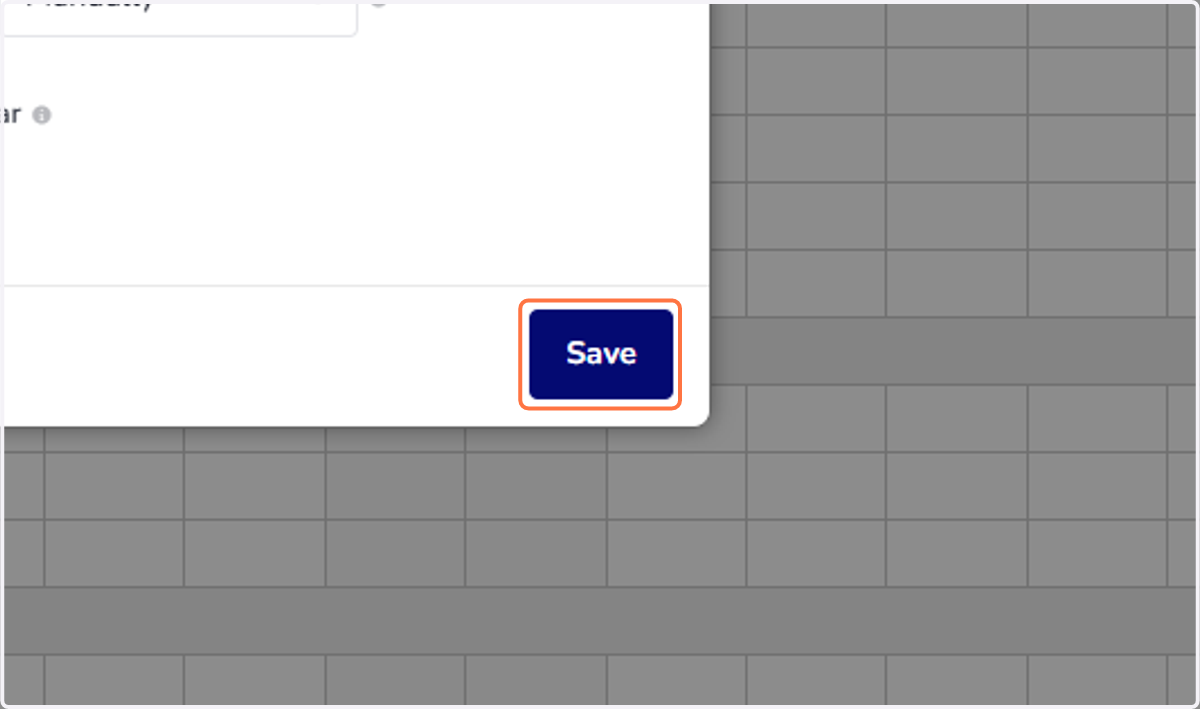
6. Click 'Save'
7. The room rates now appear on the Calendar