How to Enroll a New Client
18.217.20.54
1. How to Enroll a New Client for Transportation and Pharmacy Coverage
This tutorial starts from your Compliant Clients Home Page
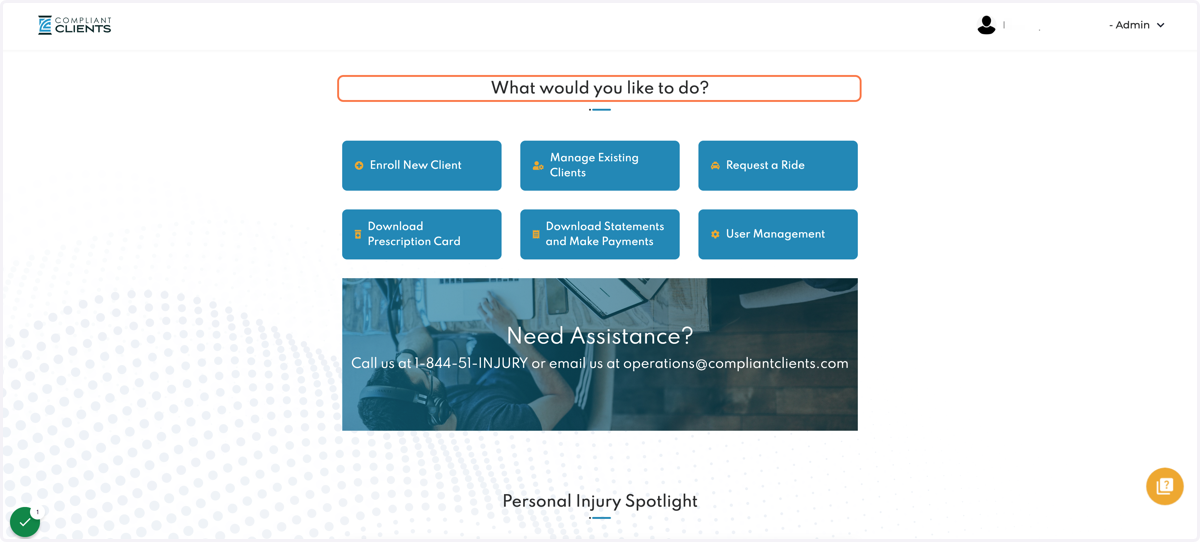
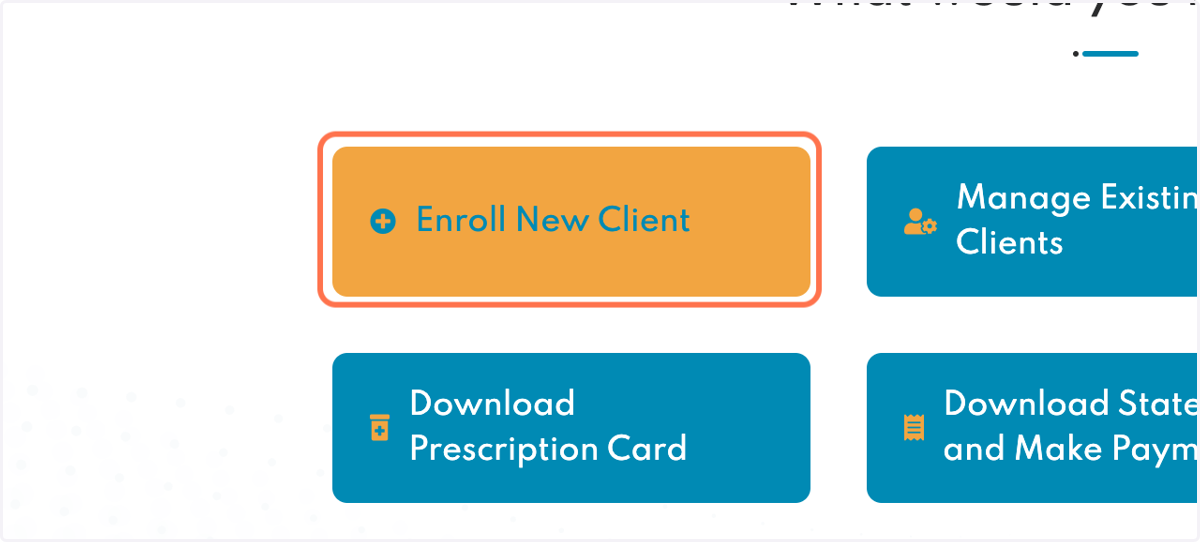
2. Click on Enroll New Client
3. Step 1: Client Details
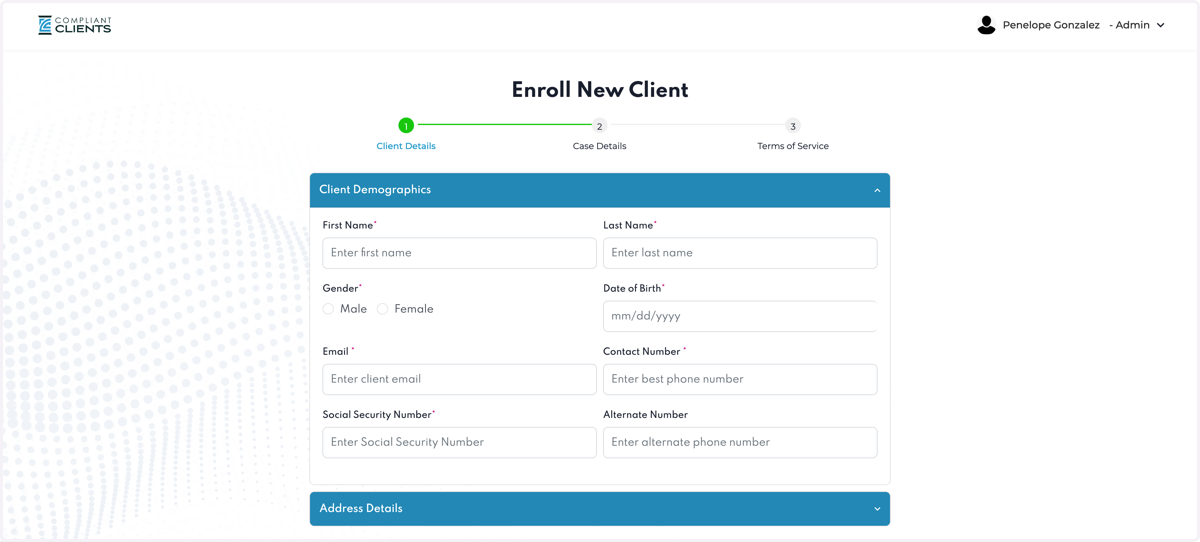
4. Step 1: Client Details - Enter Client Details
Fill out your client's demographics first
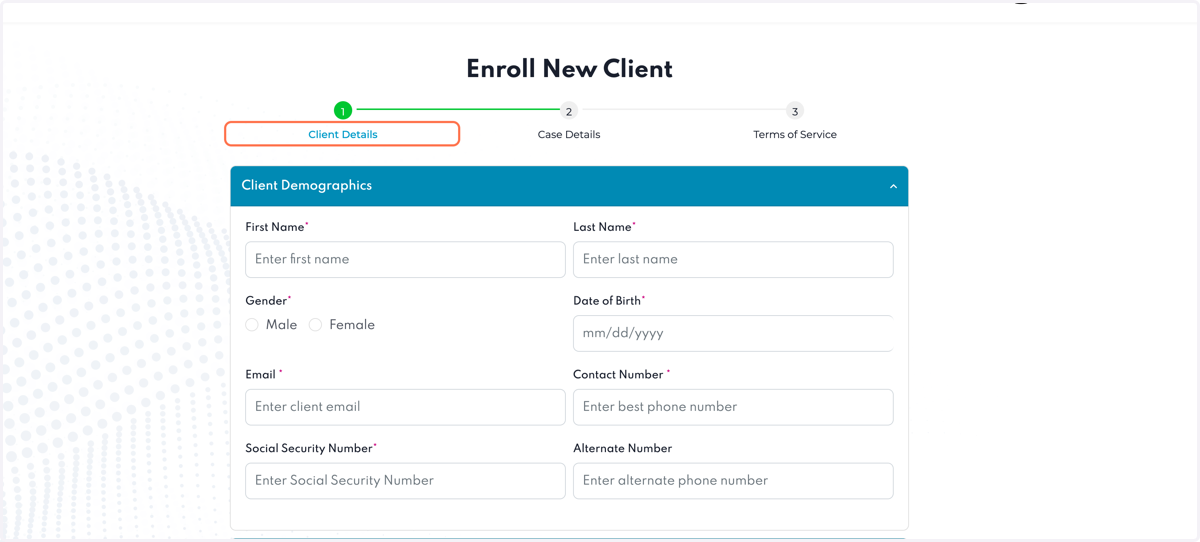
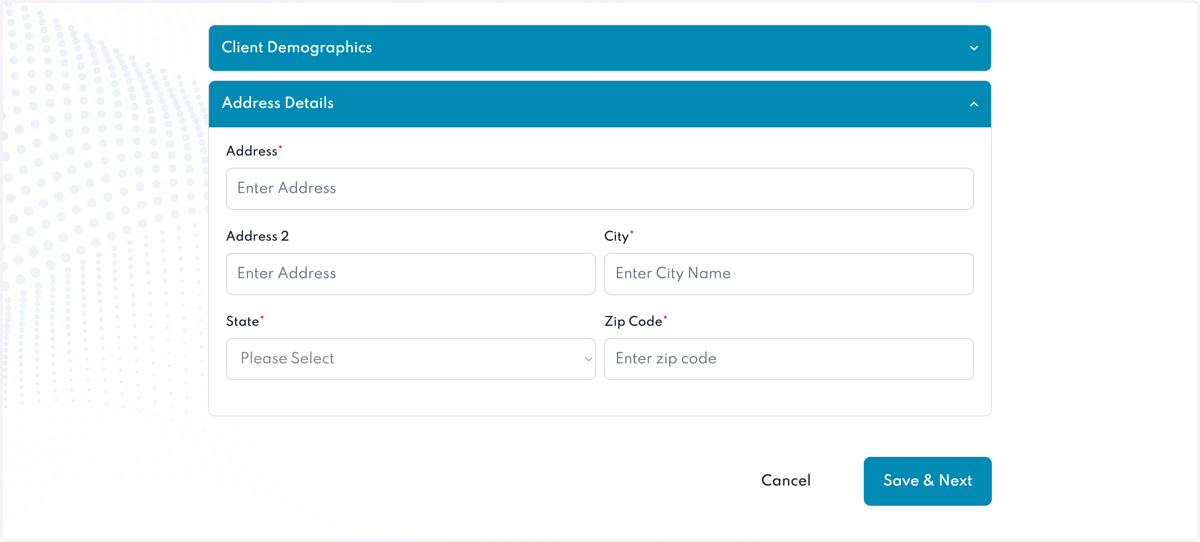
5. Step 1: Client Details - Fill out Address Details next
This is where you enter your client's home address
18.217.20.54
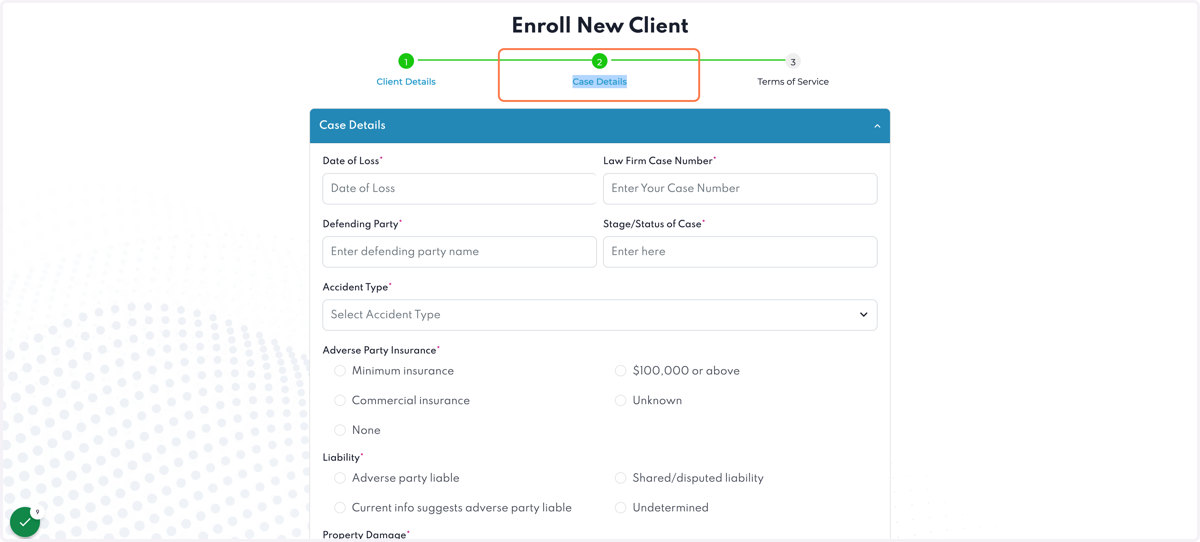
6. Step 2: Case Details
Tell us about your client's injury
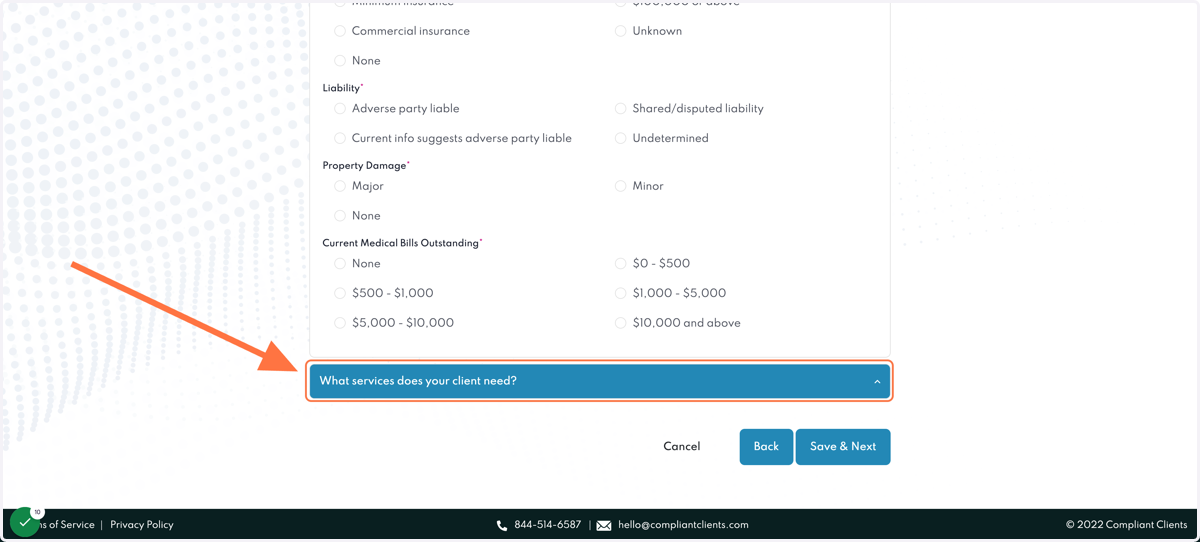
7. Step 2: Choose what services your client needs
Do they need transportation, pharmacy or both?
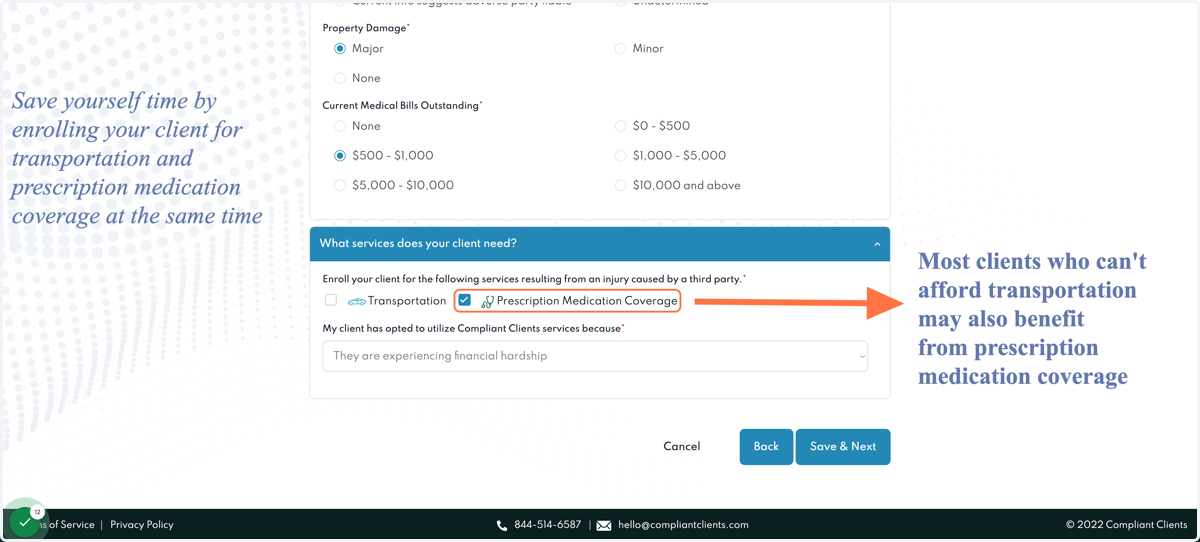
8. Step 2: Select what services your client needs
Pro-Tip: Ask your clients if they need transportation or pharmacy coverage during case intake. This way, you can help prevent gaps in treatment by identifying them early on!
18.217.20.54
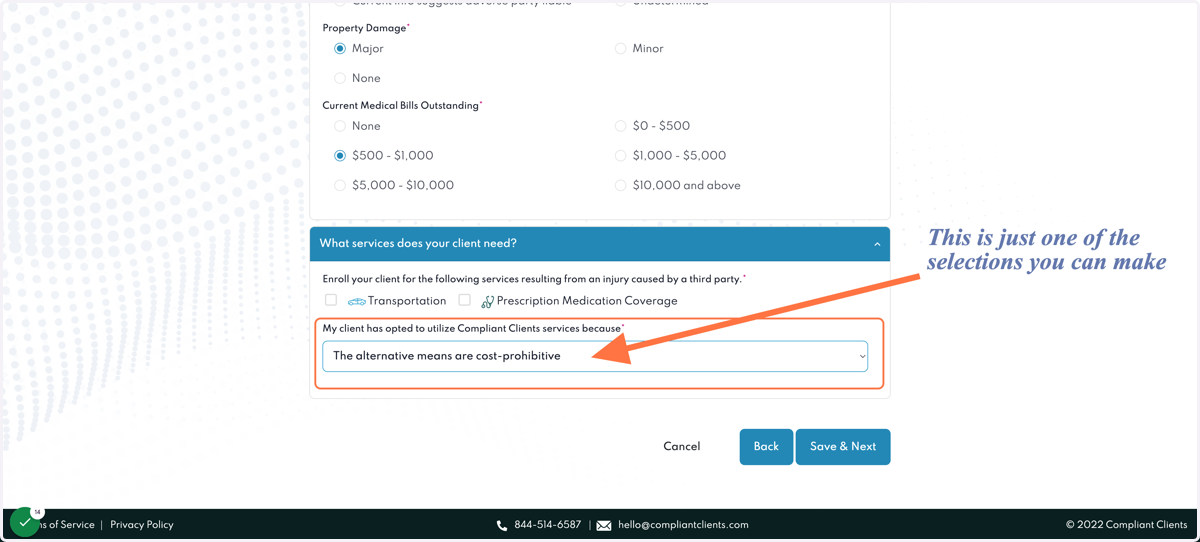
9. Step 2: Select why your client has opted to use Compliant Clients
There is a drop-down where you can choose the best answer.
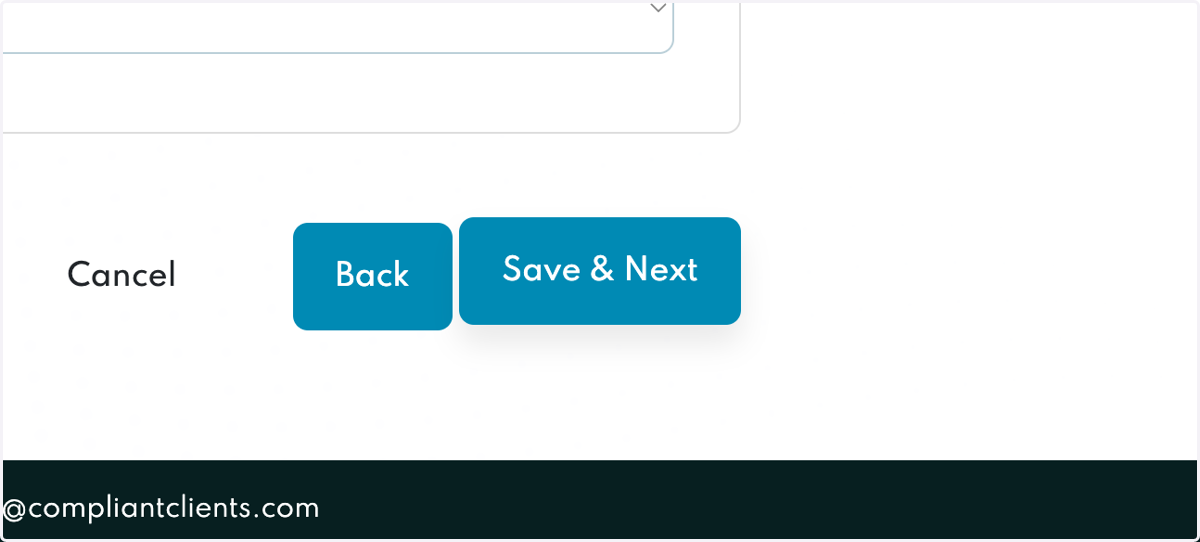
10. Step 2: Click on Save & Next
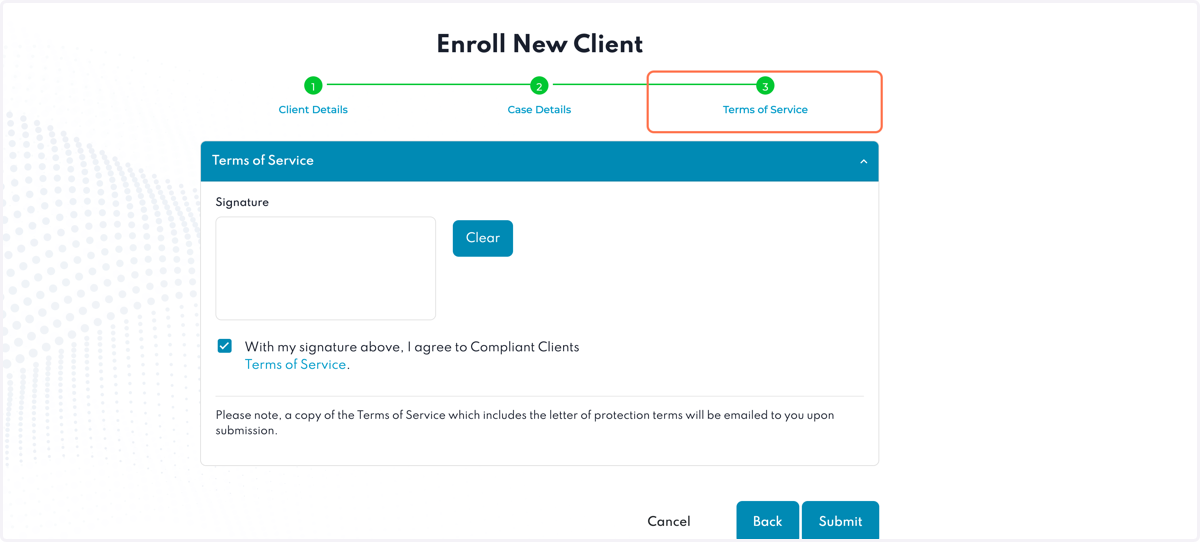
11. Step 3: Agreeing to our Terms of Service
To view our letter of protection before signing, click on the 'Terms of Service' hyperlink.
18.217.20.54
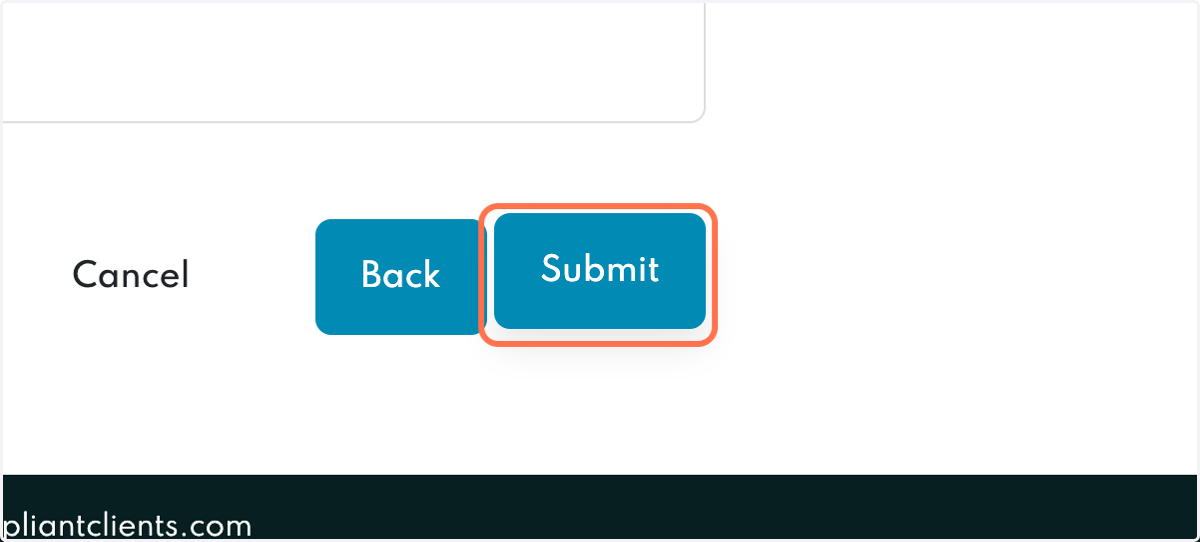
12. Step 3: Check the box, sign and submit!
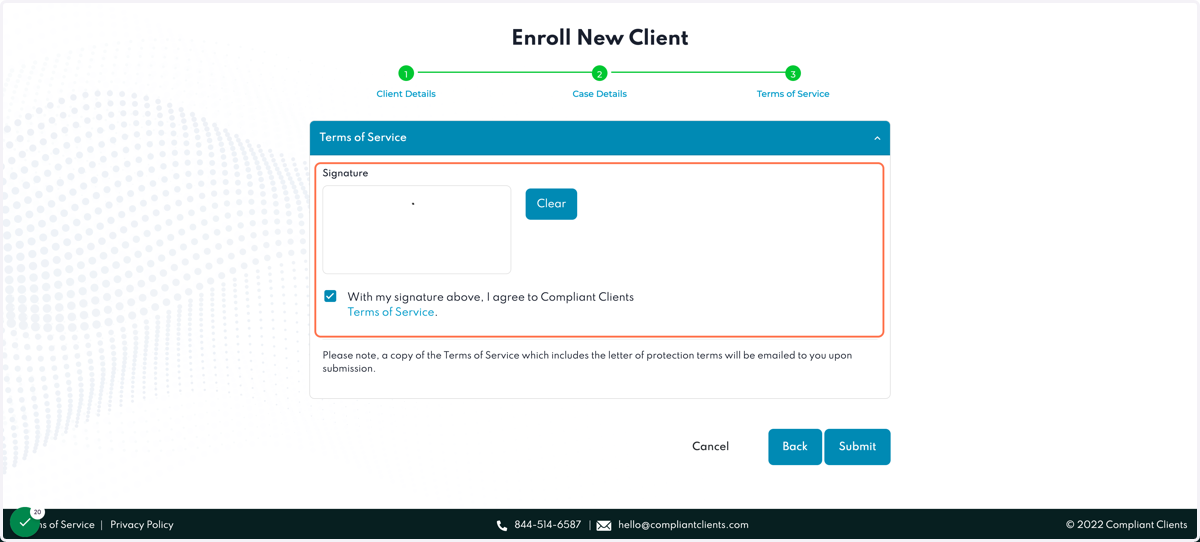
13. Step 3: Upon submission, the letter of protection terms are emailed to you.
Our case managers will review your submission and if approved, you will receive an email in as quick as 15 minutes!
14. Contact us if you have any questions
Improve your case outcomes by preventing gaps in treatment!