Phew LMS: Managing Duplicate Delegates
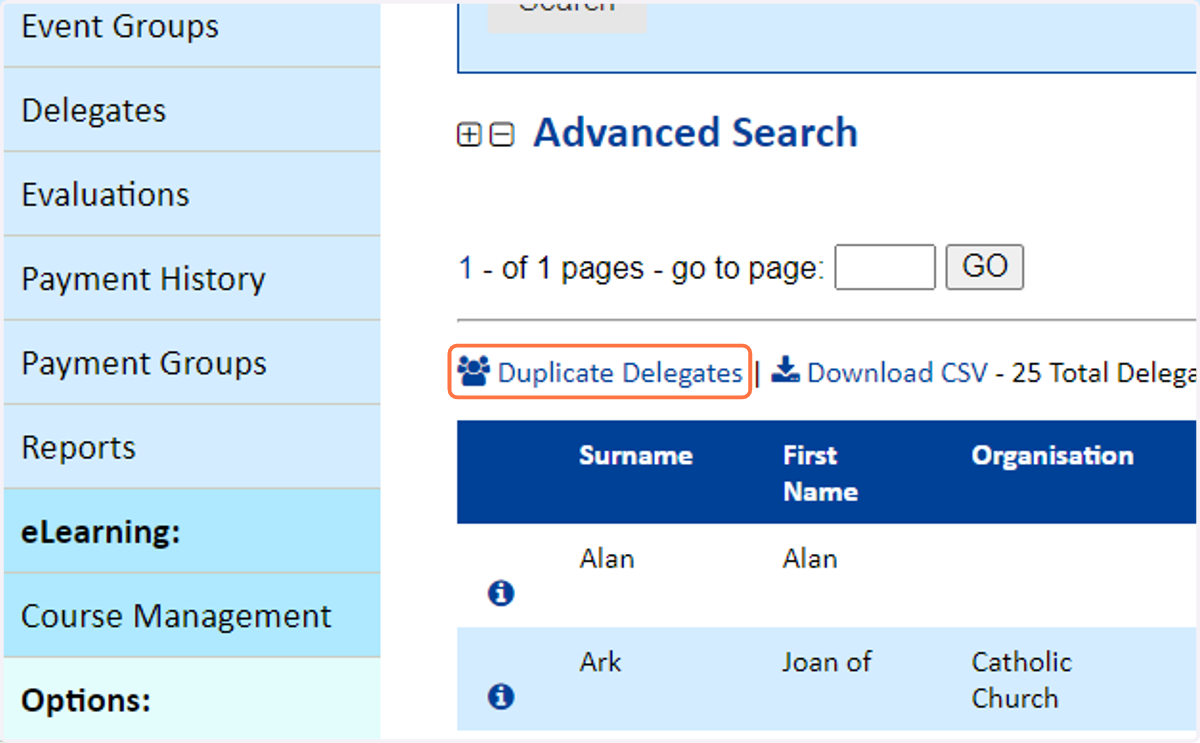
1. Go to the Delegates page of the Admin area of the LMS, and click the 'Duplicate Delegates' button
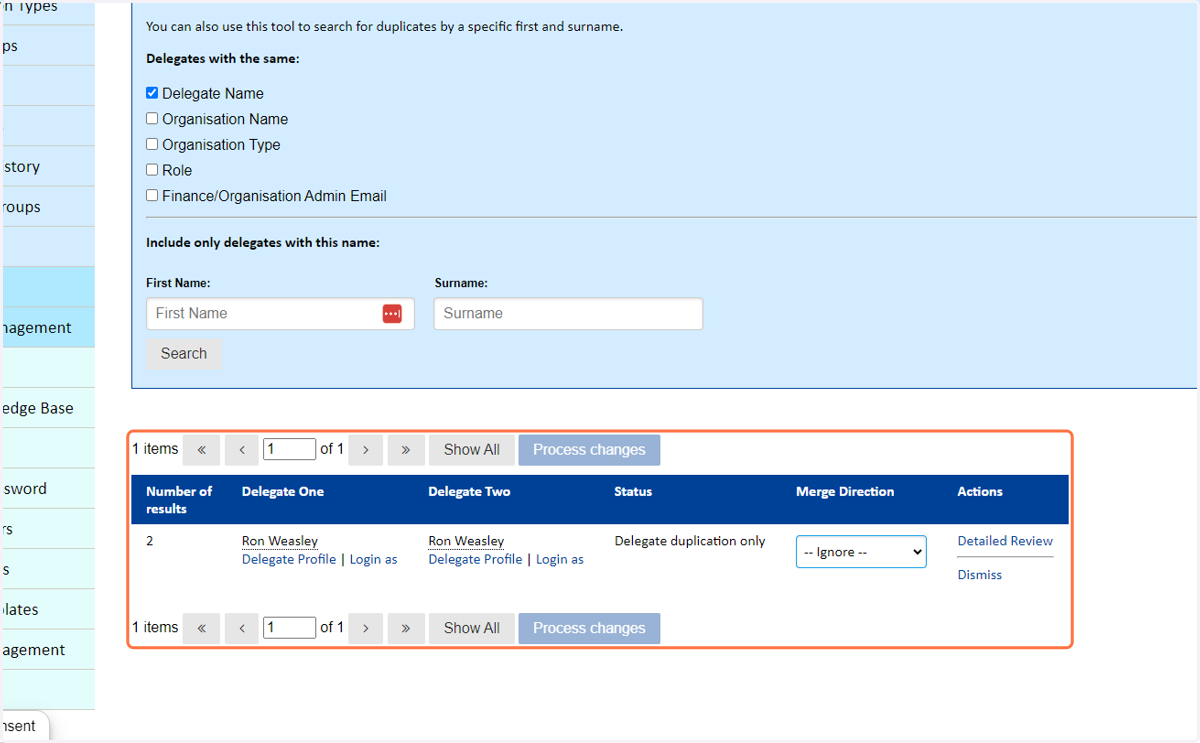
2. You will then be present with a list of potentially duplicate delegate accounts which can be navigated and worked through
3. For quick merges, select Set as Delegate 1 to merge into the first profile. Or Select Delegate 2 to merge into the second profile.
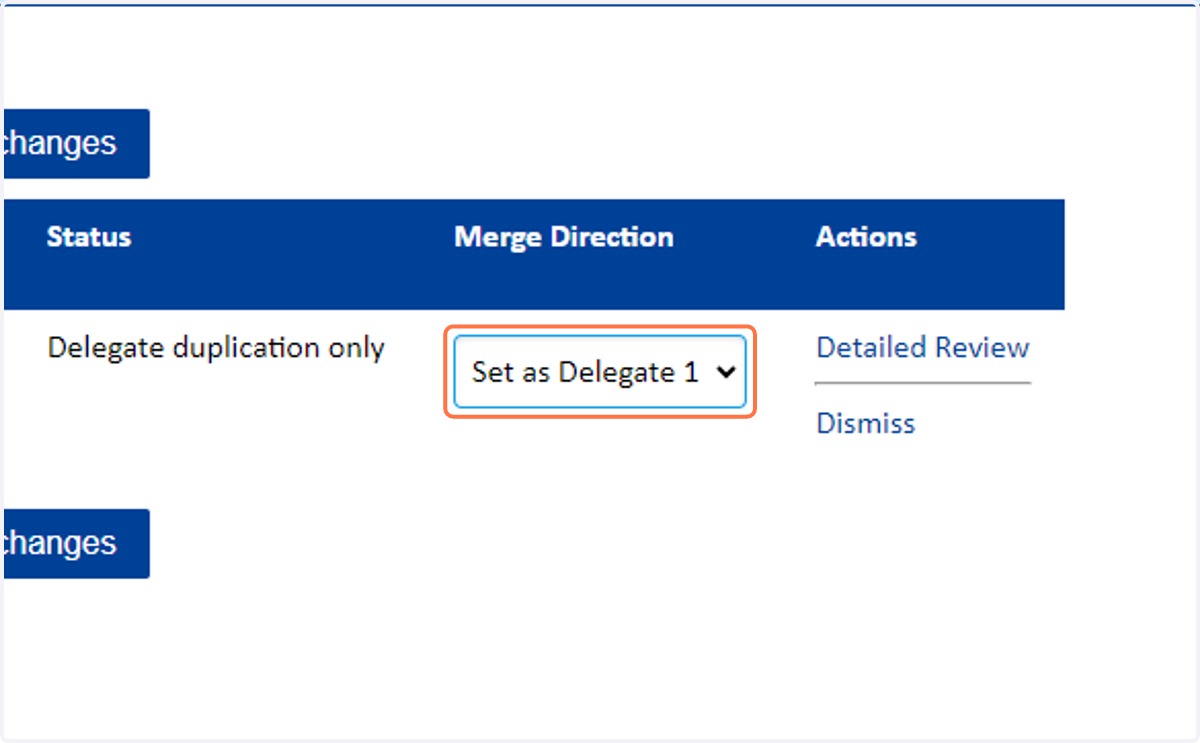
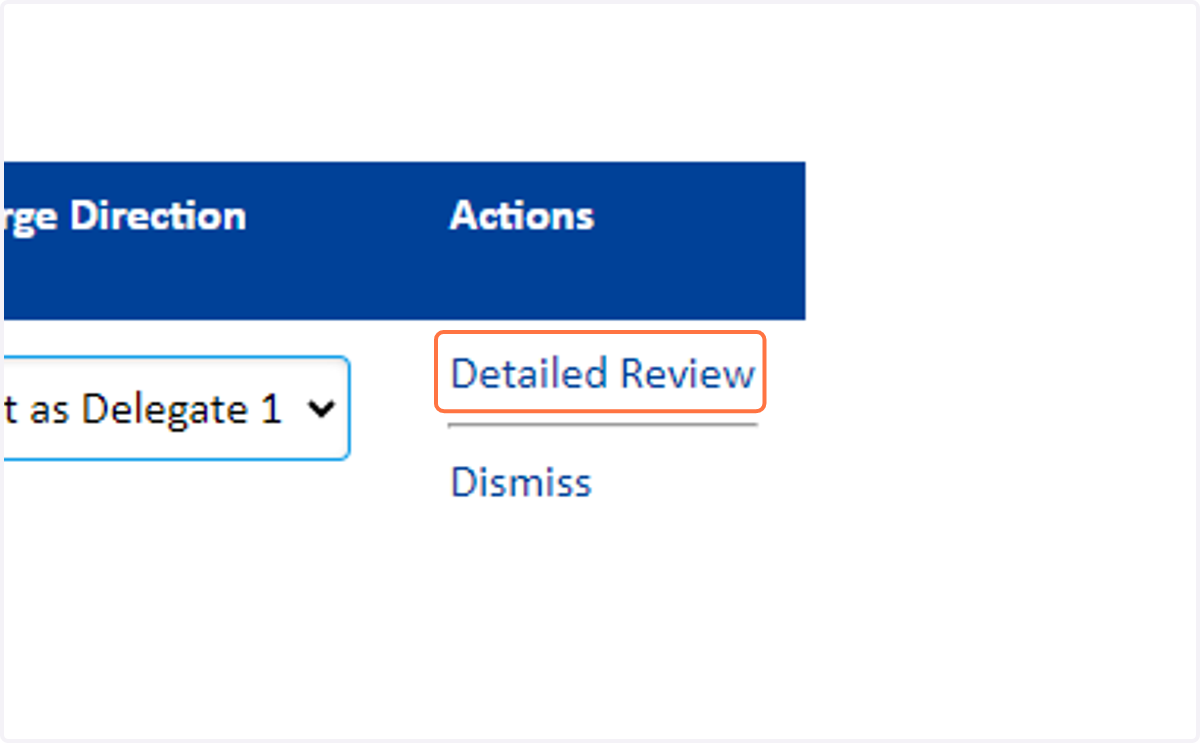
4. For a more detailed dive into the two accounts, and to cherry-pick which details made the primary, click on Detailed Review
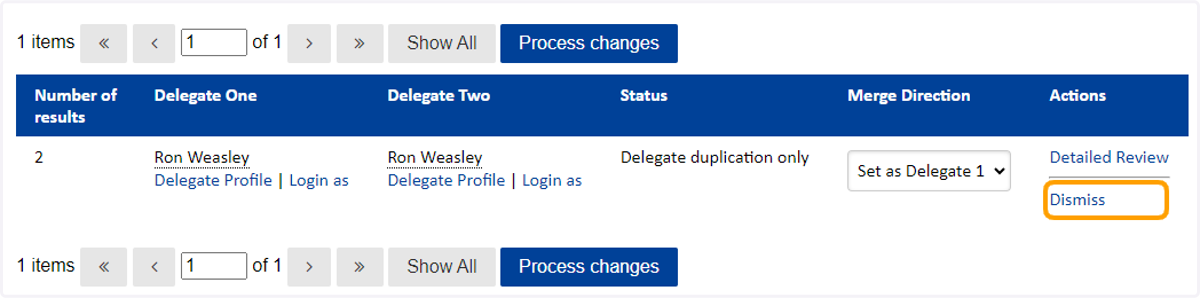
5. Alternatively, click Dismiss to remove this record from the Duplicate Delegate report