Managing Profile Tabs and Fields
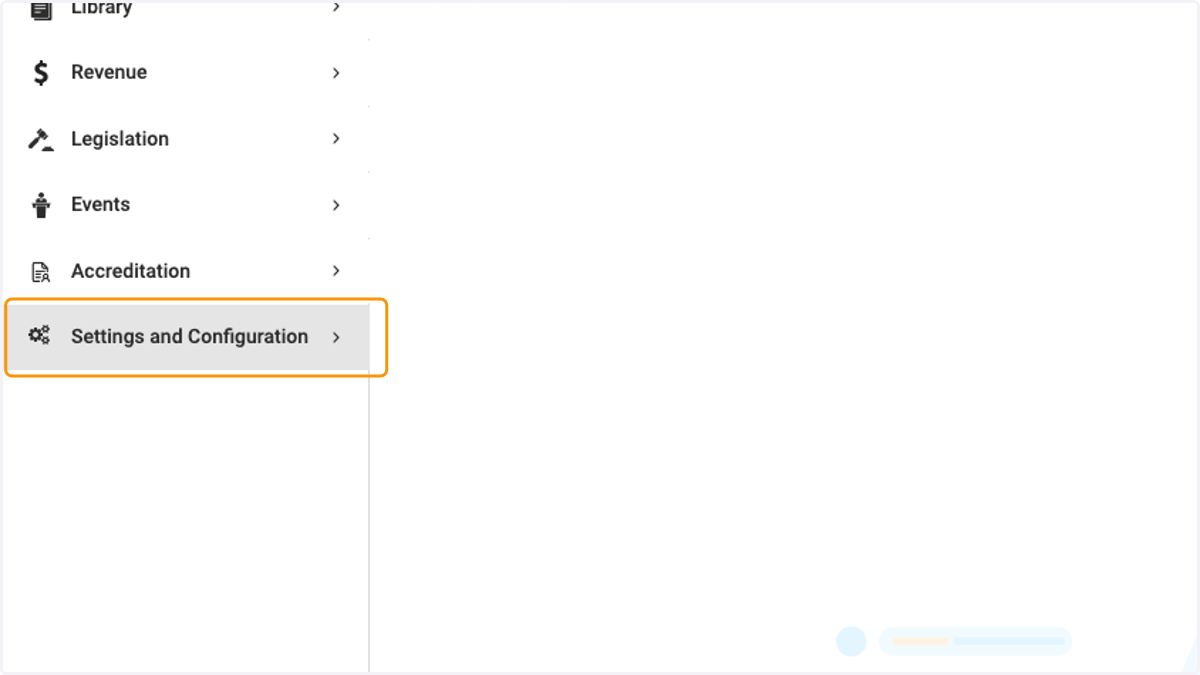
1. Click on Settings and Configuration
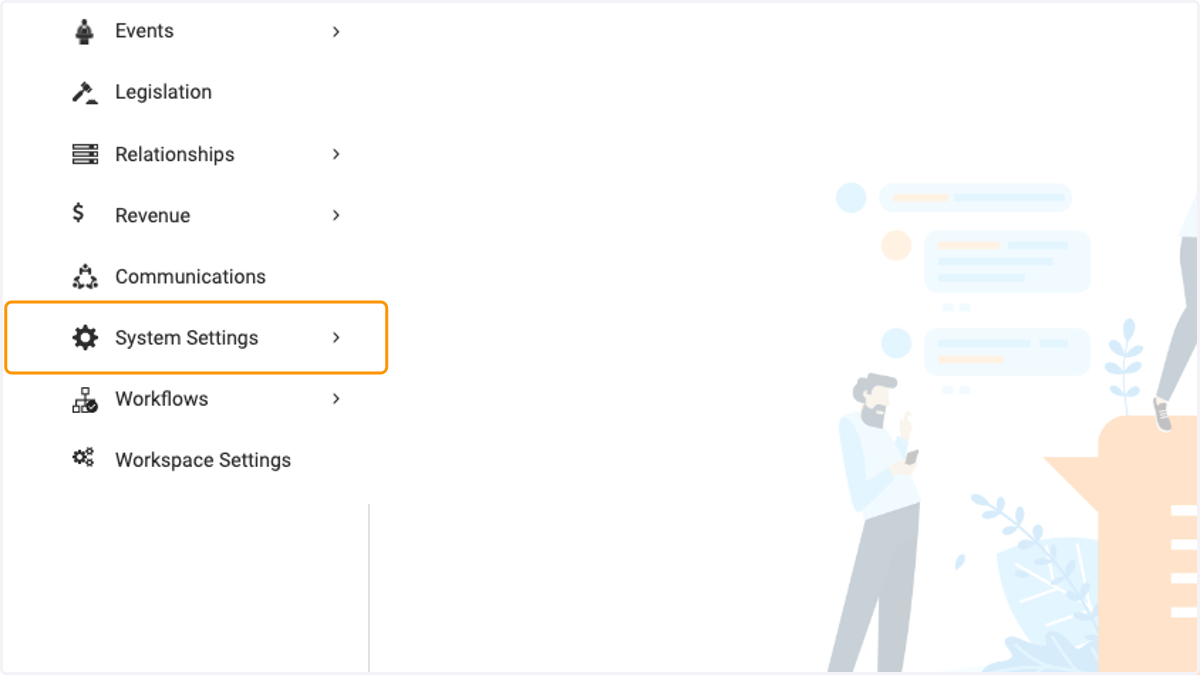
2. Click on System Settings
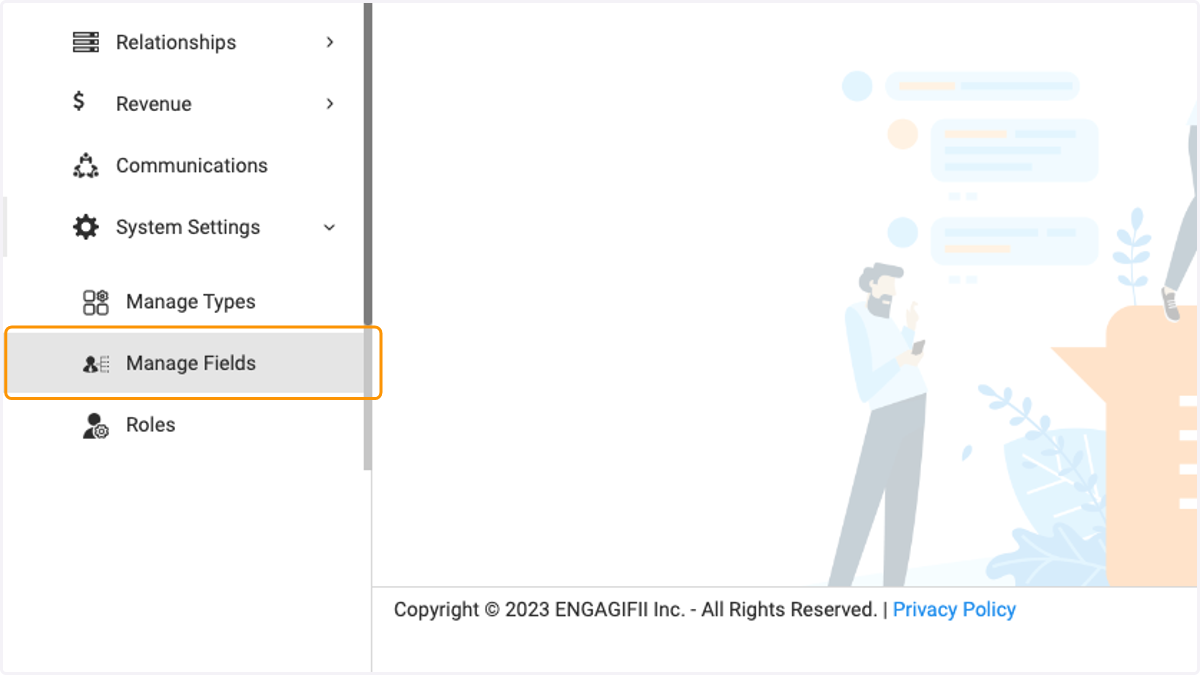
3. Click on Manage Fields
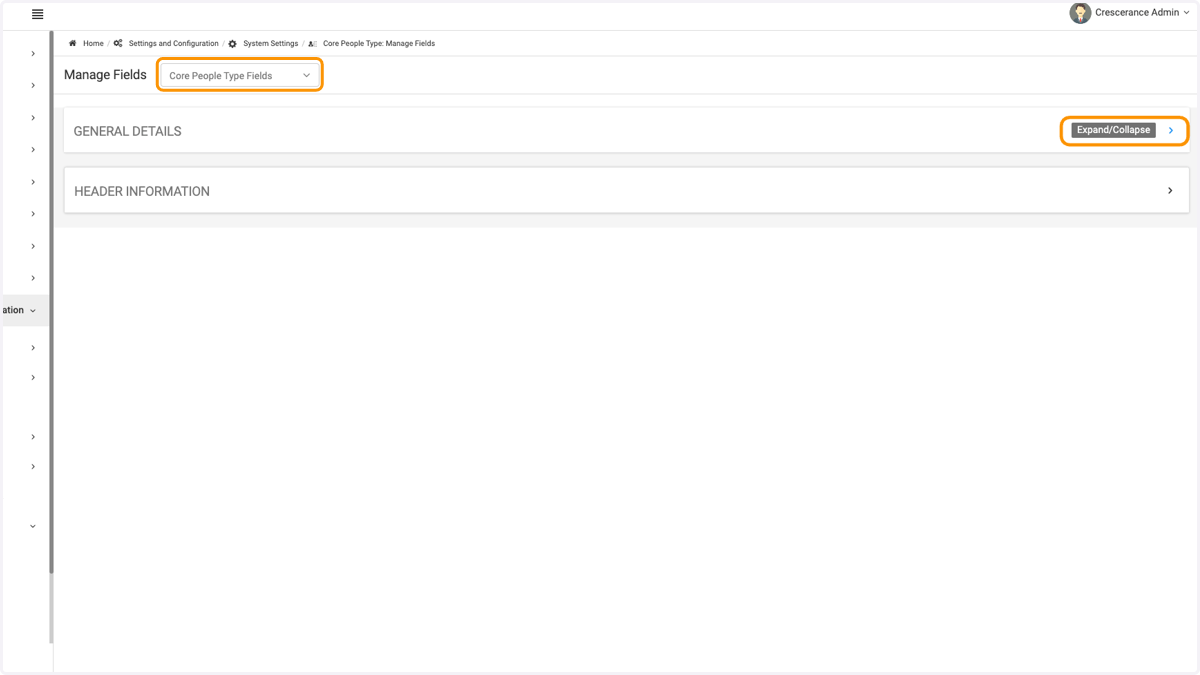
4. To edit people fields click on Core People Type Fields and expand the general details section
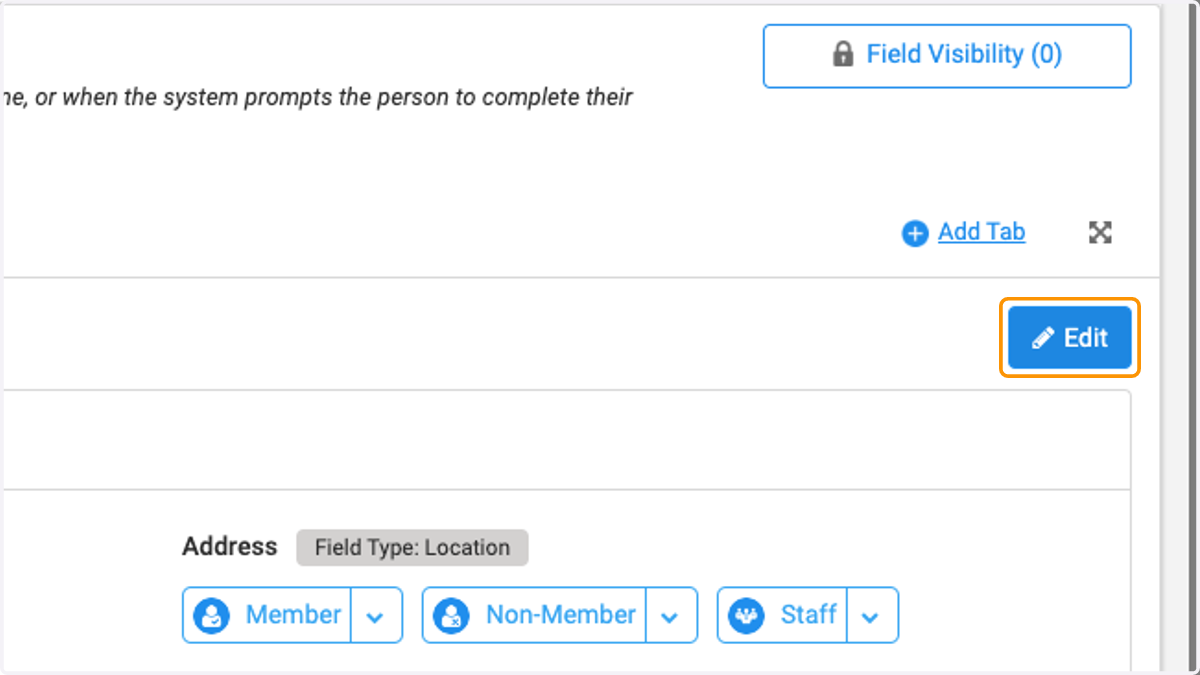
5. Click on Edit
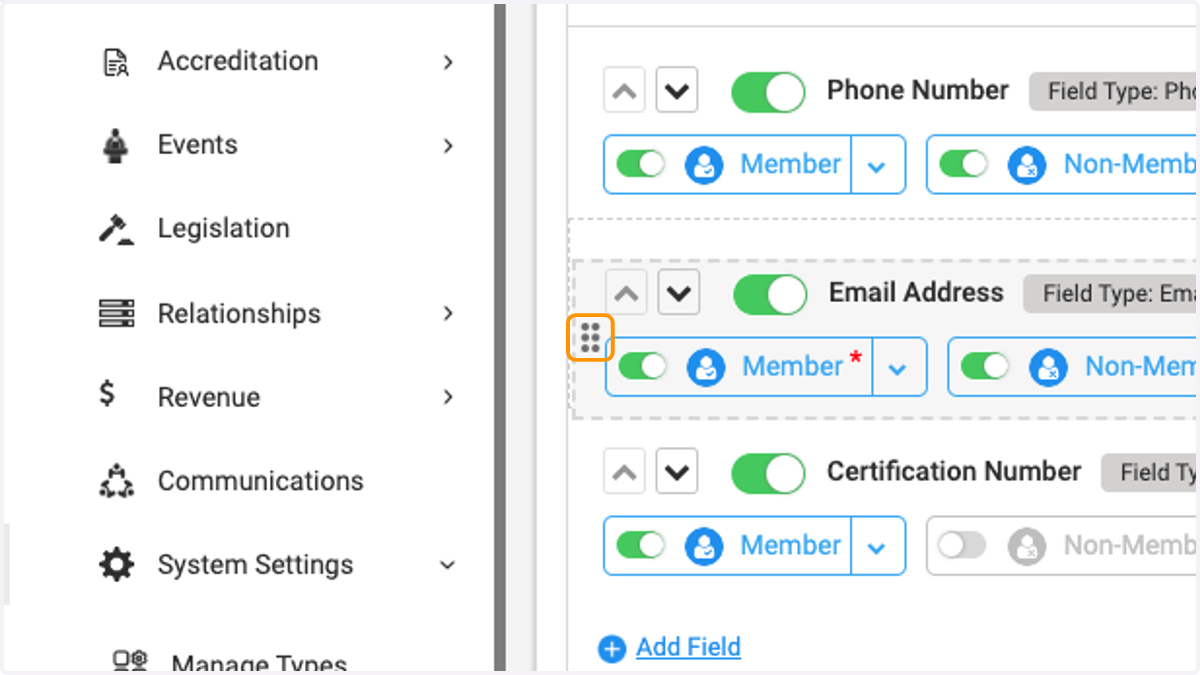
6. You can reposition the fields by clicking on the vertical dots and dragging to move to desired location
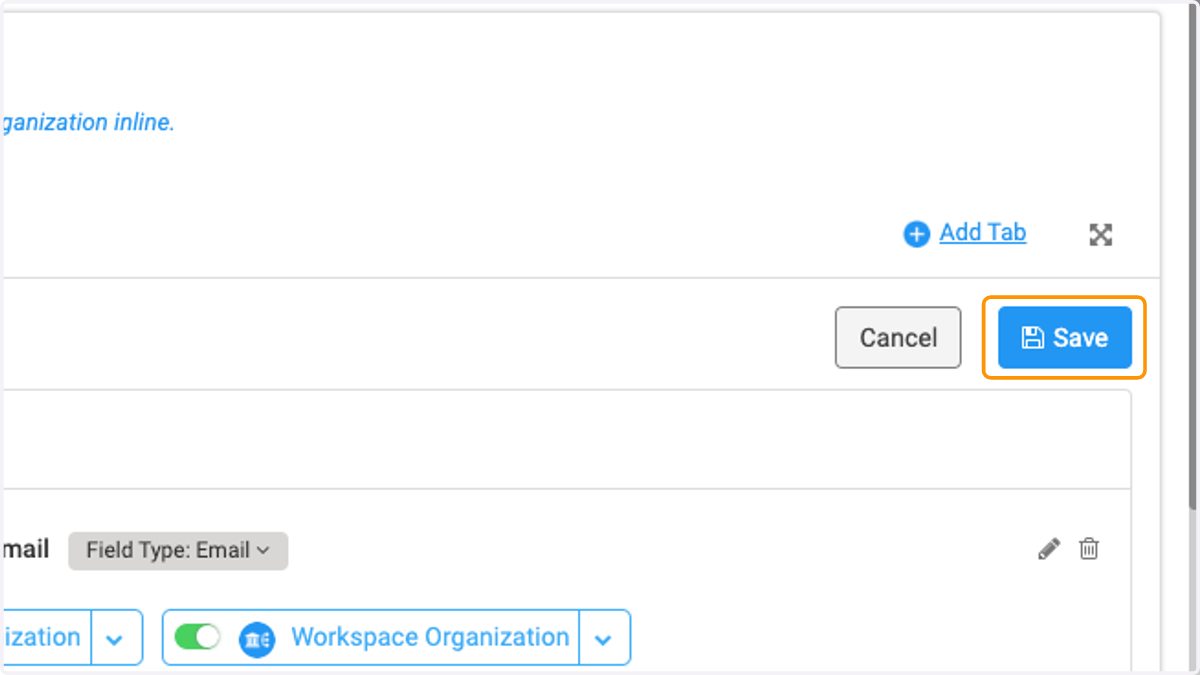
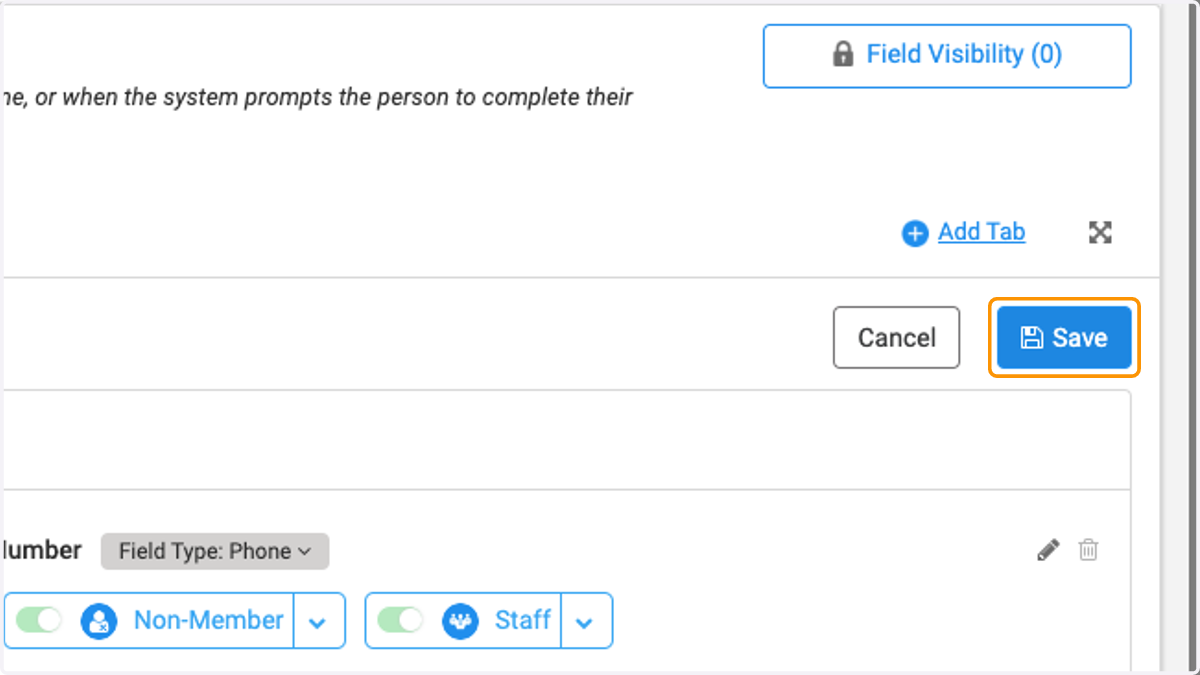
7. Click on Save
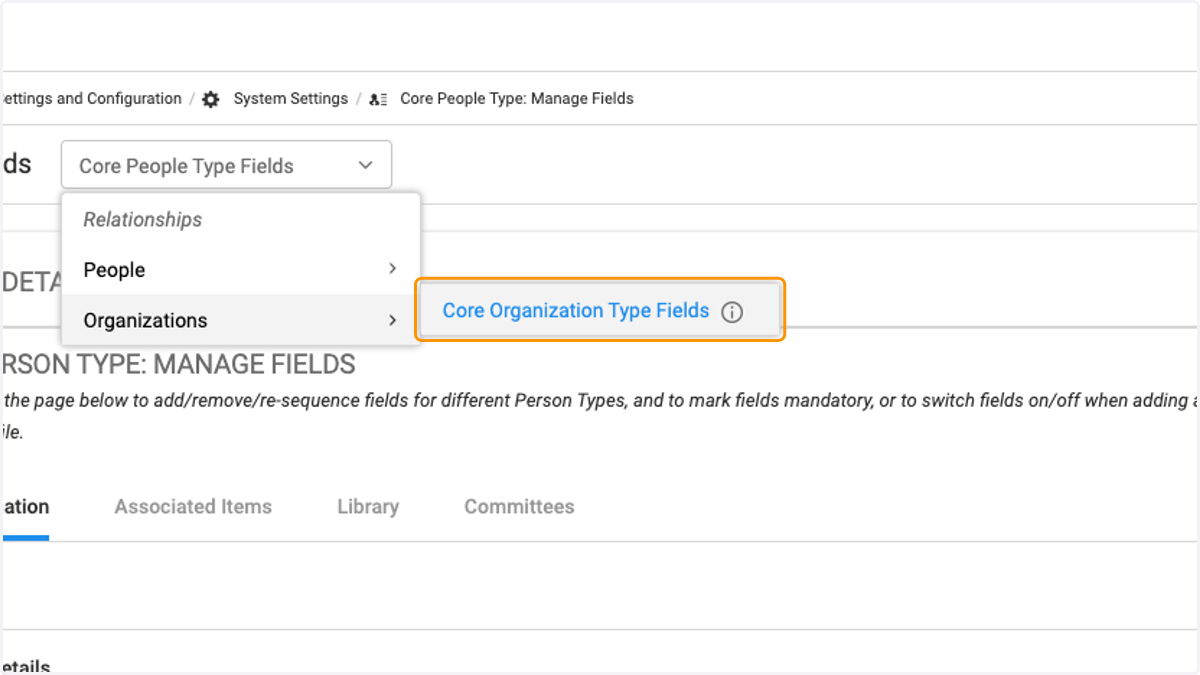
8. To make changes to Organization fields, click on Organizations
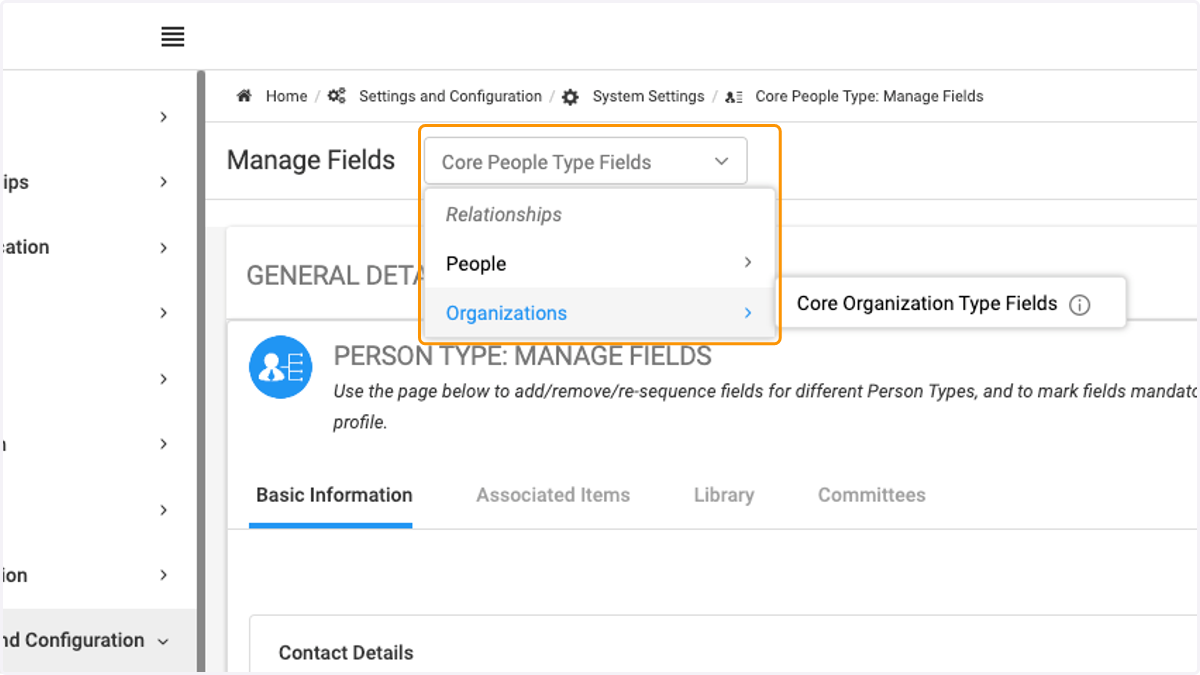
9. Click on Core Organization Type Fields
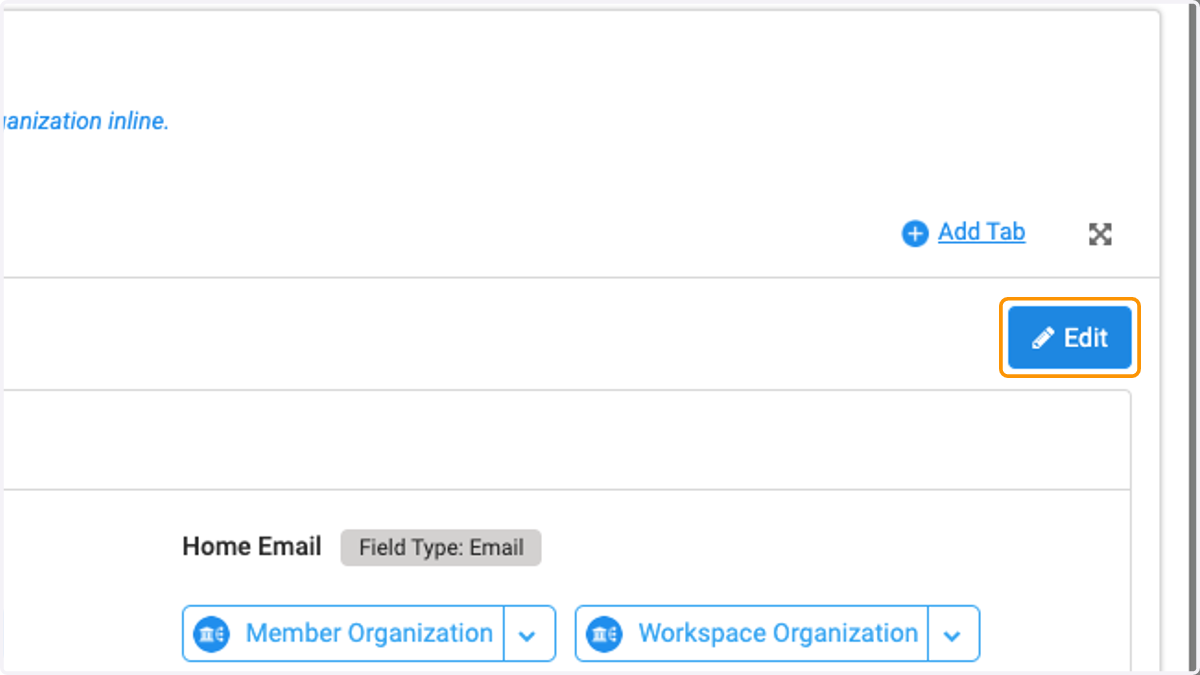
10. Click on Edit
11. Click on Field(s) you wish to reposition
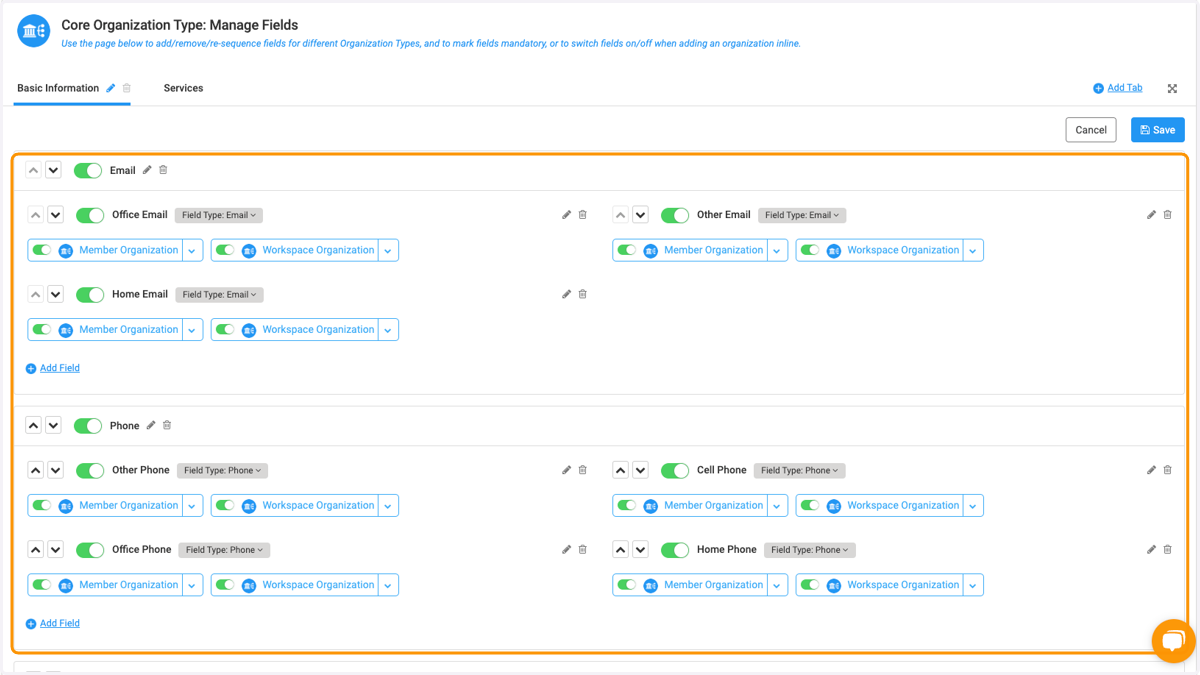
12. Click on Save when finished with changes