Creating an complex appointment template
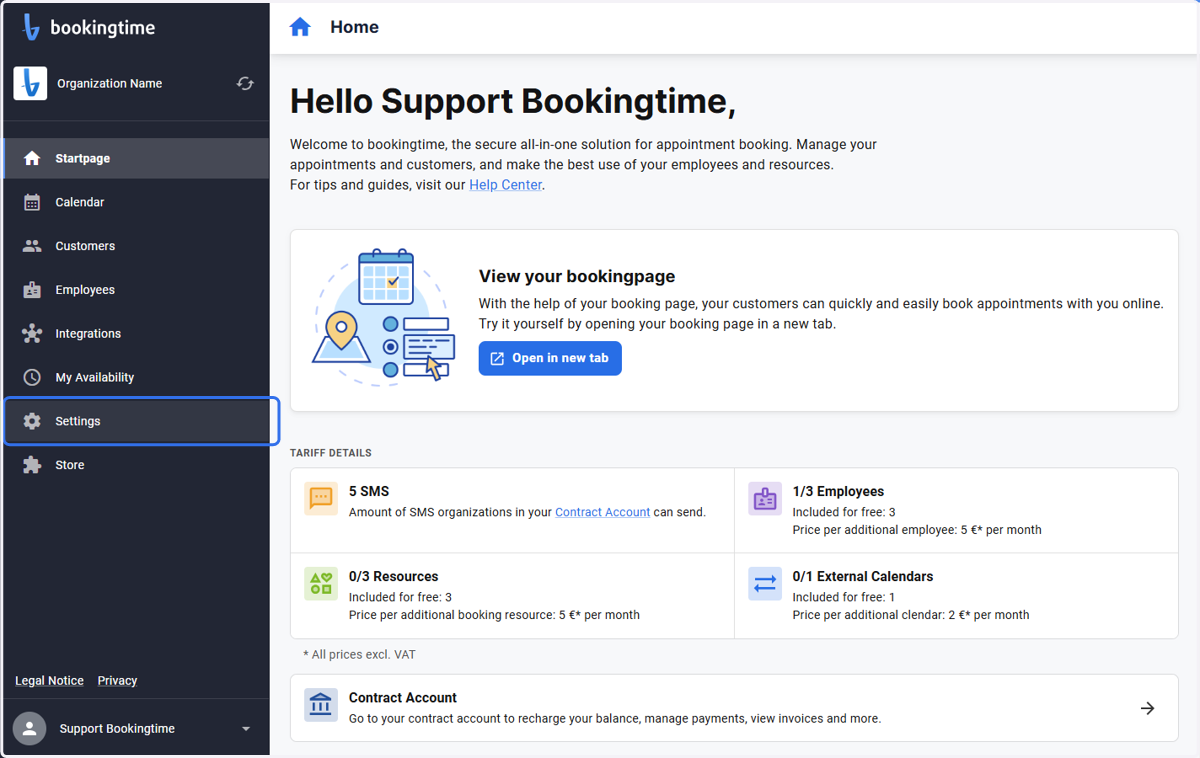
1. Click on Settings
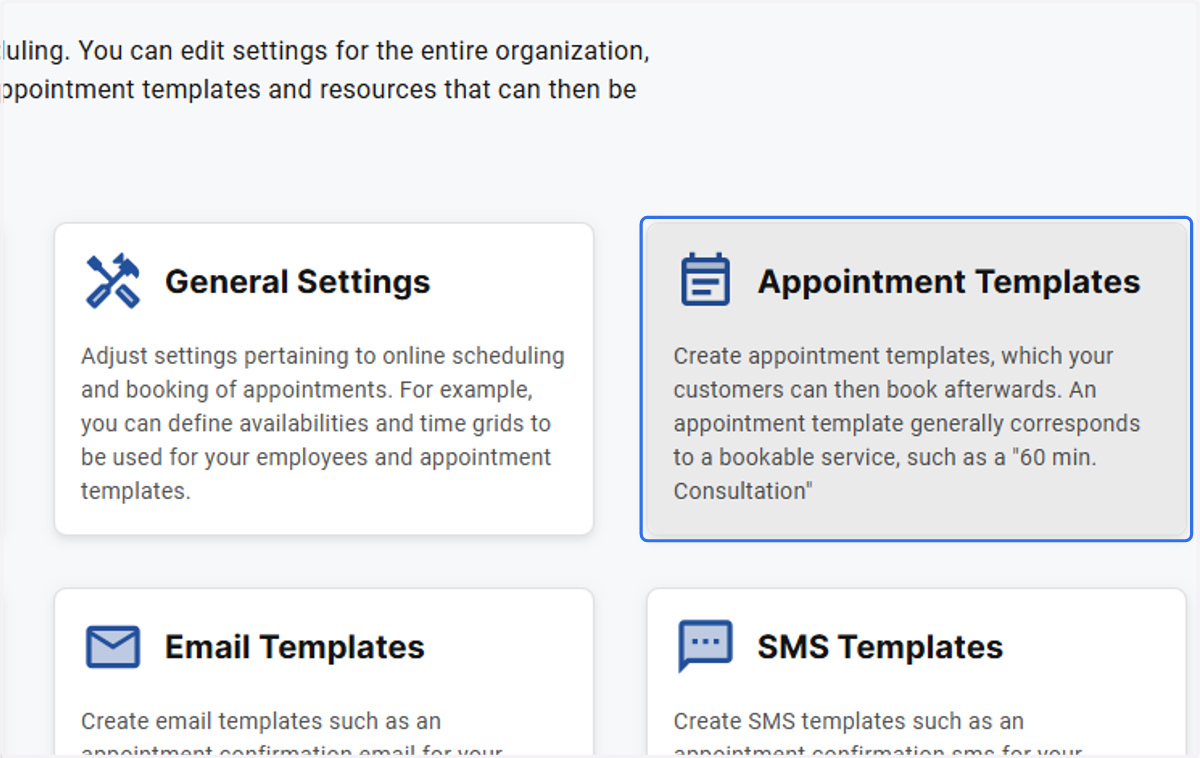
2. Click on Appointment Templates
3. Click on Appointment Template
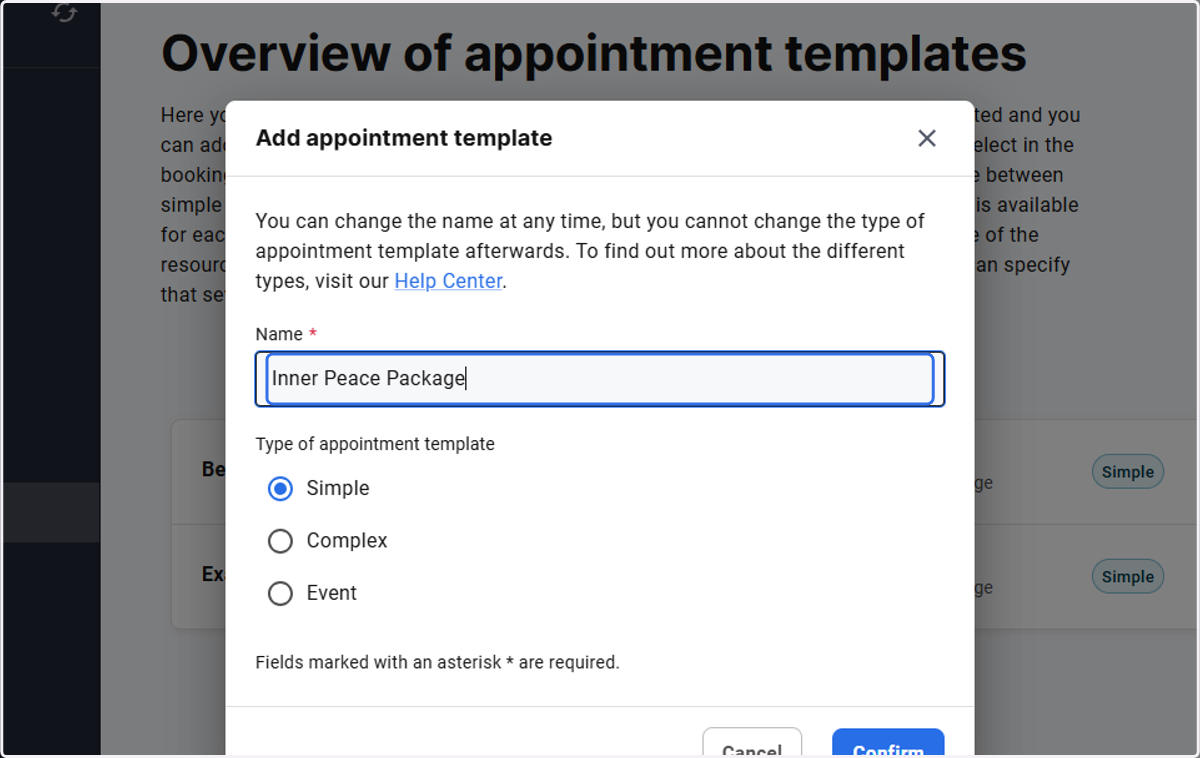
4. Type "Inner Peace Package"
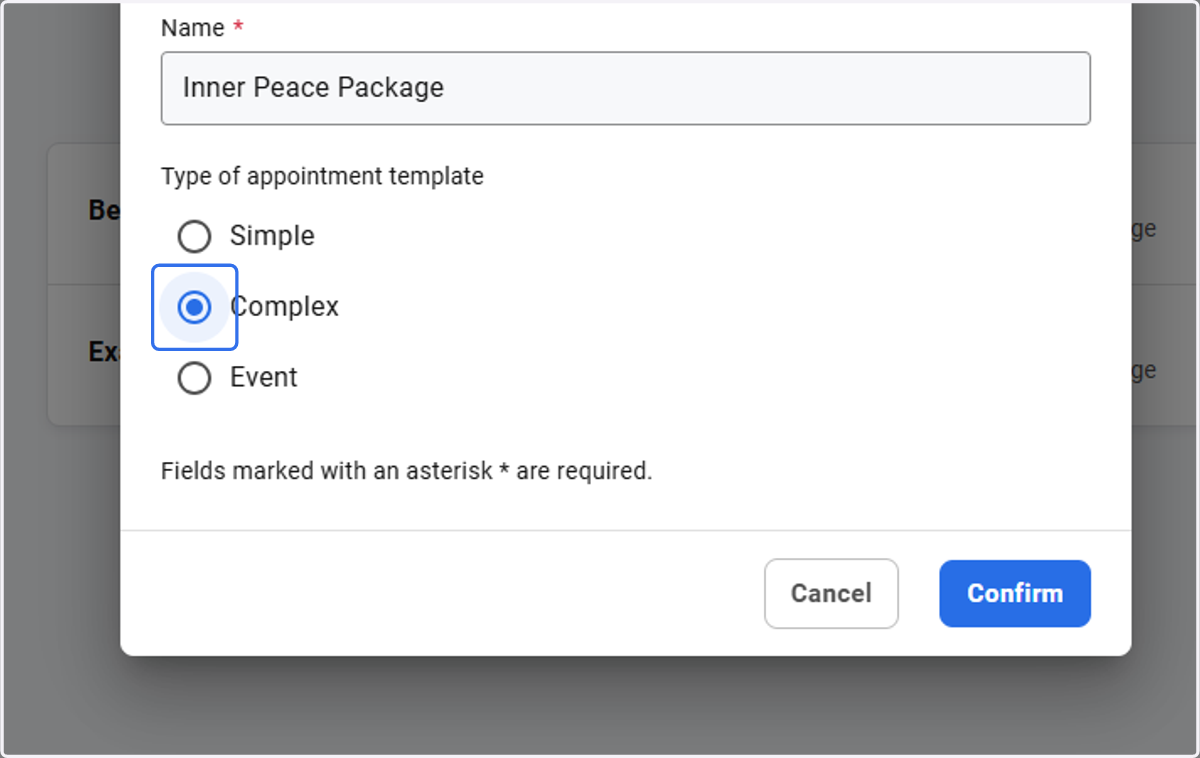
5. Select "Complex" and click Confirm
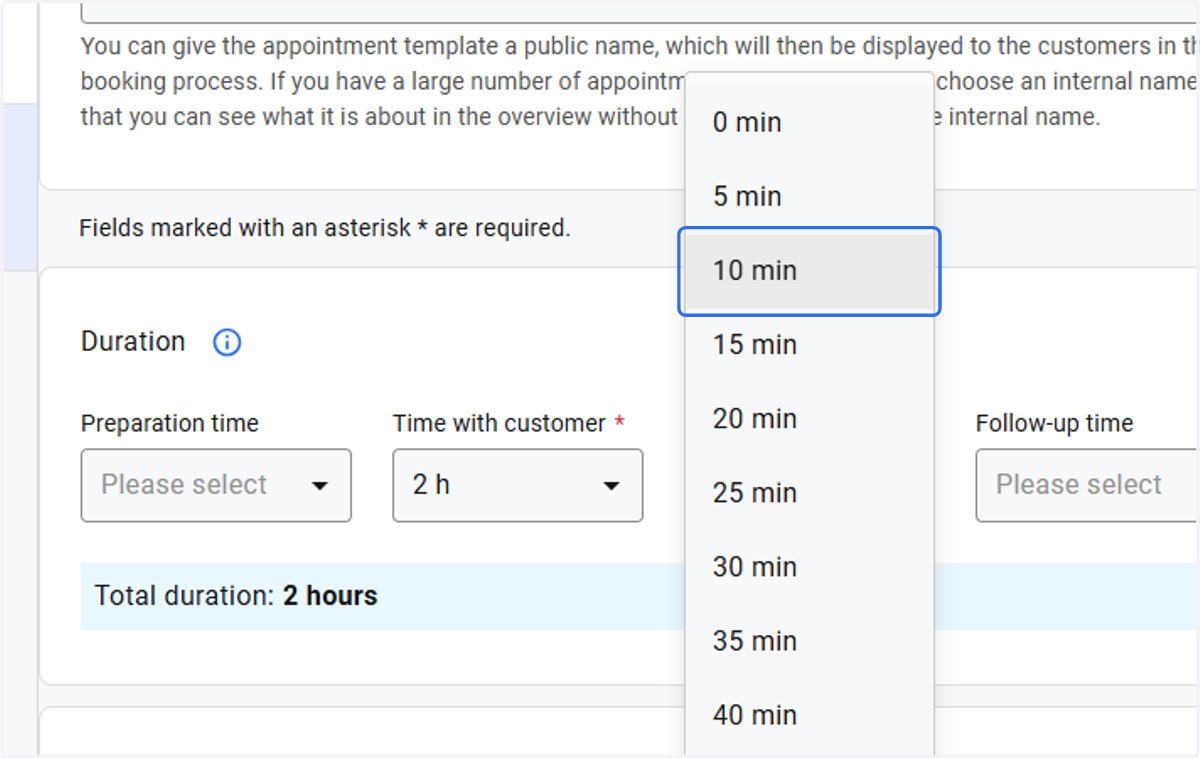
6. Adjust the time accordingly
7. Click on Add booking step
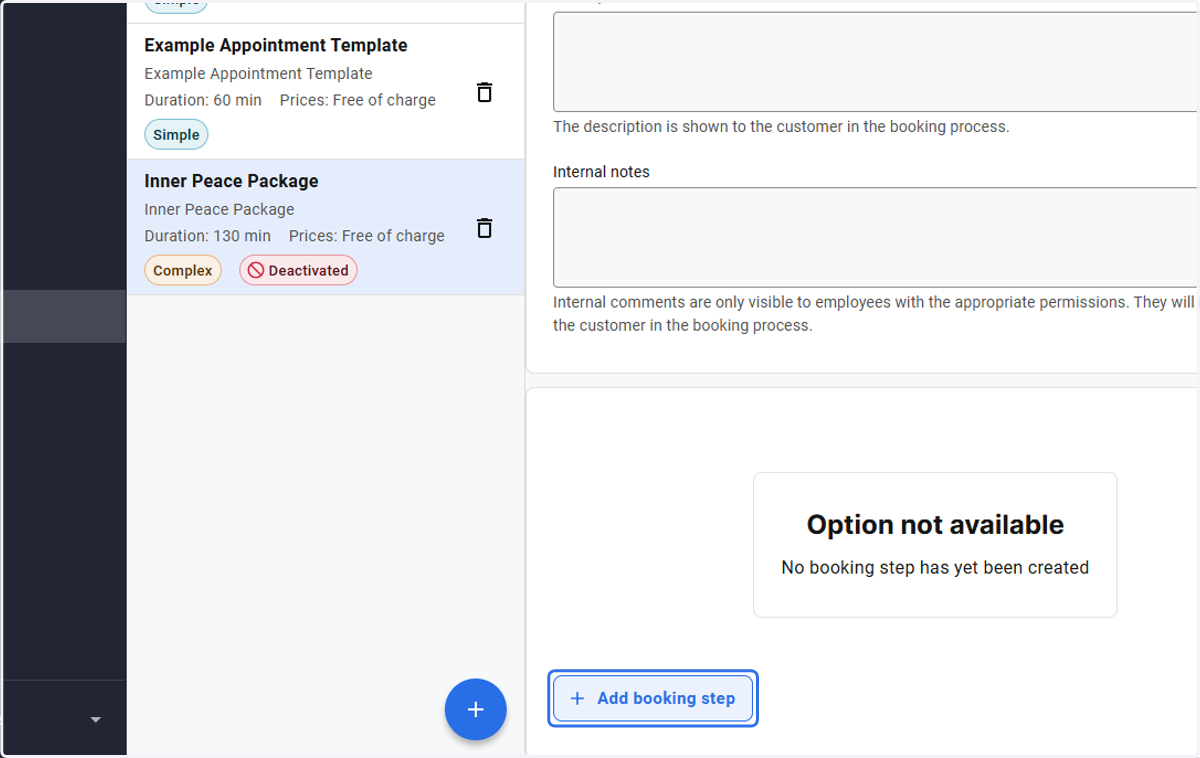
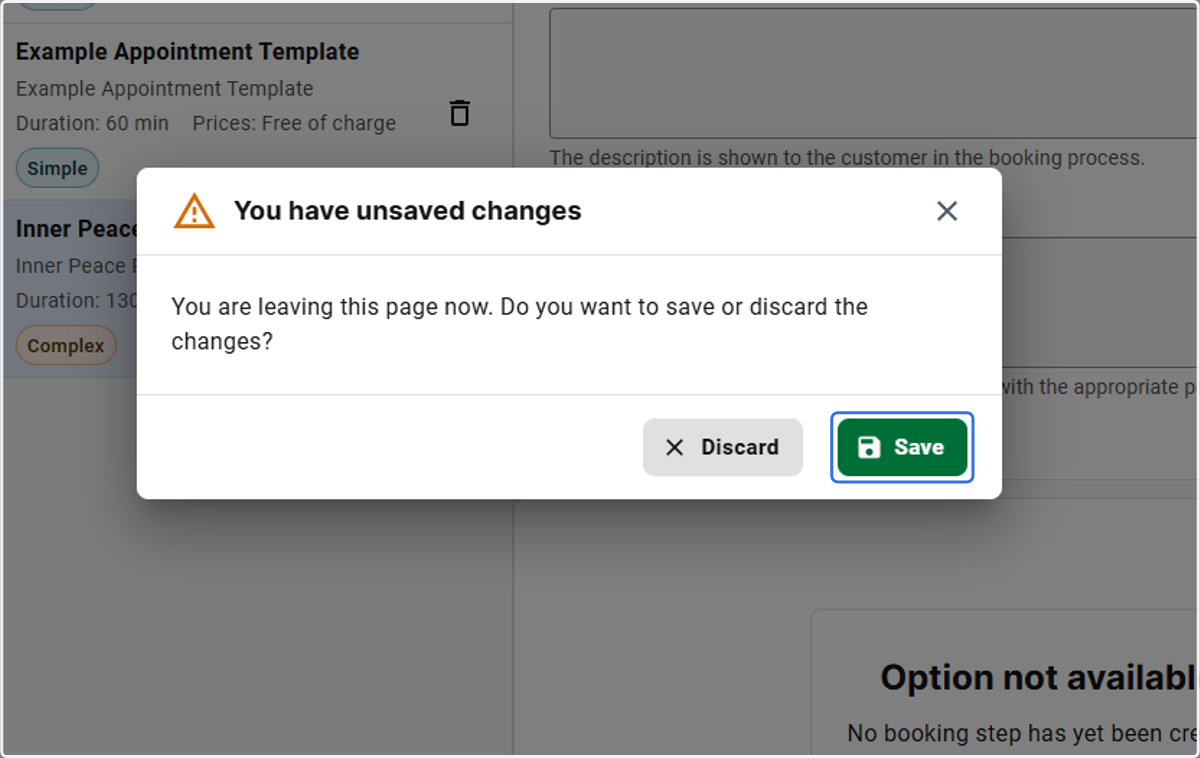
8. A prompt will come up. Click Save
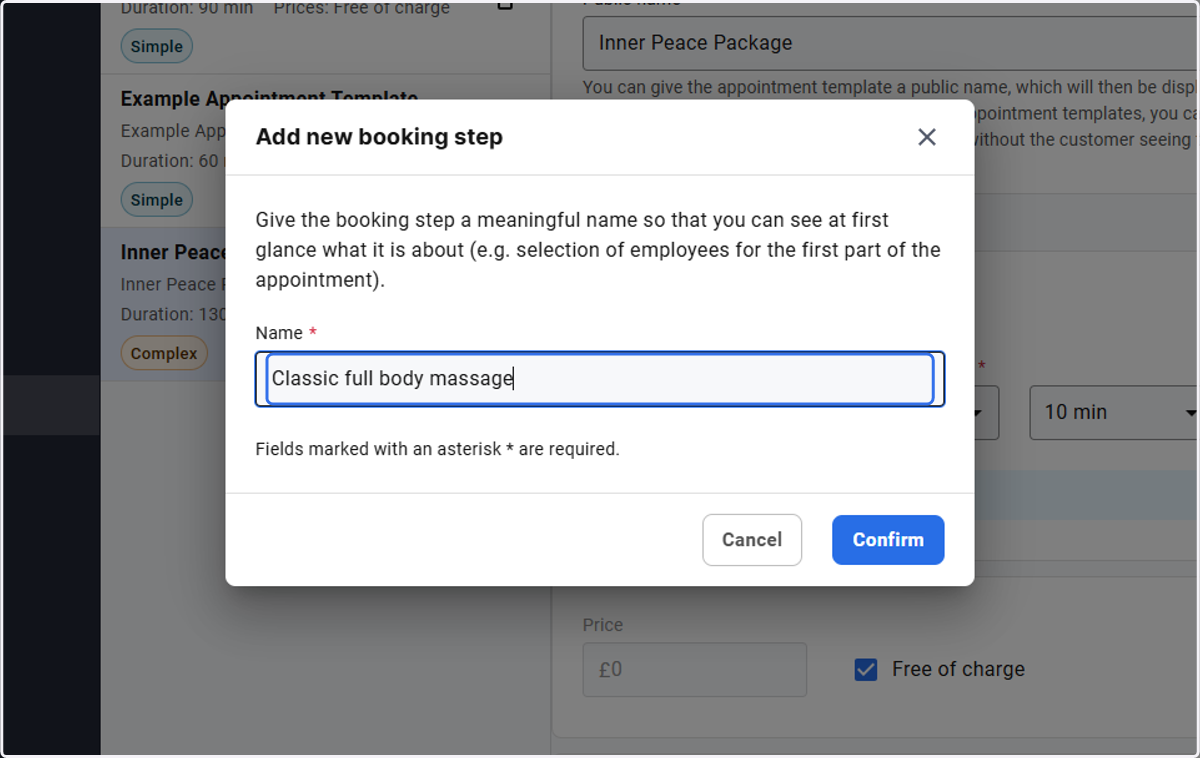
9. Enter the name of the booking step
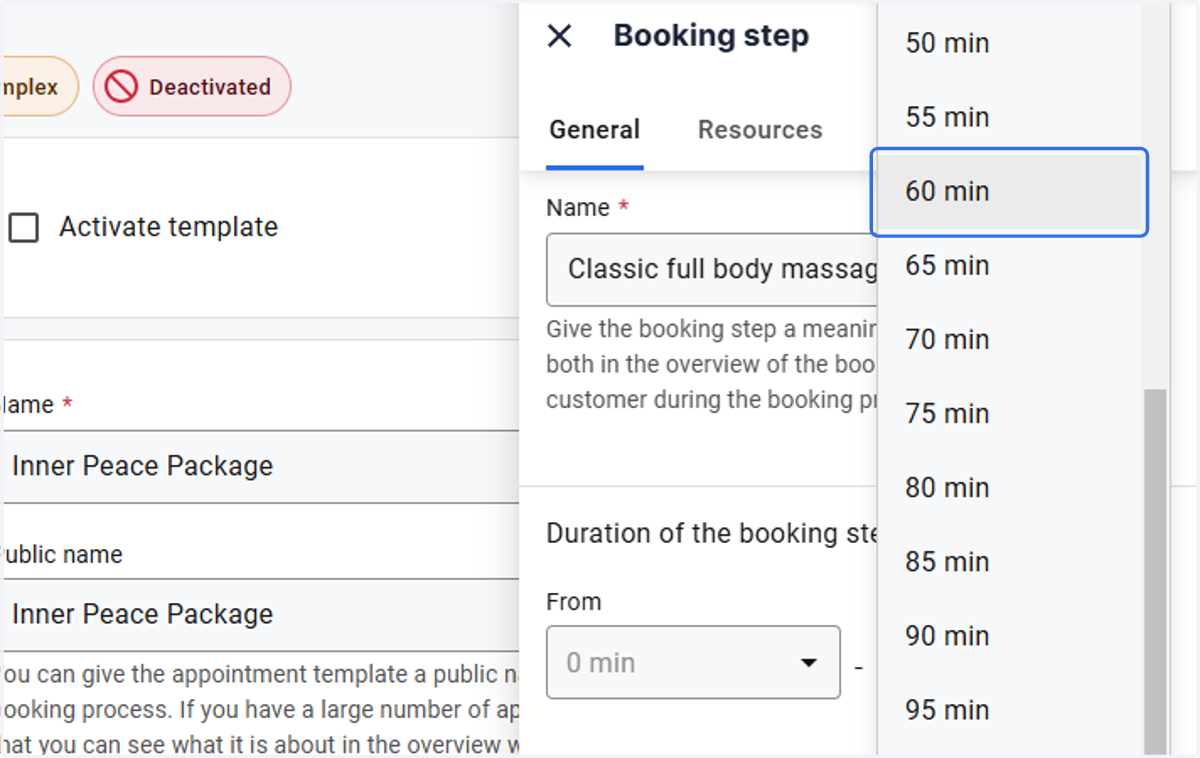
10. Adjust the time for this booking step
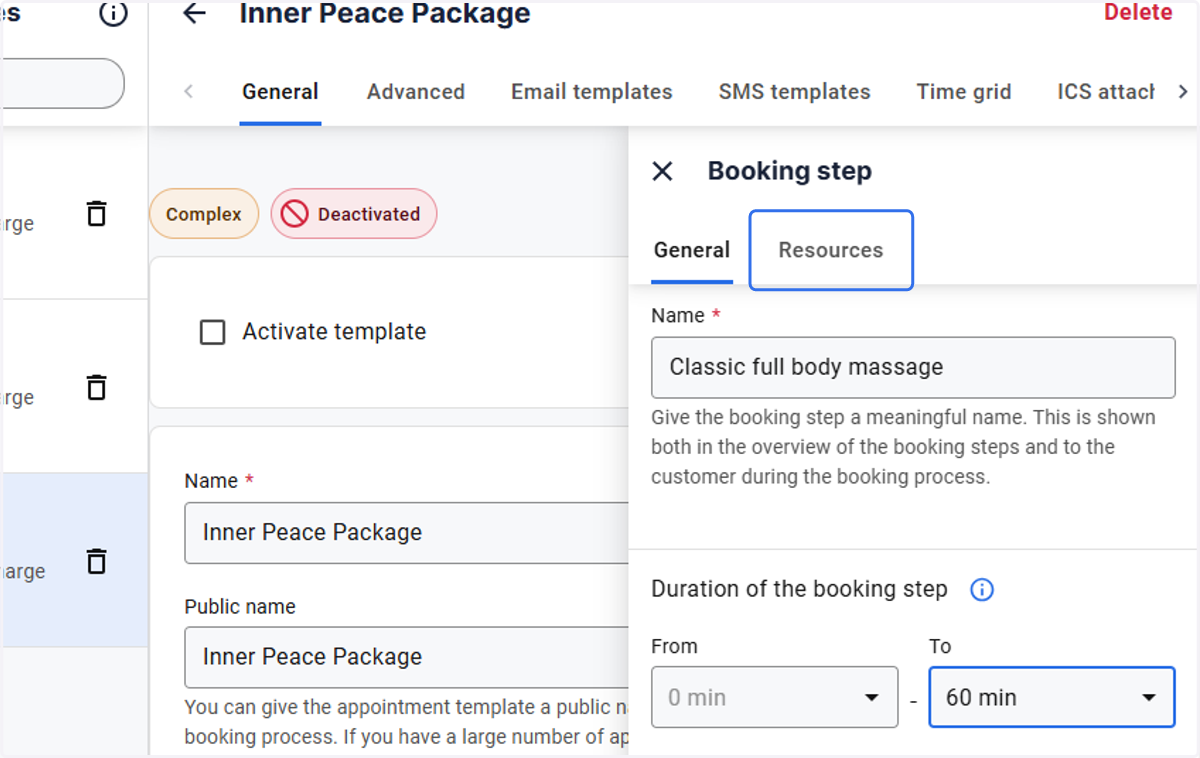
11. Click on Resources
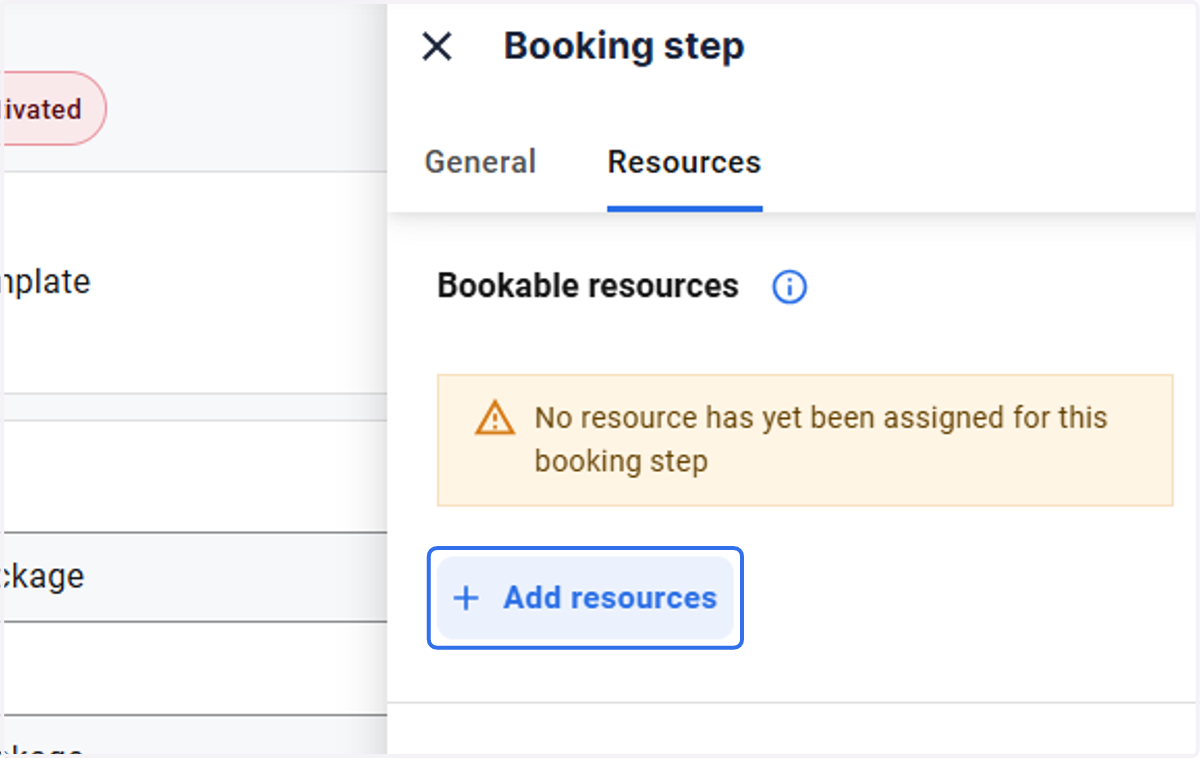
12. Click on Add resources
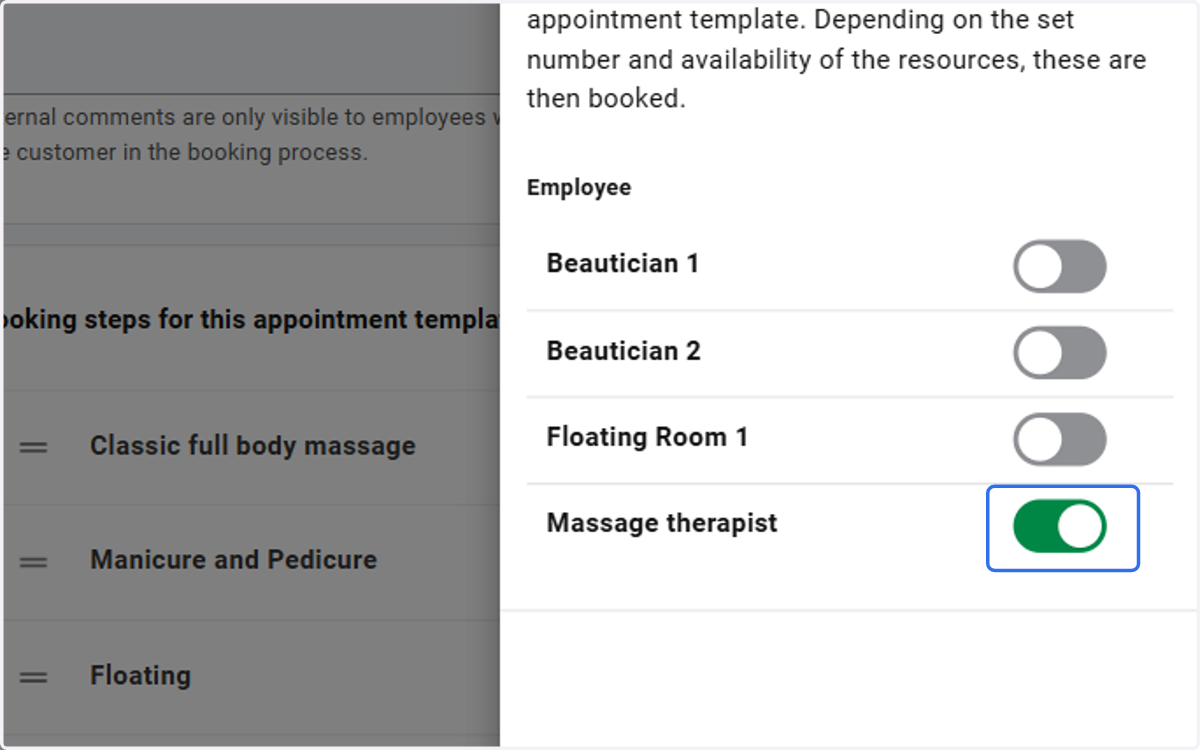
13. Check Deselect Sascha Baltrusch
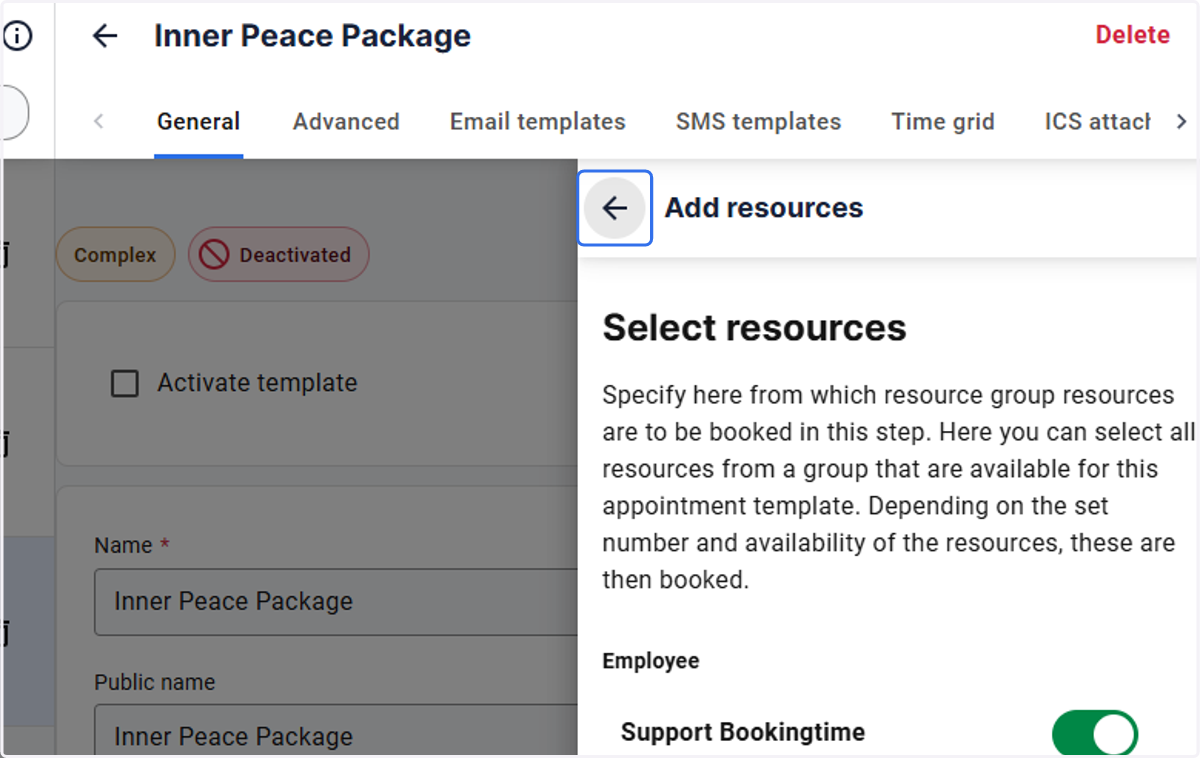
14. Click on the arrow and close the booking step menu.
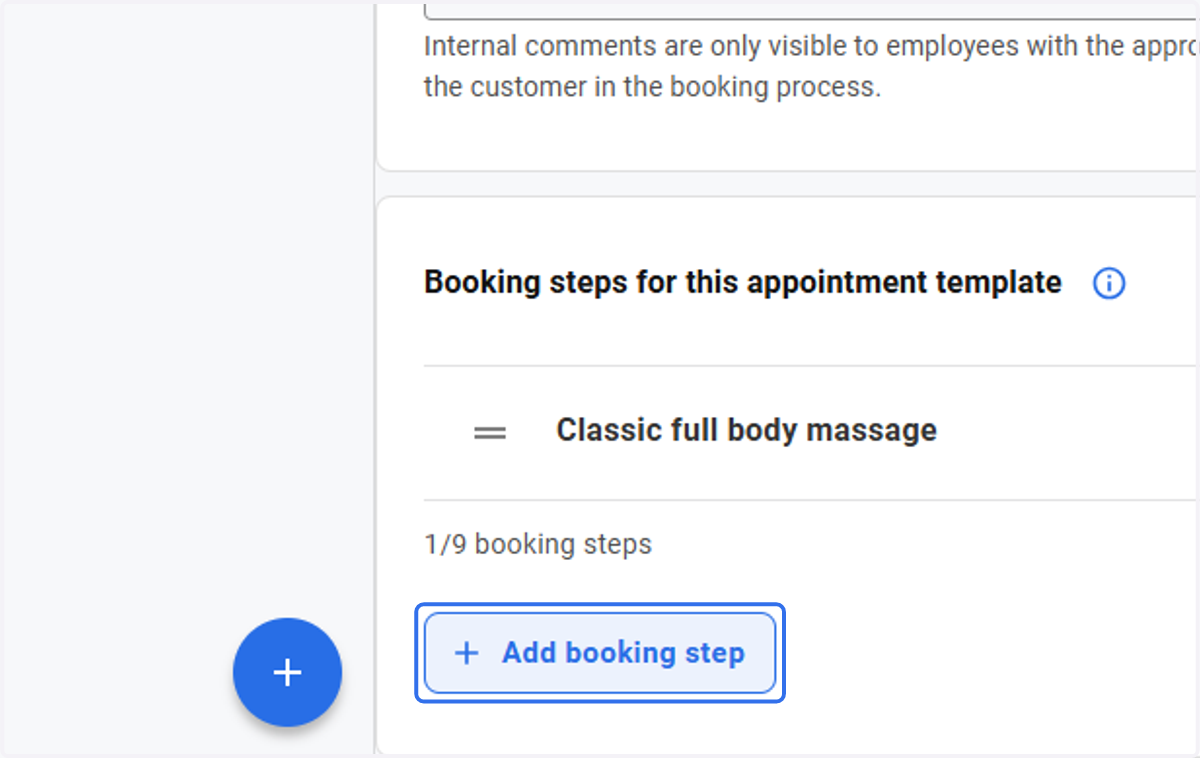
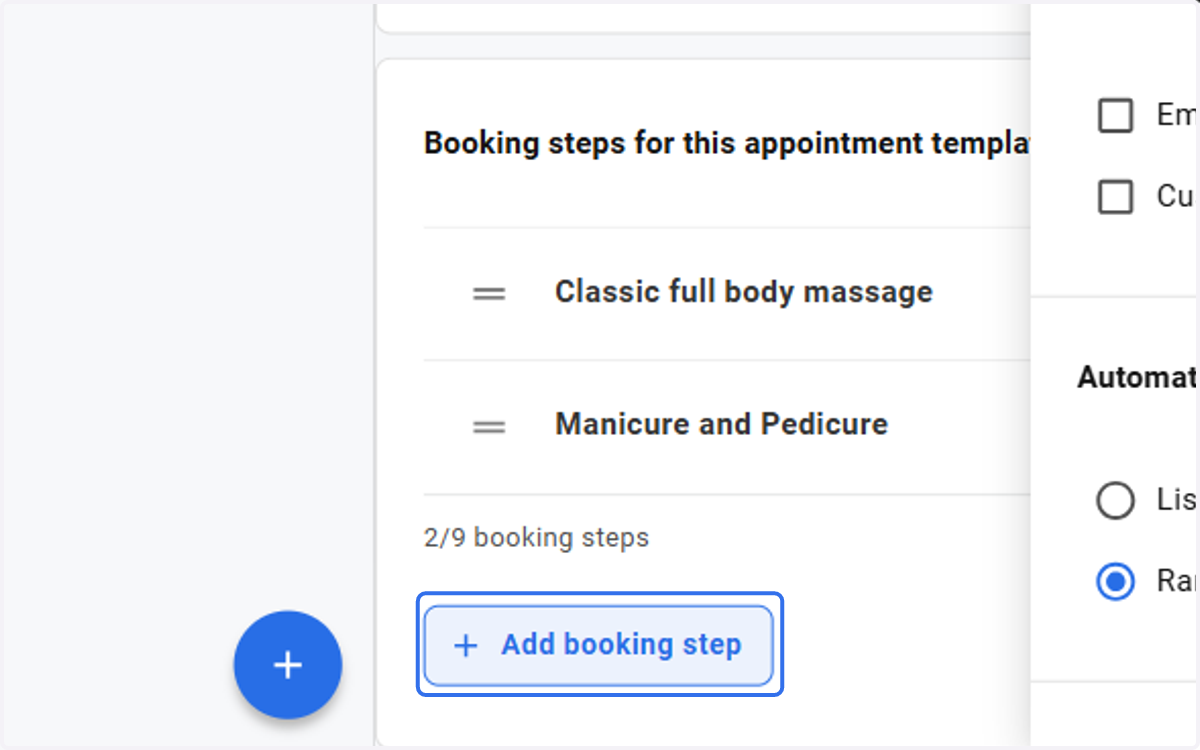
15. Click on Add booking step
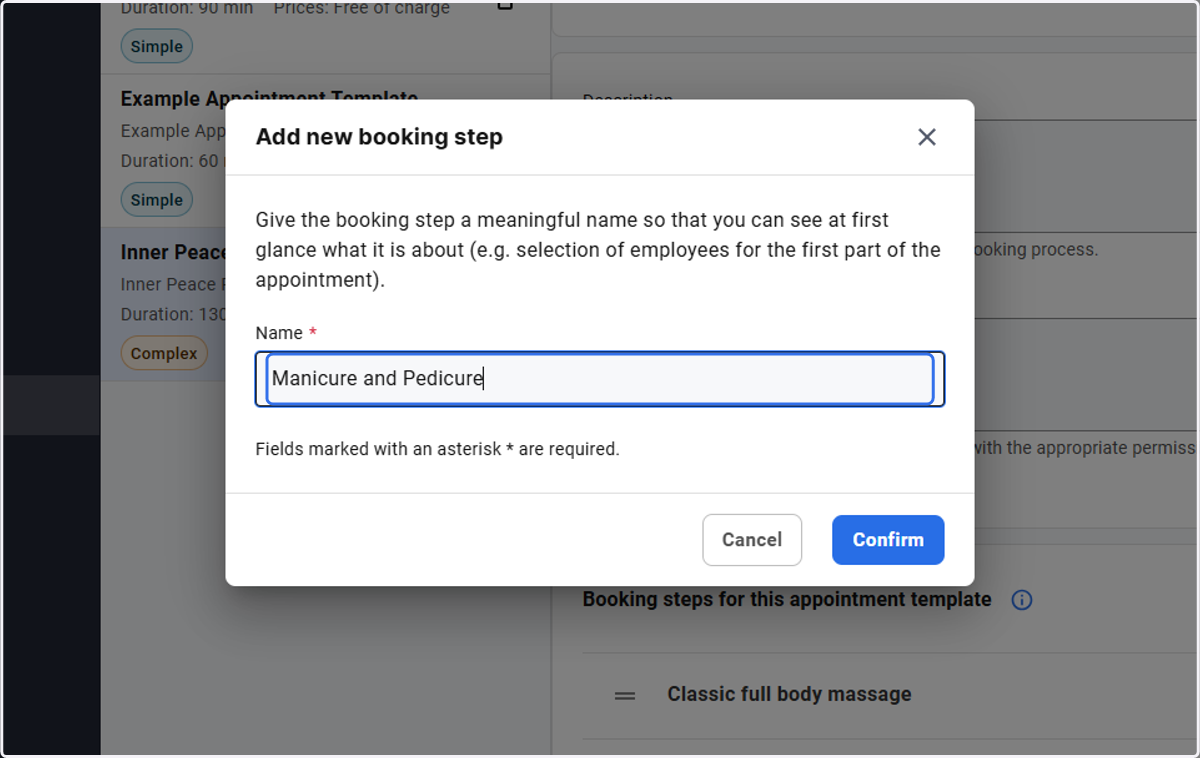
16. Type "Manicure and Pedicure"
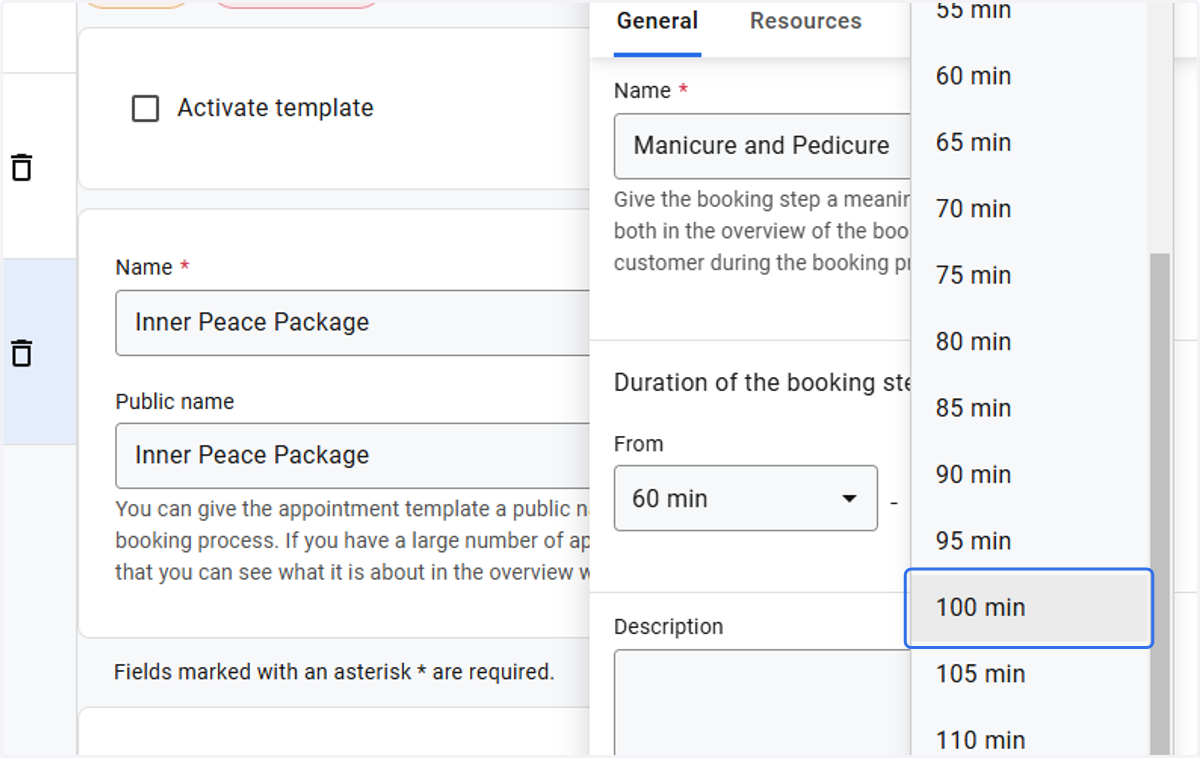
17. Adjust the time according to the booking step
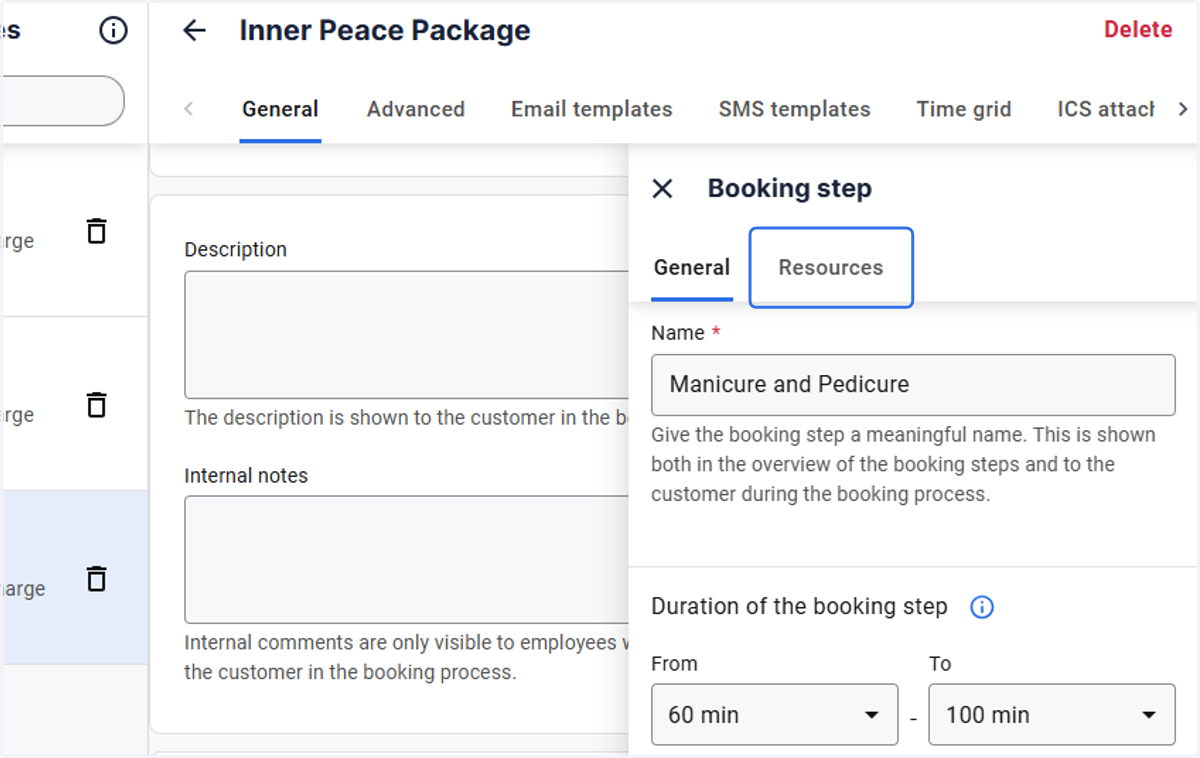
18. Click on Resources
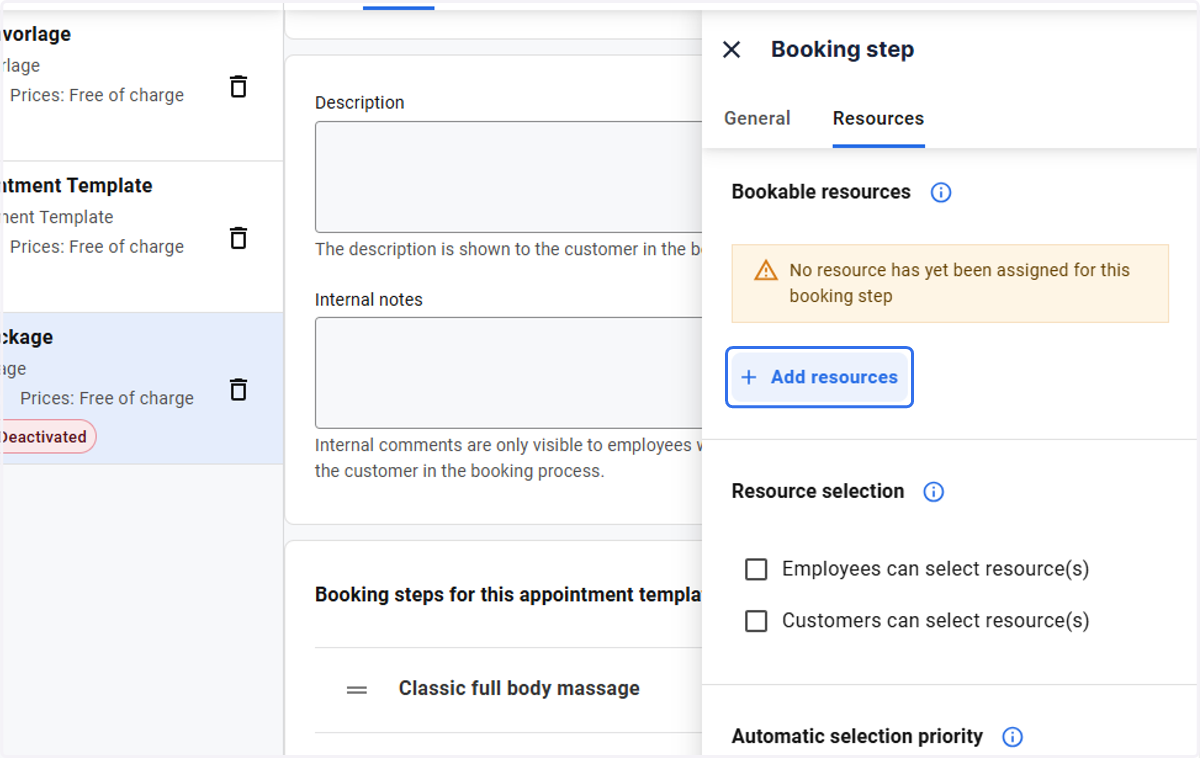
19. Click on Add resources
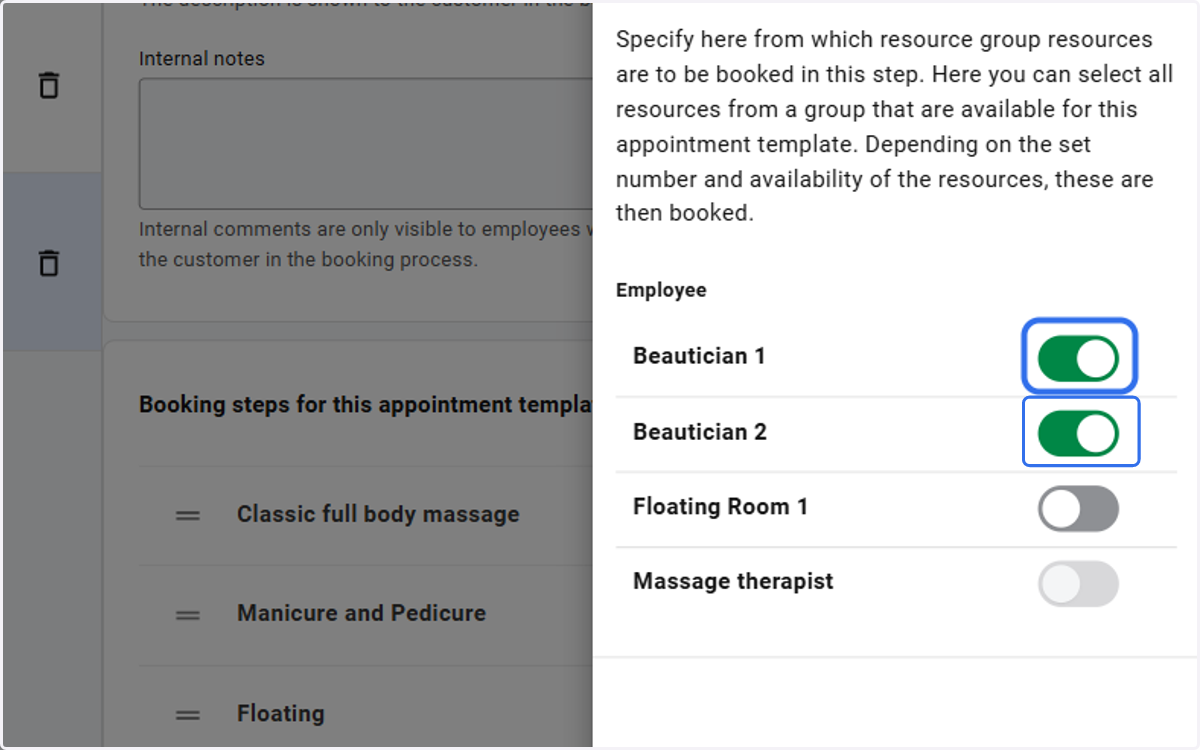
20. Click on highlight
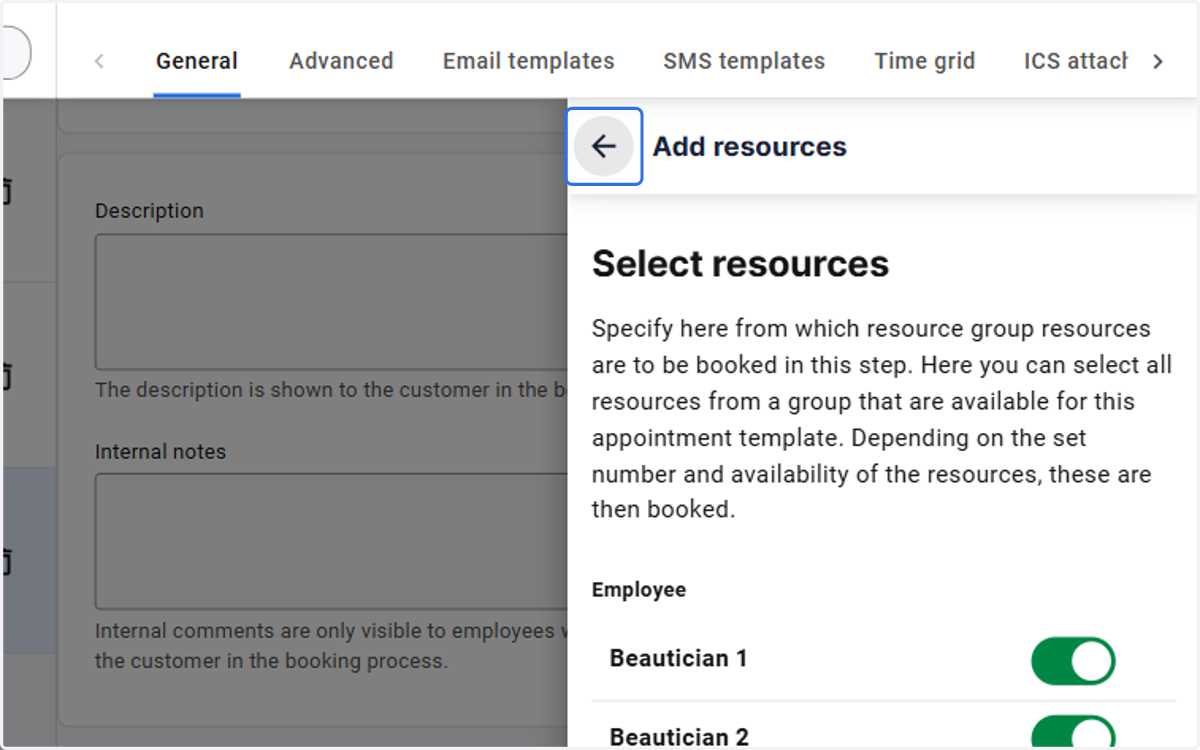
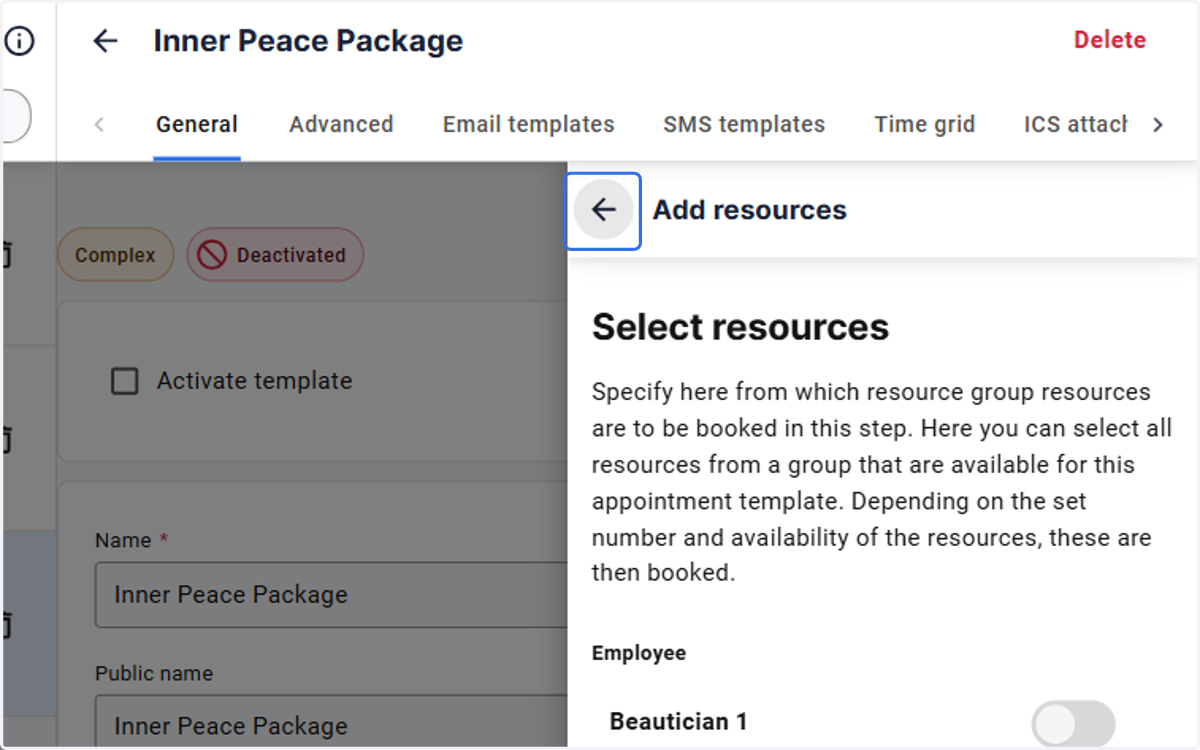
21. Click on Go back
22. Click on Add booking step
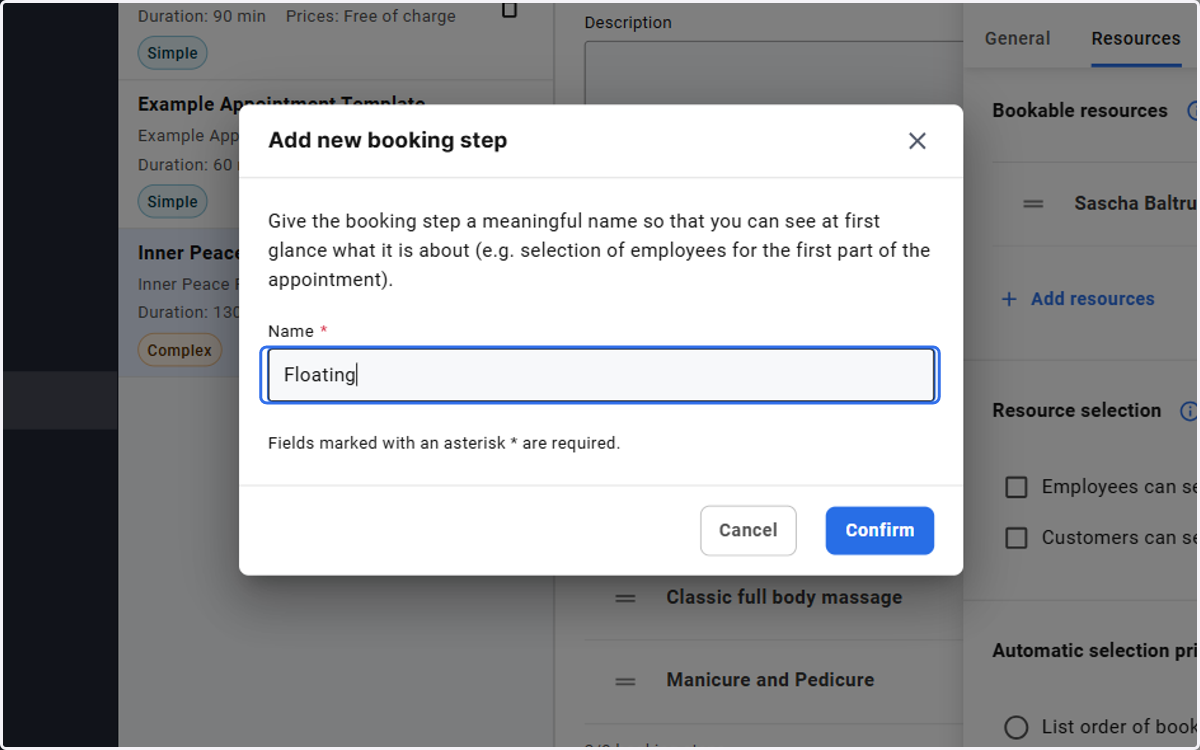
23. Type "Floating" and click Confirm
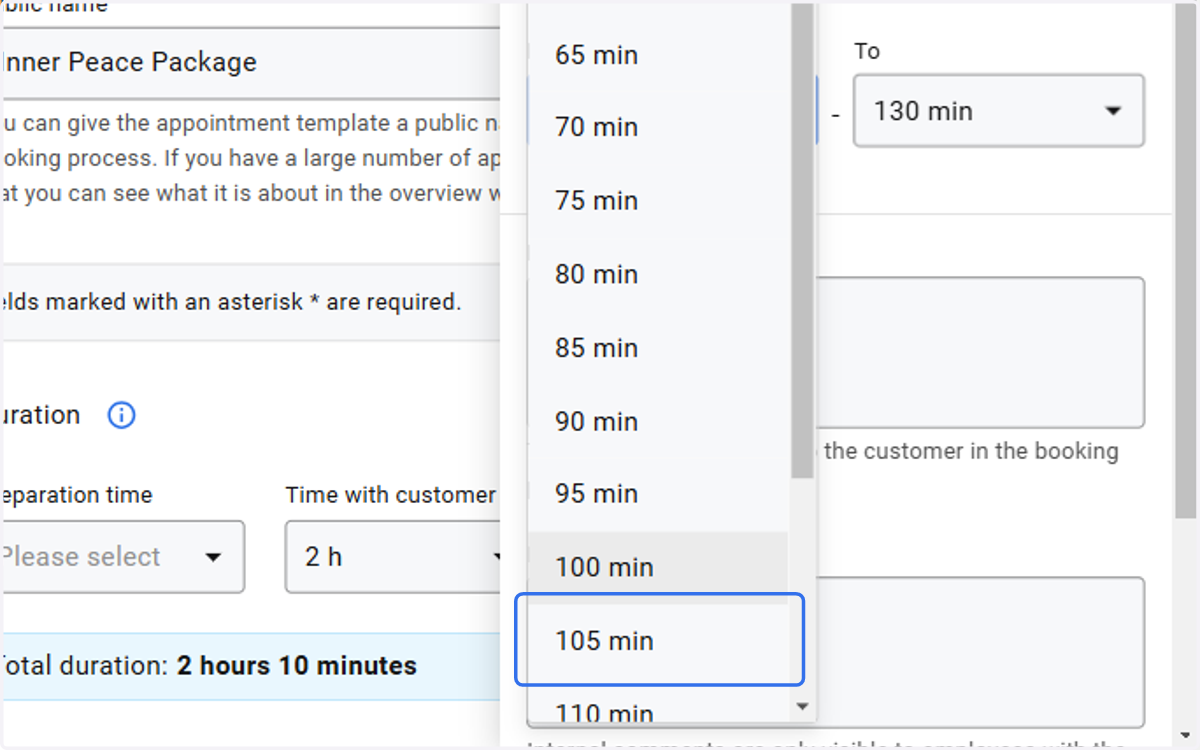
24. Adjust the time according to the booking step
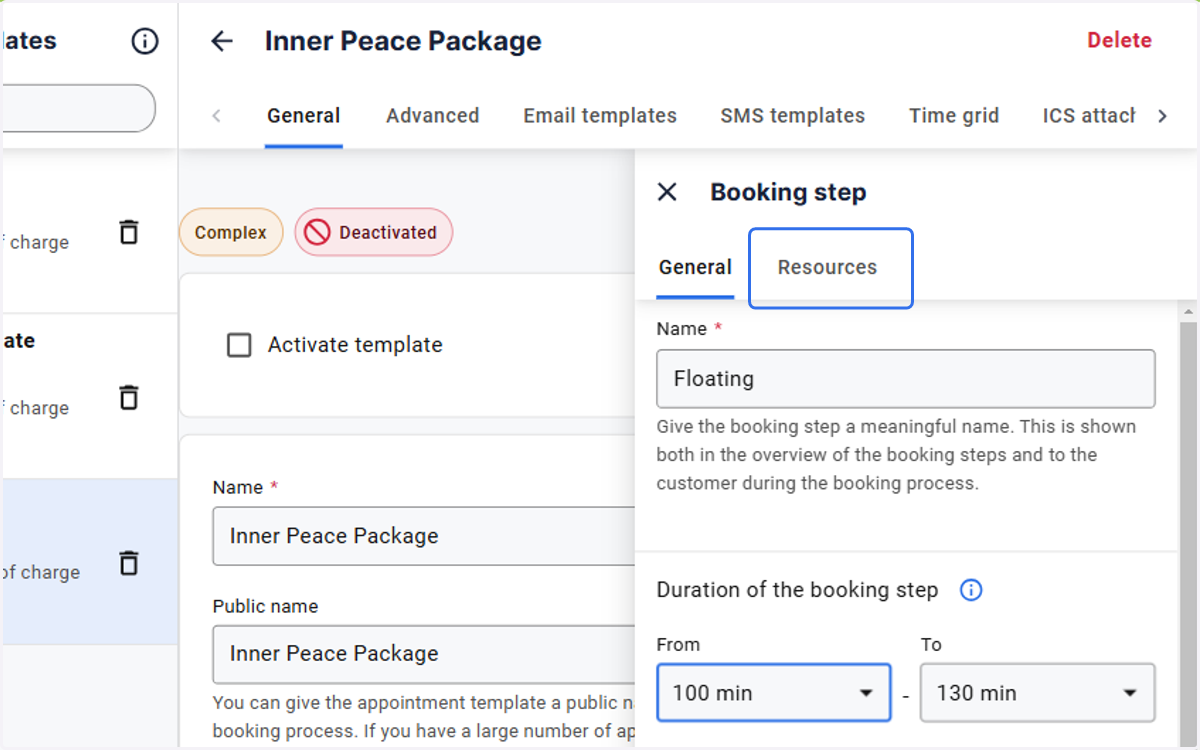
25. Click on Resources
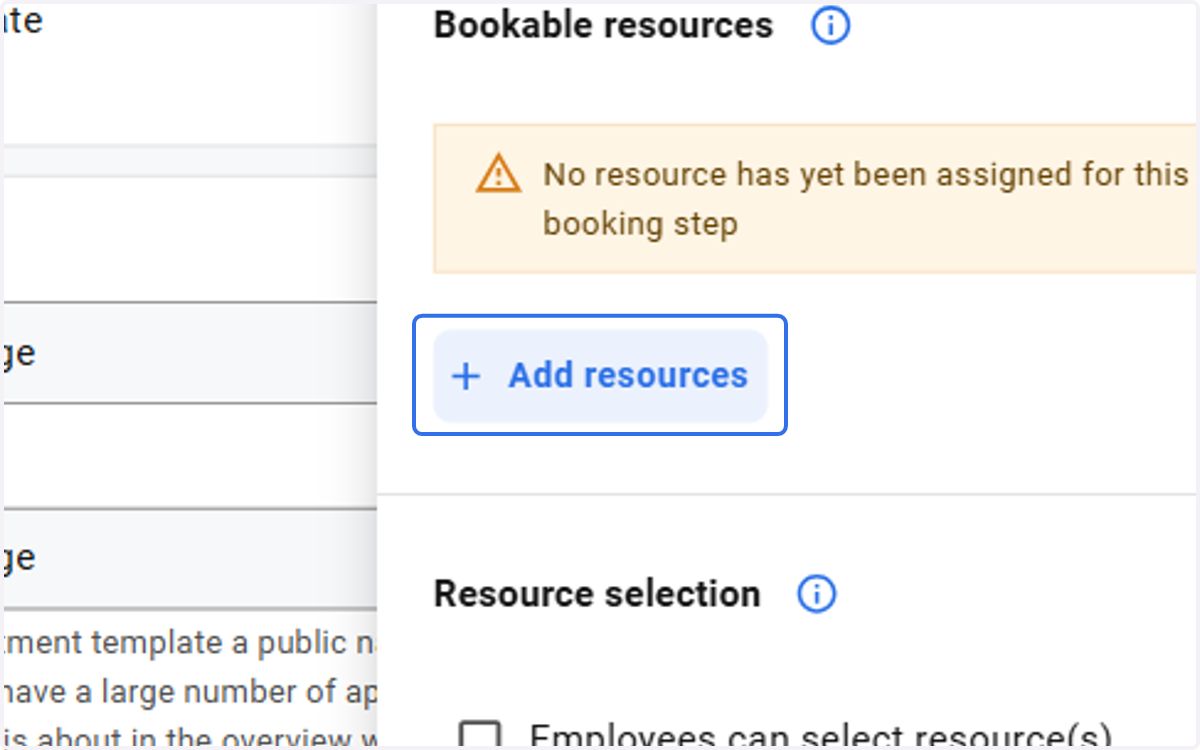
26. Click on Add resources
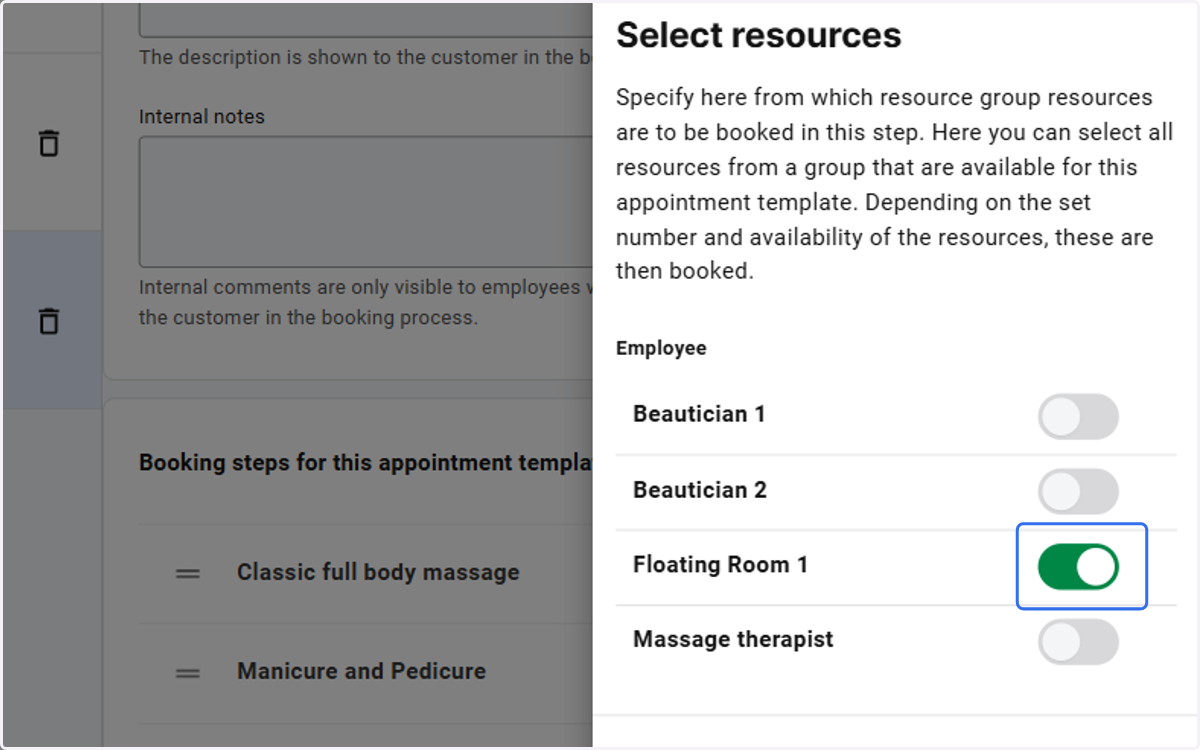
27. Click on highlight
28. Click on Go back
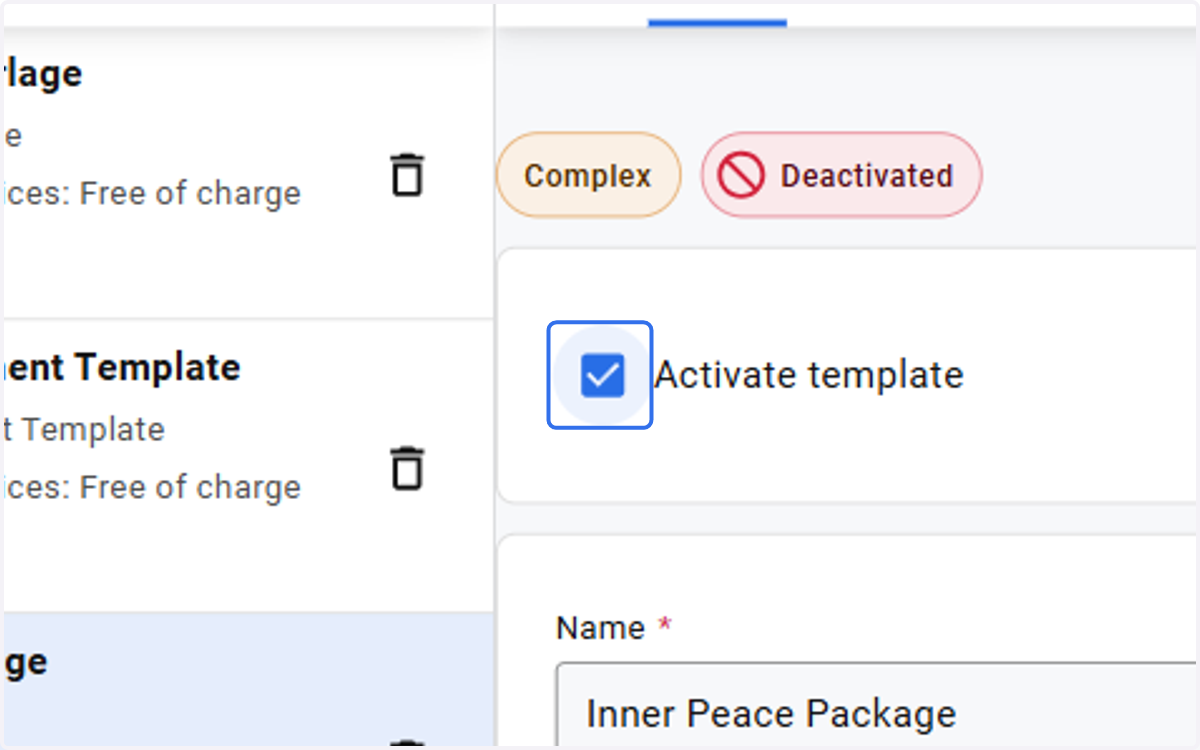
29. Check Activate template
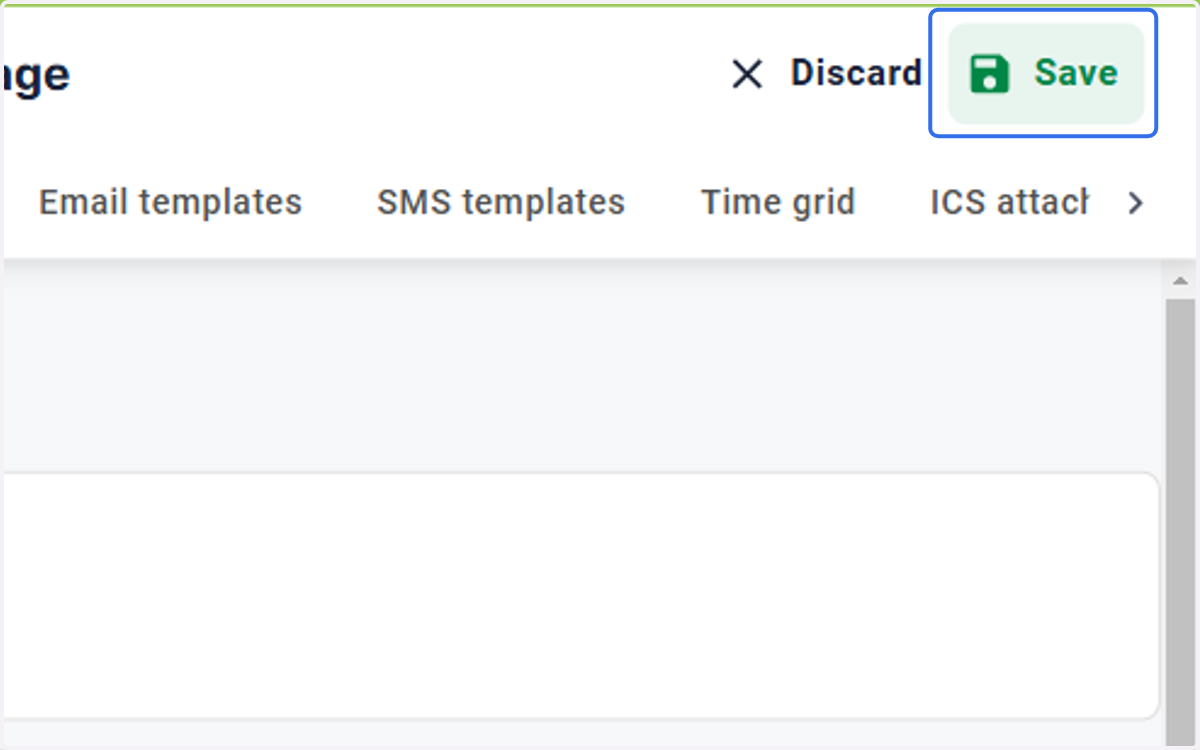
30. Click on Save