Inviting Contacts to RentCafe in Senior CRM
A Non-Primary Payer, that is not flagged as a payer will only be able to see Lease Docs and other uploaded attachments. They will not be able to see any payment related information, nor will they be able to see any payer statements.
A Non-Primary Payer, that is also flagged as payer has the same access as regular contact with additional payment information access, like the Primary Payer. This includes the ability to see Charges, Payer Statements, and to set up Bank account information. Typically this is a backup payer, however, they still can make payments from the portal
1. When under a future resident, you should be able to see the step of the Primary Contacts RentCafe invite status

2. If other contacts are to be invited to the portal, go to the Contacts of the Future resident

3. From here, youll be able to see the RentCafe Invite status, and send an invite to any contact

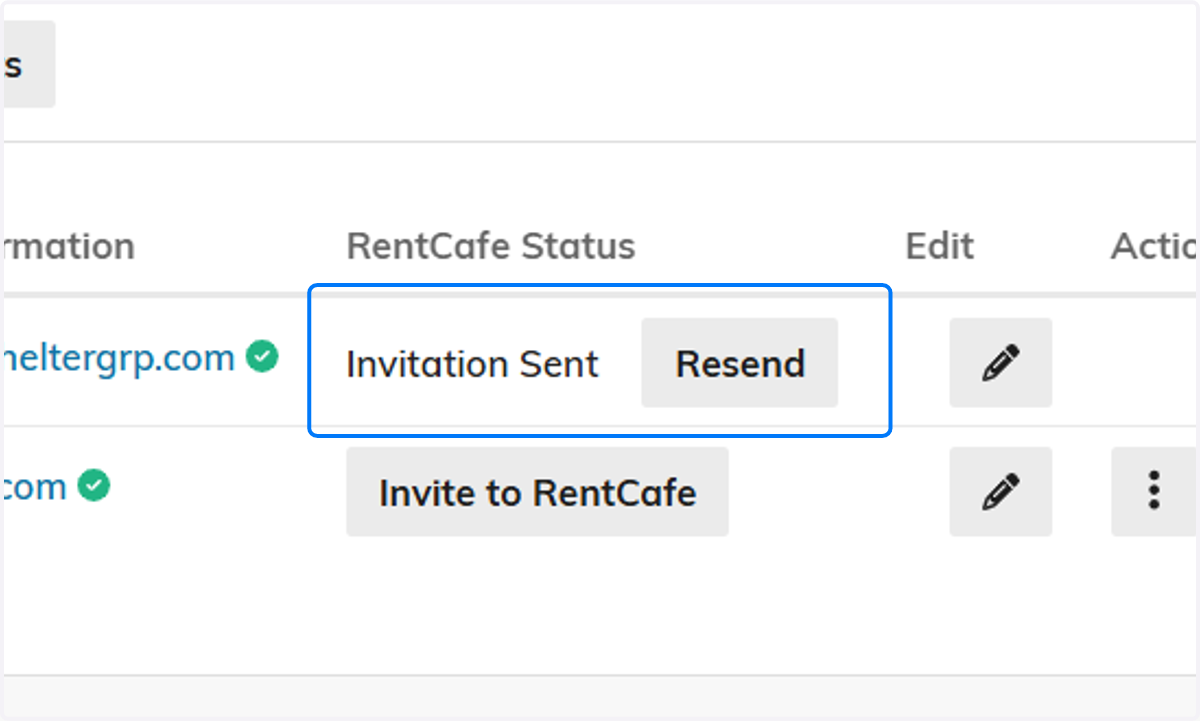
4. Here is what it would look like if a Contact was sent an Invite, but never logged in
5. Heres what it would look like if they had successfully logged into RentCafe
