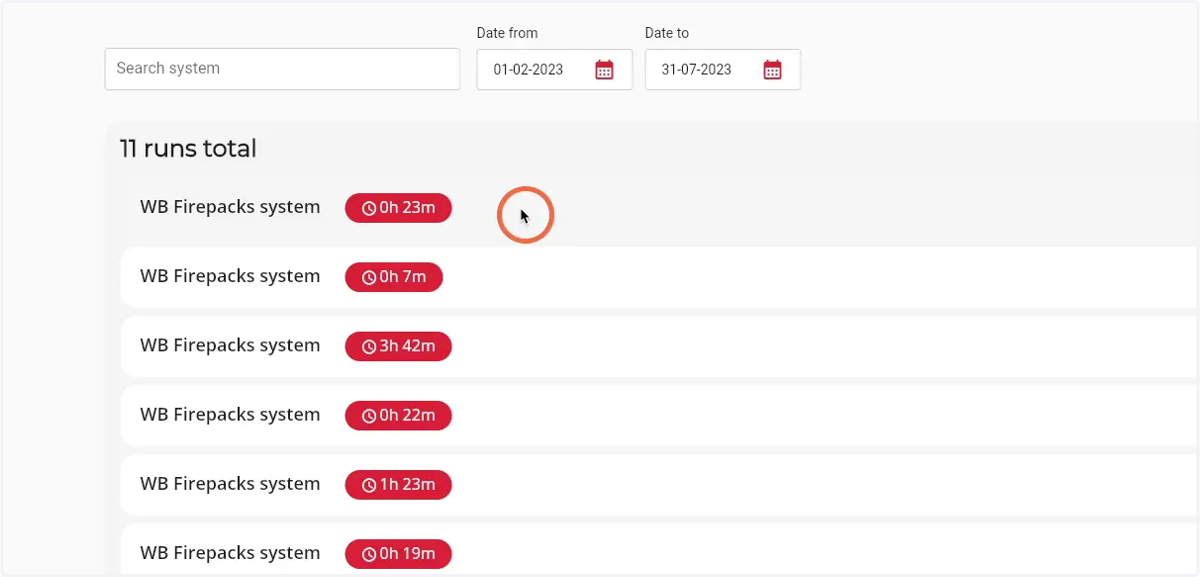
How to see an overview of all runs
1. Navigate to web.firecoach.app
2. Log in with your Firecoach account
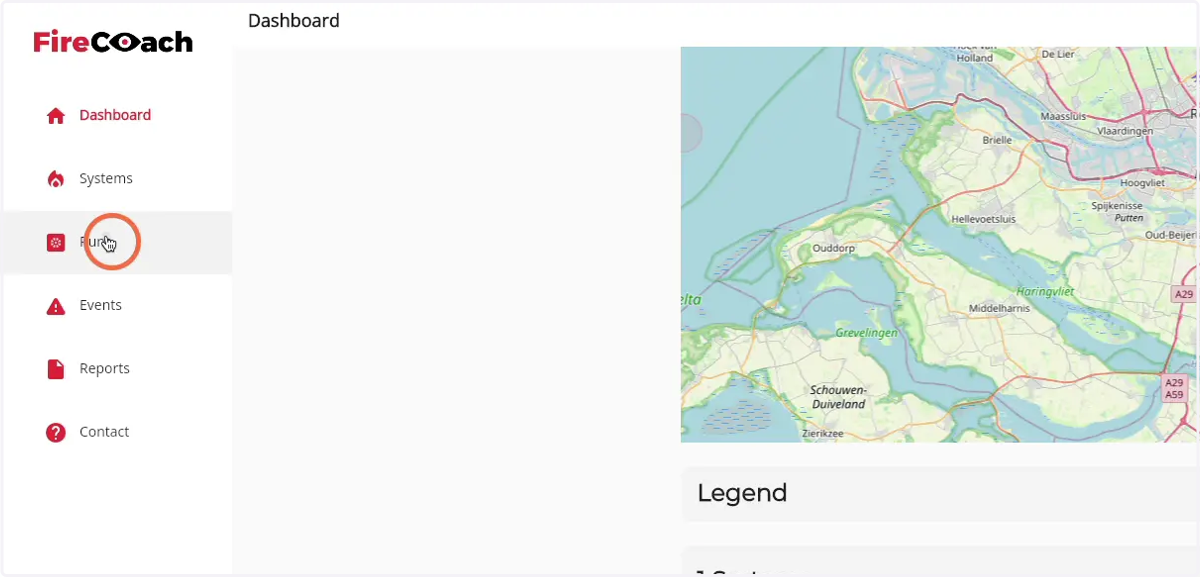
3. Click on 'Runs'
4. A overview of all runs is shown in the 'runs total' component
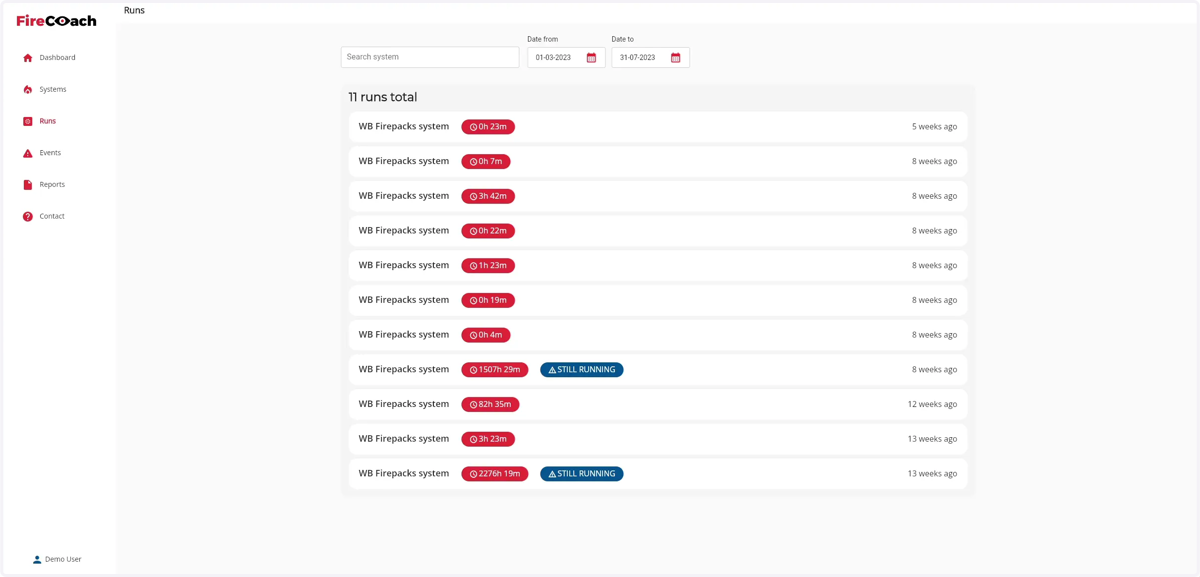
5. You can narrow down the results by using the system and date range filters
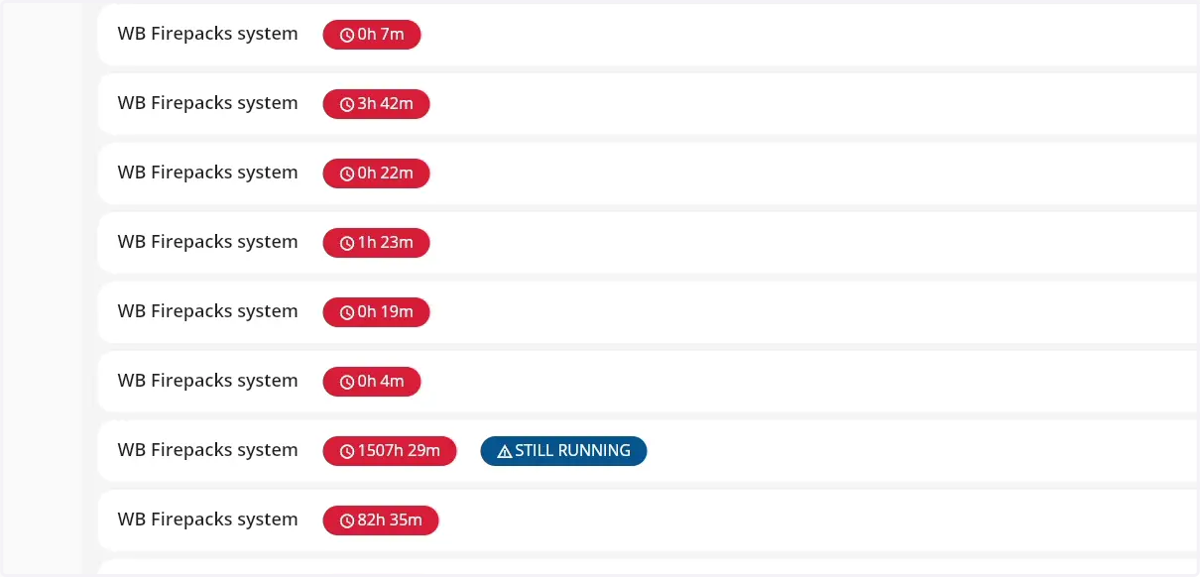
6. Click on the run you to see the details of that run