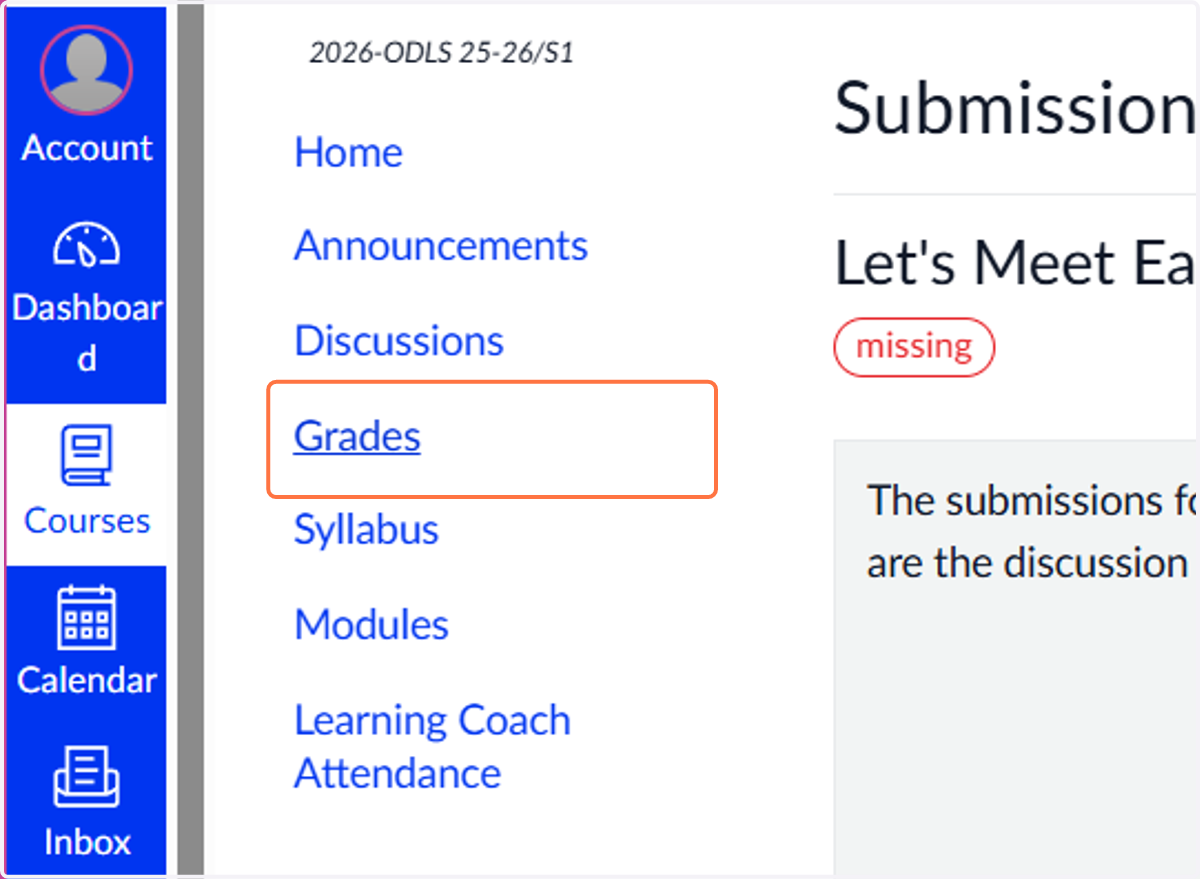
Review Grades in Canvas
Log into your STUDENT account in Canvas
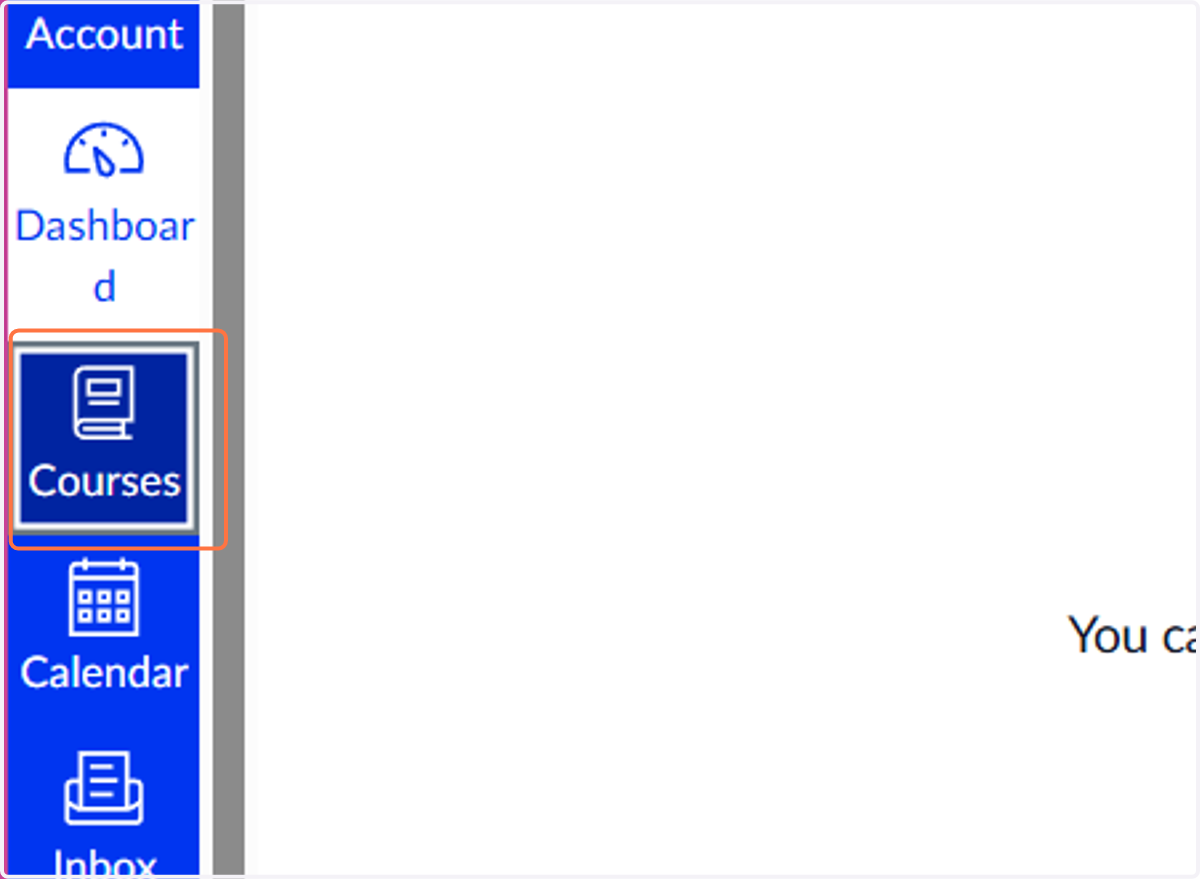
1. Click on Courses in the left side bar
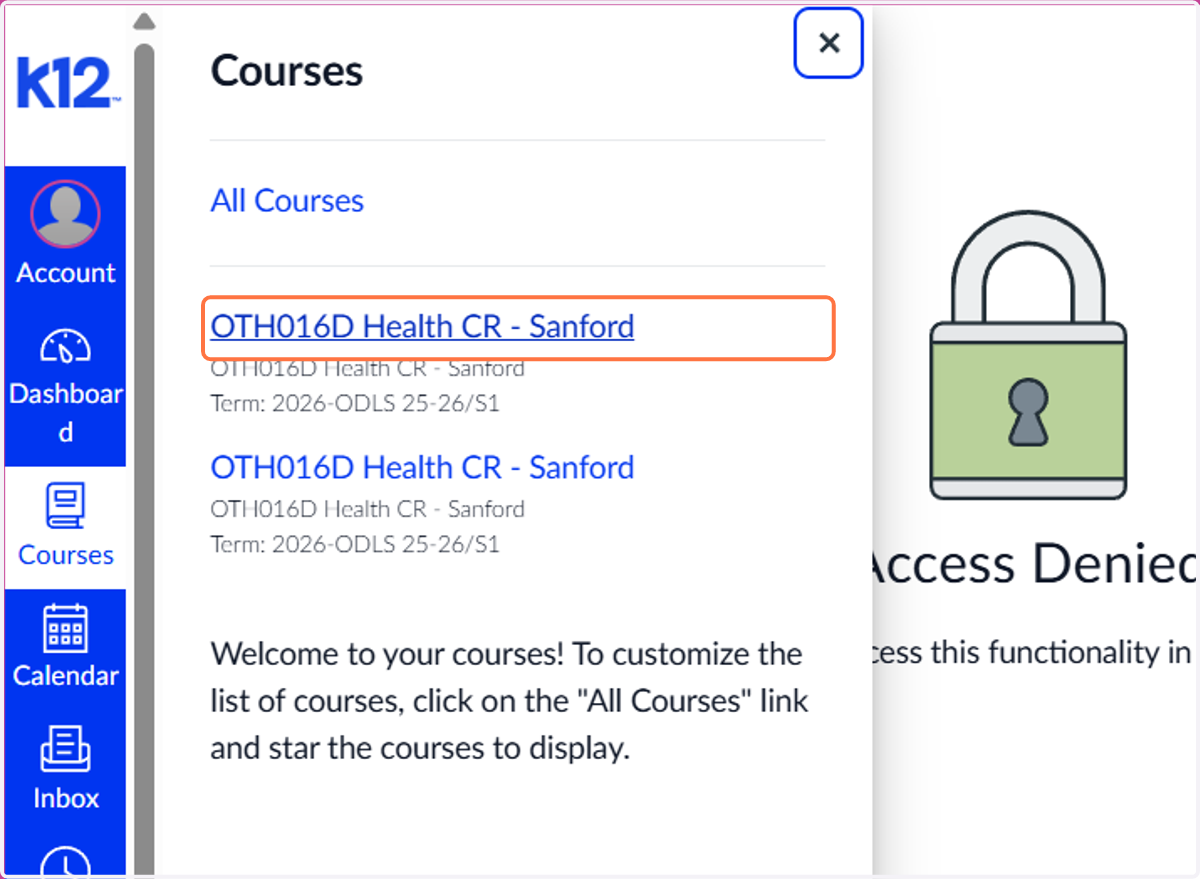
2. Click on the blue title of the course you want to work in
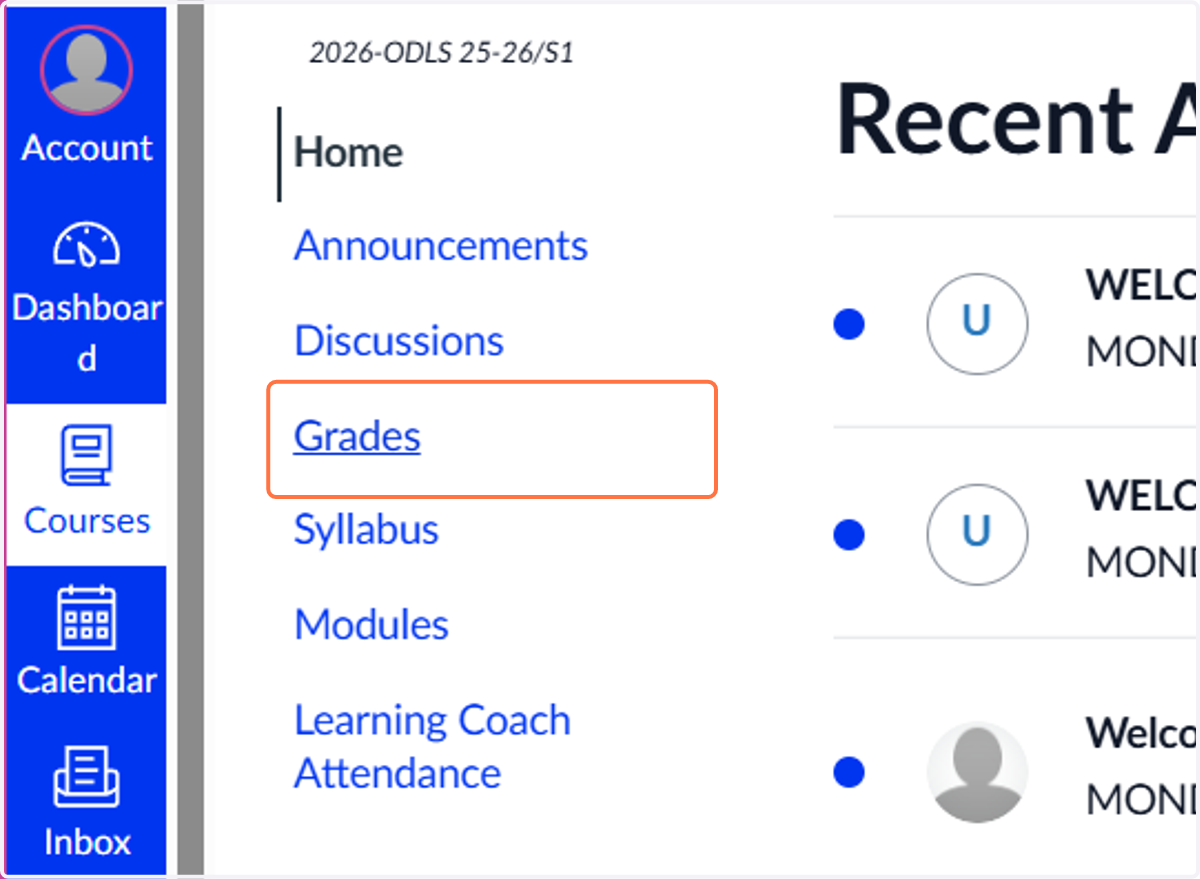
3. Click on Grades
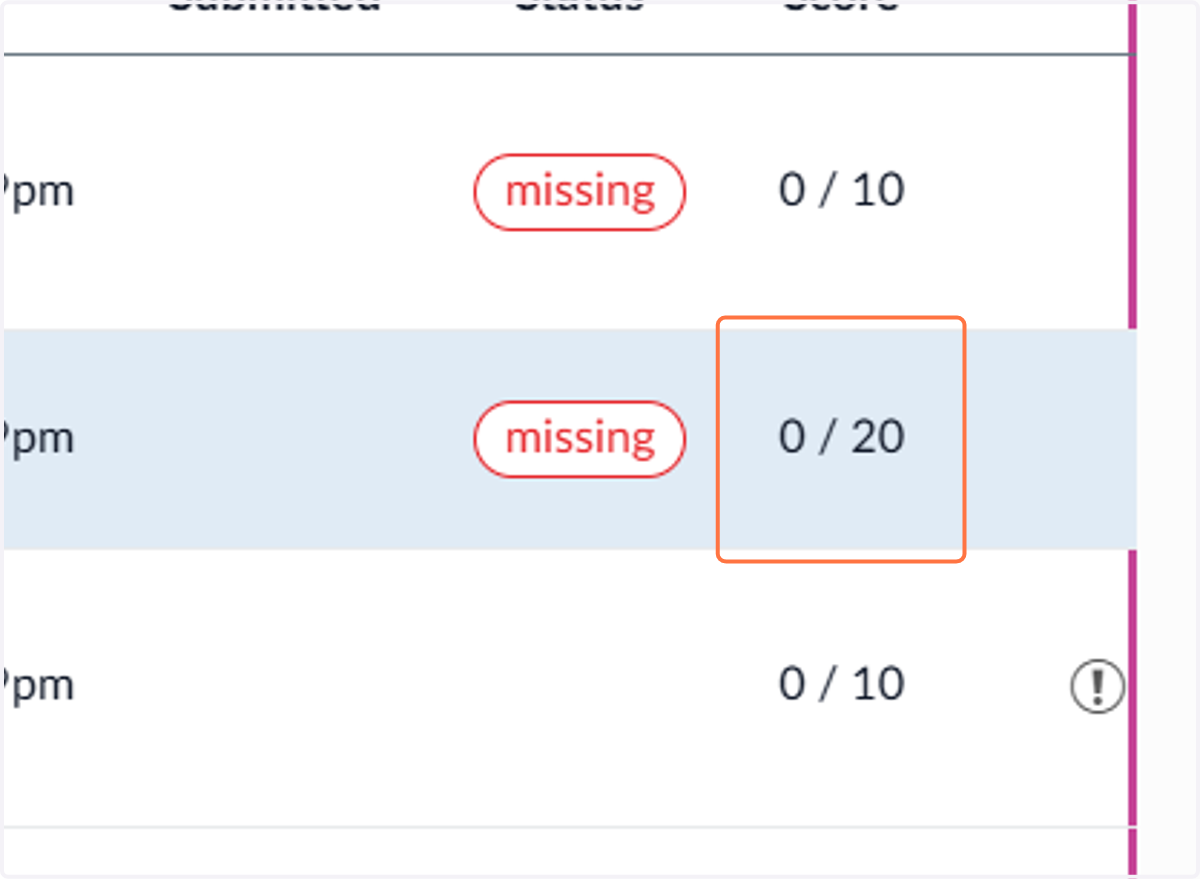
4. The current score being calculated into your grade is on the right side
Remember, you get 3 attempts on all assignments that count in your overall grade
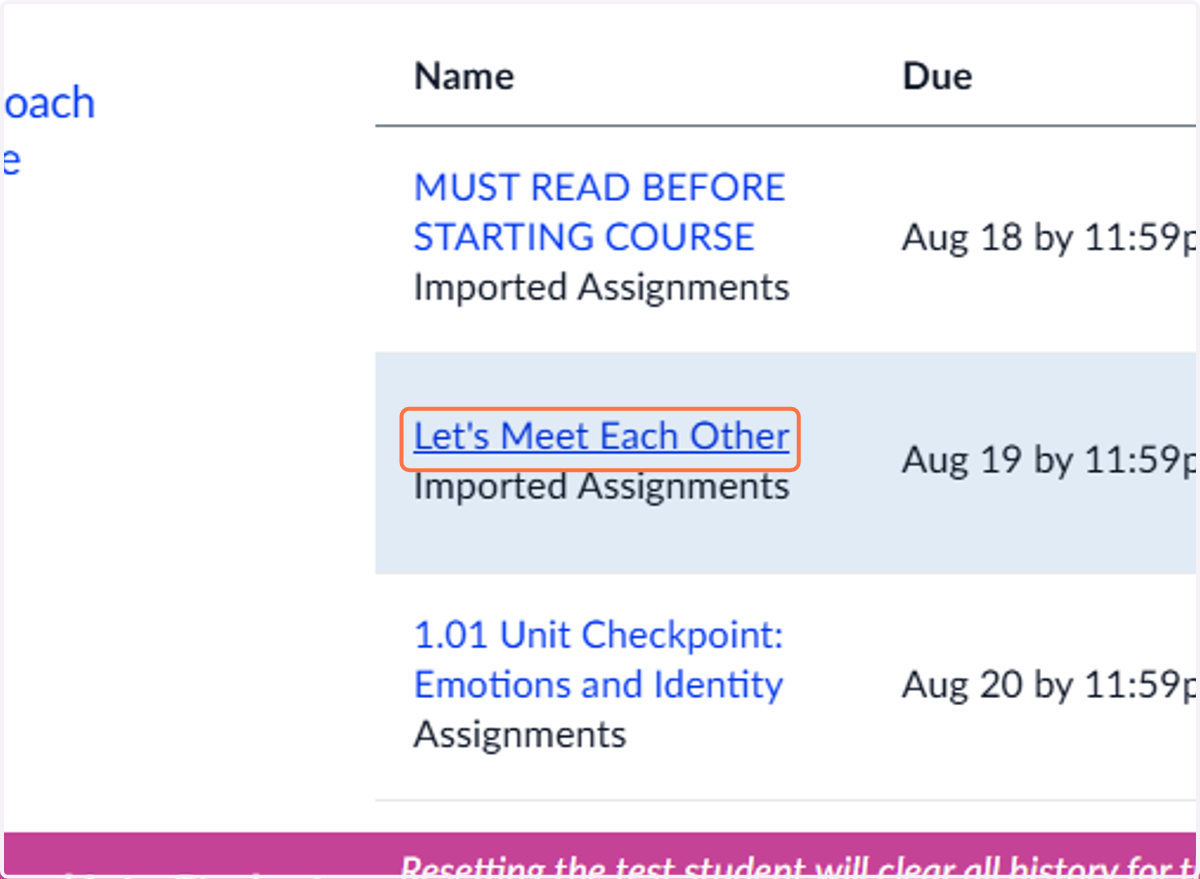
5. To go straight to an assignment, you can click on its title
6. Click on Grades from anywhere in the course to get back to the gradebook