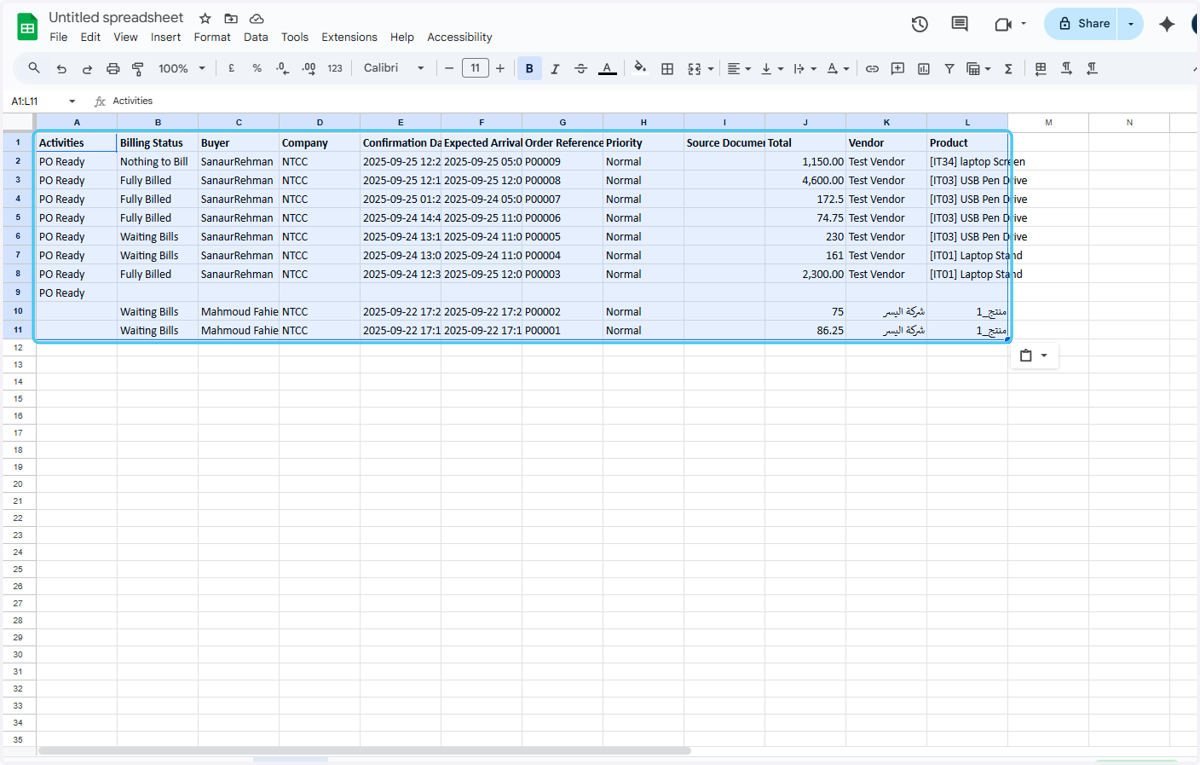
How to export Purchase Orders Report in Odoo-iLines iProcurement
Odoo
1. Click on iProcurement
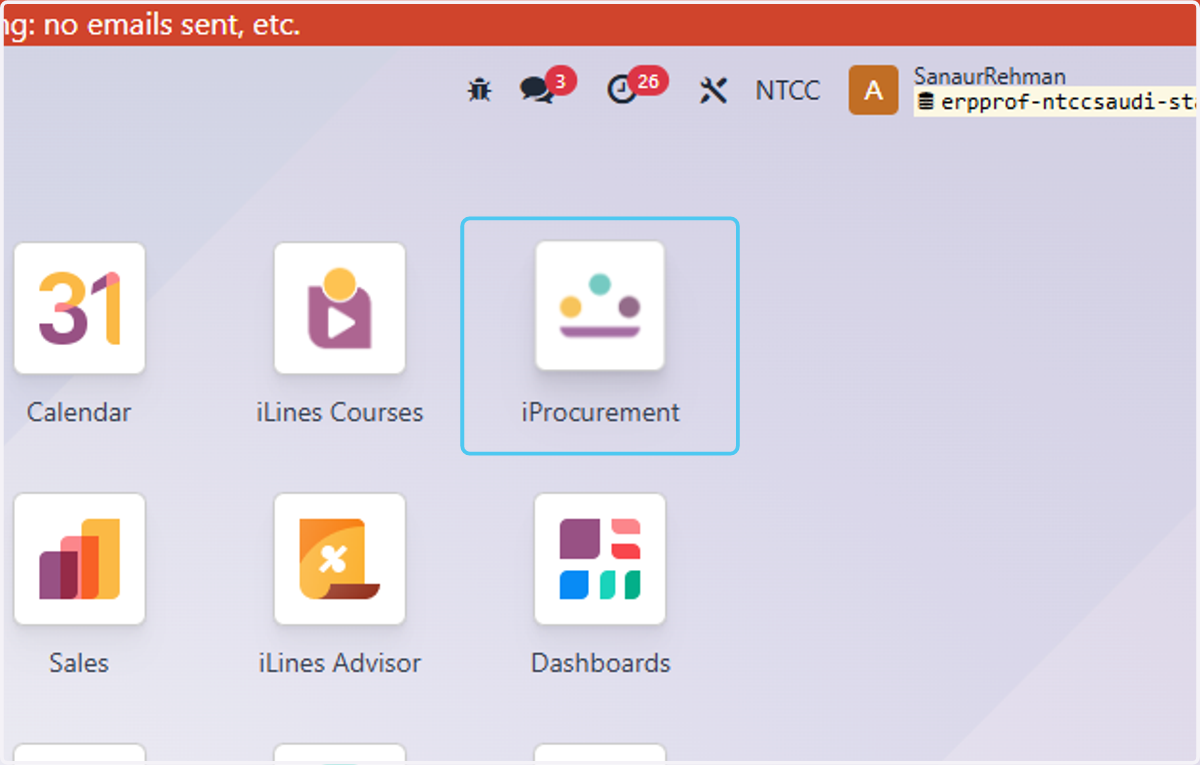
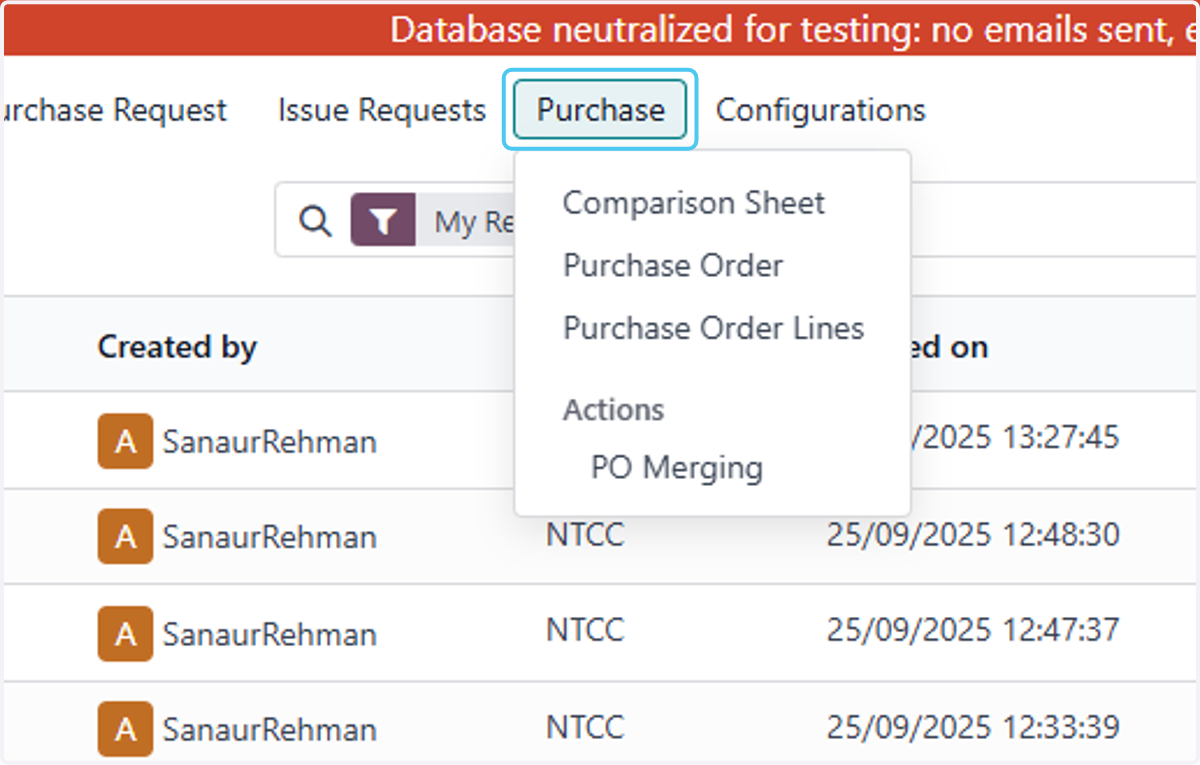
2. Click on Purchase
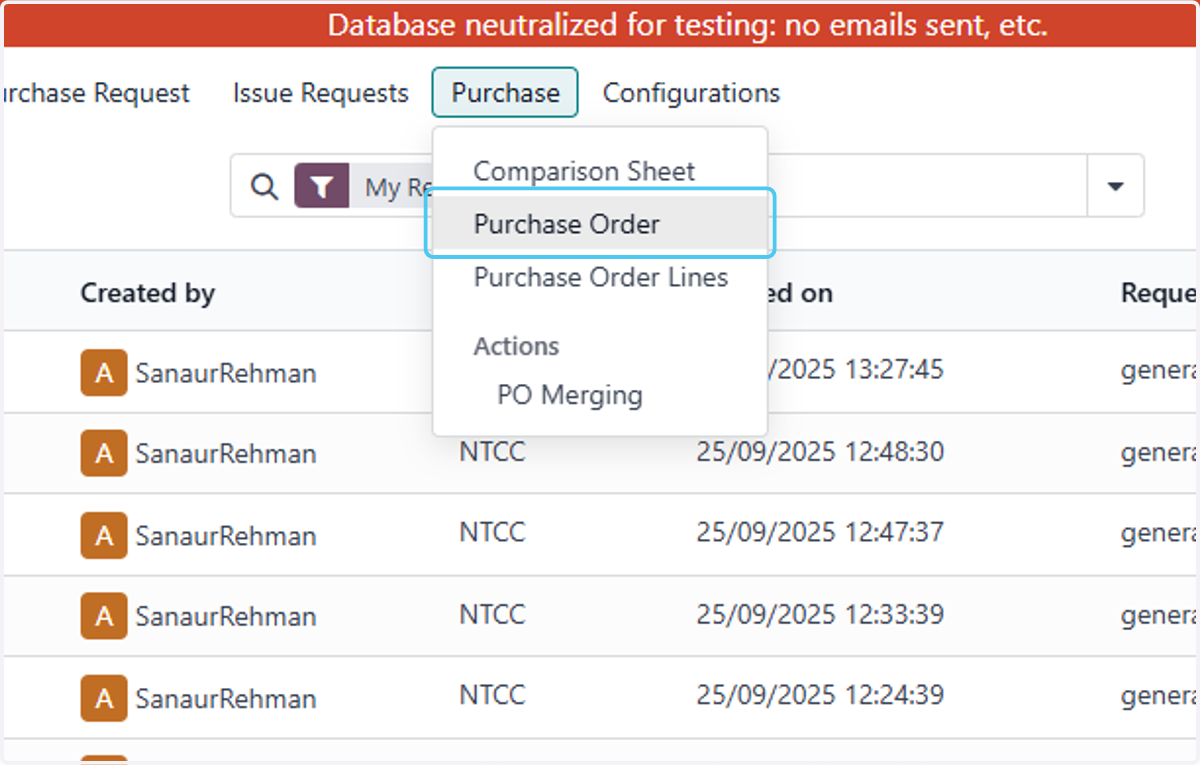
3. Click on Purchase Order
4. Check on
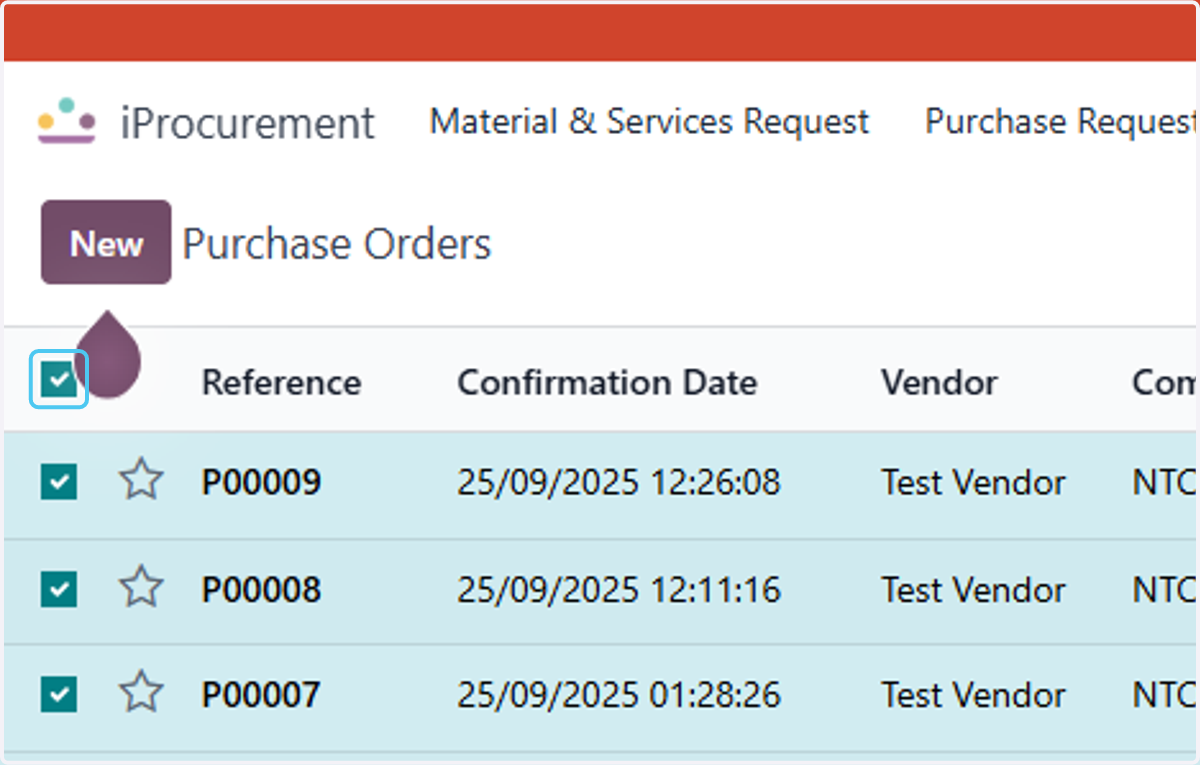
5. Click on Actions
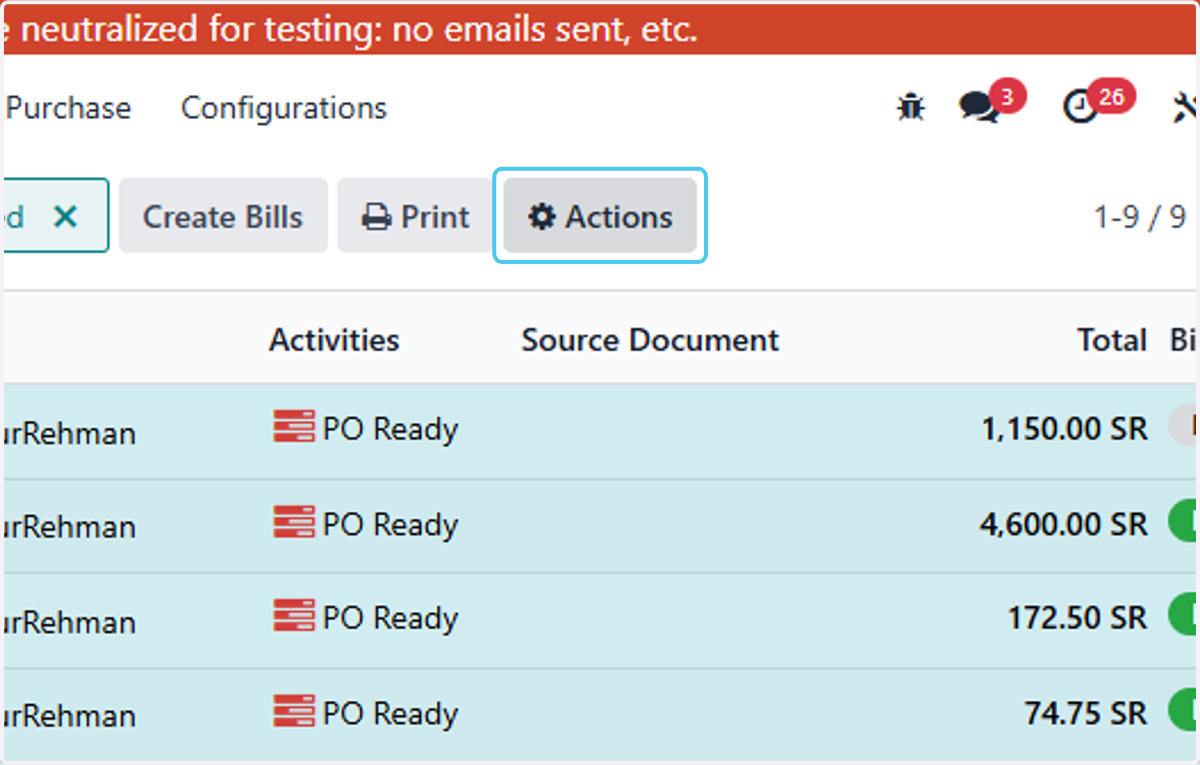
6. Click on Export
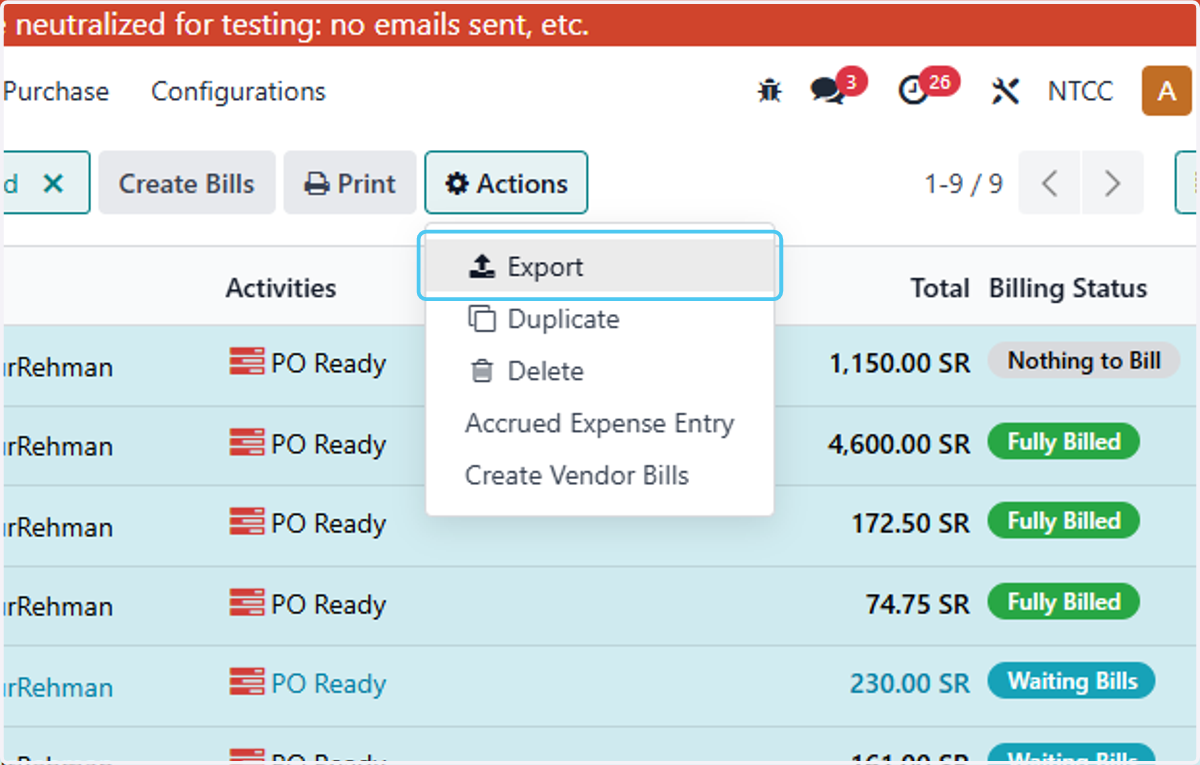
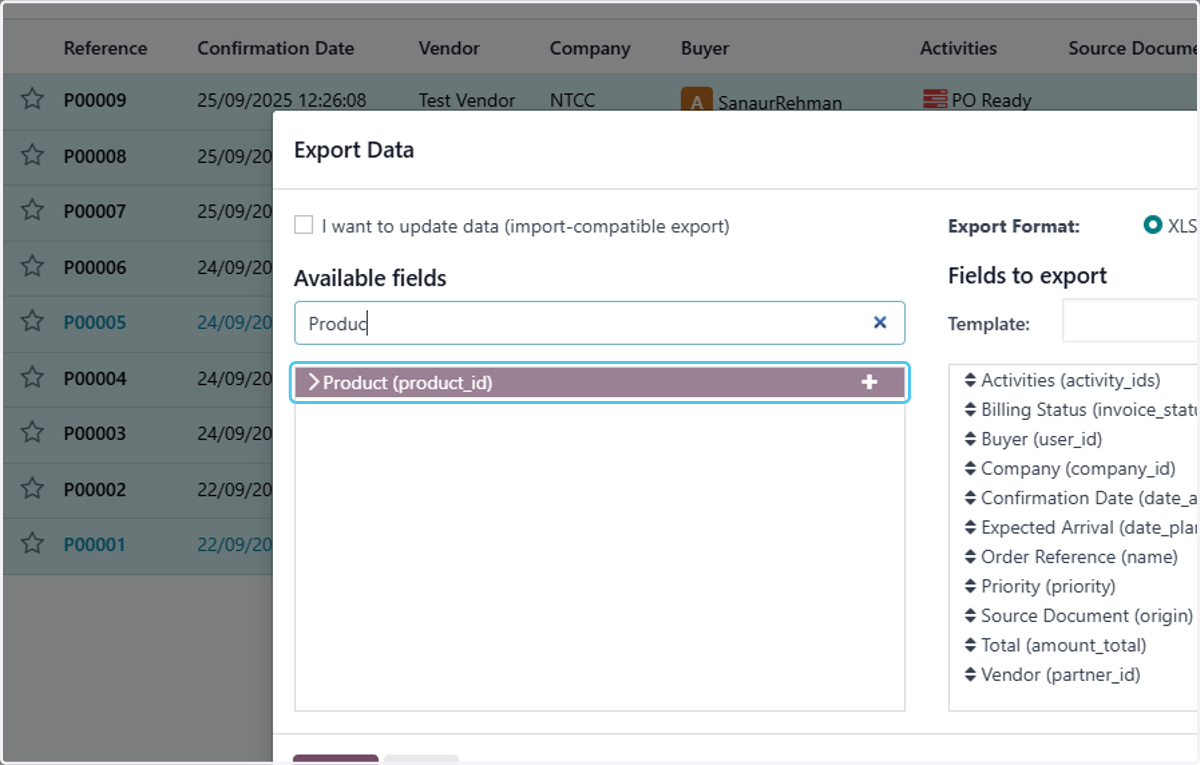
7. Type "Produc"
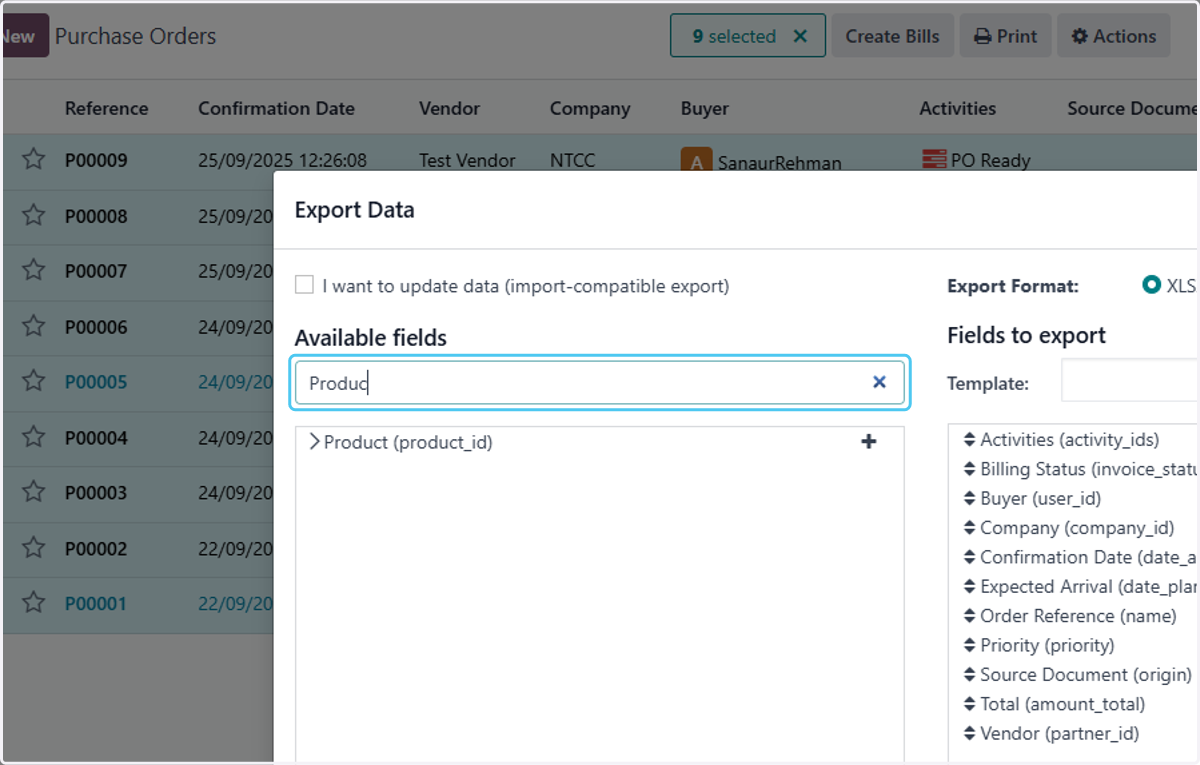
8. Click on Product (product_id)
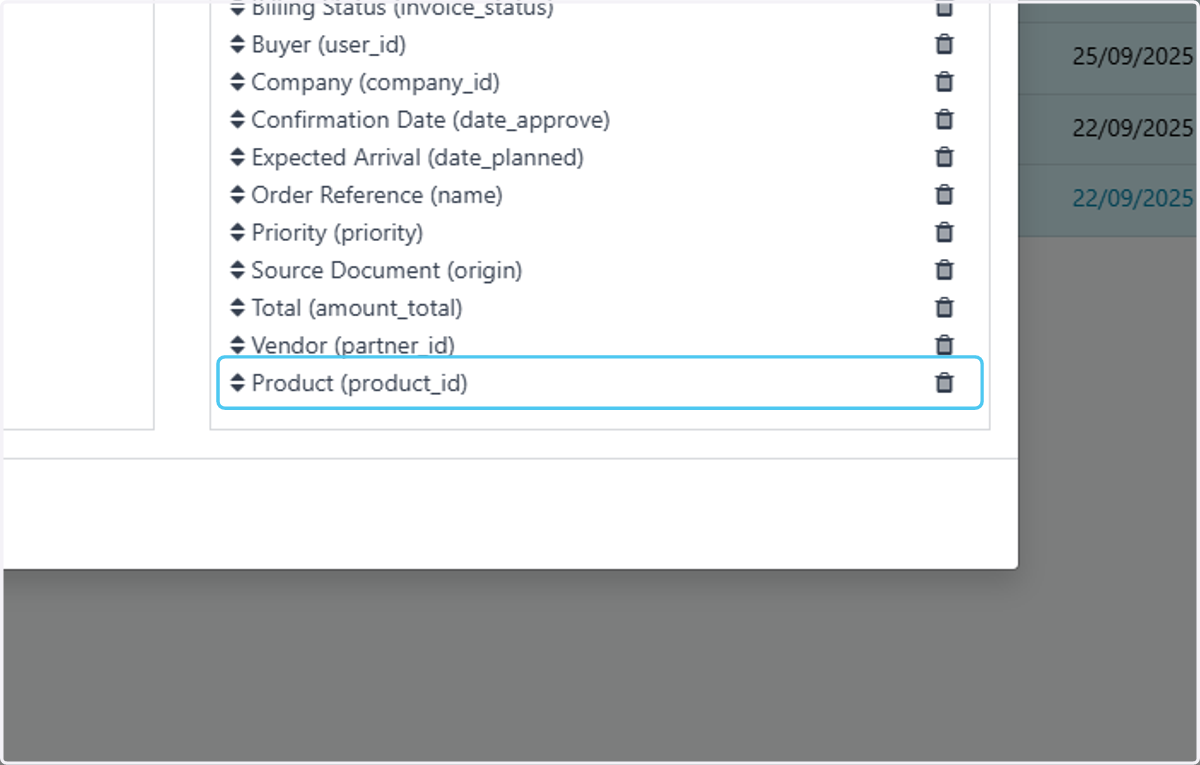
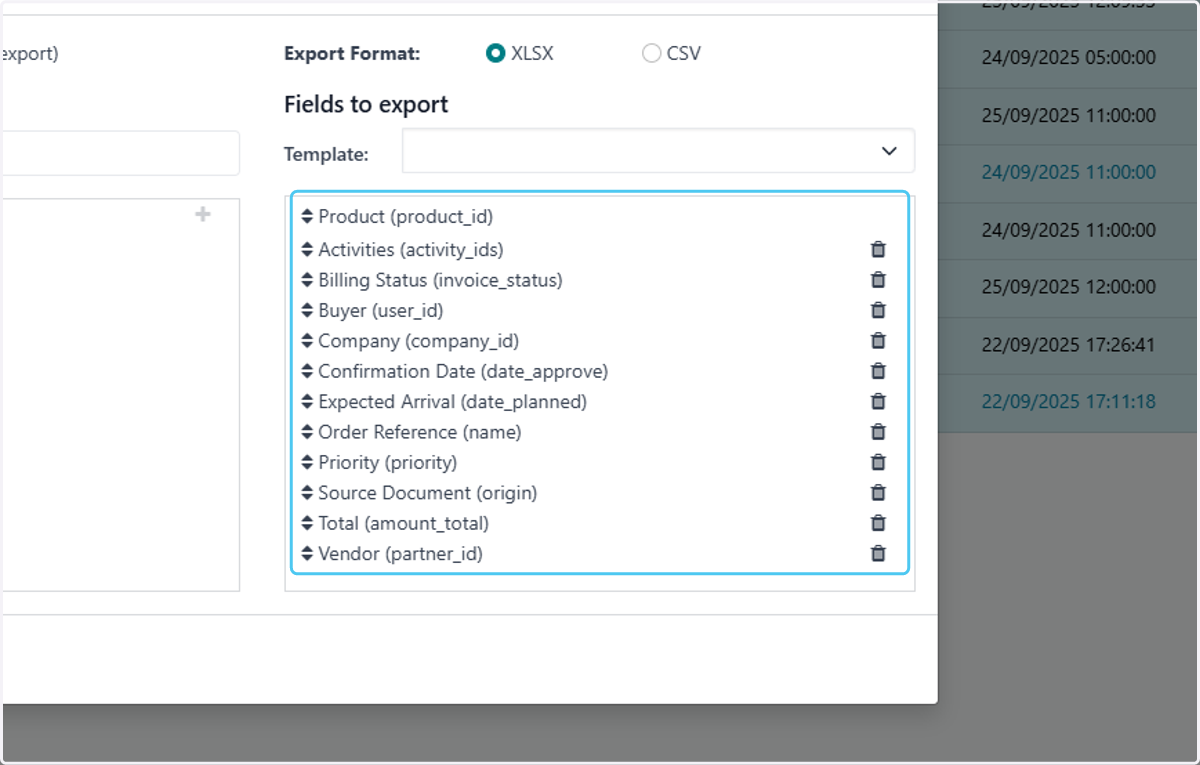
9. Drag highlighted option
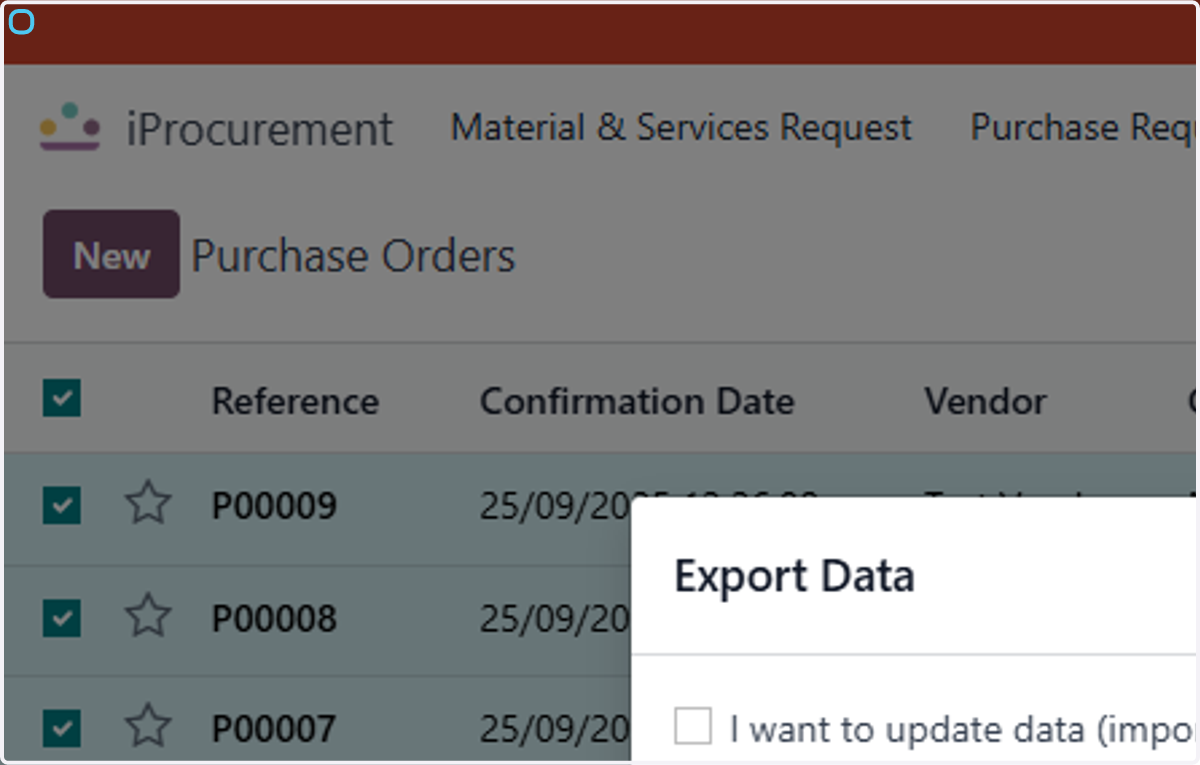
10. Click on Export Data…
11. Select New template
12. Type "purchase order"
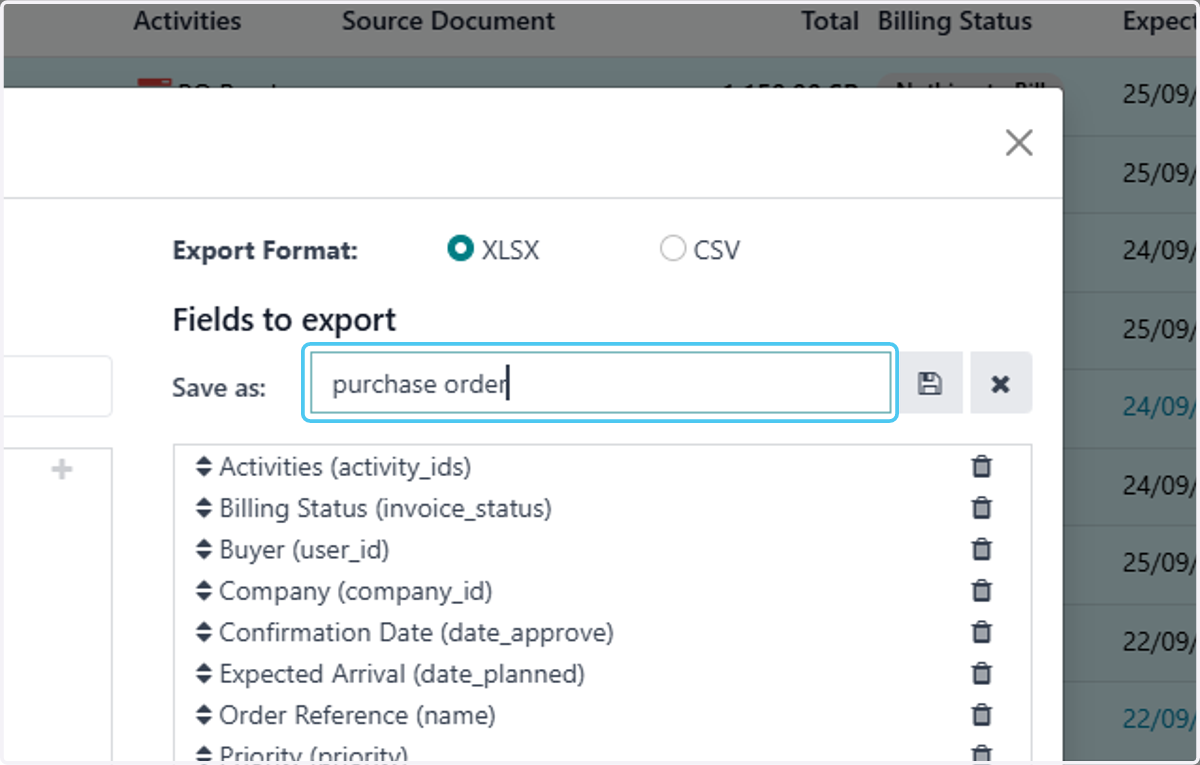
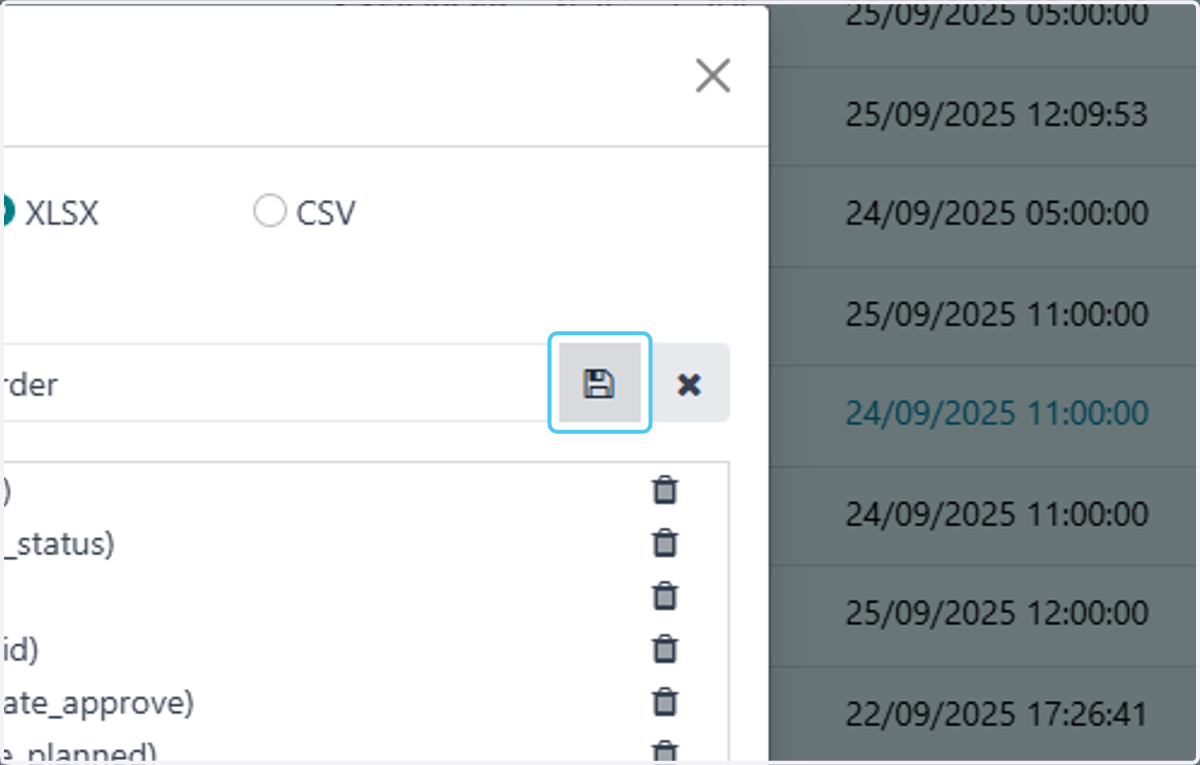
13. Click on Export Data…
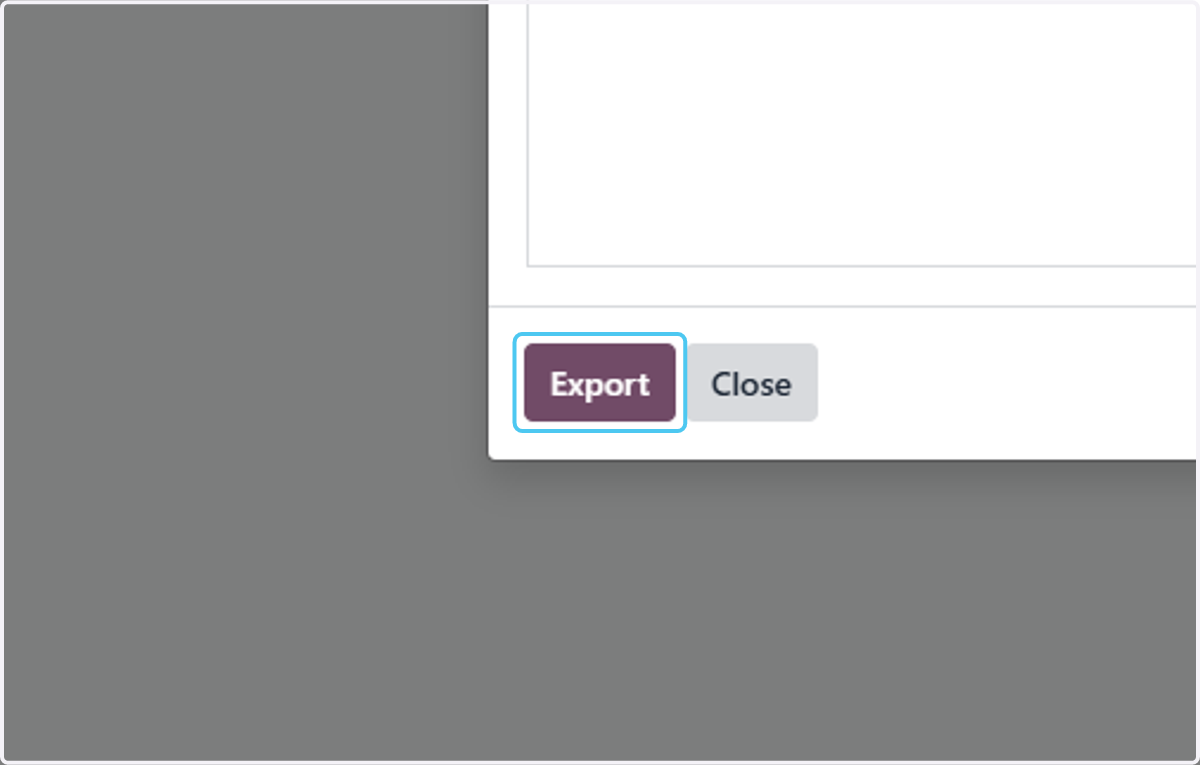
14. Click on Export
15. Now you can see all the details of the that you have exported in excel