Canceling outgoing review invites
Here's how you can cancel an outgoing review invite. This works if the review has not gone out yet. If it has gone out, it will show and you will be unable to cancel it.
Resellerratings
1. Go to www.resellerratings.com
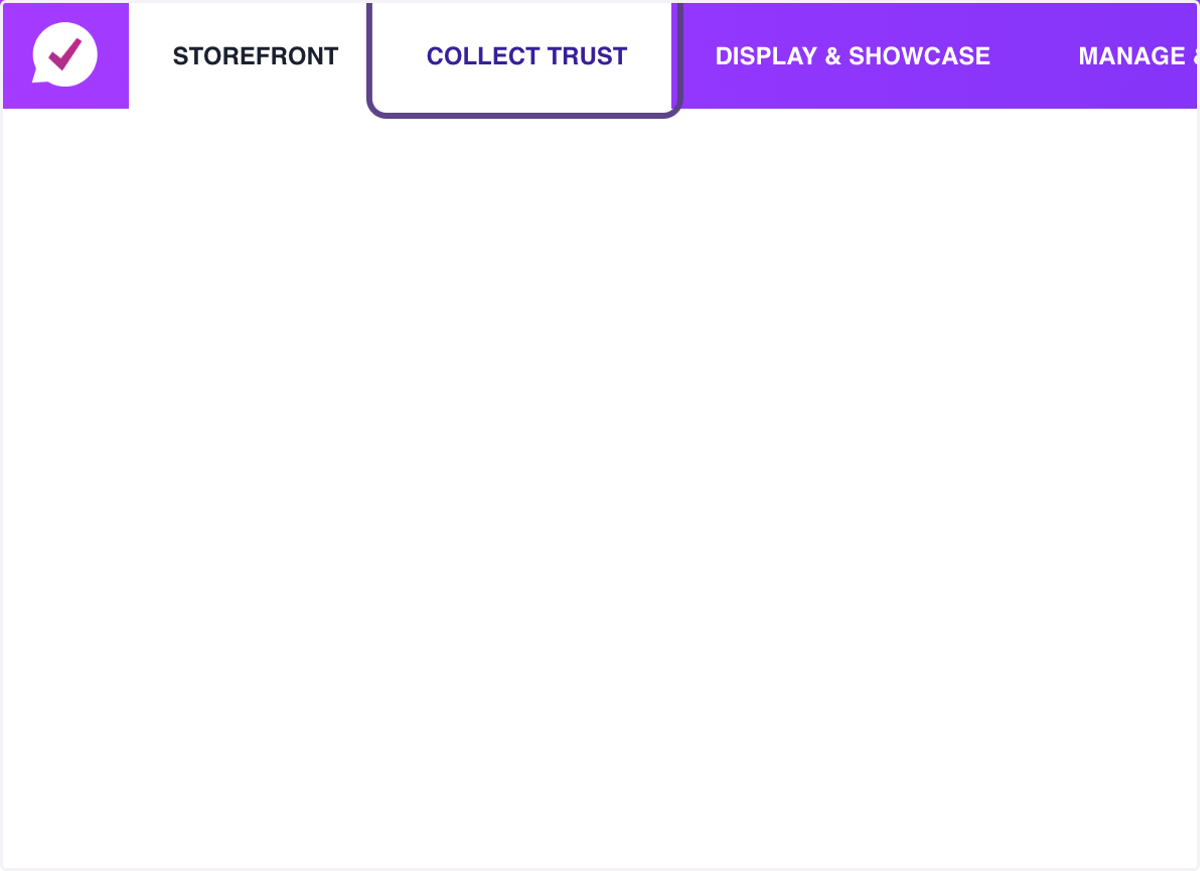
2. Click on Collect Trust
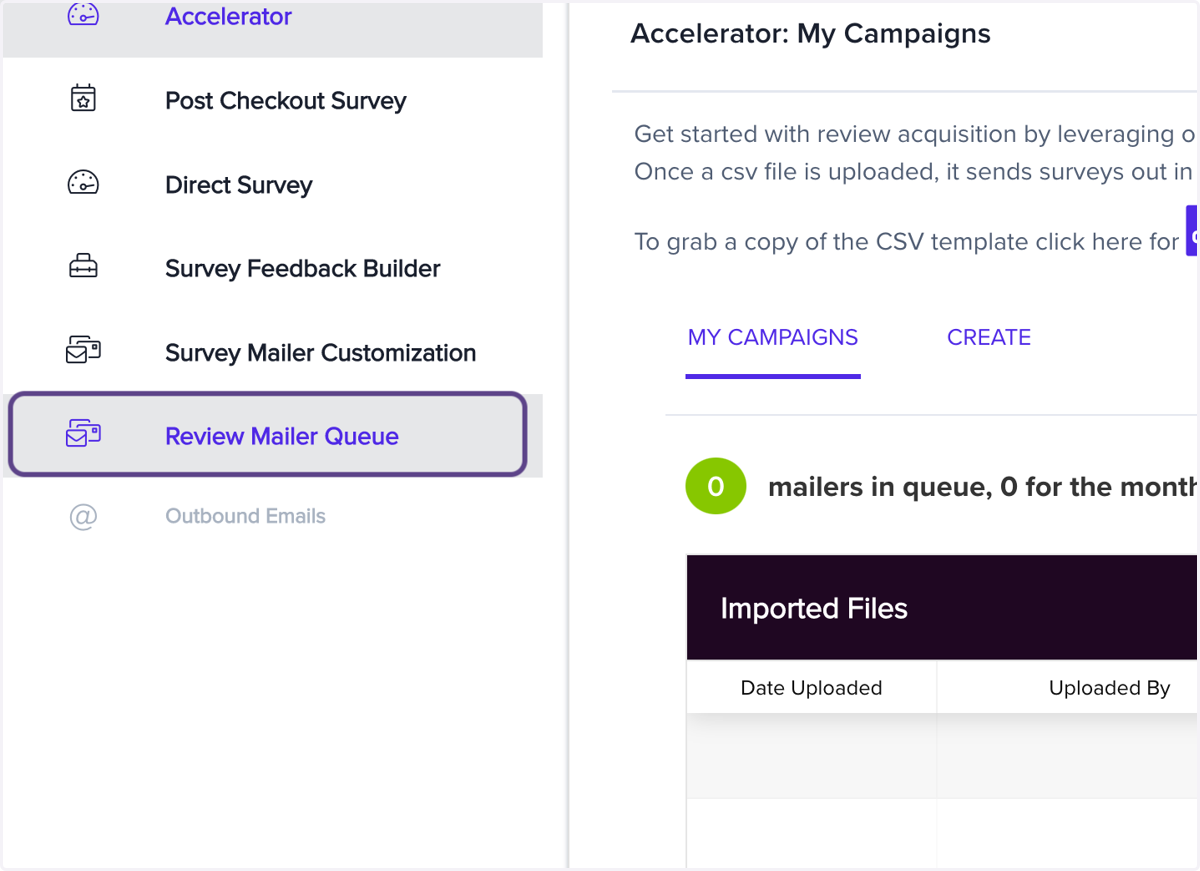
3. Click on Review Mailer Queue
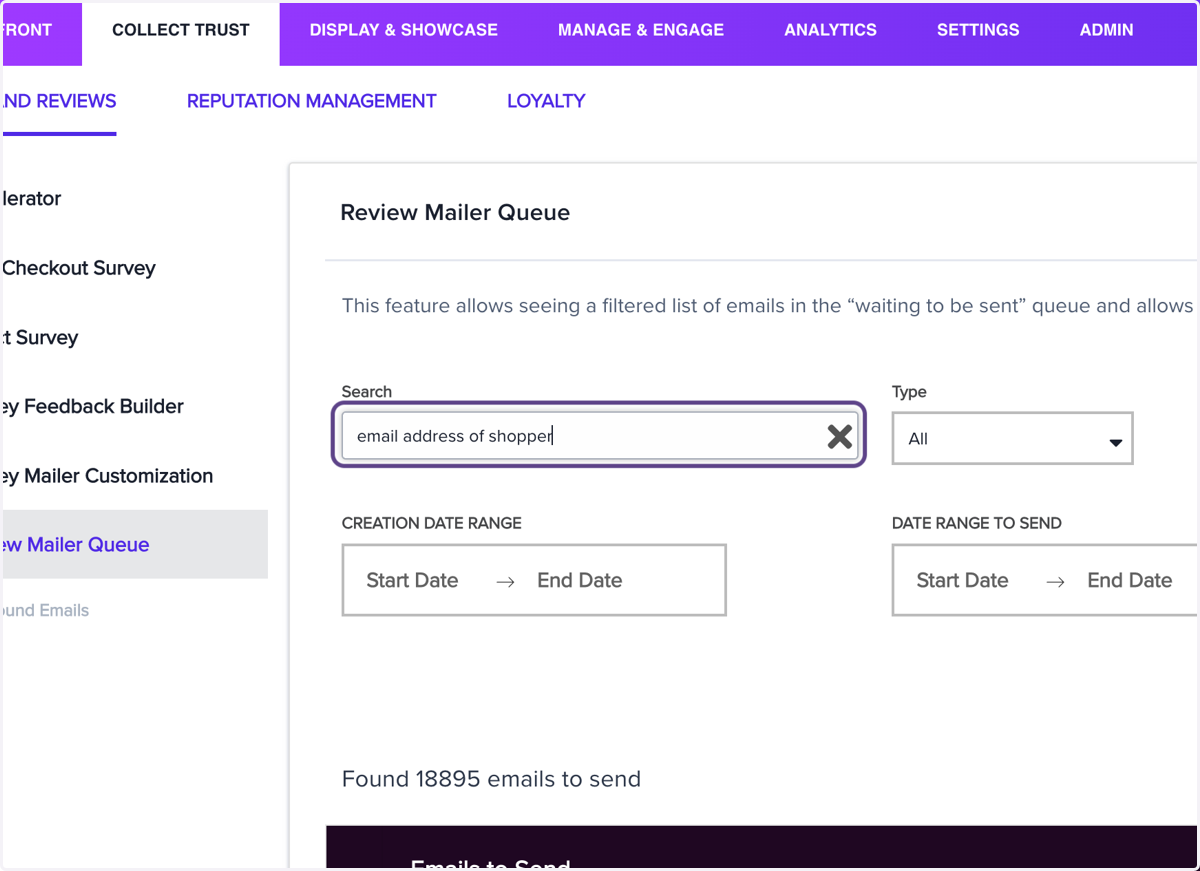
4. Type "email address of shopper" or an invoice number
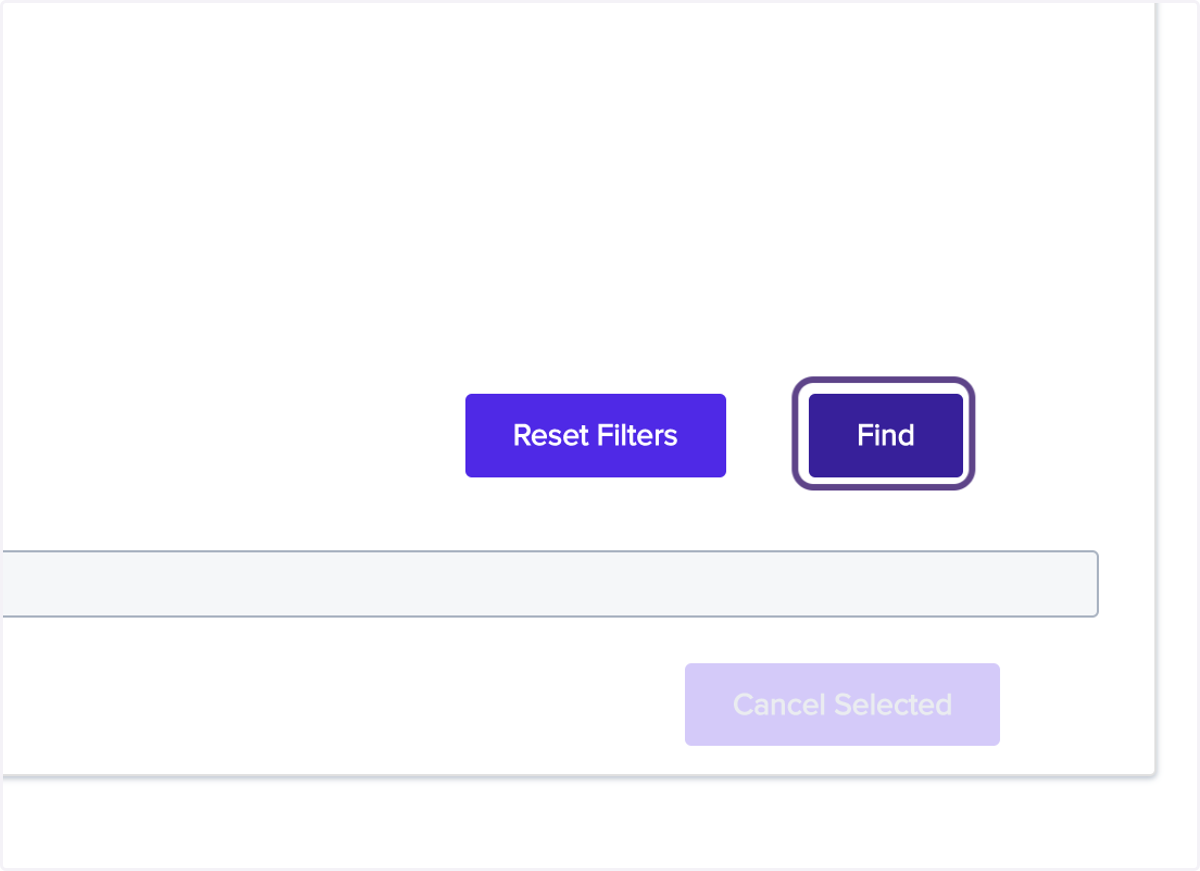
5. Click on Find
6. Check select on the row(s) you want to cancel
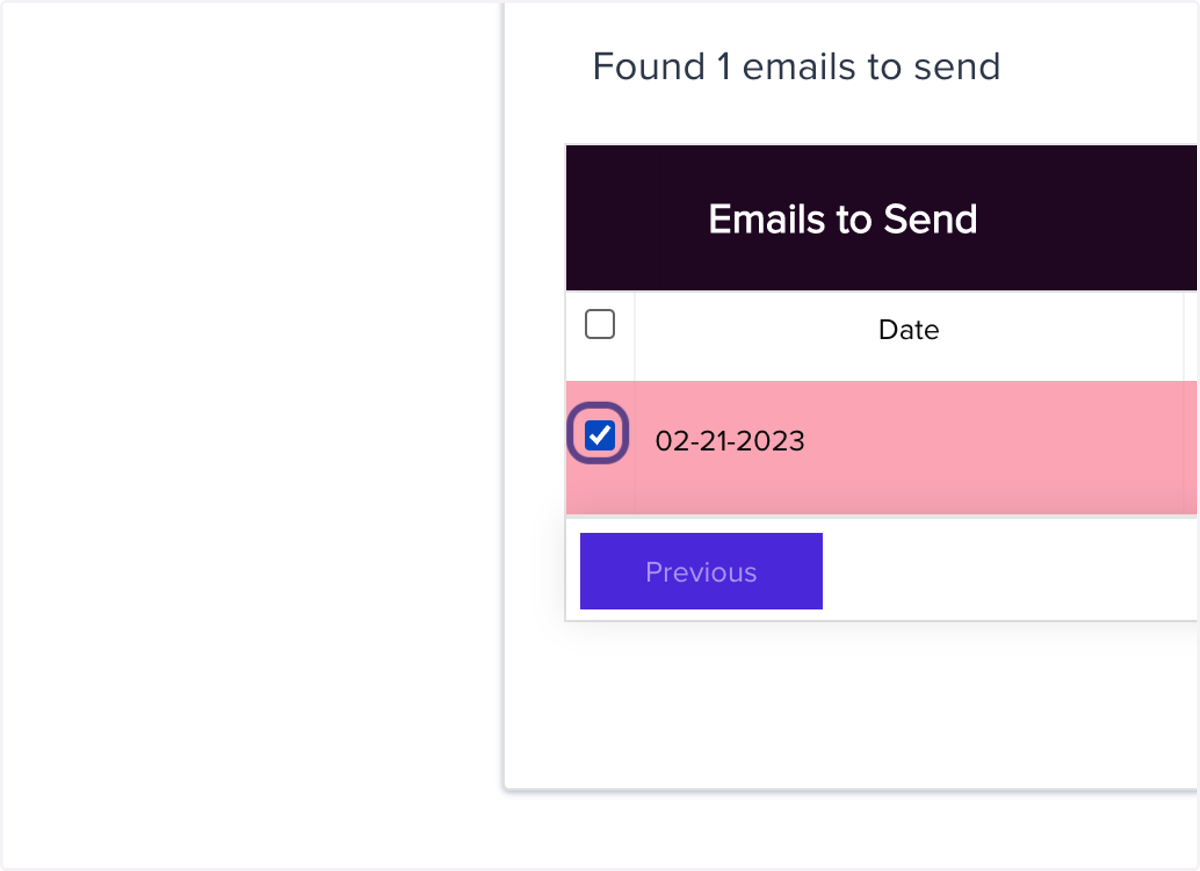
7. Hit 'Cancel Selected'
hitting cancelled selected will automatically stop and remove an email from the queue