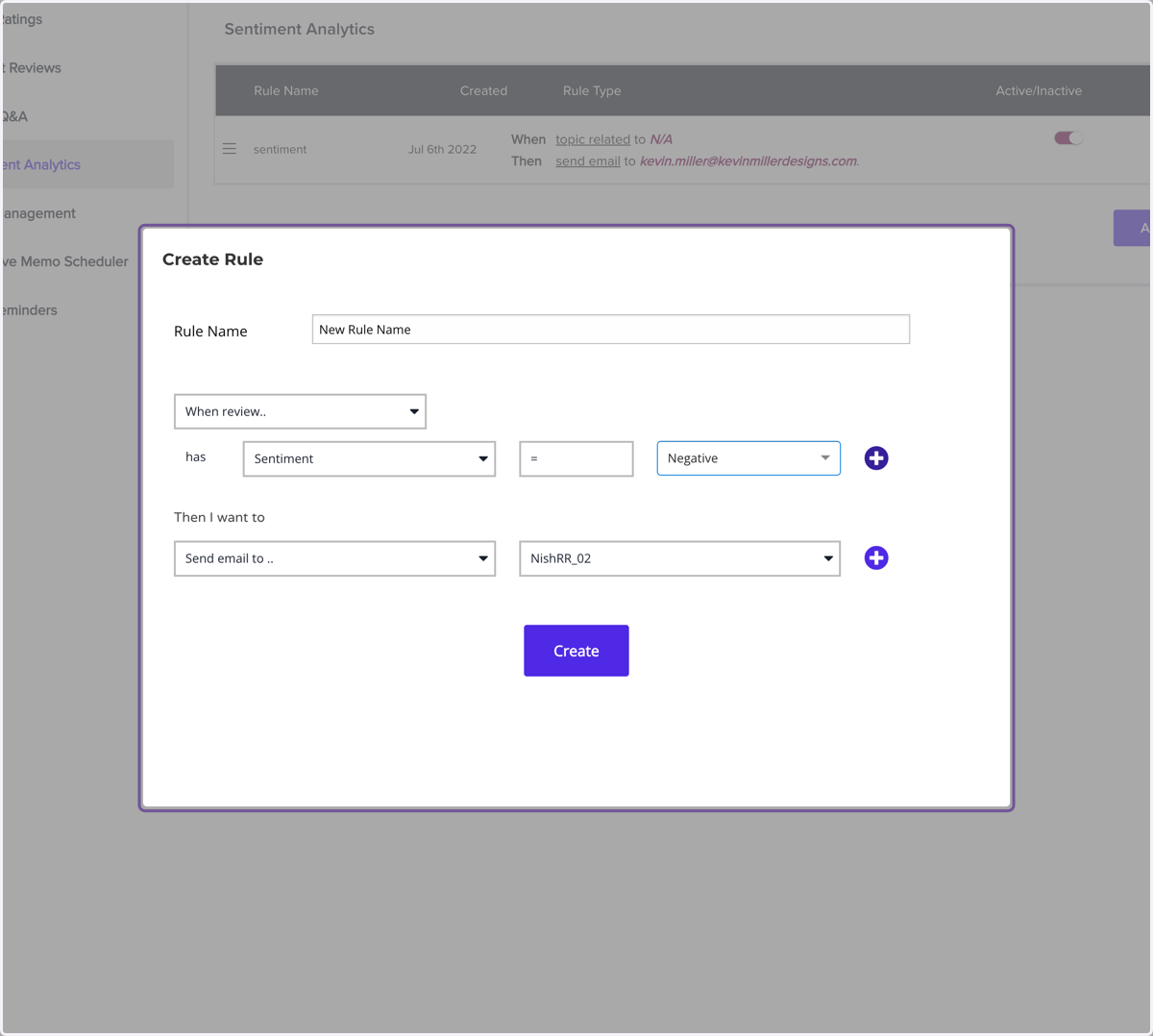
Setting up Sentiment Analytics Rule for Negative Alerts
Reports | ResellerRatings
Go to your dashboard
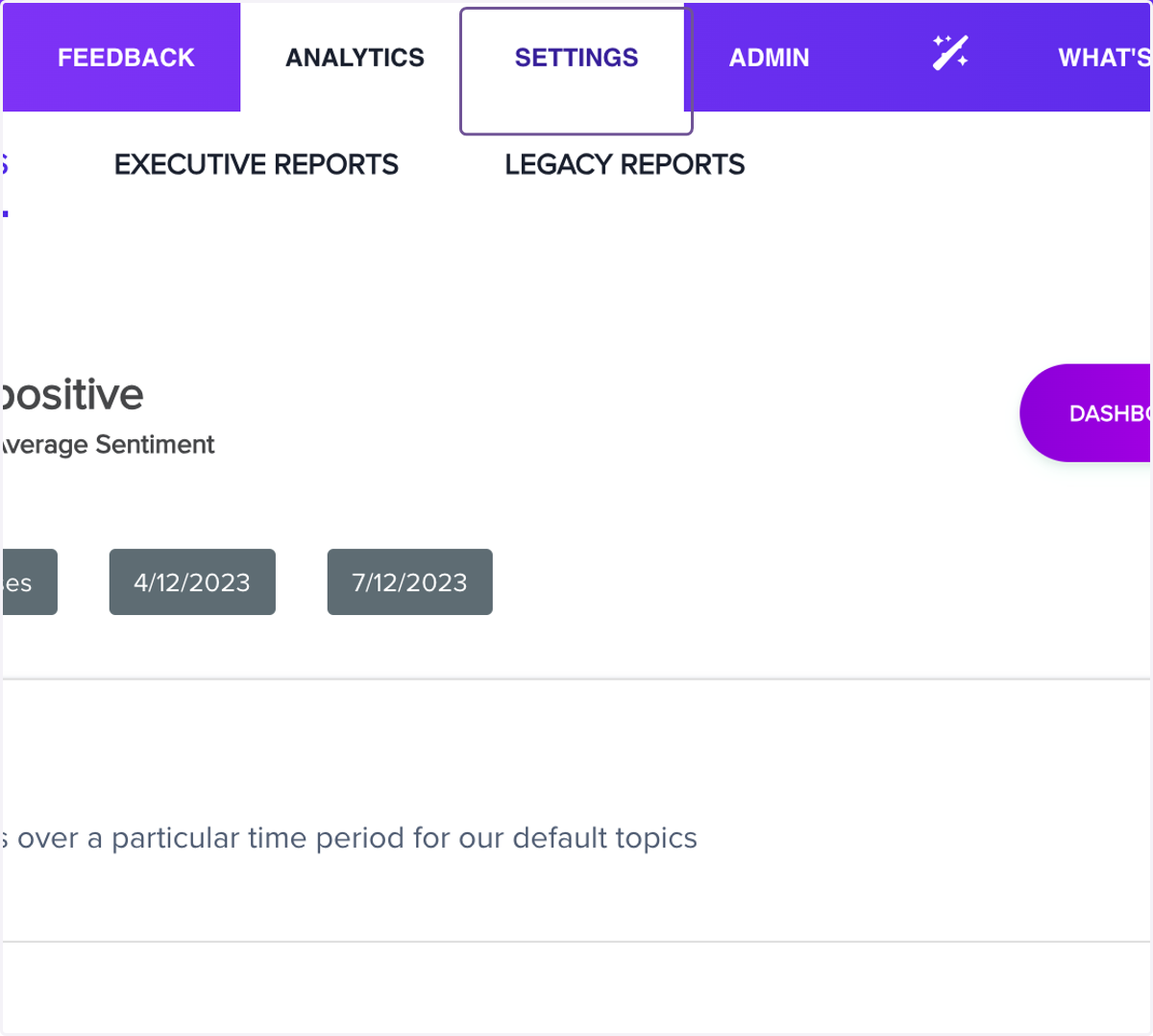
1. Click on Settings
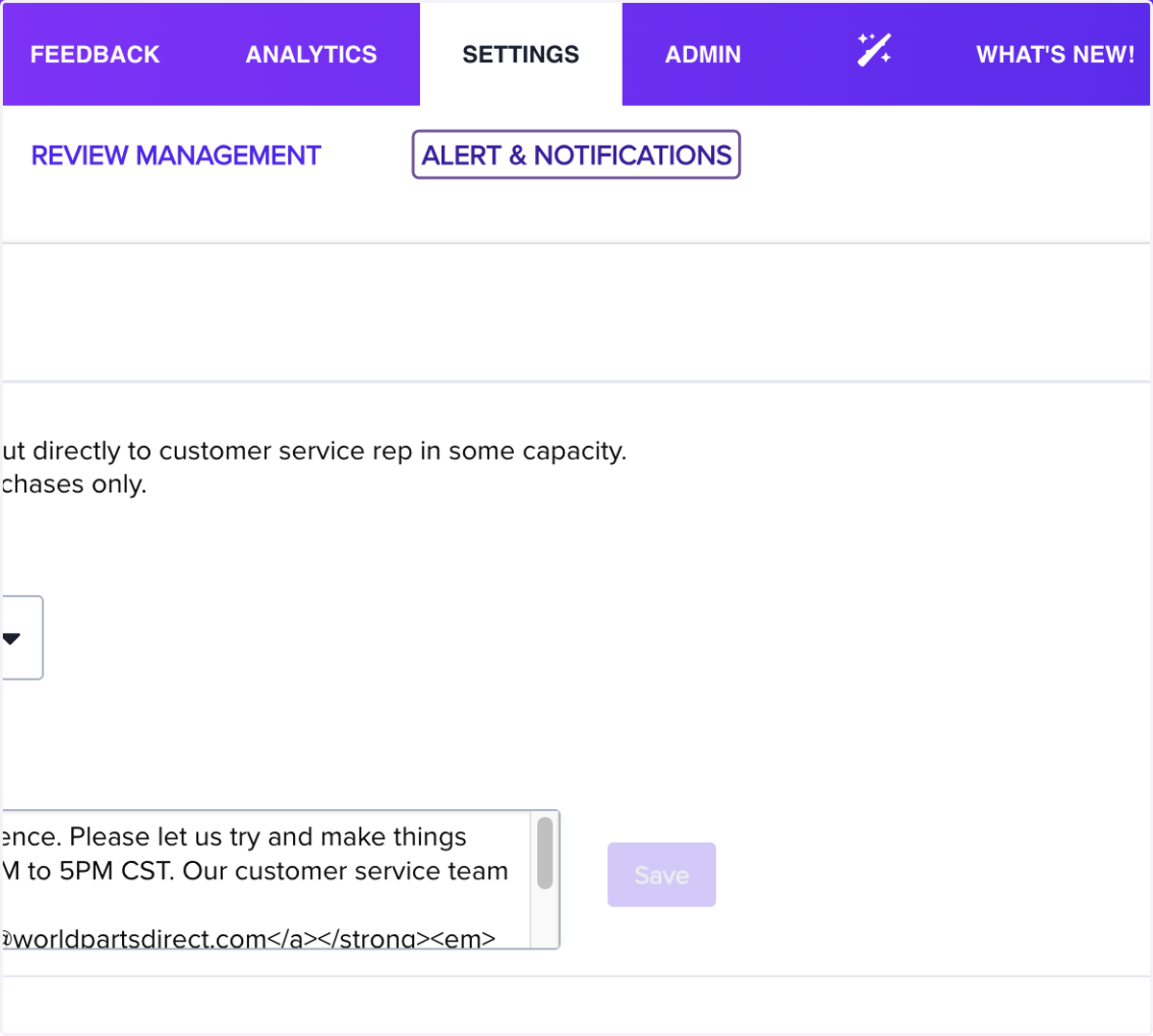
2. Click on ALERT & NOTIFICATIONS
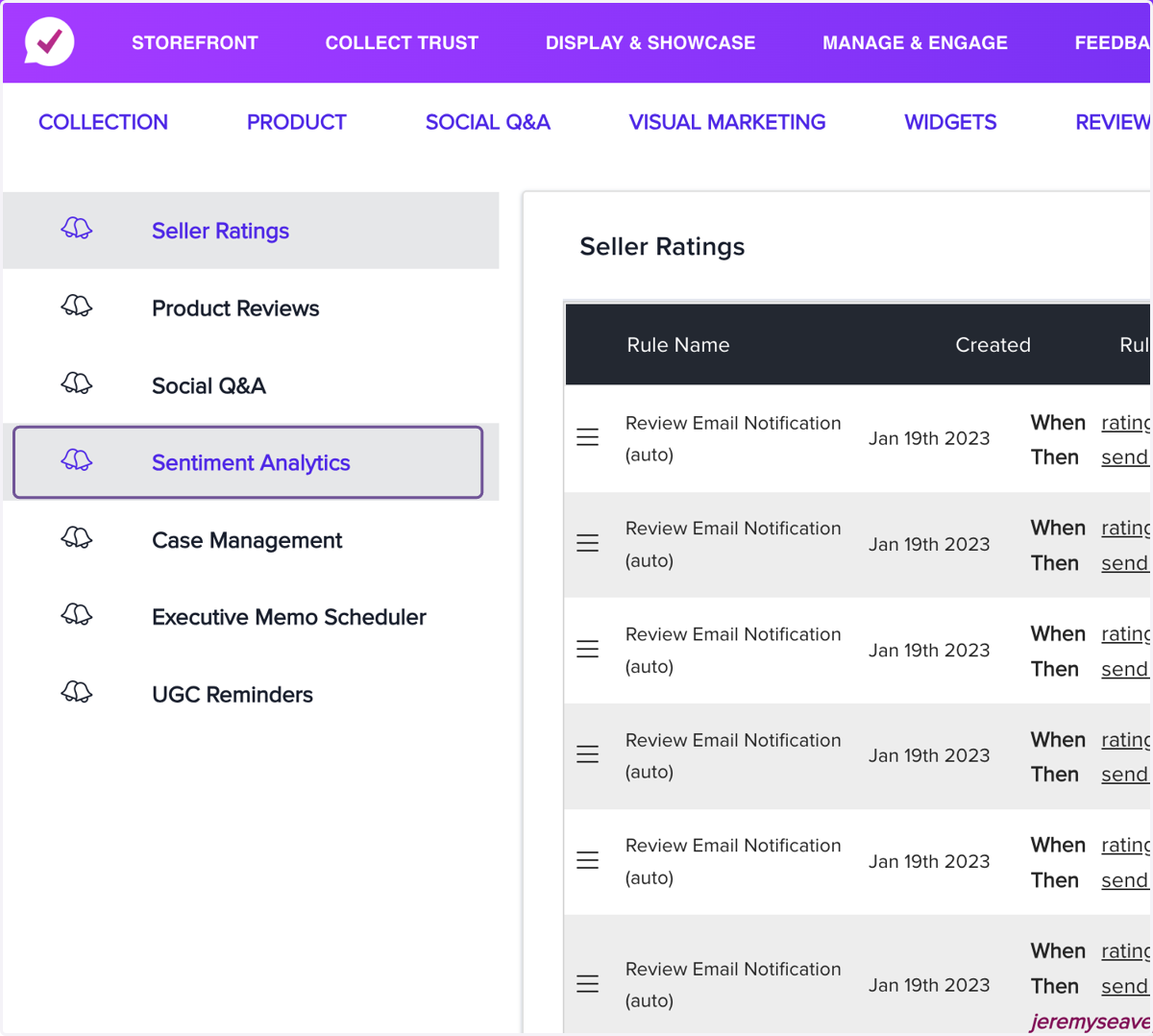
3. Click on Sentiment Analytics
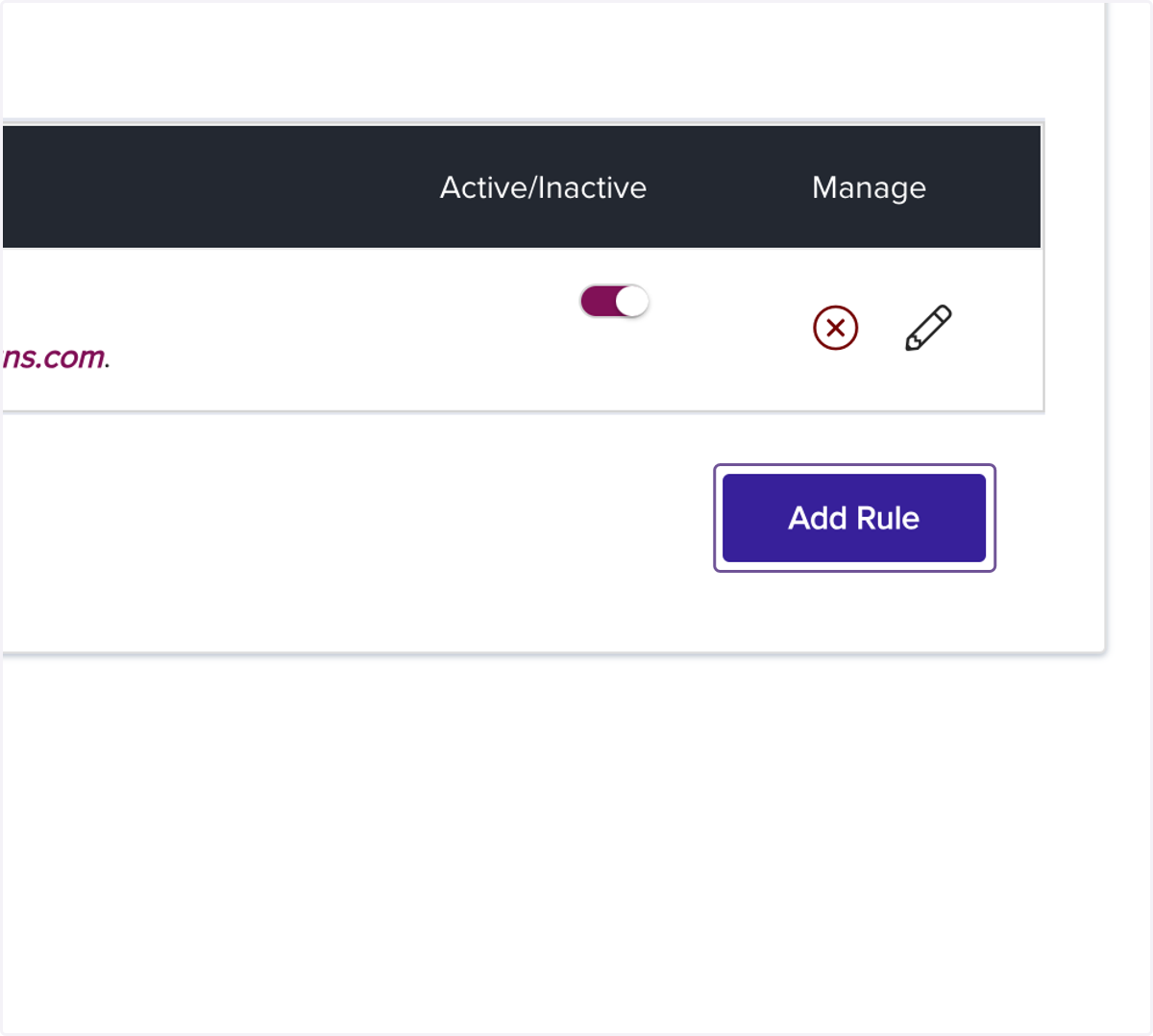
4. Click on Add Rule
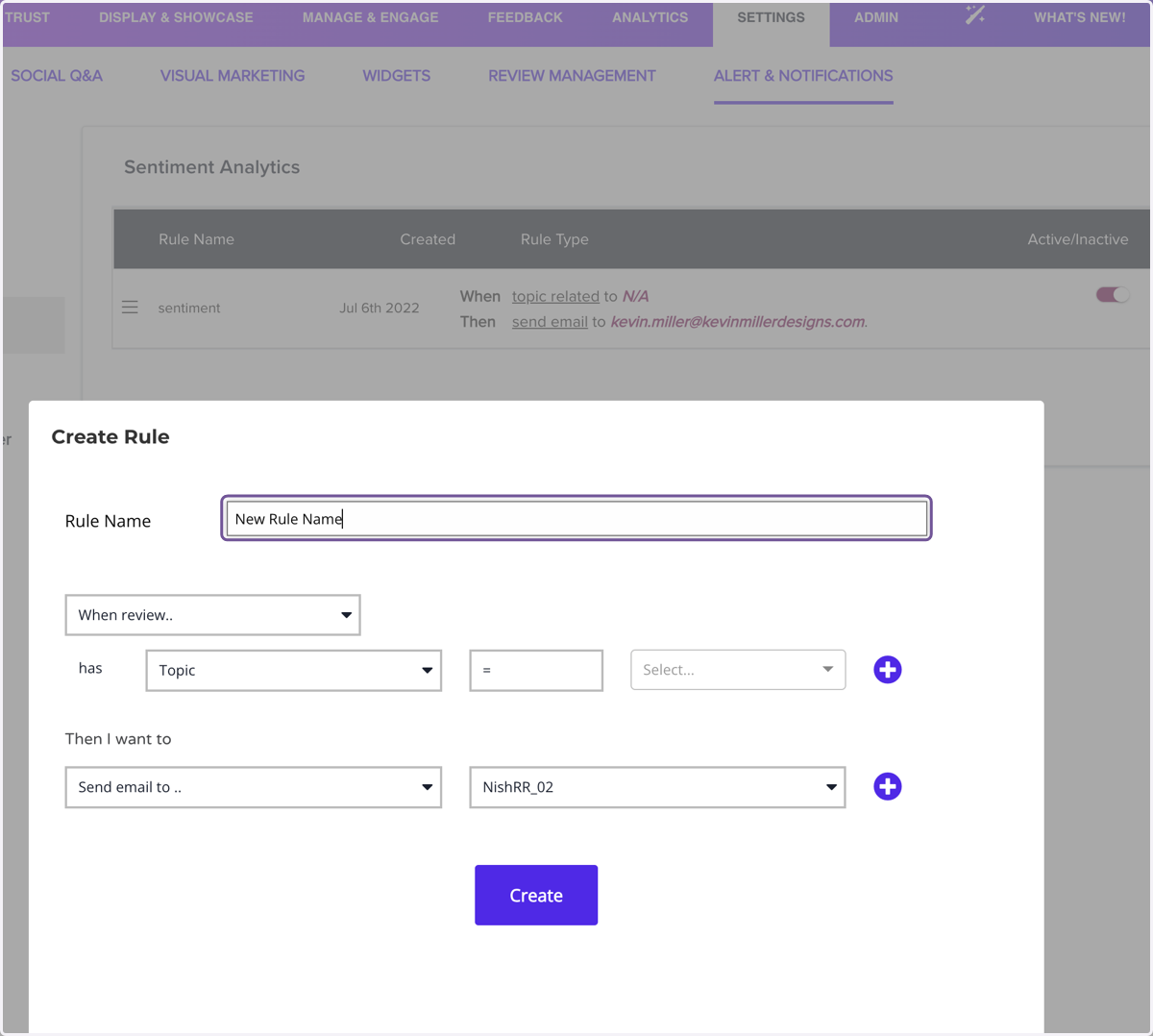
5. Type "New Rule Name"
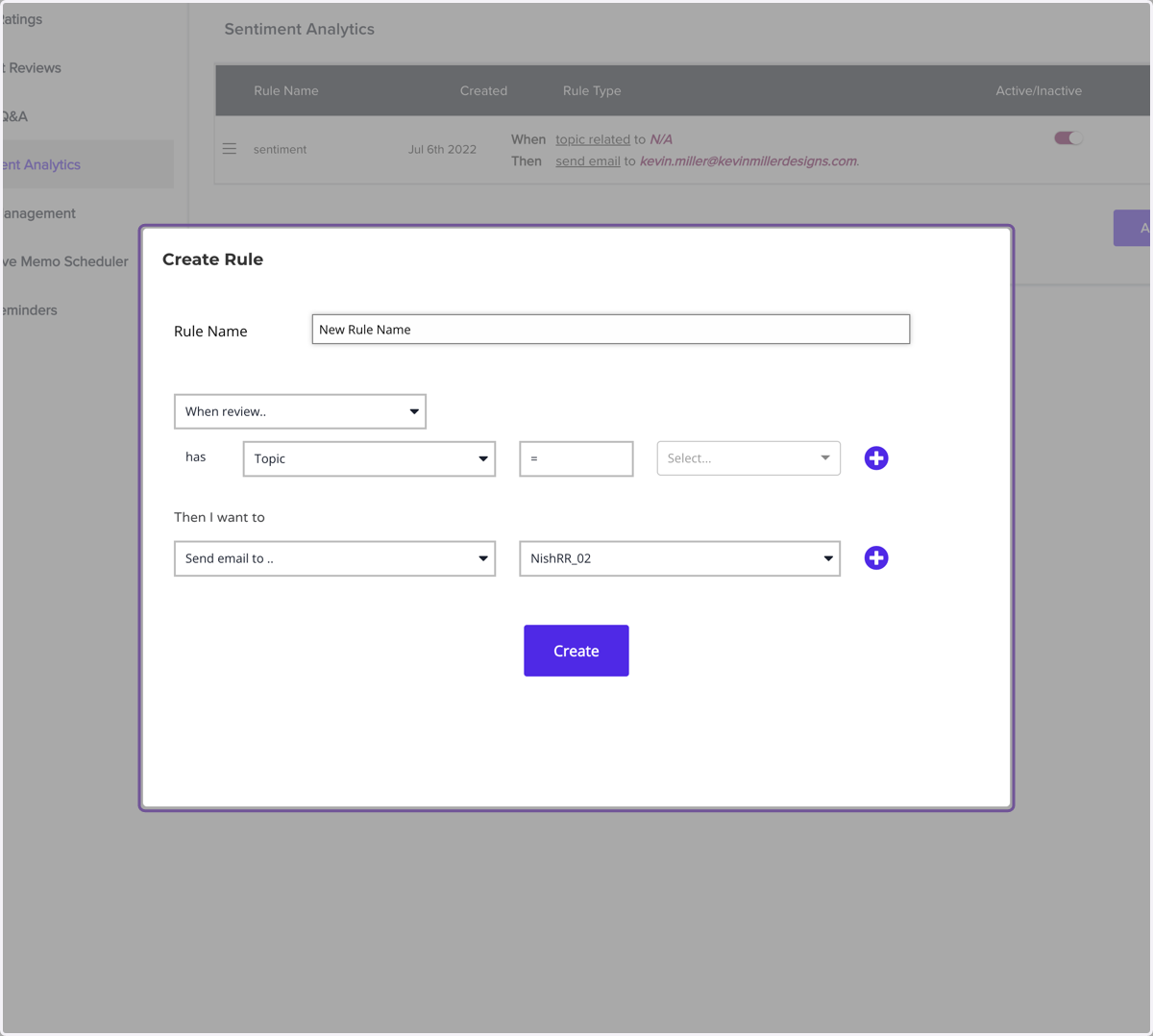
6. Click on Modal
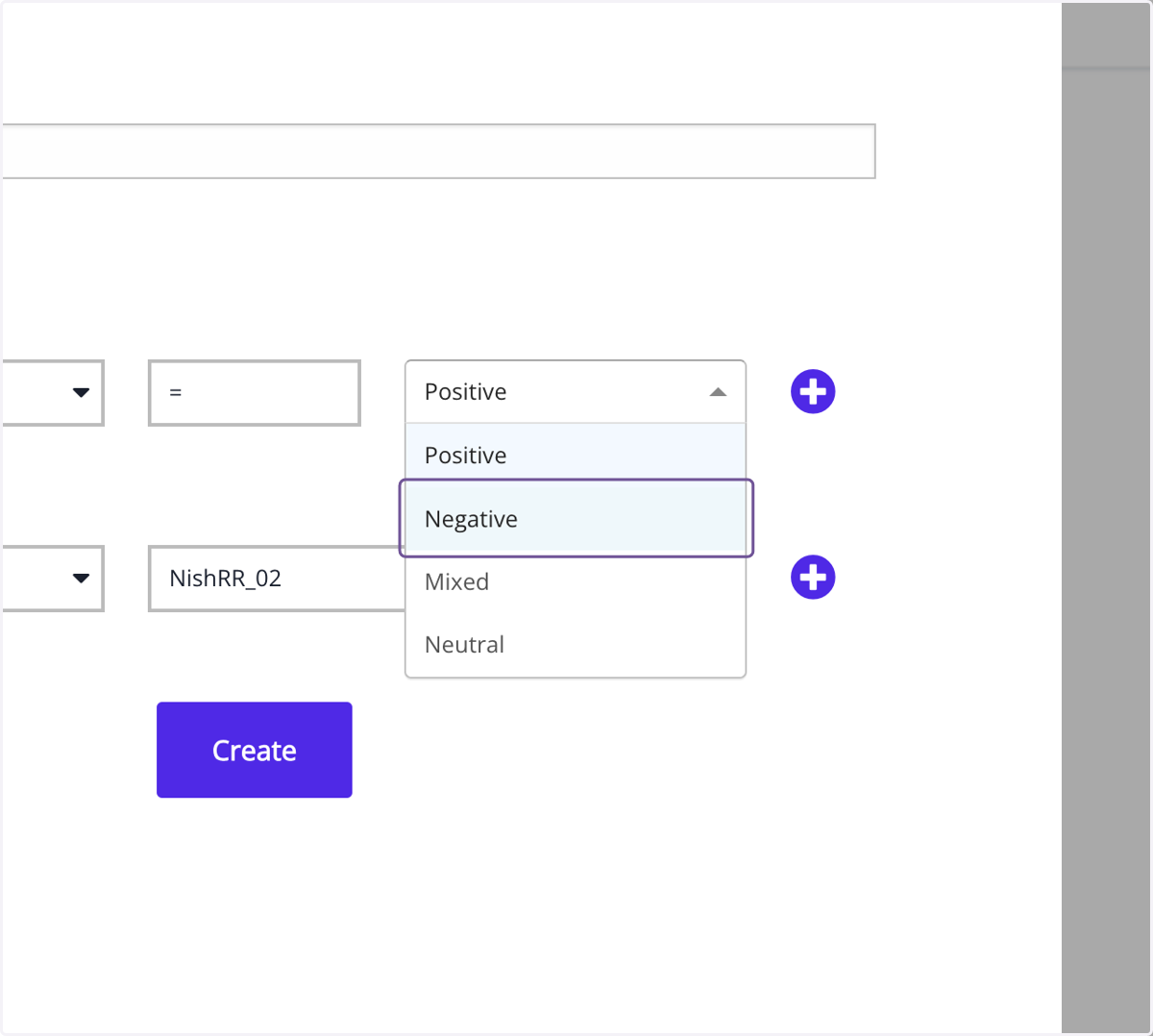
7. Click on Negative
8. Click on Modal