Holidays in TeuxDeux

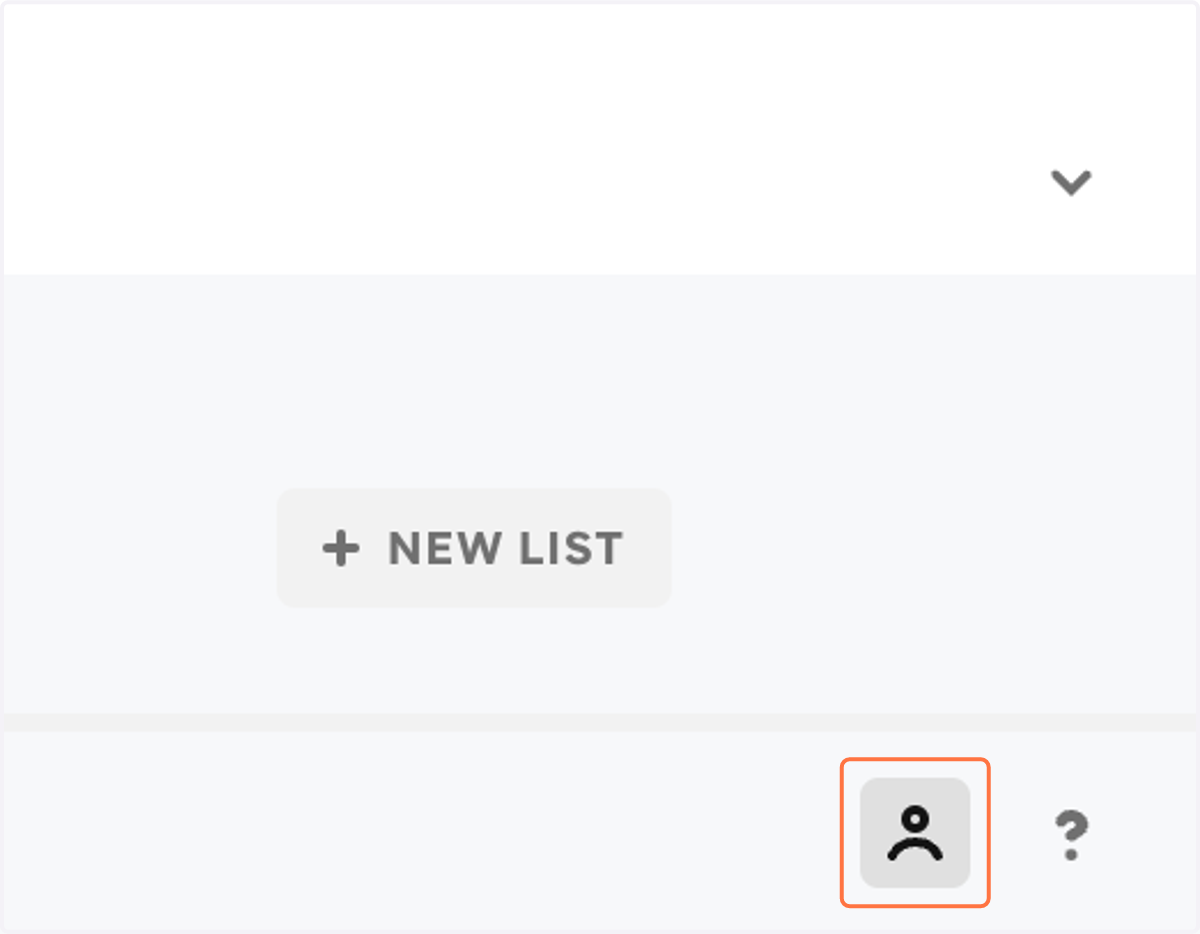
  1. 1. Click on Settings

    Click on Settings
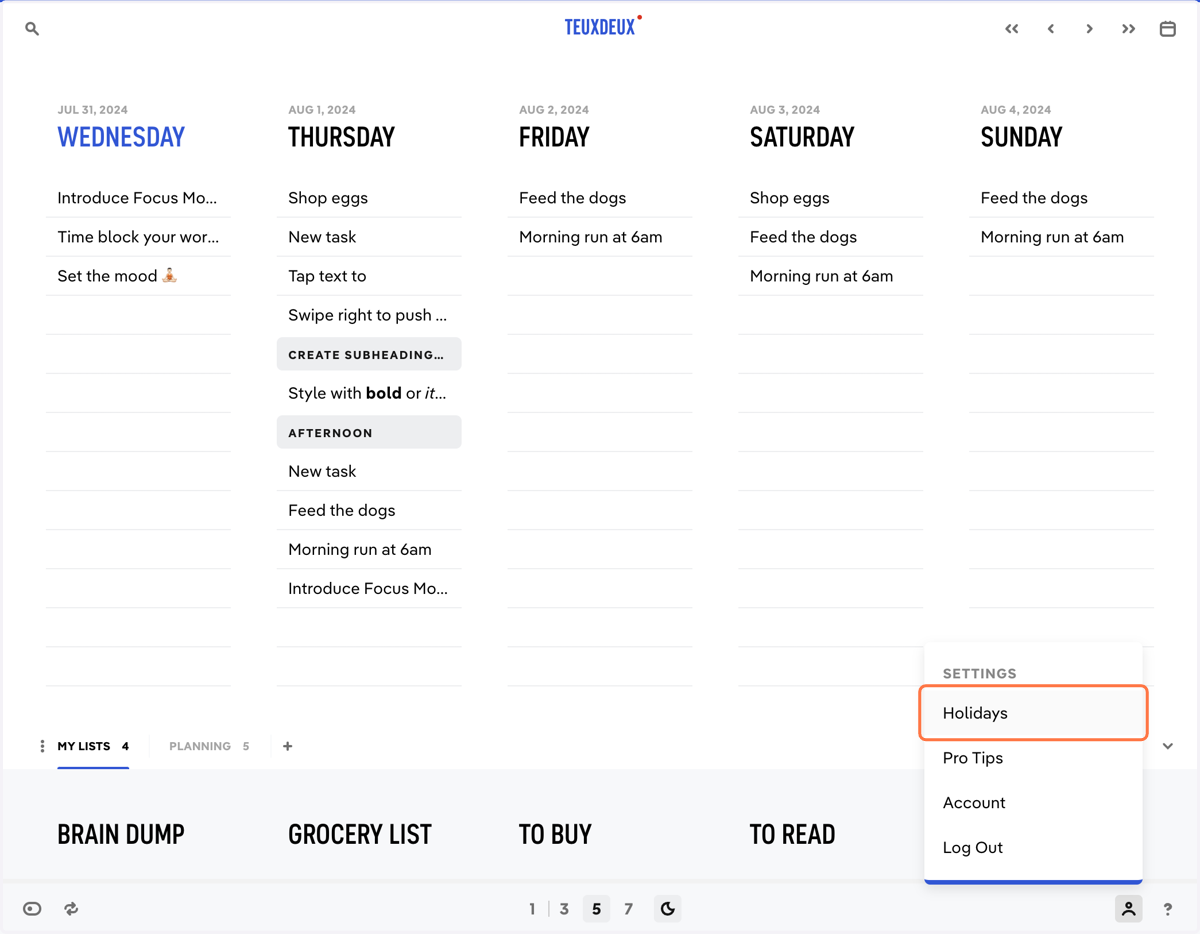
  2. 2. Click on Holidays

    Click on Holidays
  3. 3. Click on 'All holiday calendars' to view all available calendars
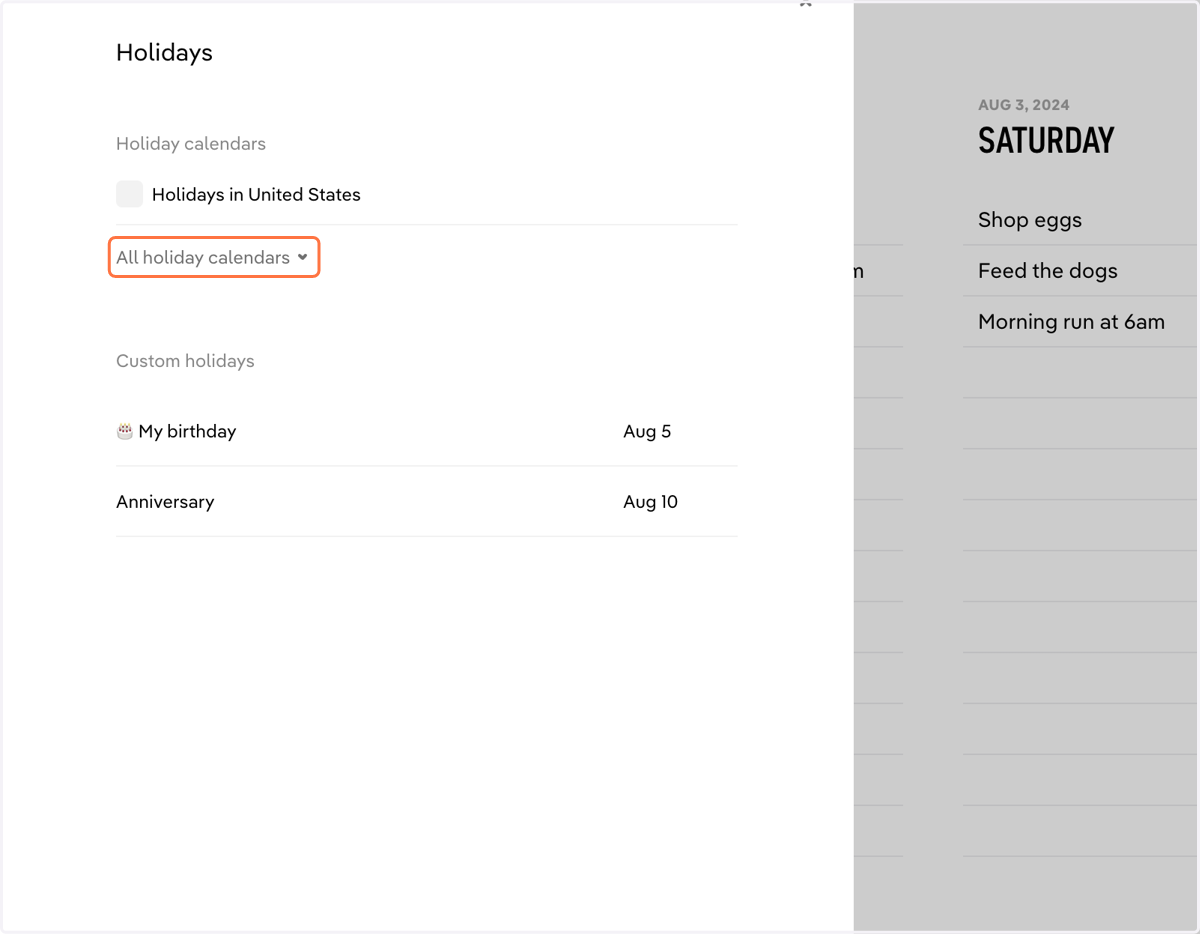
    Click on 'All holiday calendars' to view all available calendars
  4. 4. Check the box next to the calendars you want on your TeuxDeux
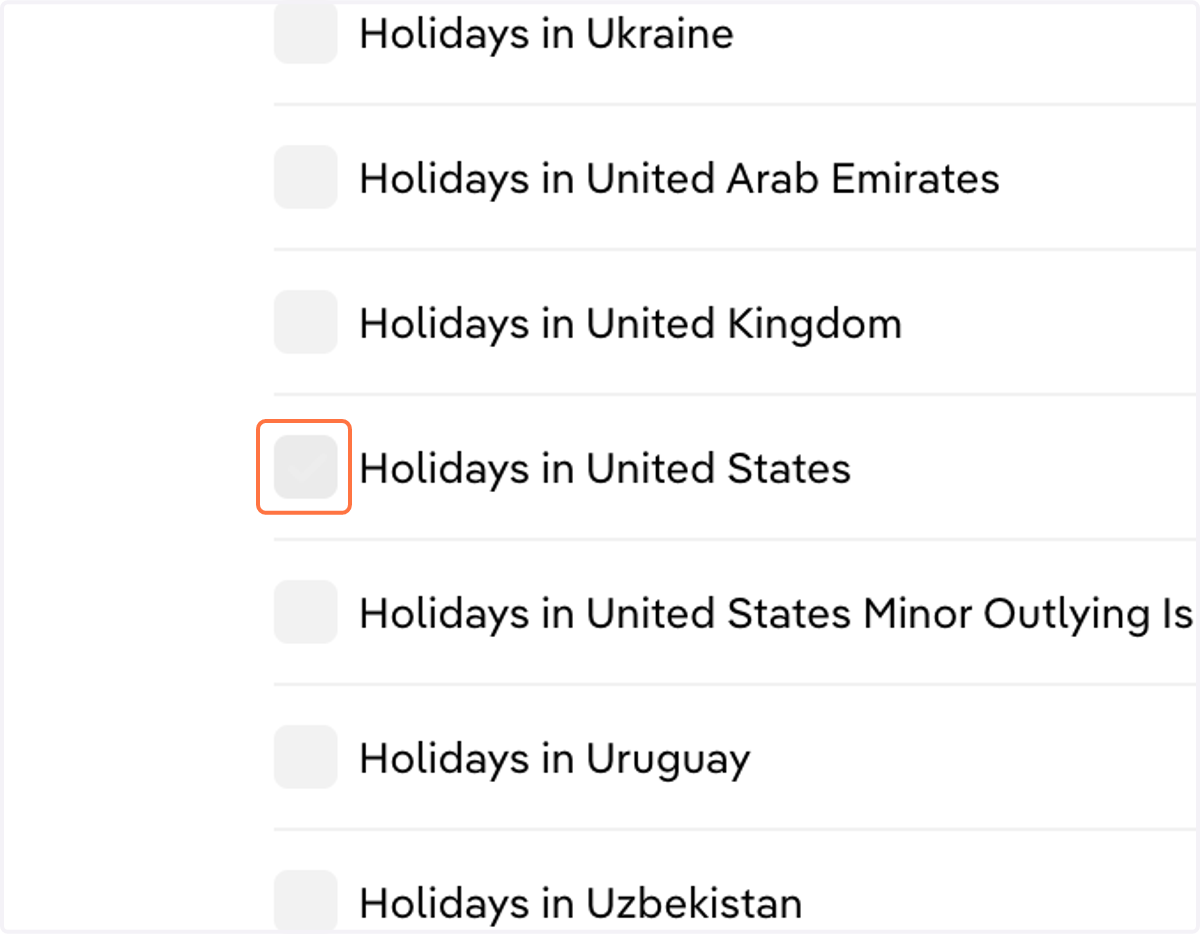
    Check the box next to the calendars you want on your TeuxDeux
  5. 5. To create a custom holiday, click + in the Holidays menu
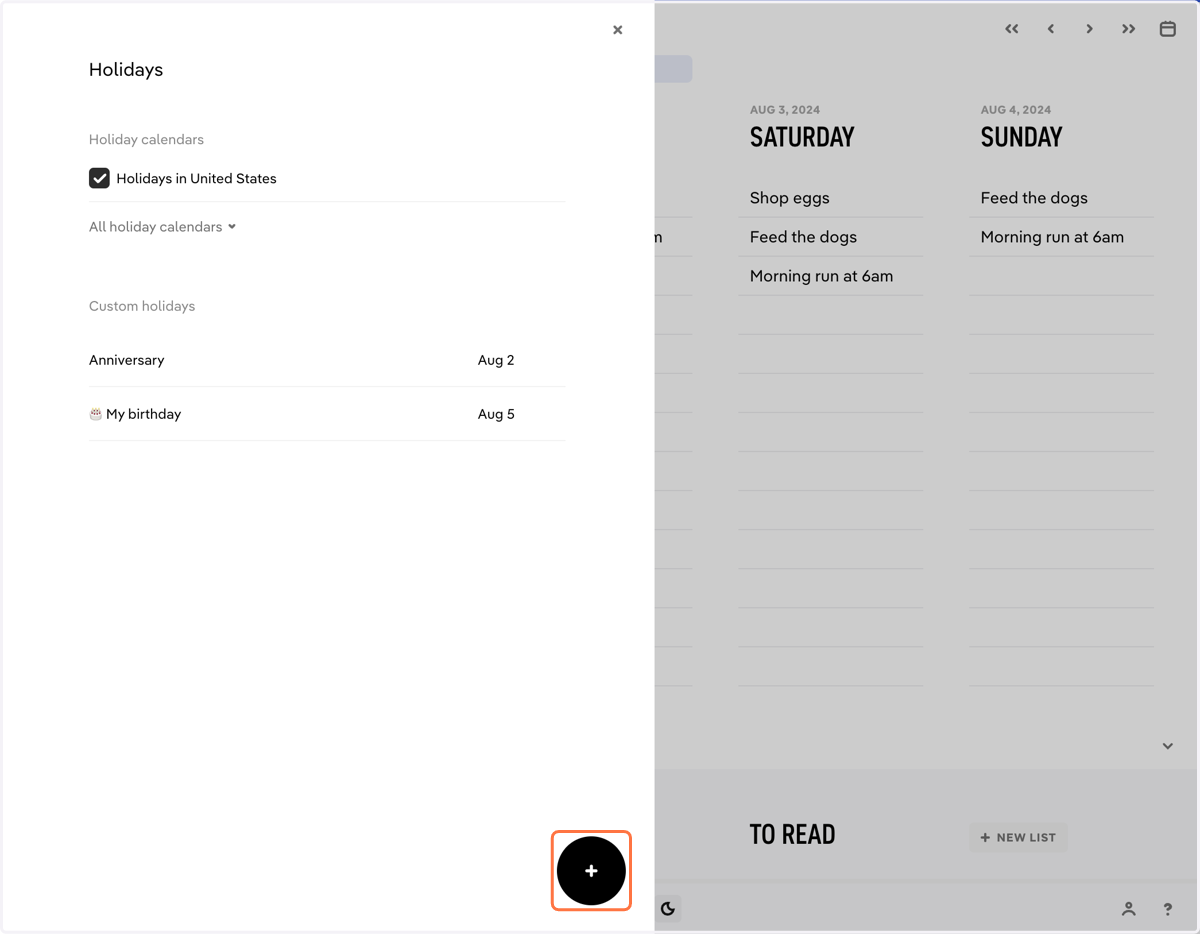
    To create a custom holiday, click + in the Holidays menu
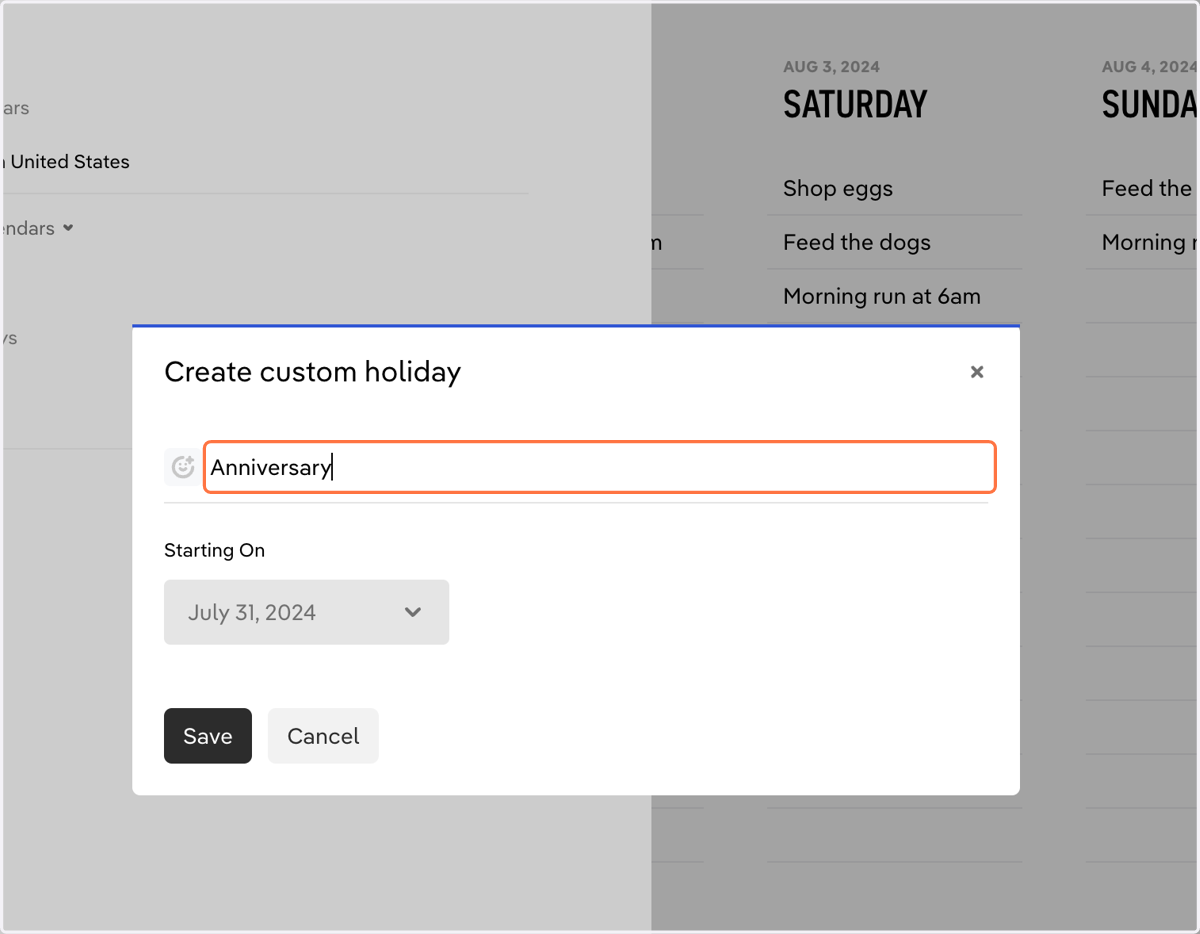
  6. 6. Enter a name for your holiday

    Enter a name for your holiday
  7. 7. You may assign an emoji for your holiday
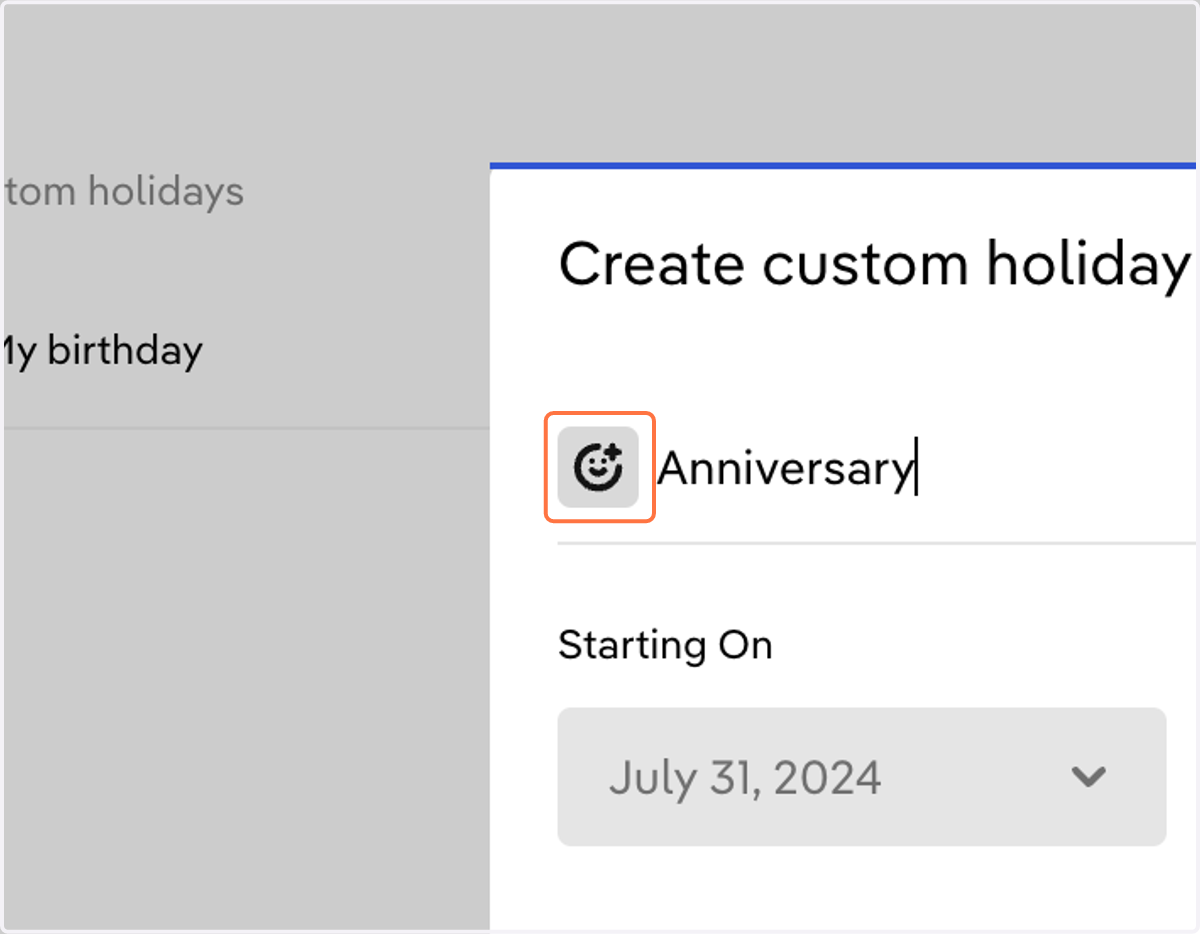
    You may assign an emoji for your holiday
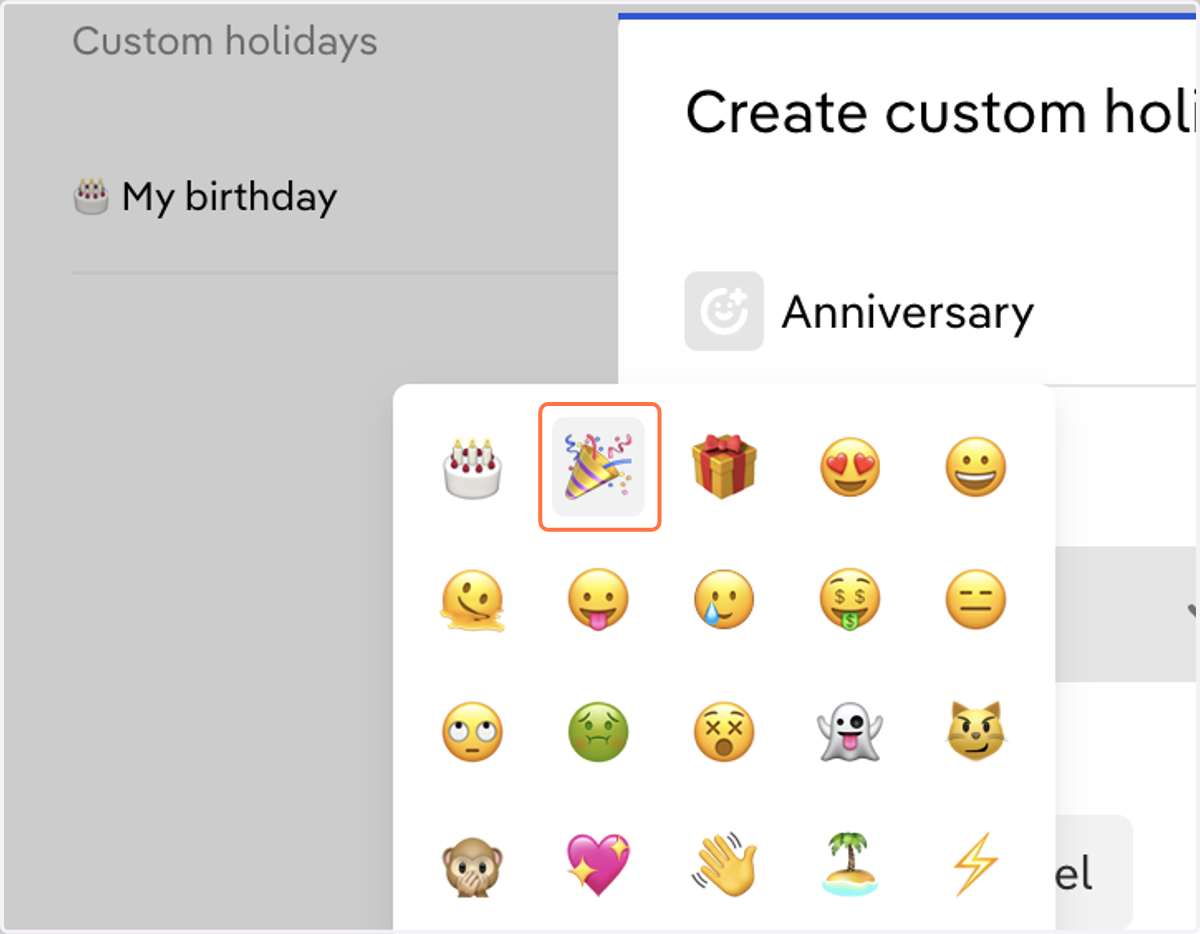
  8. 8. Pick an emoji

    Pick an emoji
  9. 9. Select a date you want it to repeat each year
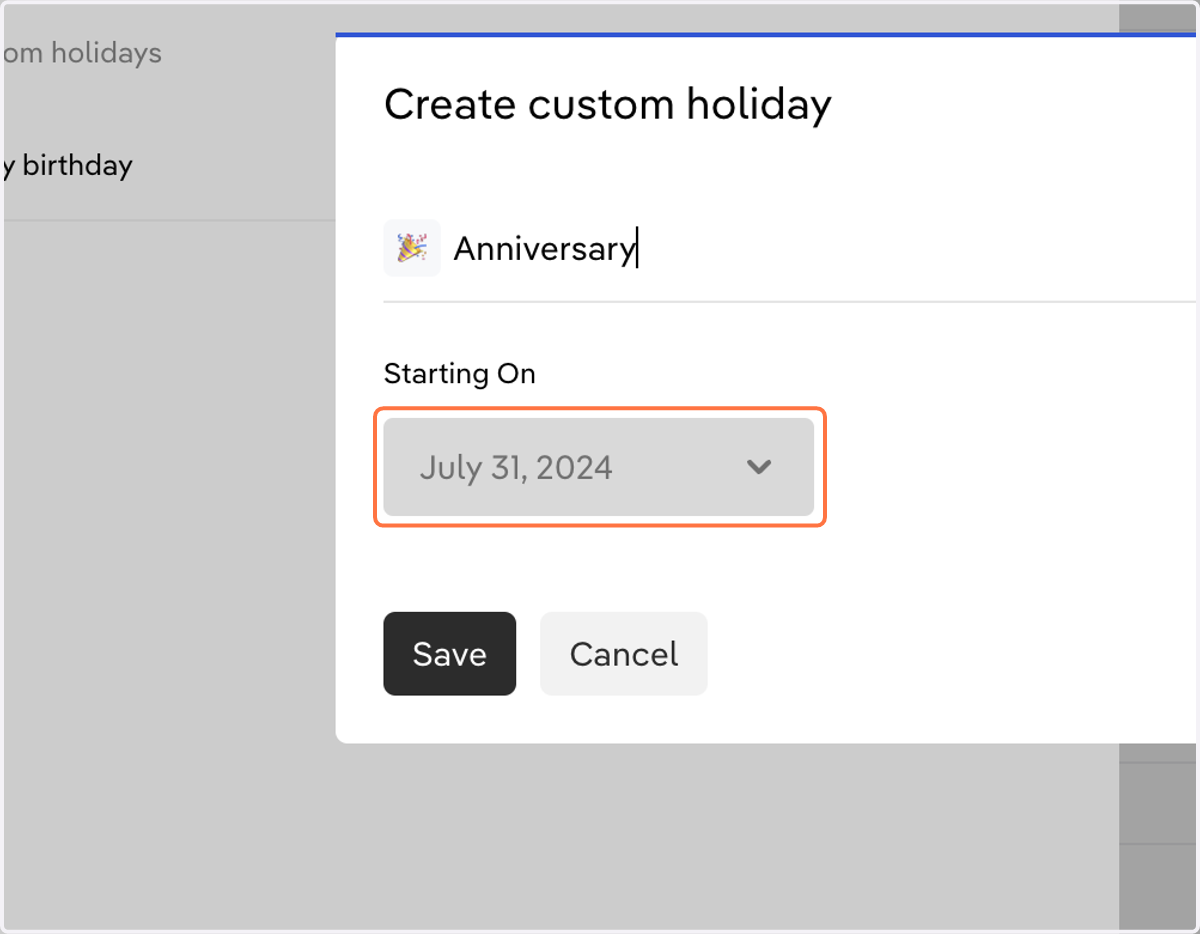
    Select a date you want it to repeat each year
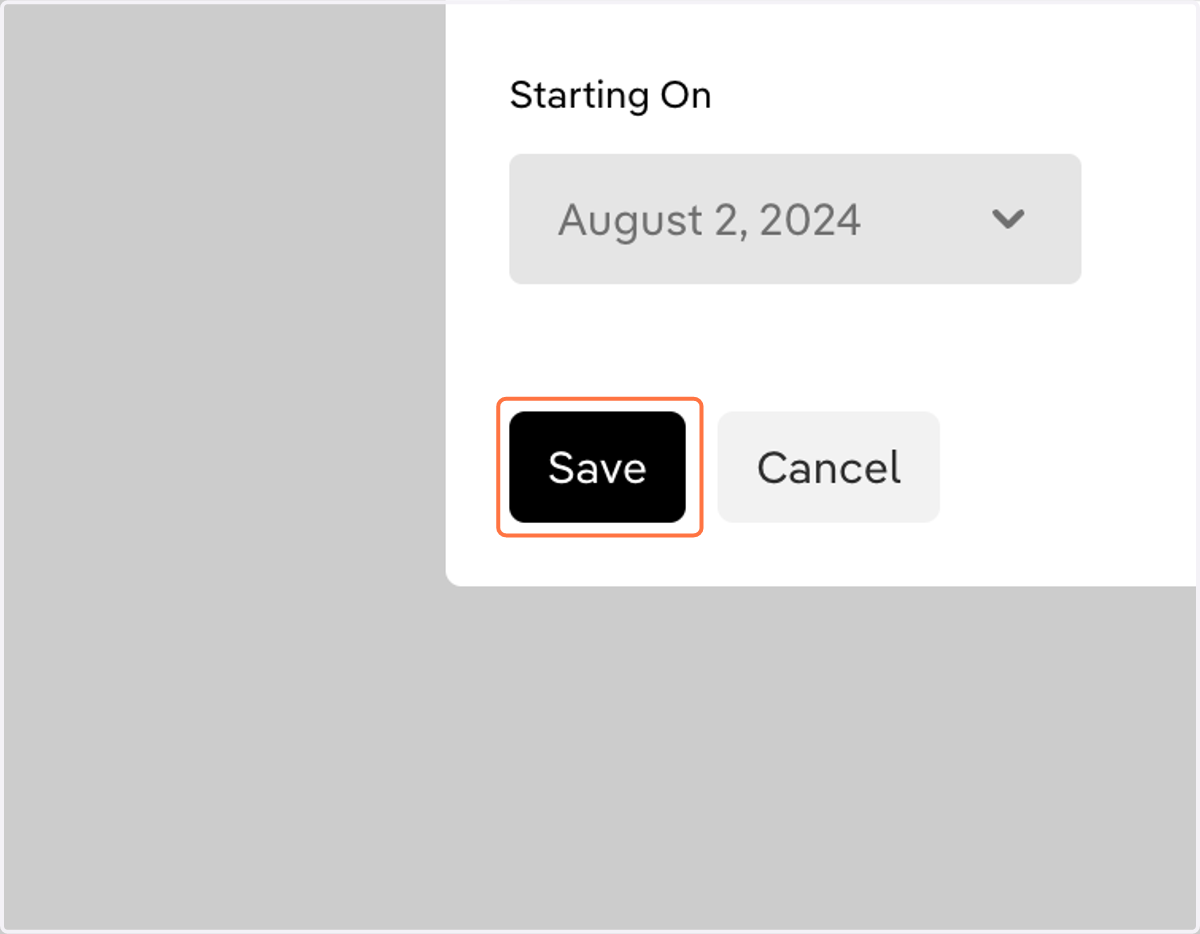
  10. 10. Click on Save

    Click on Save
  11. 11. You now have a custom holiday added
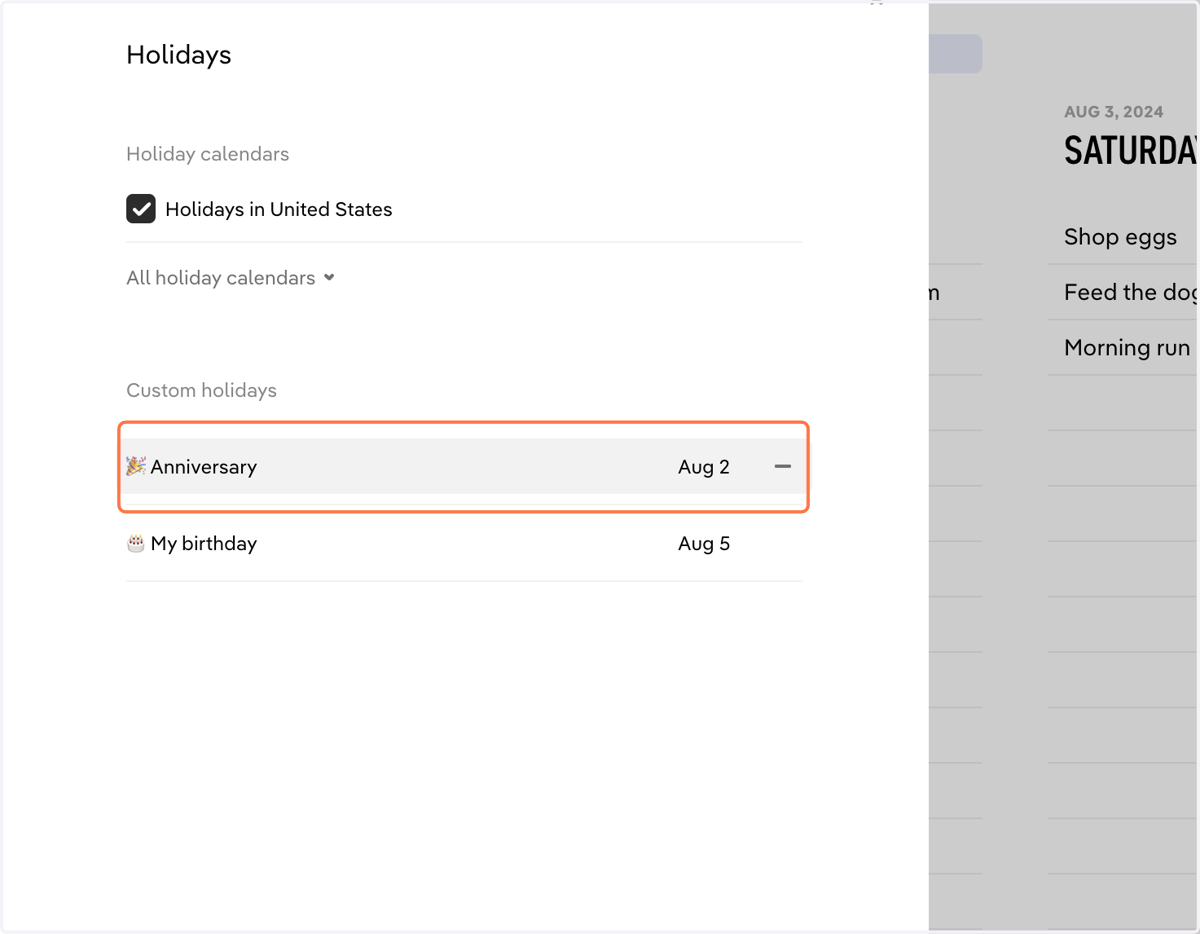
    You now have a custom holiday added
  12. 12. Custom holidays can be edited right above your daily list by clicking on them
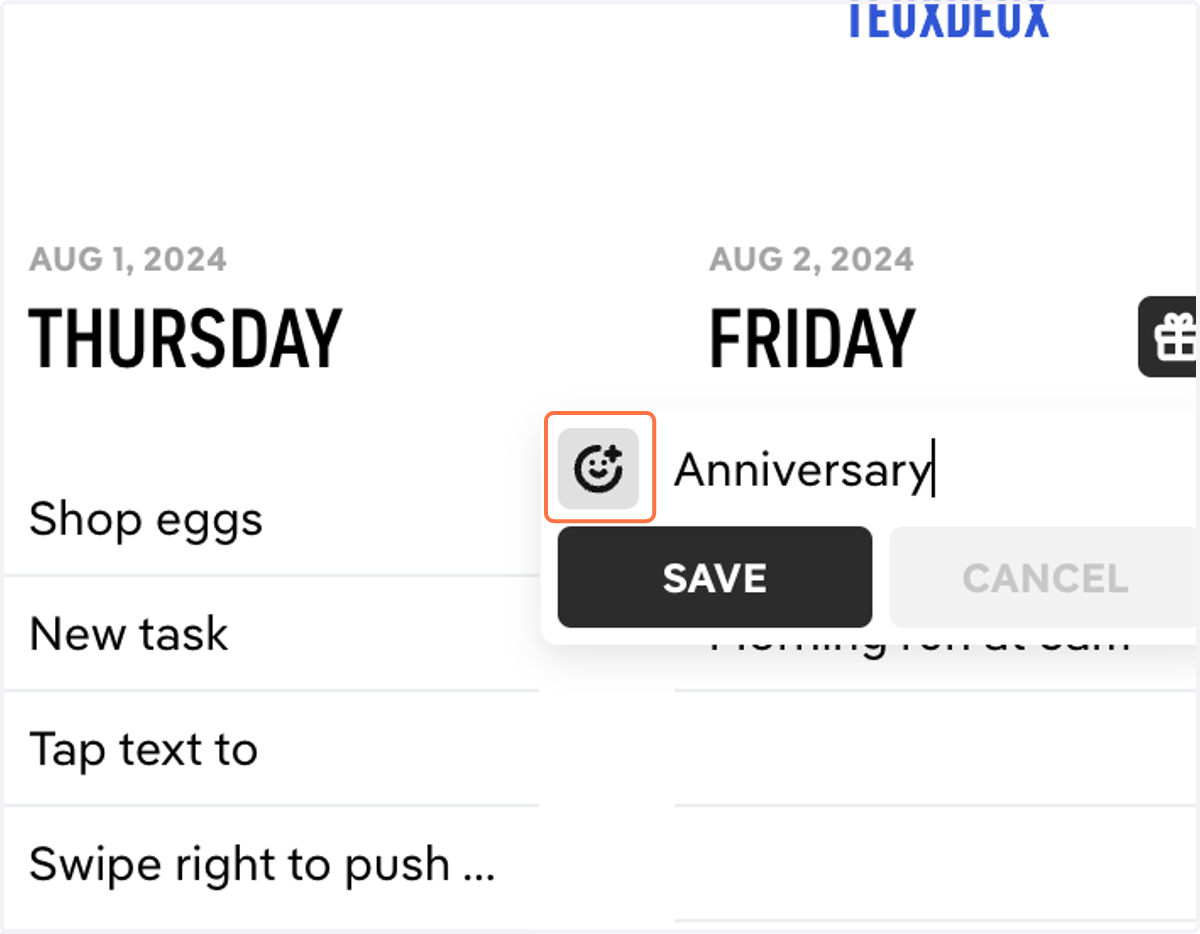
    Custom holidays can be edited right above your daily list by clicking on them
  13. 13. Or hover & click the gift icon in the top right corner of a daily list
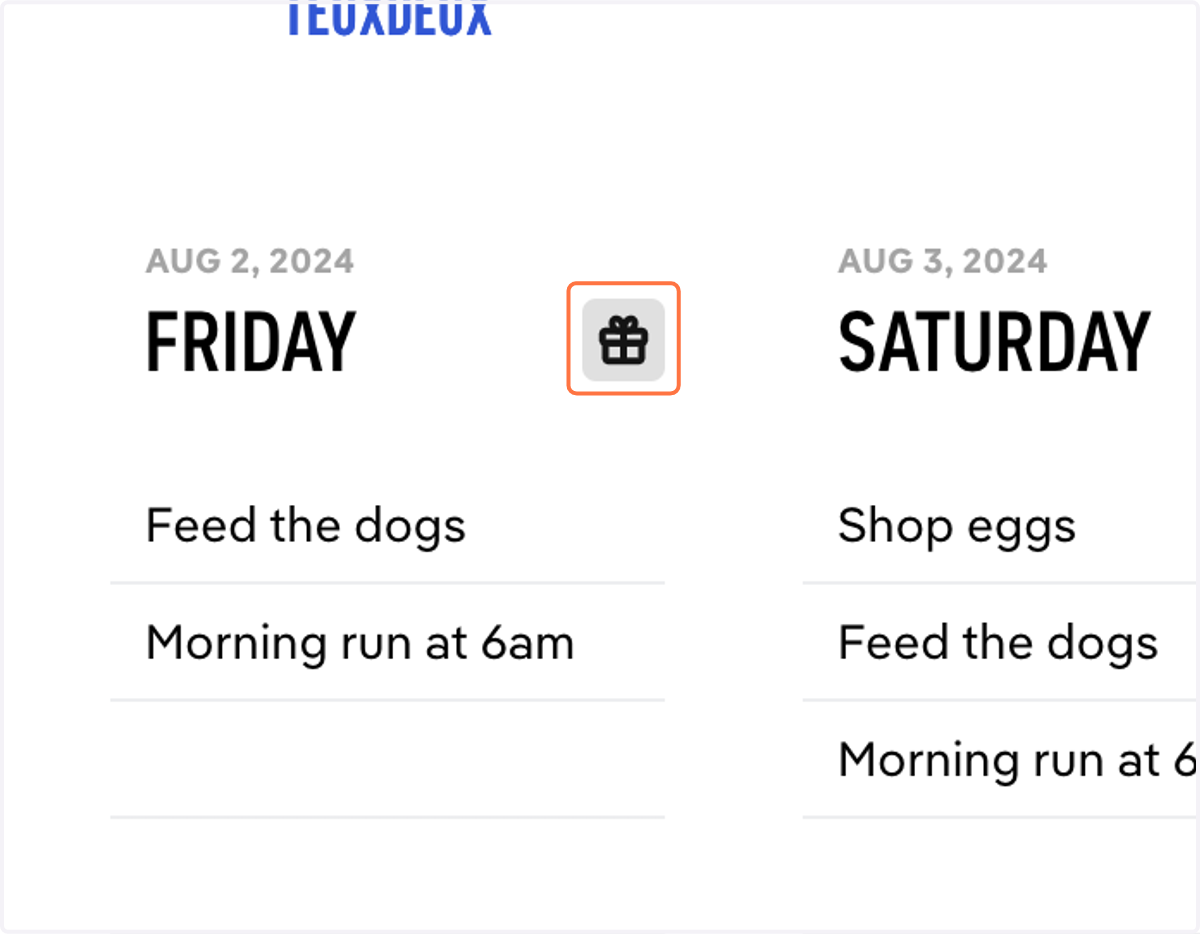
    Or hover & click the gift icon in the top right corner of a daily list