How to Log a Successful Committee Meeting with Nike on NRF All People
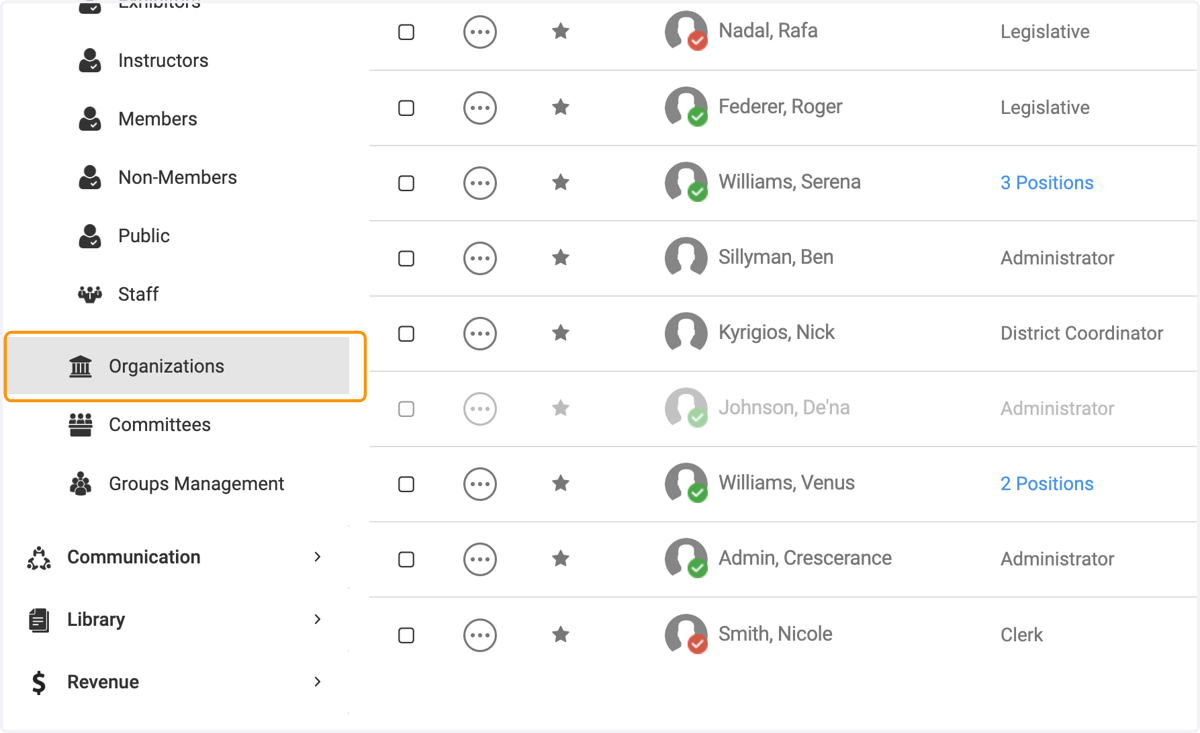
1. Click on Organizations
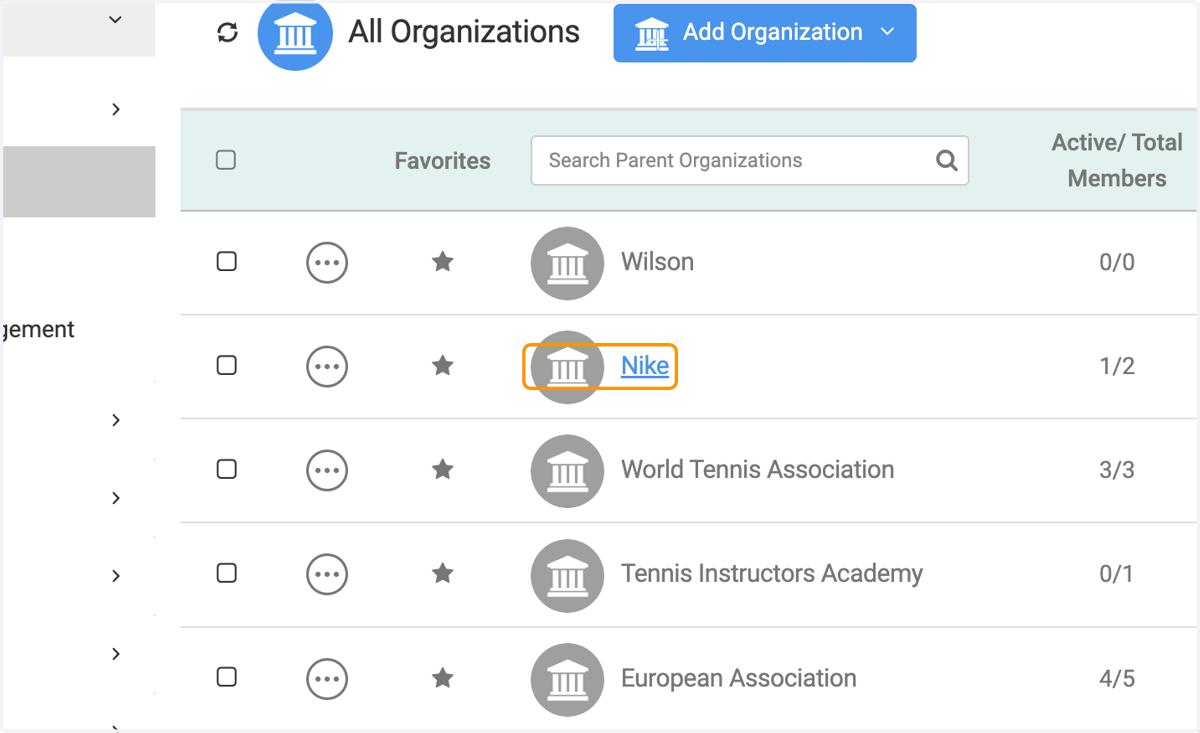
2. Click on the person you wish to record an interaction
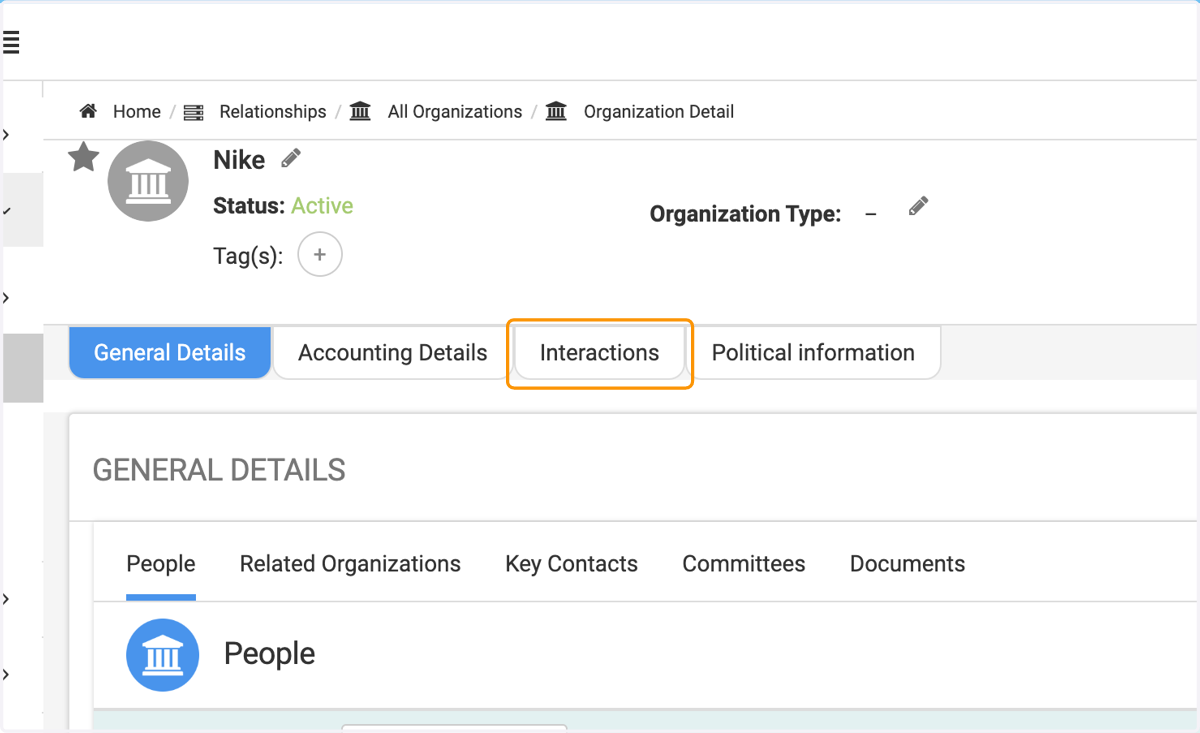
3. Click on the Interactions tab
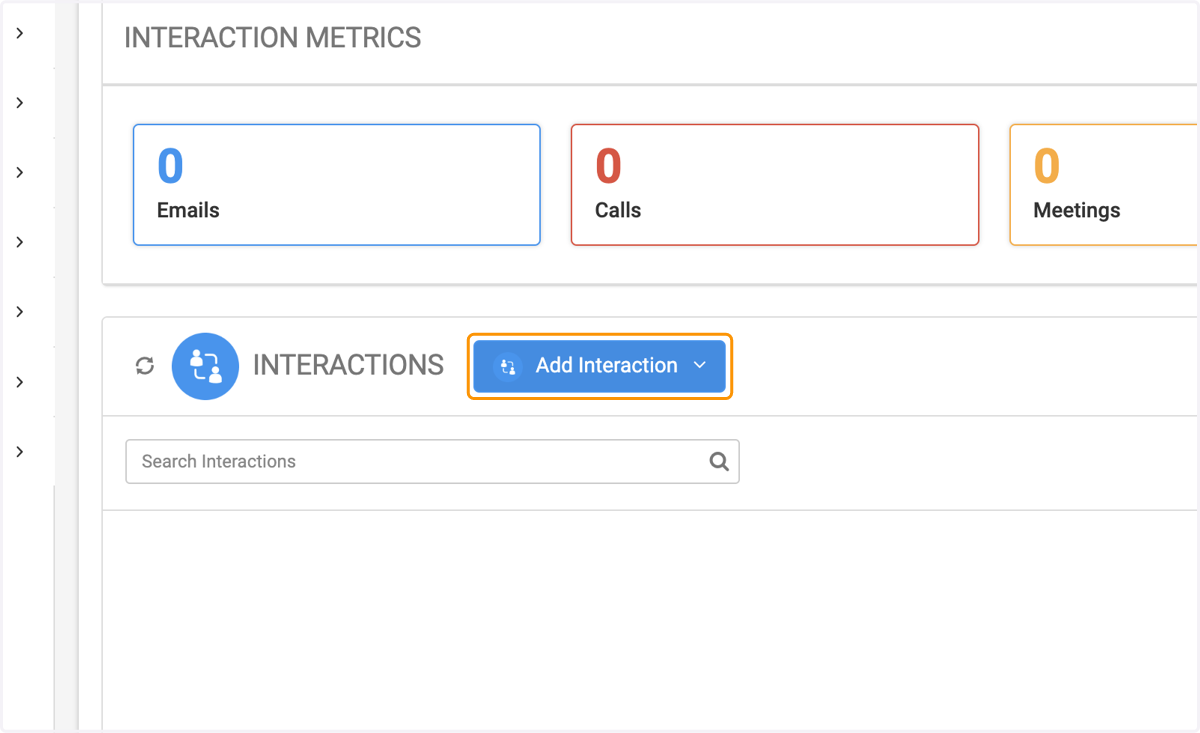
4. Click on Add Interaction
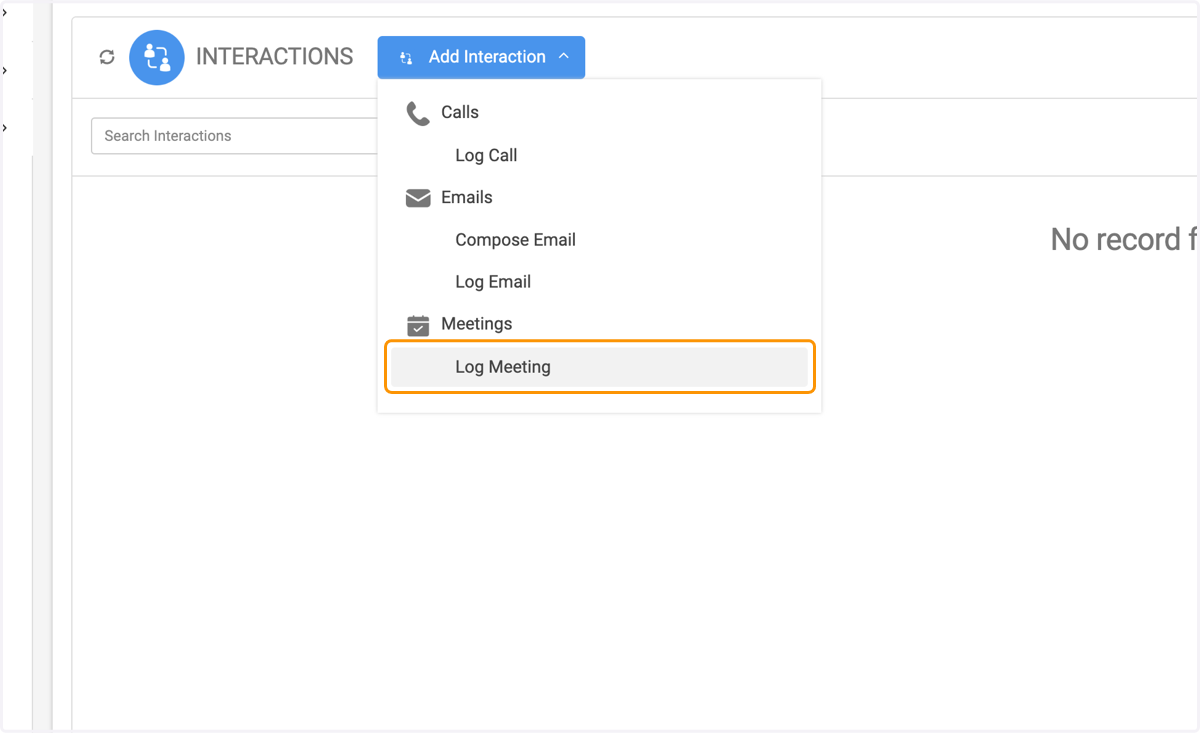
5. Click on the type of interaction you wish to create - Call, Email or Meeting
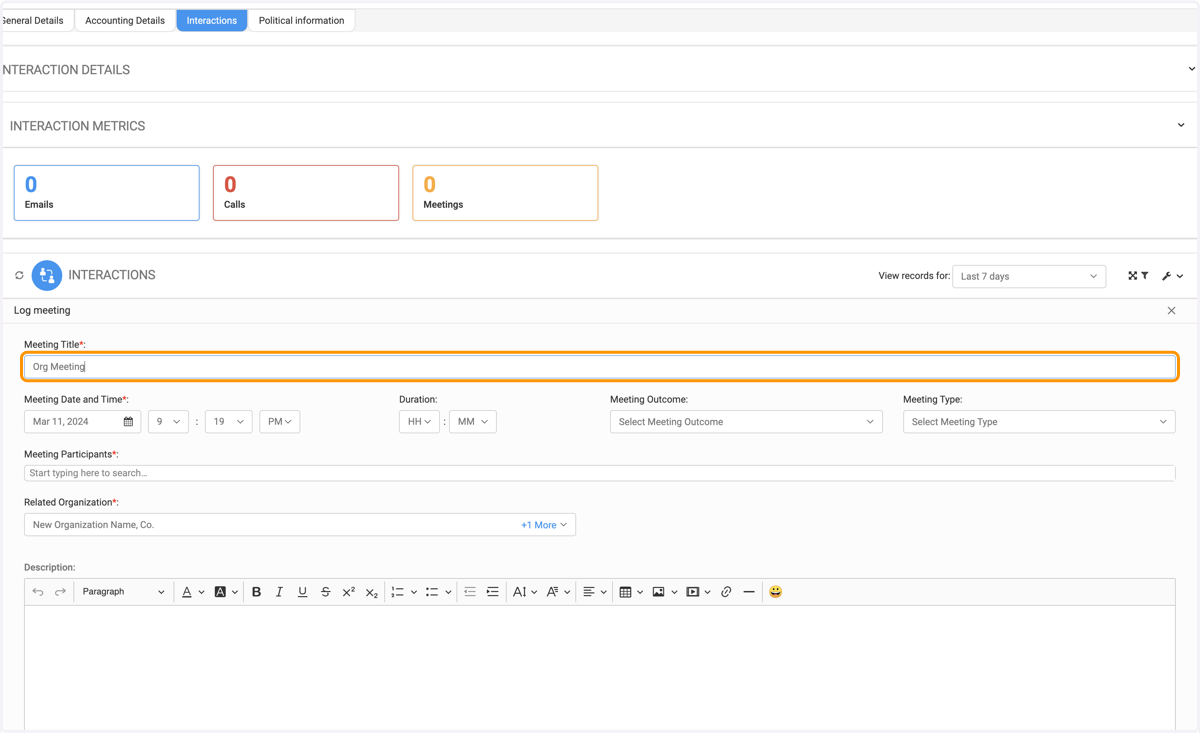
6. Type your Meeting Title
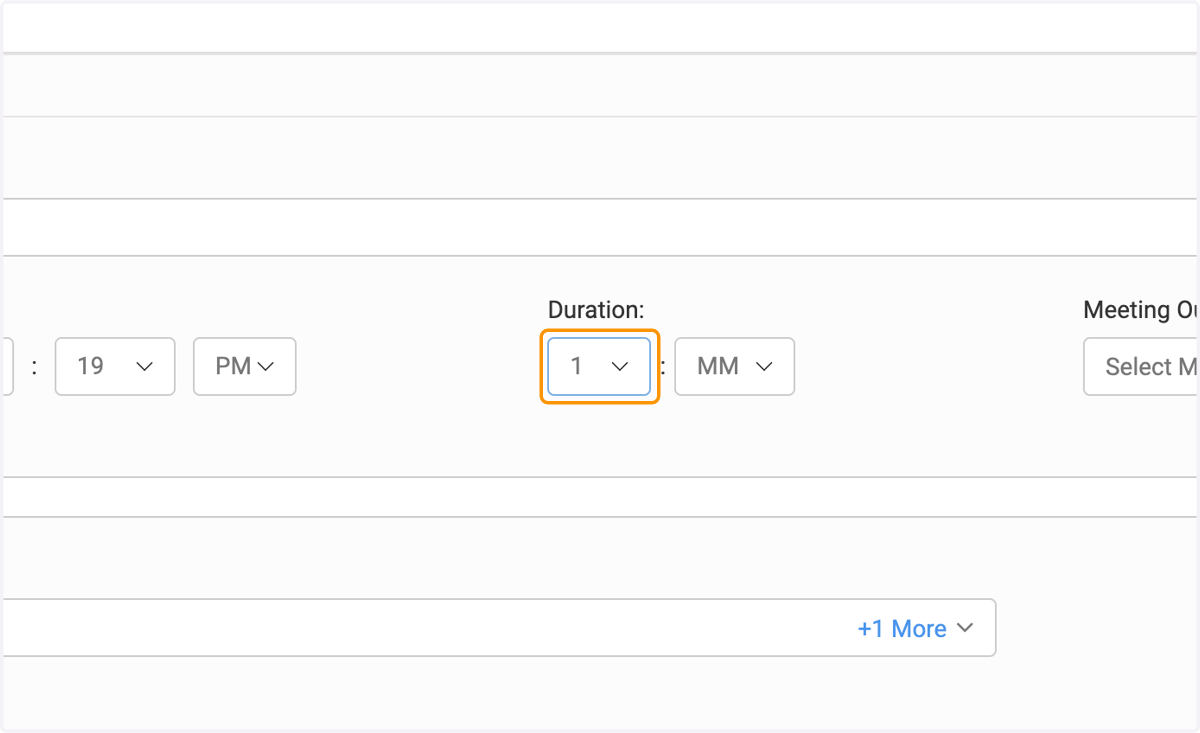
7. Add your meeting date, time and duration
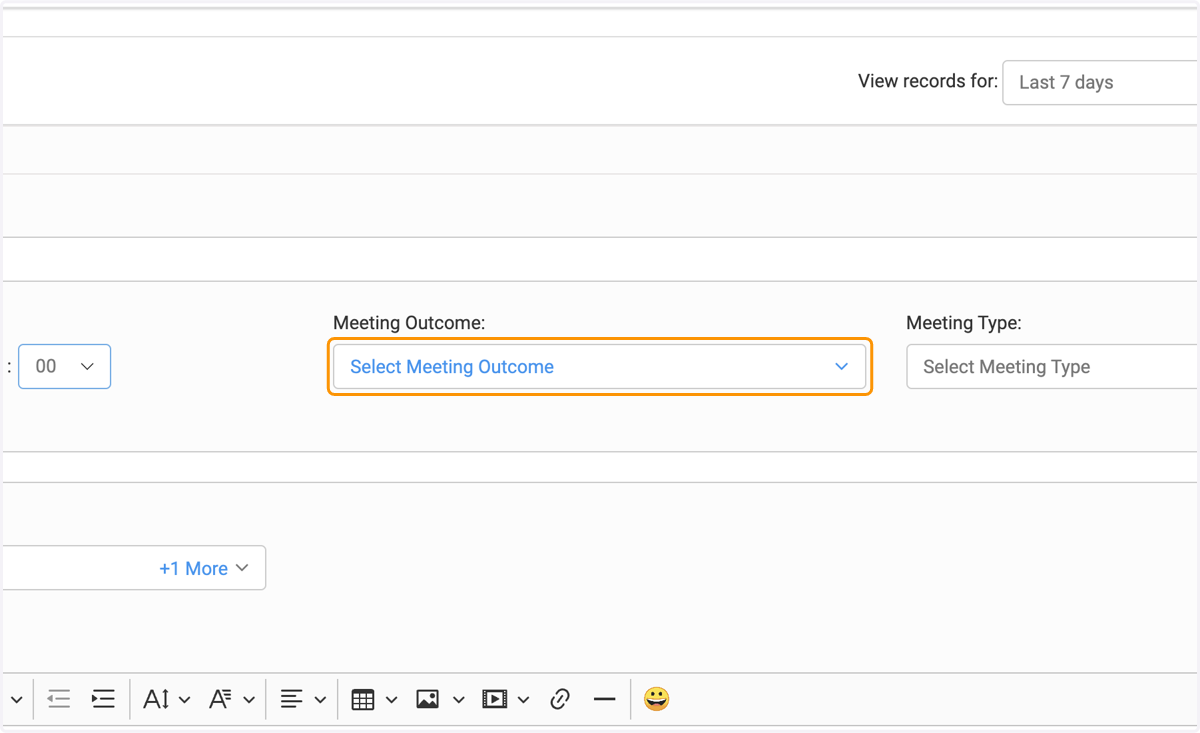
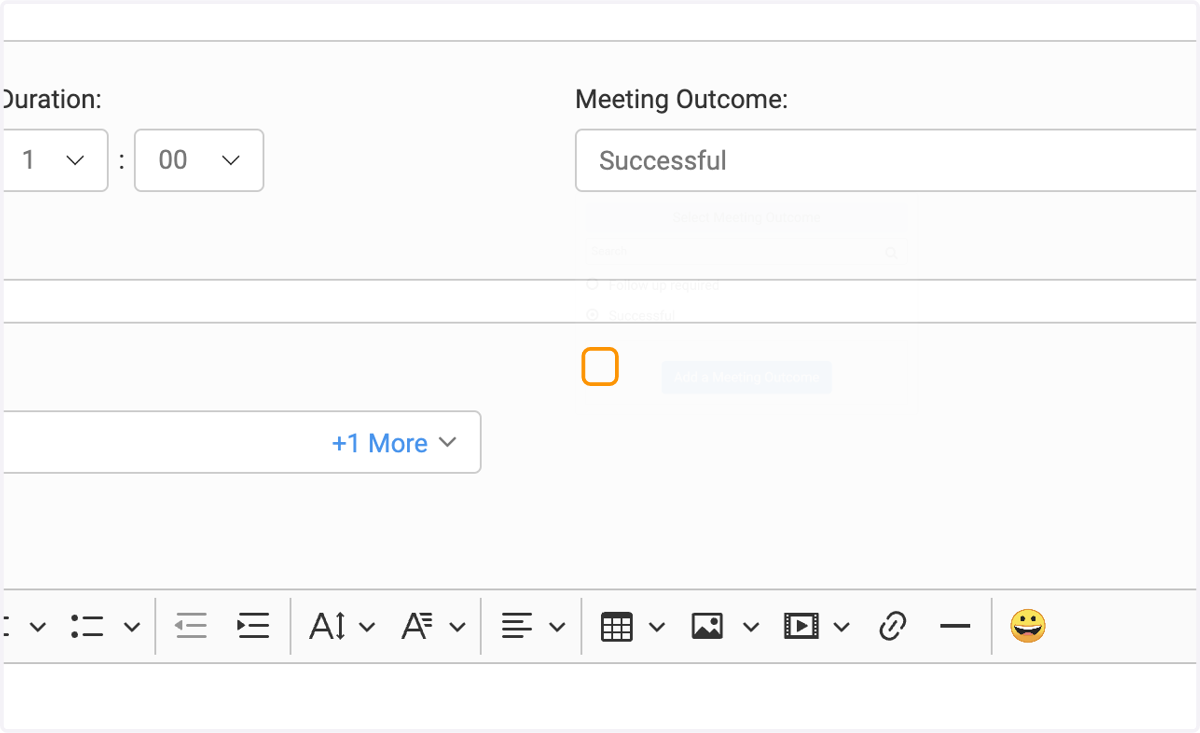
8. Click on Select Meeting Outcome to enter the correct outcome or add a new one
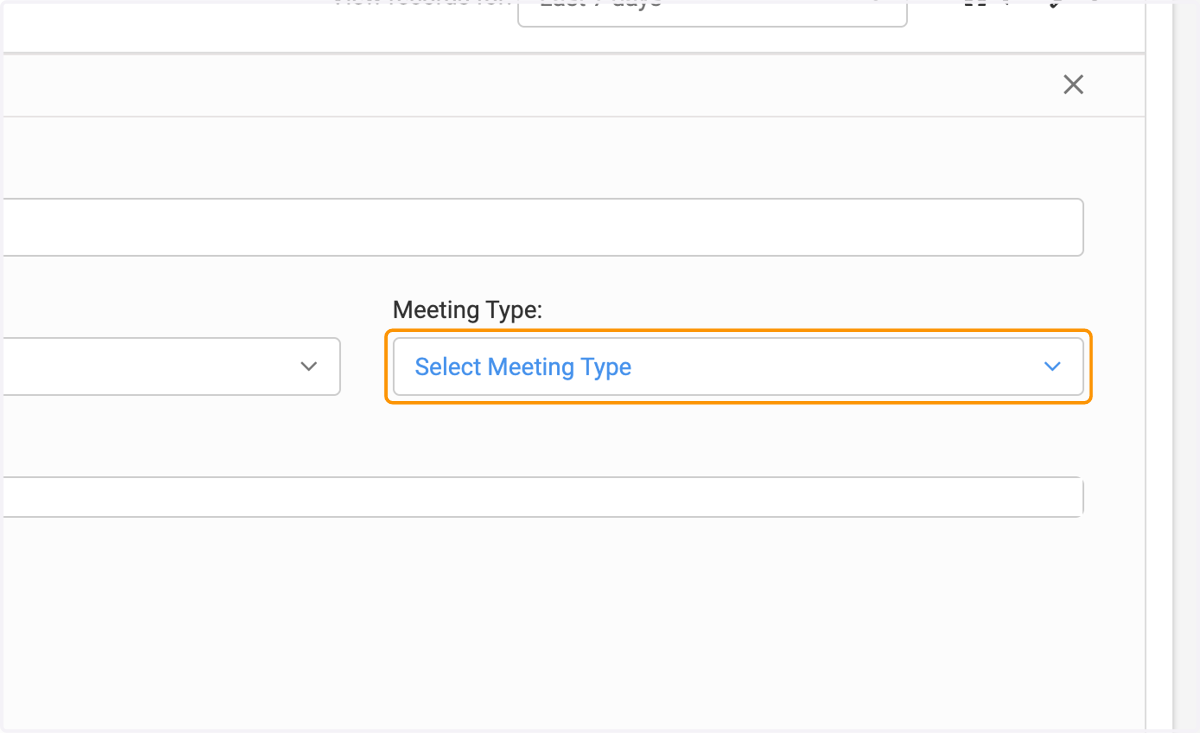
9. Click on Select Meeting Type to add or create a meeting type
10. Click on Select Meeting Type
11. Search for the related Organization Name
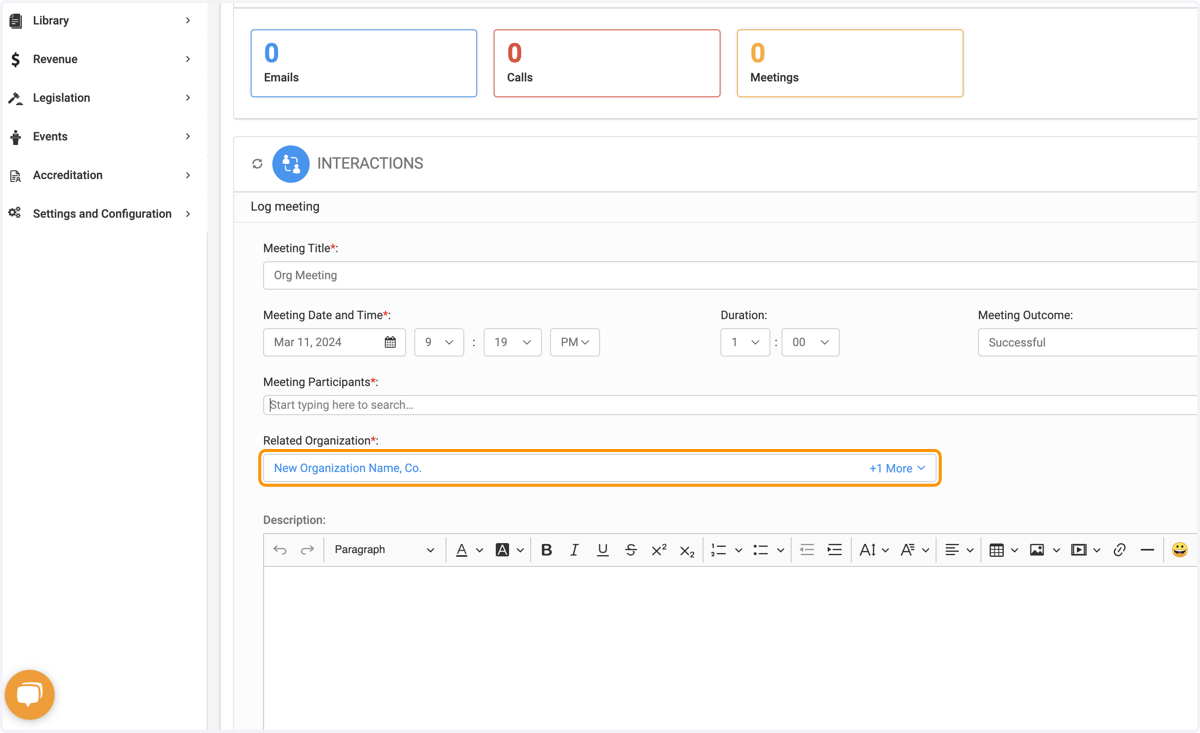
12. Type any description in the text editor box
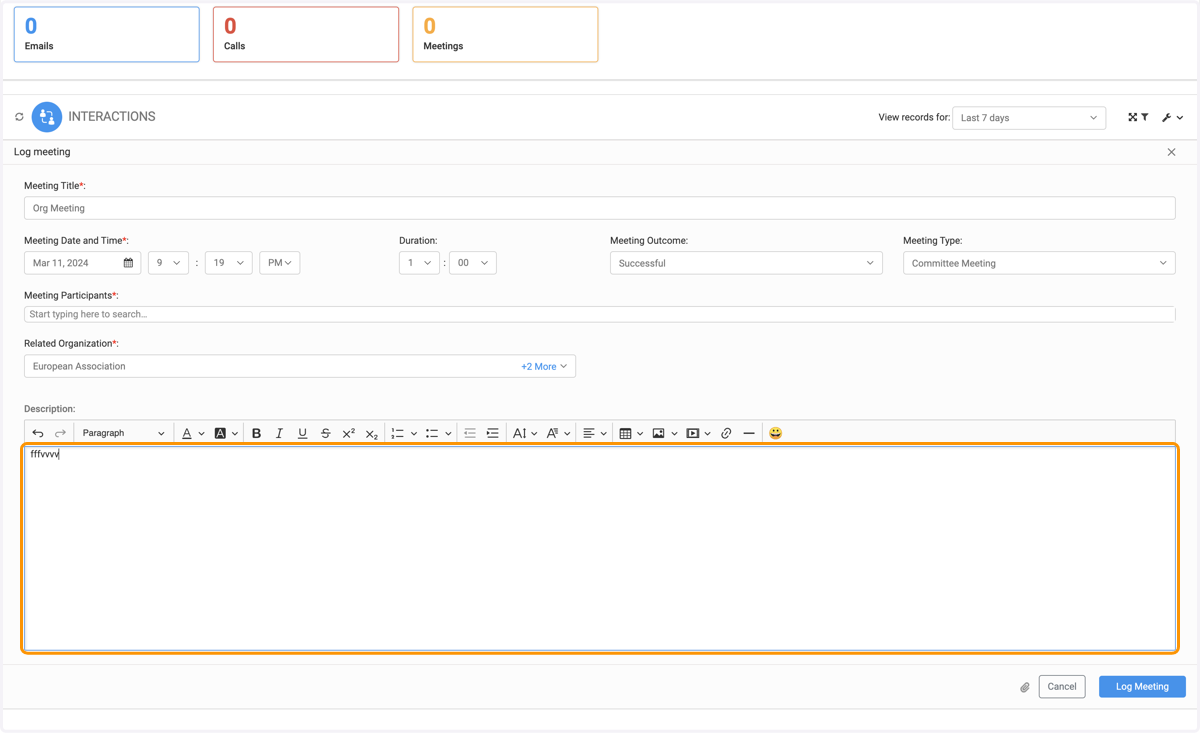
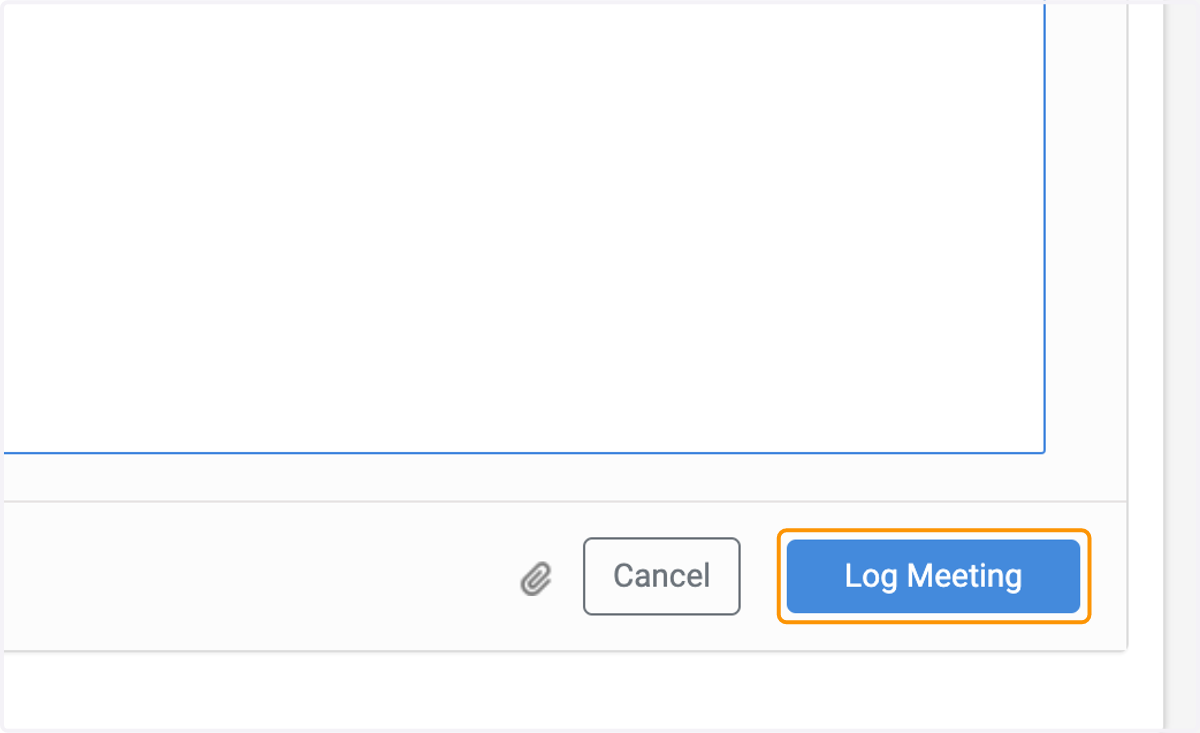
13. Click on Log Meeting when Nnished