Changing Persona Types

  1. 1. Click on Relationships, People and then All People
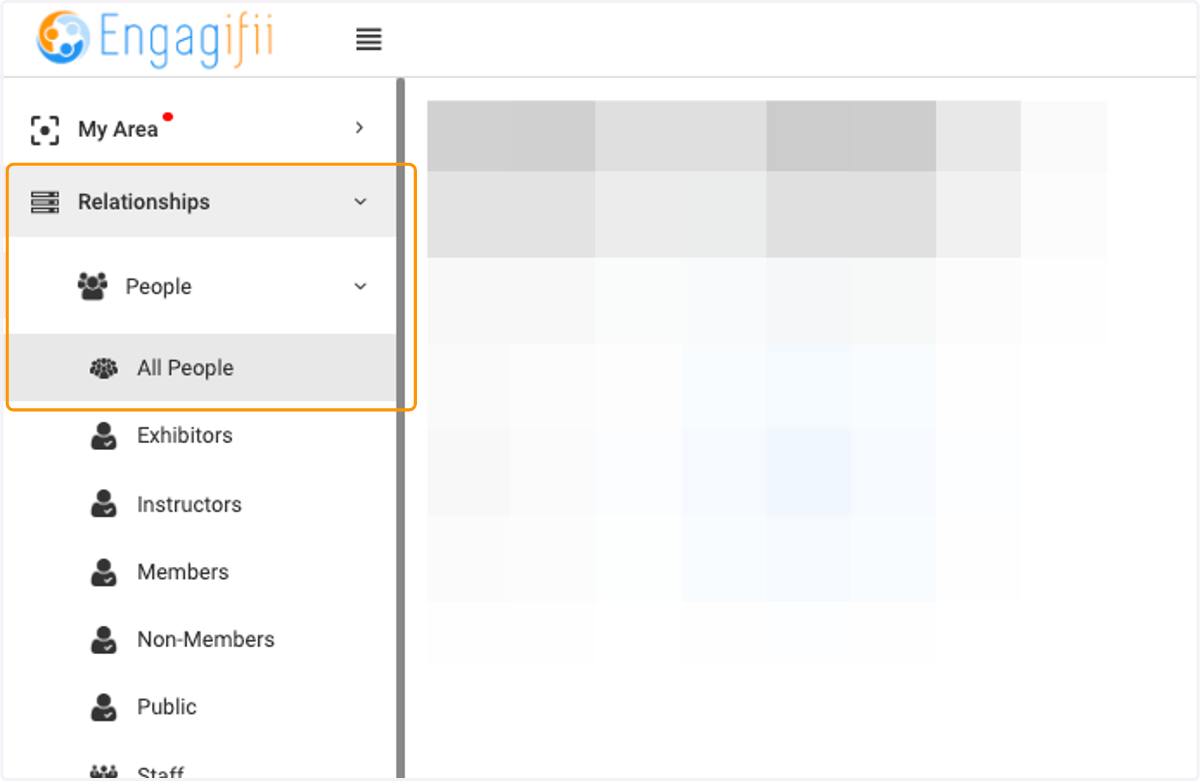
    Click on Relationships, People and then All People
  2. 2. Click on the person you wish to update
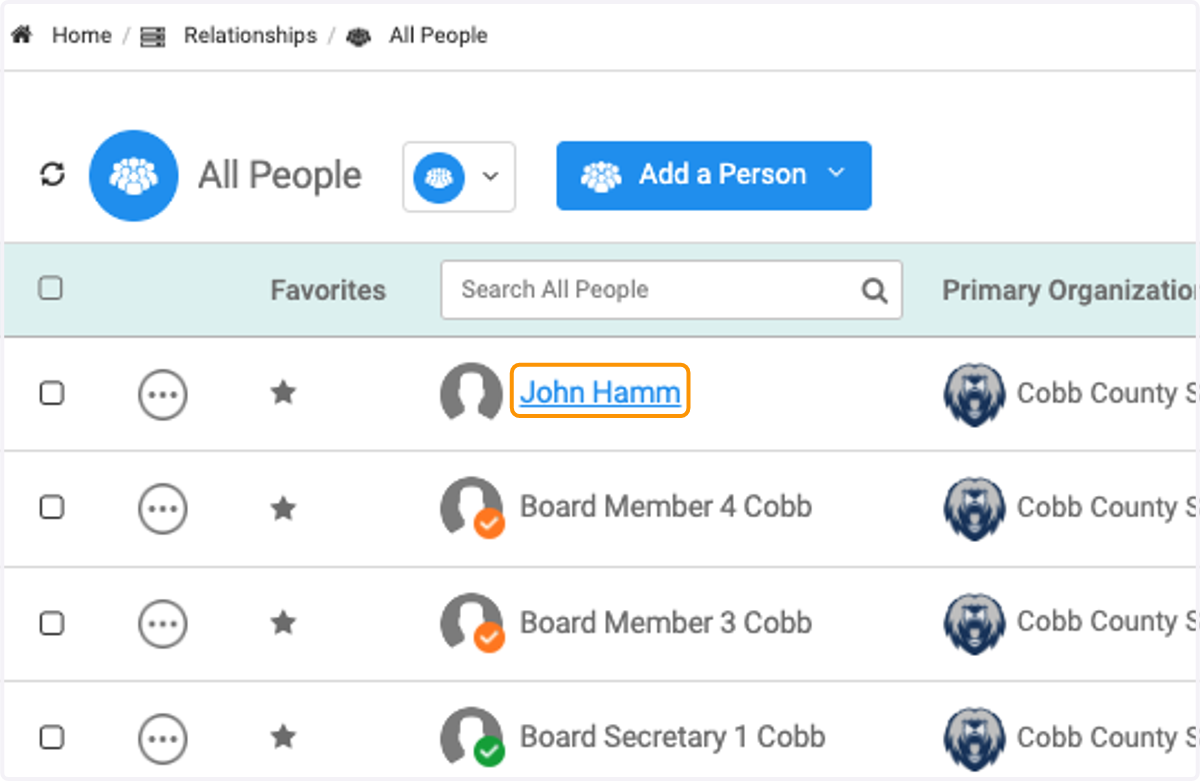
    Click on the person you wish to update
  3. 3. Y

    Y
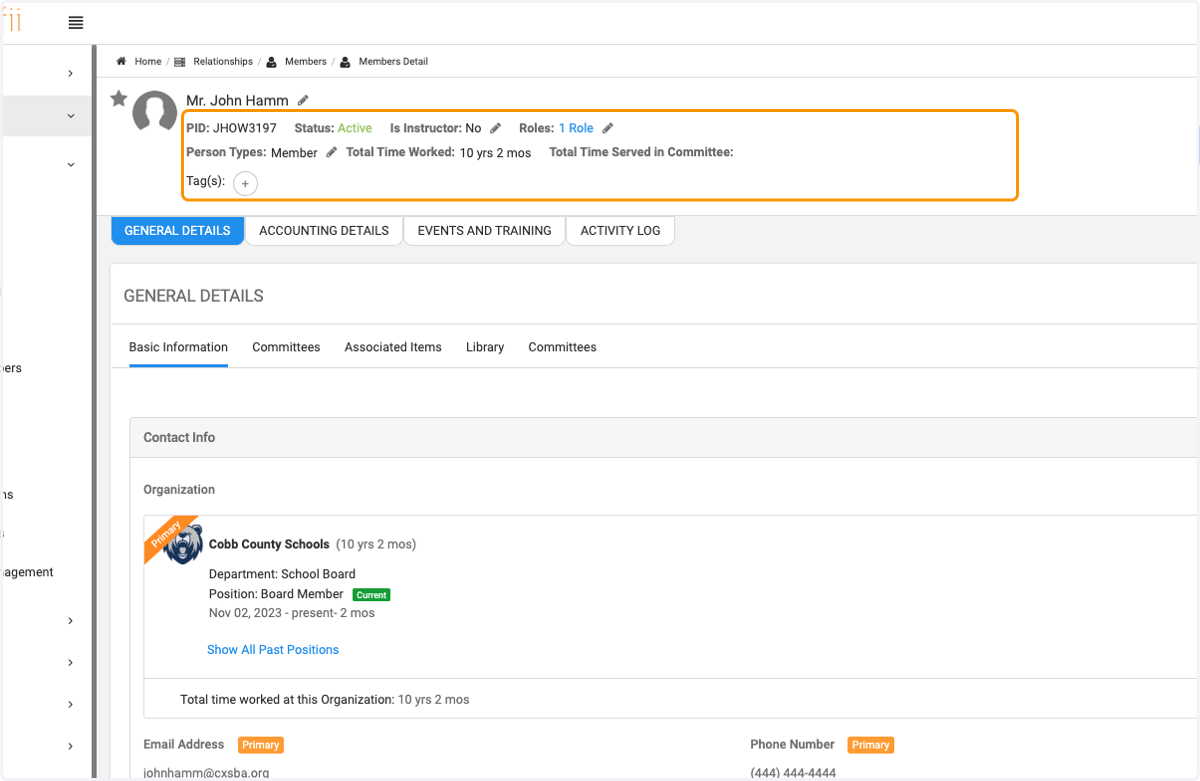
  4. 4. Click on the pencil icon next to Person Types
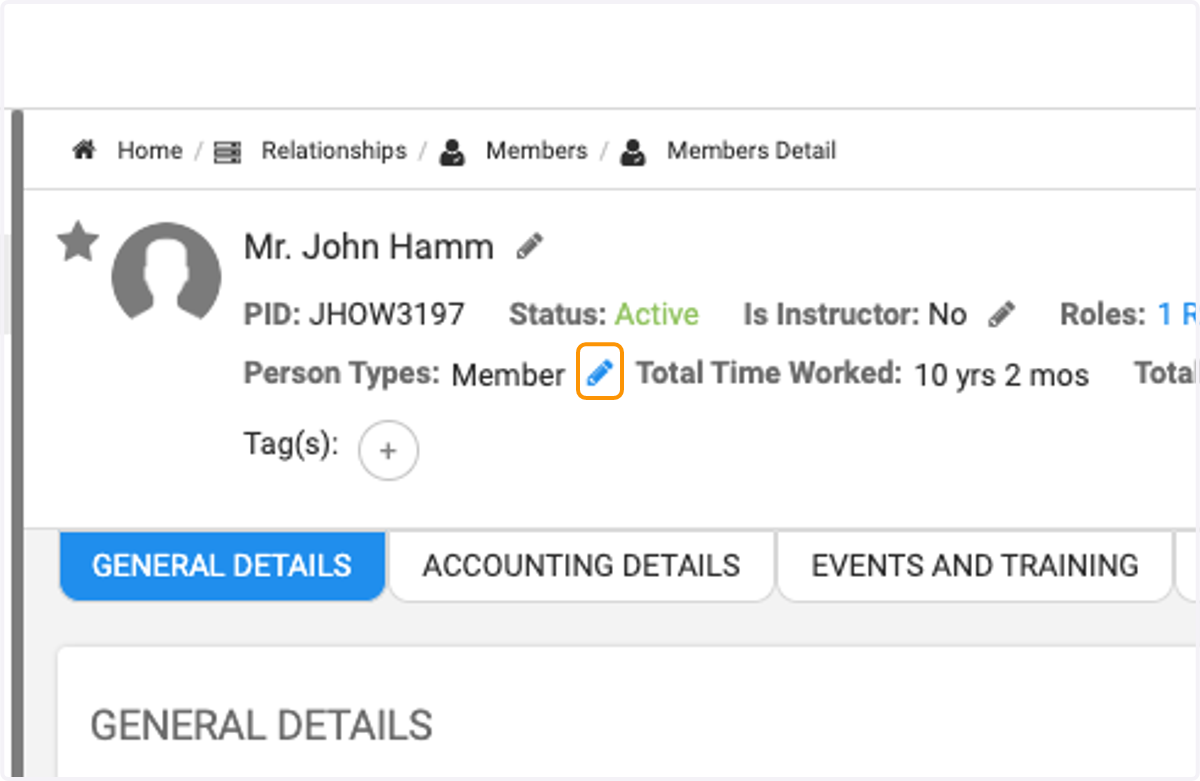
    Click on the pencil icon next to Person Types
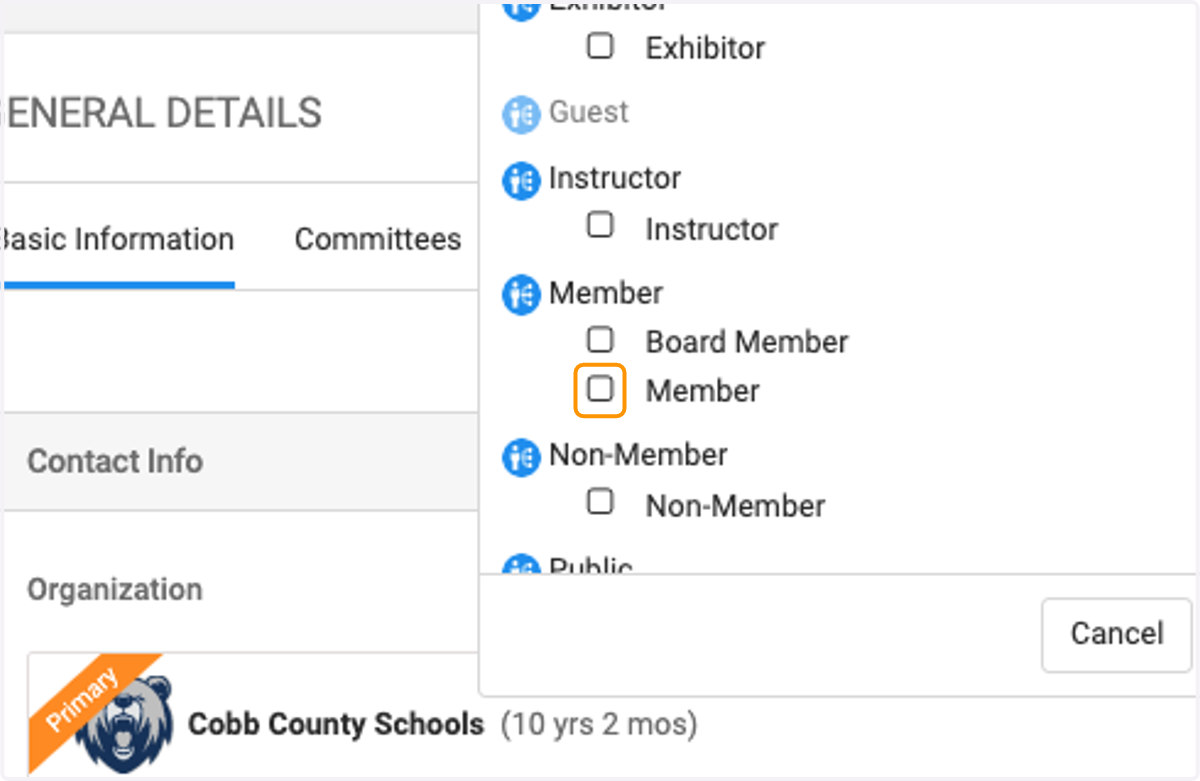
  5. 5. Uncheck the current type

    Uncheck the current type
  6. 6. Check on the new Person Type you wish to use
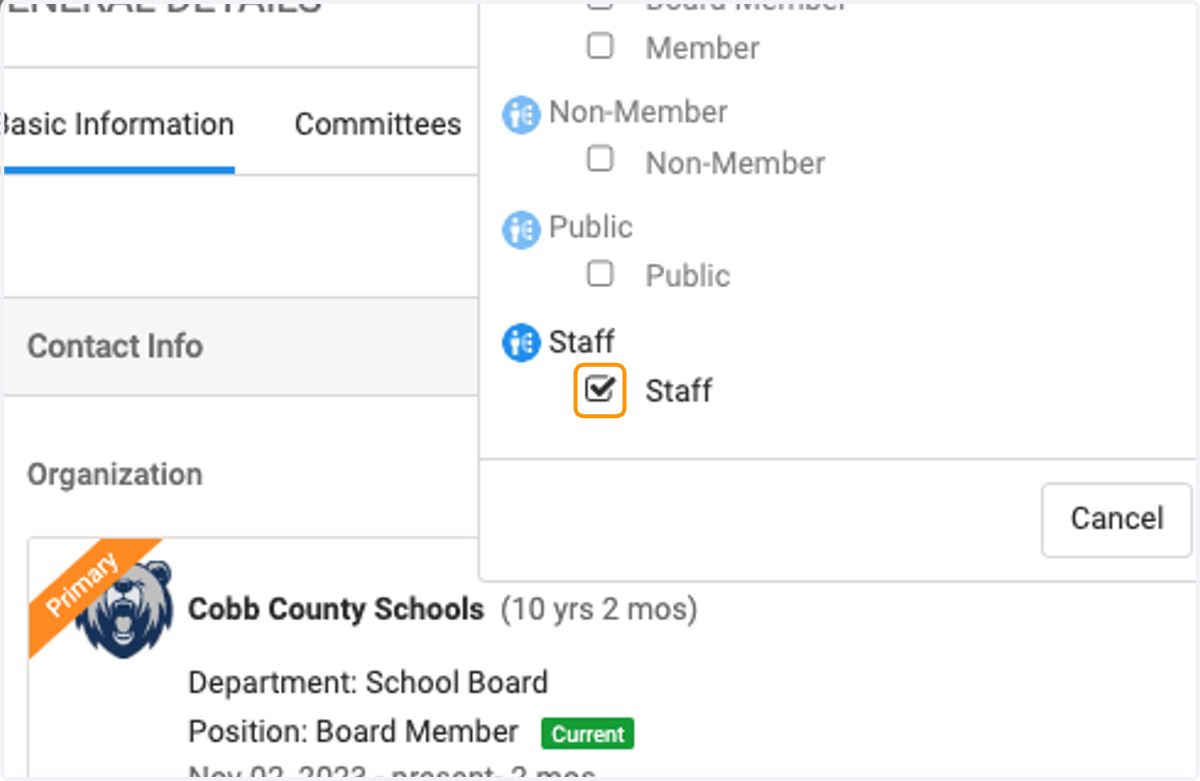
    Check on the new Person Type you wish to use
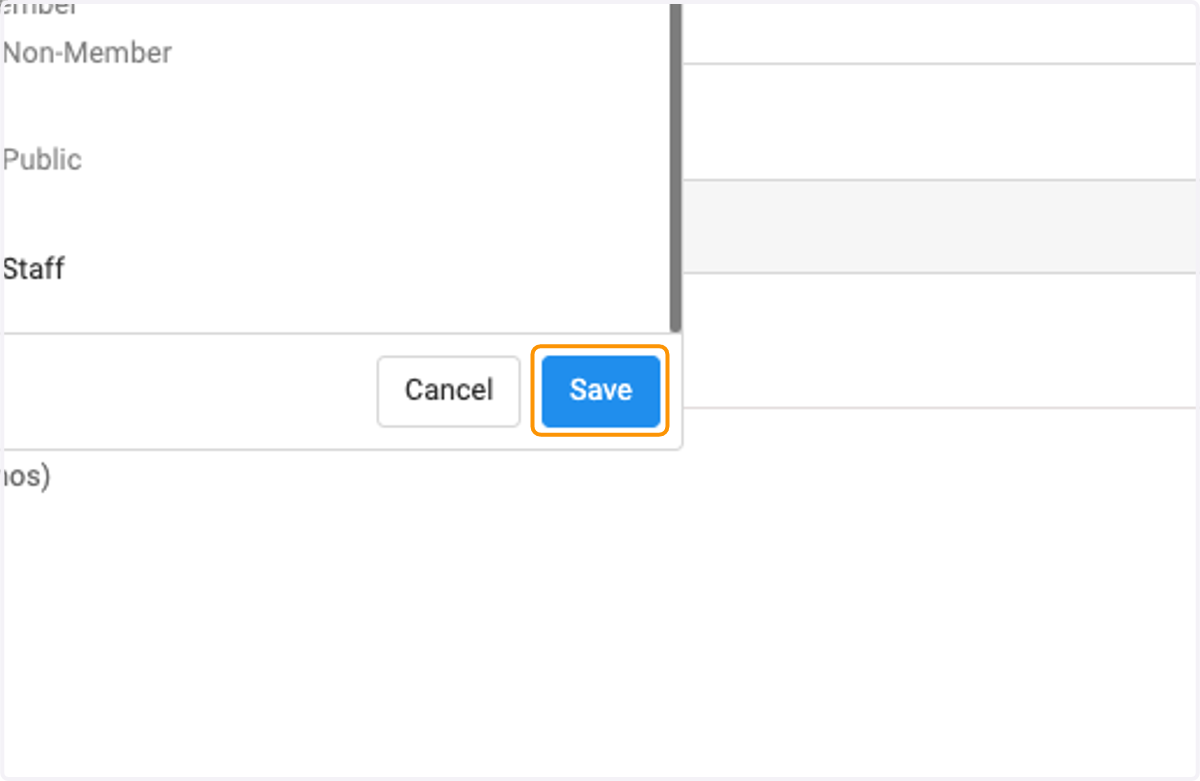
  7. 7. Click on Save

    Click on Save
  8. 8. View the pop up box with the implications of chaning, if you are ok, click Proceed.
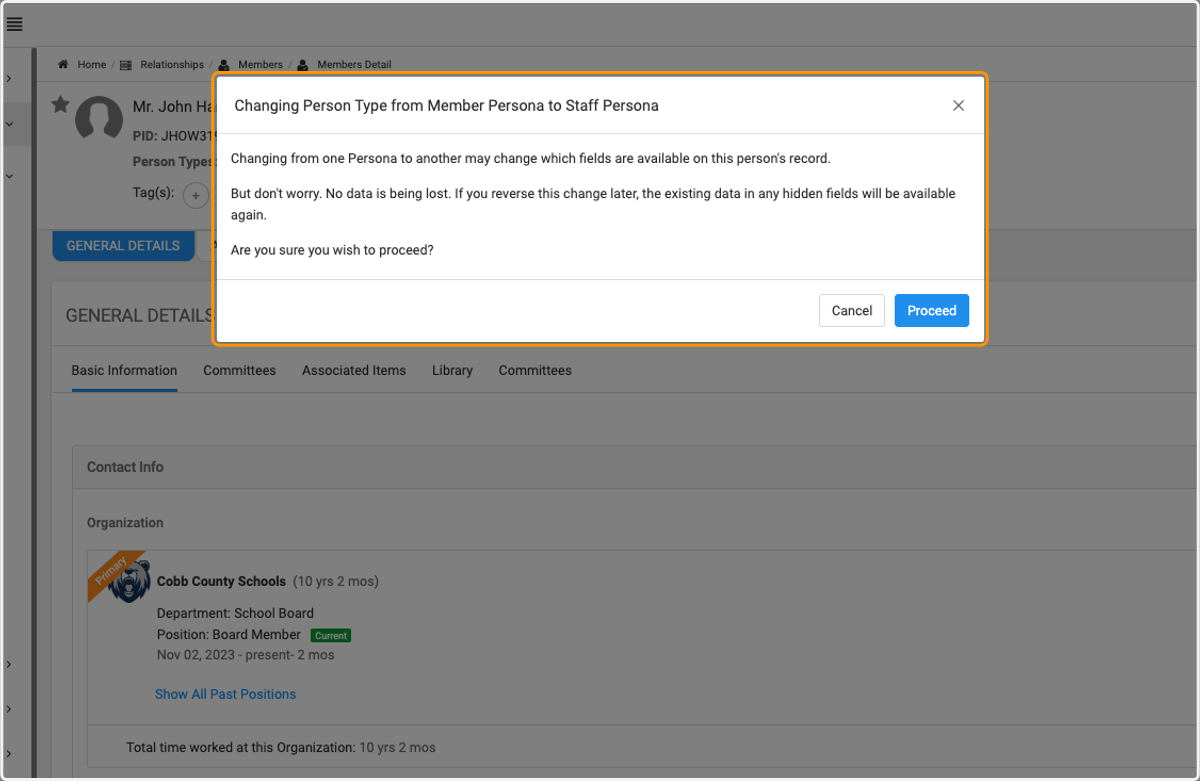
    View the pop up box with the implications of chaning, if you are ok, click Proceed.
  9. 9. Now you can see the updated Person Type is has been changed.
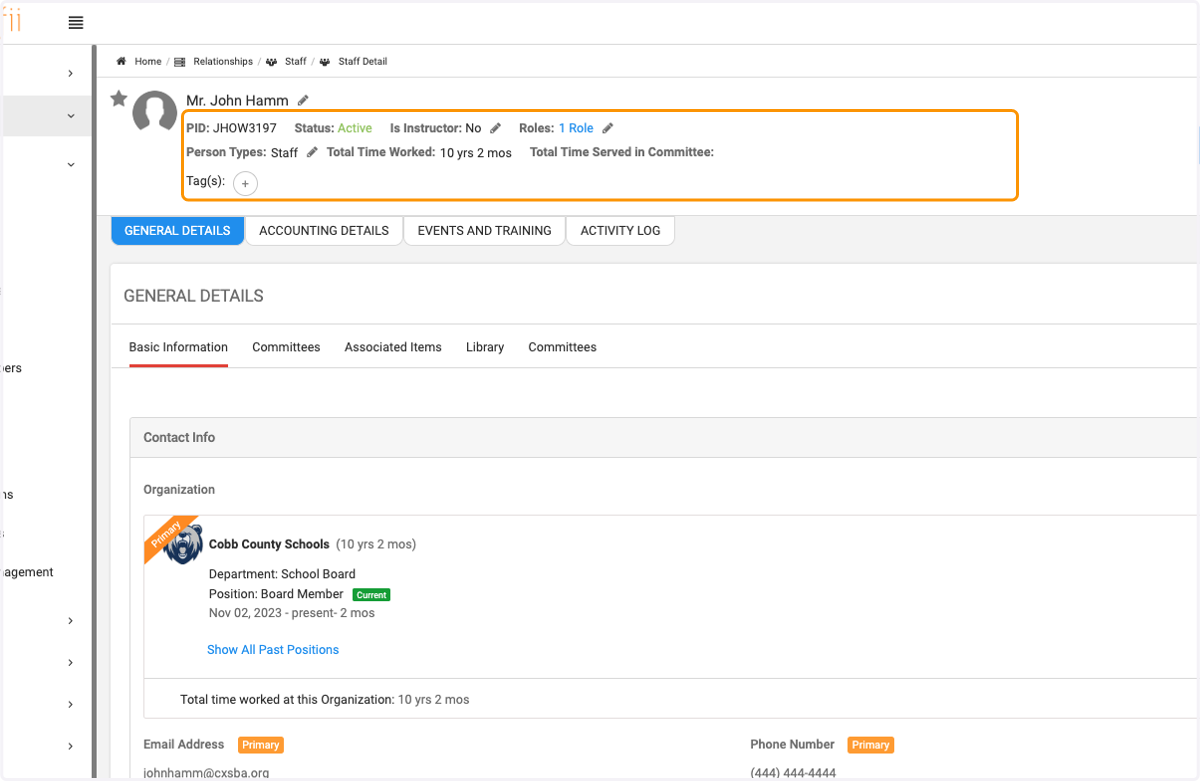
    Now you can see the updated Person Type is has been changed.
  10. 10. Click on the pencil icon next to the Role to update role (permissions)
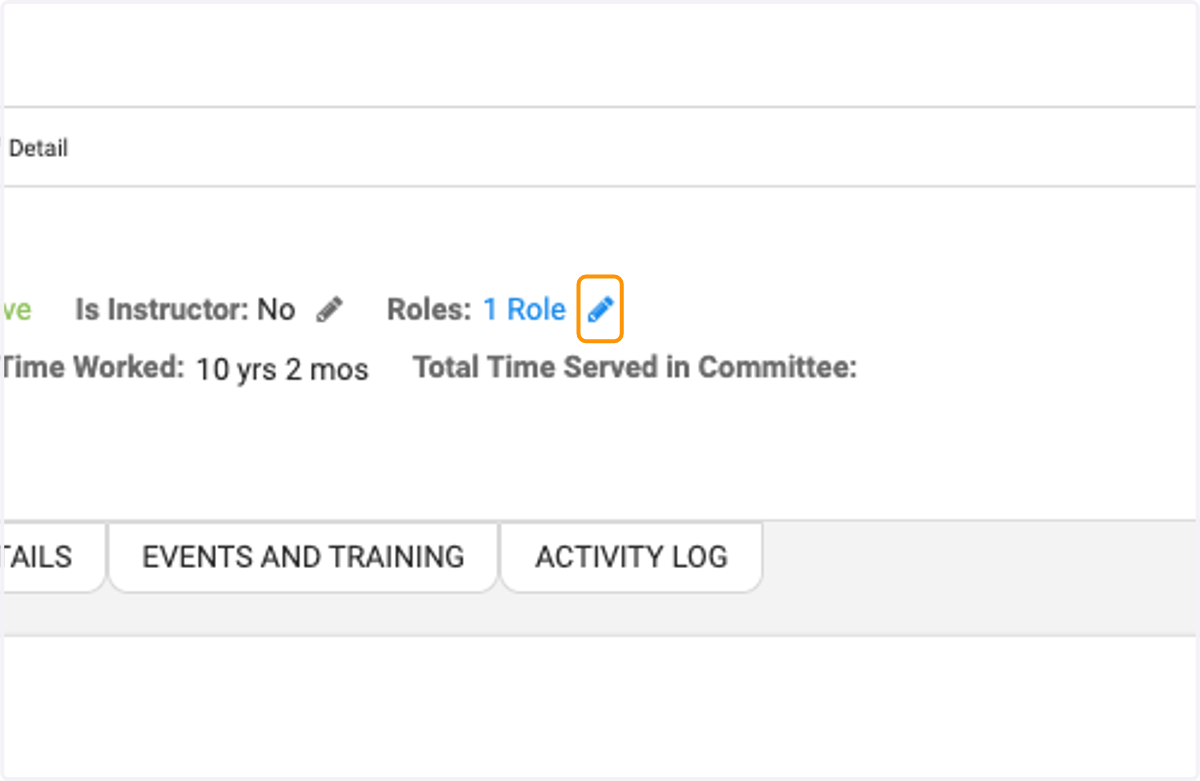
    Click on the pencil icon next to the Role to update role (permissions)
  11. 11. Check new role(s) you wish to add to this user
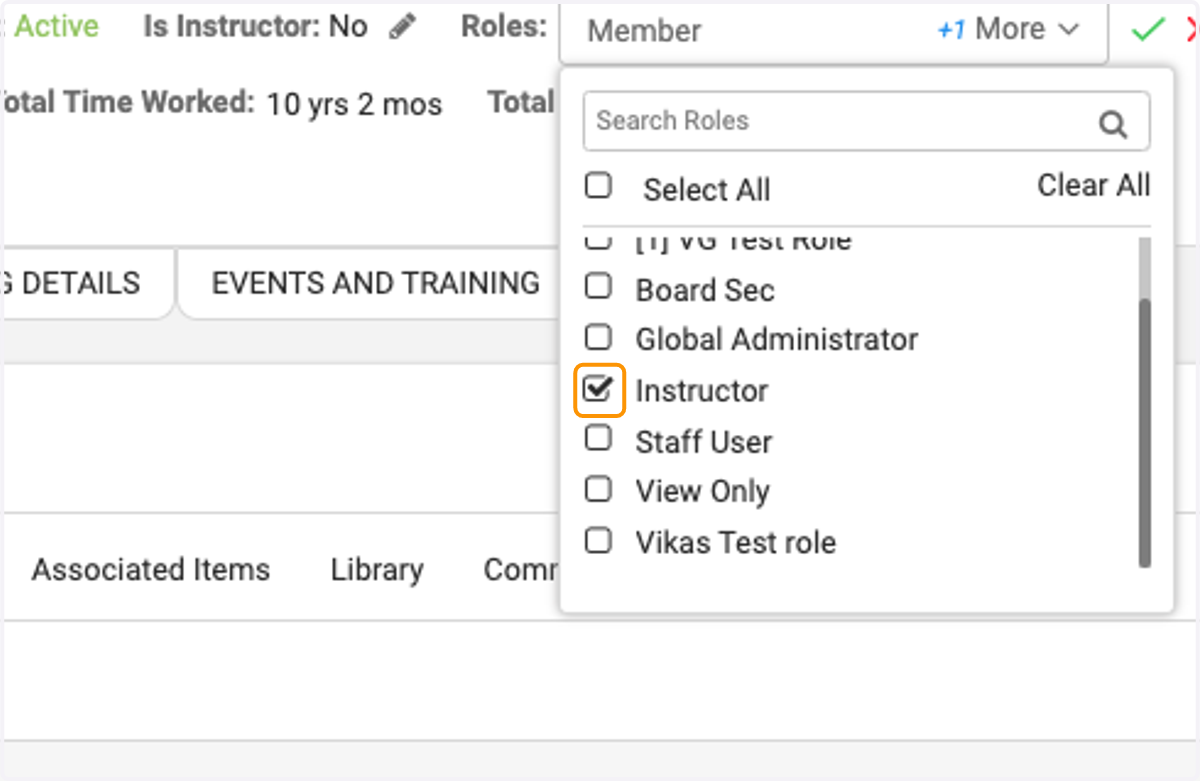
    Check new role(s) you wish to add to this user
  12. 12. Click on the green check mark when finished with selections.
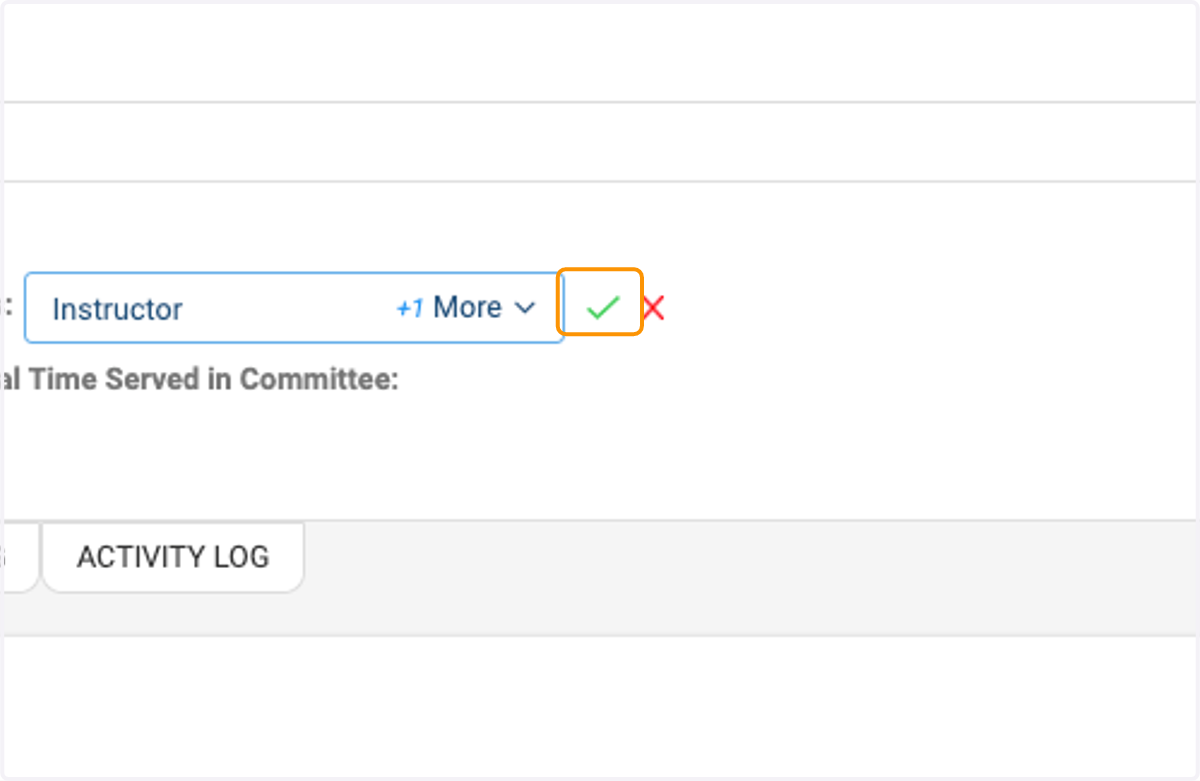
    Click on the green check mark when finished with selections.
  13. 13. Click on Roles to view the associated Roles
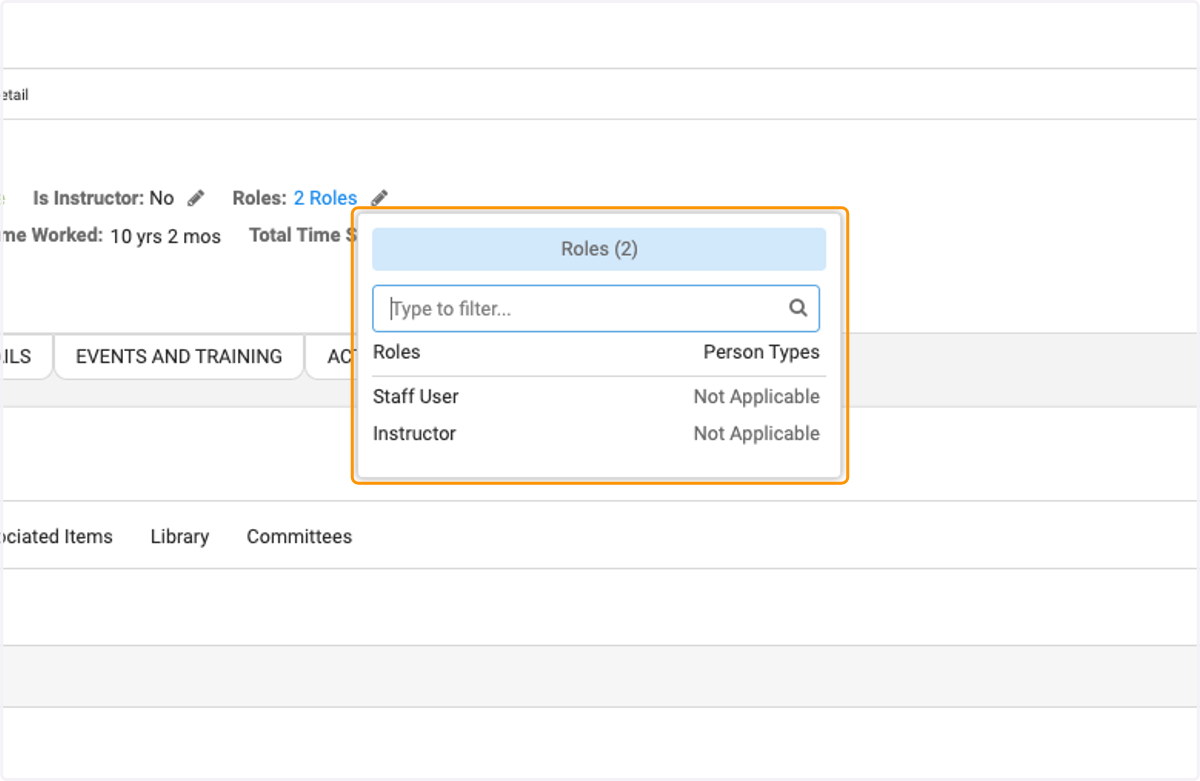
    Click on Roles to view the associated Roles