Option 4: Registration Link and Approve Membership Requests
Use this help article to assist with the process of allowing a student to register for membership (option 4 for adding a new member) and then approve their application and finalize payment.
Future Business Leaders of America, Inc.
Go to connect.fbla.org and provide your unique chapter registration link under add new members, option 4. The following screens will show you what a student member sees and how to approve an application.
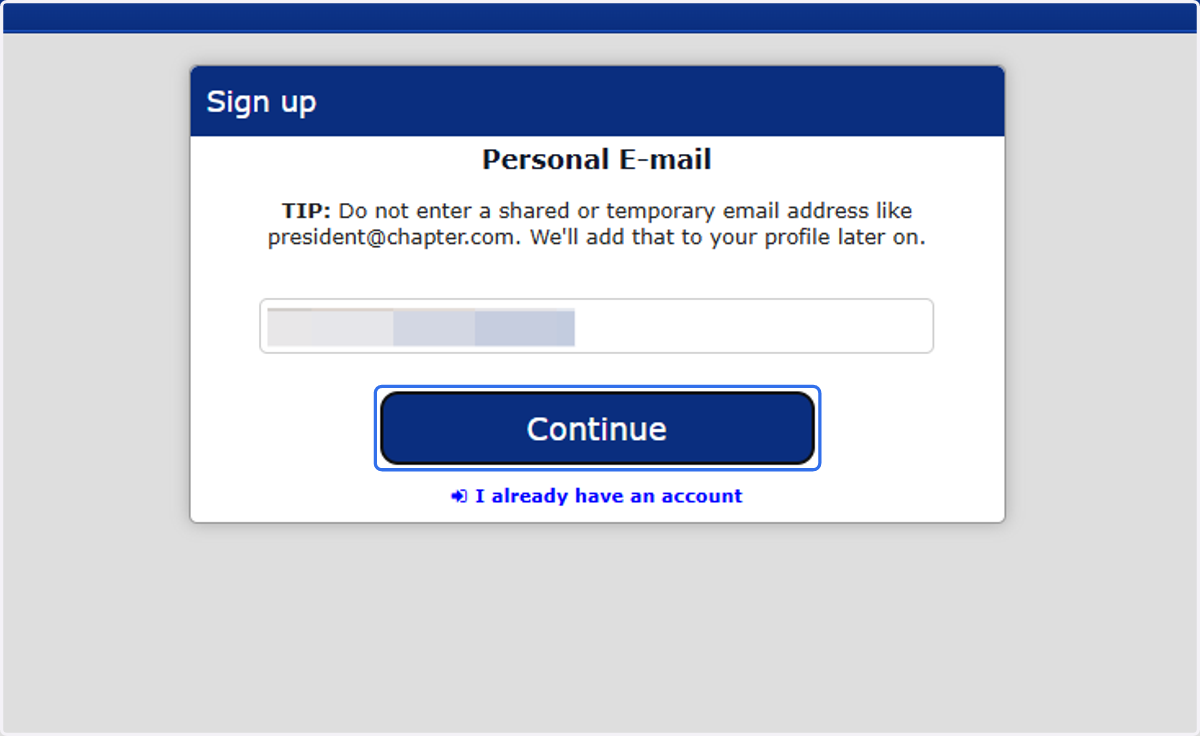
1. Enter email and click continue
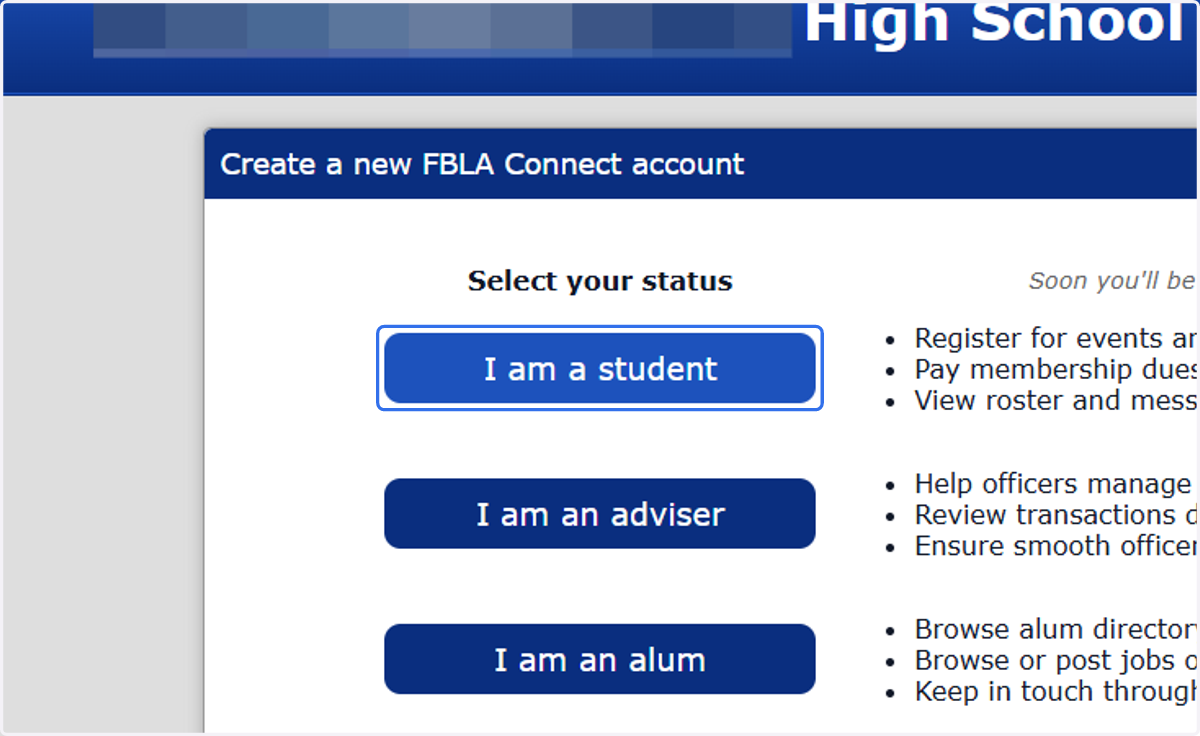
2. Click on the account type
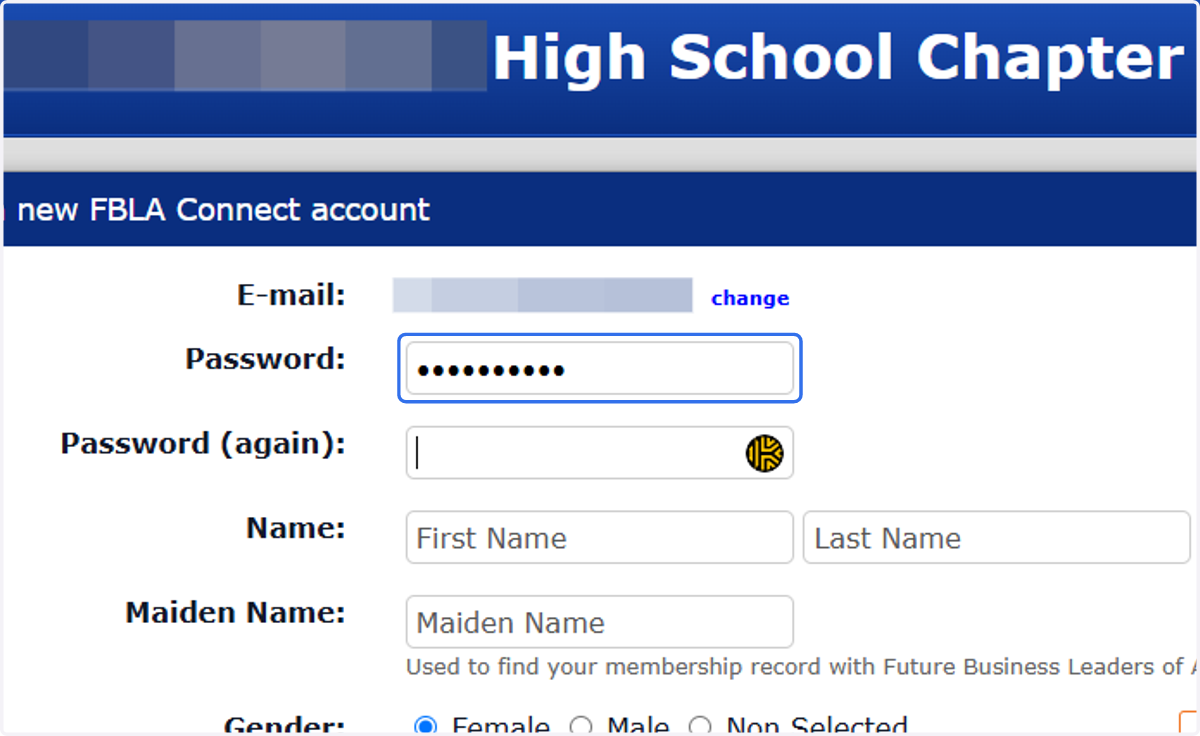
3. Students should complete all fields.
The following fields are required: name, email, grade, and gender. Proper case should be used to print correctly on name tags, awards, certificates, and other recognition items. For example: Taylor Swift, NOT taylor swift or TAYLOR SWIFT.
Click complete when done.
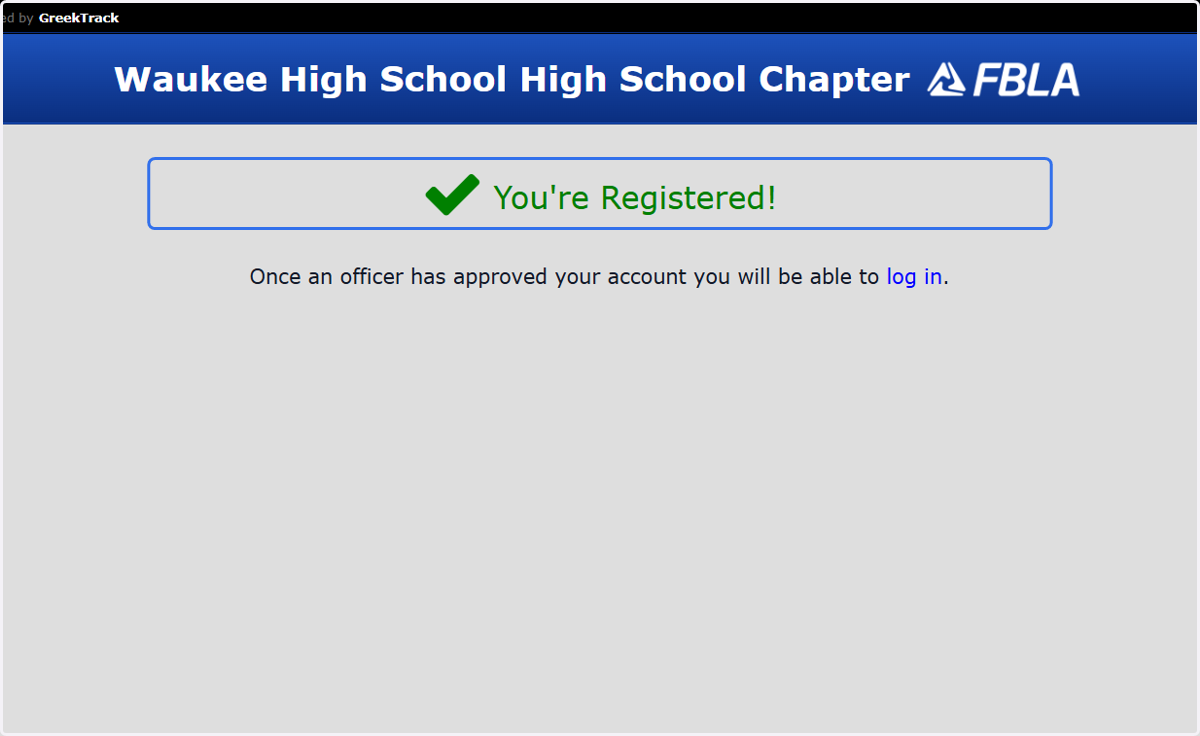
4. You're Registered!
You won't be able to login as a new student member until an adviser or officer approves the registration request.
Adviser or Officer Approving Registration
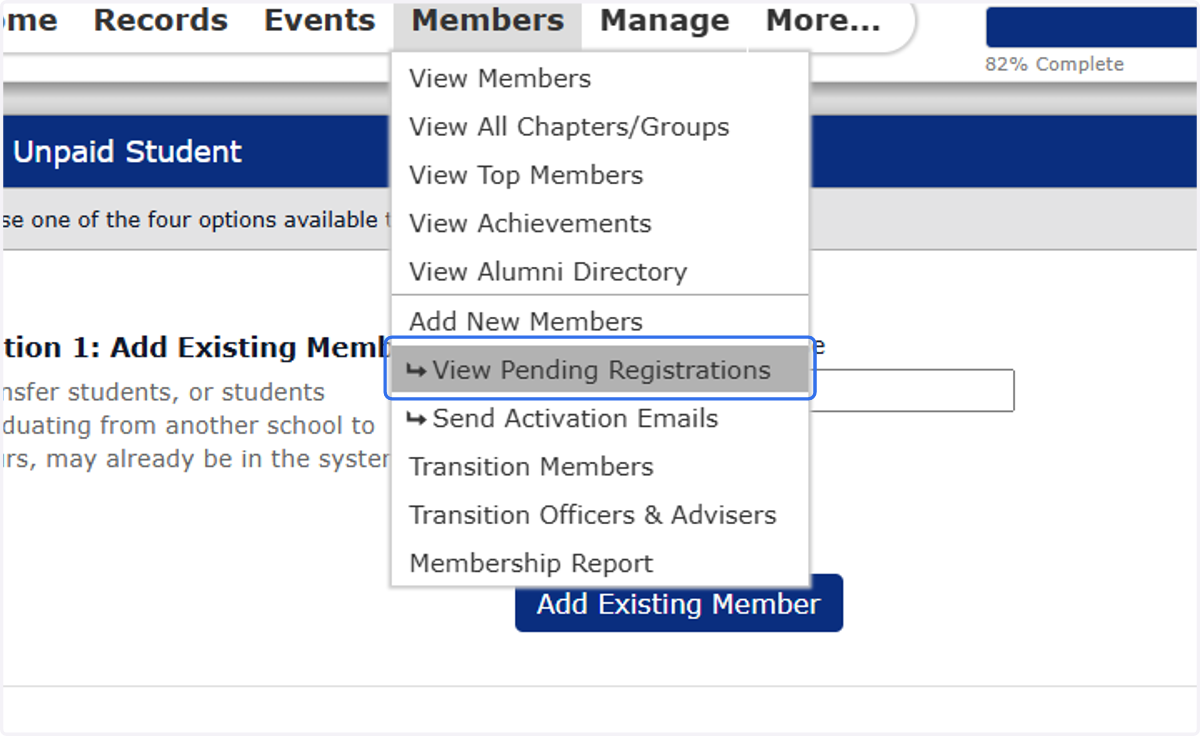
5. Click on View Pending Registrations
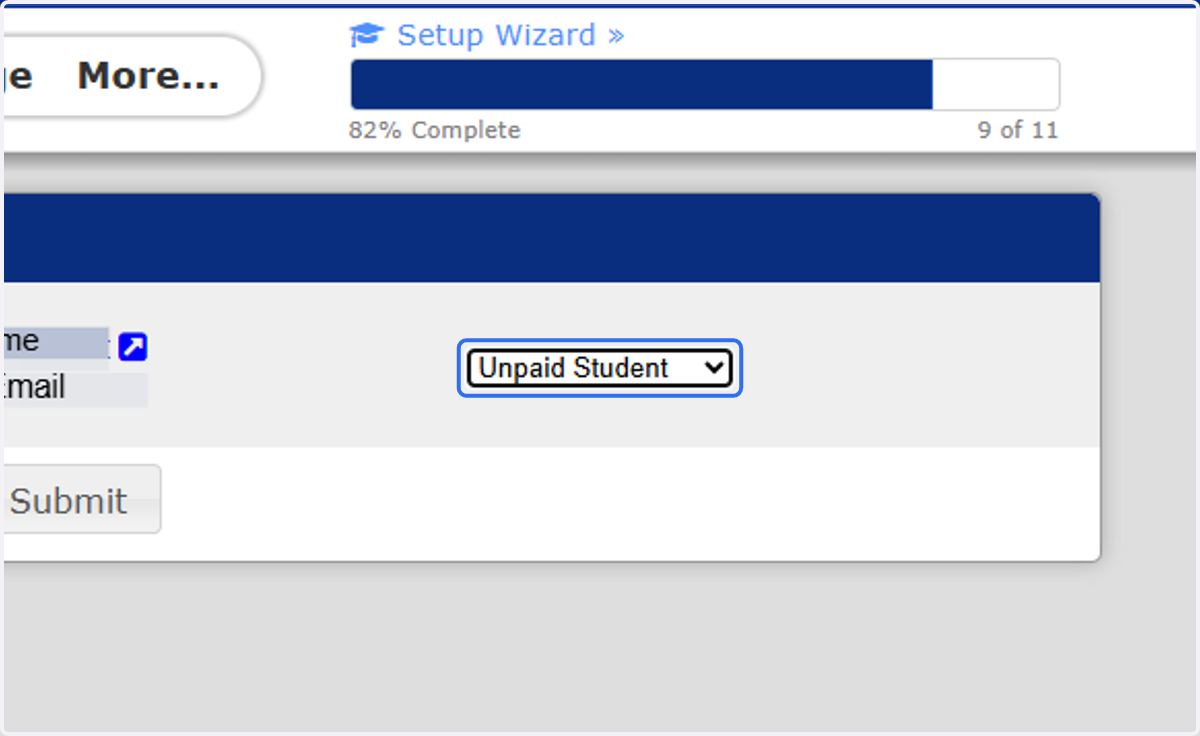
6. Select Unpaid Student & Submit
The individual is now an unpaid student. The student can now login to CONNECT.
Verify Student is in Membership List
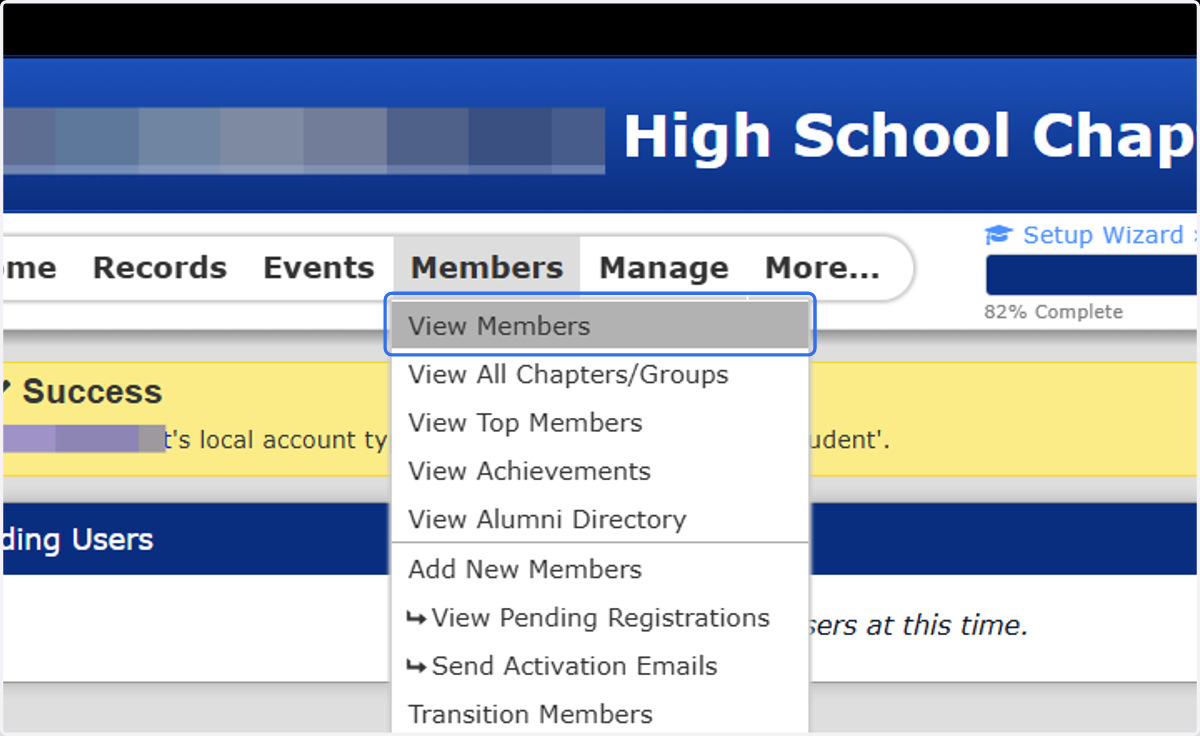
7. Click on View Members
The individual will be located in the left column, unpaid student.