Invoice Number Configuration
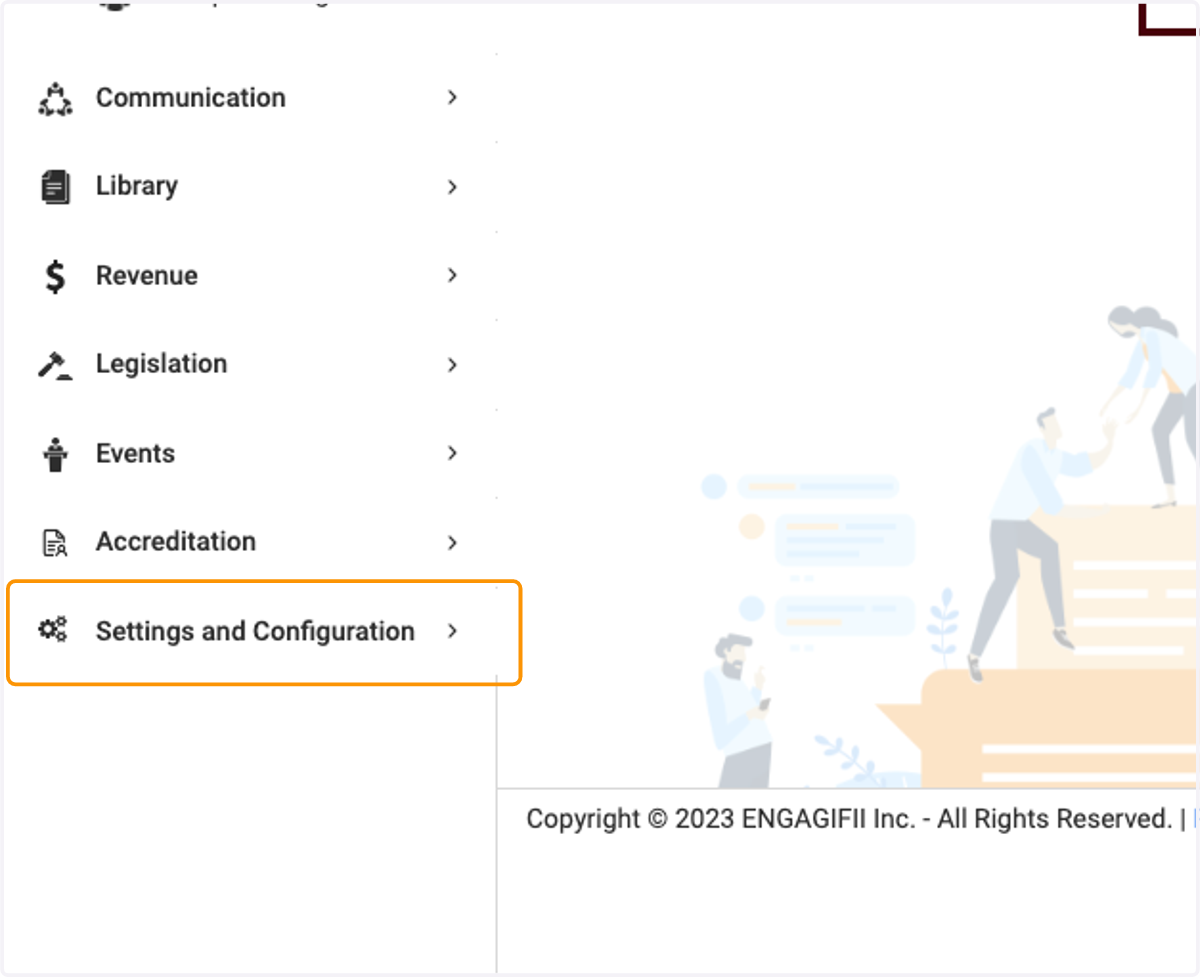
1. Click on Settings and Configuration
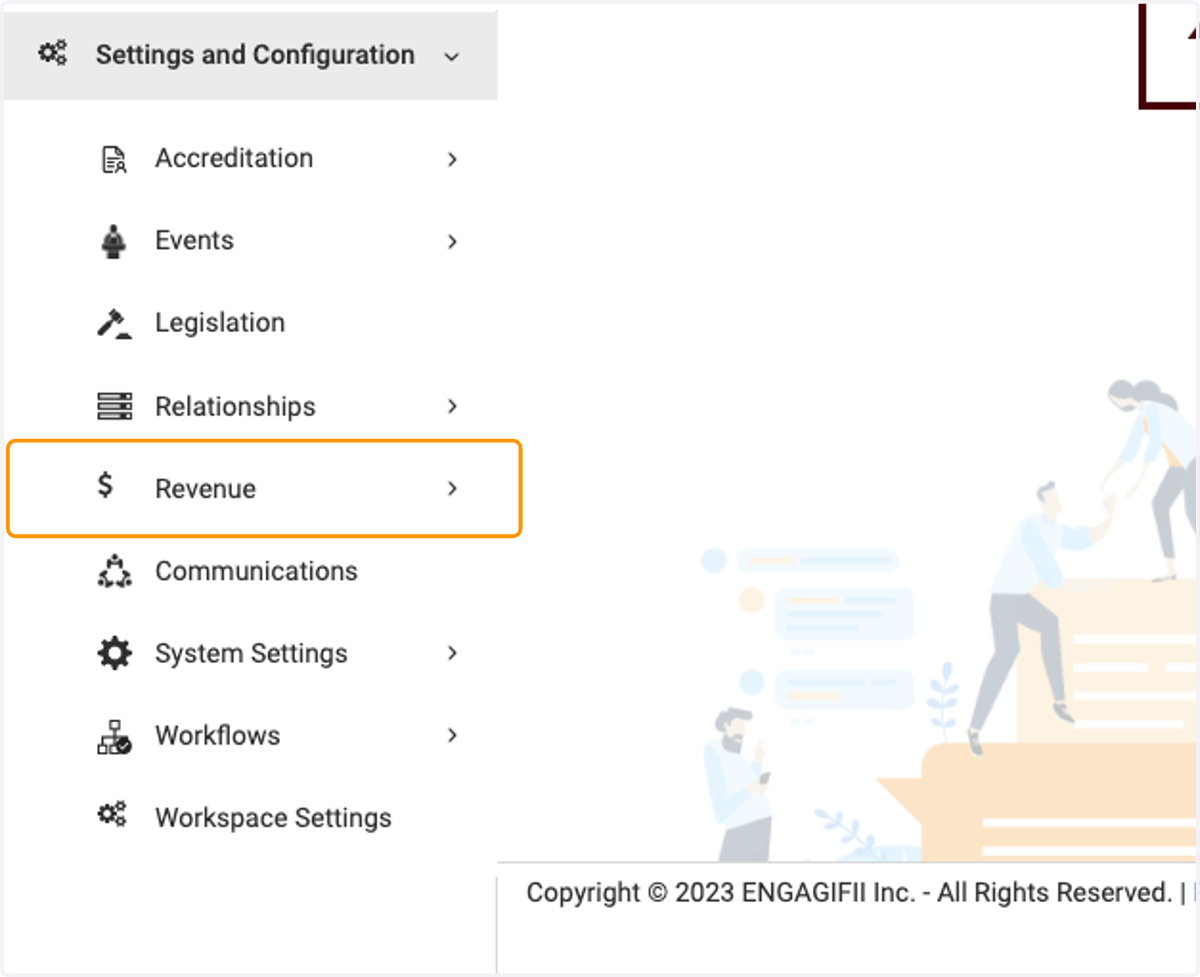
2. Click on Revenue
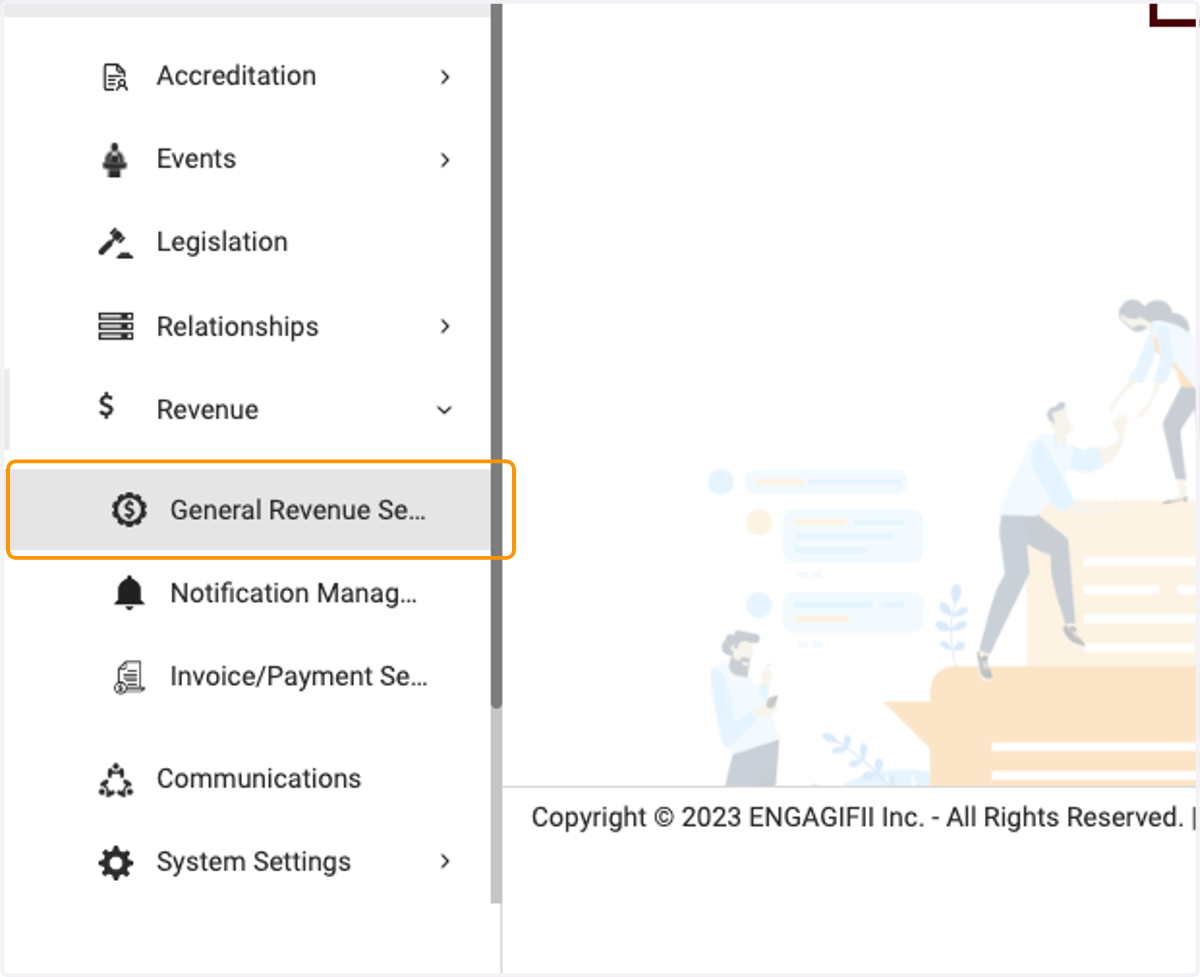
3. Click on General Revenue Settings
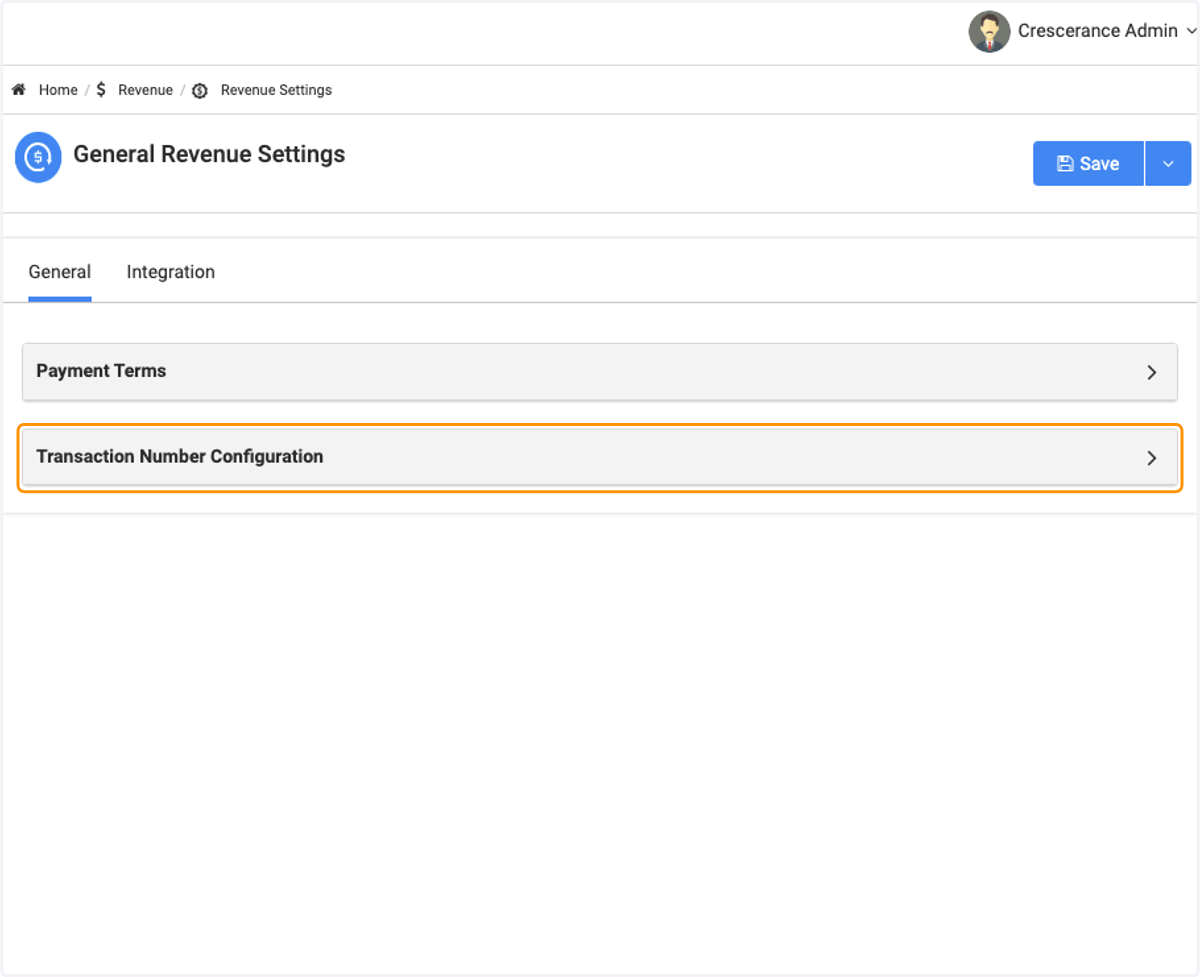
4. Click on Transaction Number Configuration
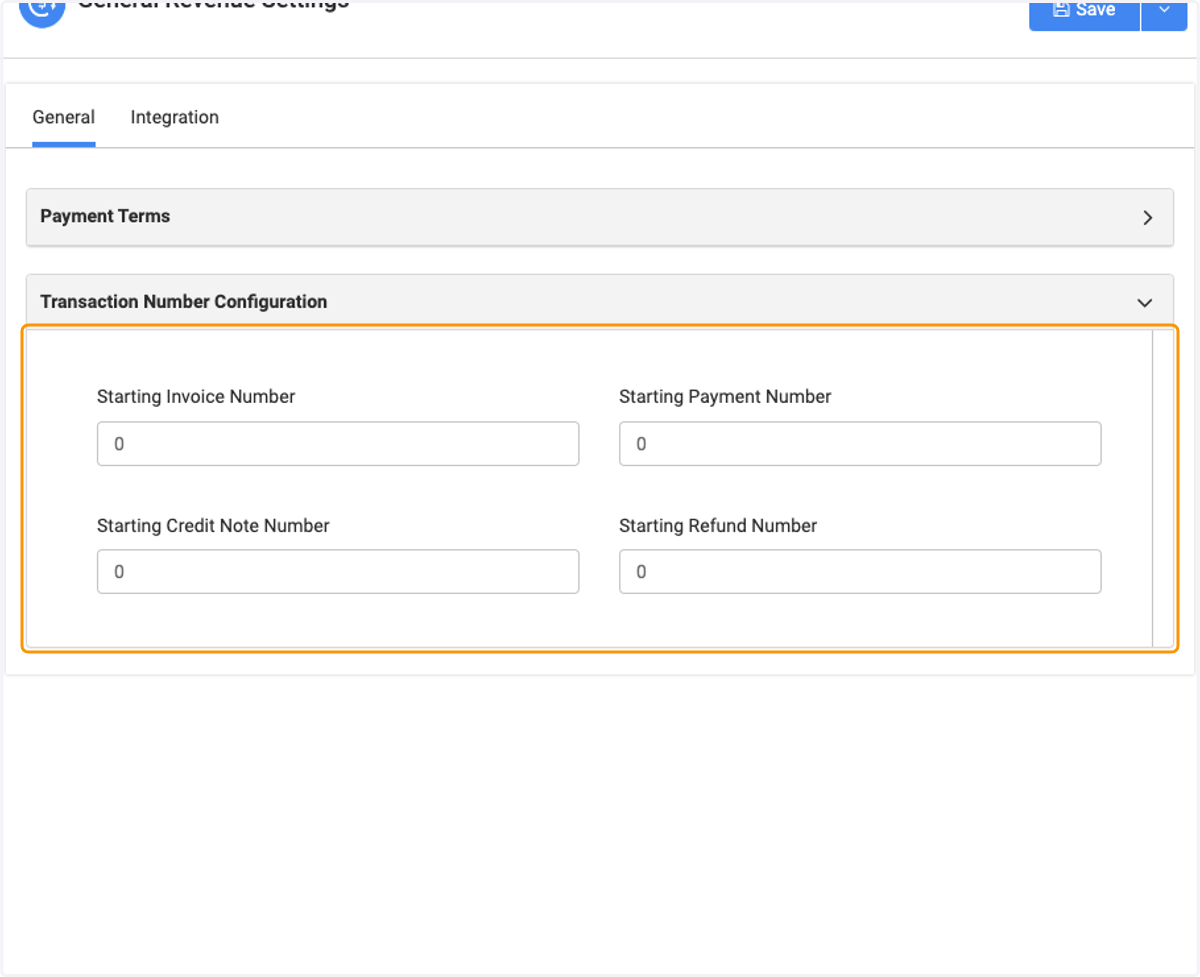
5. If you have specific numbers you would like to start with, this is where you can enter them in. Not only for invoice, but also Credit Note, Payments and Refunds
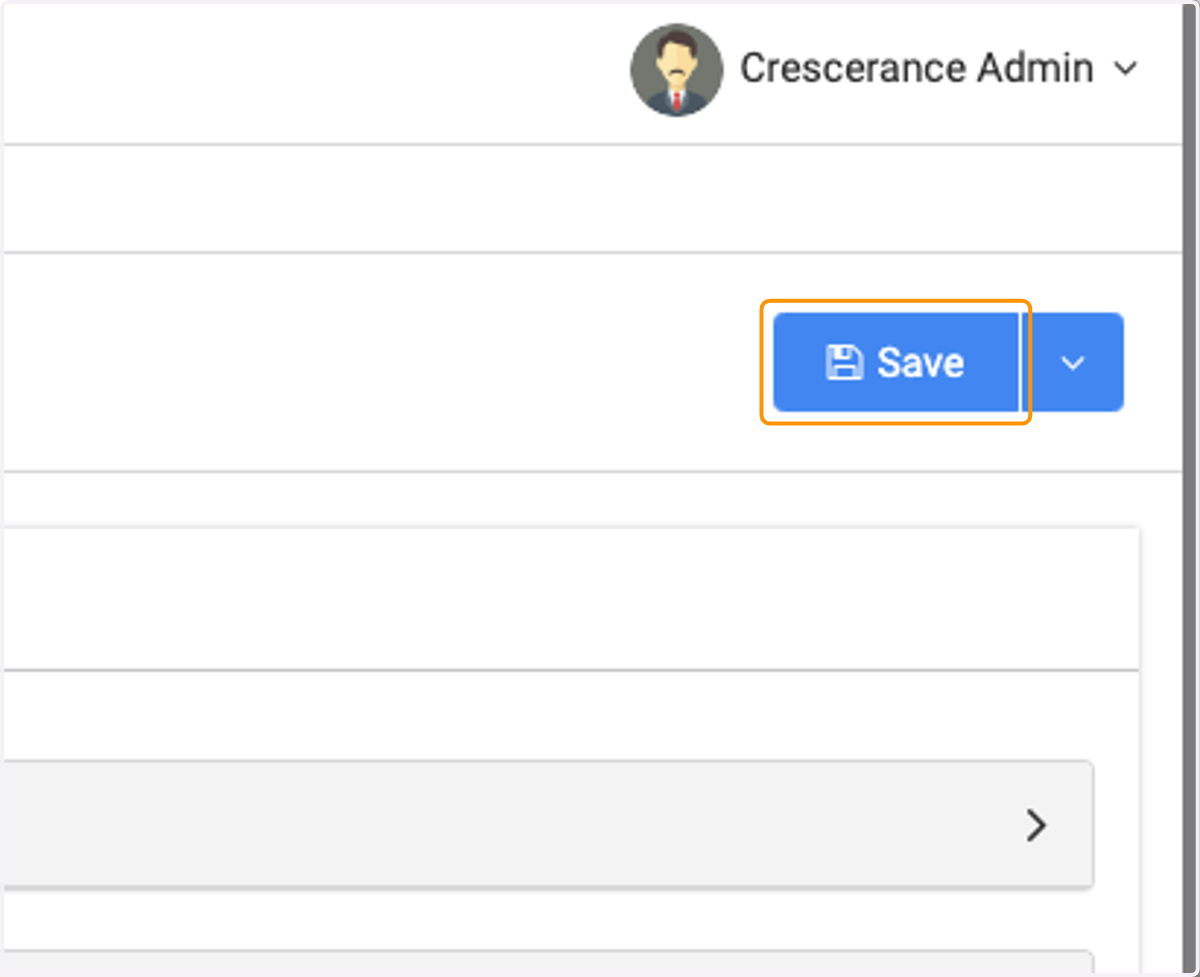
6. Click on Save