How to Import Users in PhoneRaise
PhoneRaise
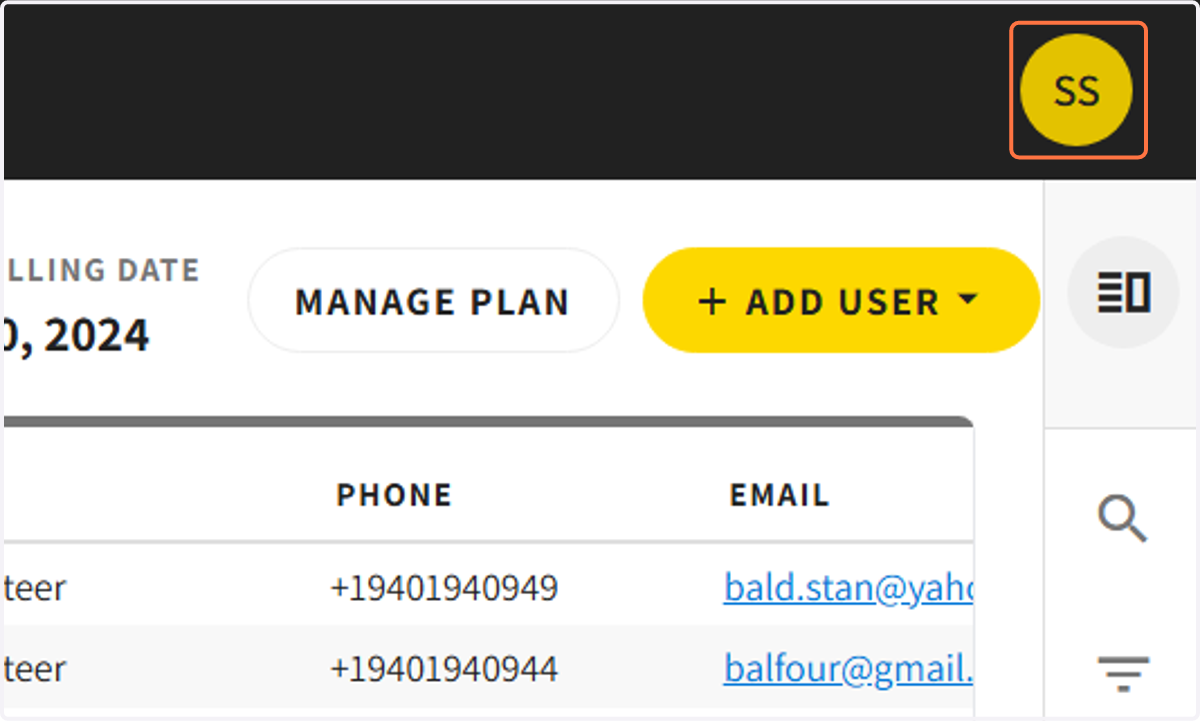
1. Click on your initials in the upper right-hand corner
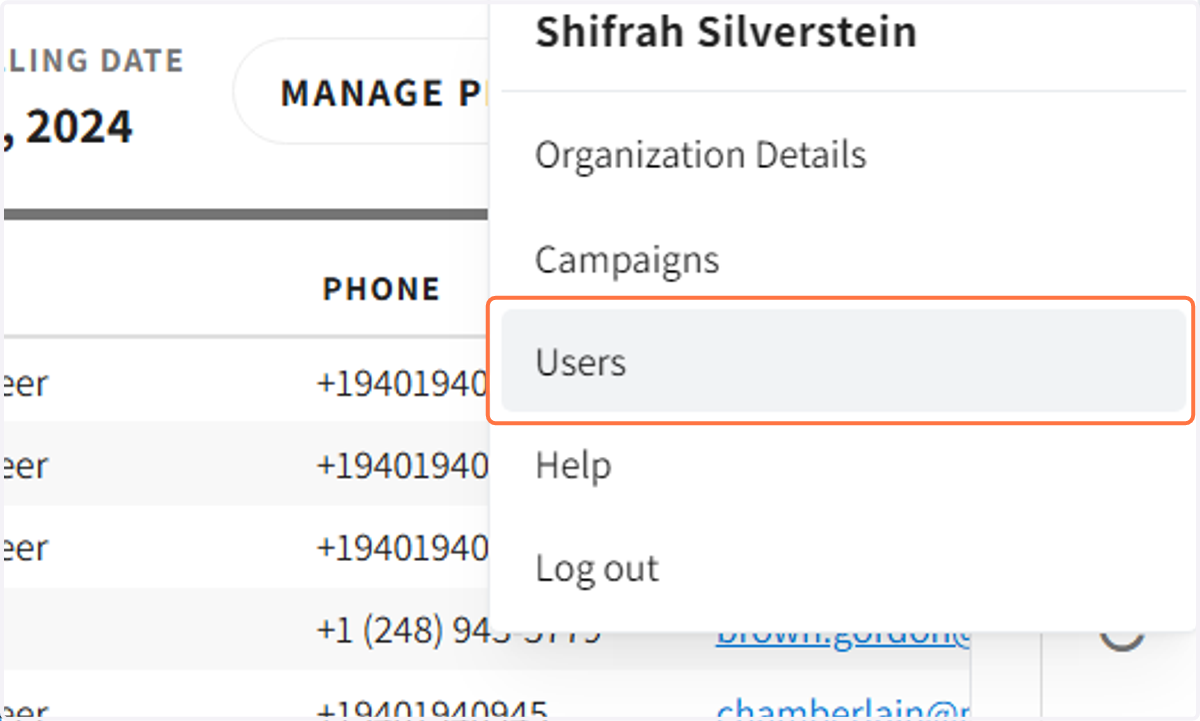
2. Click on 'Users'
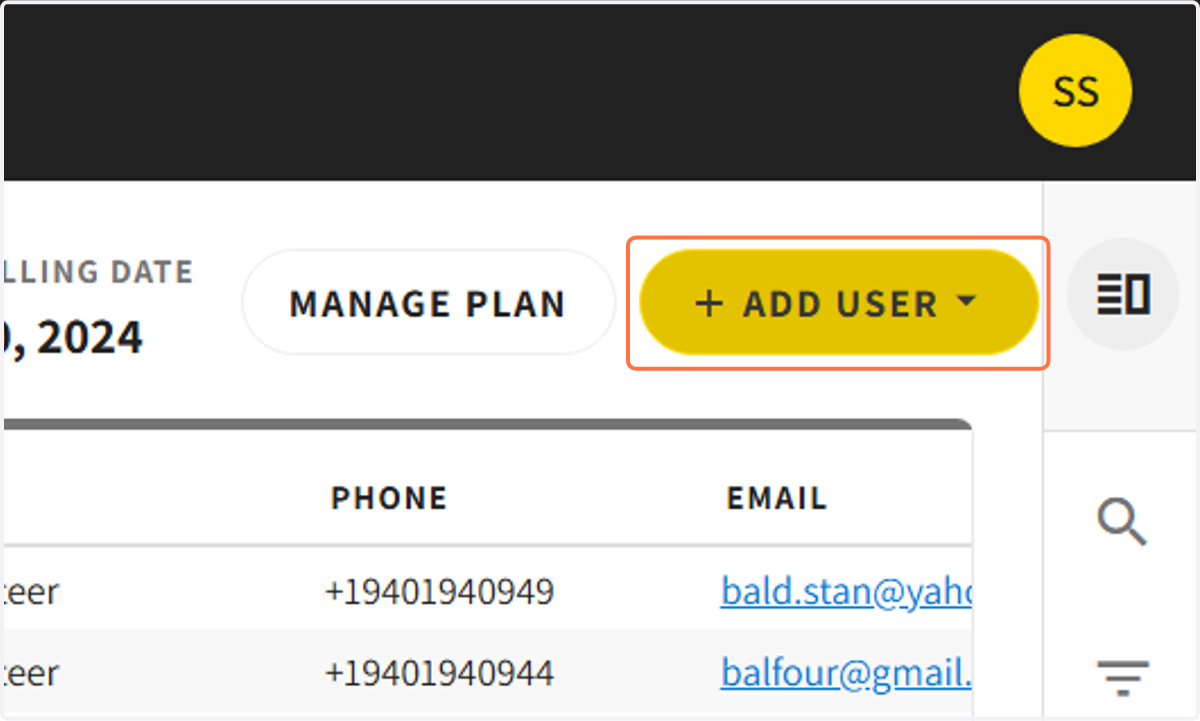
3. Click on '+ ADD USER'
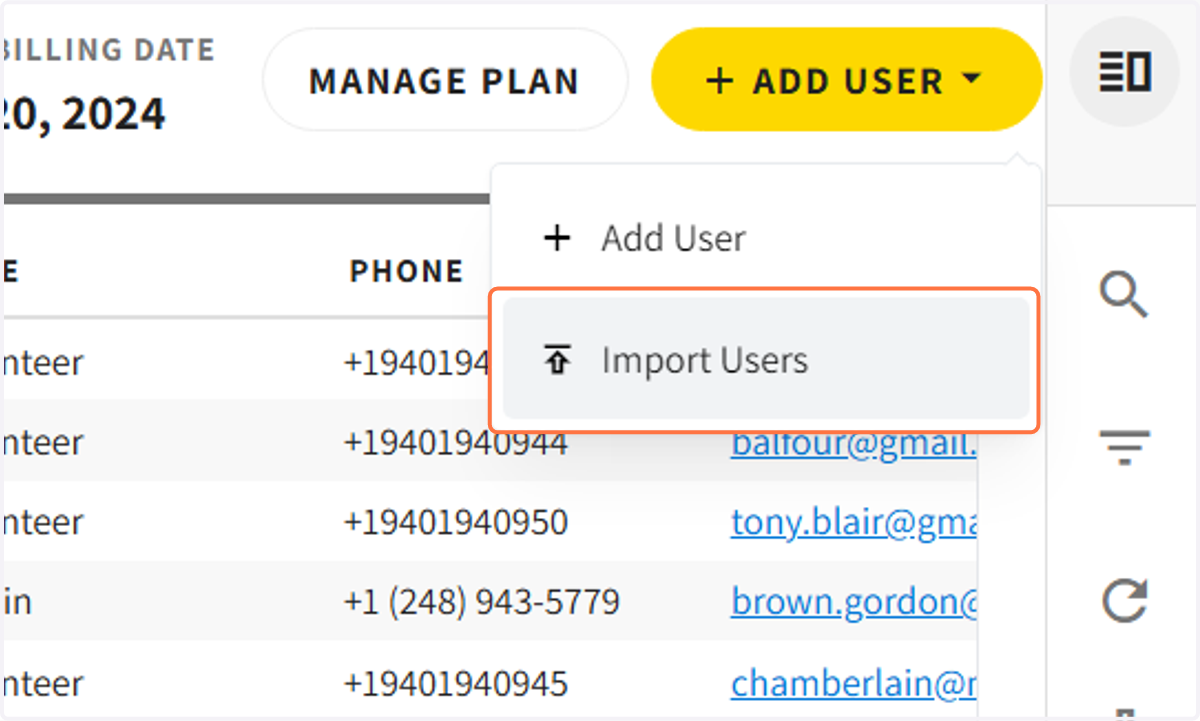
4. Click on 'Import Users'
5. Click on 'Add' or 'Overwrite'
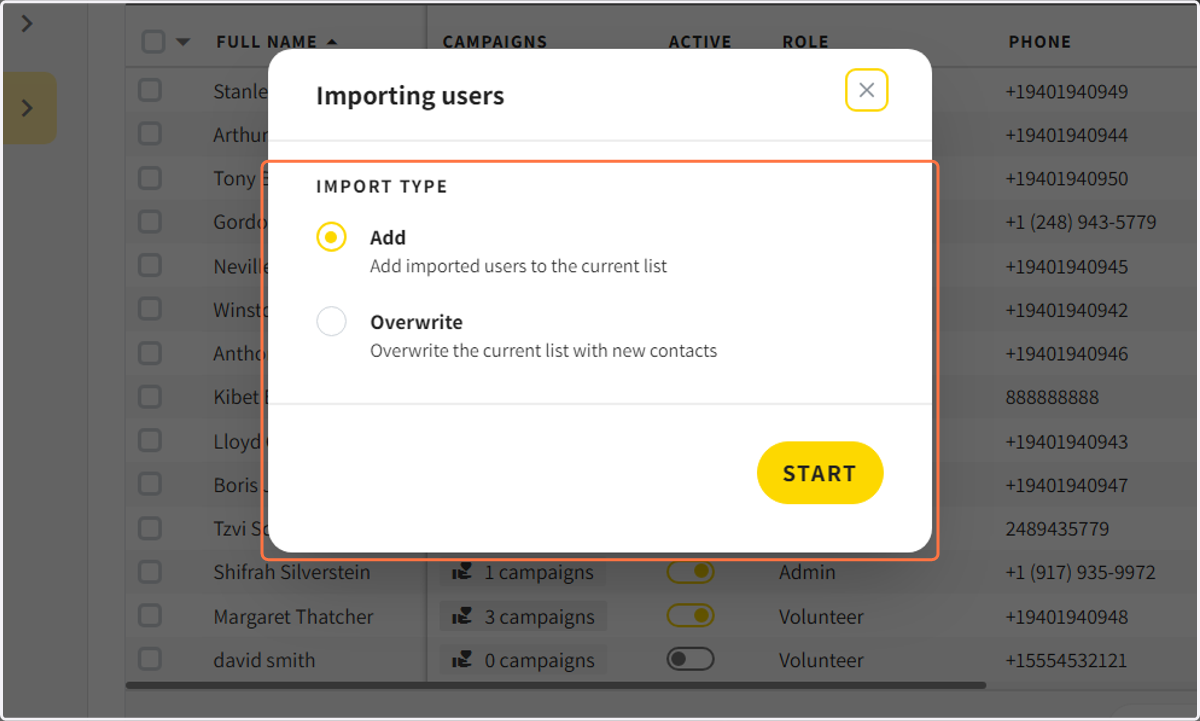
6. The File Import Tool will open
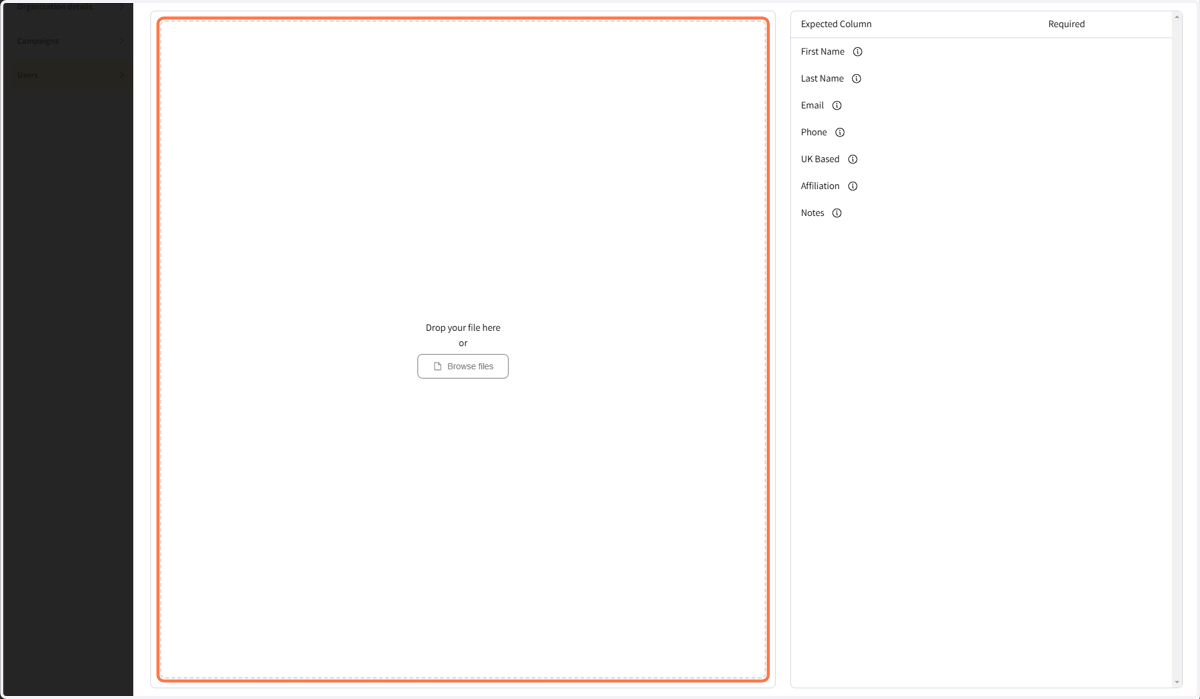
7. Click on Browse files to import your users
8. Confirm that your first column is your Header and click continue
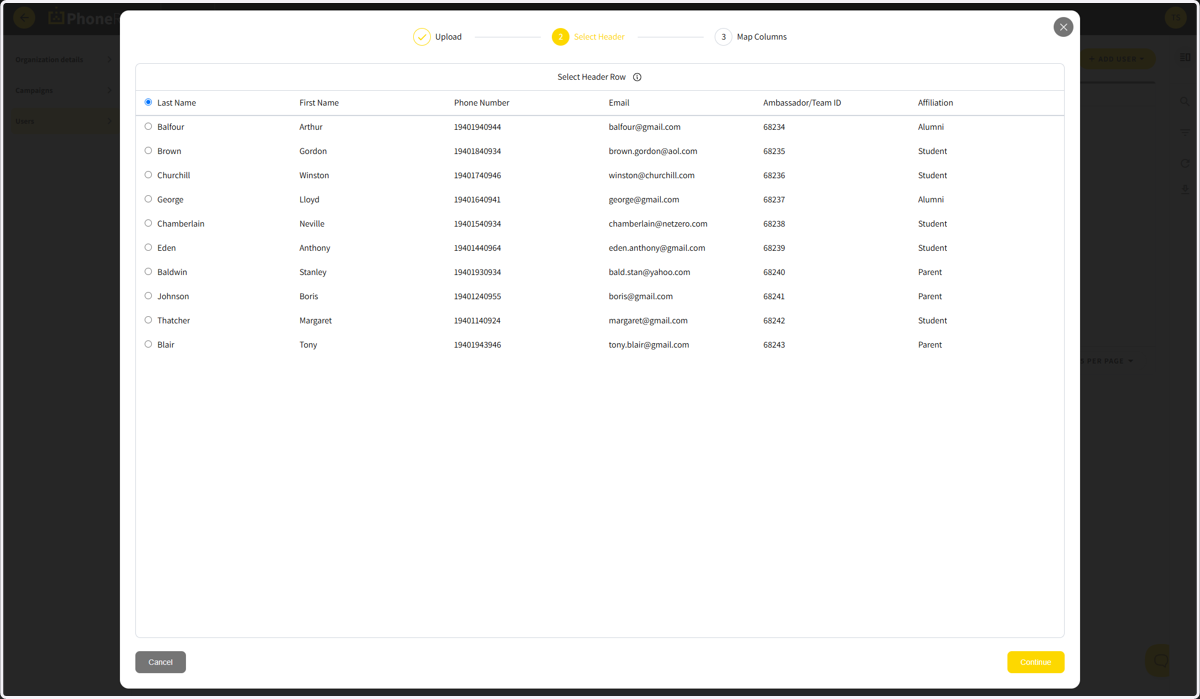
9. Confirm your fields are mapped correctly
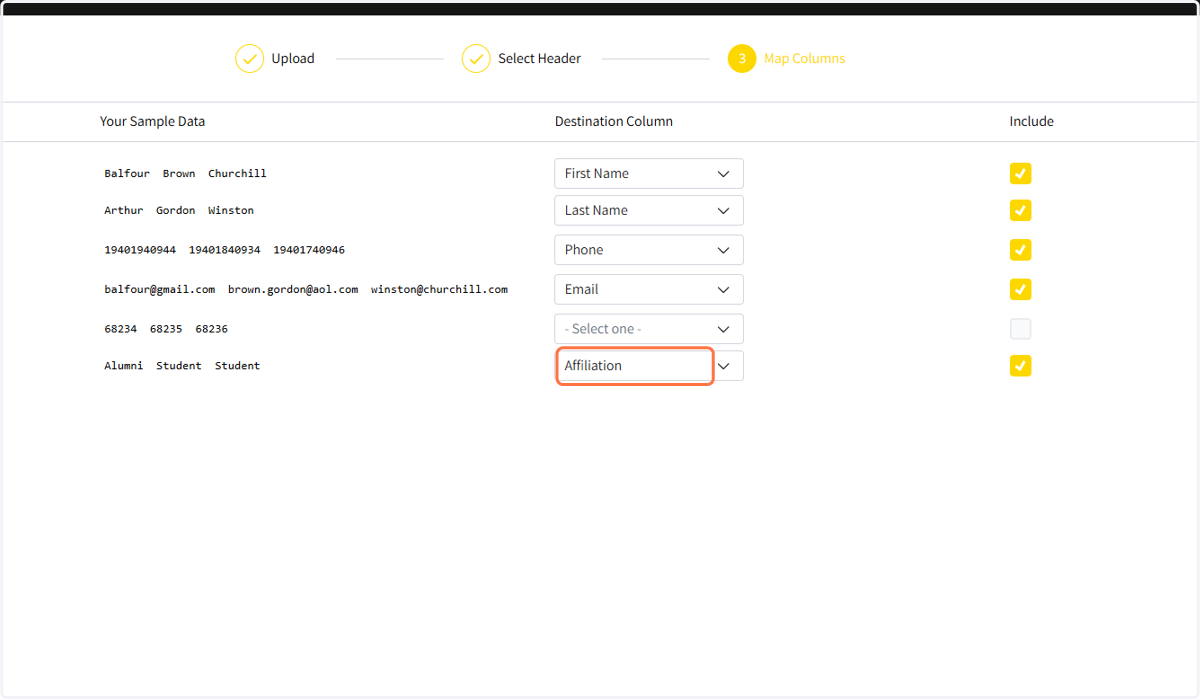
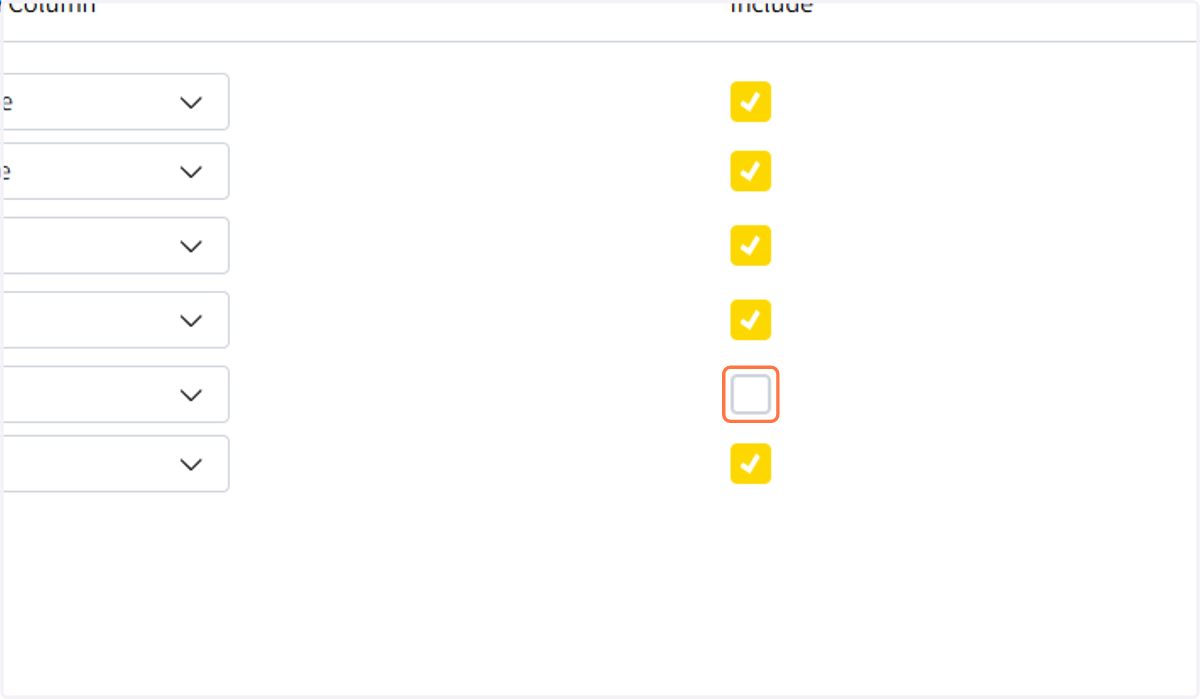
10. Decide which fields should be included in the import
11. Click Submit