Change how names are displayed
Head to your Engagifii Workspace
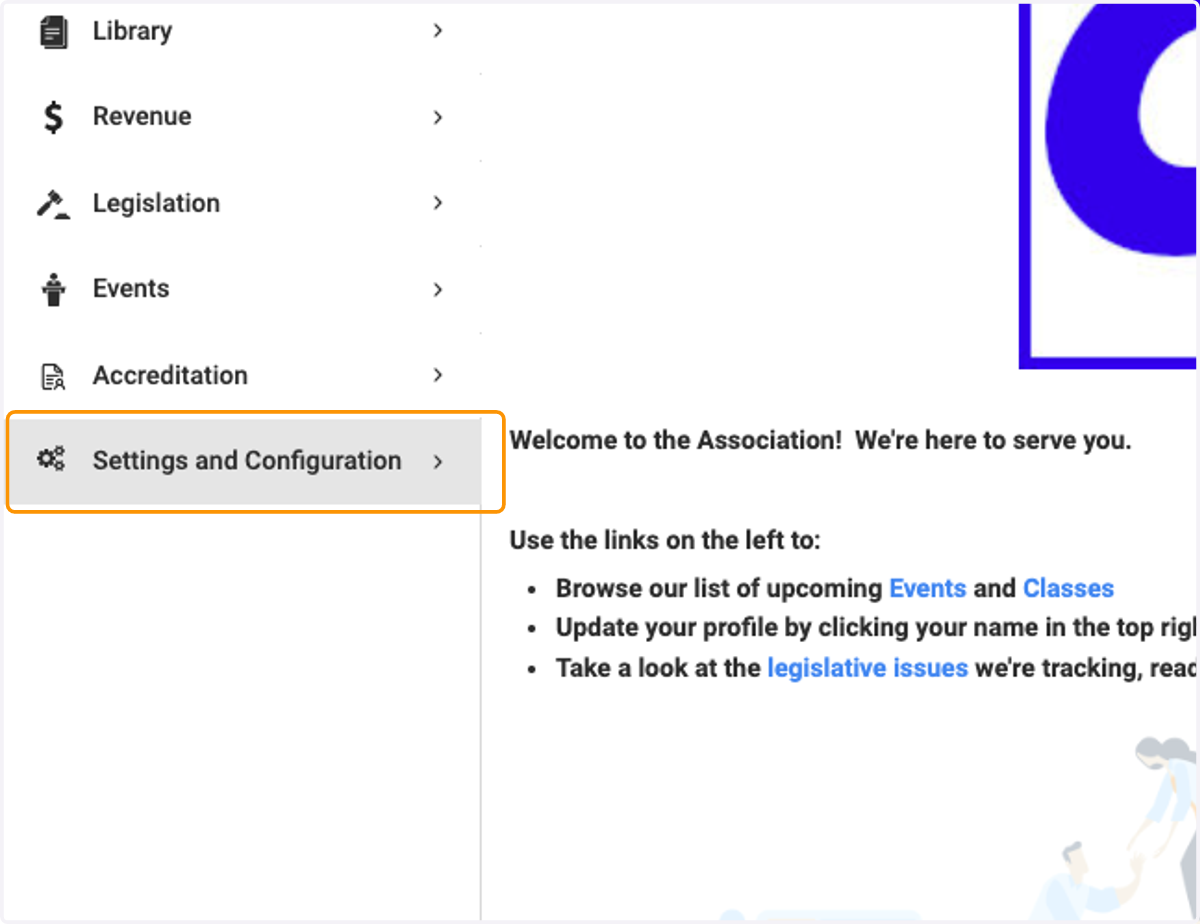
1. Click on Settings and Configuration
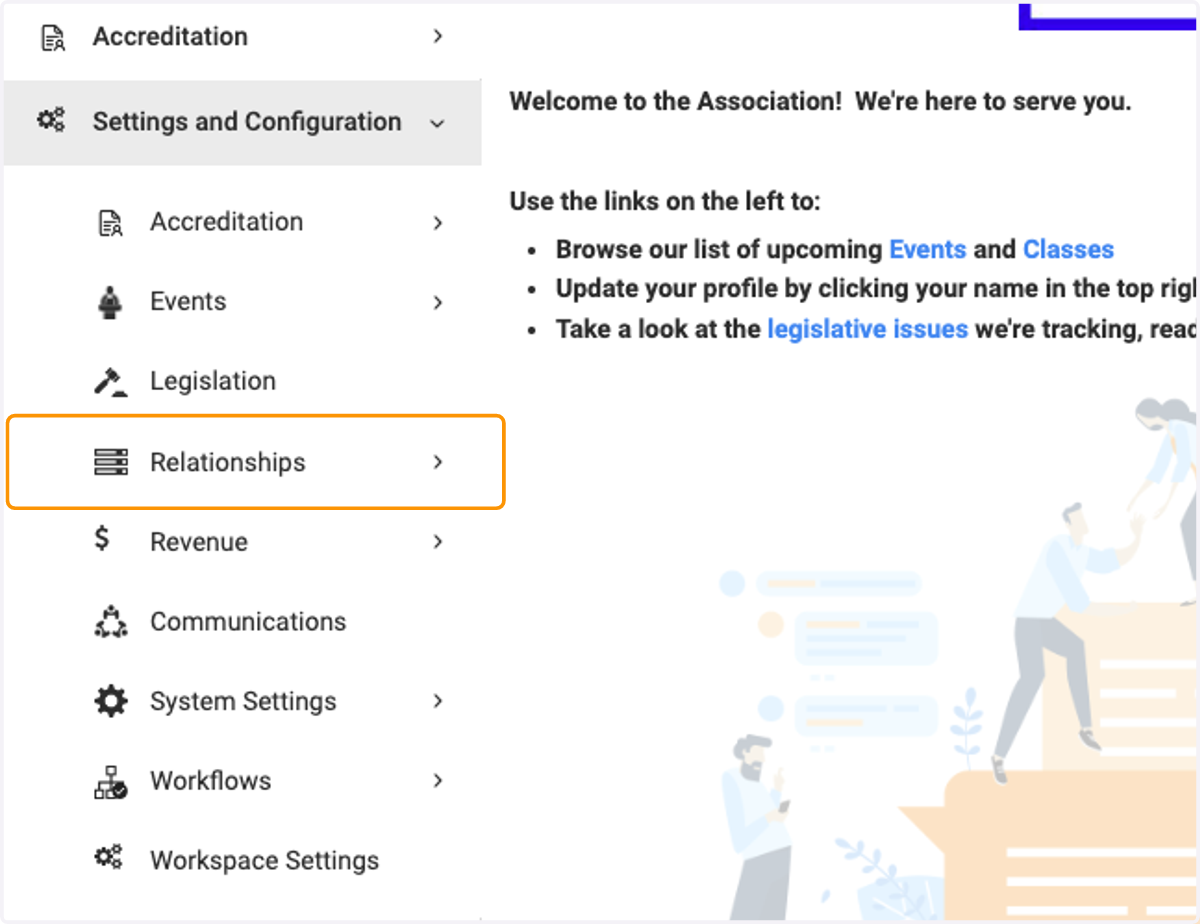
2. Click on Relationships
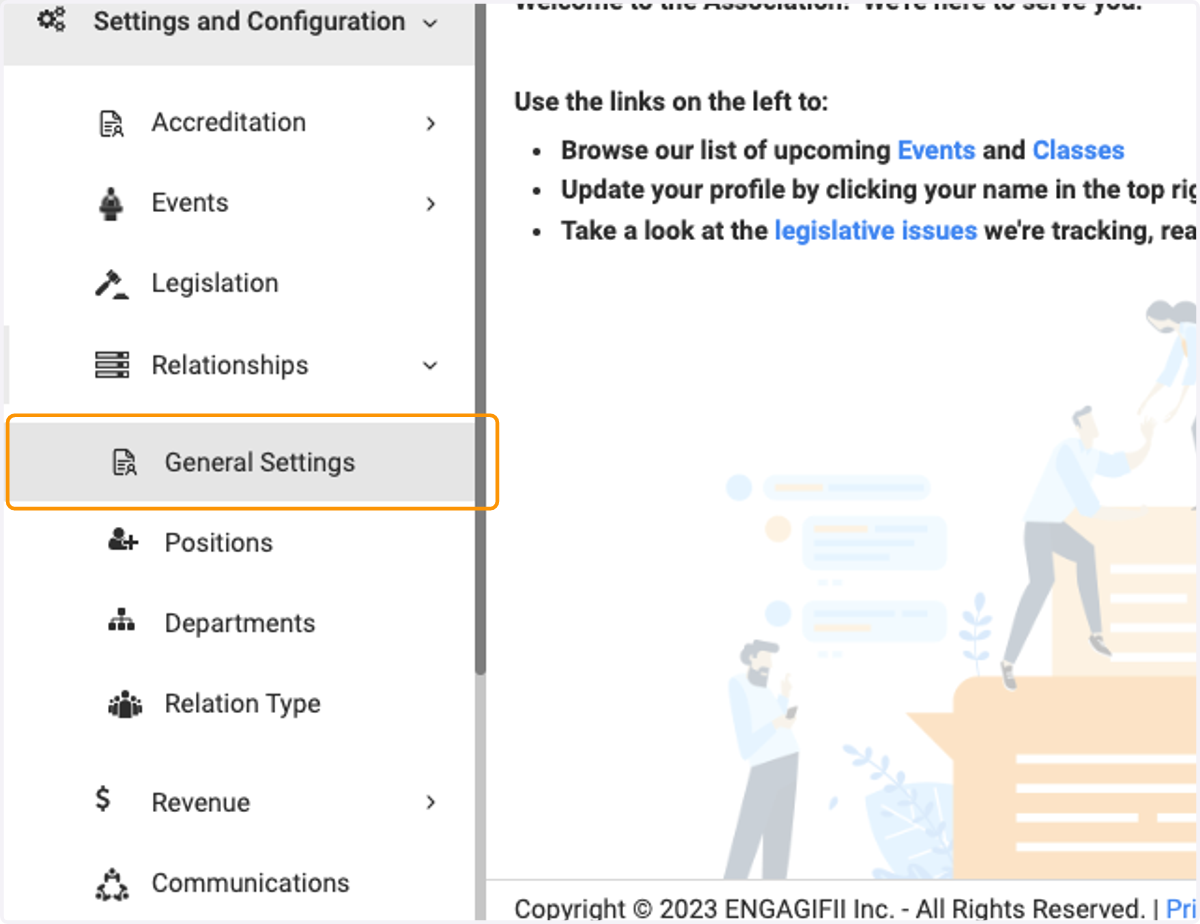
3. Click on General Settings
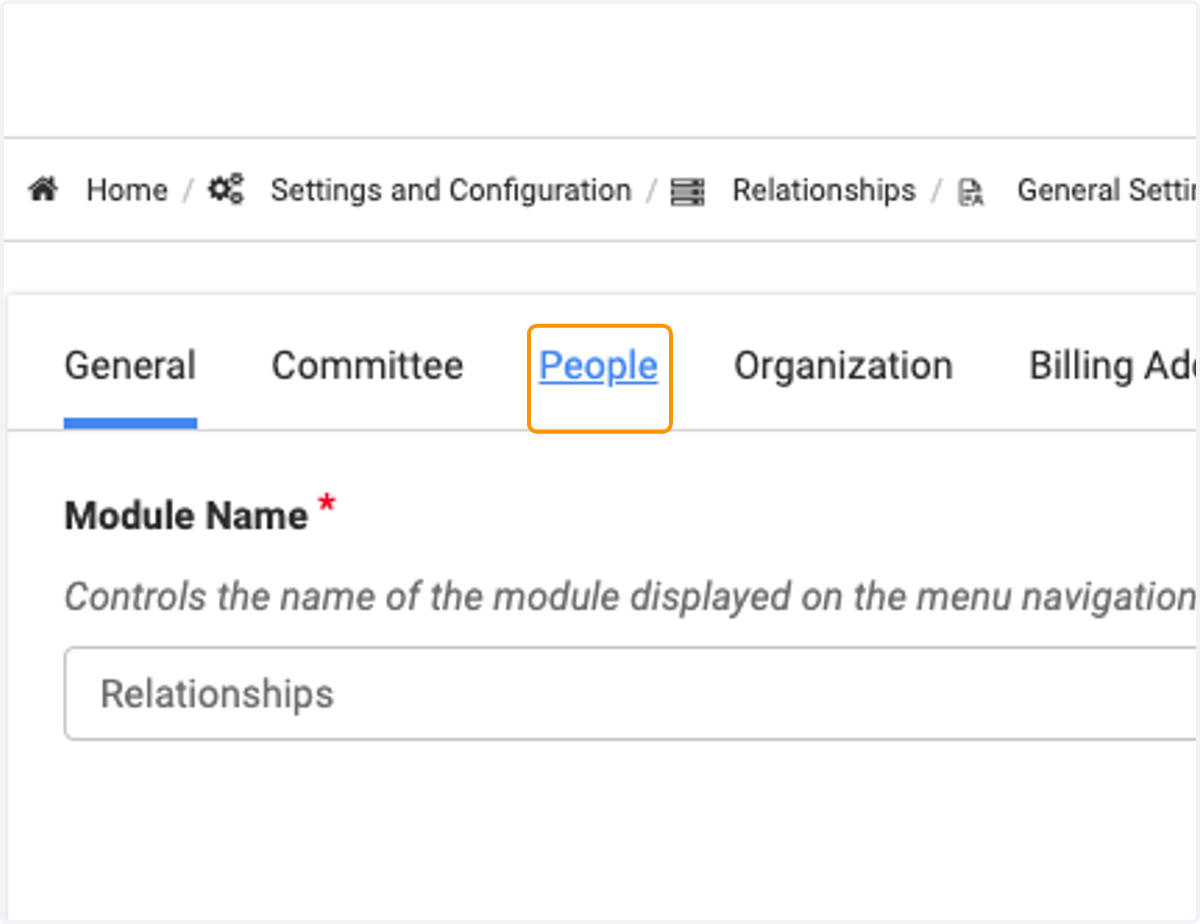
4. Click on People
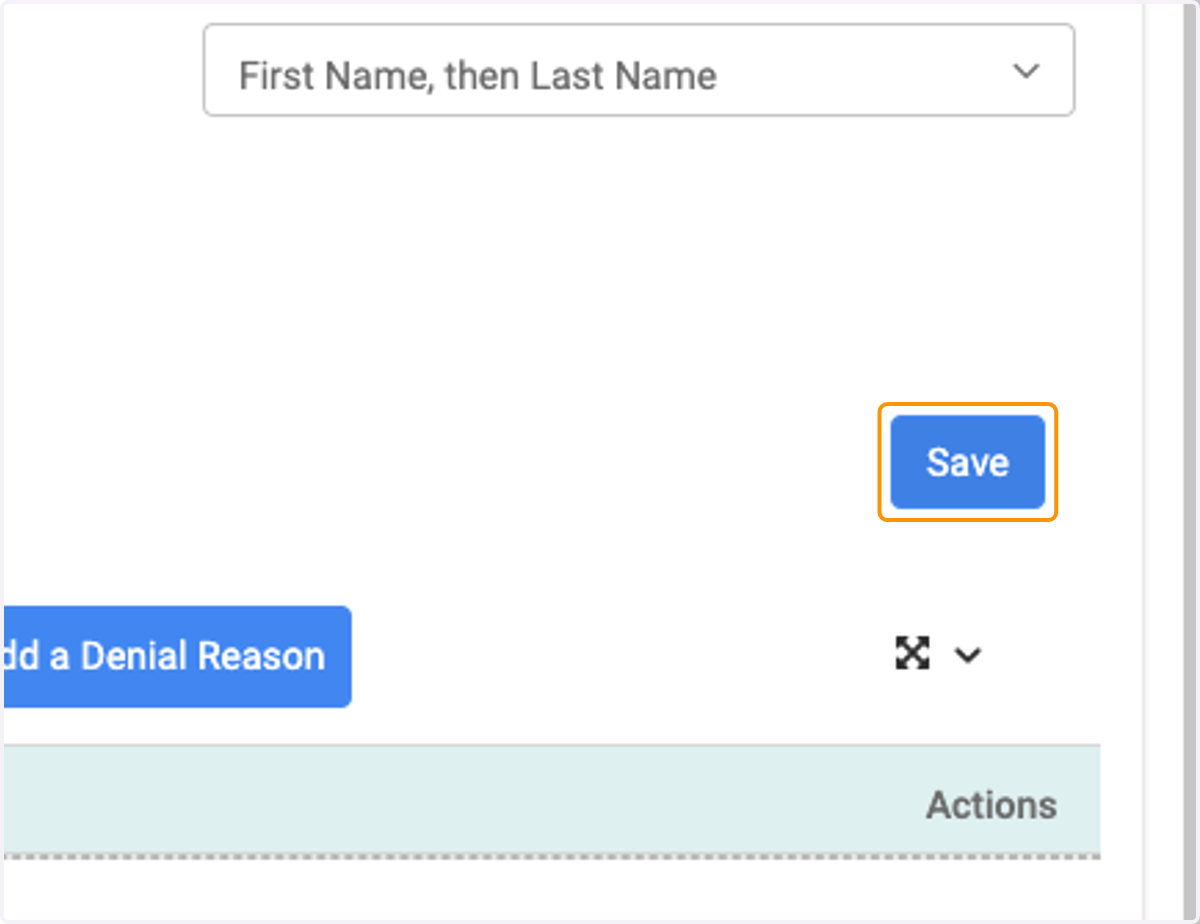
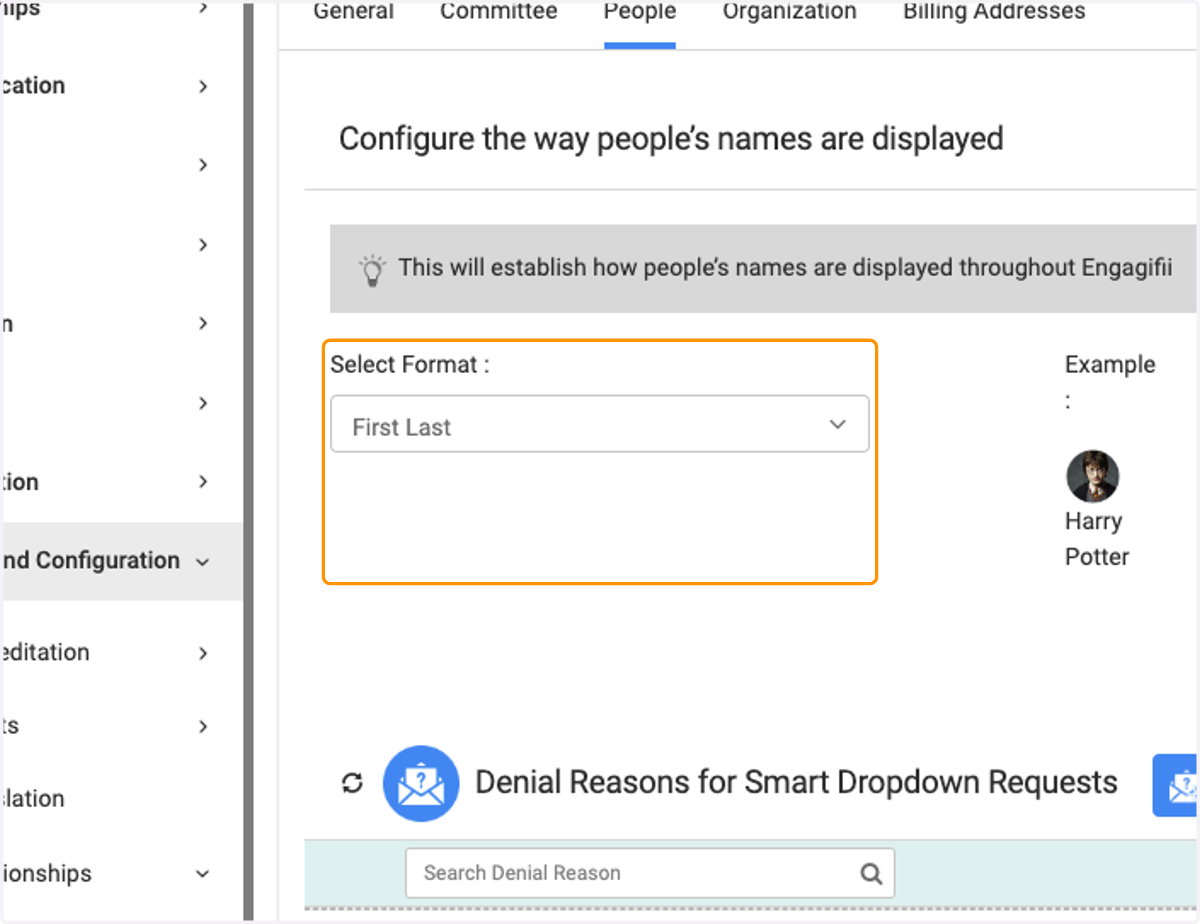
5. Choose the format you would like to use from the dropdown
6. Then choose the way you would like to have the names sorted
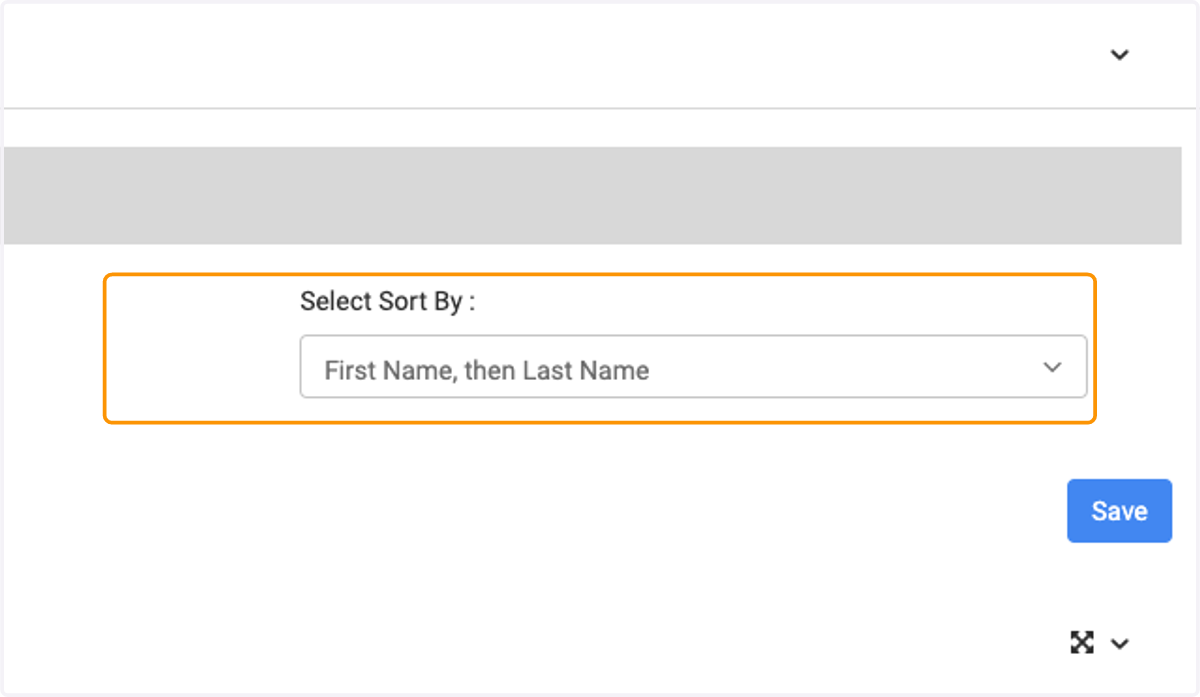
7. Click on Save