Steps to Customize the Duration of the Appointment Template
Go to the start page
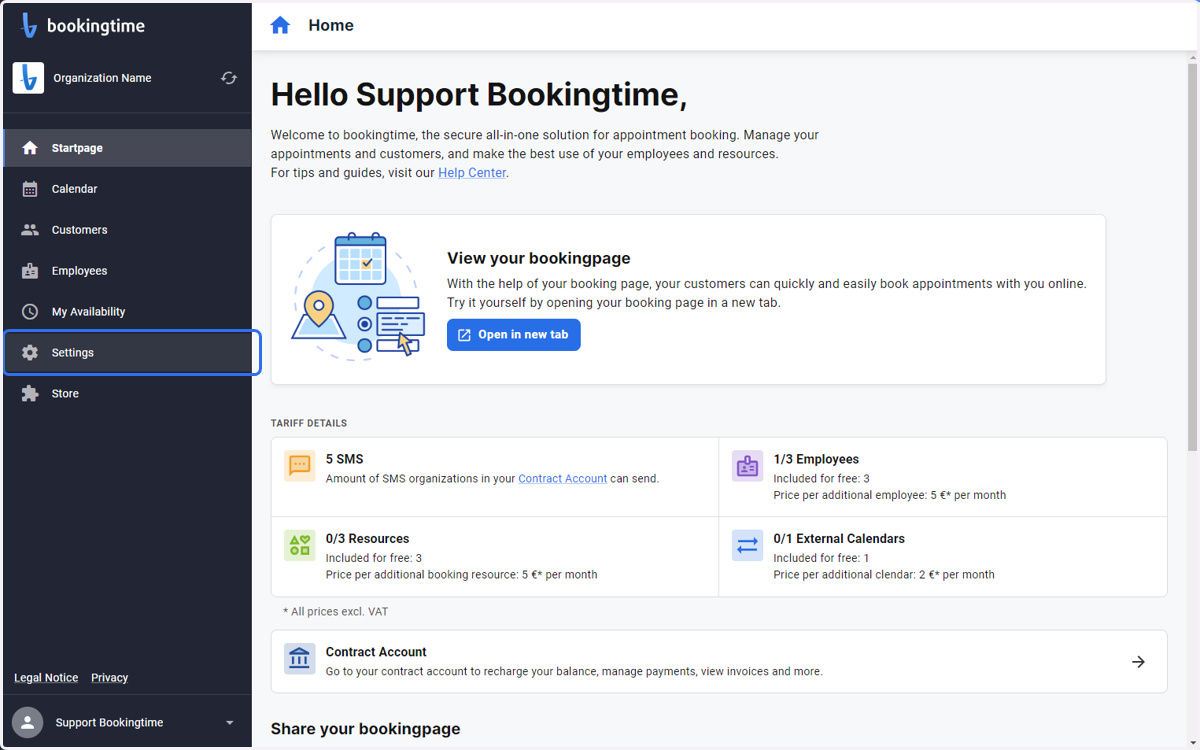
1. Click on Settings
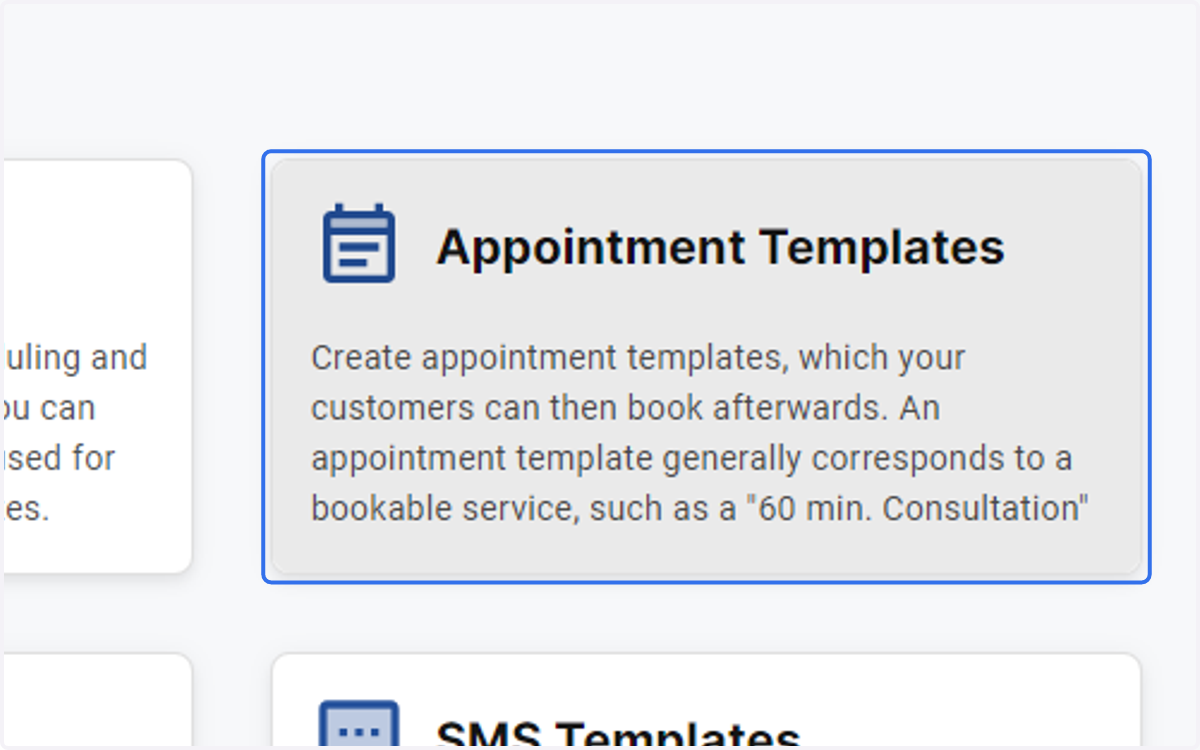
2. Click on Appointment Templates
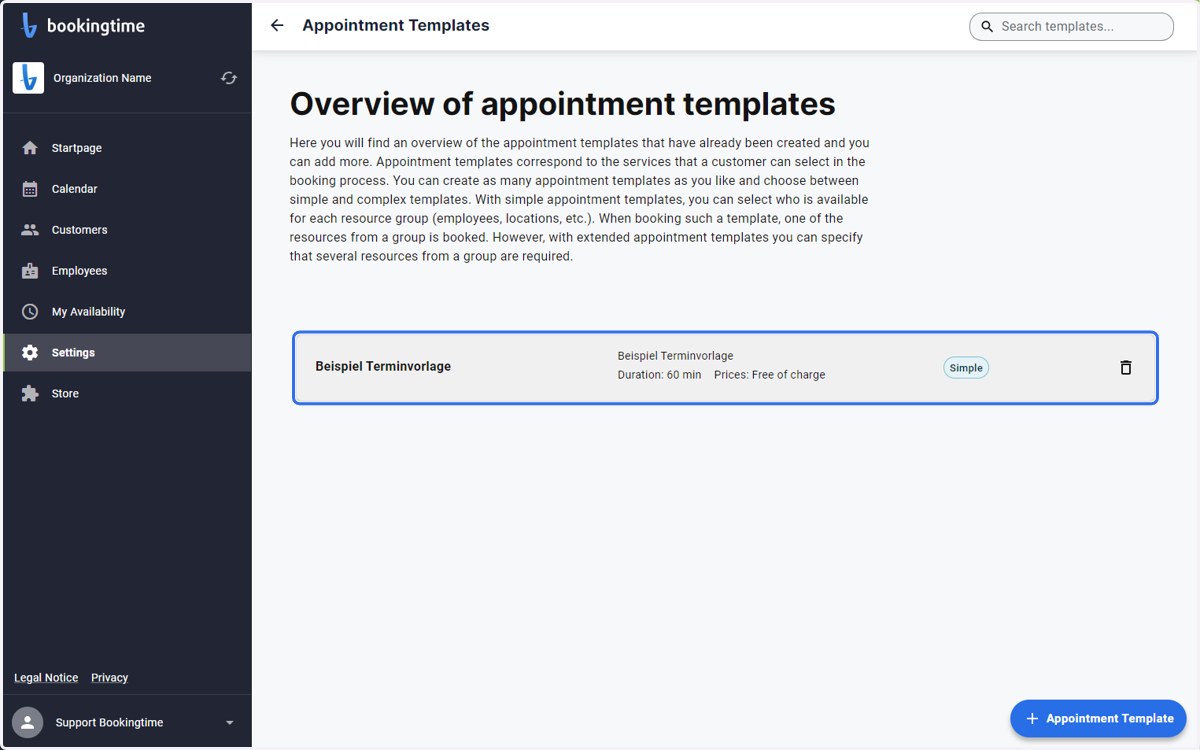
3. Click on the appointment template
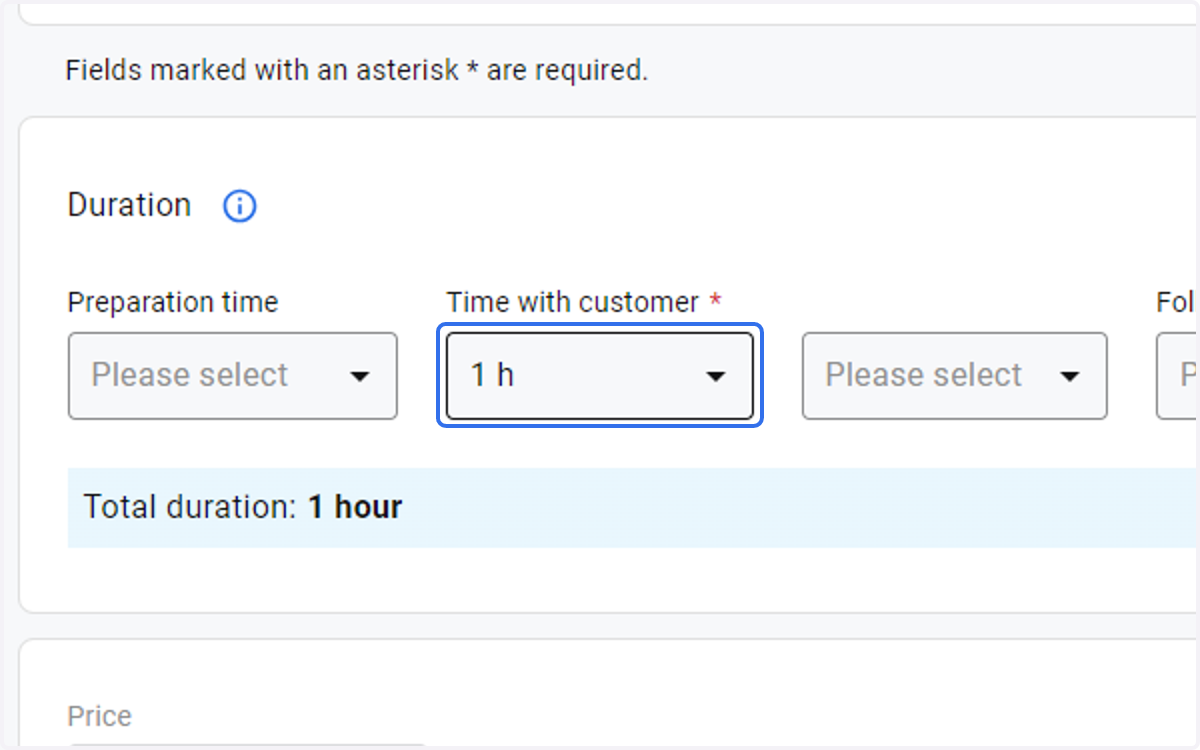
4. Define the duration in hours
Hours can also be zero
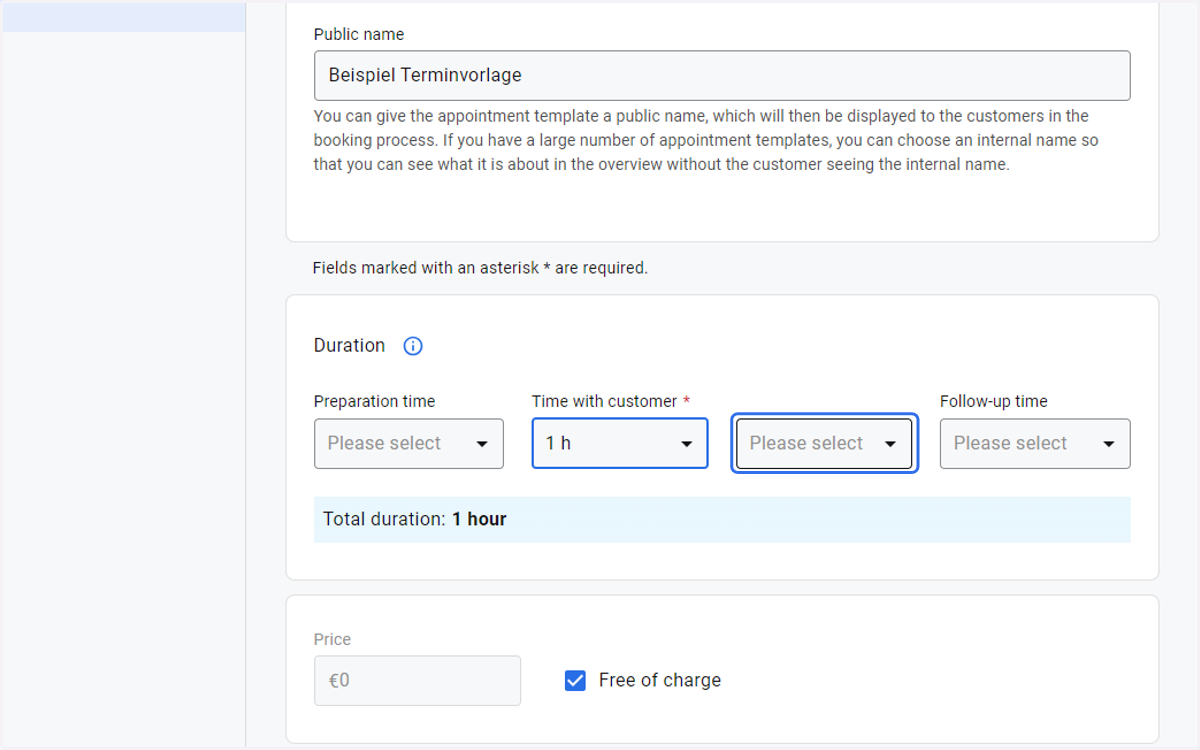
5. And minutes
Minutes can also be zero
6. Click on Save to save your changes