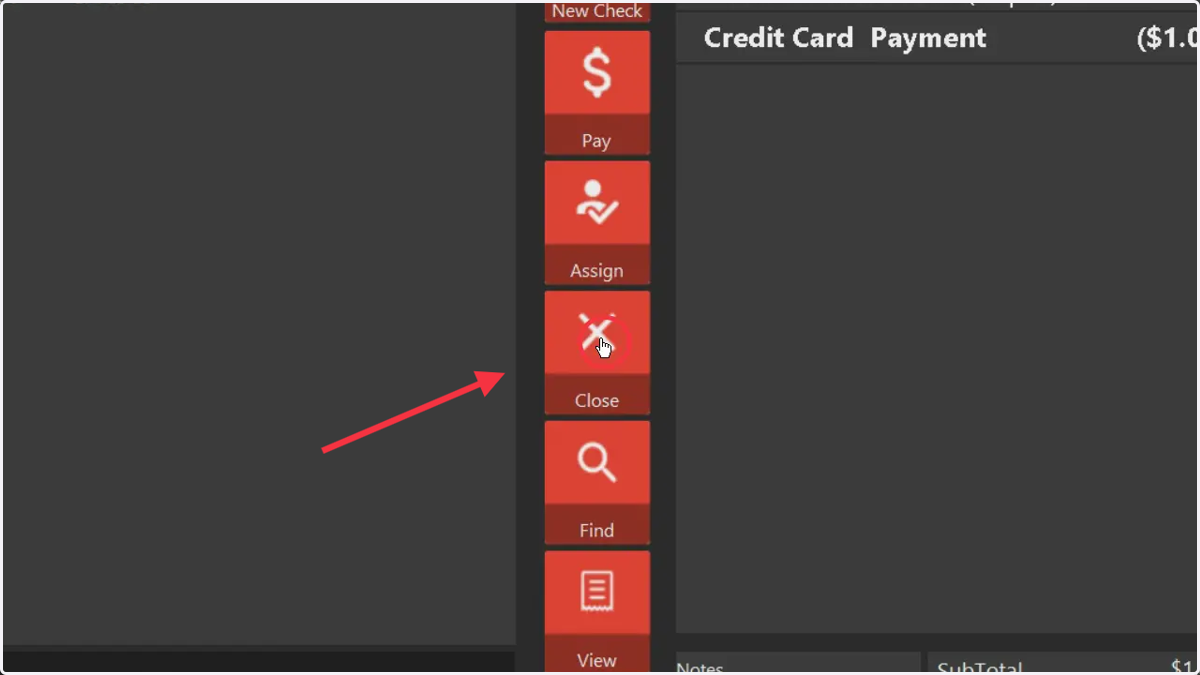
Check-in guest from Club Booking via the Calendar
🪓 Clubspeed
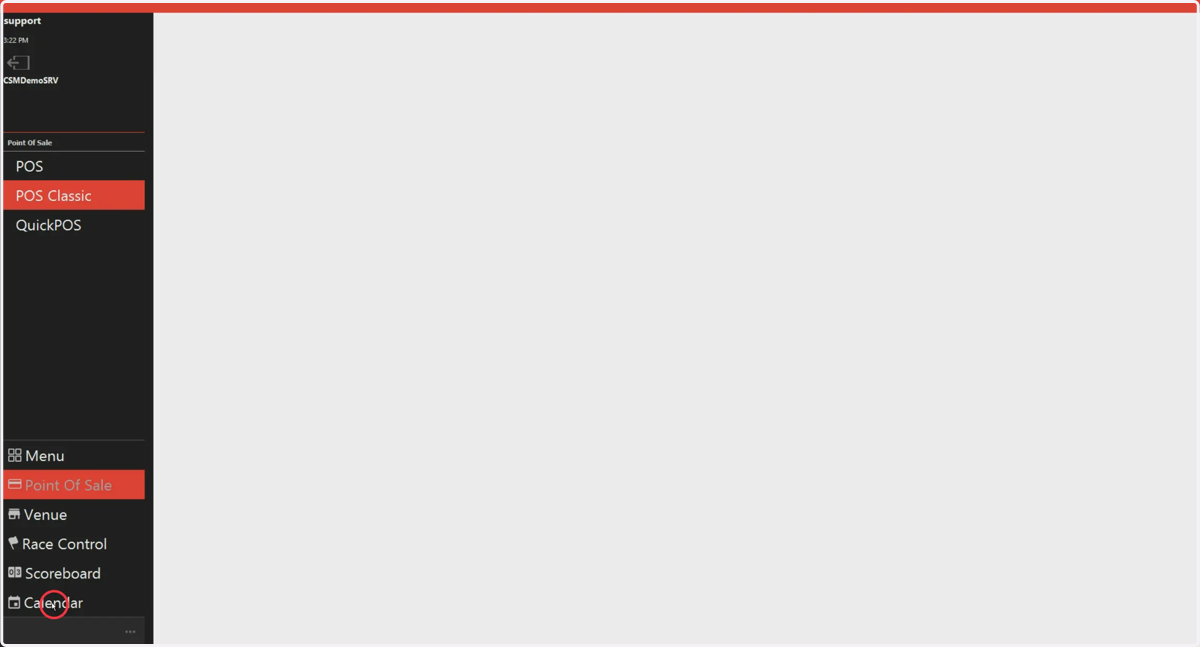
1. Click on the Calendar
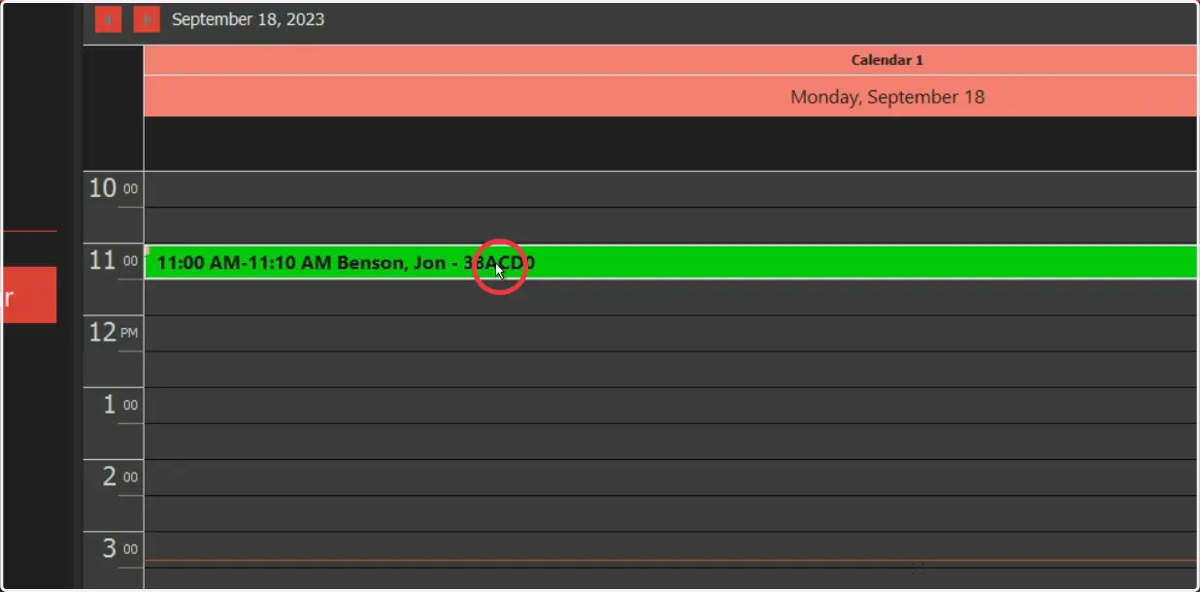
2. Select the Reservation (Double Click
3. Manage the Check
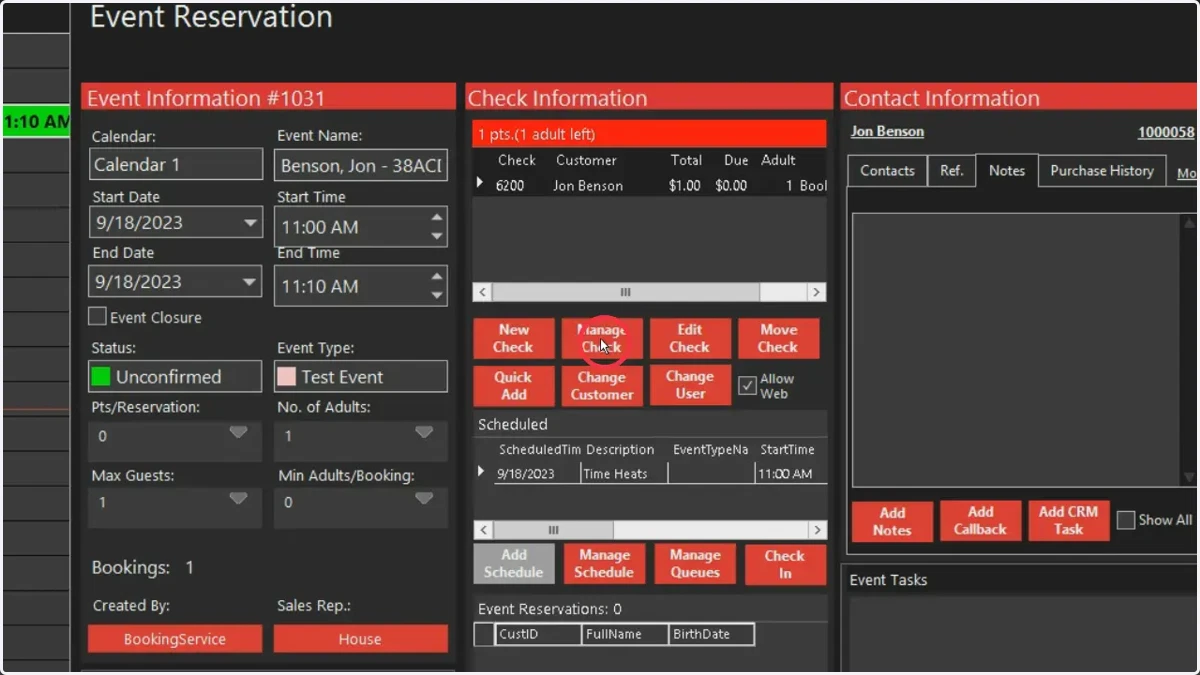
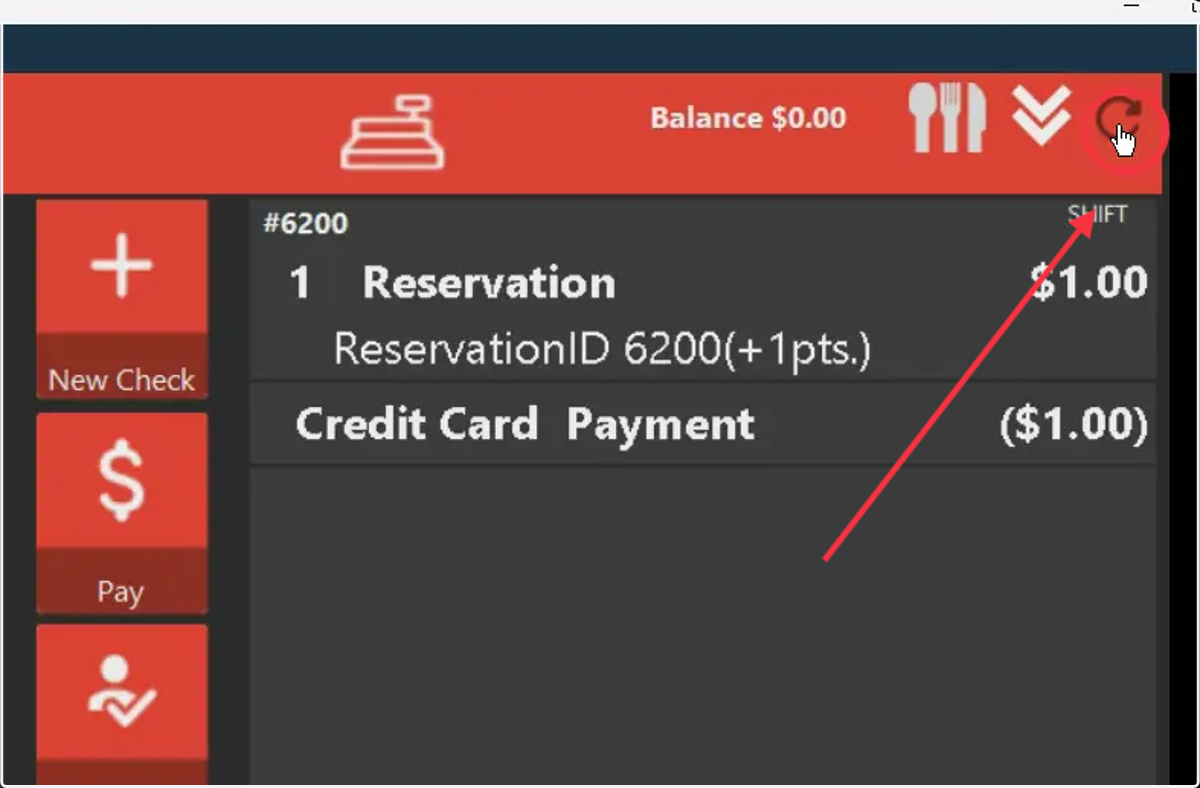
4. If you need to get back to the reservation, click on the back arrow
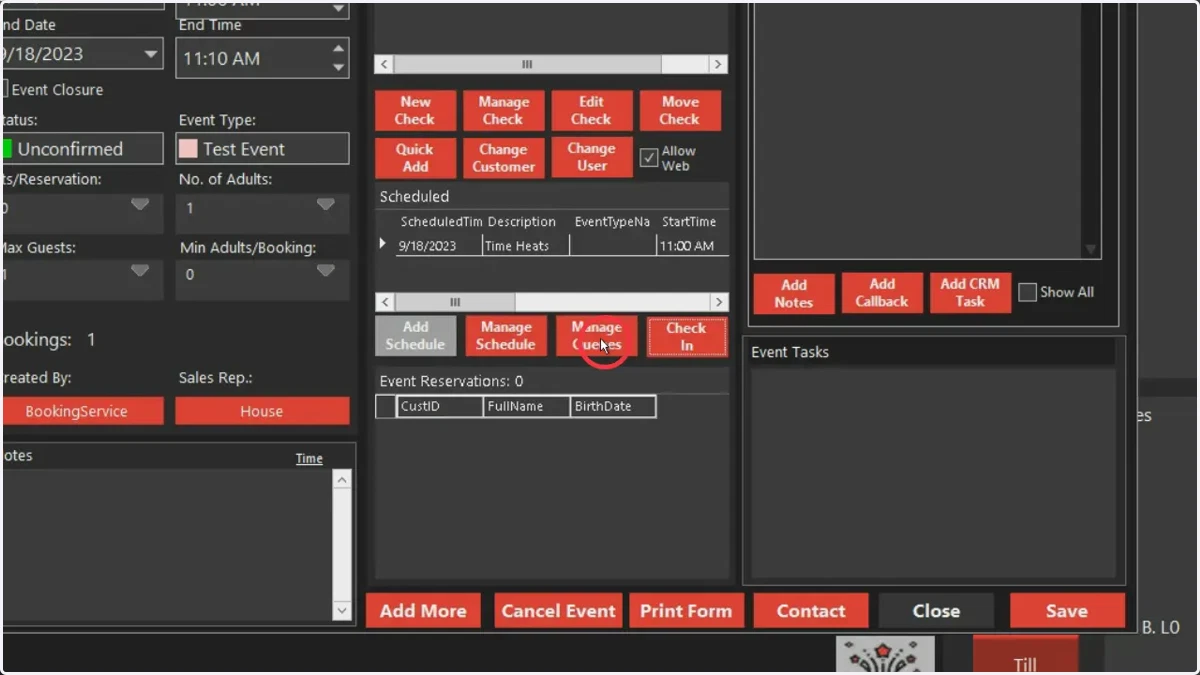
5. Click Manage Queues to add guest to reservation list
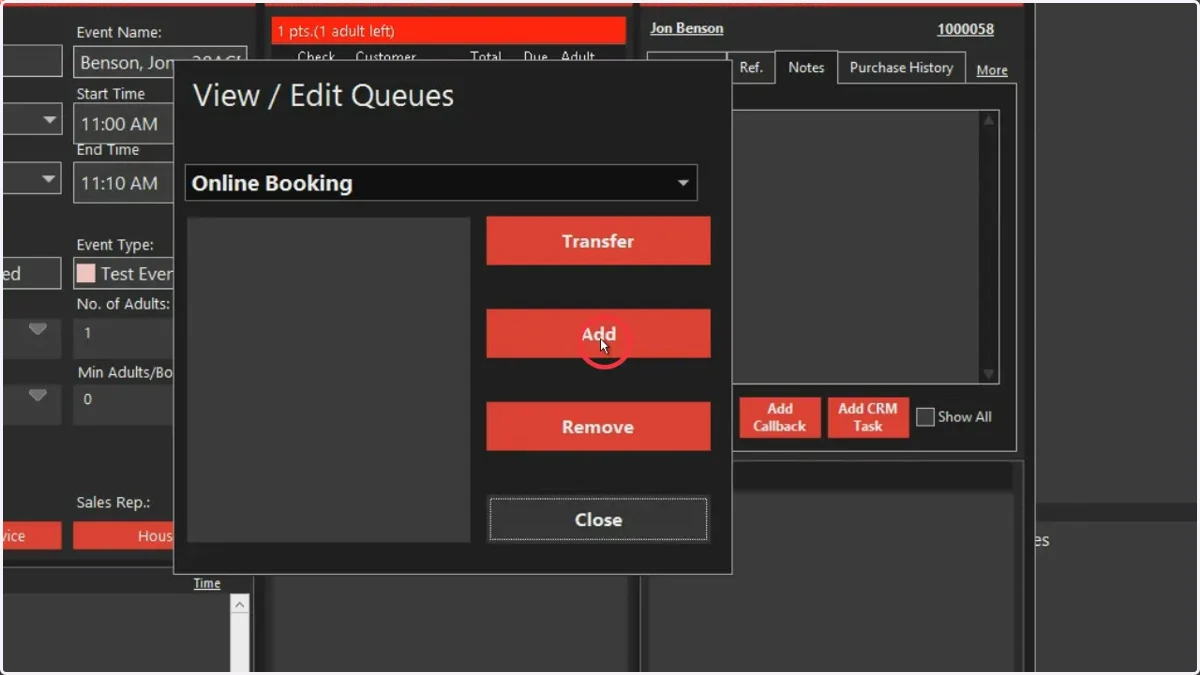
6. Select Add
7. Search for customers
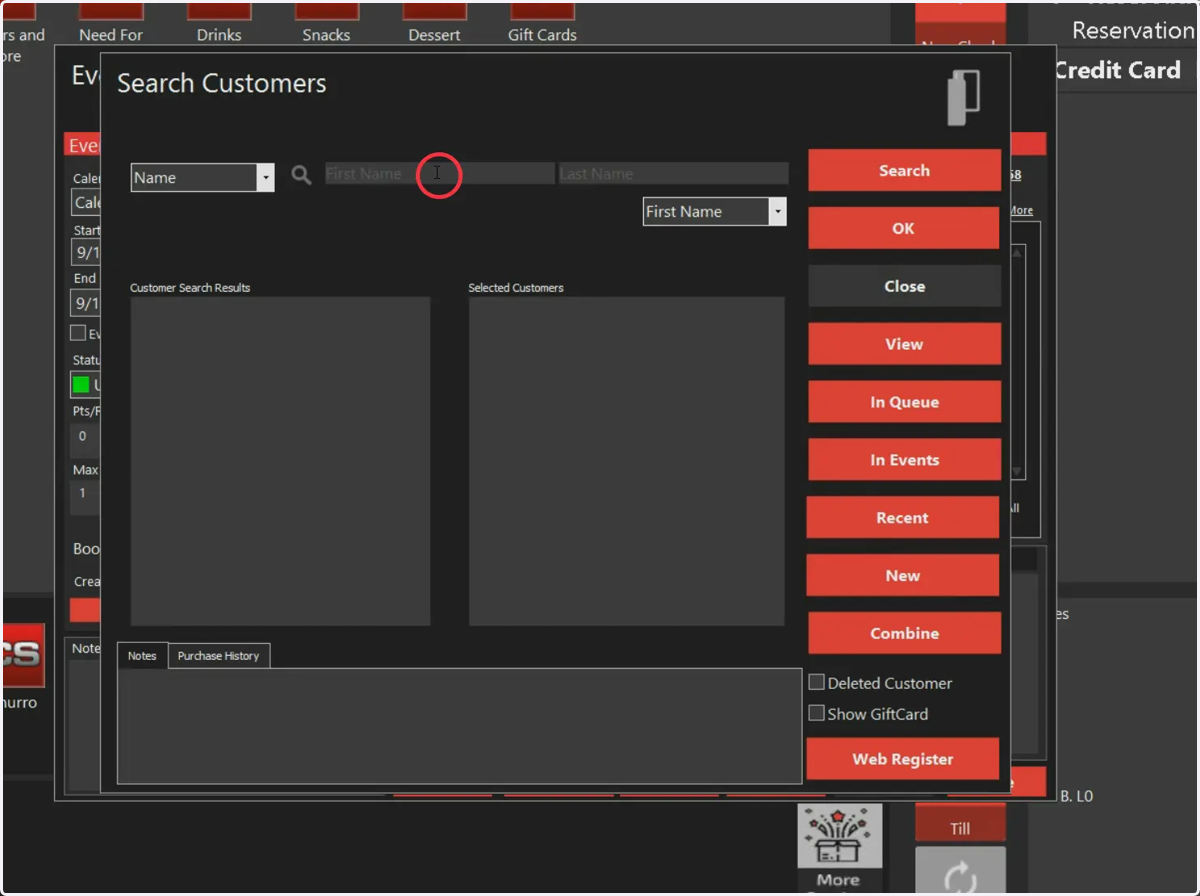
8. Double click customers to move them to the selected list
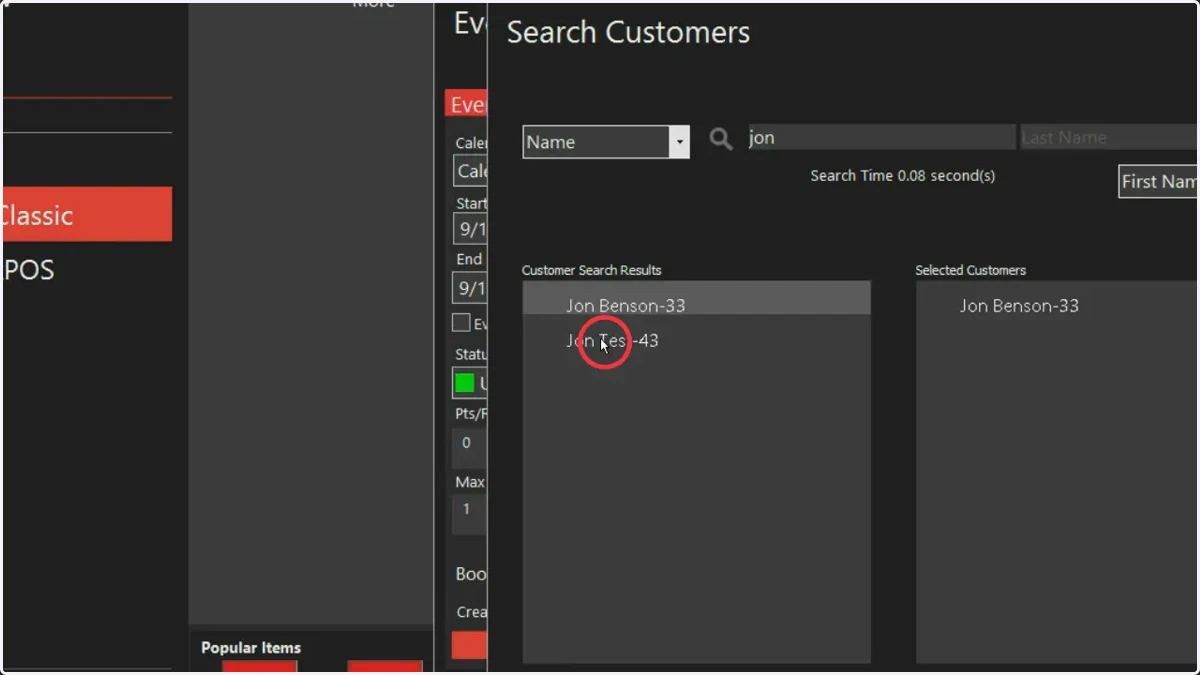
9. Press OK
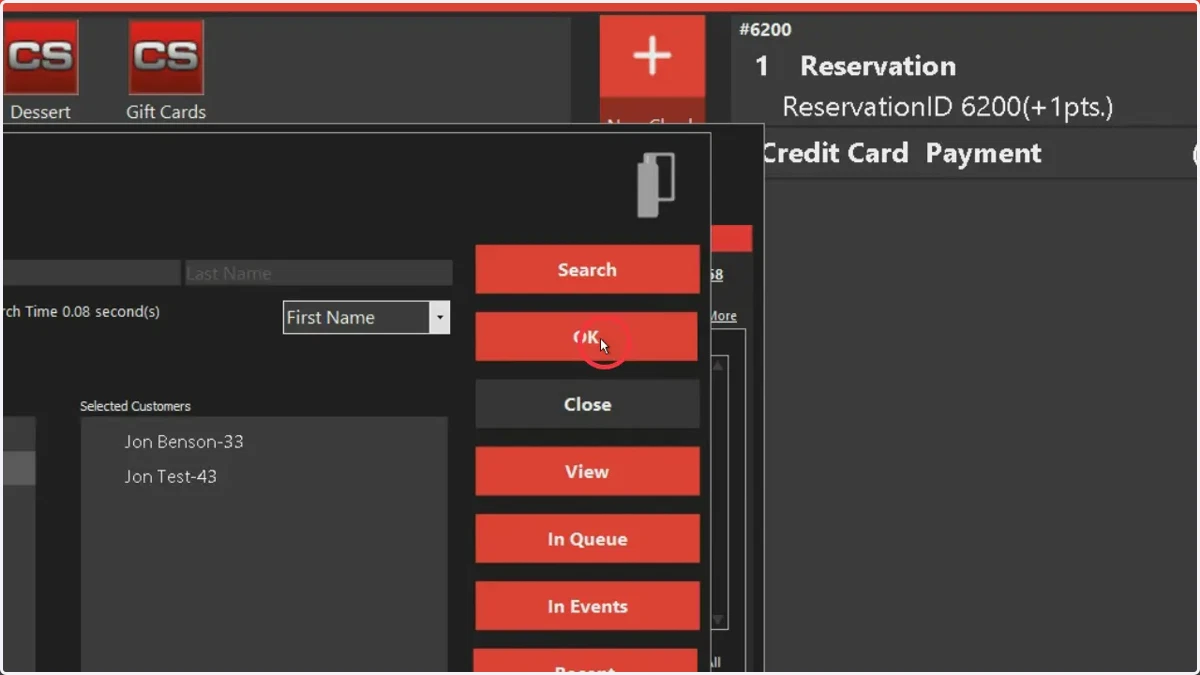
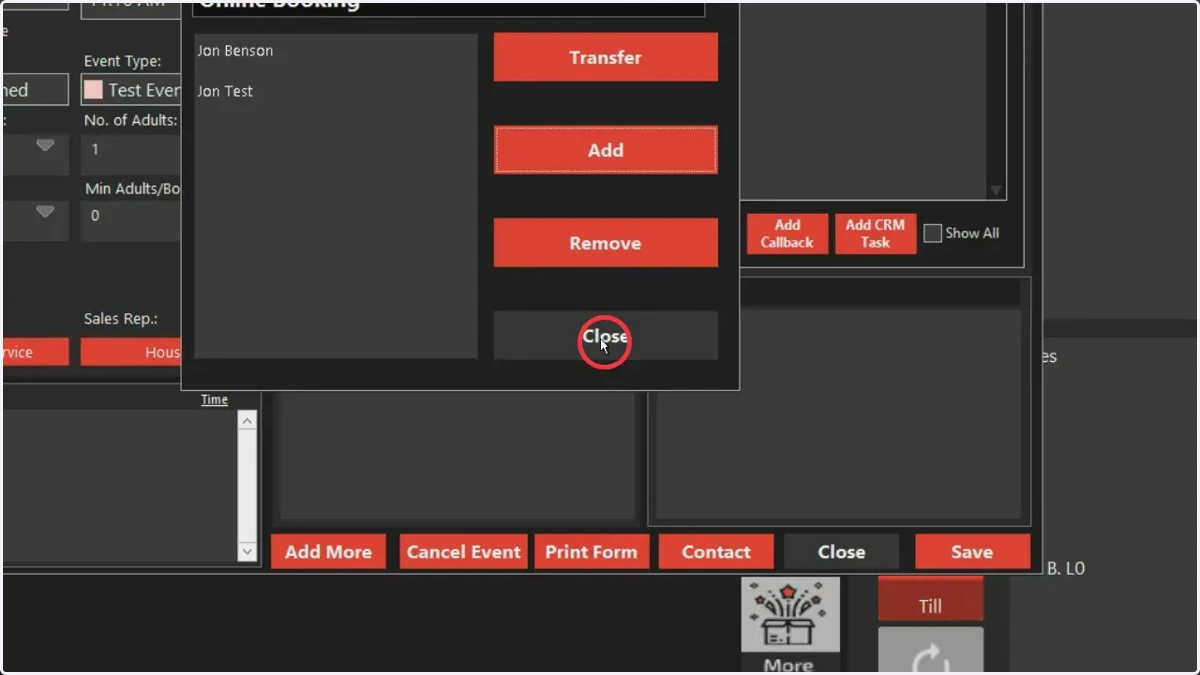
10. Select Close
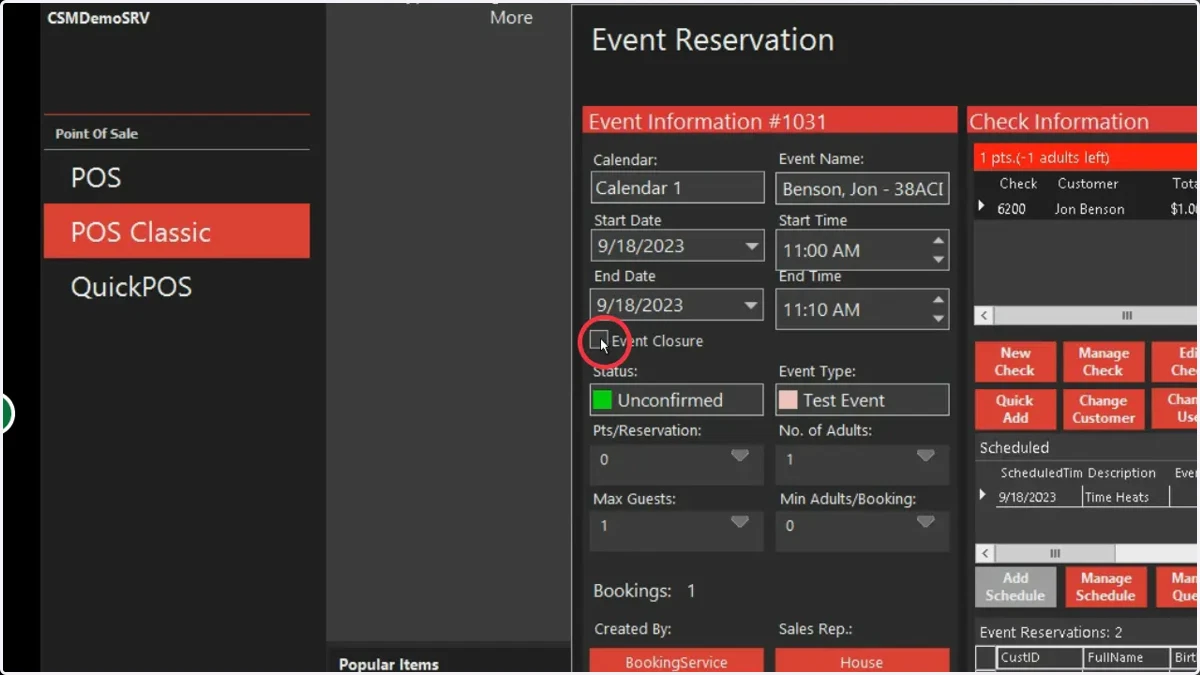
11. If the activity is exclusive, ensure the event closure box is checked.
12. You can now see guests in the list. Press save
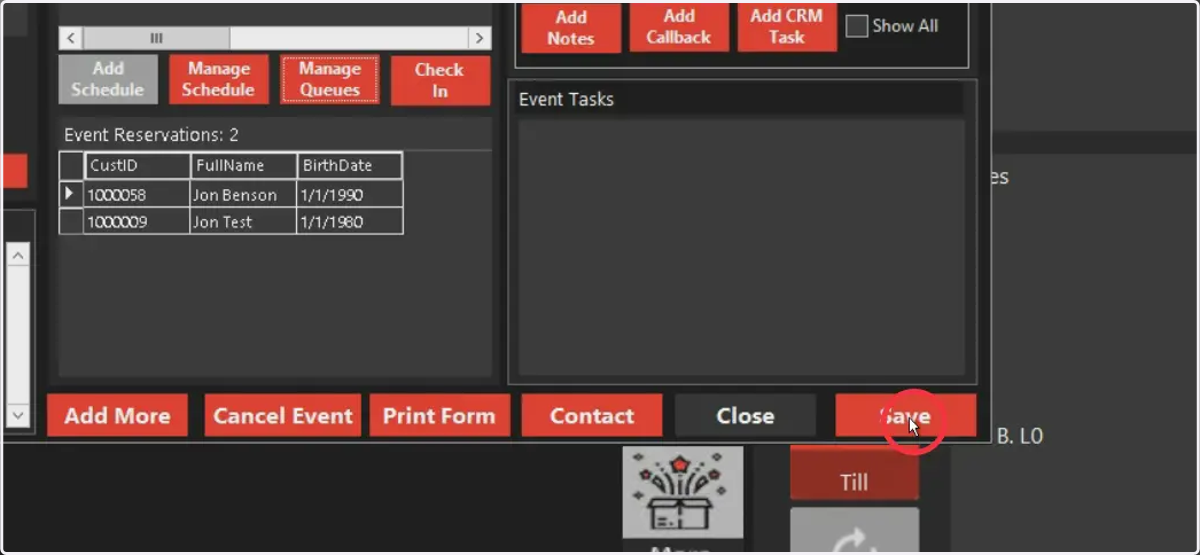
13. Press Close to complete the transaction