Viewing and Responding to Letters

Interfolio

  1. 1. Click on your name to open your dossier
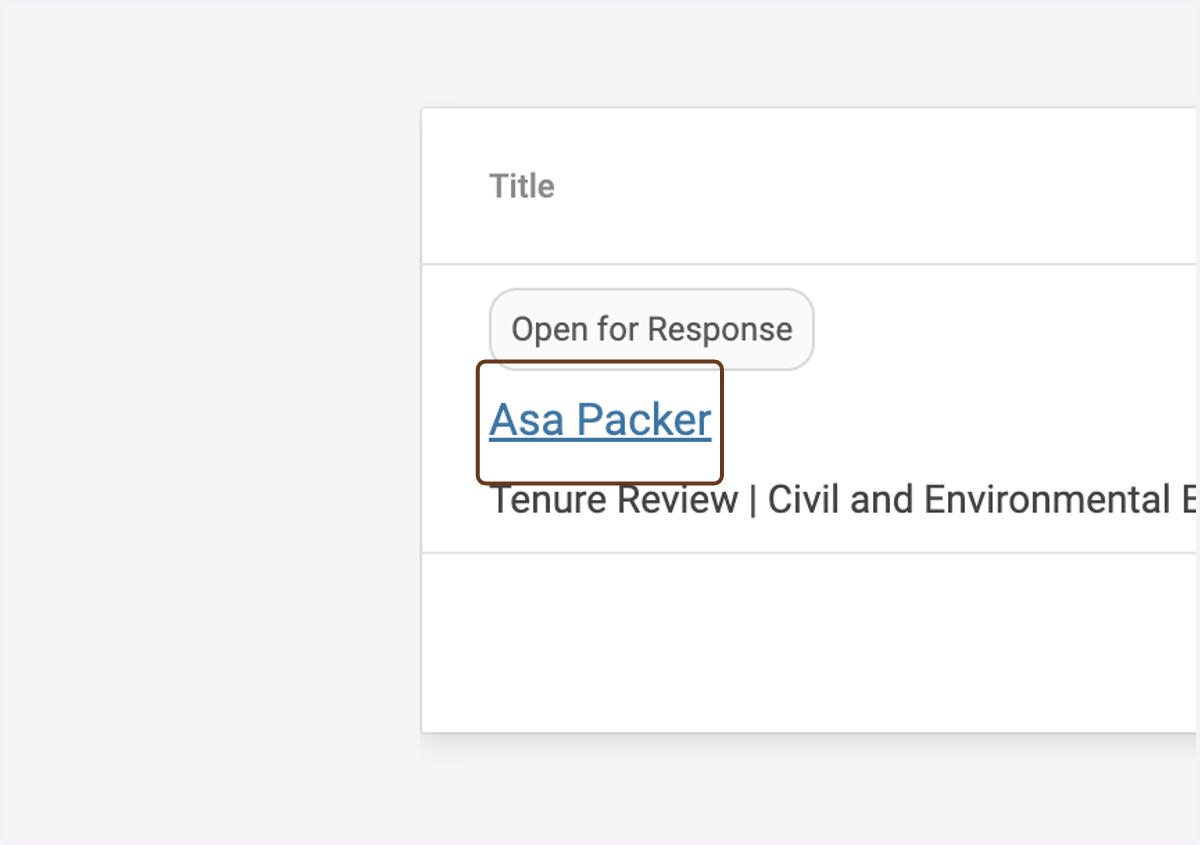
    Click on your name to open your dossier
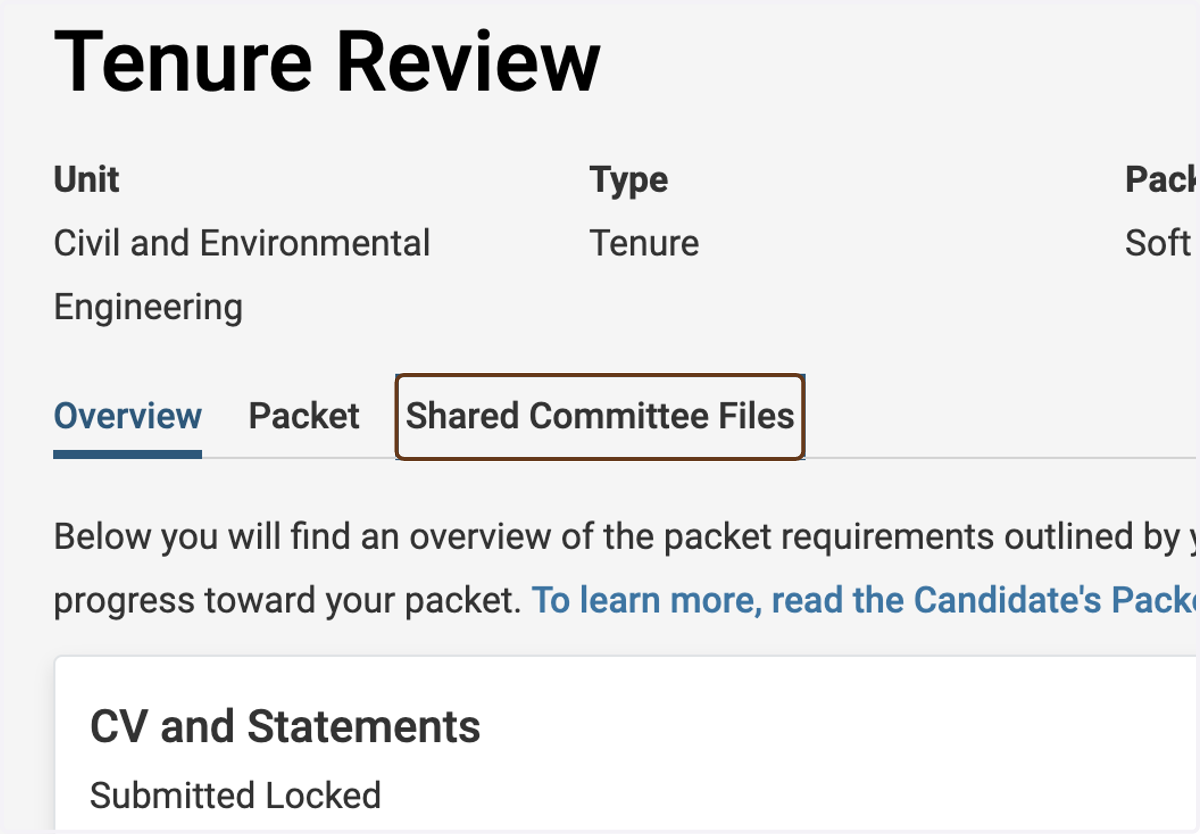
  2. 2. Click on Shared Committee Files

    Click on Shared Committee Files
  3. 3. Click the Download link to download a PDF of the letter
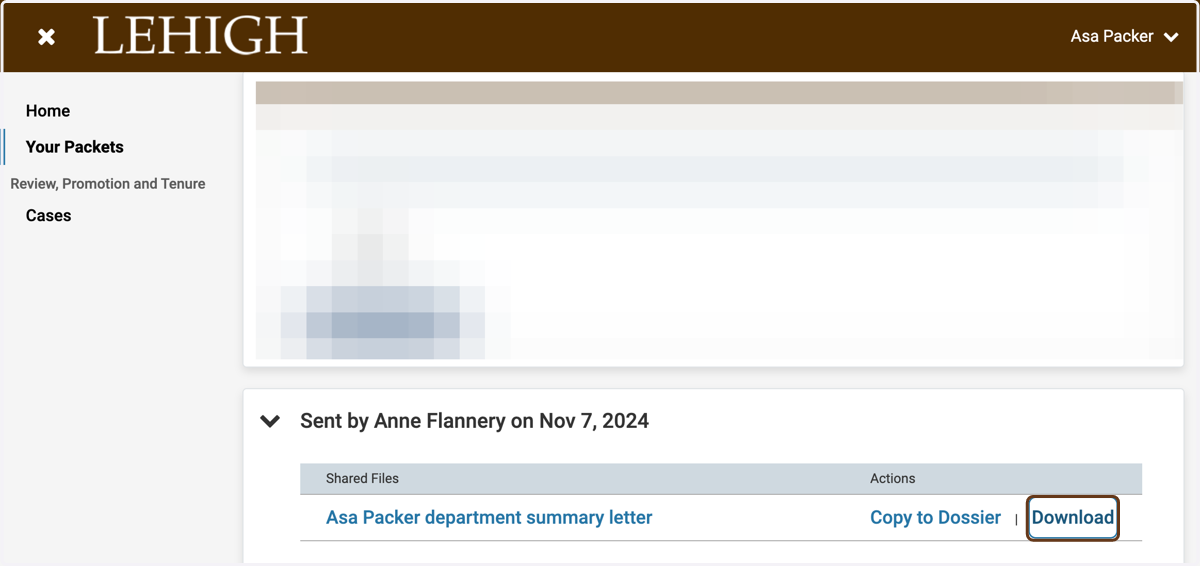
    Click the Download link to download a PDF of the letter
  4. 4. Or, click on the filename to open the letter in Interfolio's viewer
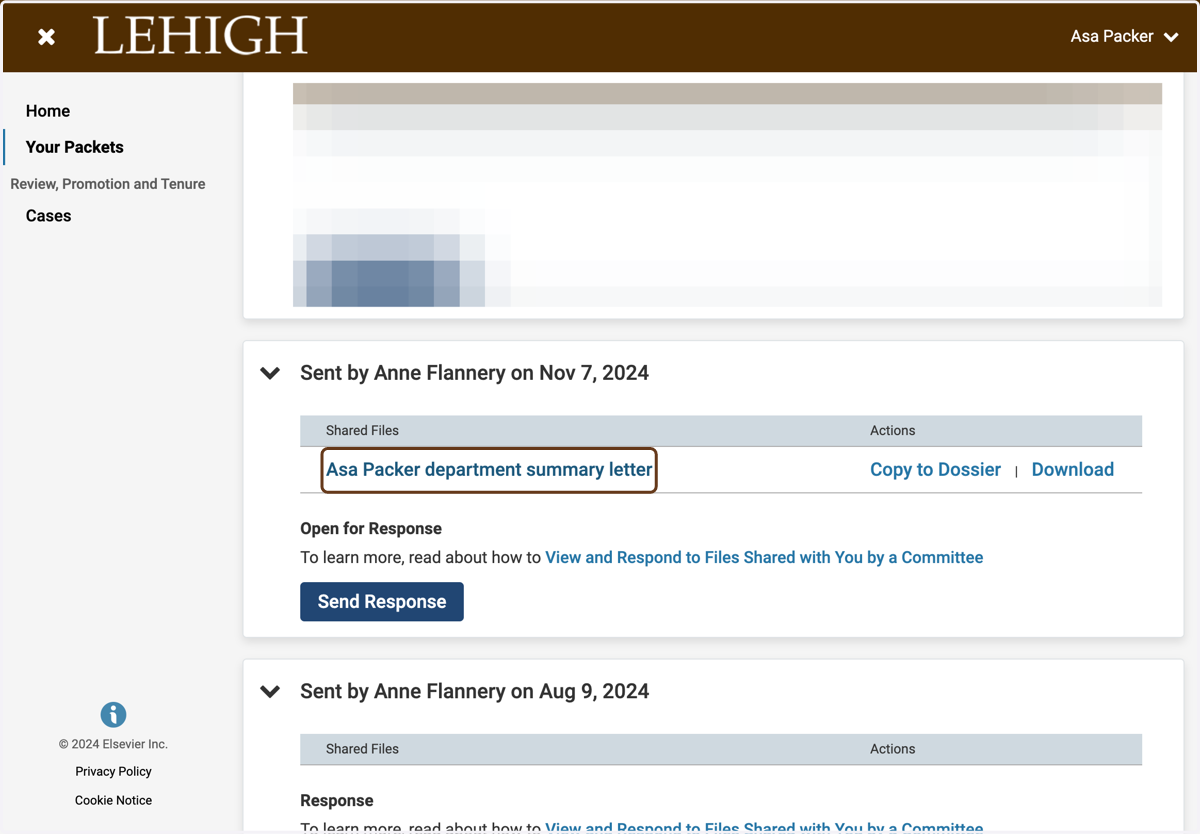
    Or, click on the filename to open the letter in Interfolio's viewer
  5. 5. If you are asked to respond to the letter (or decline to do so), click Send Response
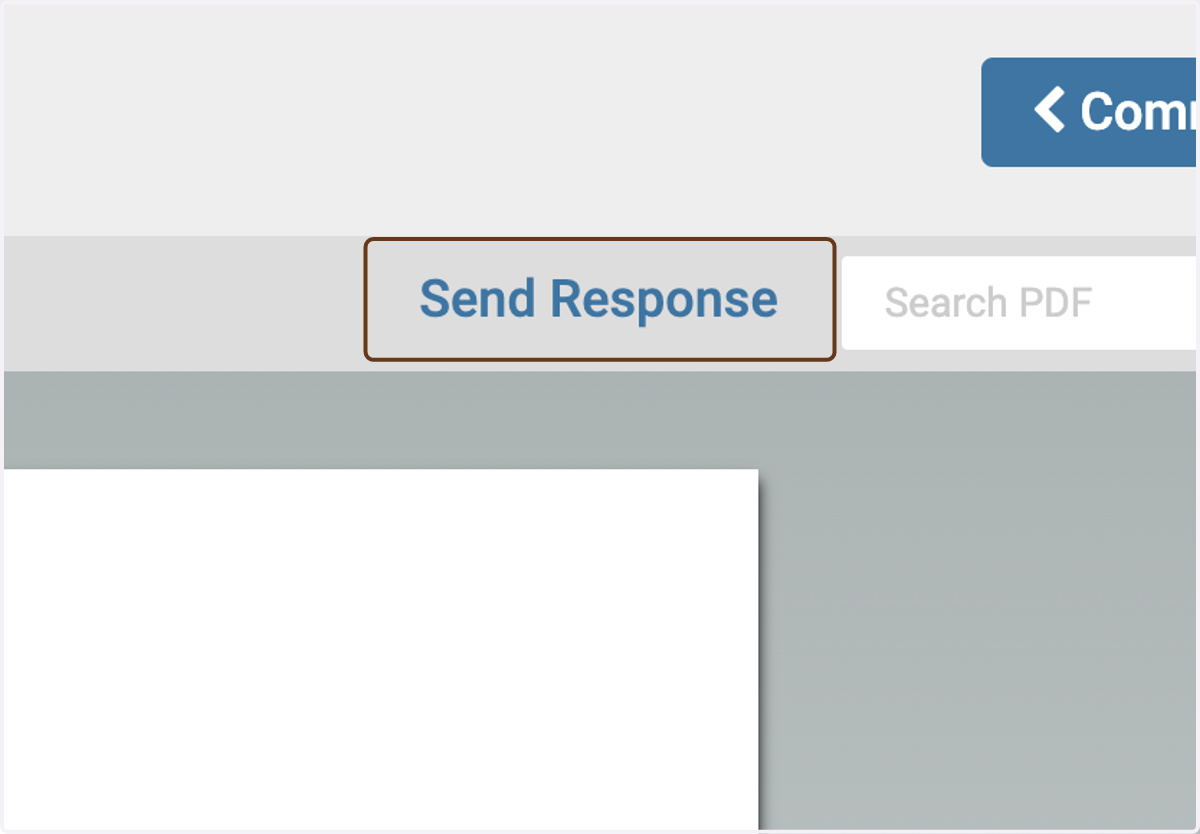
    If you are asked to respond to the letter (or decline to do so), click Send Response
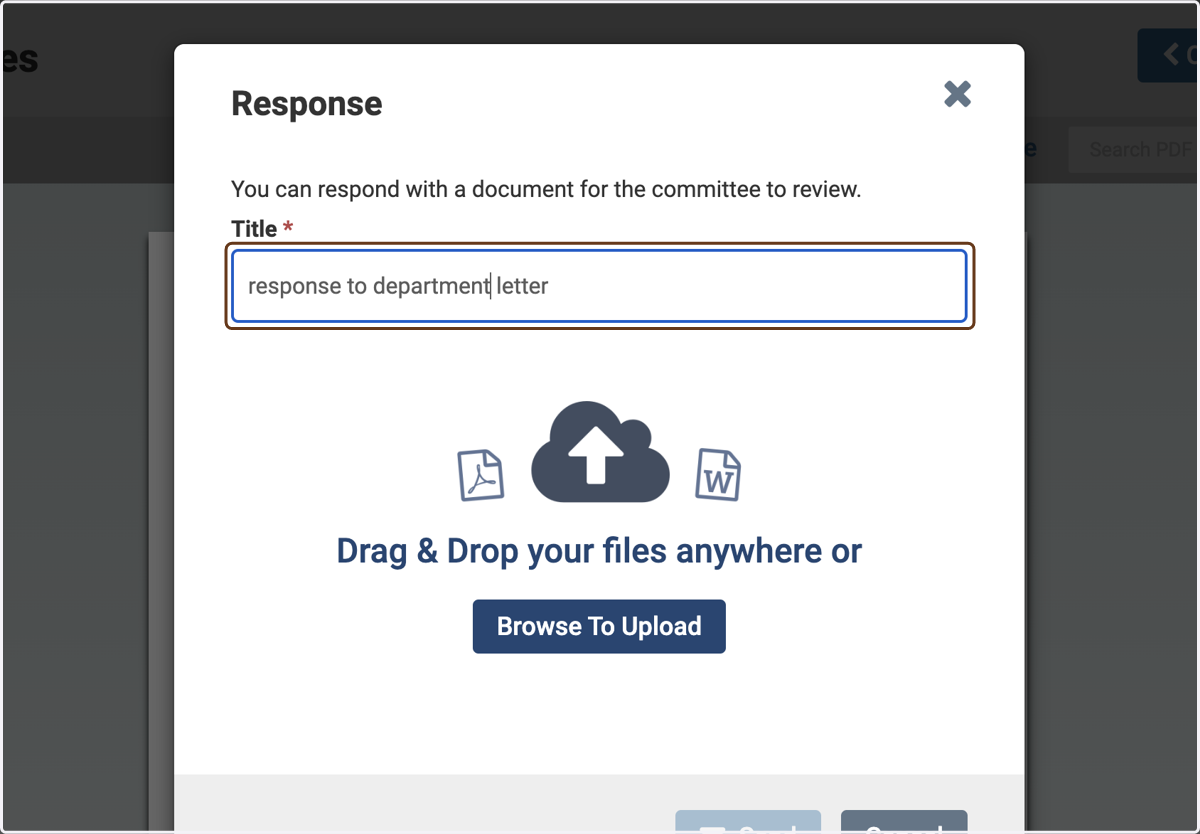
  6. 6. Type a title for your response

    Type a title for your response
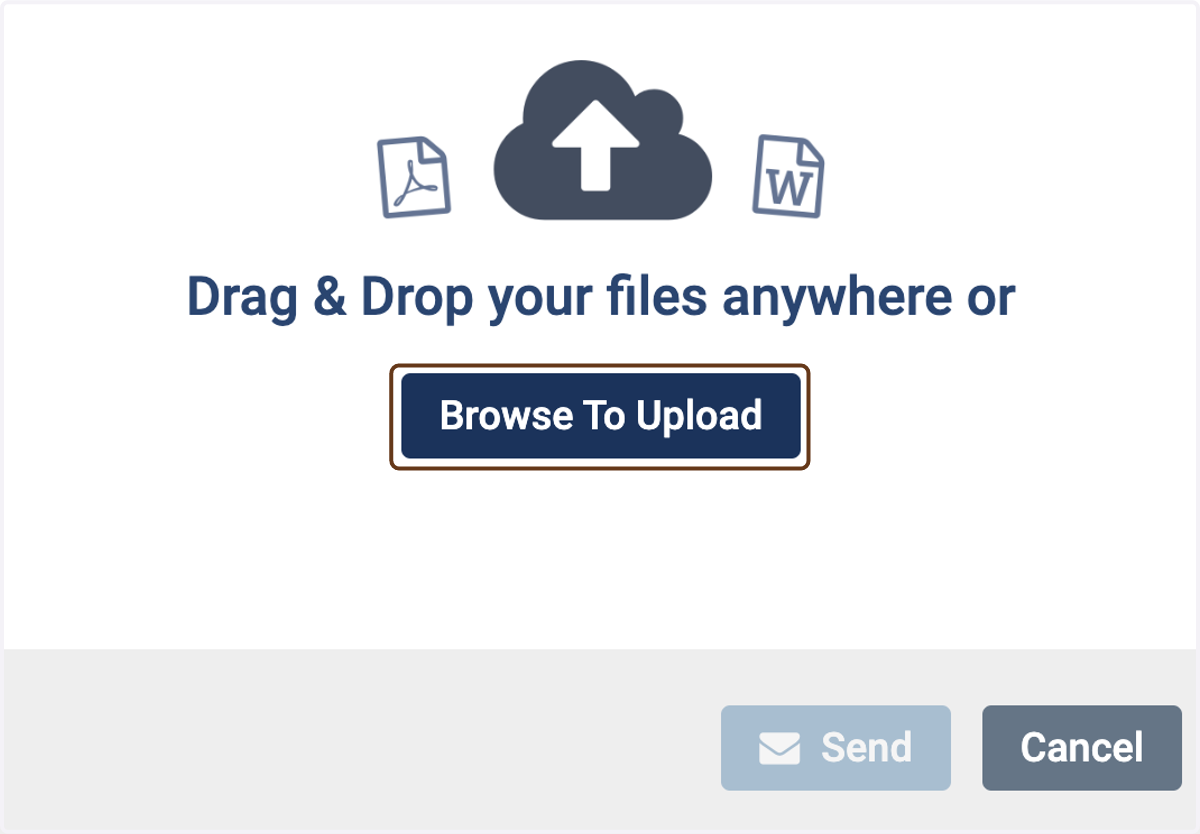
  7. 7. Click on Browse To Upload

    Click on Browse To Upload
  8. 8. Choose the file that you wish to upload
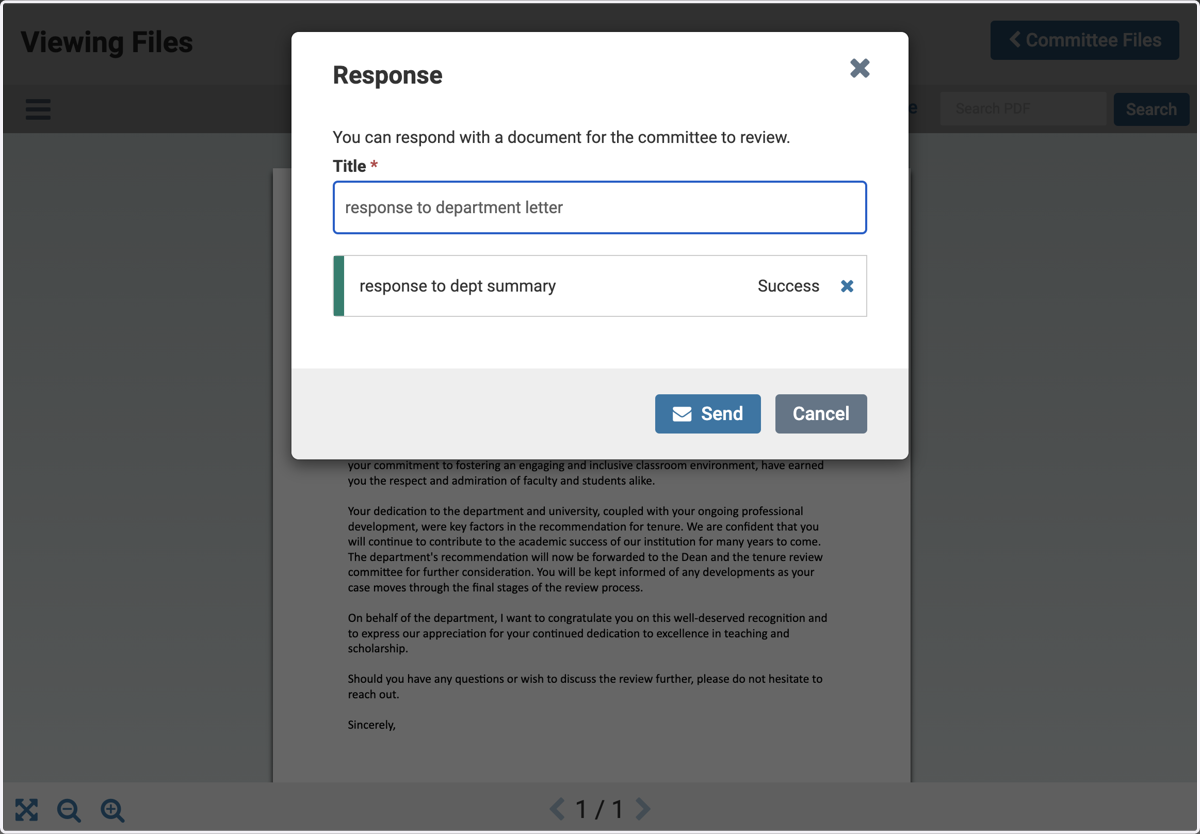
    Choose the file that you wish to upload
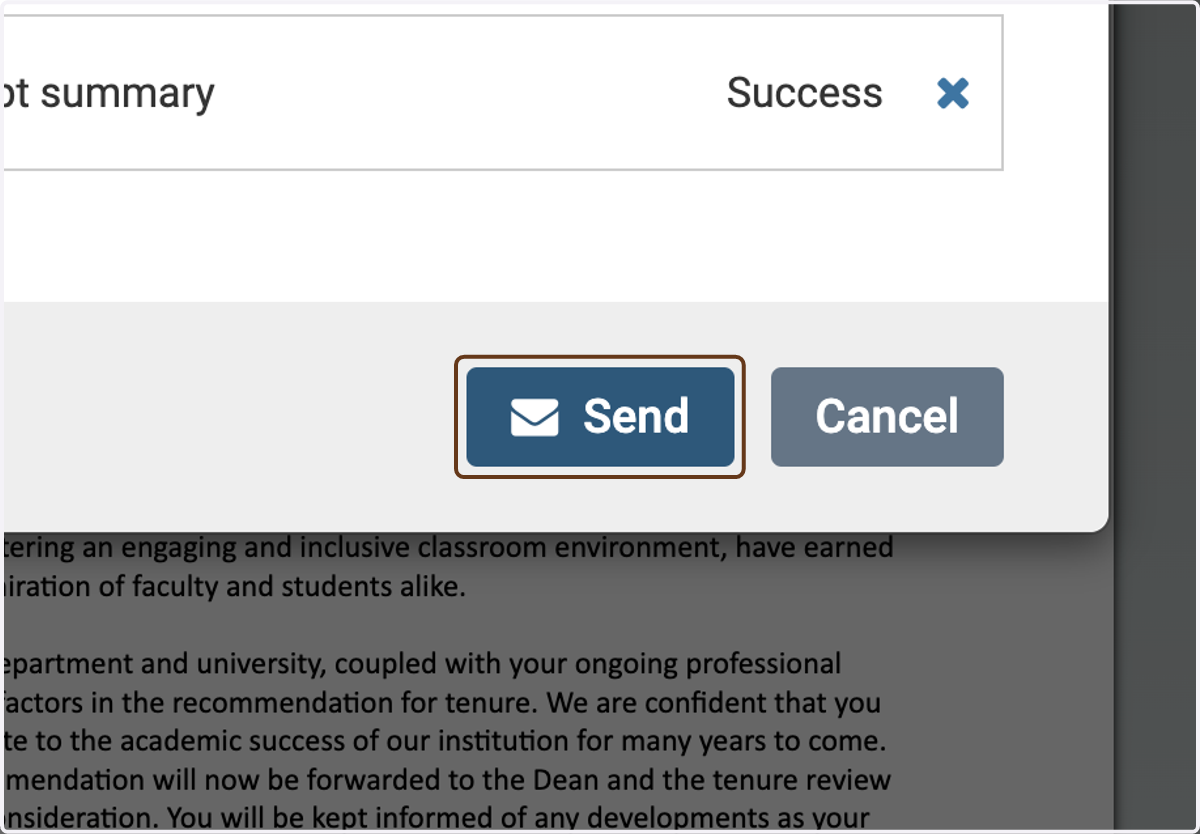
  9. 9. Click on Send

    Click on Send