All Transactions Dashboard
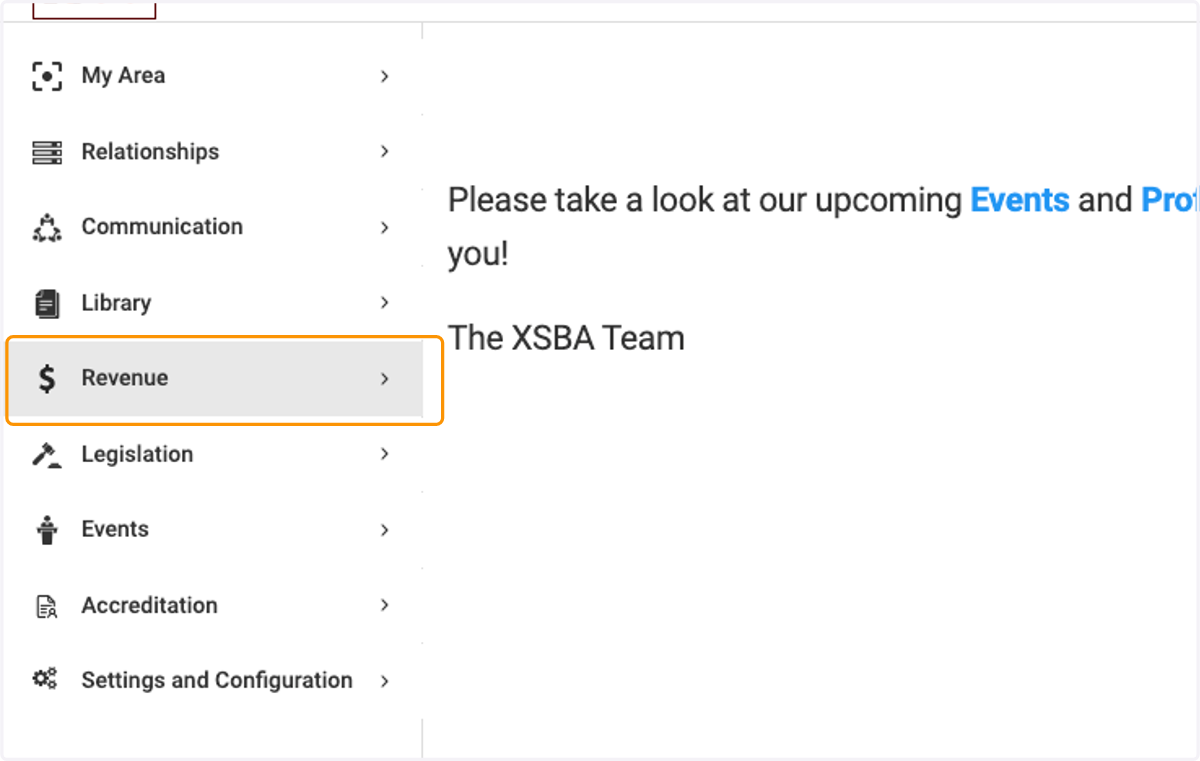
1. Click on Revenue
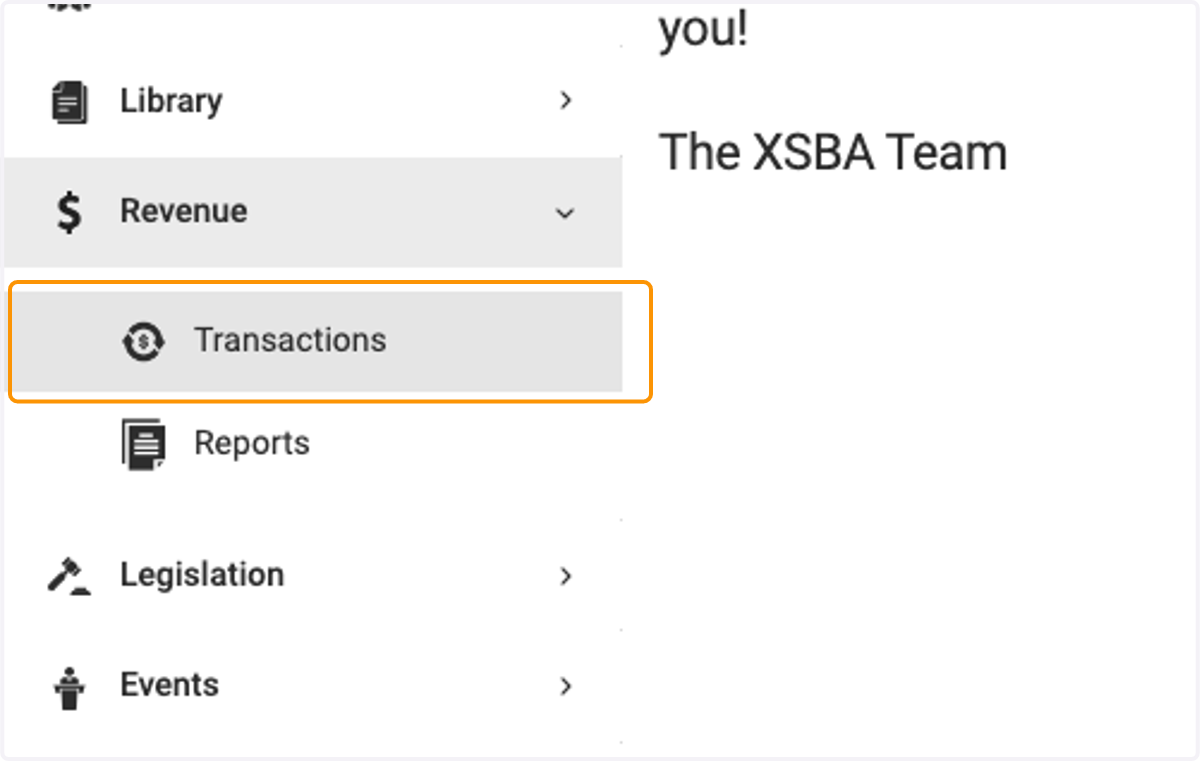
2. Click on Transactions
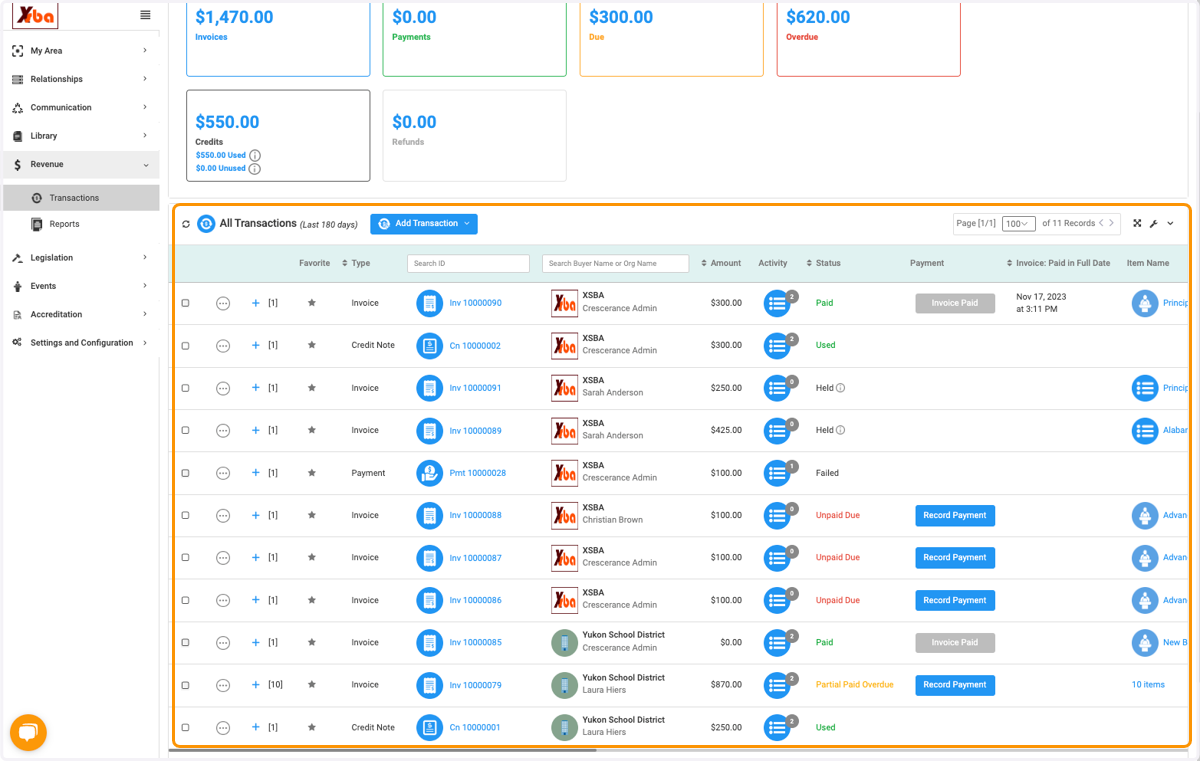
3. The Accounting Metrics shows you at a glance the financial stats at glance
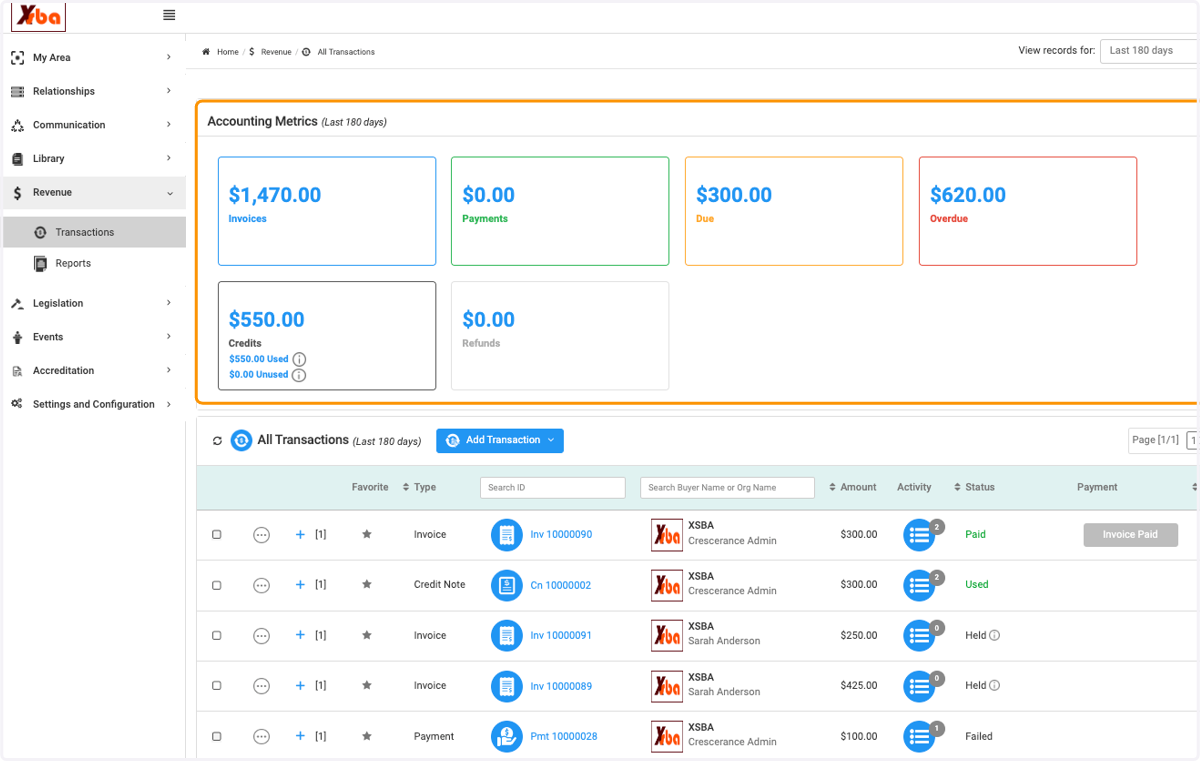
4. View the All Transactions section to see all the financial transactions associated with your workspace
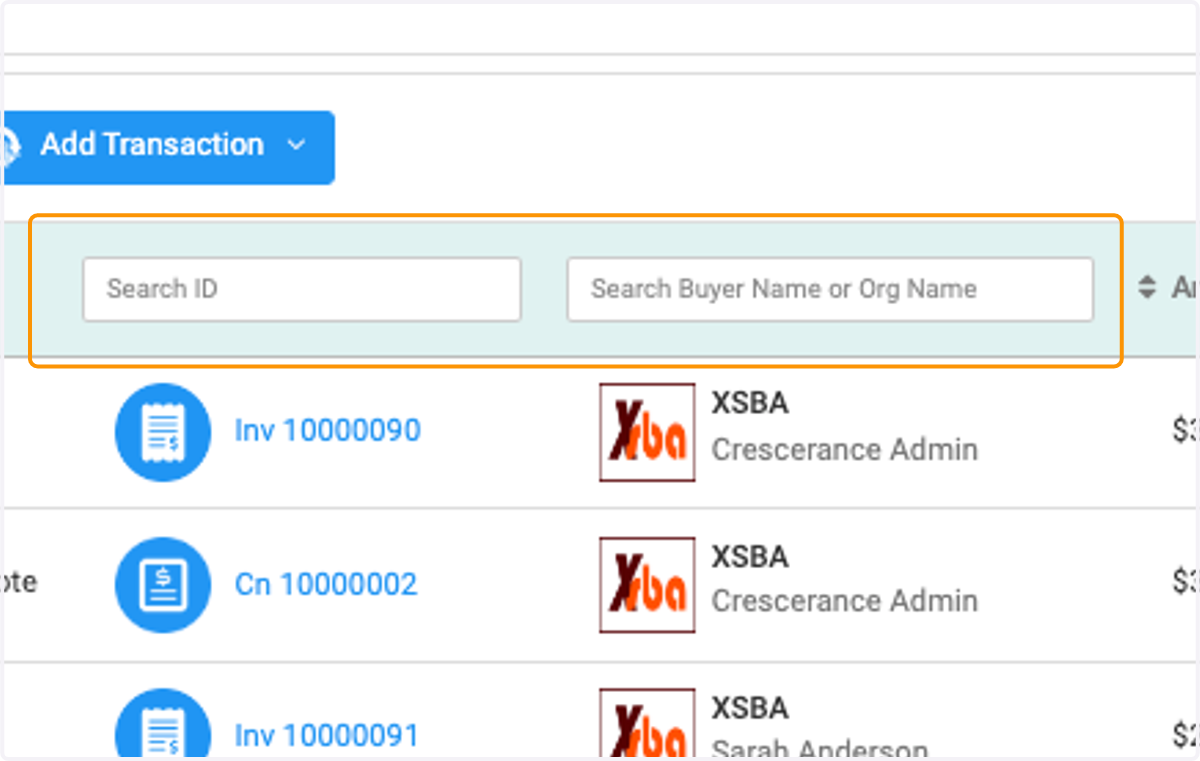
5. Search for transactions by Invoice, Credit Note or Payment ID or by buyer or organization name
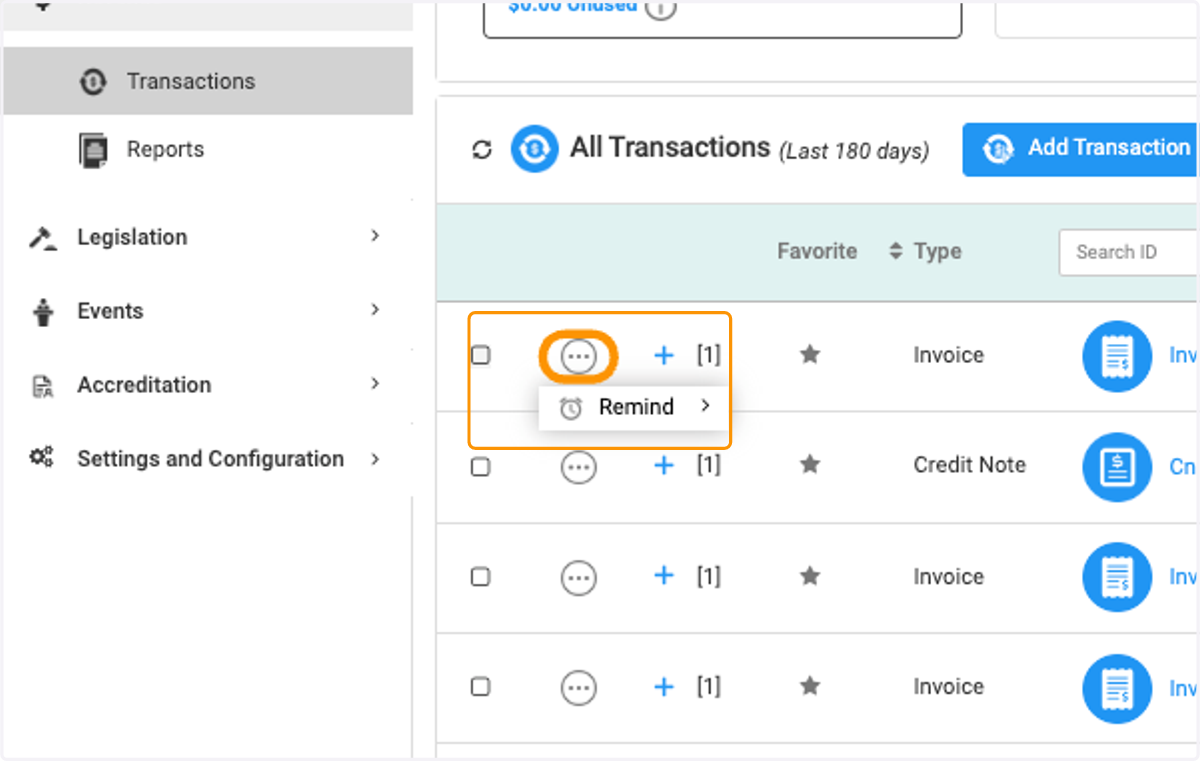
6. Click on the three dots to send a reminder for payment email
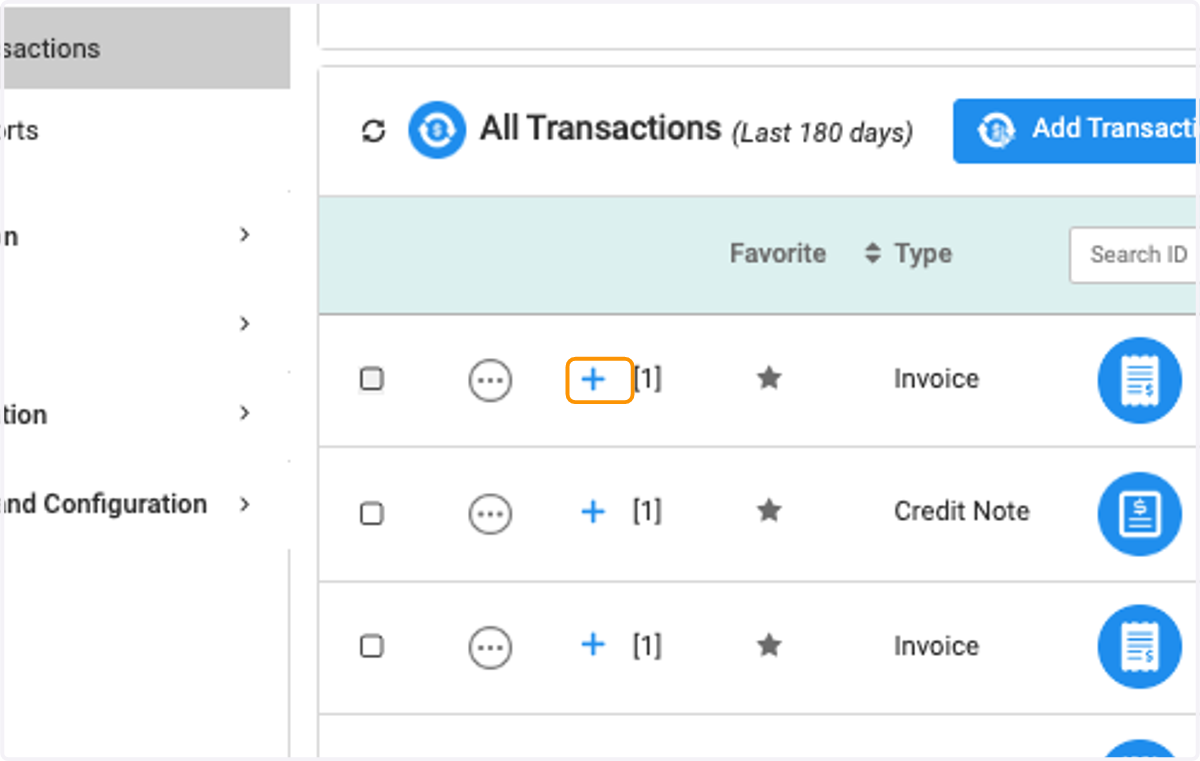
7. Click on the plus sign to view registrant details
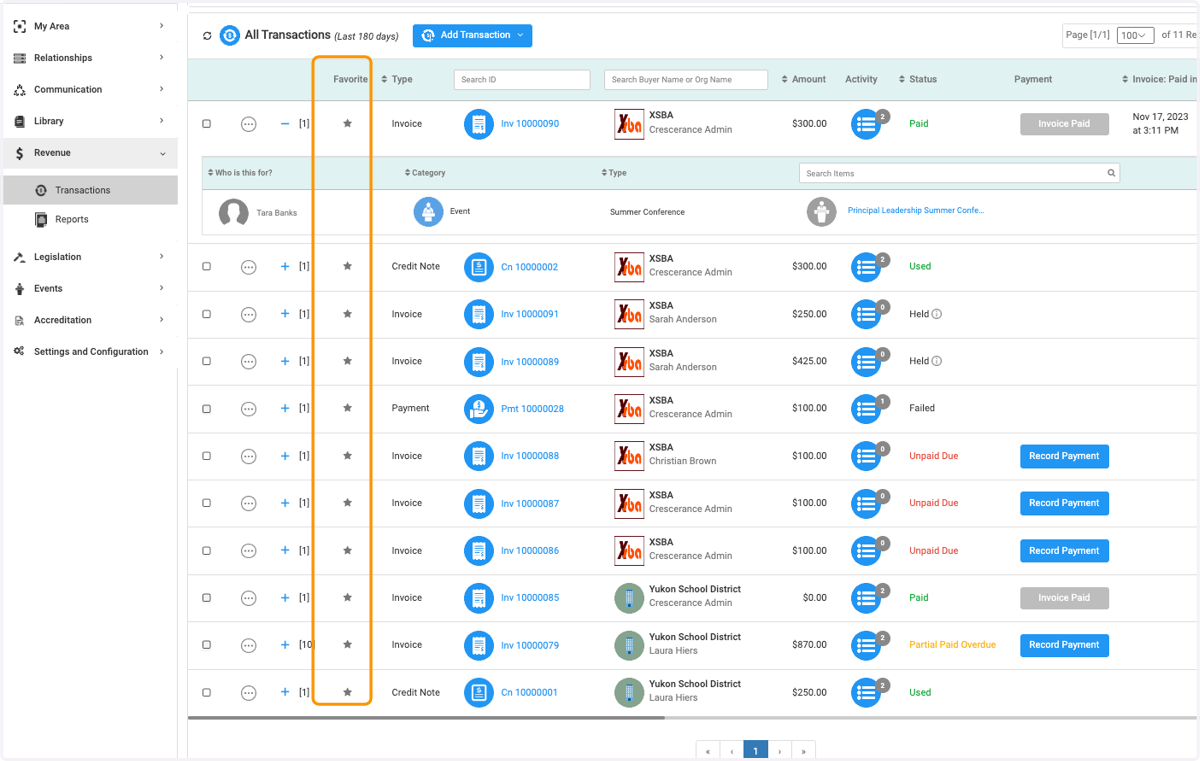
8. Click on the star icon to mark a transaction as a favorite
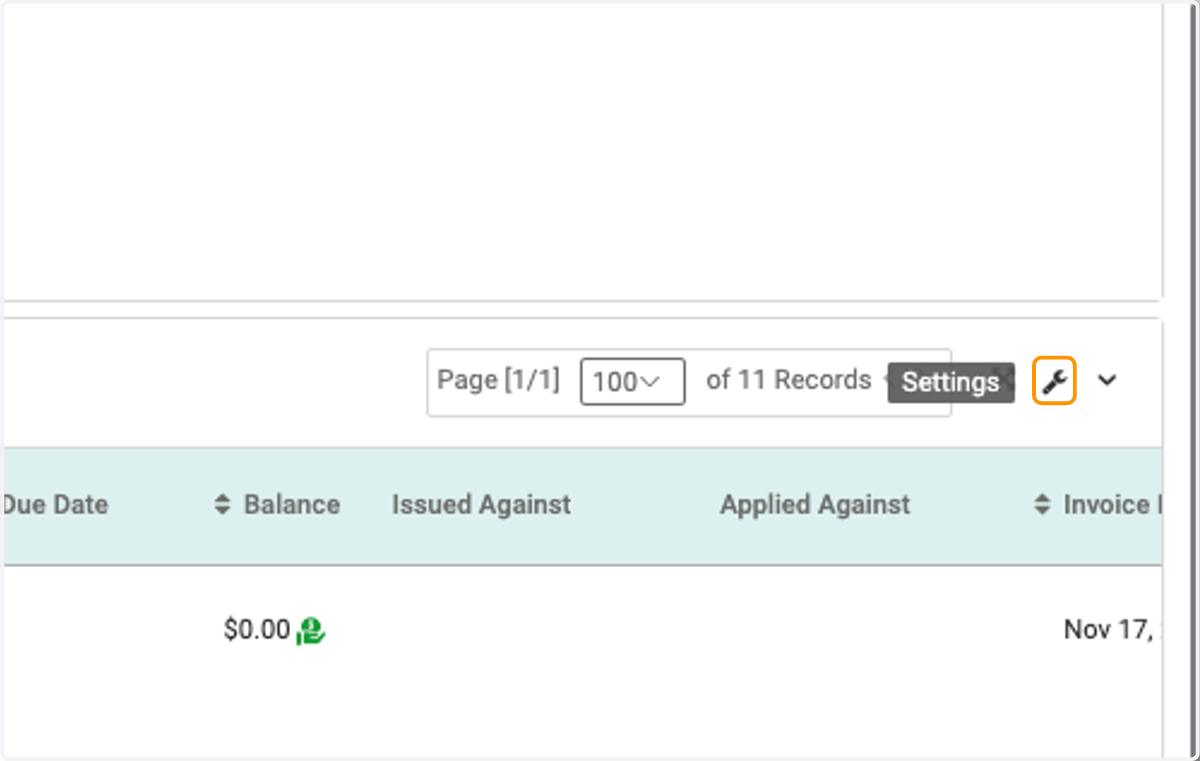
9. Click on the wrench icon to change the view of the columns displayed
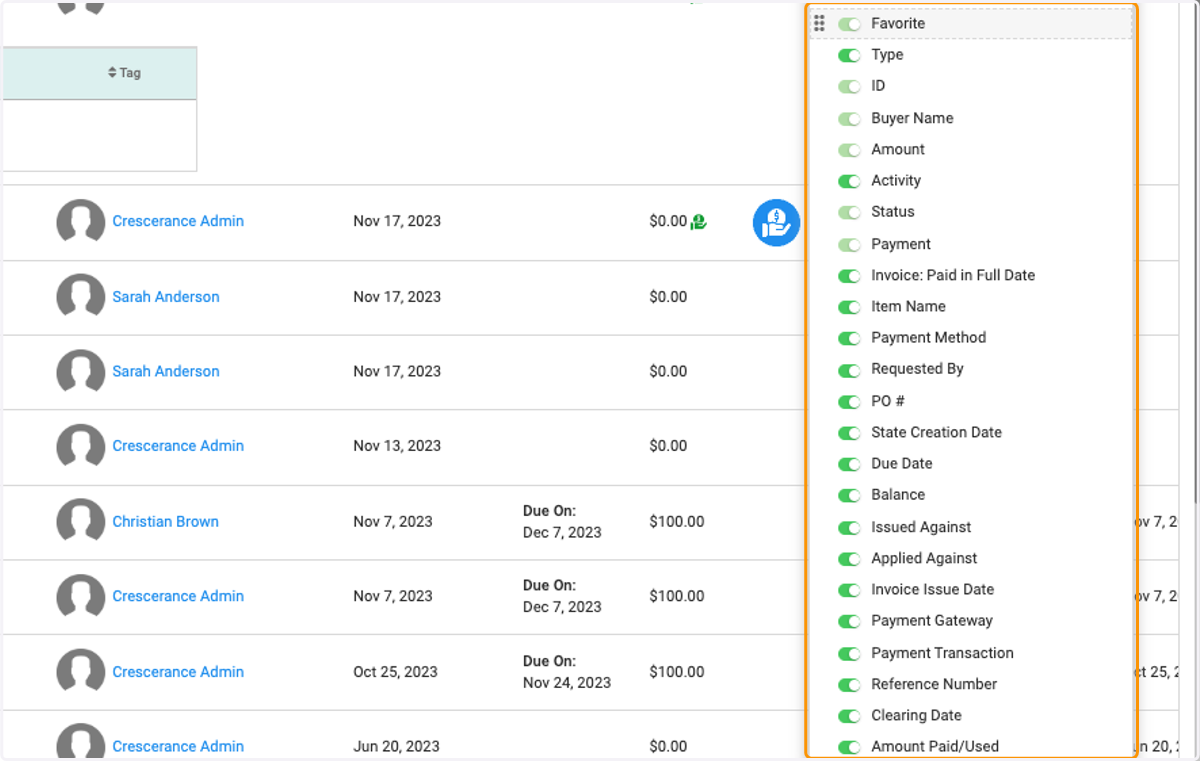
10. Click on List Columns to toggle on/off columns from view
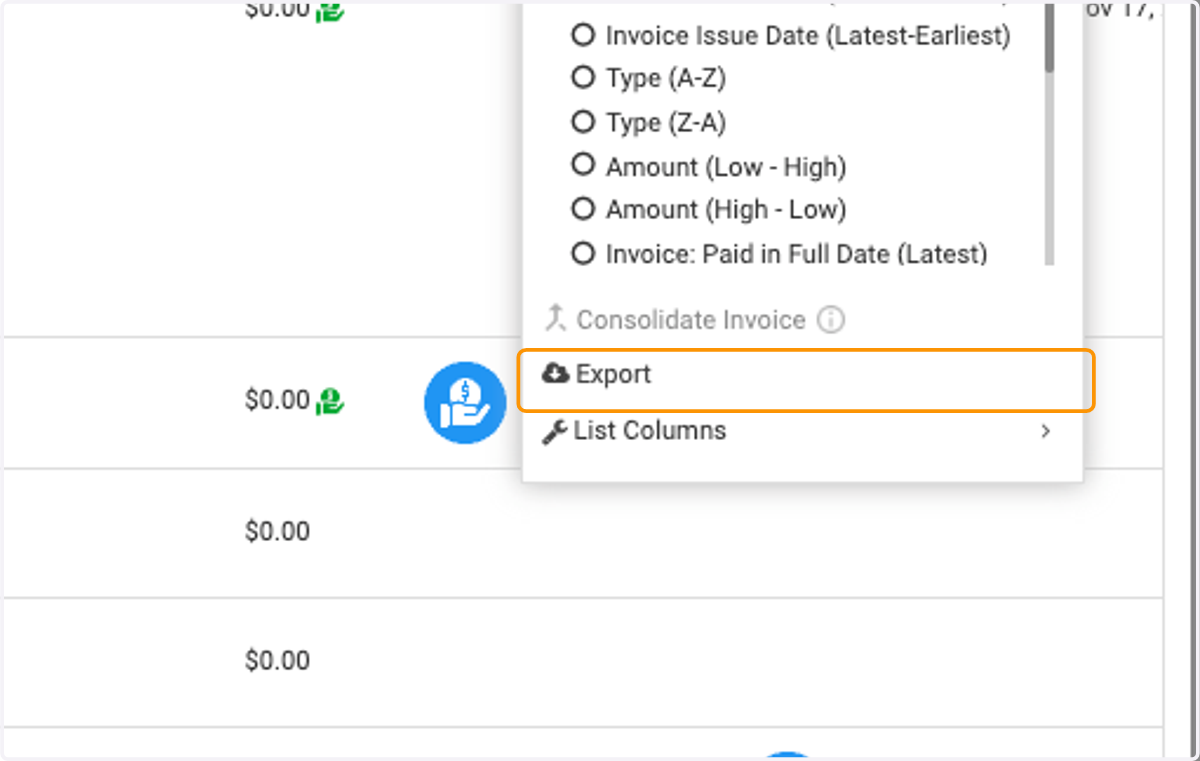
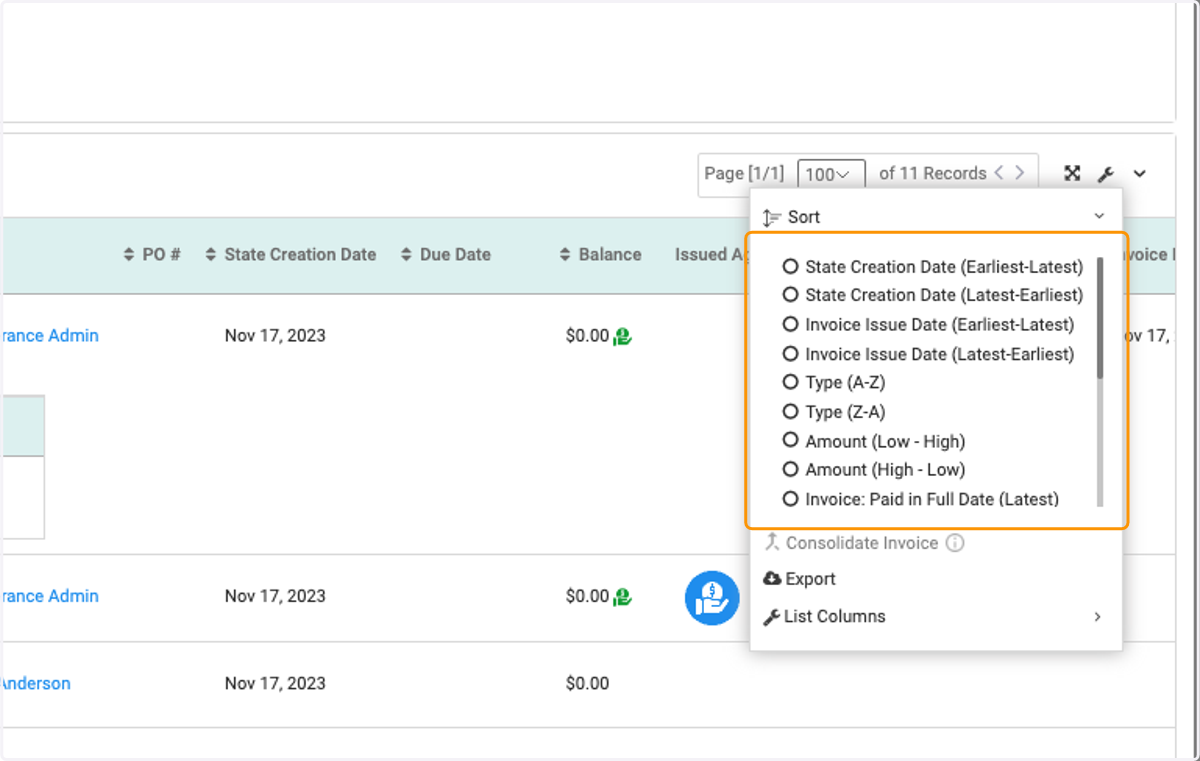
11. Click on Sort to sort your transactions
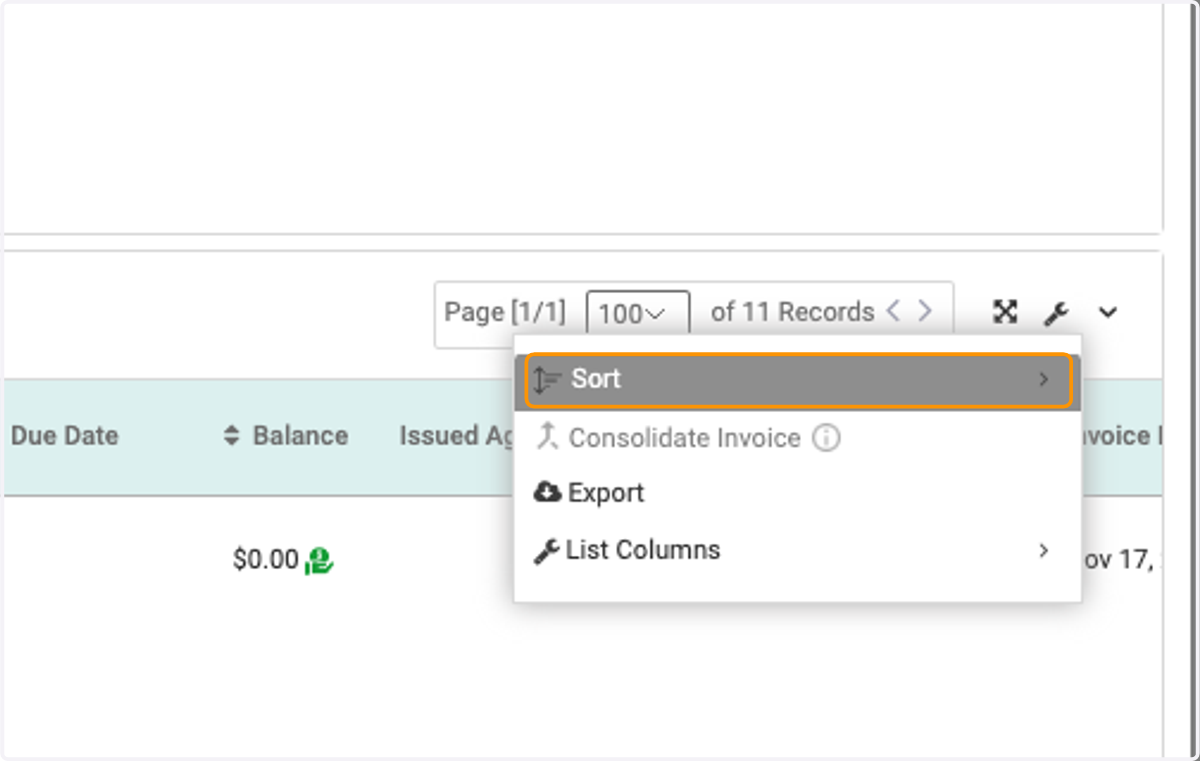
12. Click on the preferred sort option
13. Click on Export to download to an Excel file