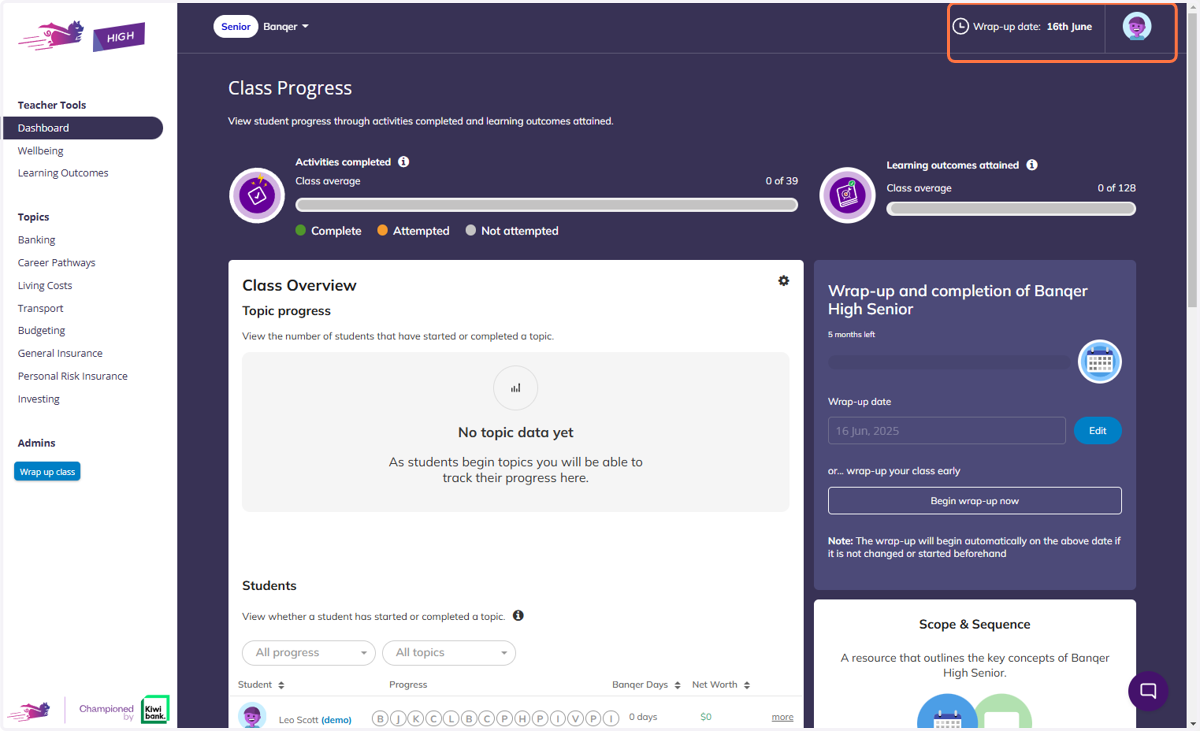
Banqer High Senior Class Wrap-up Process
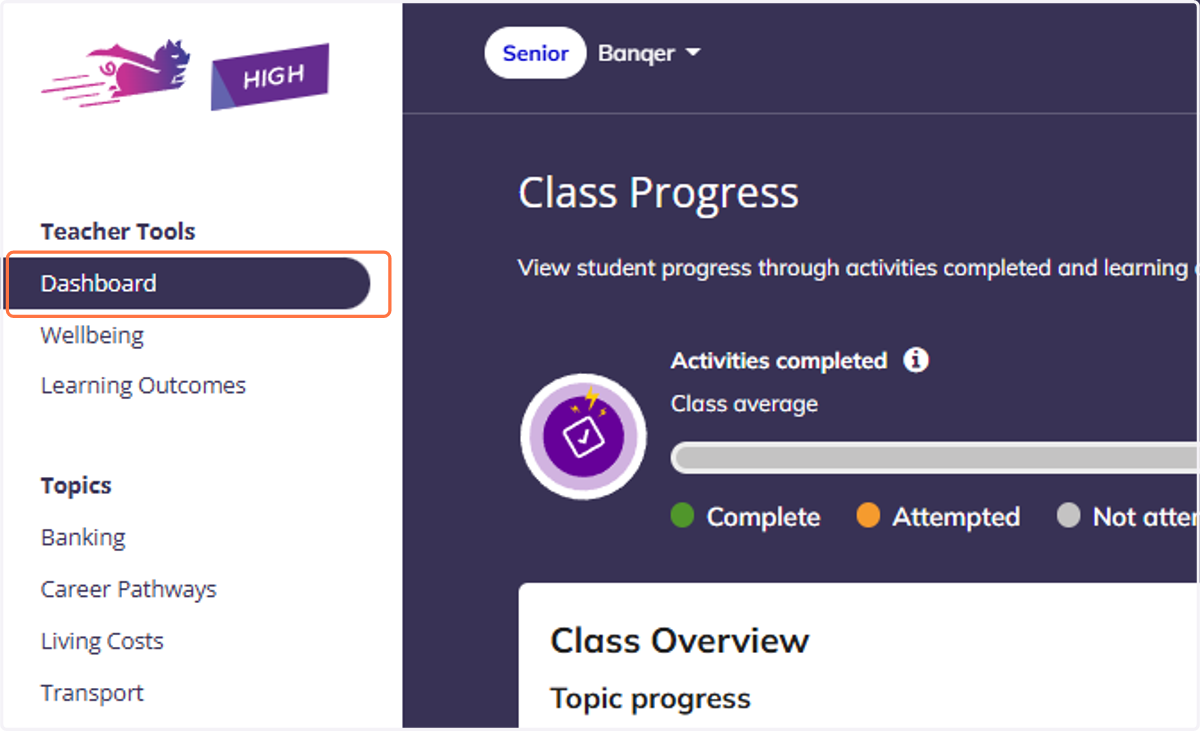
1. Navigate to your Teacher Dashboard.
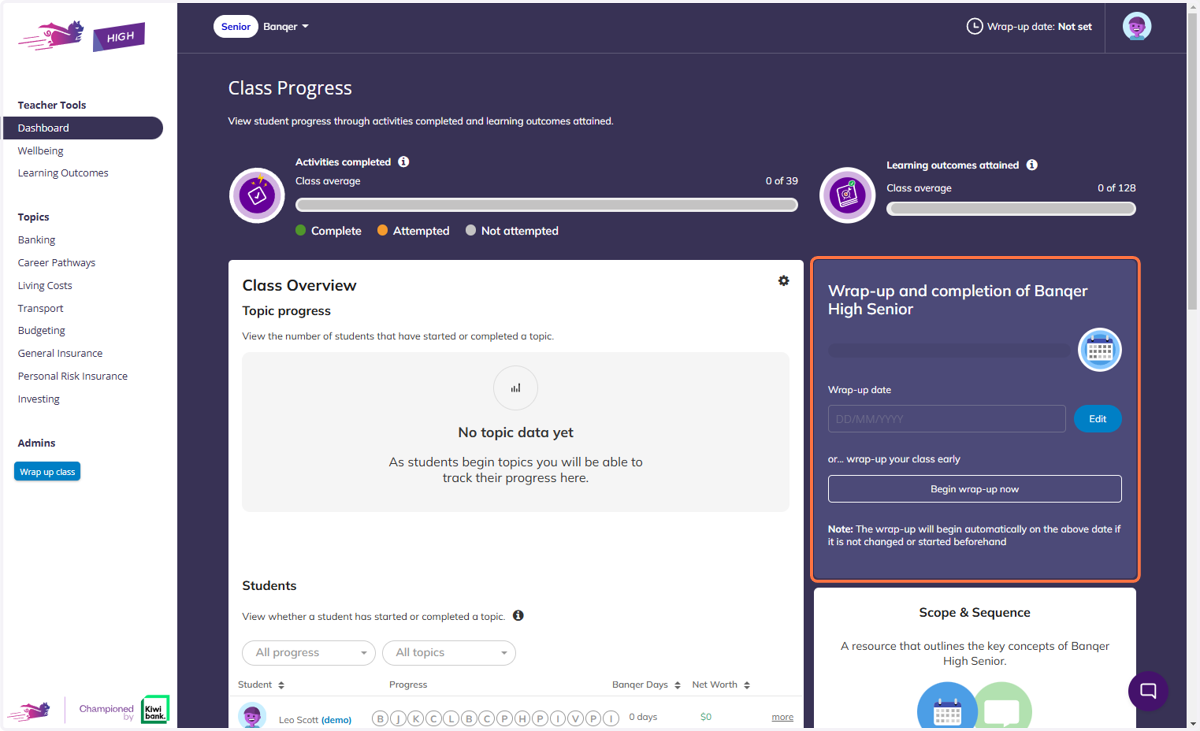
2. Click on 'Wrap-up and completion of Banqer High Senior' section.
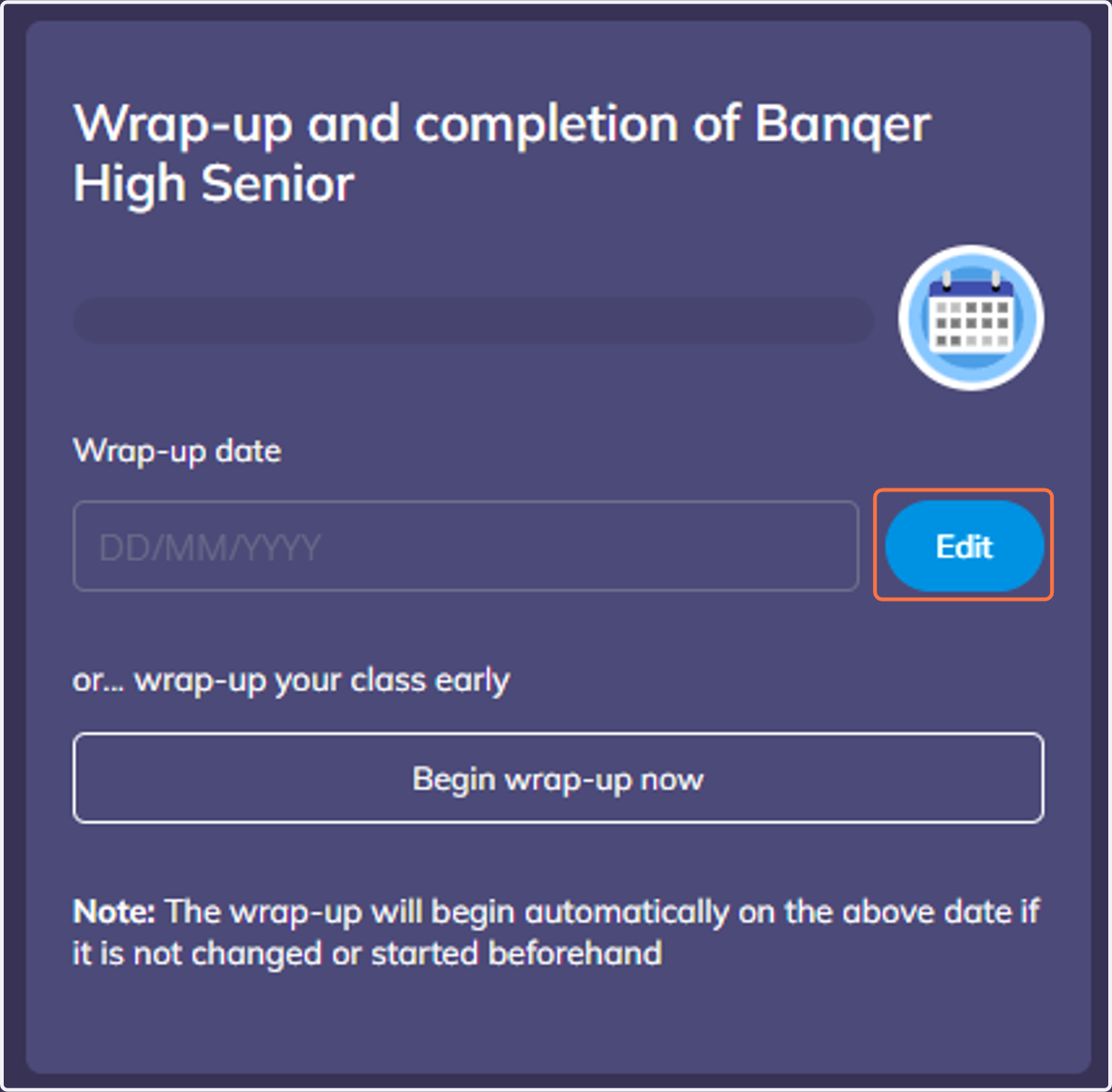
3. Click on the 'Edit' button
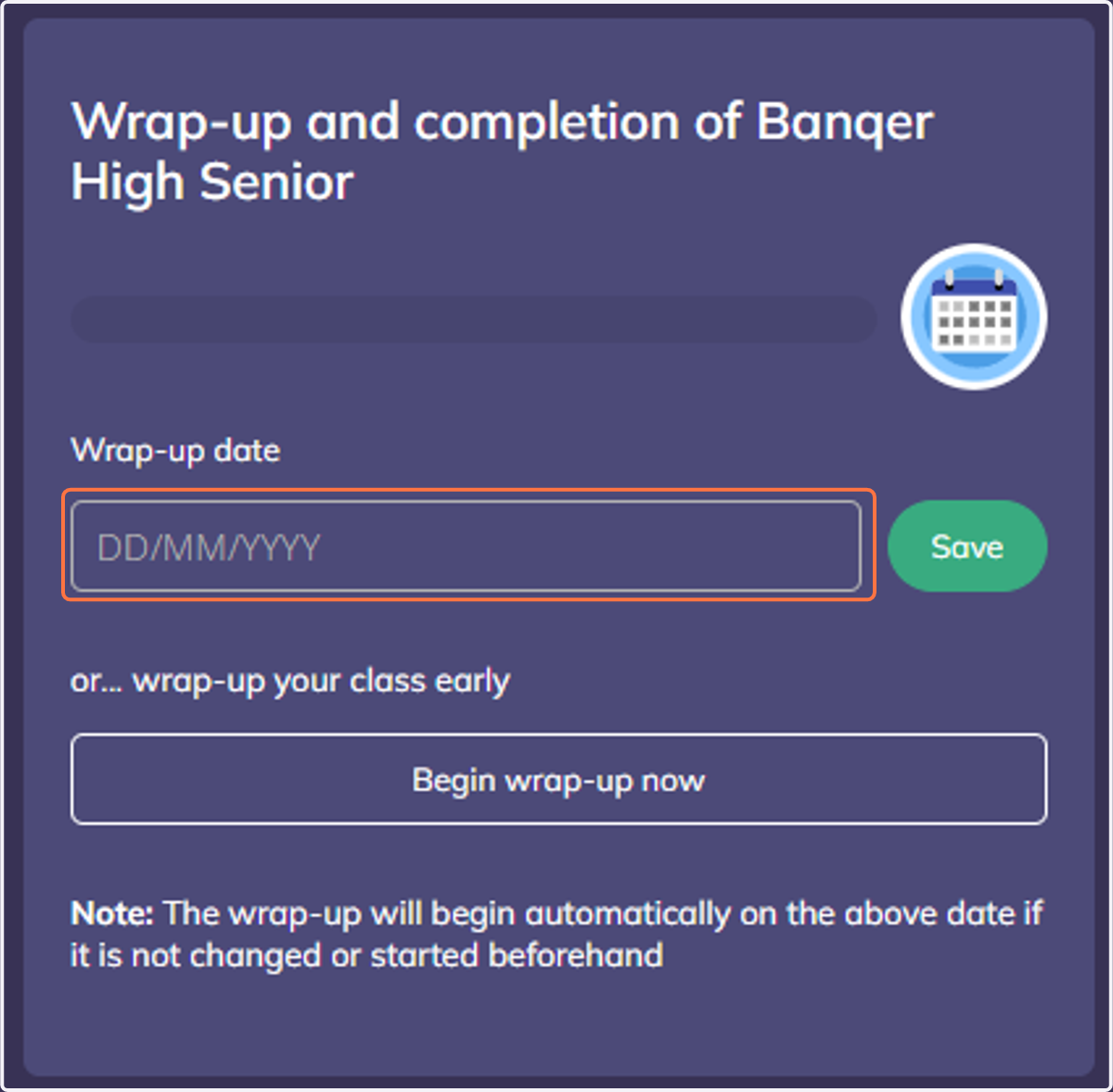
4. Click on dropdown trigger to choose a new wrap-up date.
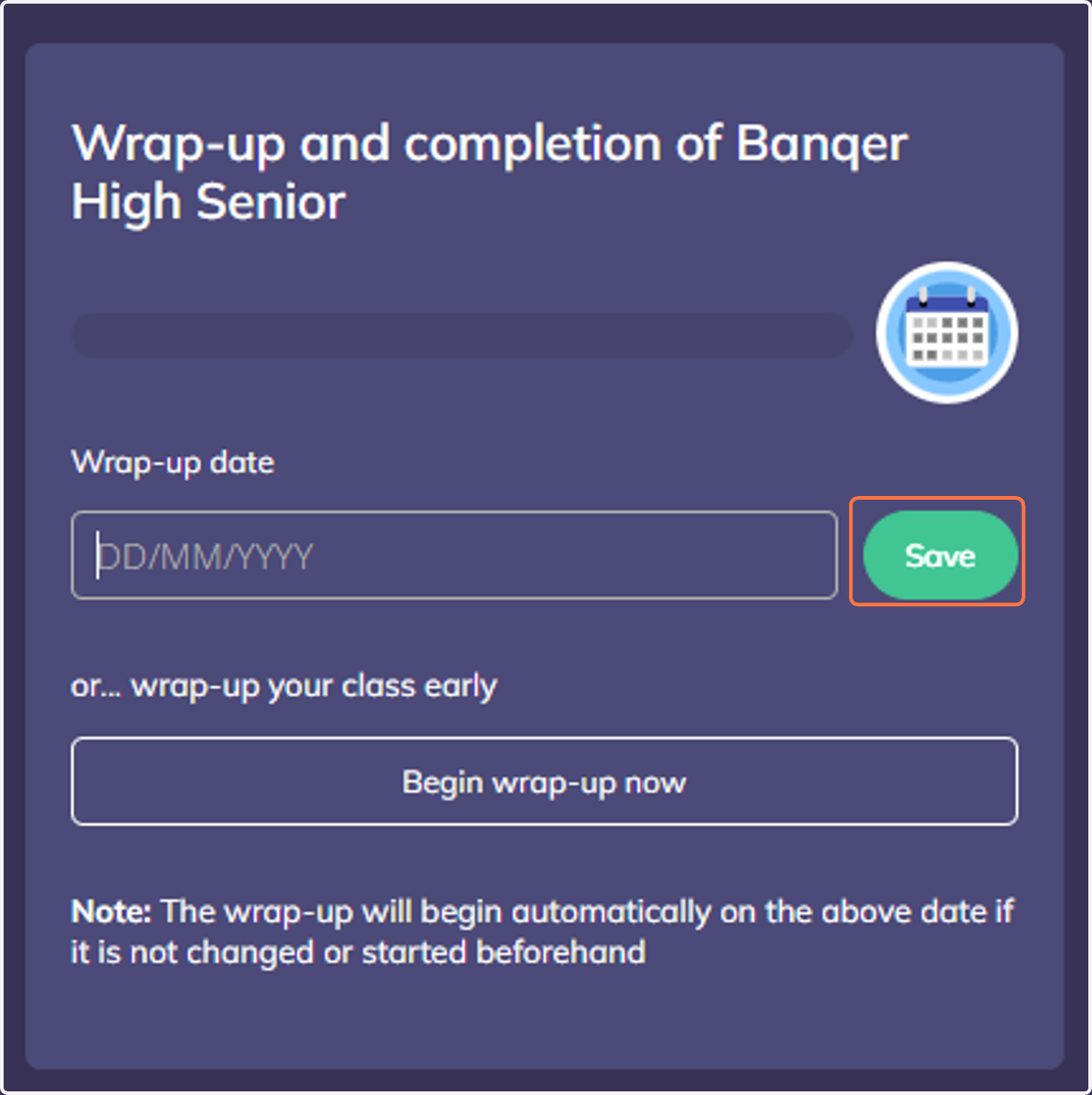
5. Click on Save
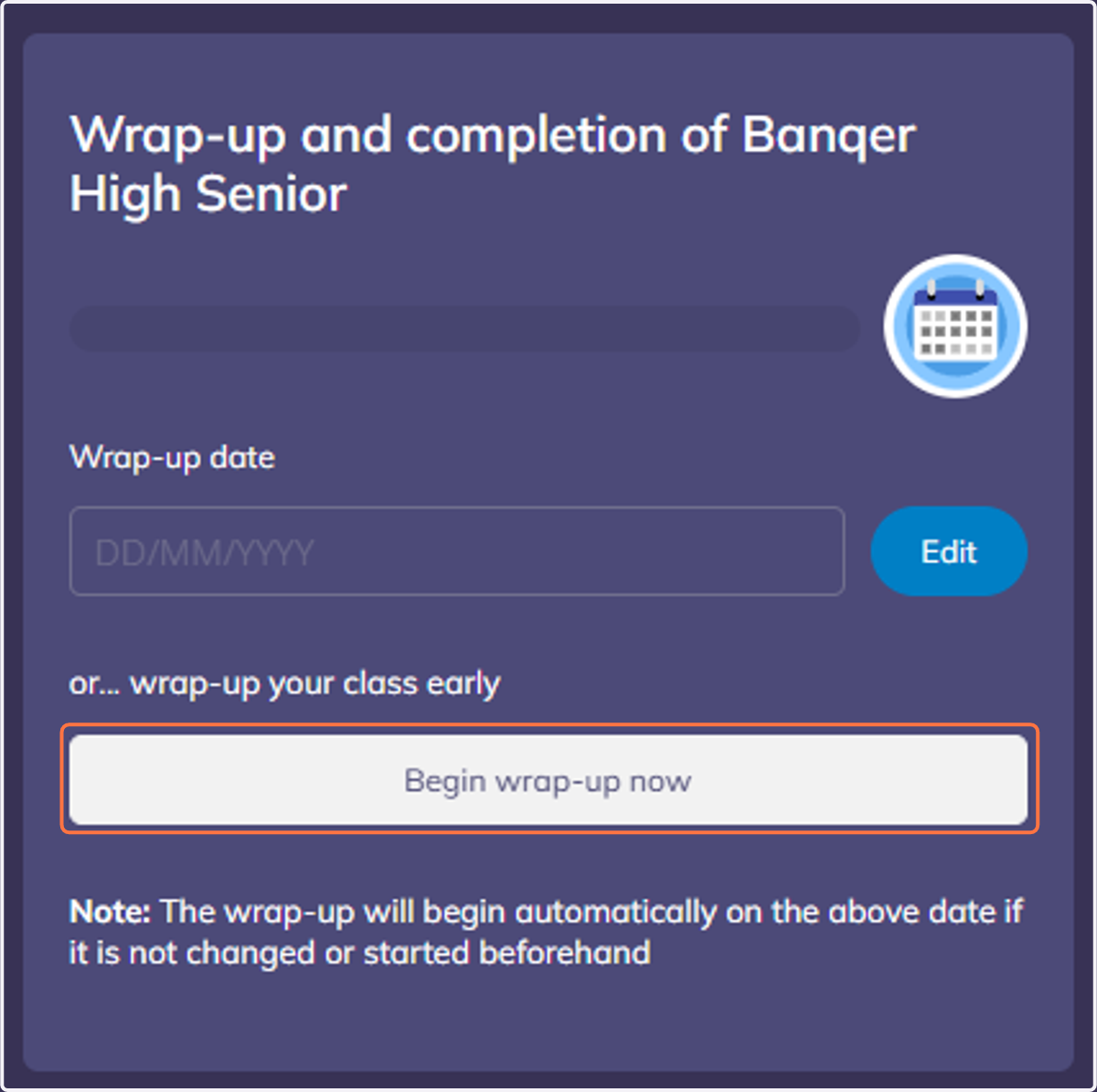
6. Alternatively you can click on the "Begin wrap-up now' button to immediately wrap up the class.
7. You will always be able to view your current Wrap-up date via the top right-hand corner of the screen.