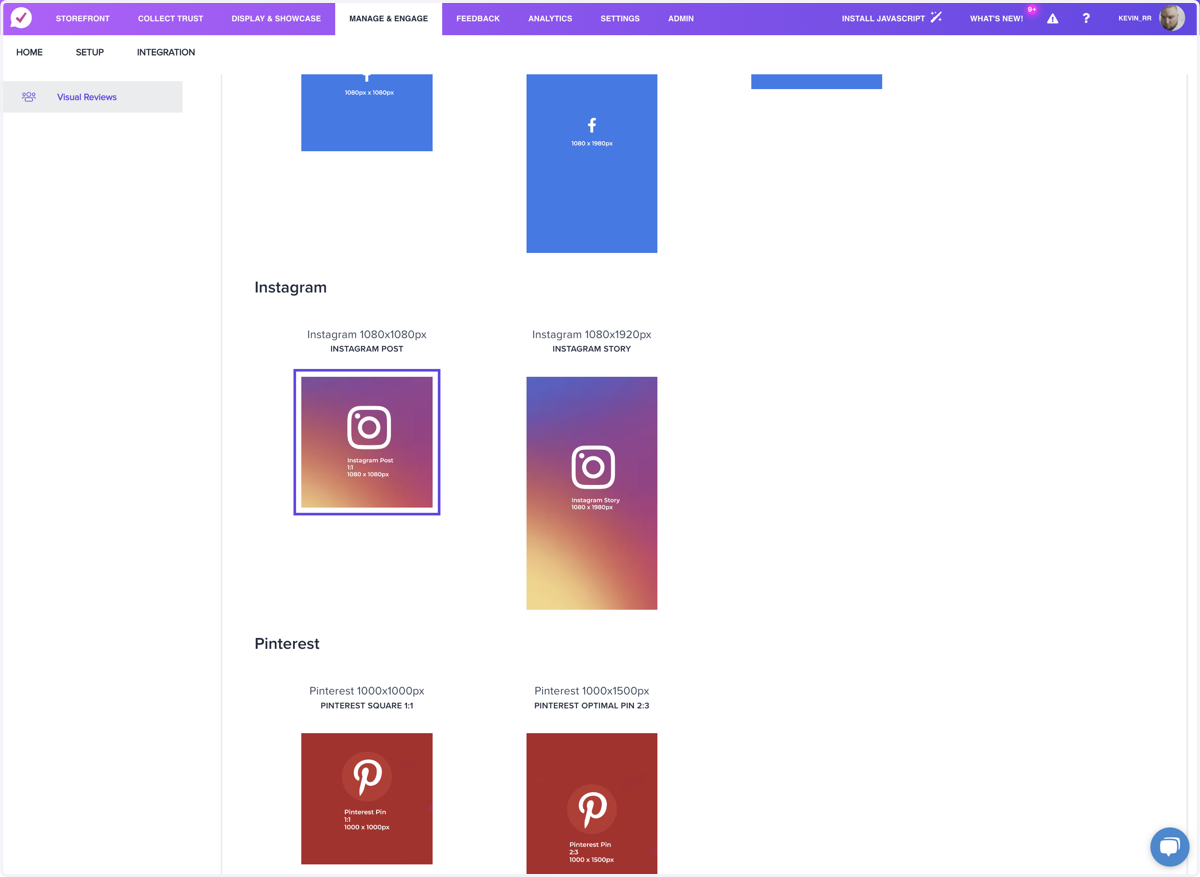
Posting Photos on Instagram using Manage & EngageLog in to your TrustHQ Dashboard1. Click on Manage & Engage2. Click on the Camera Icon next to your review3. Click on the template for the platform you want to share to4. Start Sharing UGC