ResellerRatings - Tags and Reporting
1. Log in to your TrustHQ Dashboard on ResellerRatings
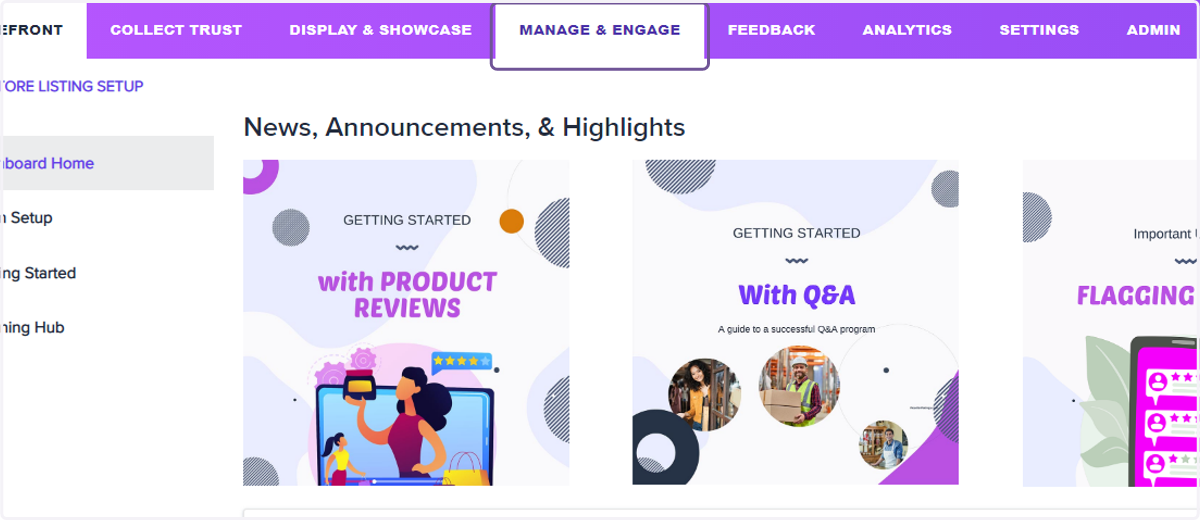
2. Click on Manage & Engage
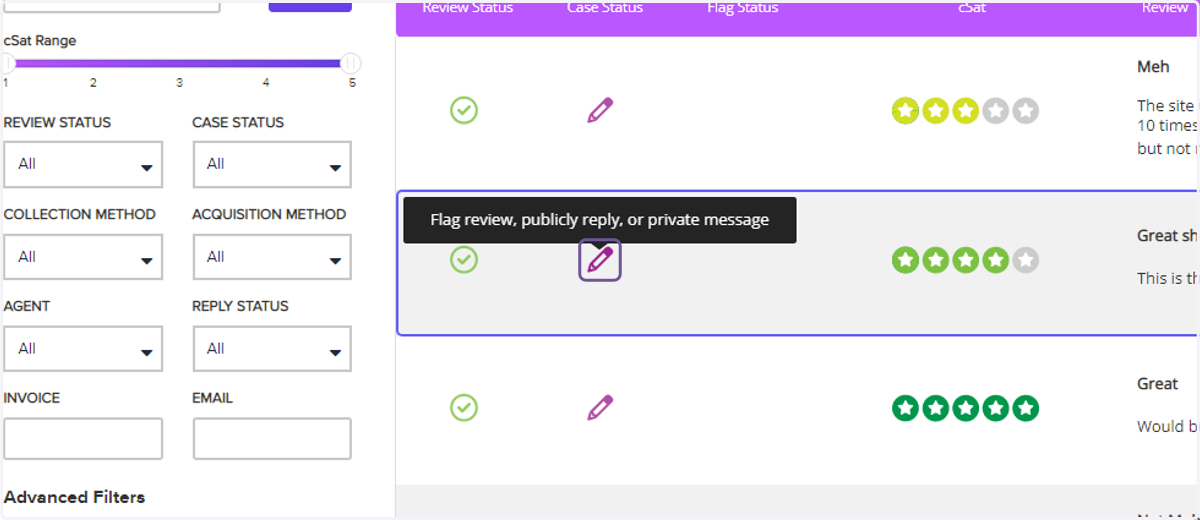
3. Click the pencil icon to open the review content
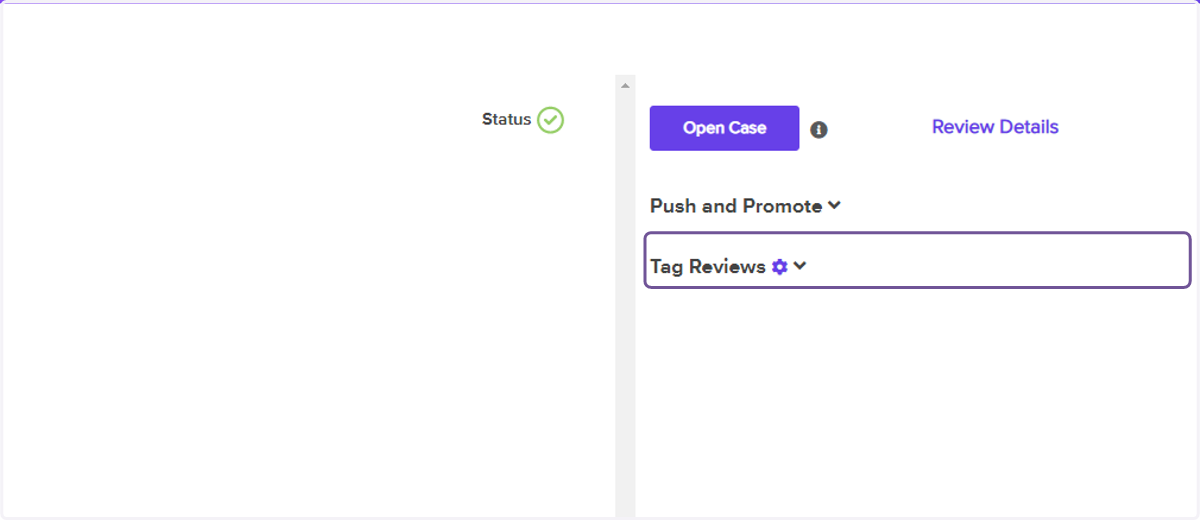
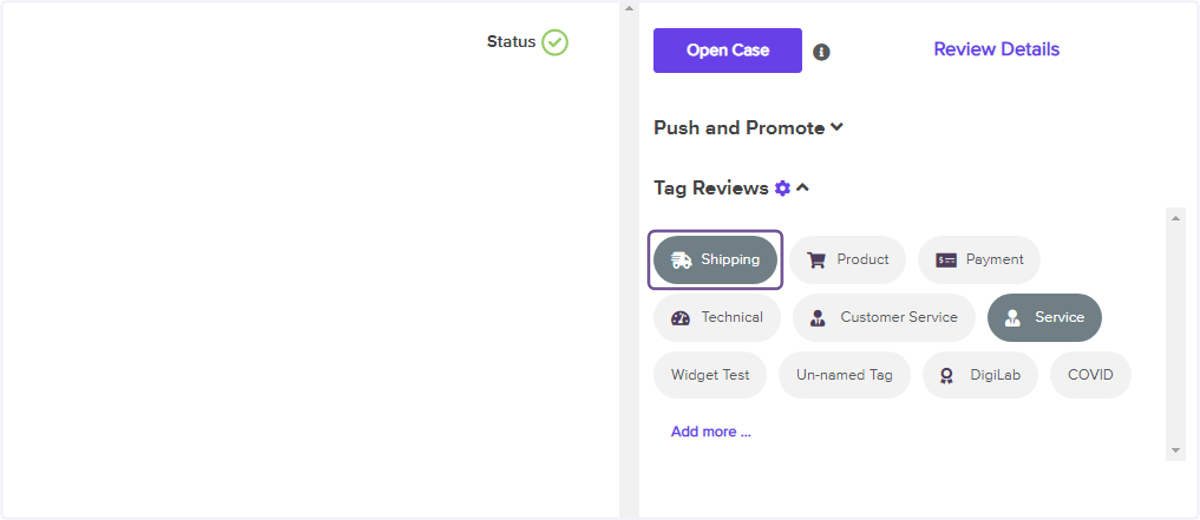
4. Click on Tag Reviews
5. Click on the appropriate tag for the review
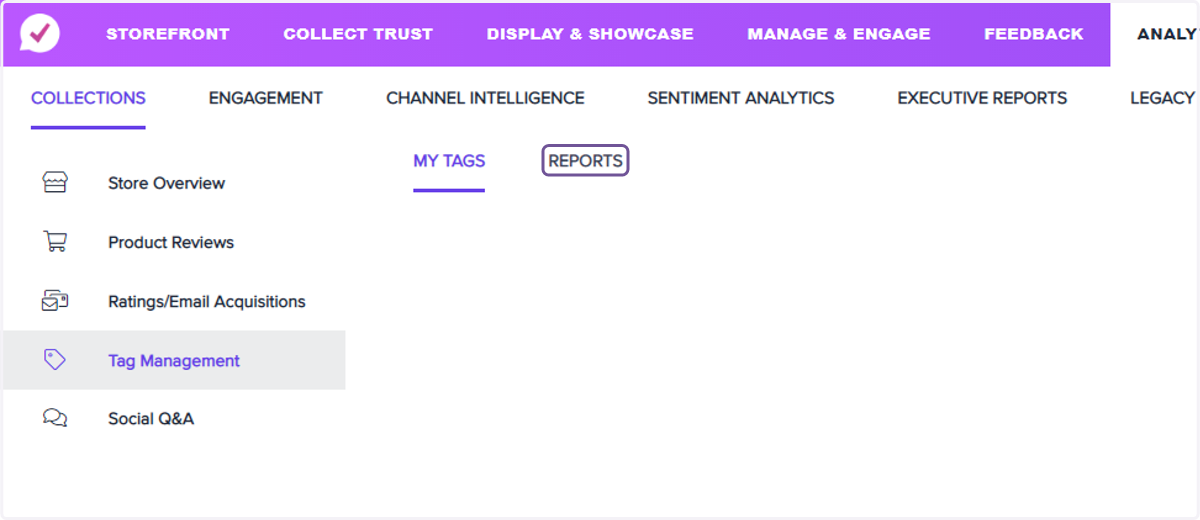
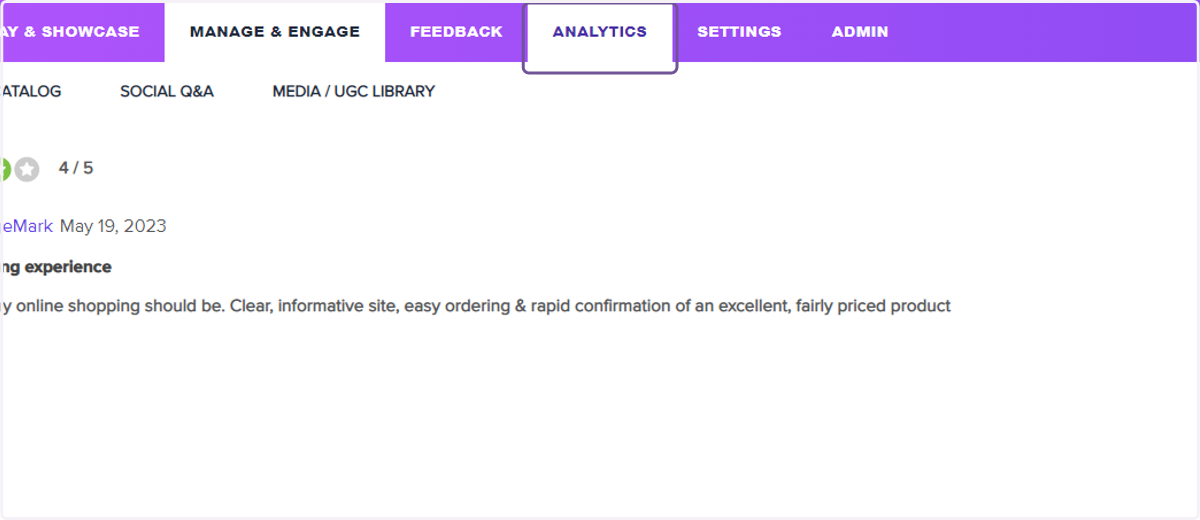
6. Click on Analytics
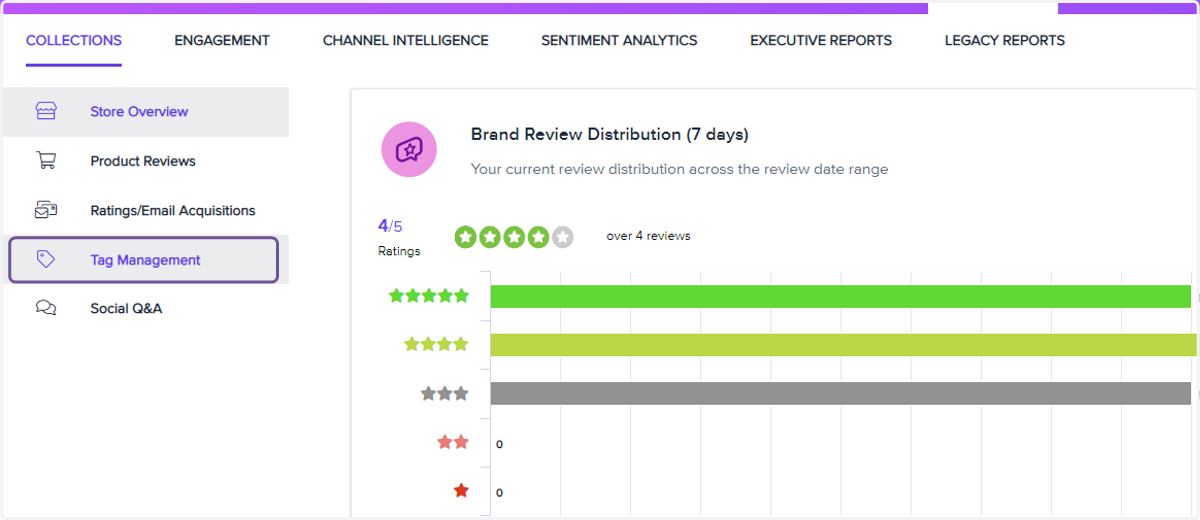
7. Click on Tag Management
8. Click on REPORTS
In the tag management section, you can also create new tags that align with your business goals.