How to Receive Products in Odoo - iLines iProcurement
Odoo
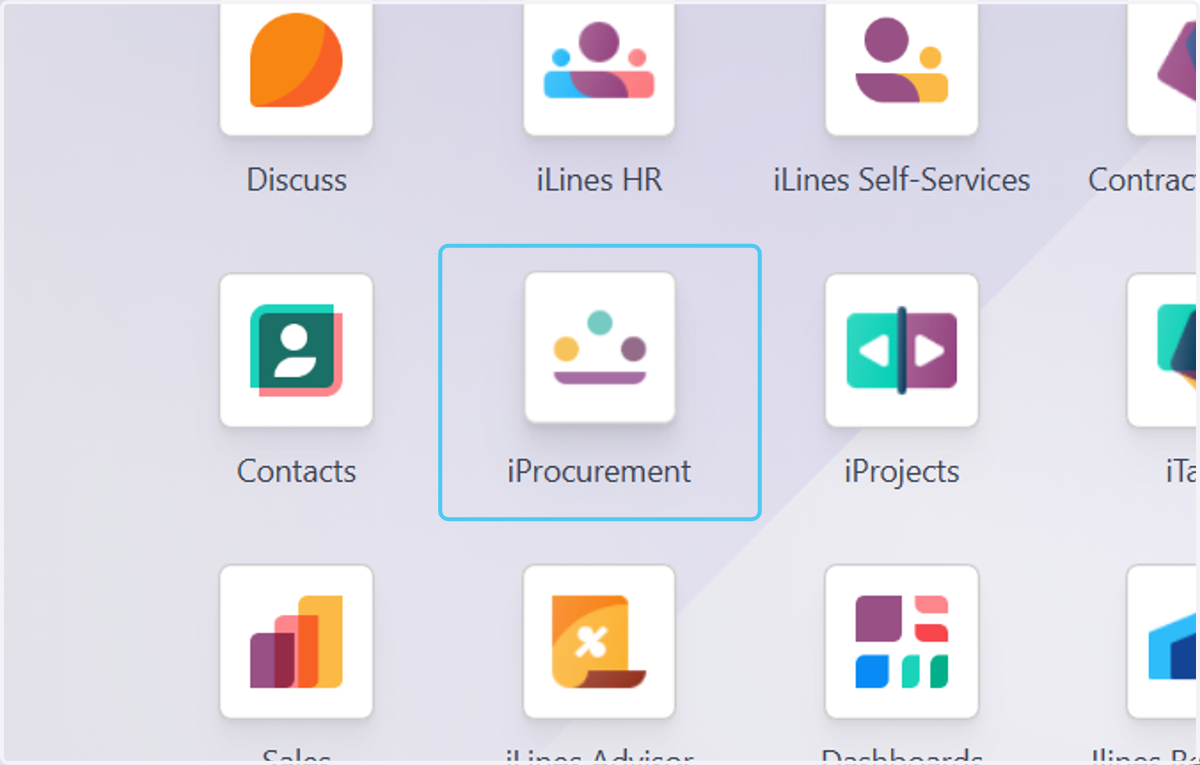
1. Click on iProcurement
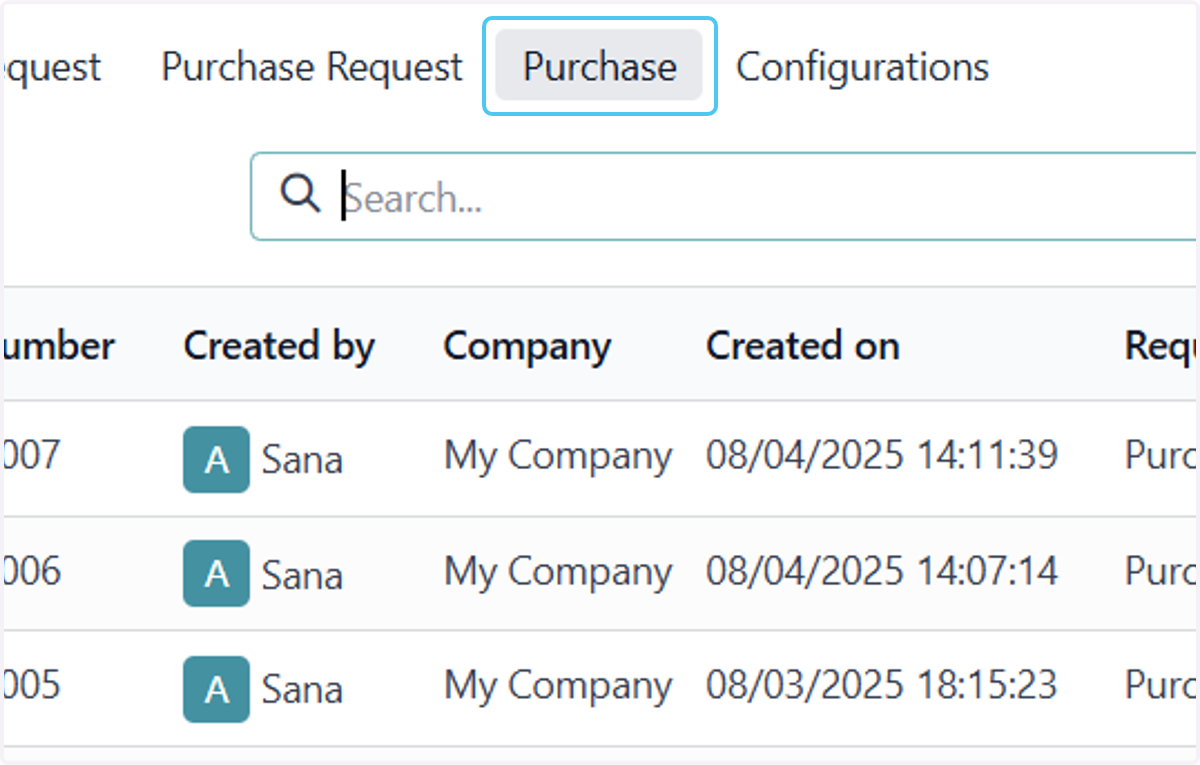
2. Click on Purchase
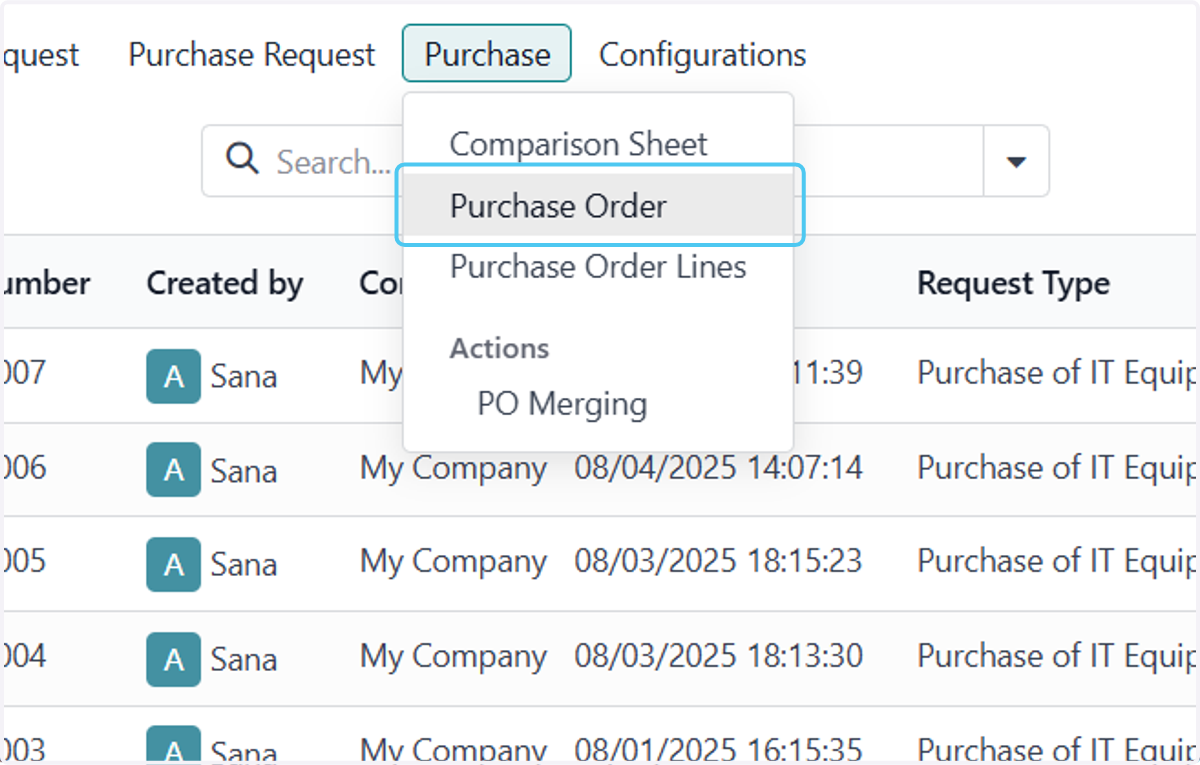
3. Click on Purchase Order
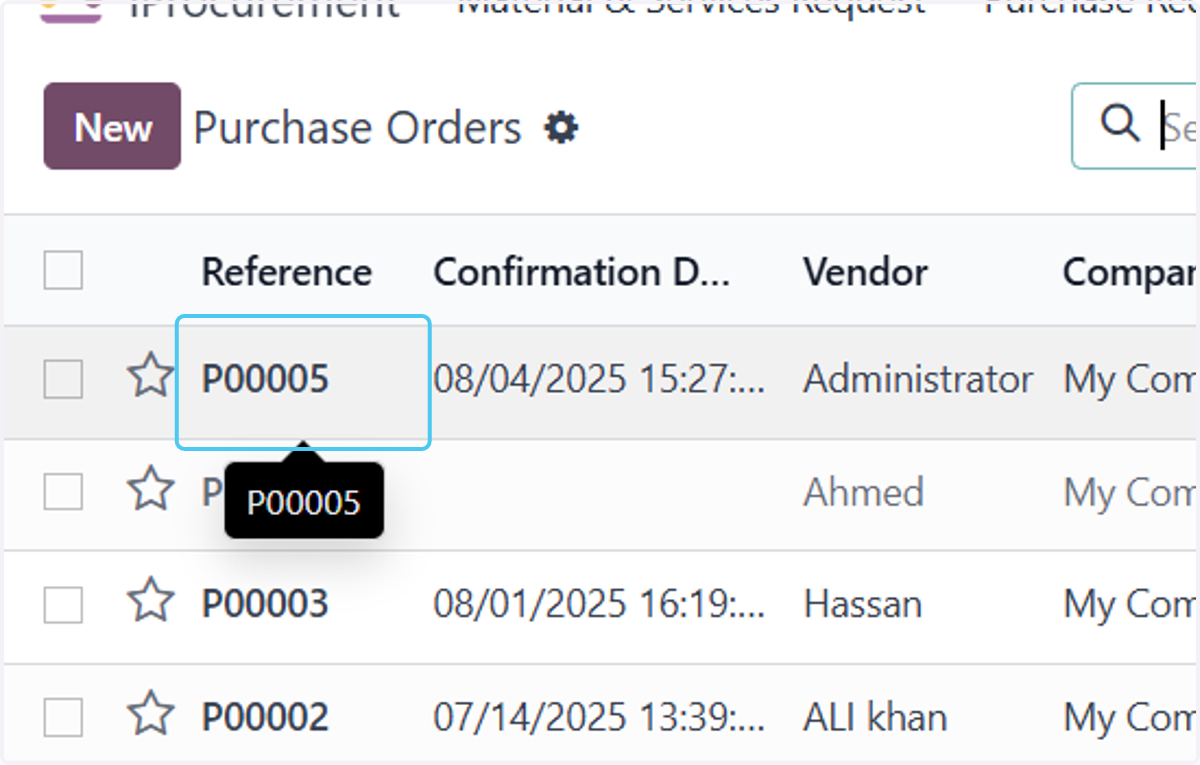
4. Click on P00005
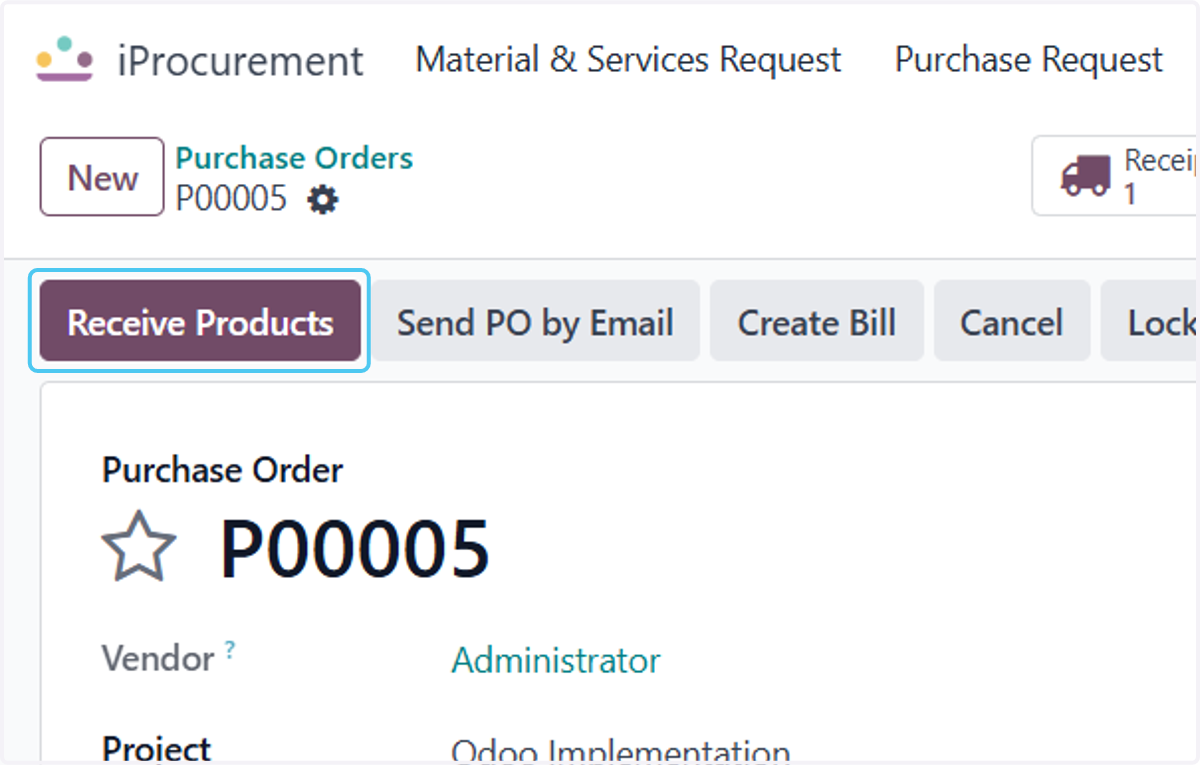
5. Click on Receive Products
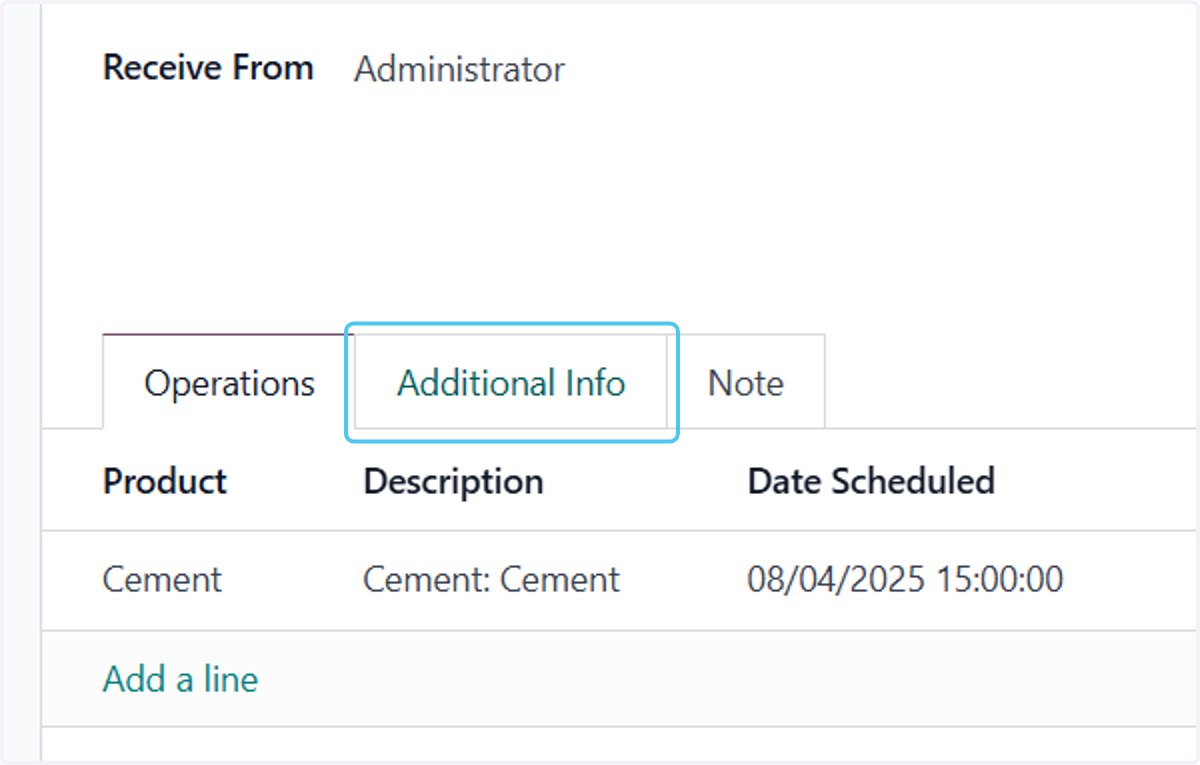
6. Click on Additional Info
add additonal Info if you want to
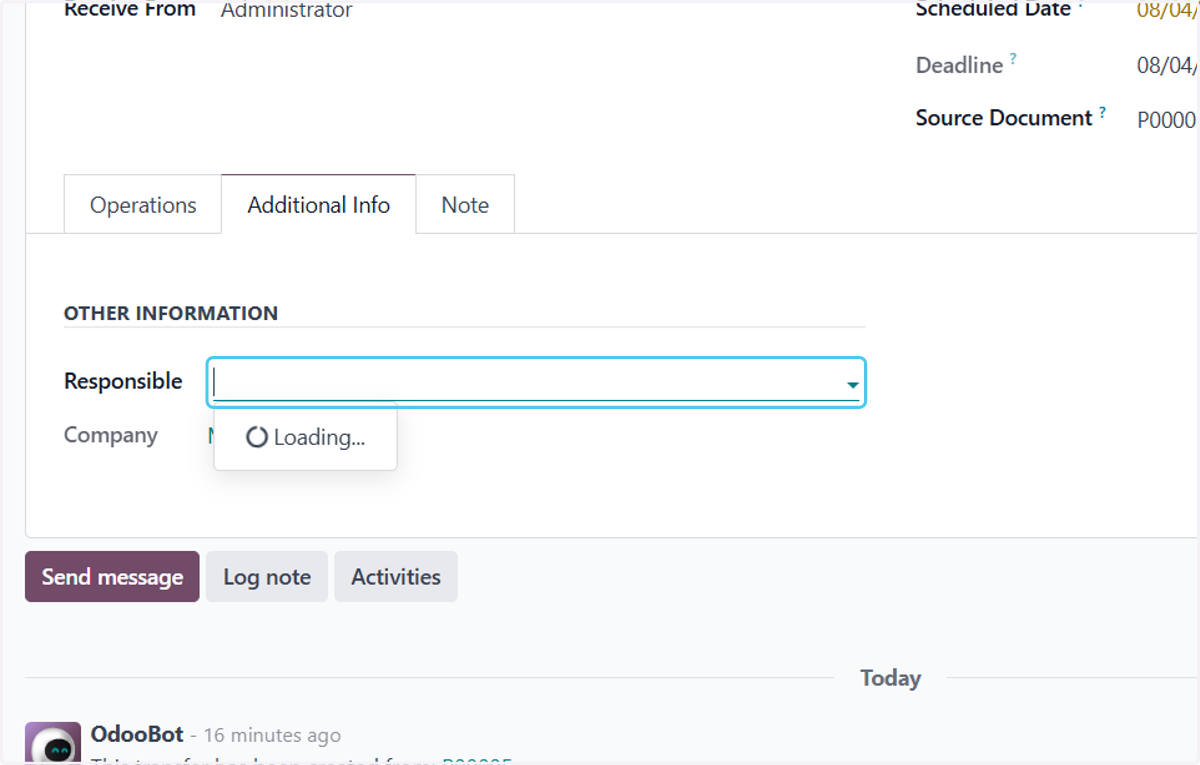
7. Click on Responsible
Select the person who is responsible for receiving Product
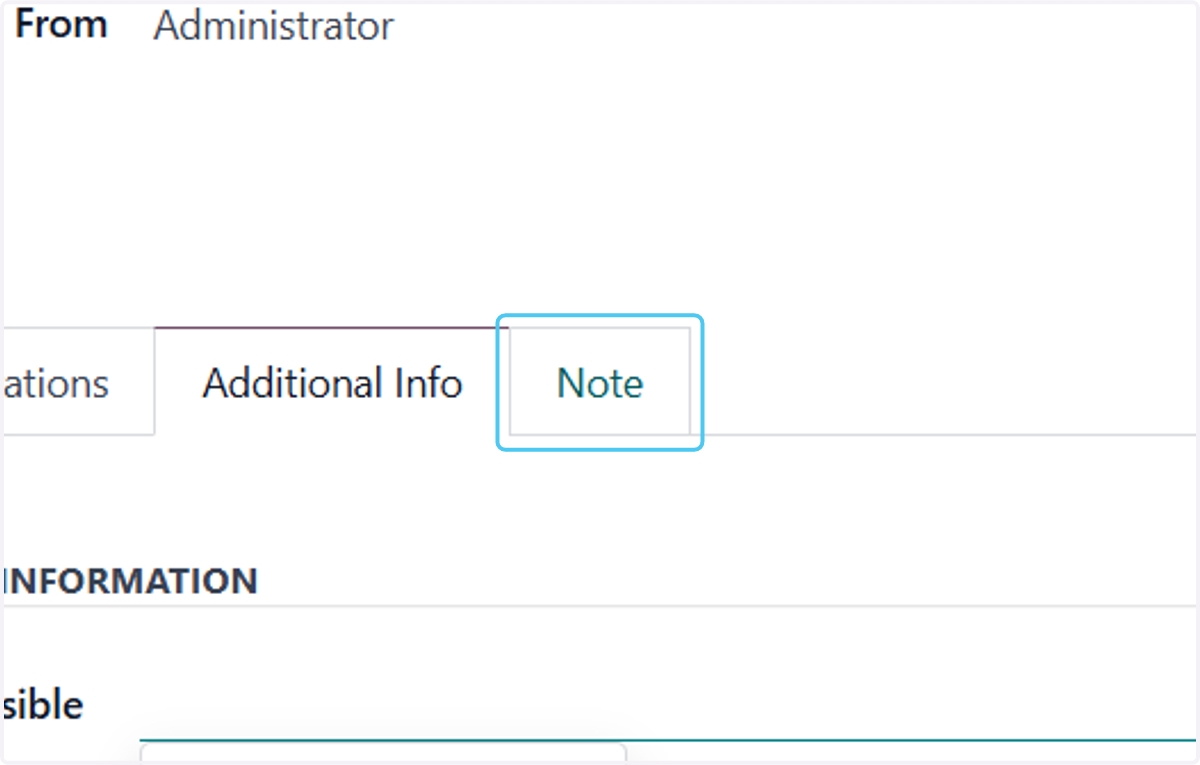
8. Click on Note
You can Also Add a note if you want related to this receiving
9. Type$ {label}
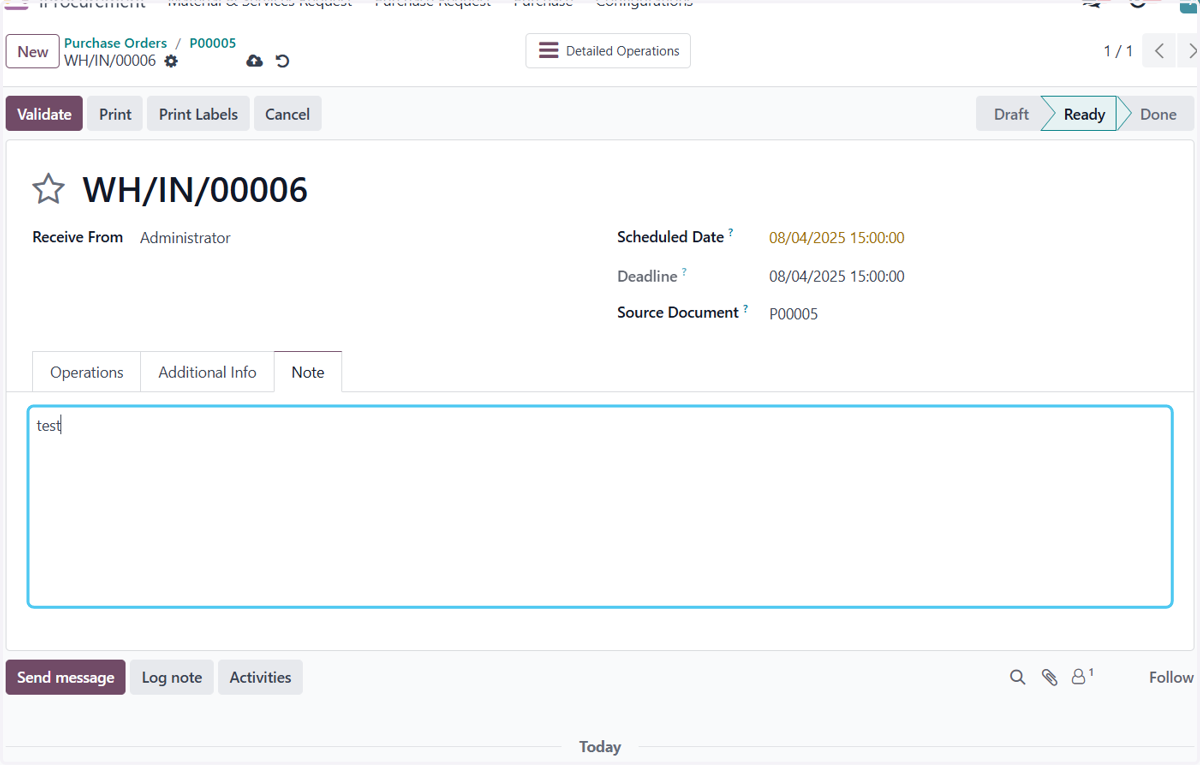
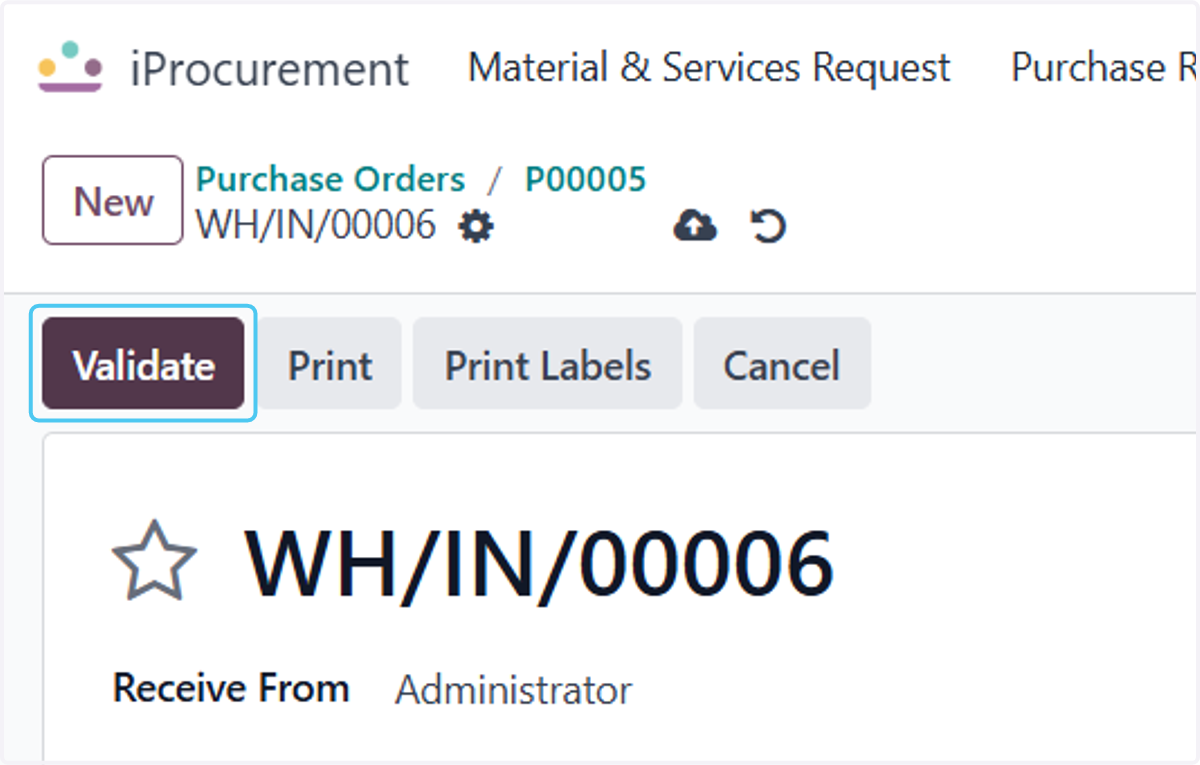
10. Click on Validate
After the data validaiton click on Validate Button to Validate the Receiving