How to create a status filter
PhoneRaise
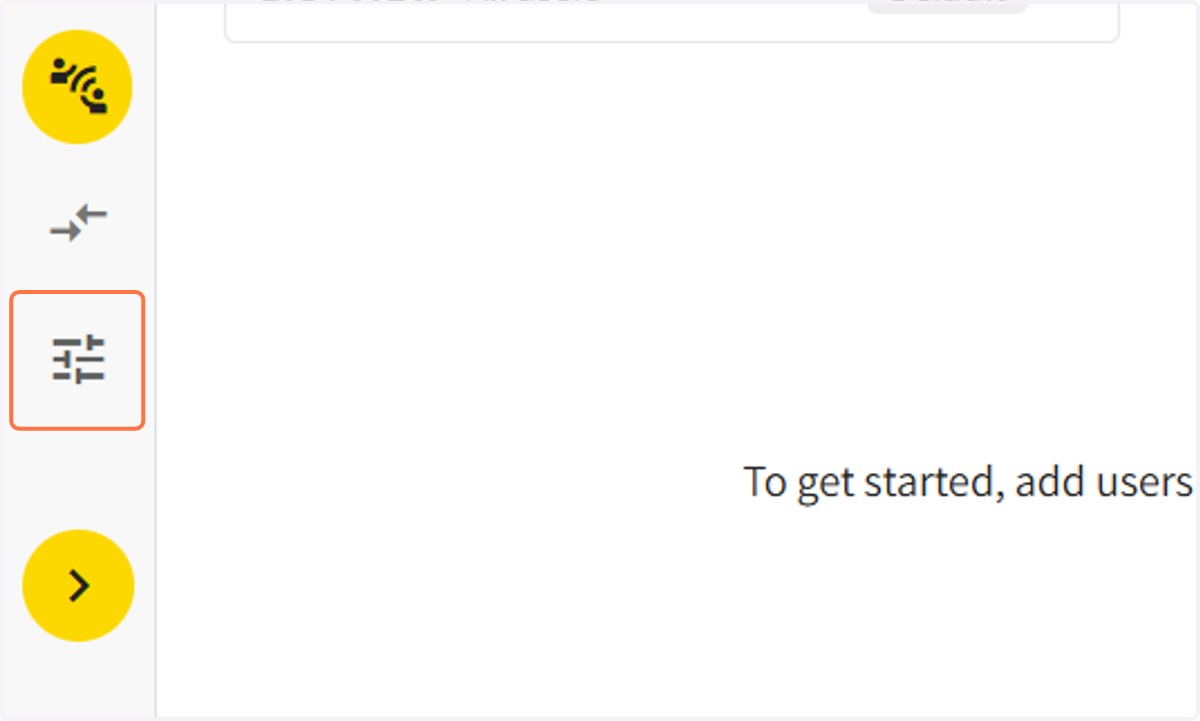
1. Click on the 'CAMPAIGN SETTINGS' icon on the left hand guide bar
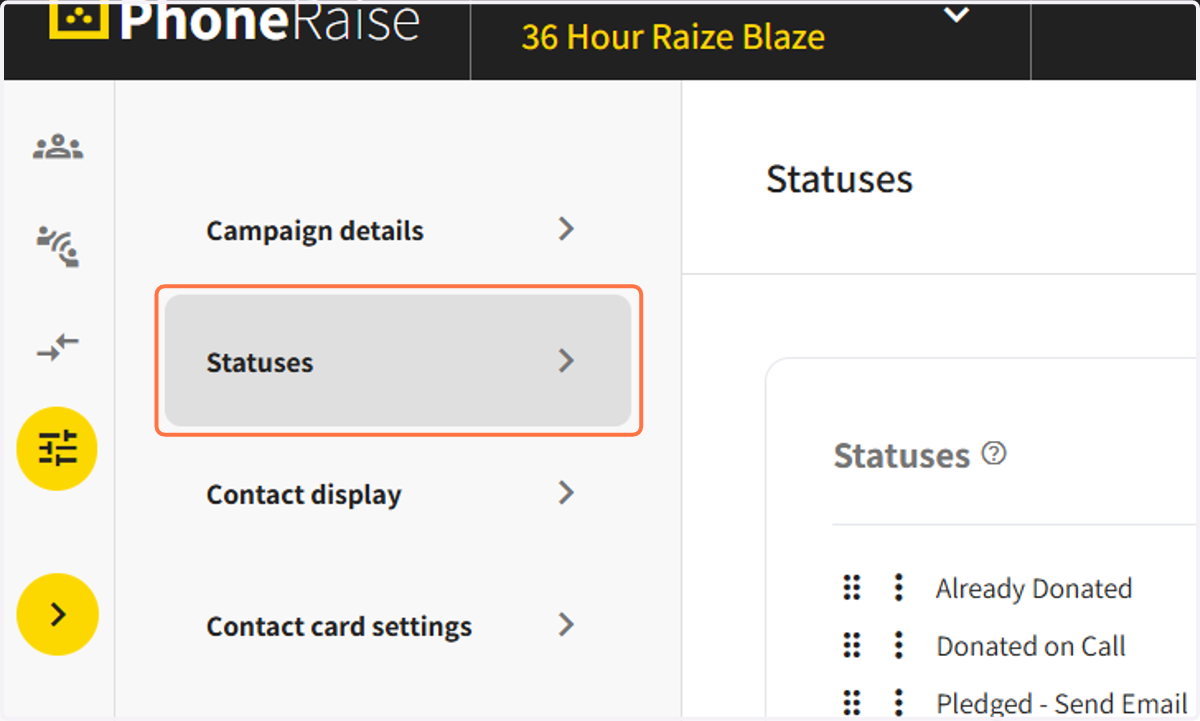
2. Click on Statuses and scroll down to where it says options
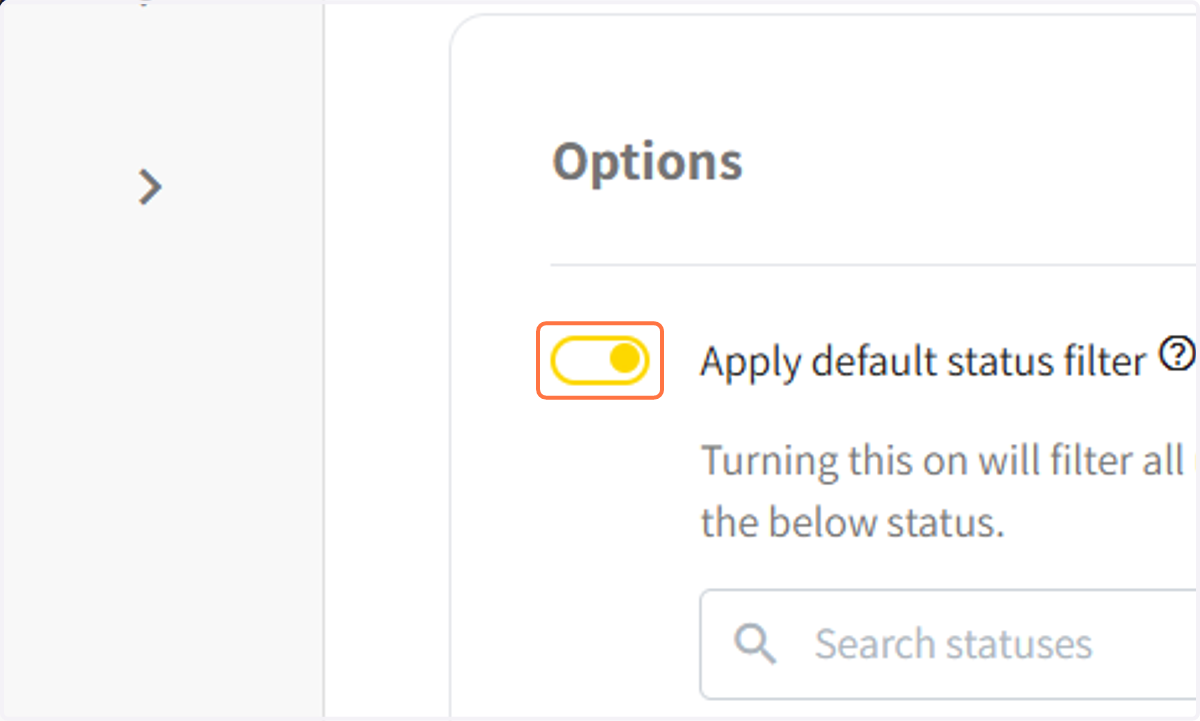
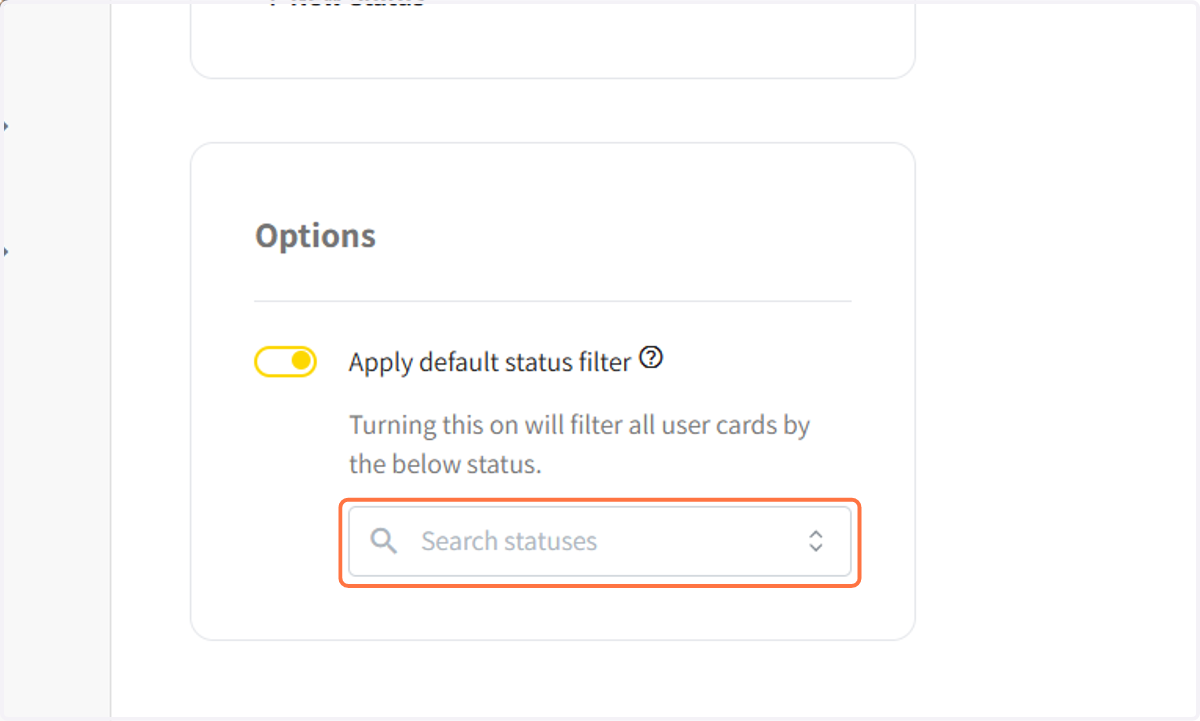
3. Toggle on the status filter
You can choose which contacts your users can see when using the mobile web app based on their contact status. This is helpful for hiding people who have a bad number or have already donated from being called again.
4. Click on 'search statuses' to select statuses to apply
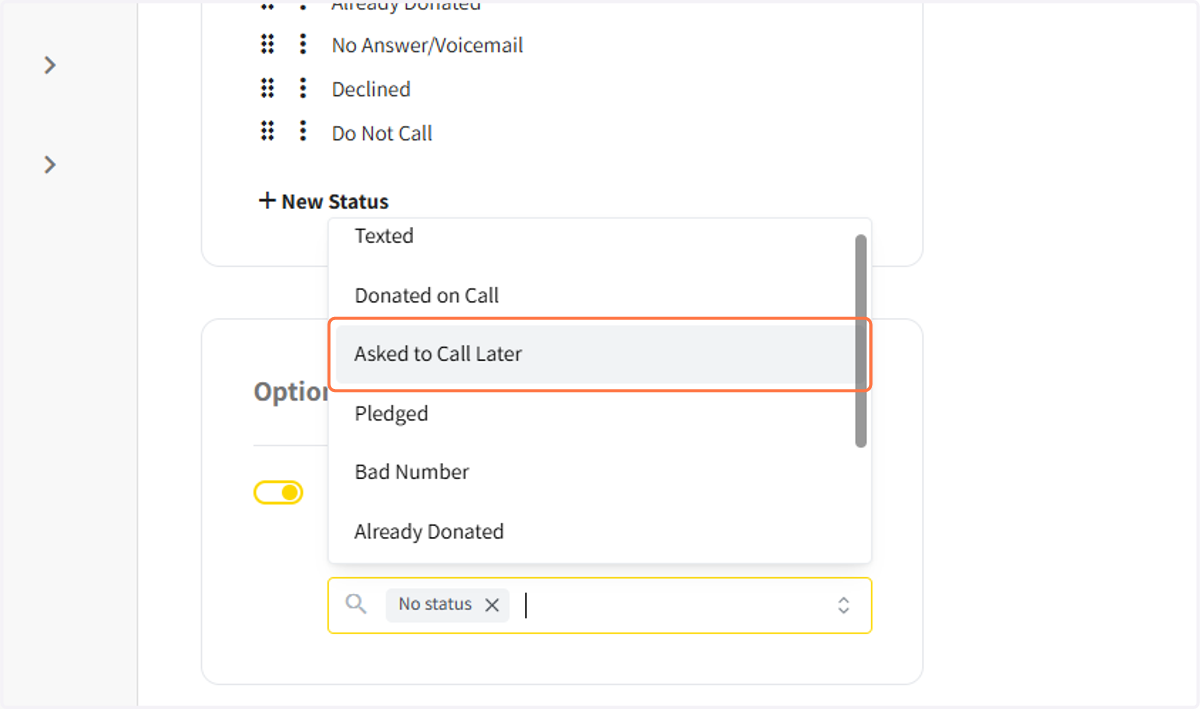
5. Select the contact statuses that should appear for users
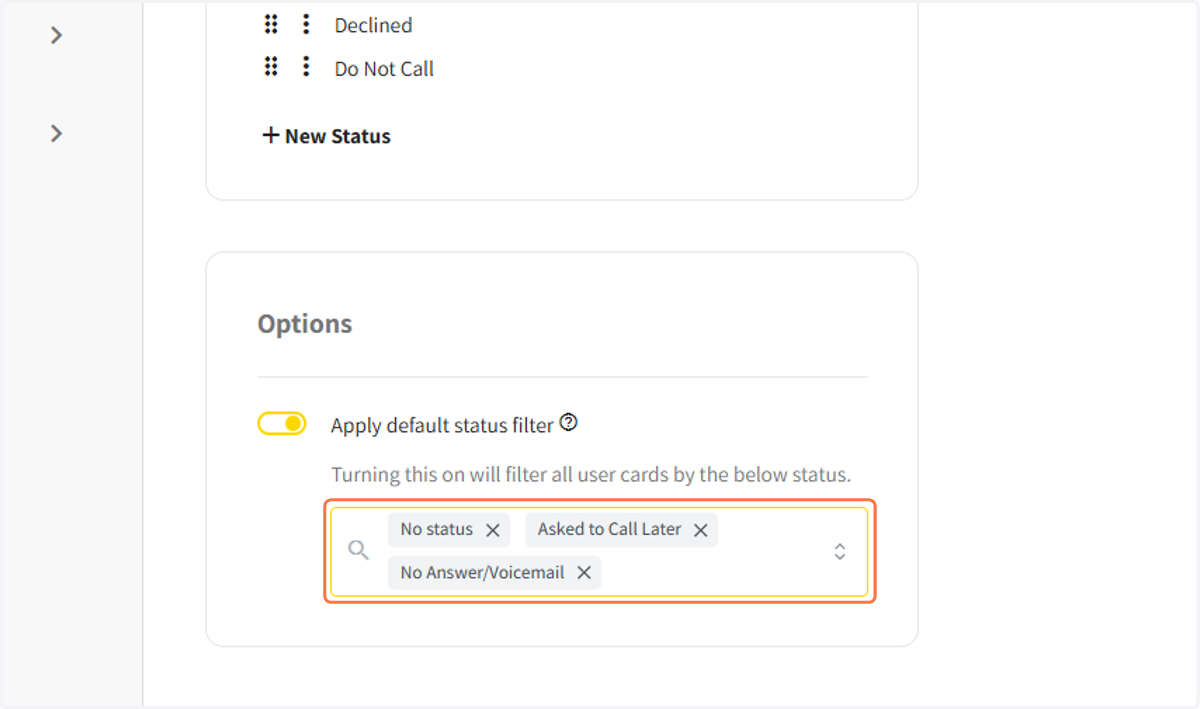
6. You can see all the statuses you have chosen to display.
7. Click on SAVE to save the filter