Assigning a Bill after it has already been Tracked
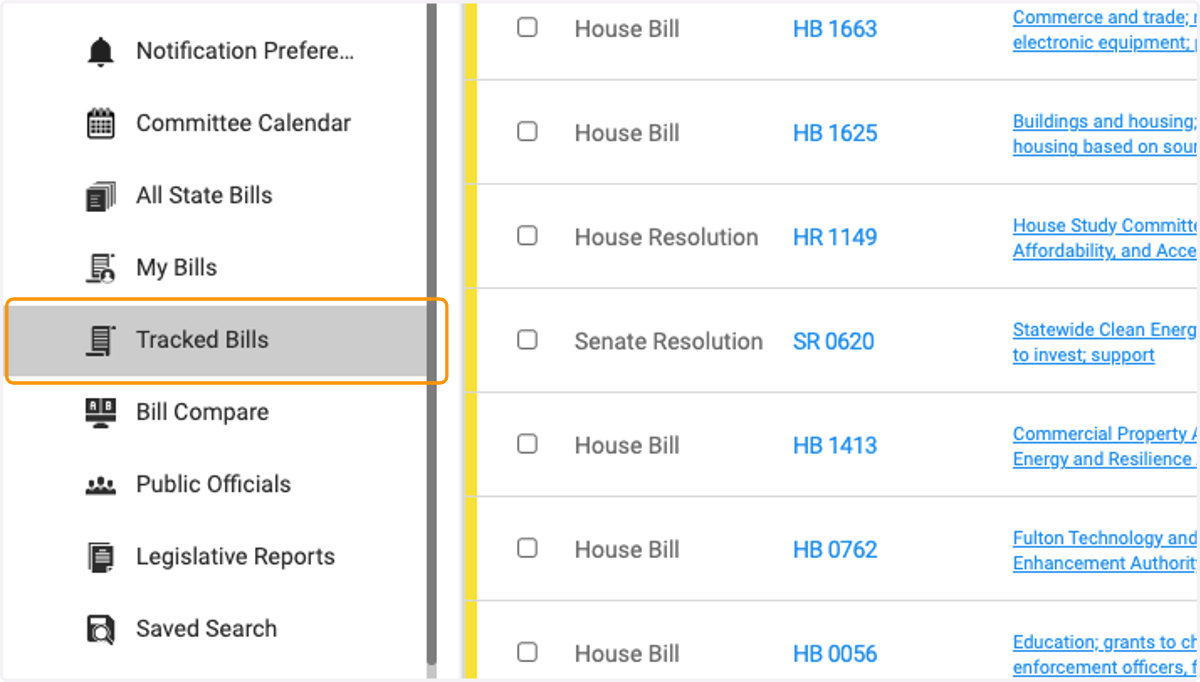
1. Navigate to the Tracked Bills tab
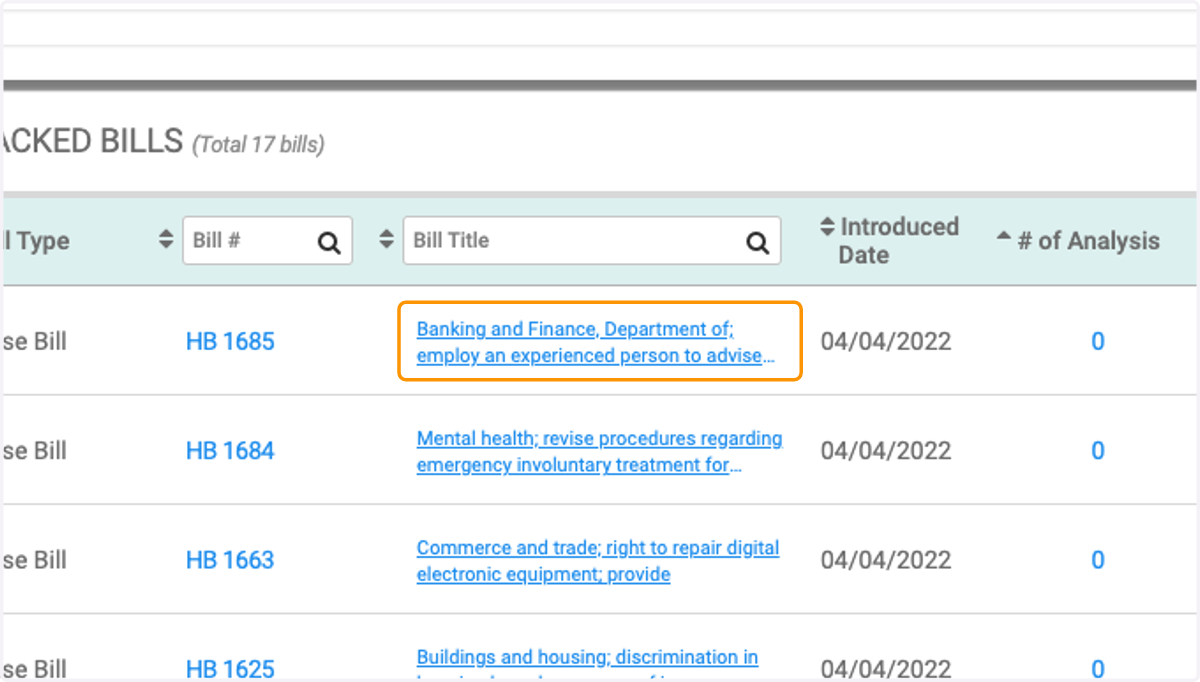
2. Click on the bill you'd like to assign to open up the Bill Detail page.
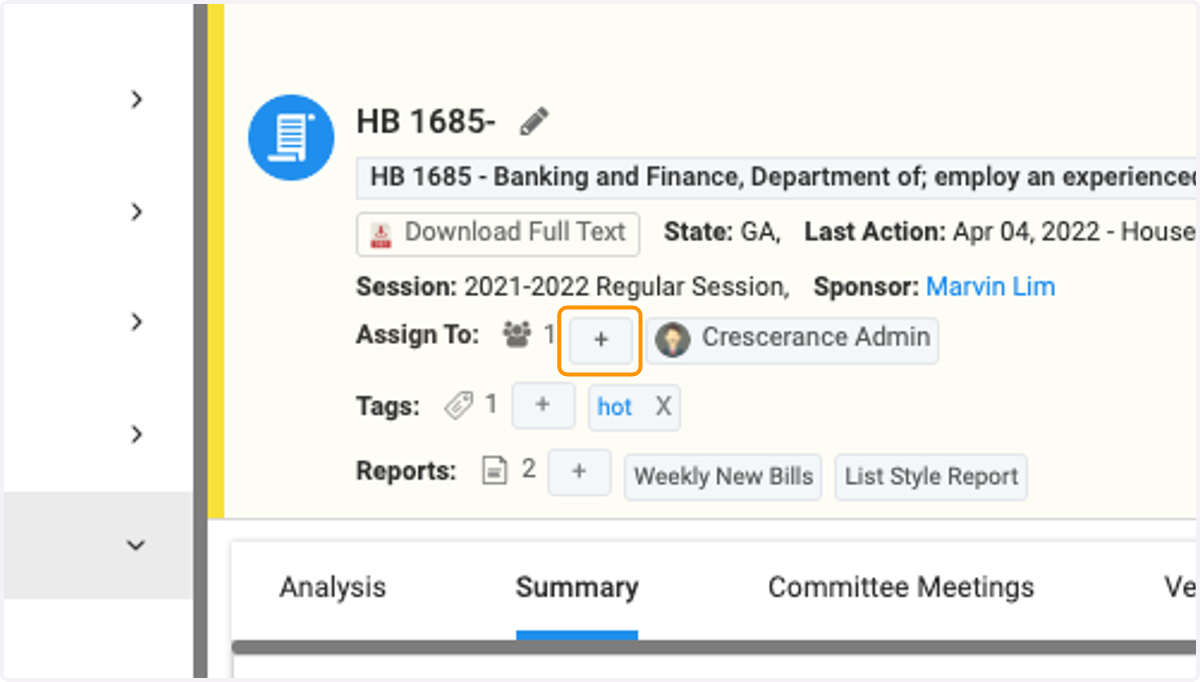
3. Click on the plus sign next to 'Assign To:' on the bill detail page
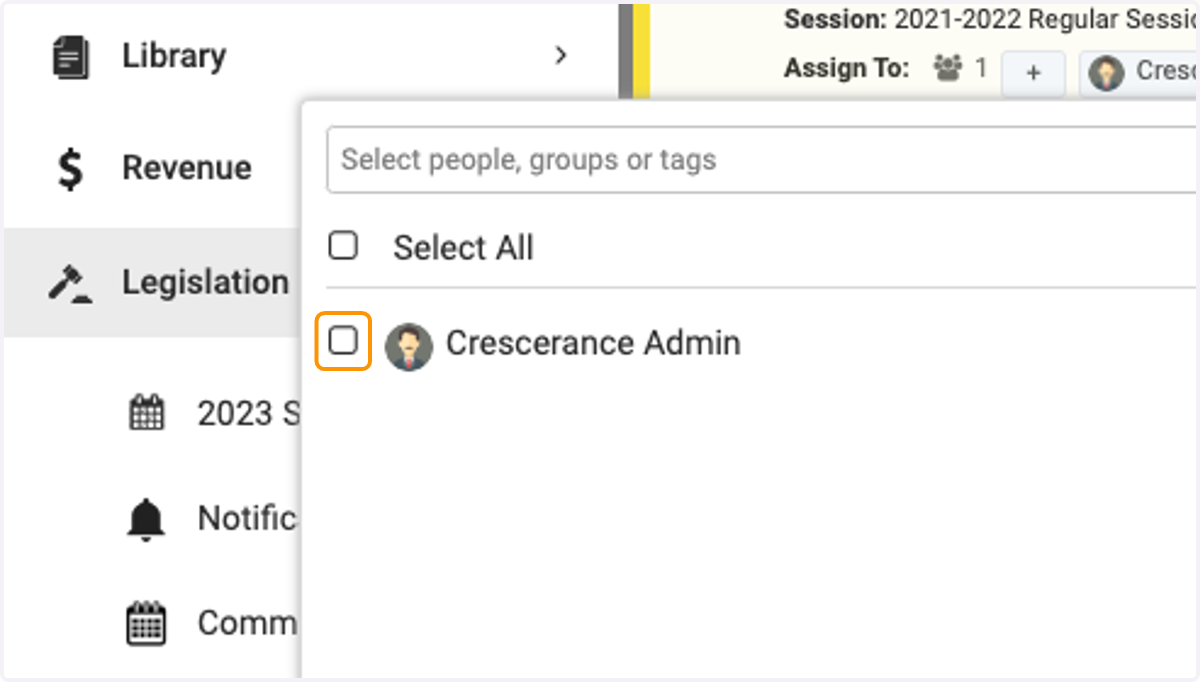
4. Select the desired users and/or groups for assignment
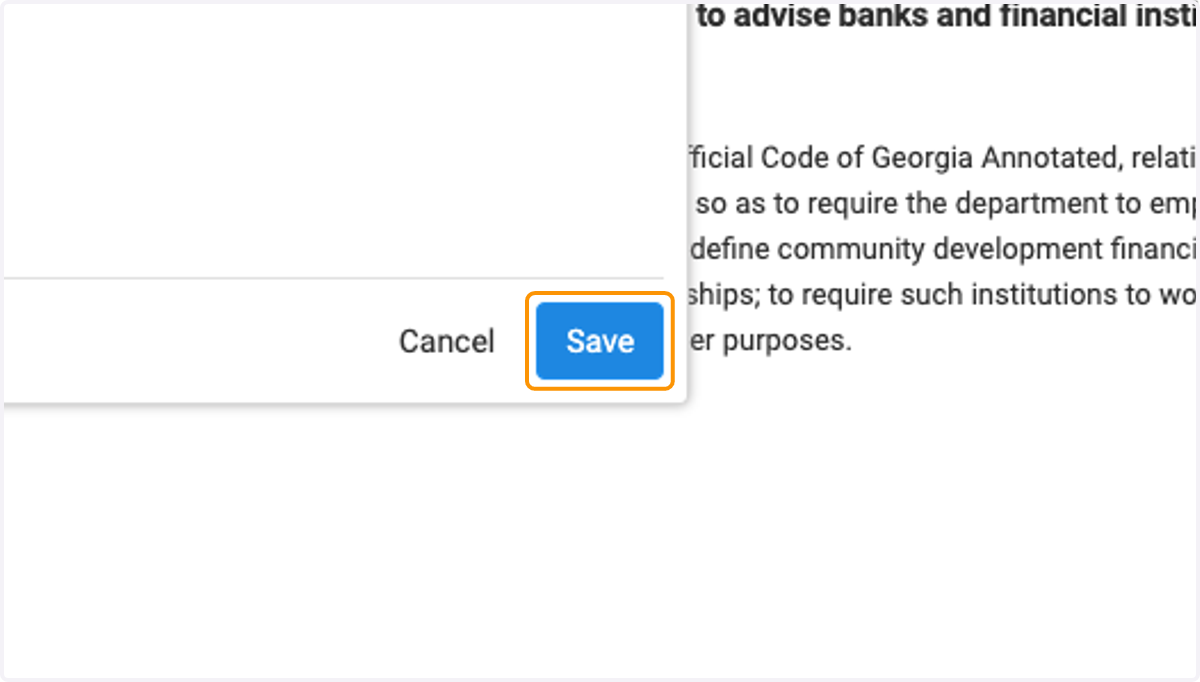
5. Be sure to click 'Save' when done!