Auditing TUx Components
Chateau
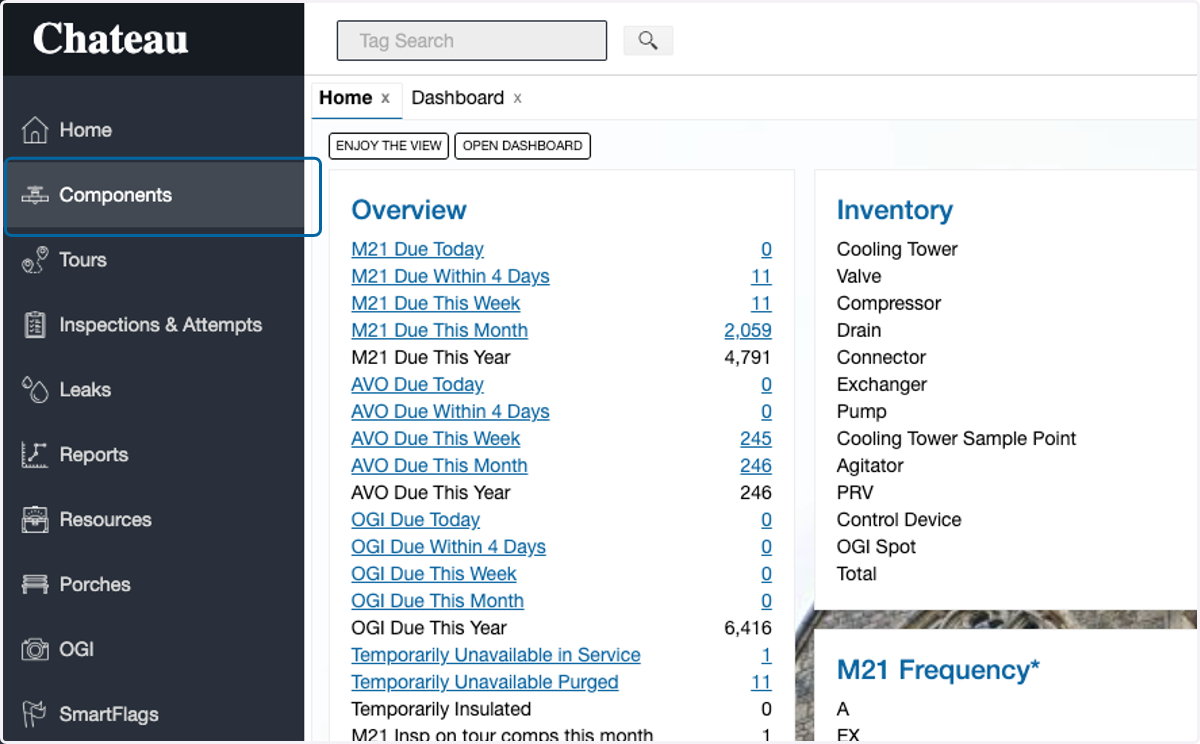
1. Click on Components
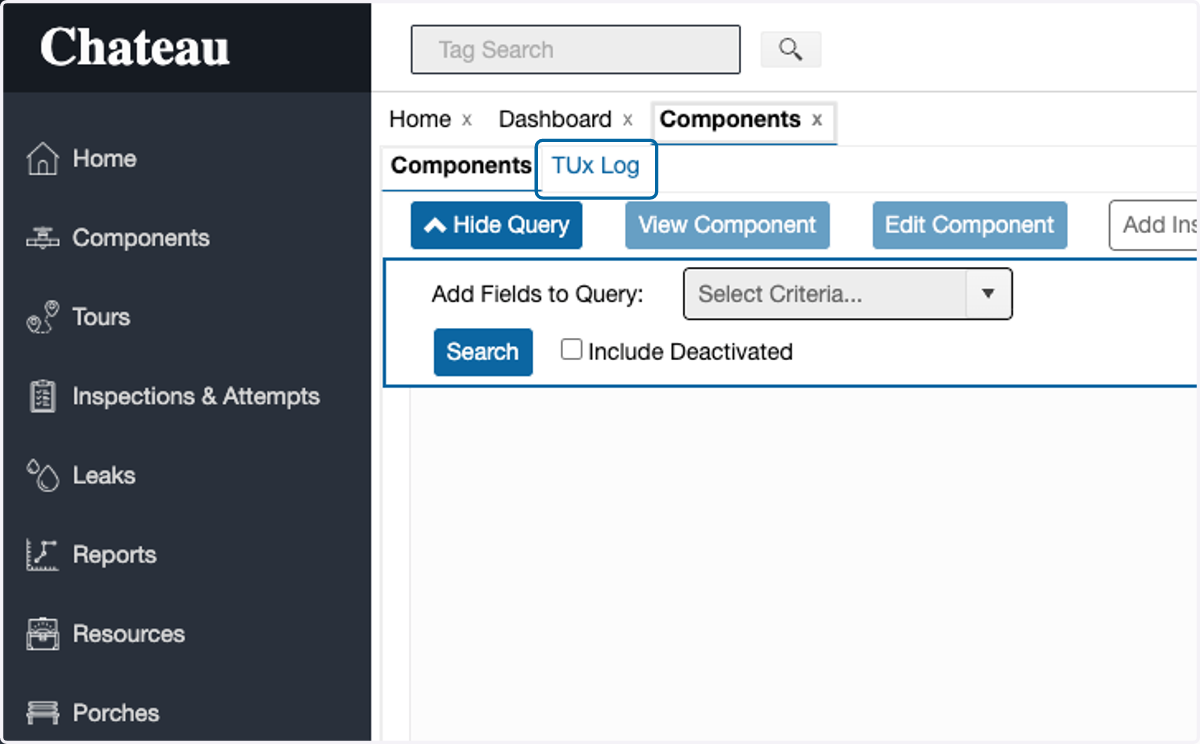
2. Click on TUx Log
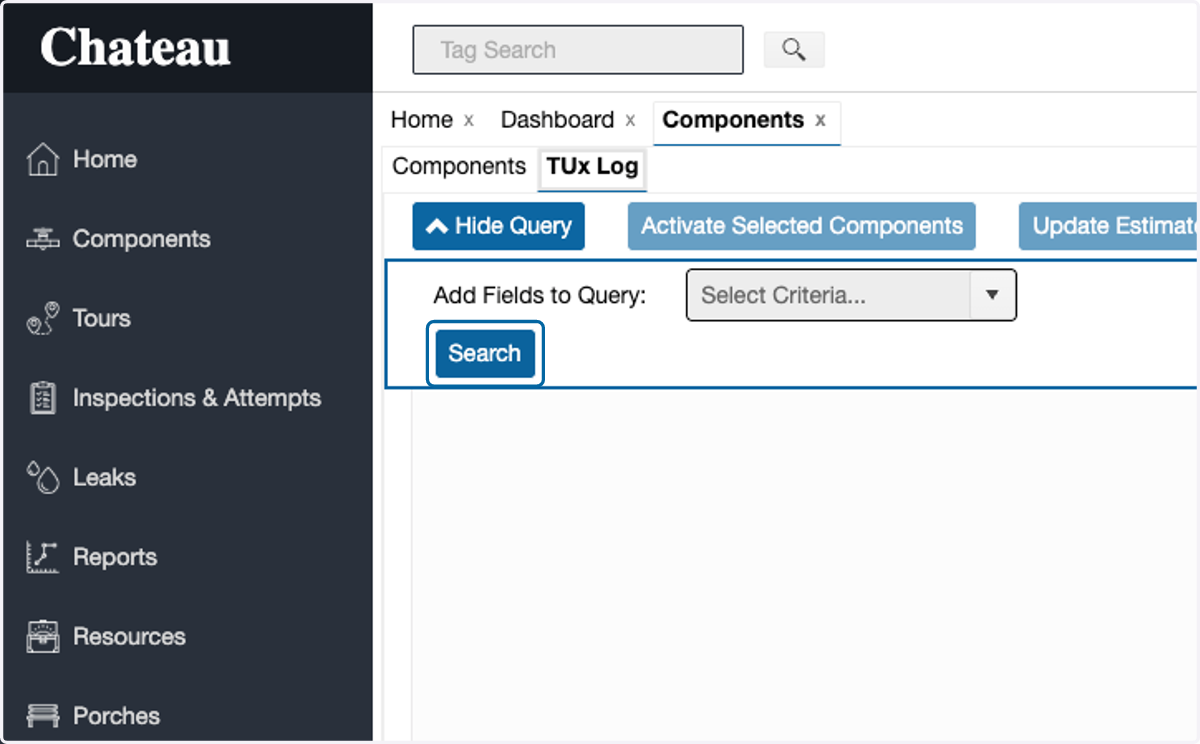
3. Click on Search
Option: set query to filter for desired TUx components to be reviewed before clicking search
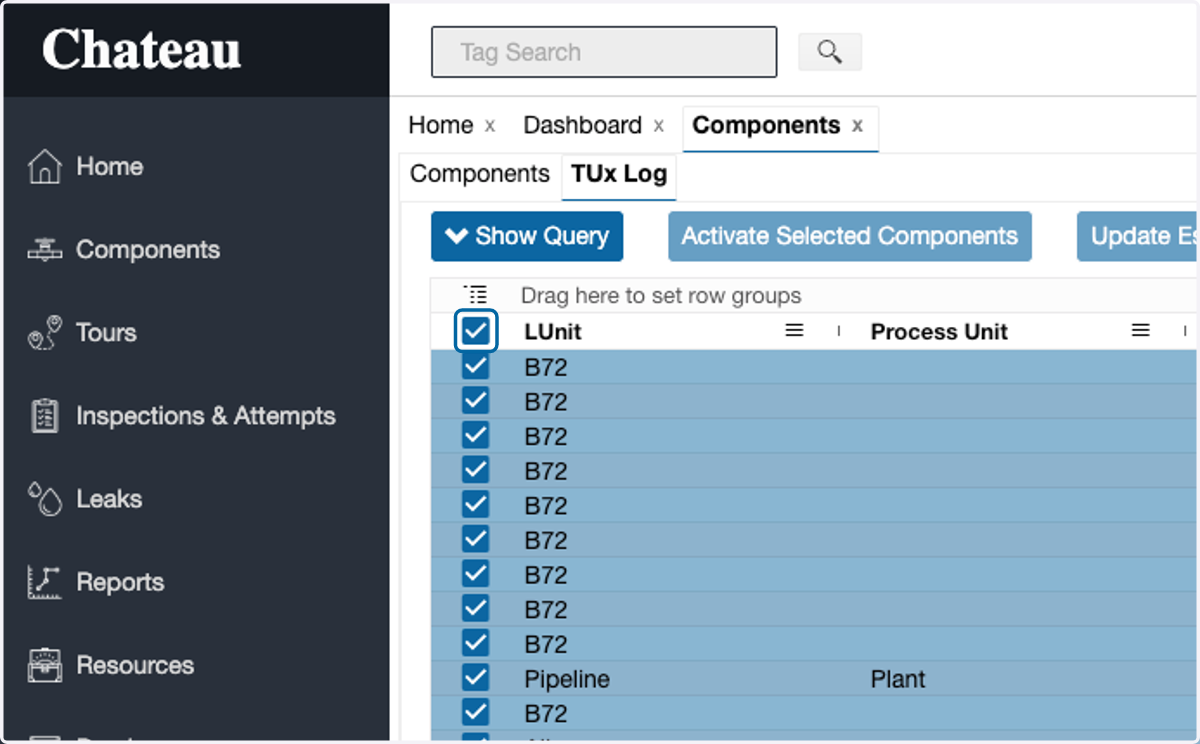
4. Select all components in the grid
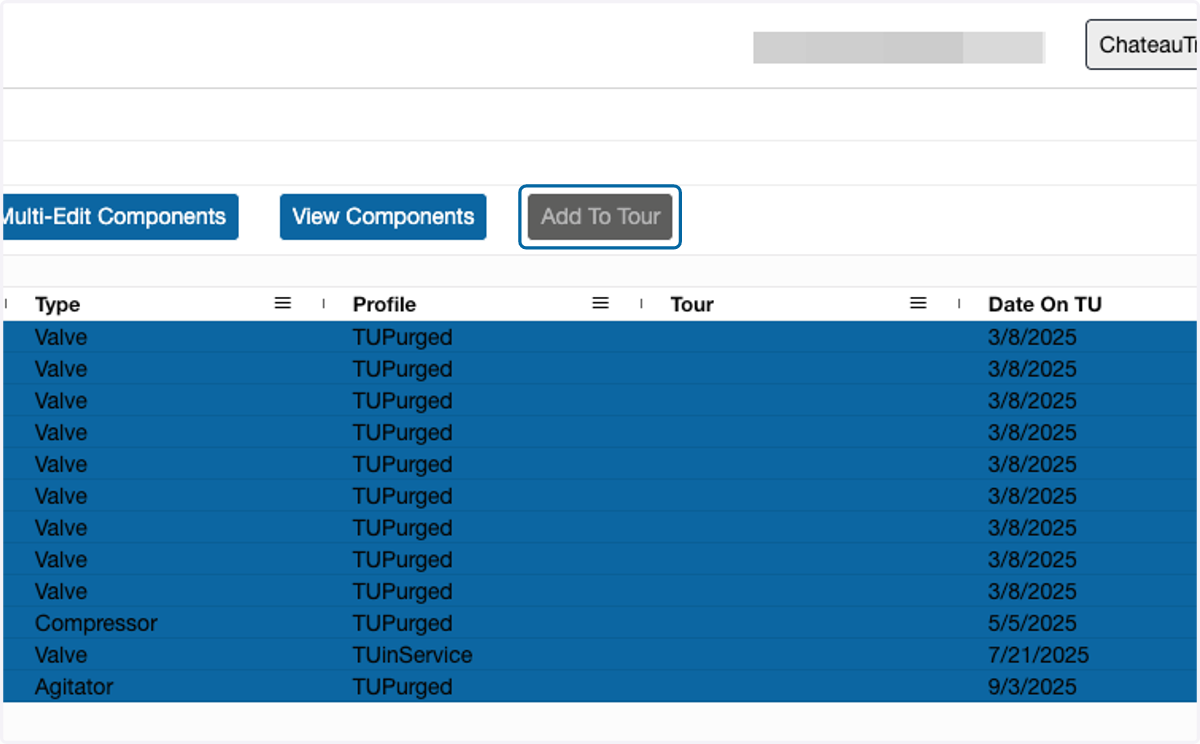
5. Click on Add To Tour
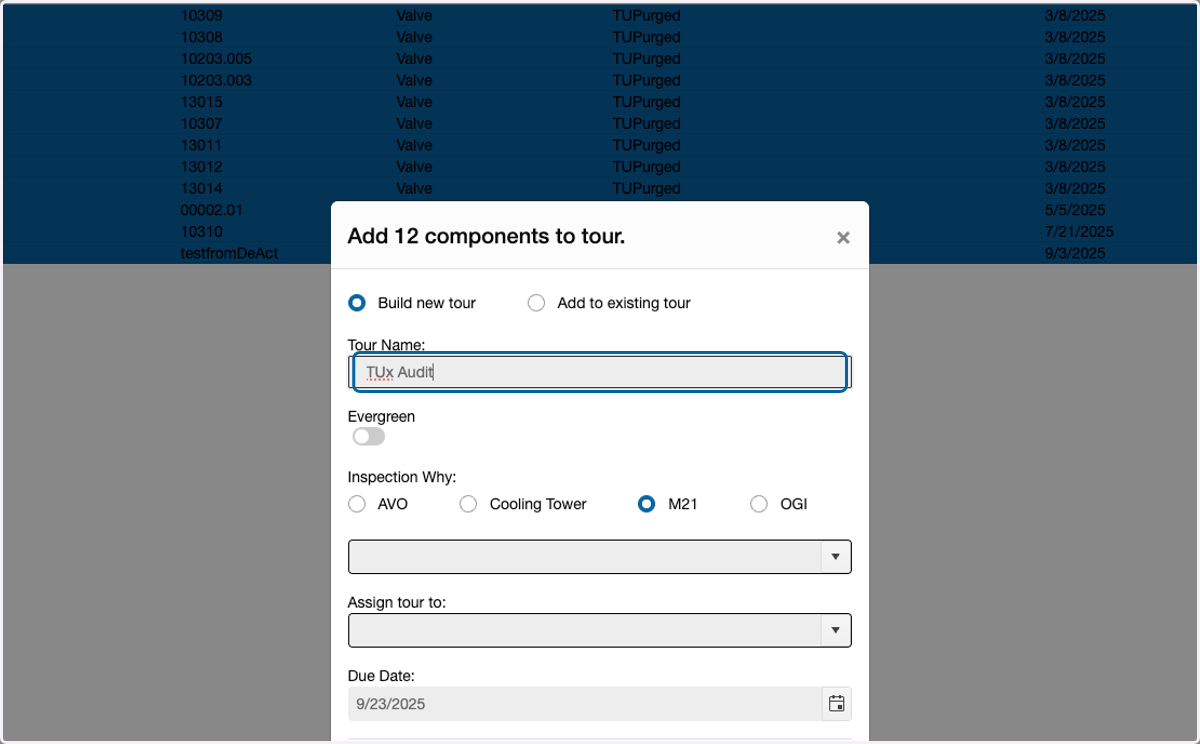
6. Enter a name for the tour
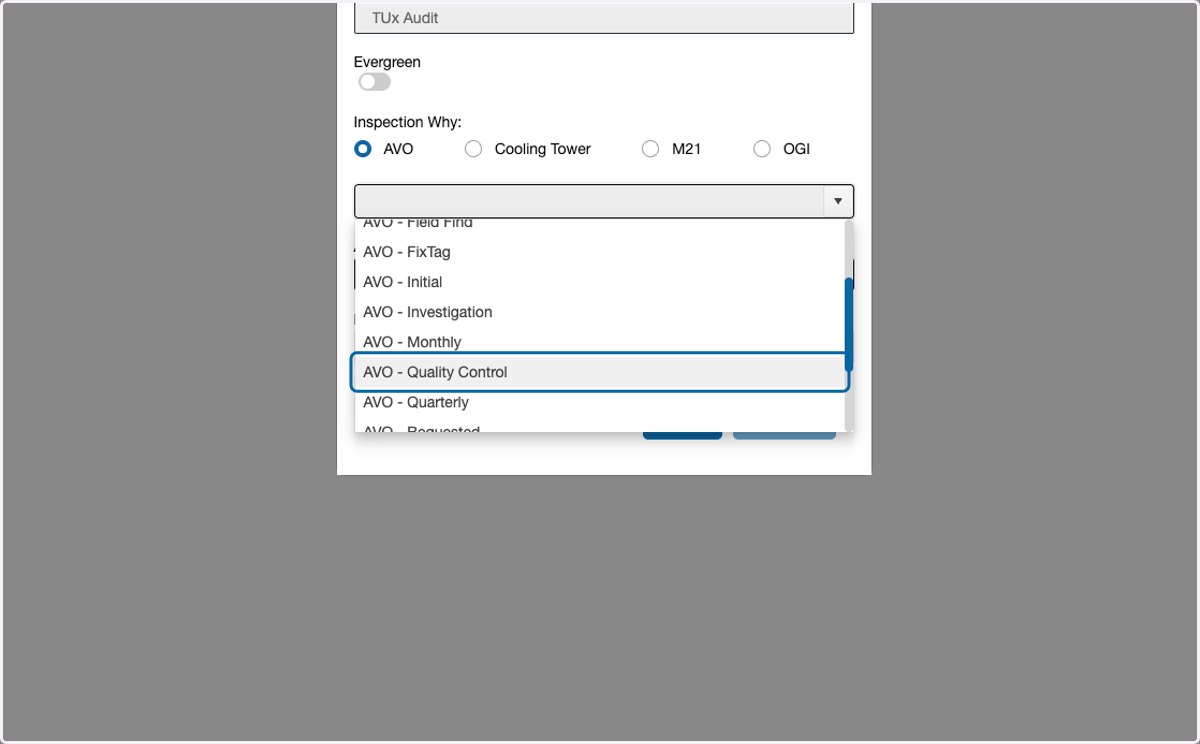
7. Select the AVO radio button
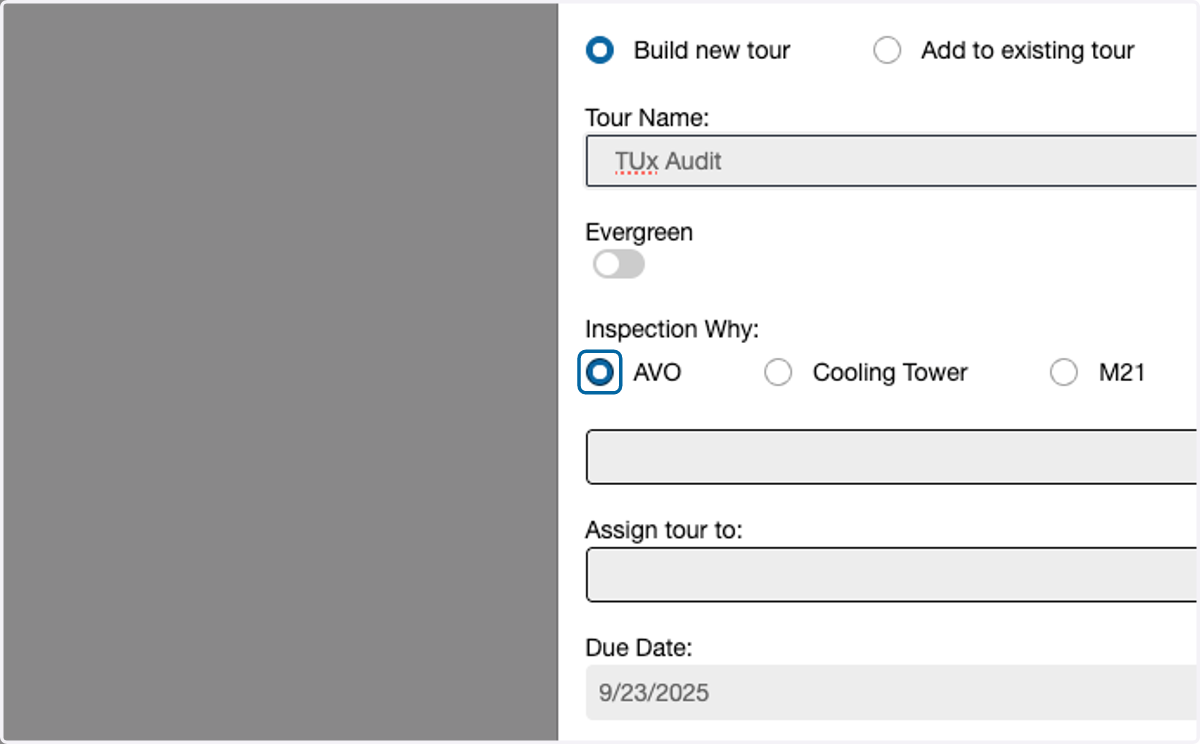
8. From the picklist, select "AVO - Quality Control"
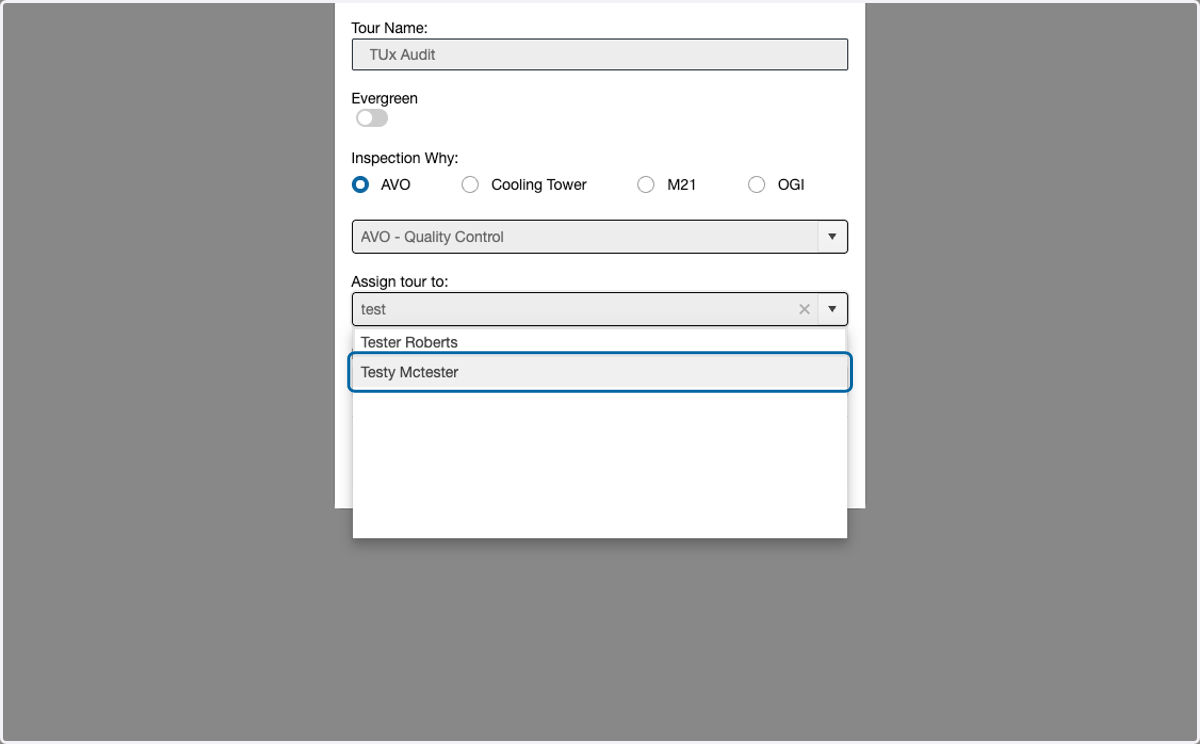
9. Assign the tour to a technician
10. Select the tour due date
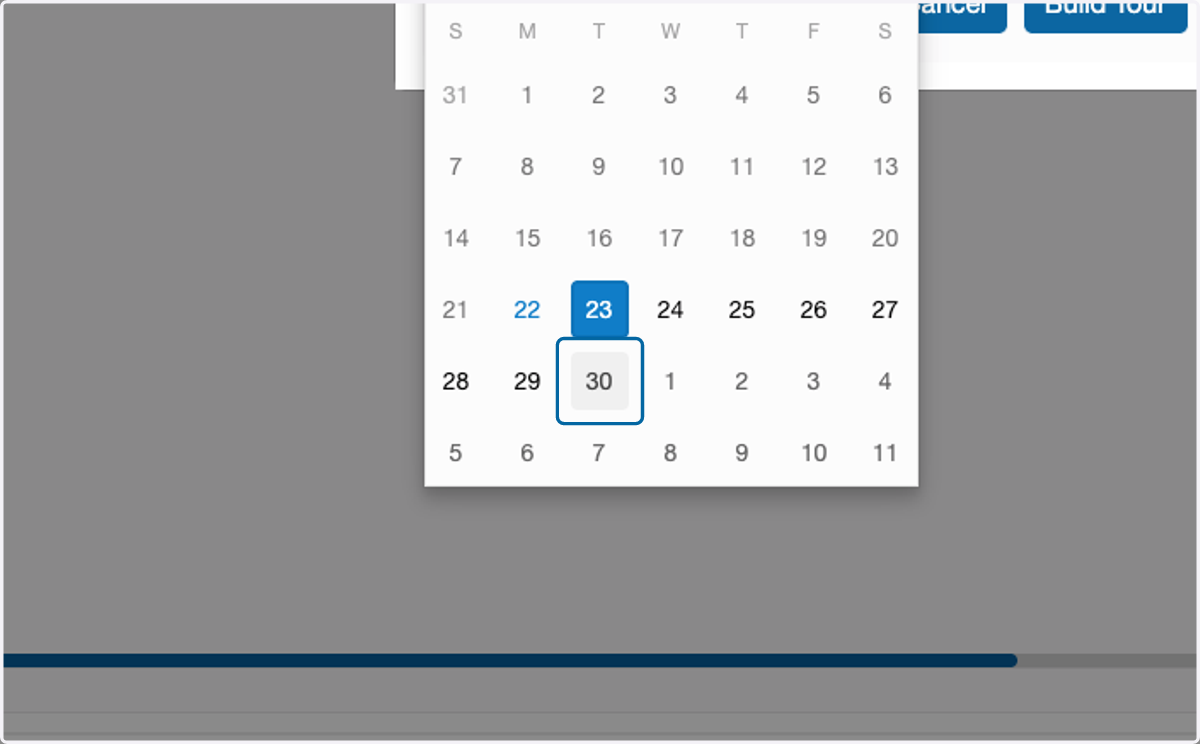
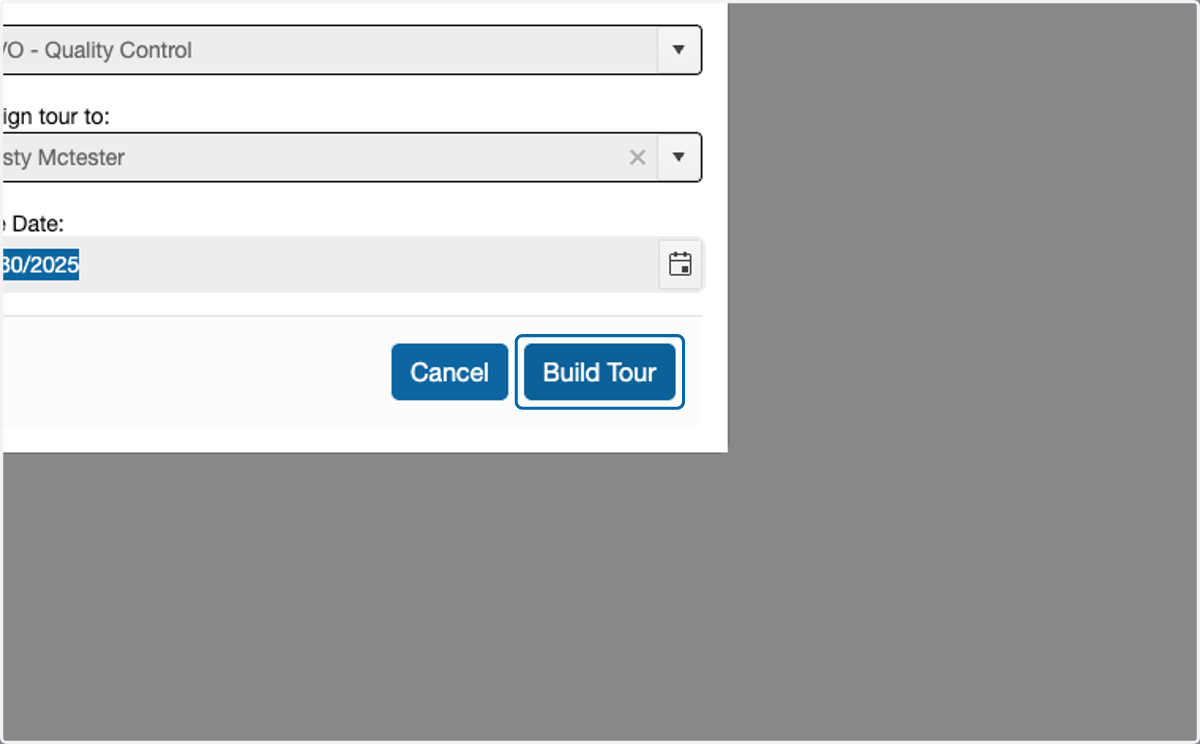
11. Click on Build Tour