Remove Administrator from a database in Majordomo
Chateau
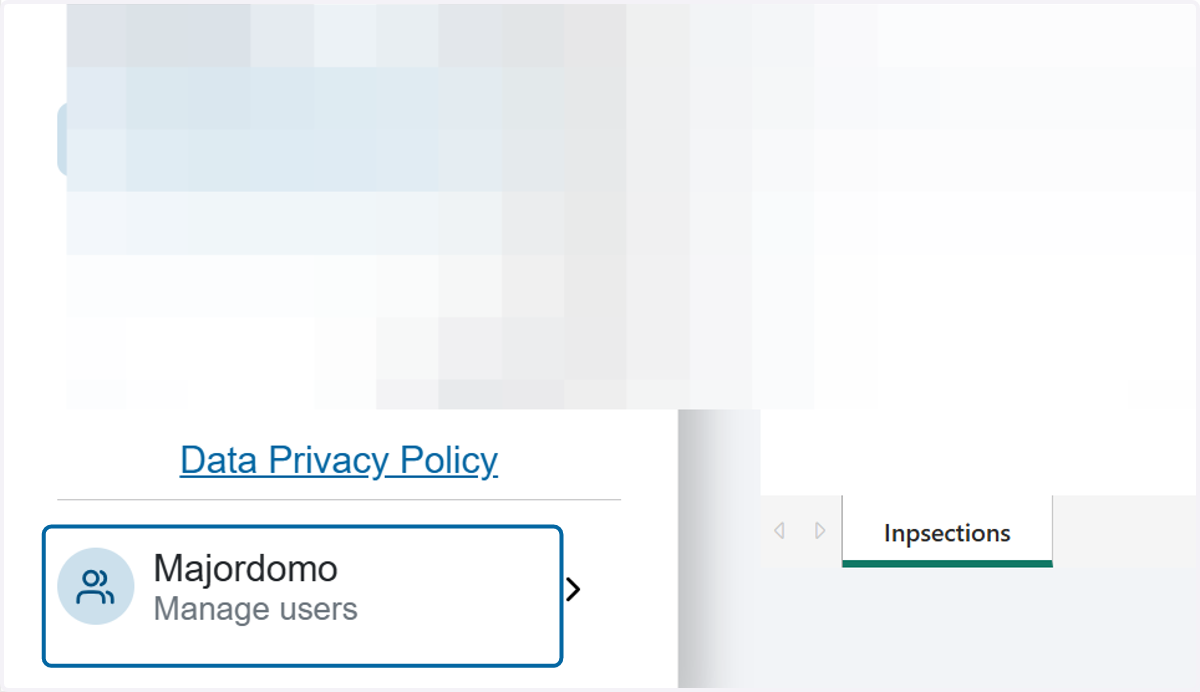
1. Click on Majordomo
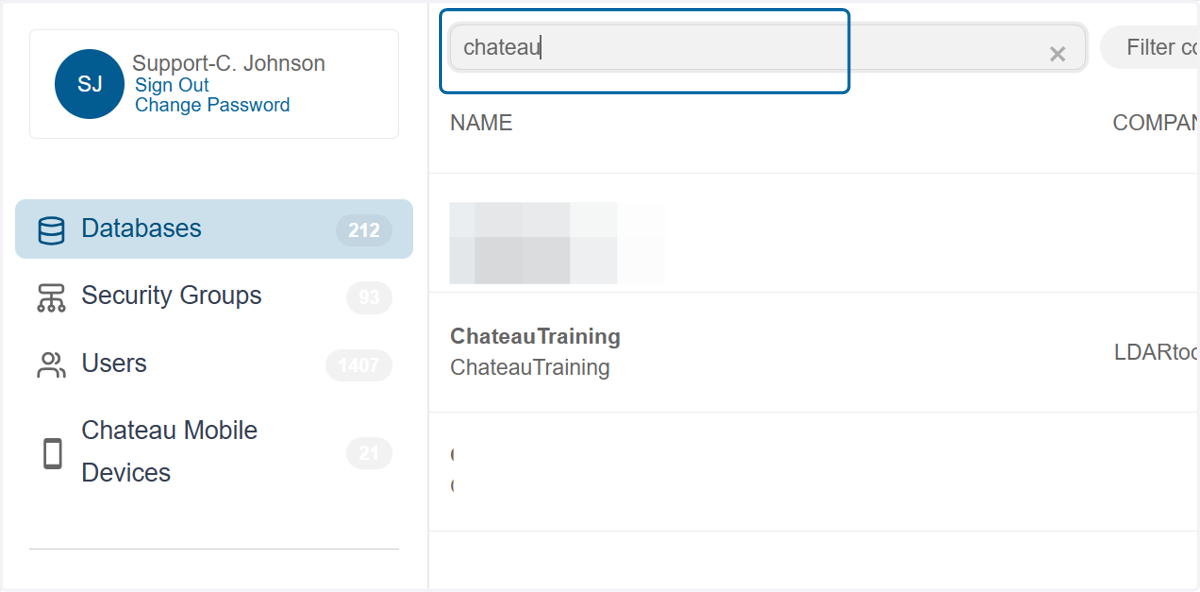
2. Search for the desired database
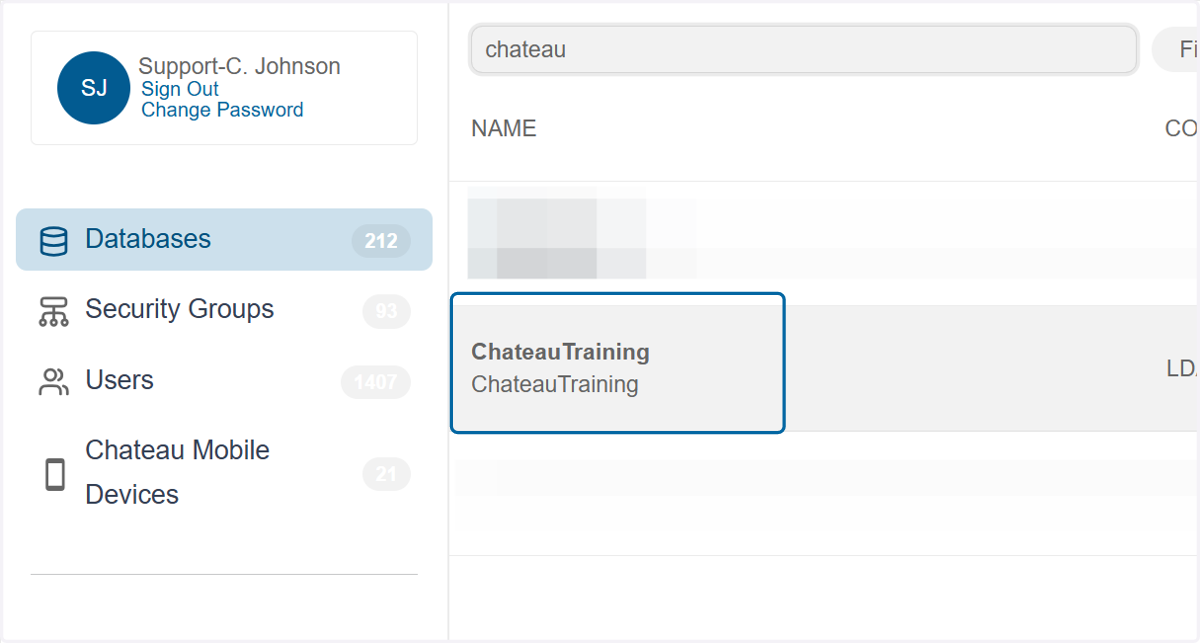
3. Click on the database name in the grid to open the details
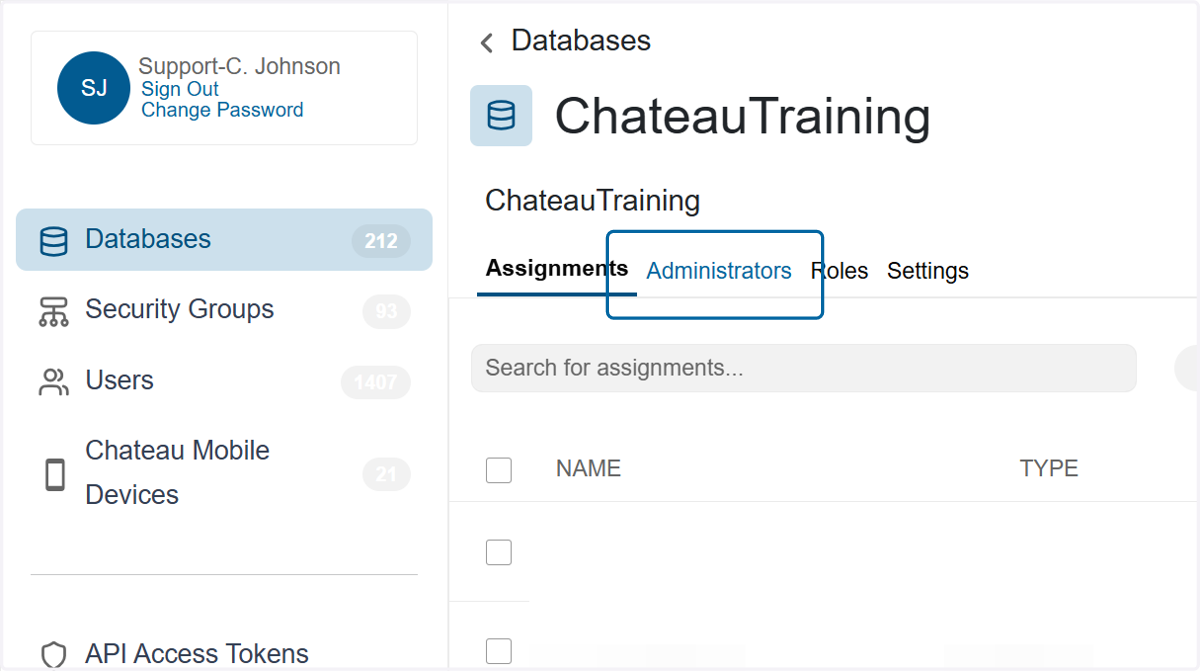
4. Click on Administrators tab
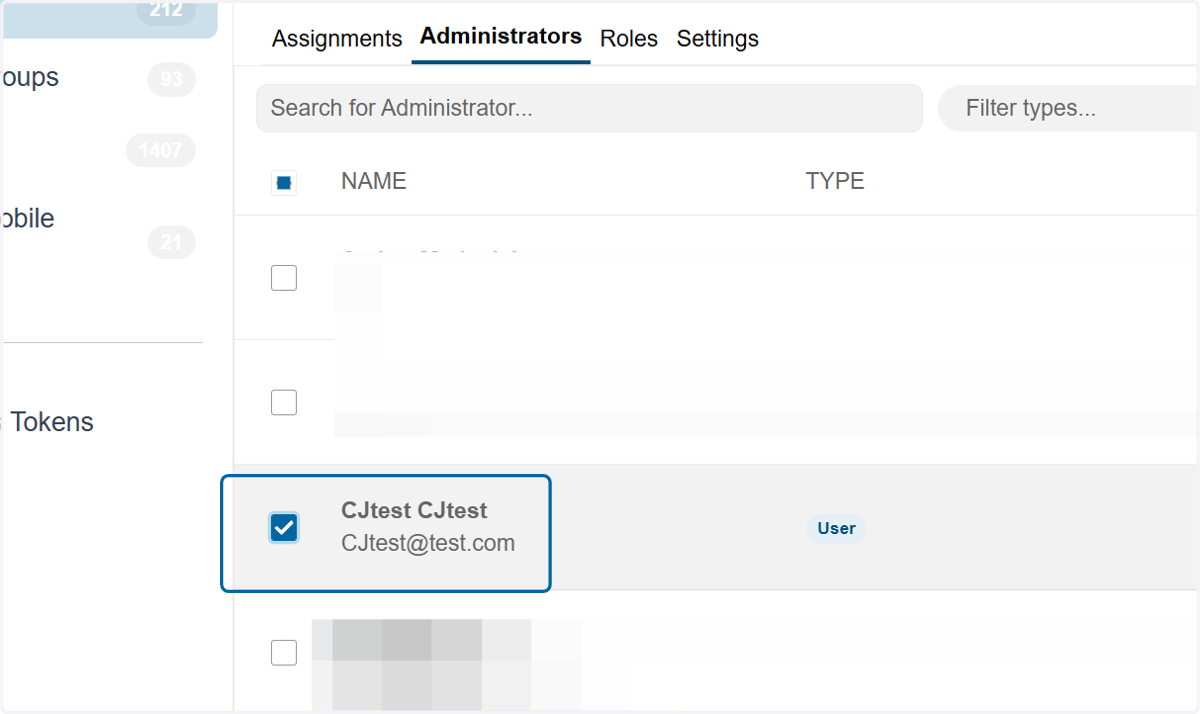
5. Check the box next to the administrator you wish to remove.
6. Click Remove
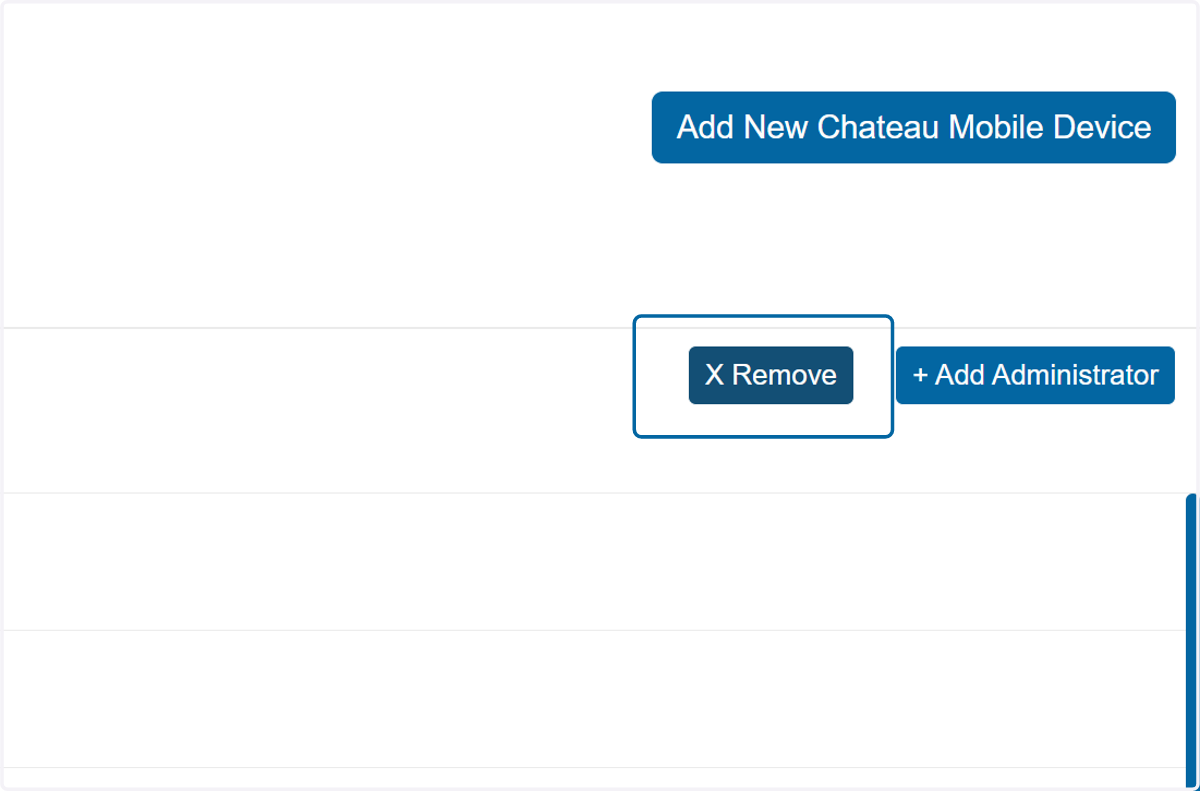
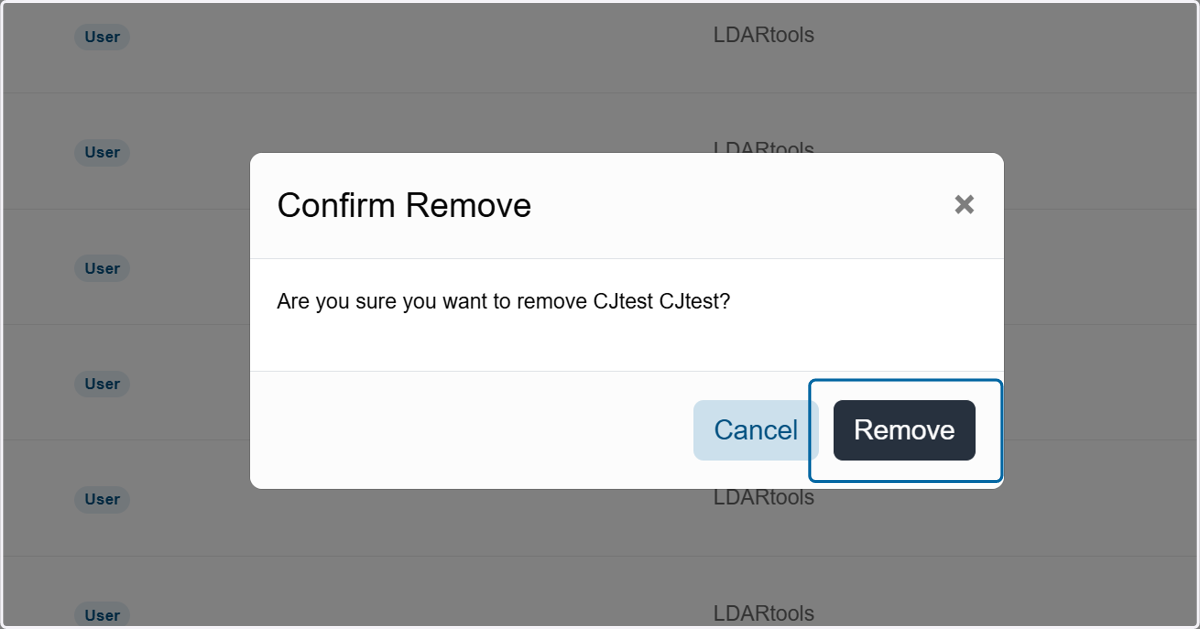
7. Confirm the choice by clicking Remove.