How to Add Rentgrata to Your Property Website
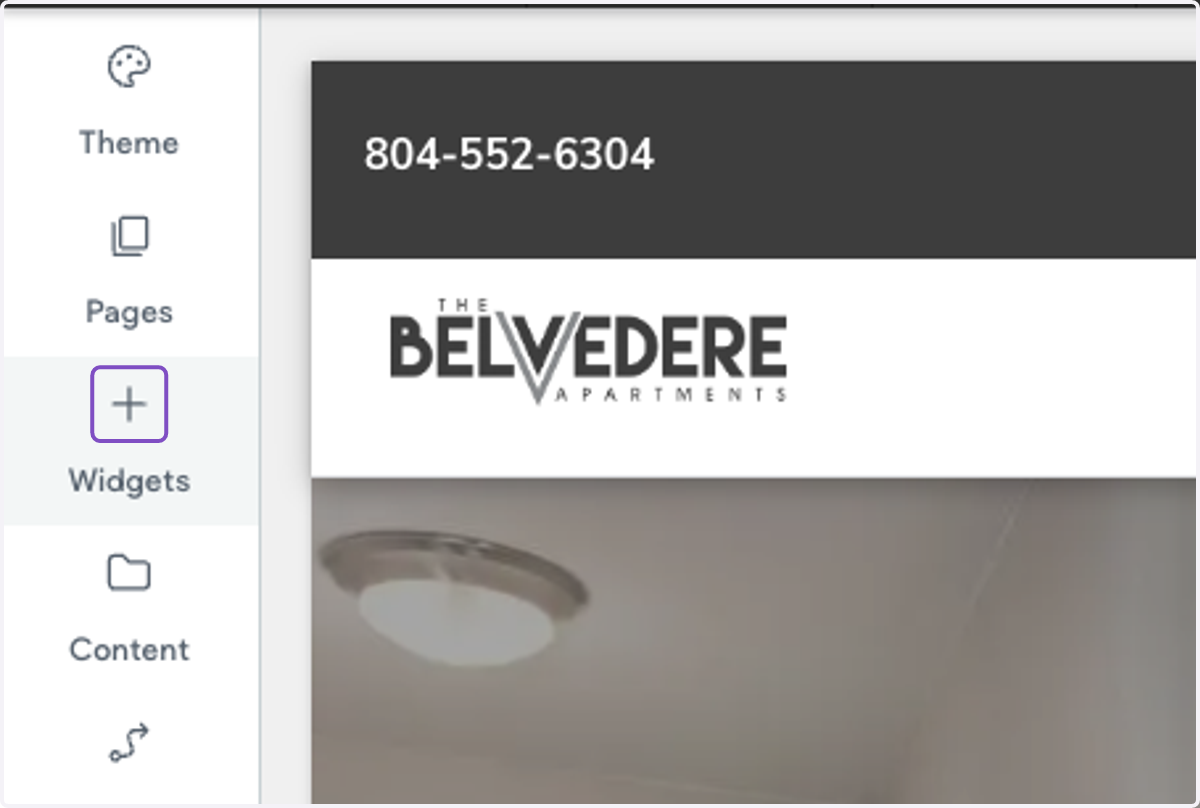
1. Log into your property website and click on Widgets on the left-hand menu
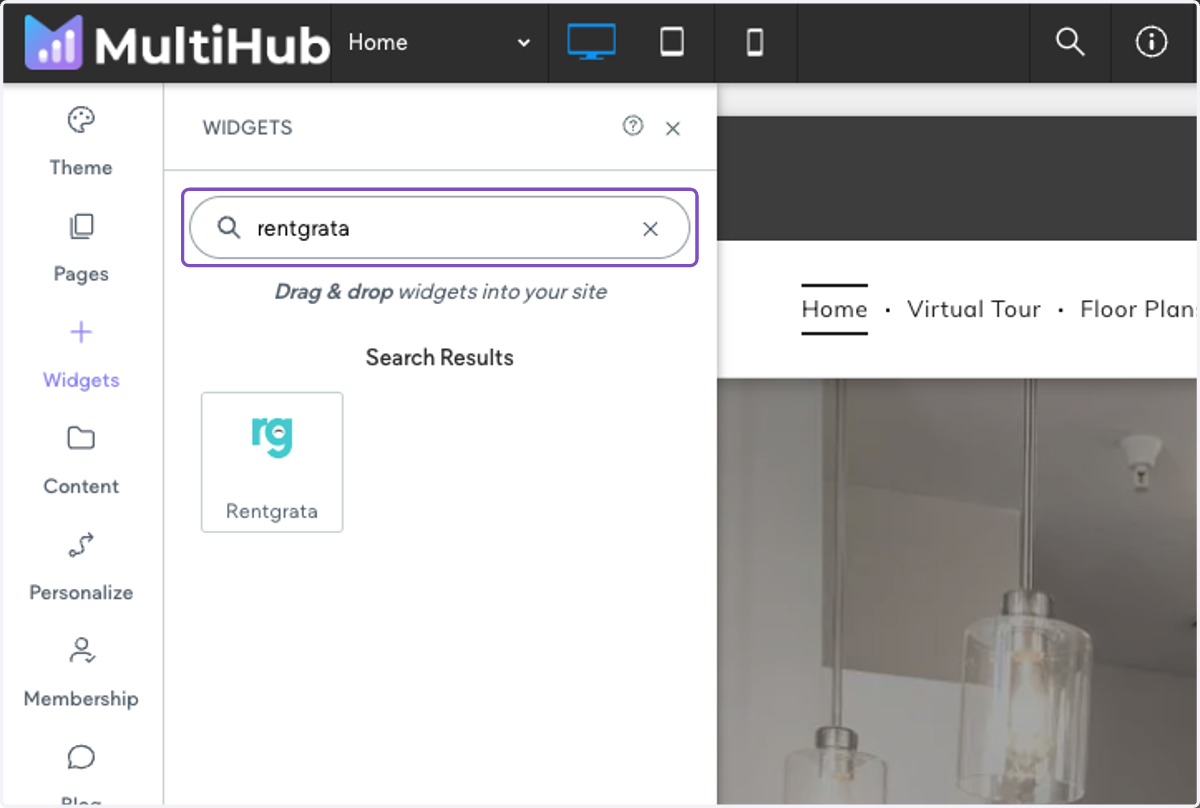
2. Search for "rentgrata " and drag the widget into the footer of your website
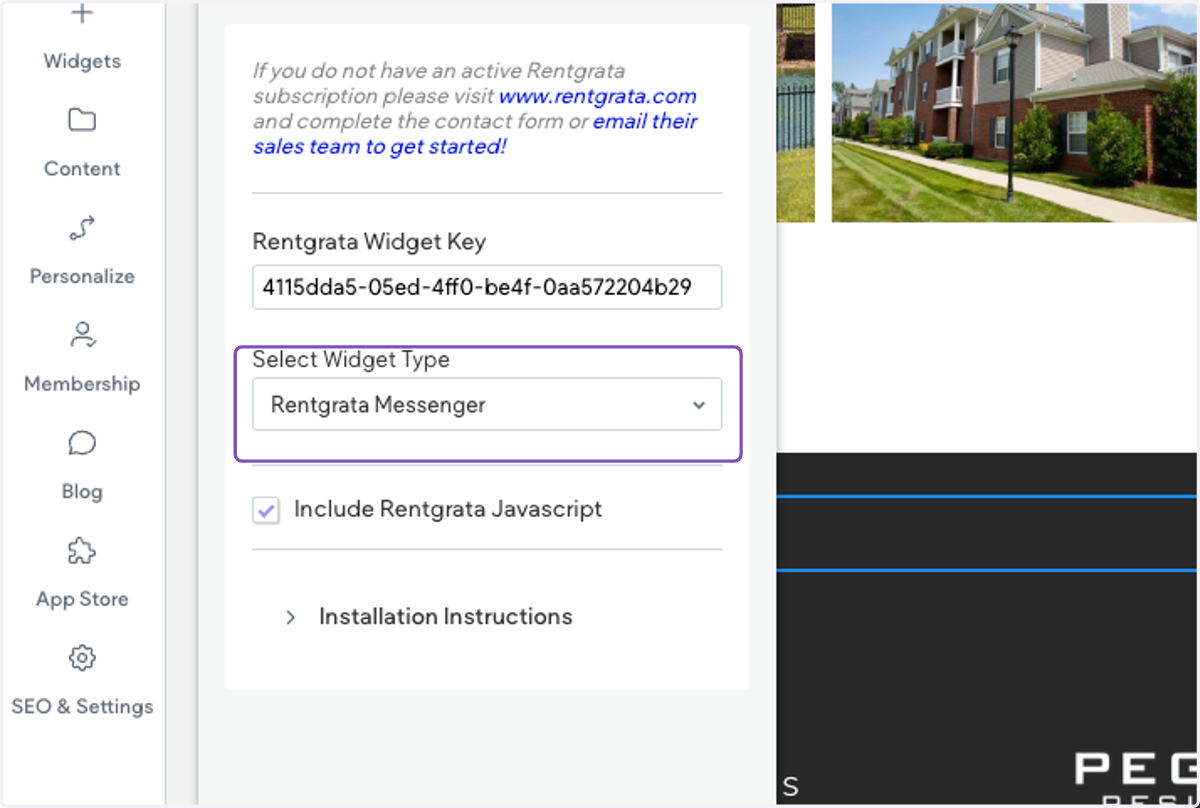
3. Add in your Rentgrata Widget Key
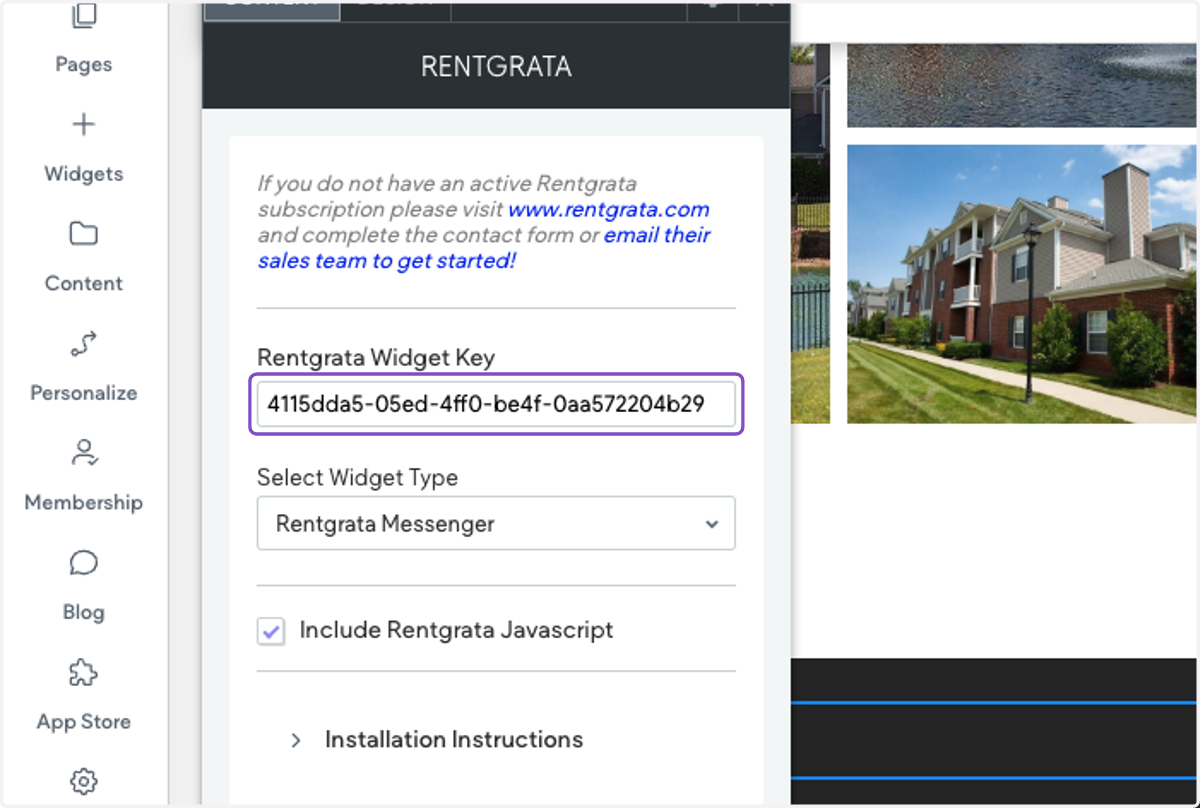
4. Under Select Widget Type, select Rentgrata Messenger
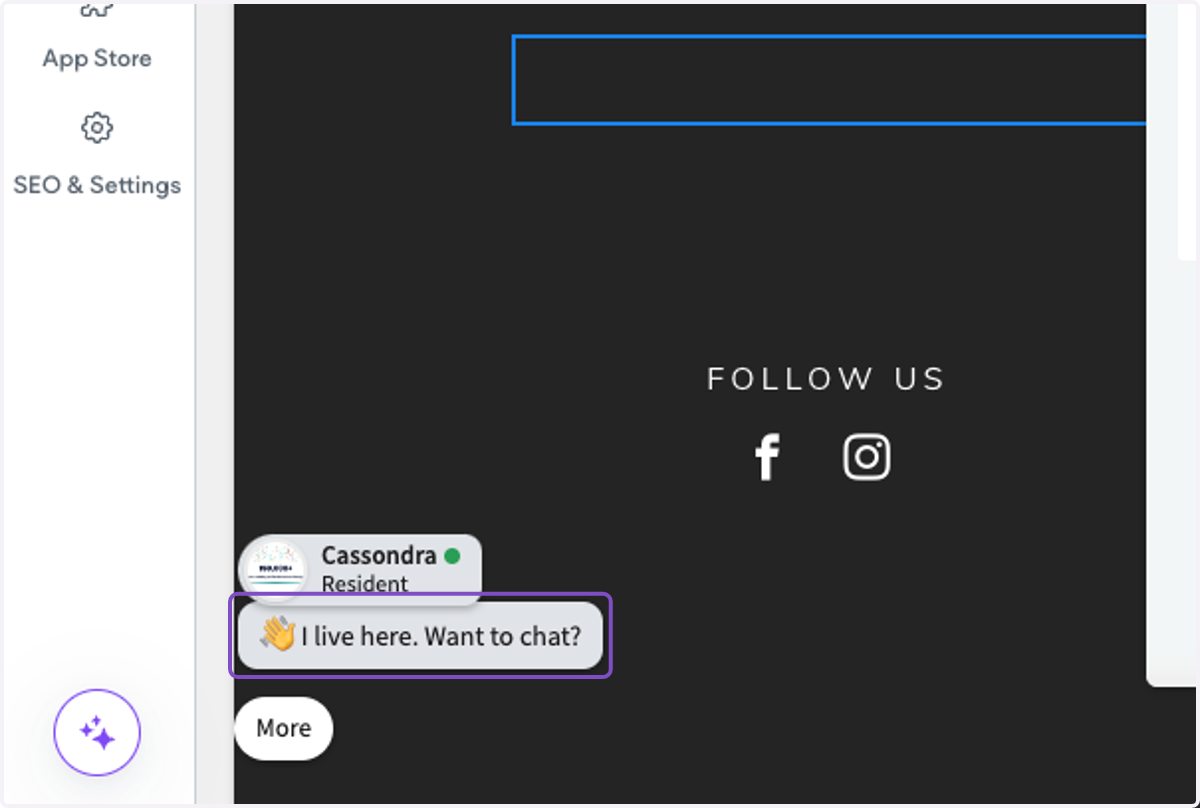
5. The Rentgrata Messenger will now show on the lower left-hand side of your property website