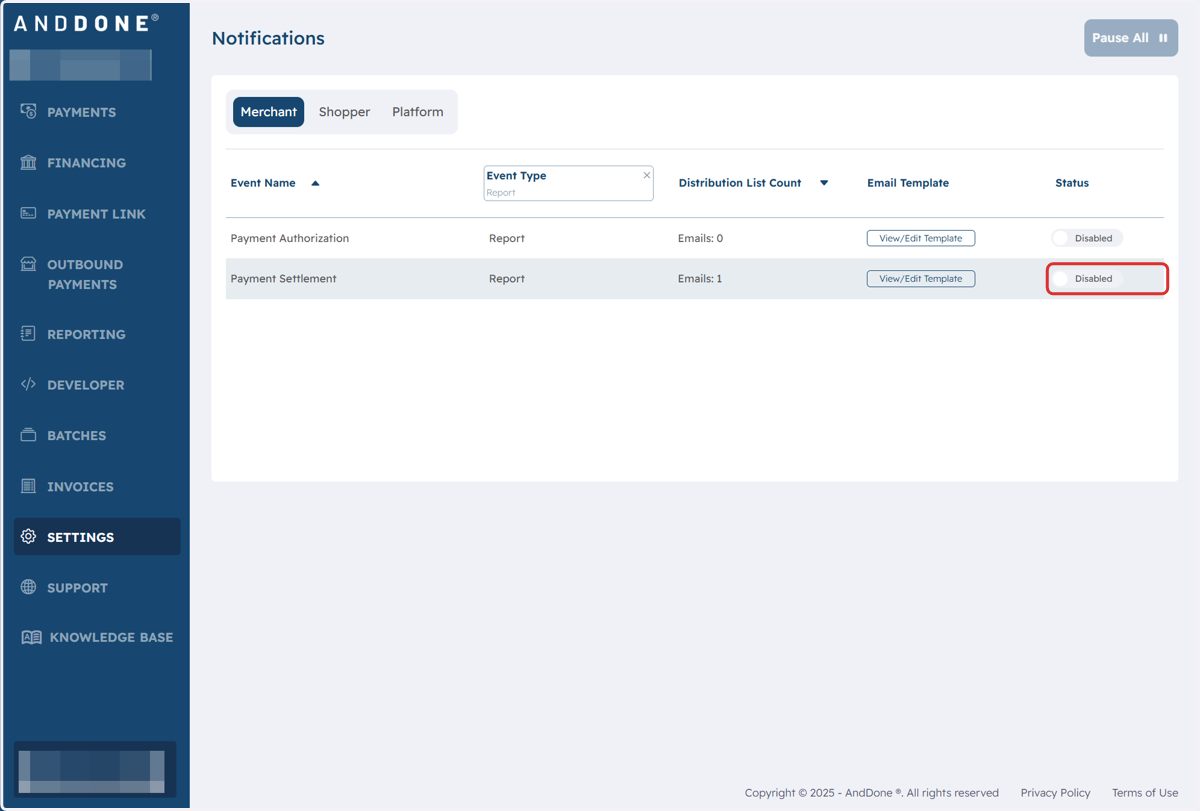
Enabling Report Notifications
Merchant Portal
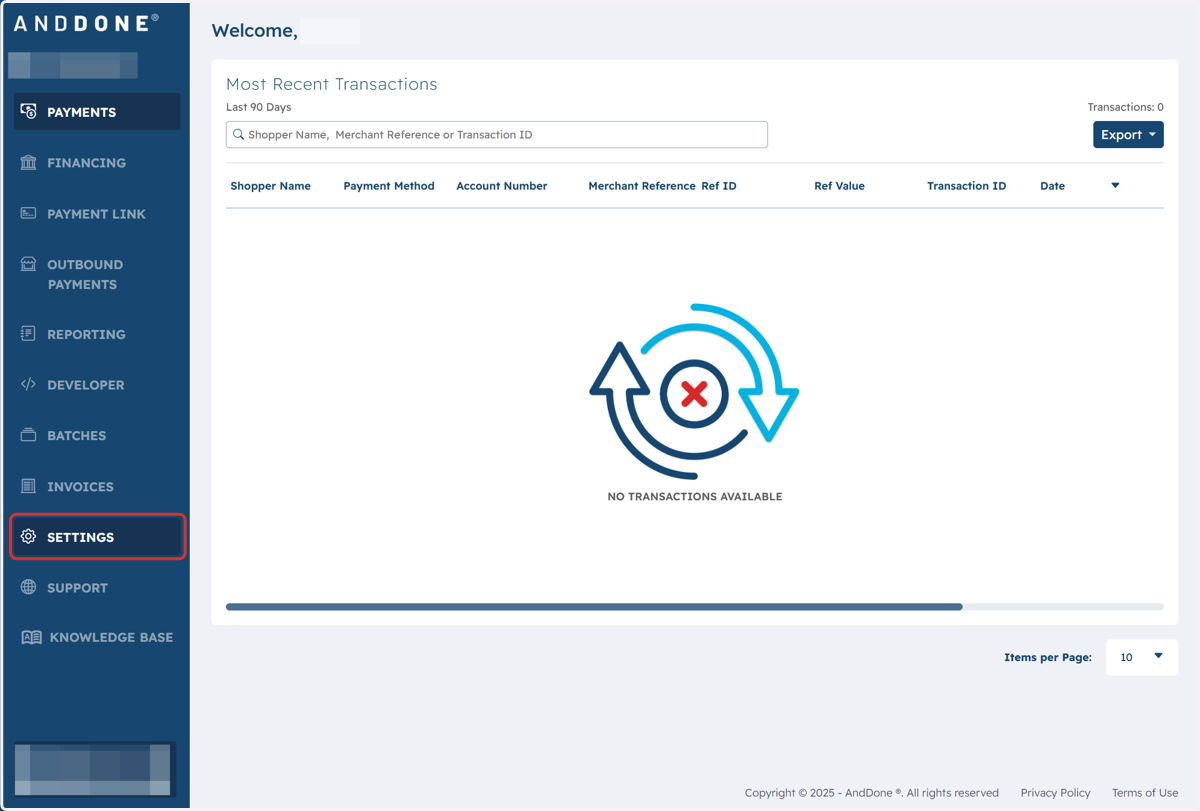
1. Click on Settings
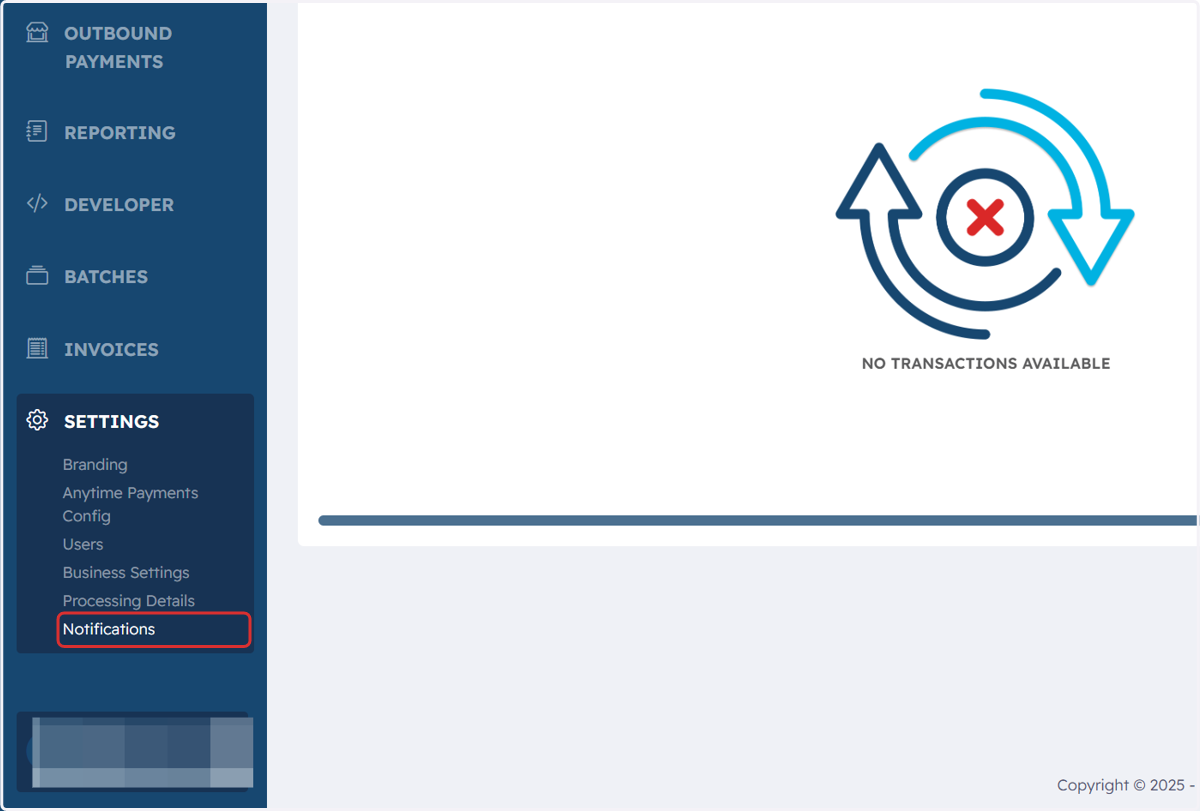
2. Click on Notifications
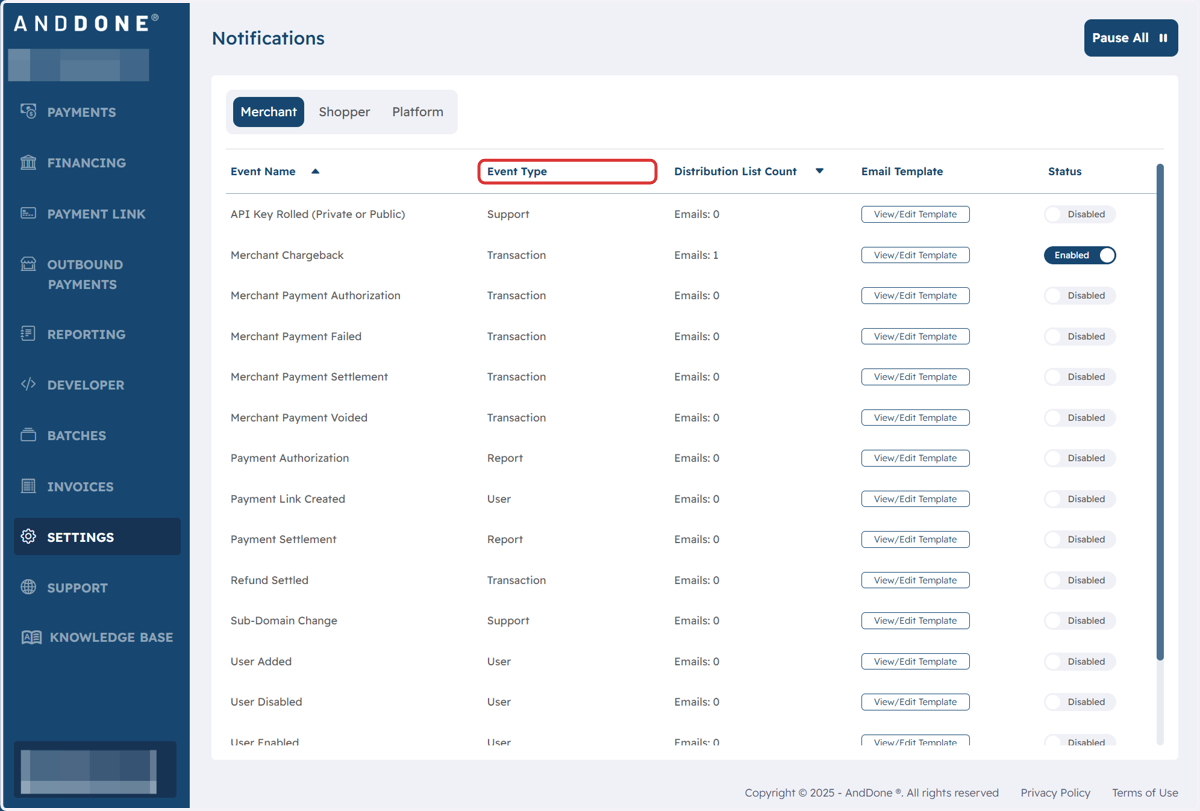
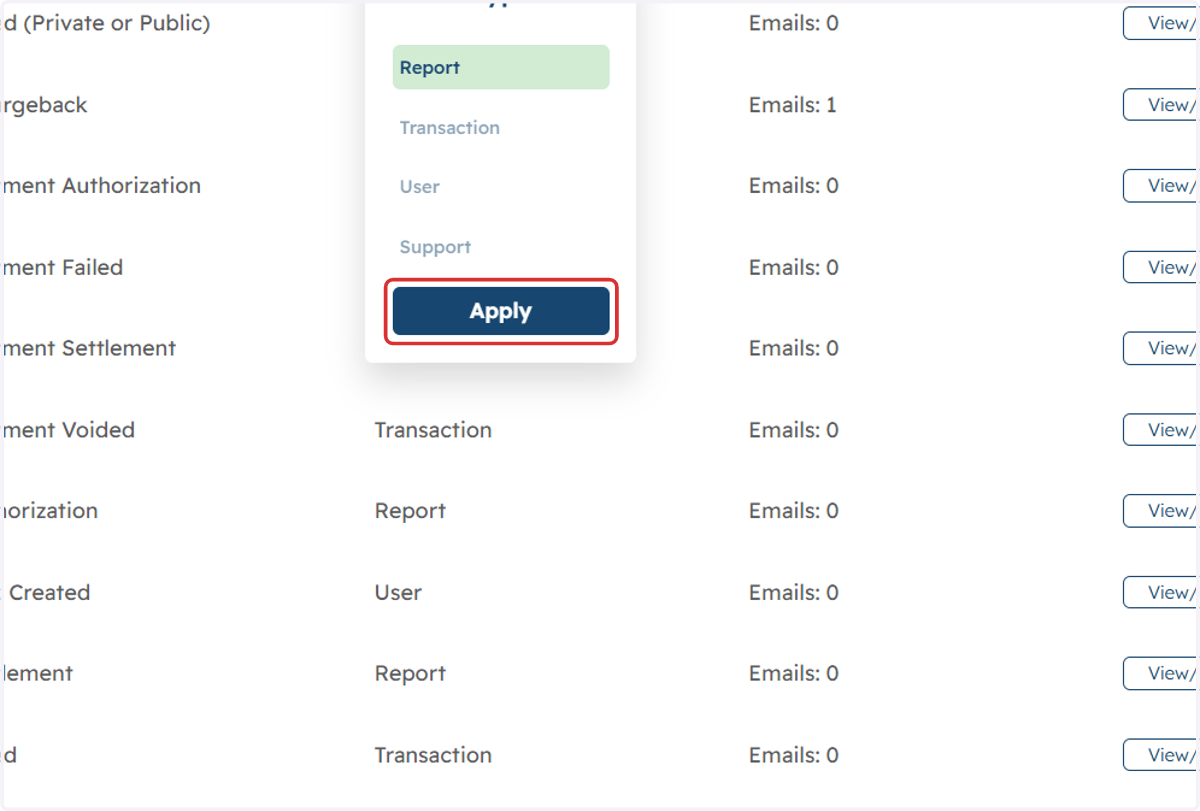
3. Click on Event Type
4. Filter to Report and click on Apply
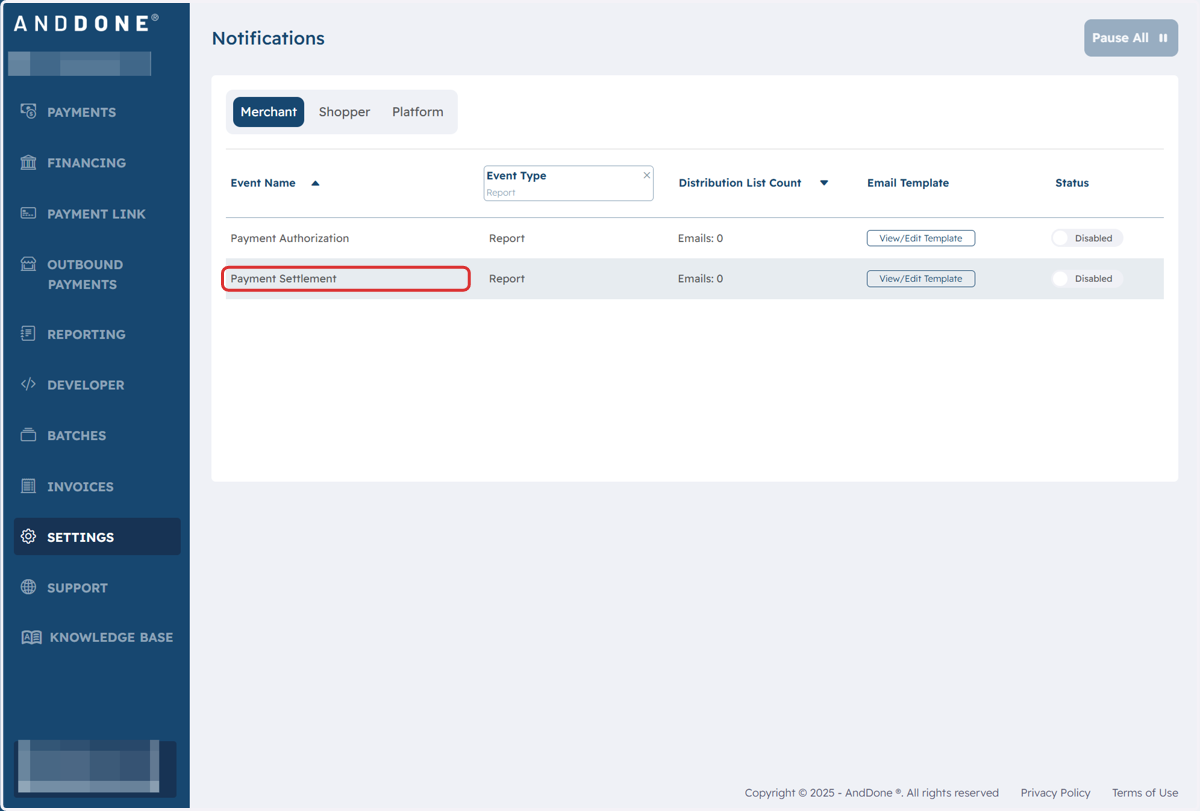
5. Click on the report that you want to enroll in the notifications for.
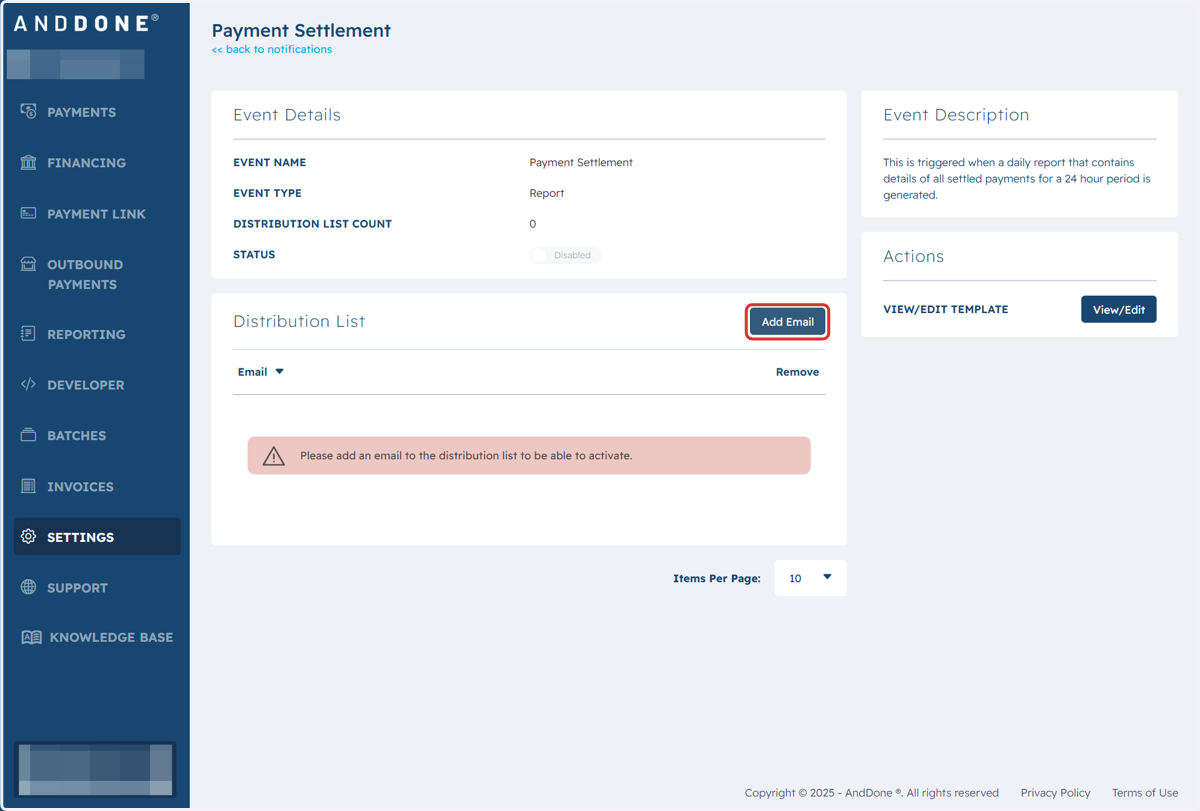
6. Click on Add Email
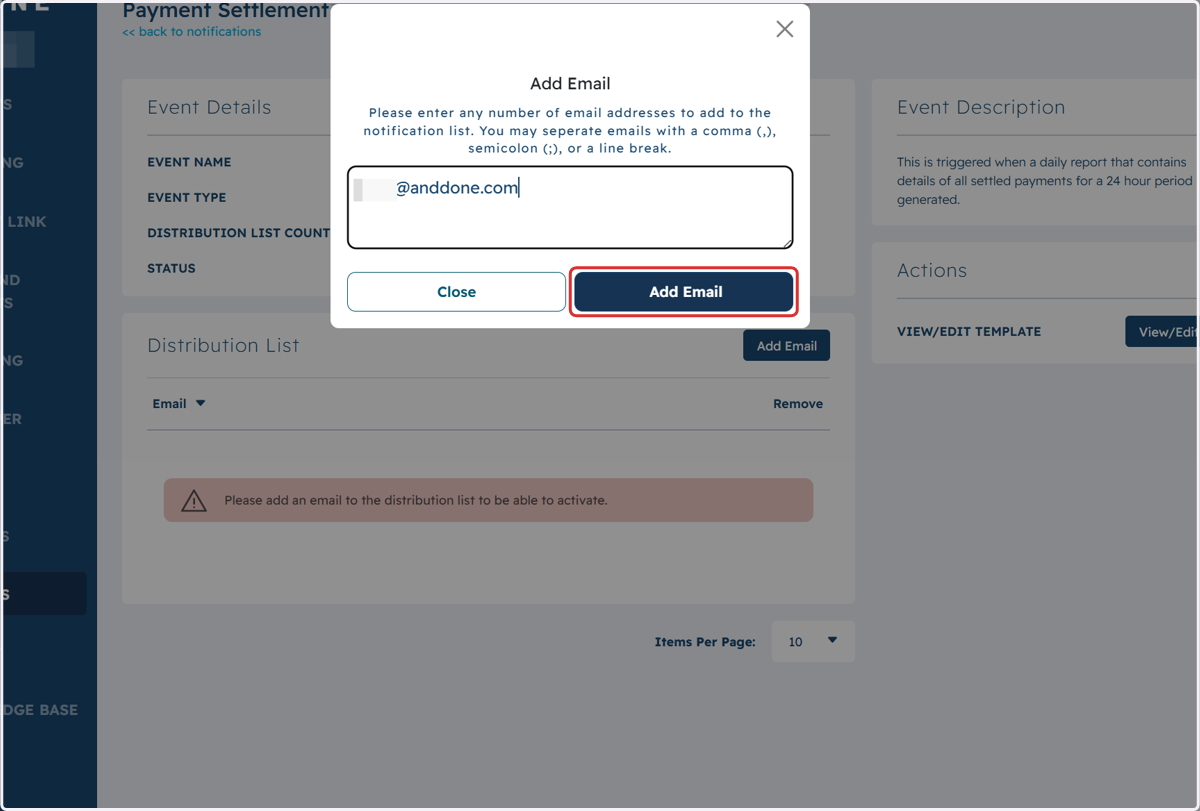
7. Type in the email address you want to receive the reports
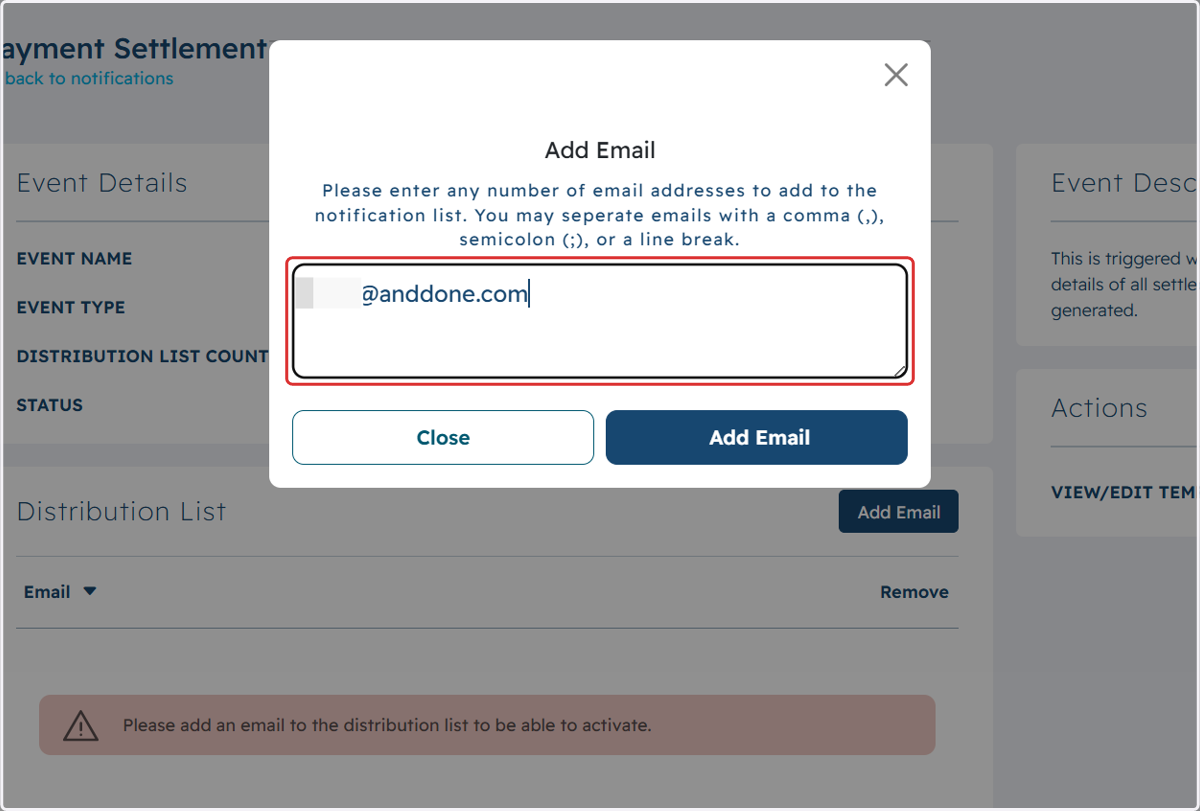
8. Click on Add Email
9. Click on << back to notifications
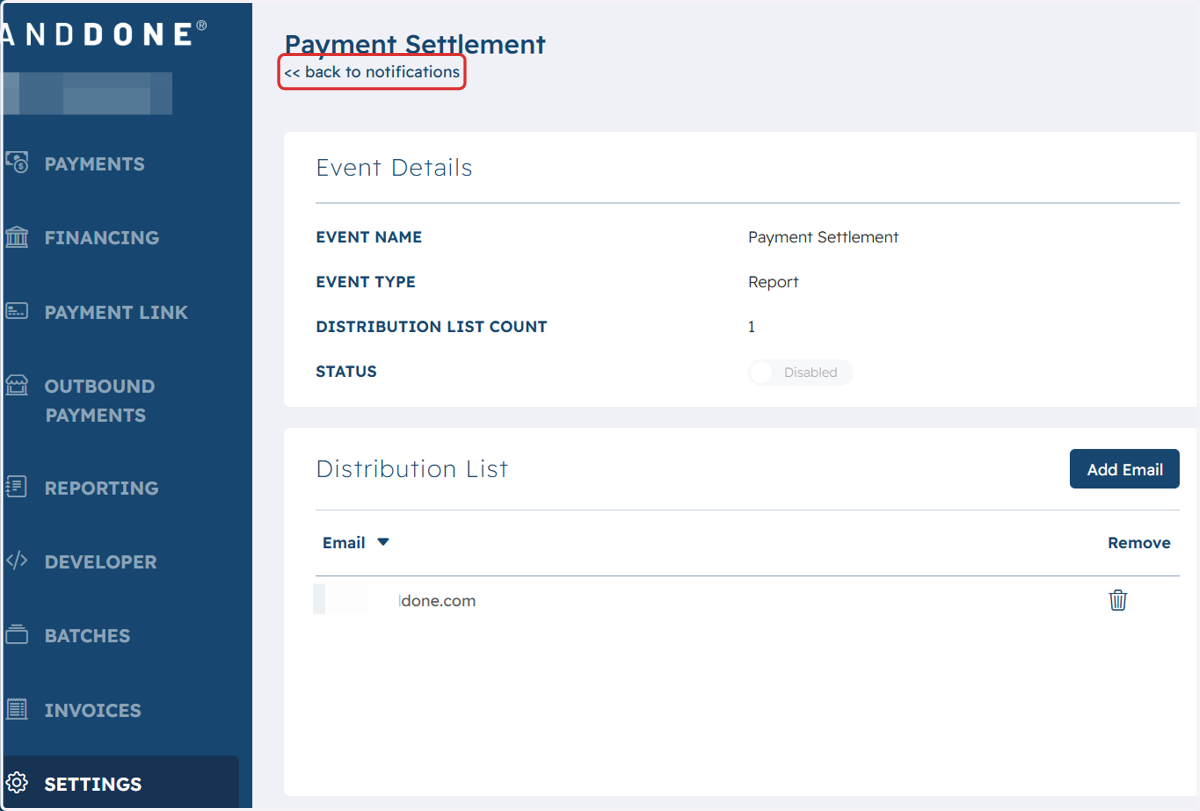
10. Toggle the status to Enabled