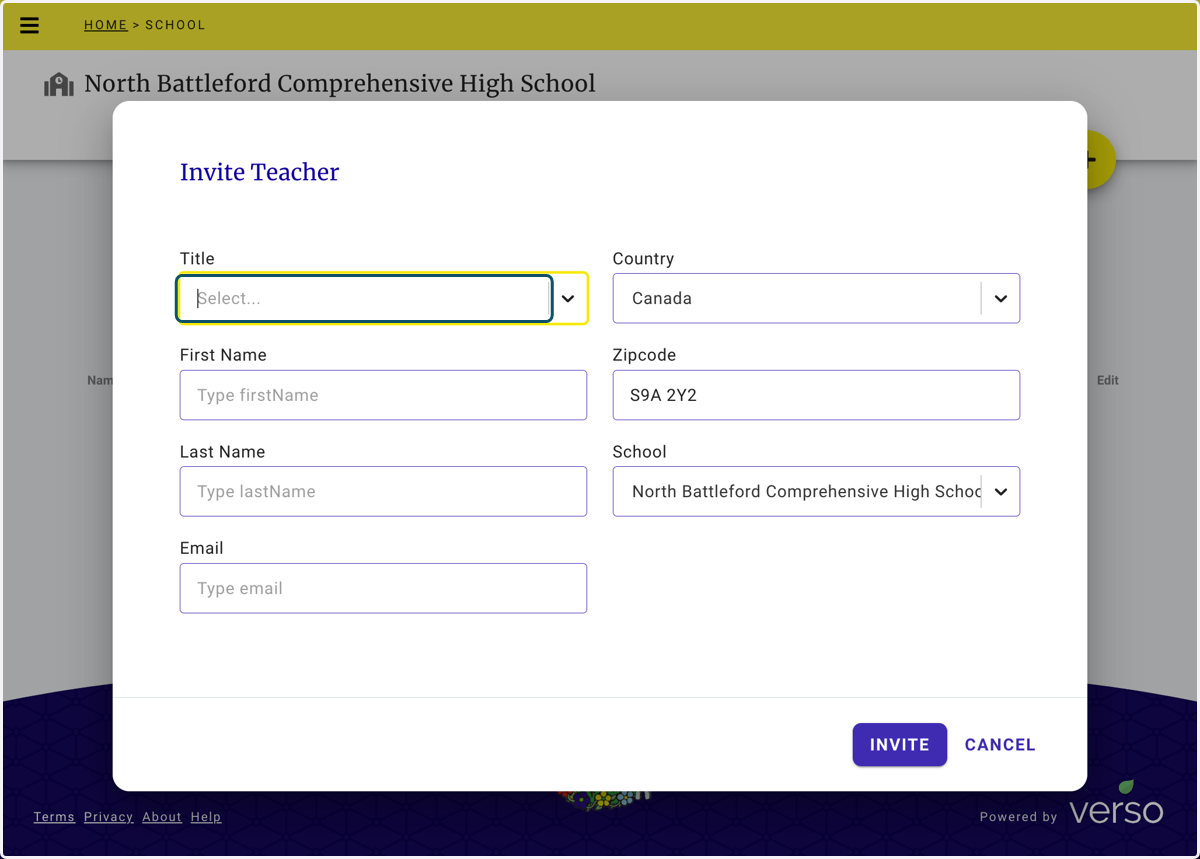
Inviting colleagues to the Student Check-in Tool using the Leadership dashboard
Inviting Colleagues to use the Student check-in Tool
School leaders that have been assigned Leadership permission can invite colleagues through the Leadership dashboard. If you require Leadership access for the Student Check-in Tool send an email to jessica.blacklock@gov.sk.ca
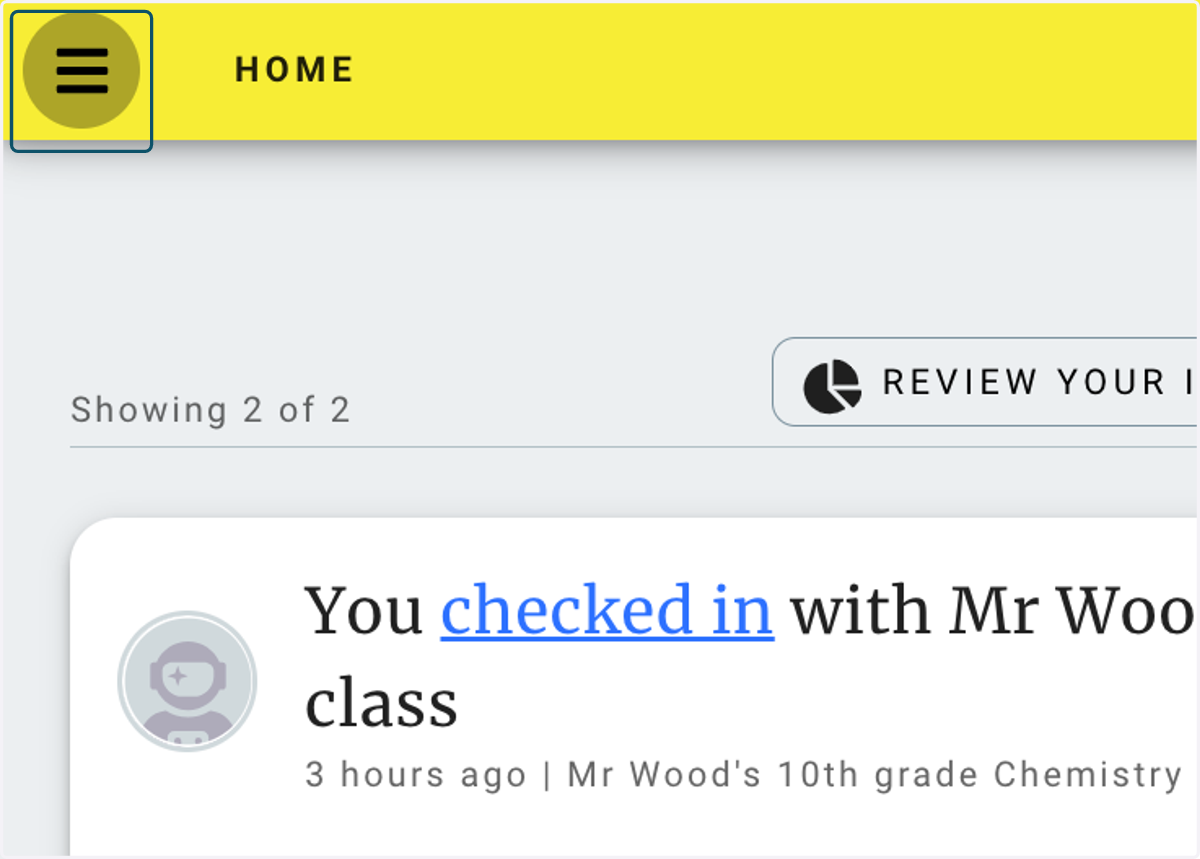
1. Click on the main menu (hamburger icon)
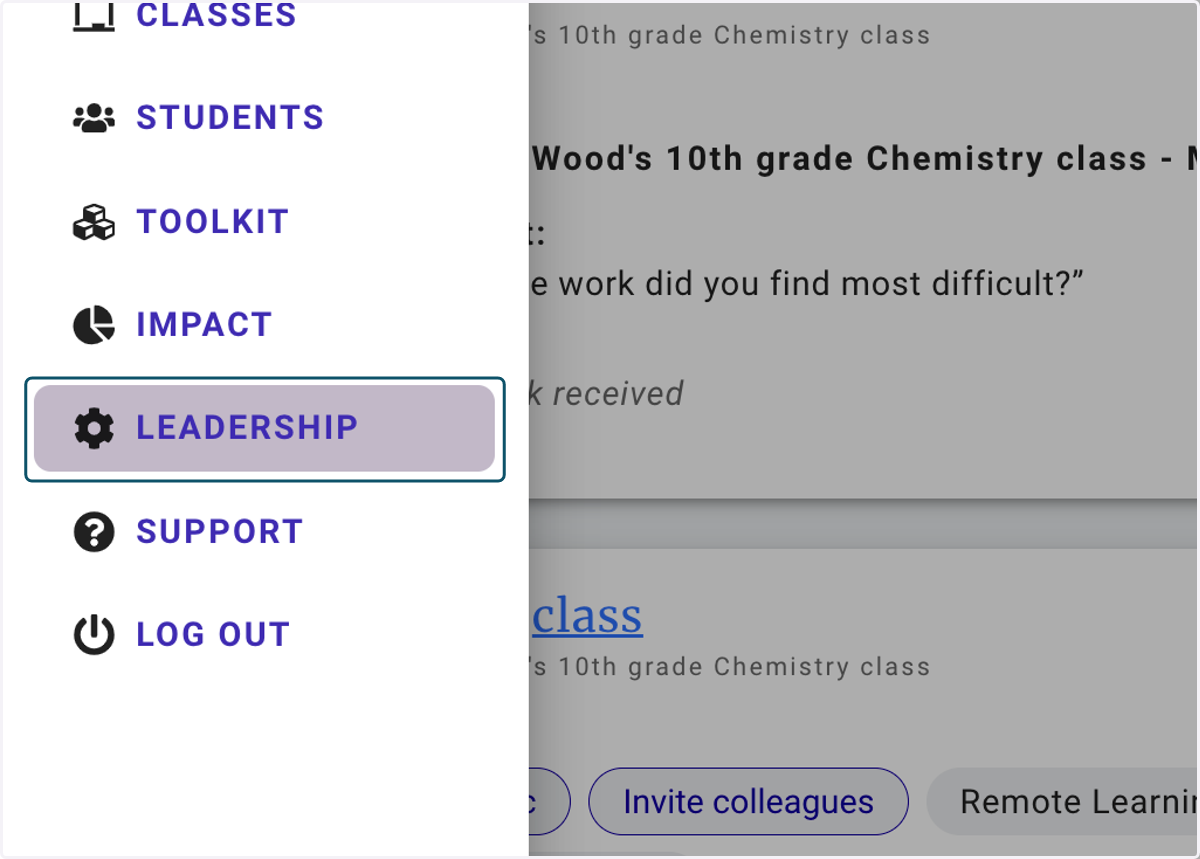
2. Click on LEADERSHIP
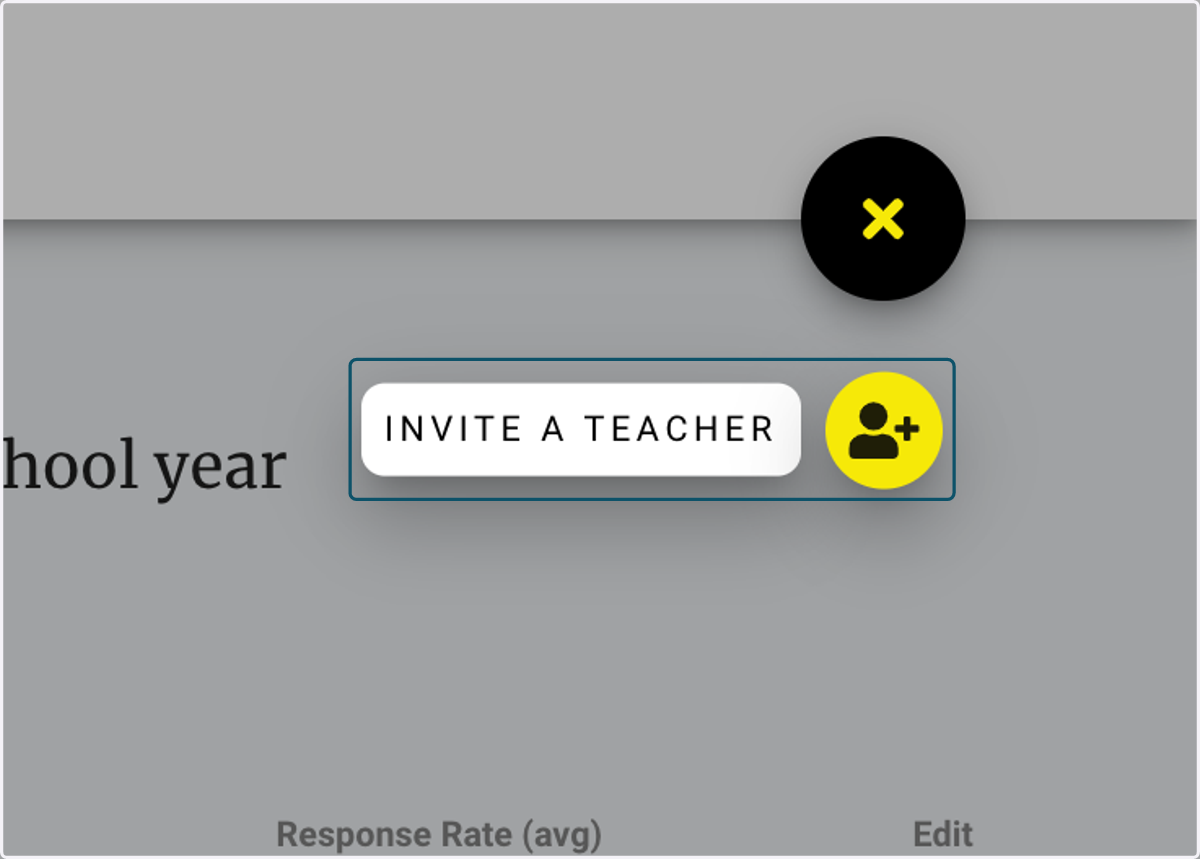
3. Click on the plus (+) symbol to open the INVITE A TEACHER link
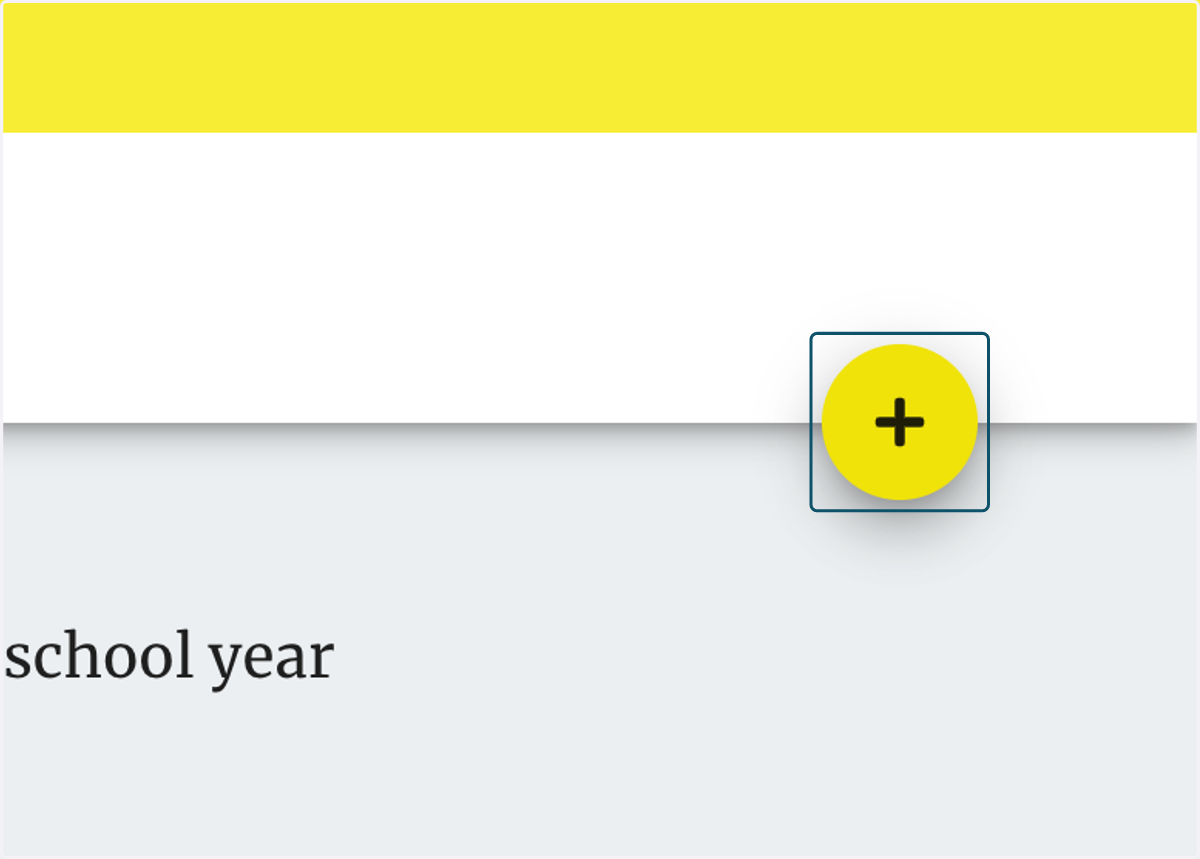
4. Click on INVITE A TEACHER
5. Complete the form then click INVITE
Your colleague will receive an email invite with a link to complete their account creation. Repeat this process until you have invited all colleagues