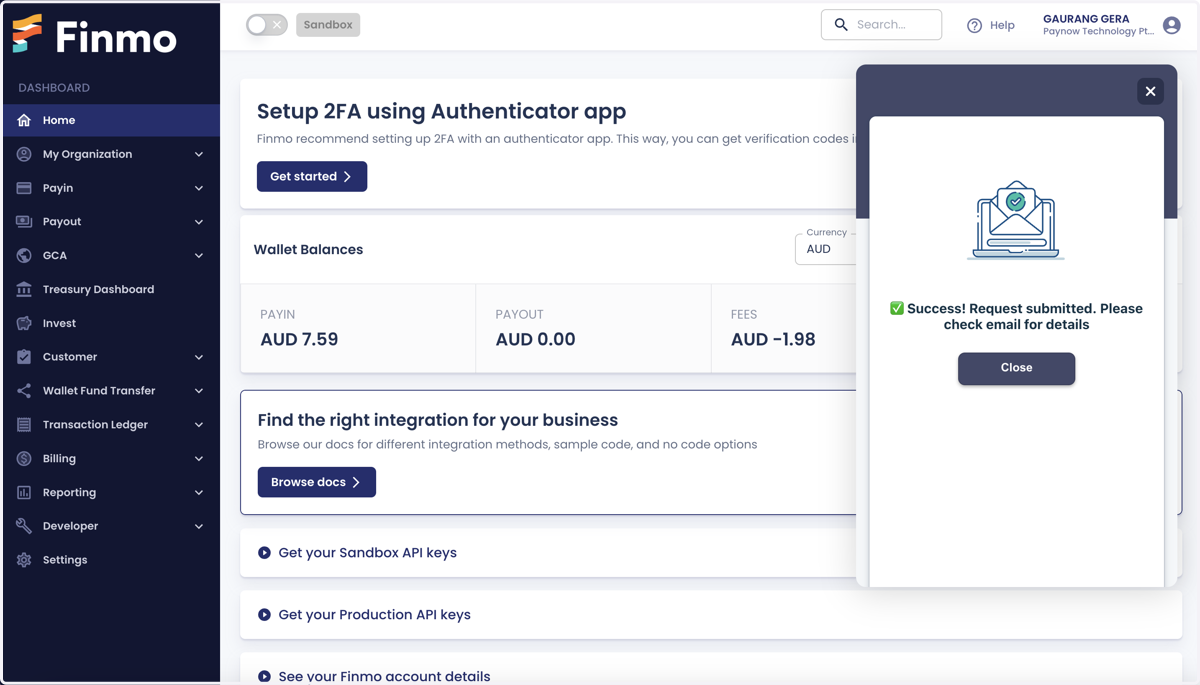
Raise a ticket directly from the dashboard
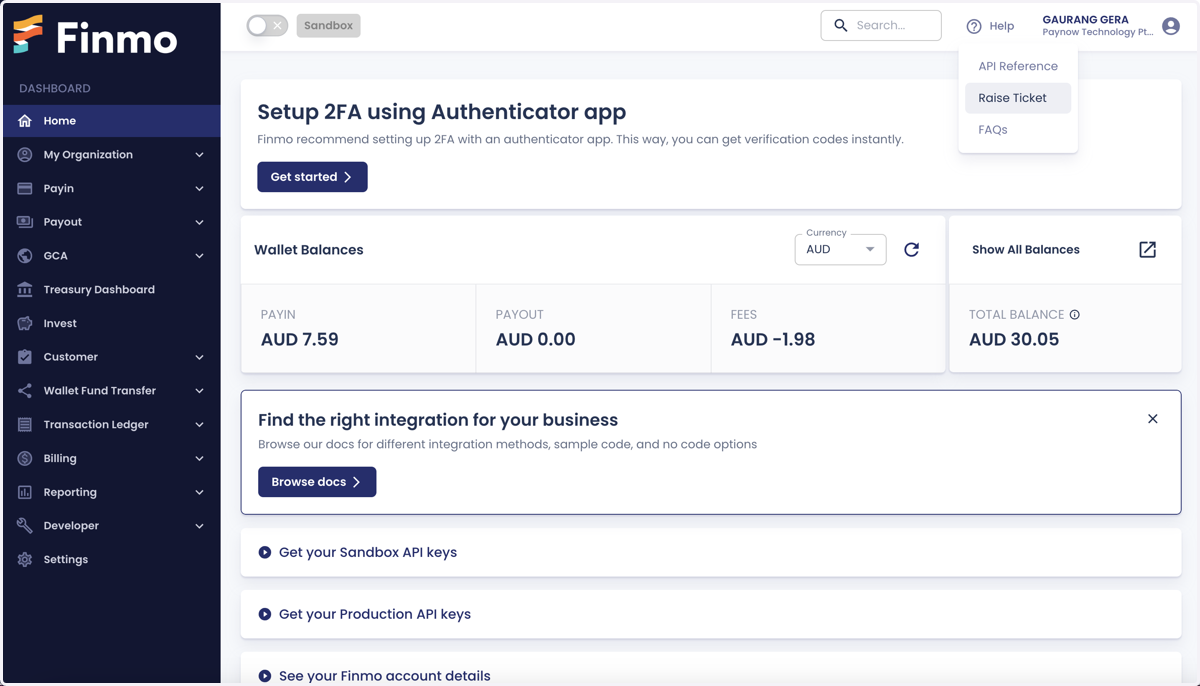
1. Navigate to the help section to raise a ticket
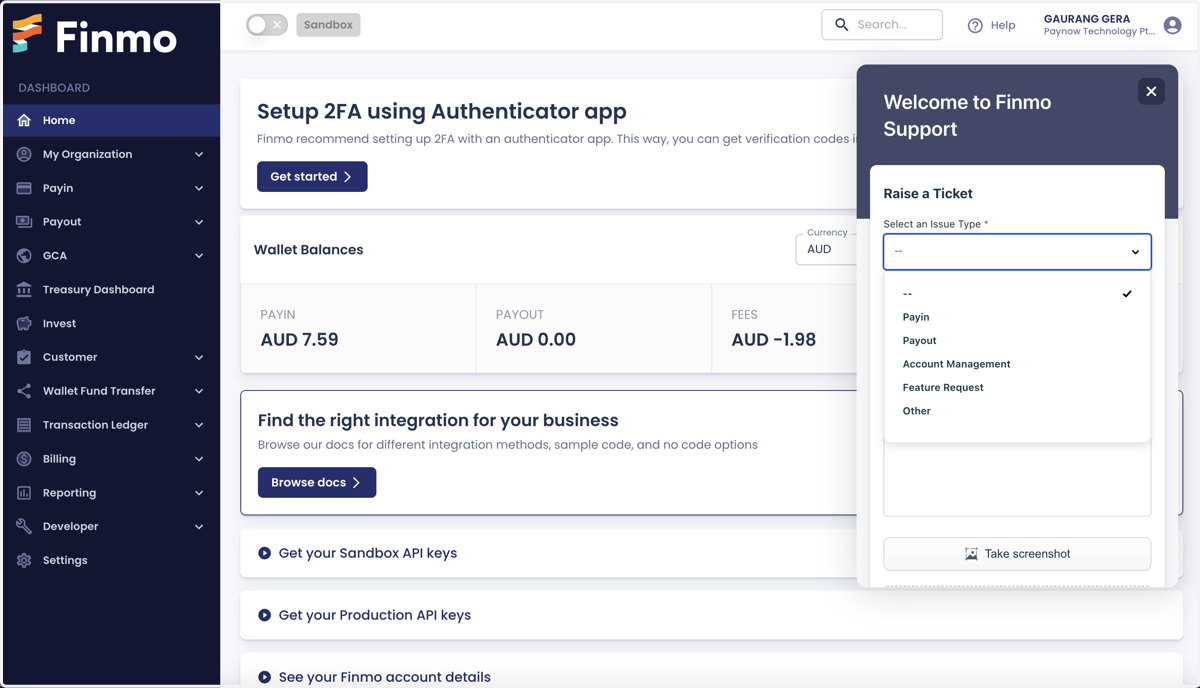
2. Enter the relevant details, such as the issue type, description of the issue, etc.
3. Upload the supporting files or screenshots
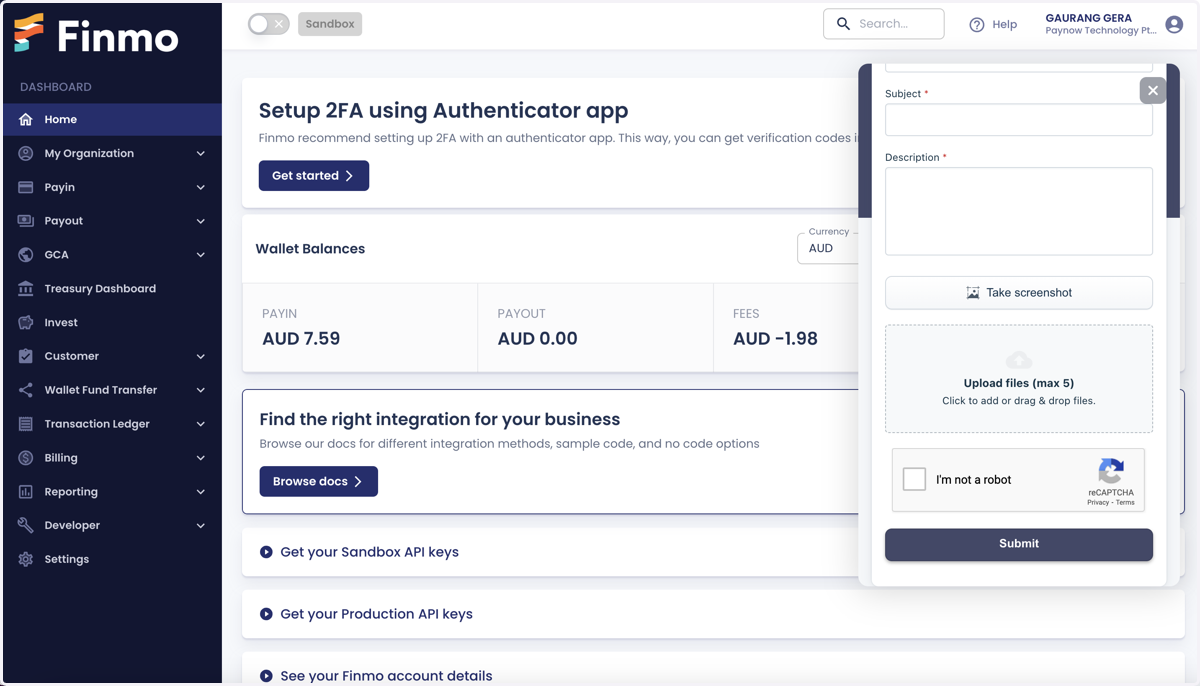
4. Click on the submit button to raise a ticket