Download Slush Chrome Extension , Create Wallet, and Switch Network
Access to Slush — Your Money.
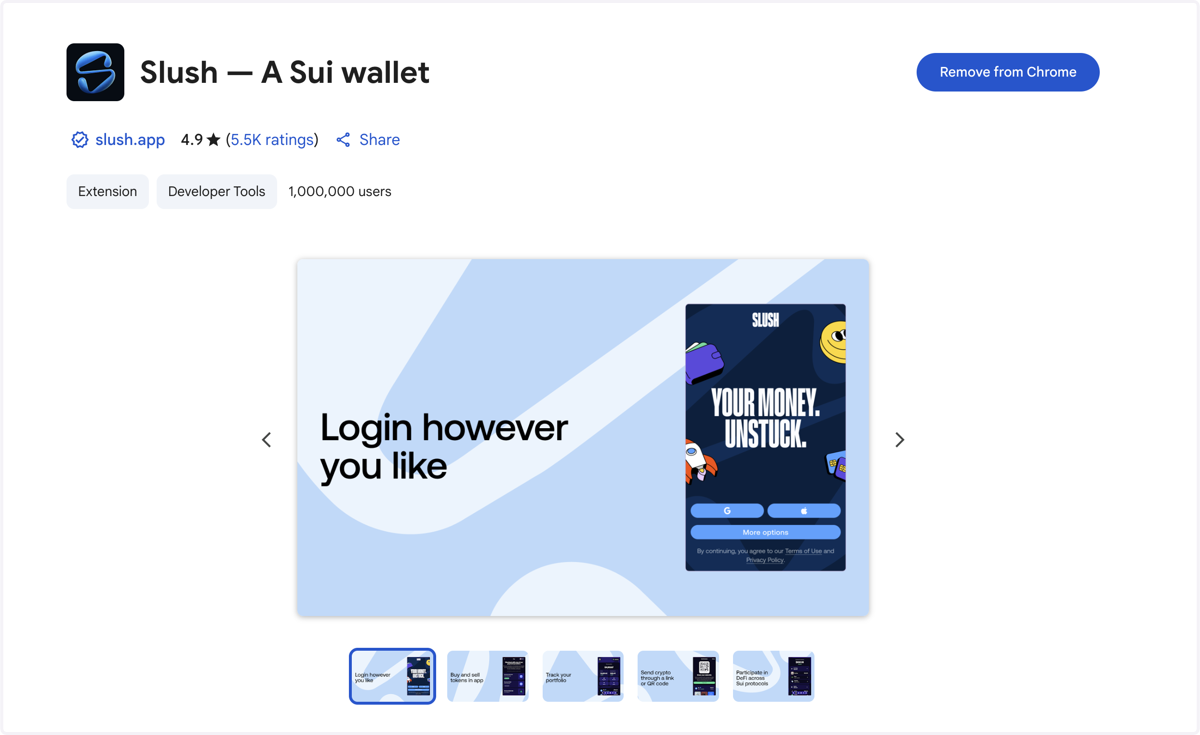
1. Click on DOWNLOAD FOR CHROME

2. Add Slush Wallet into Chrome
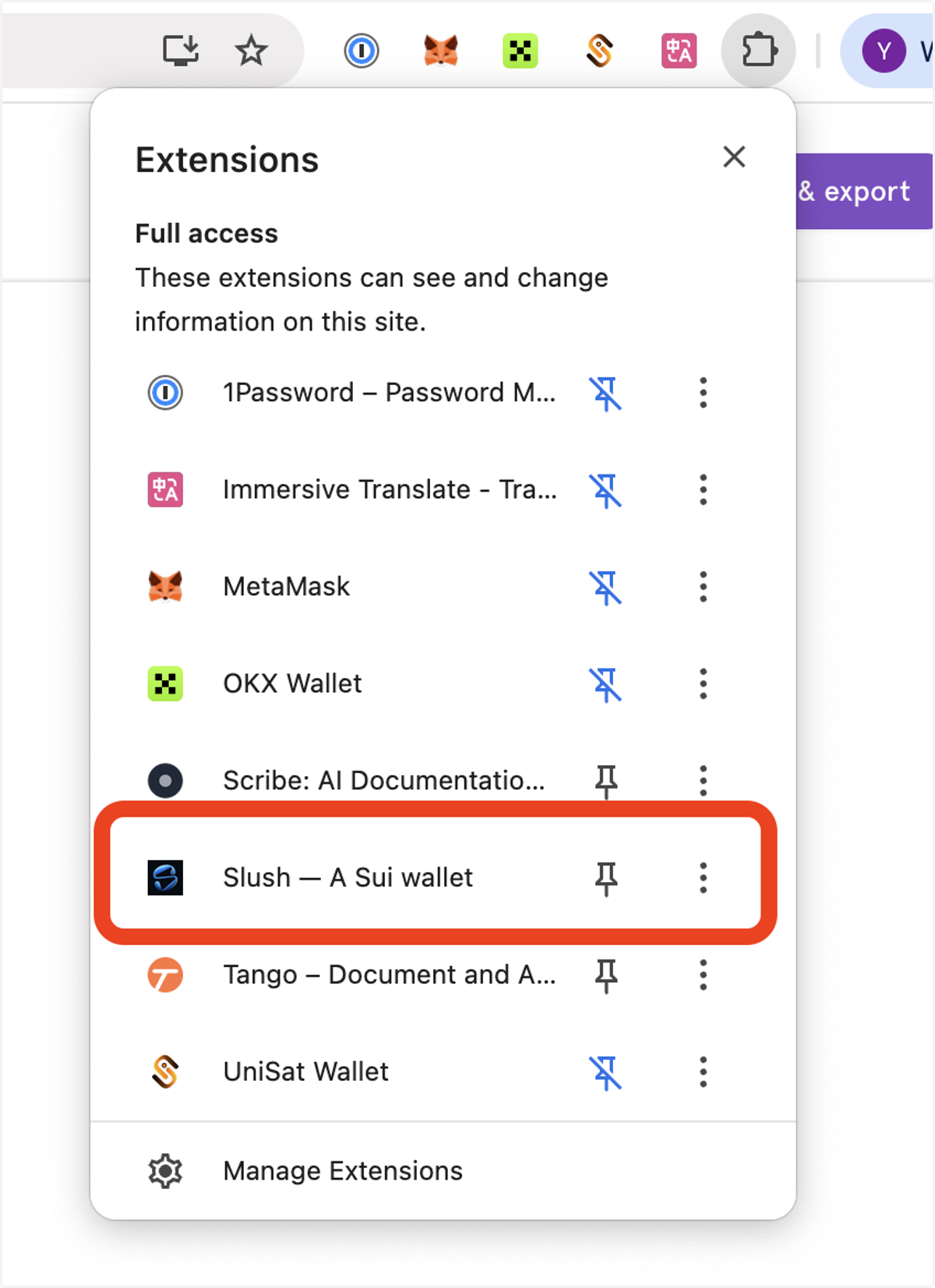
3. Click the Slush Wallet
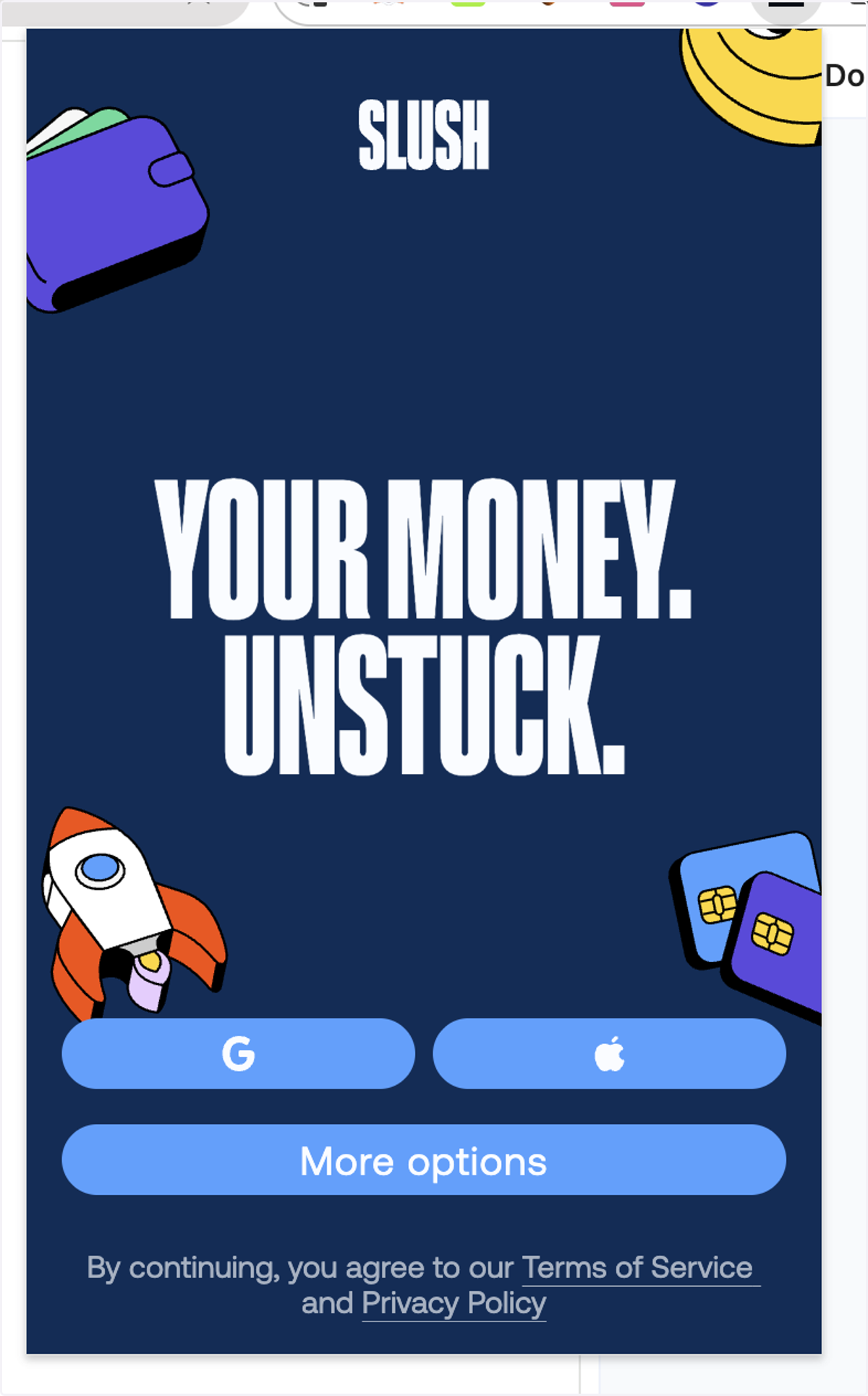
4. Choose a wallet creation method based on your needs.
5. After successfully creating your wallet, you can find your SUI address here.
Note: Please make sure you have properly backed up your wallet’s private key.
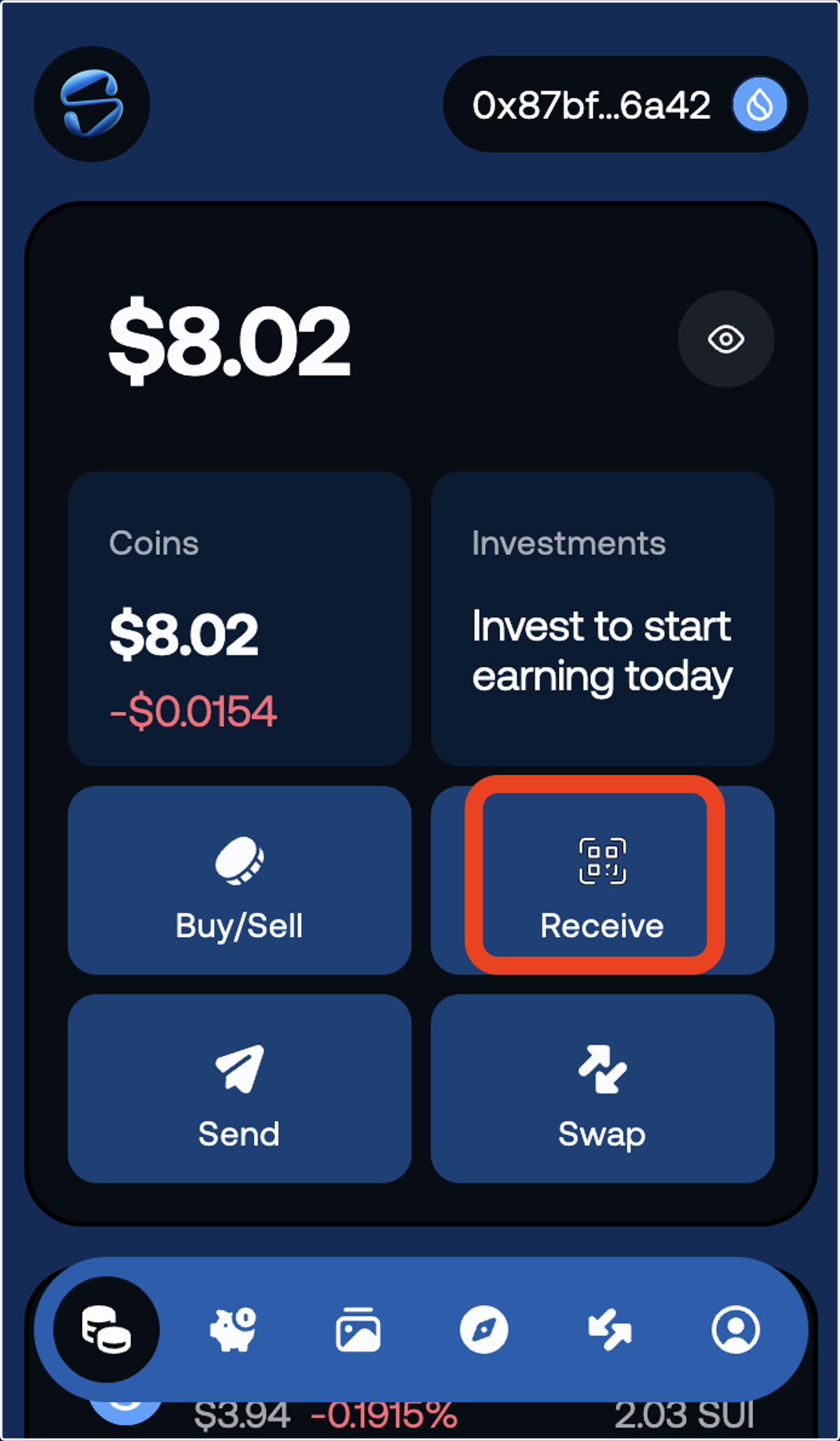
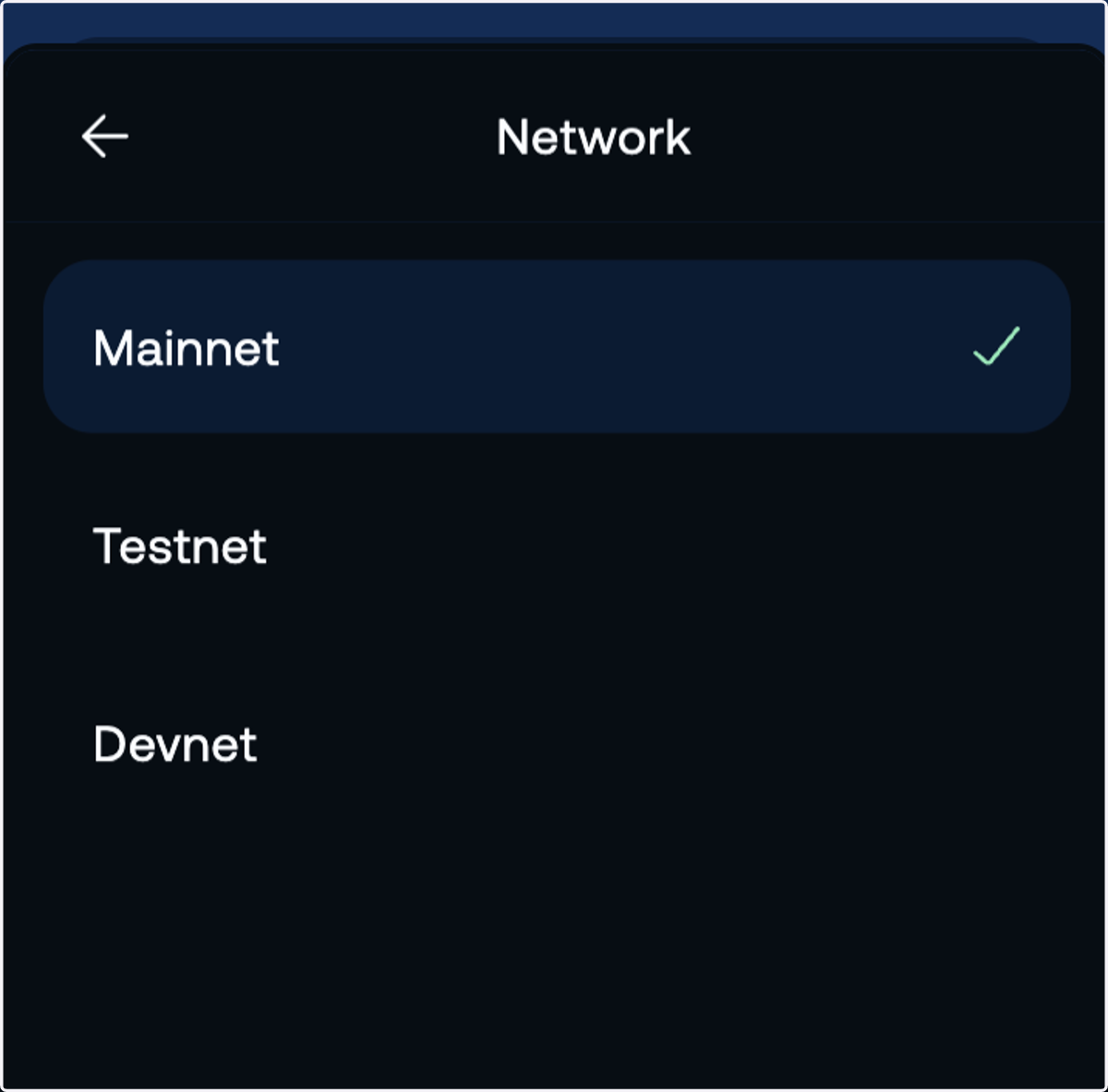
To switch the SUI network, please follow these steps:
6. Click Account Icon
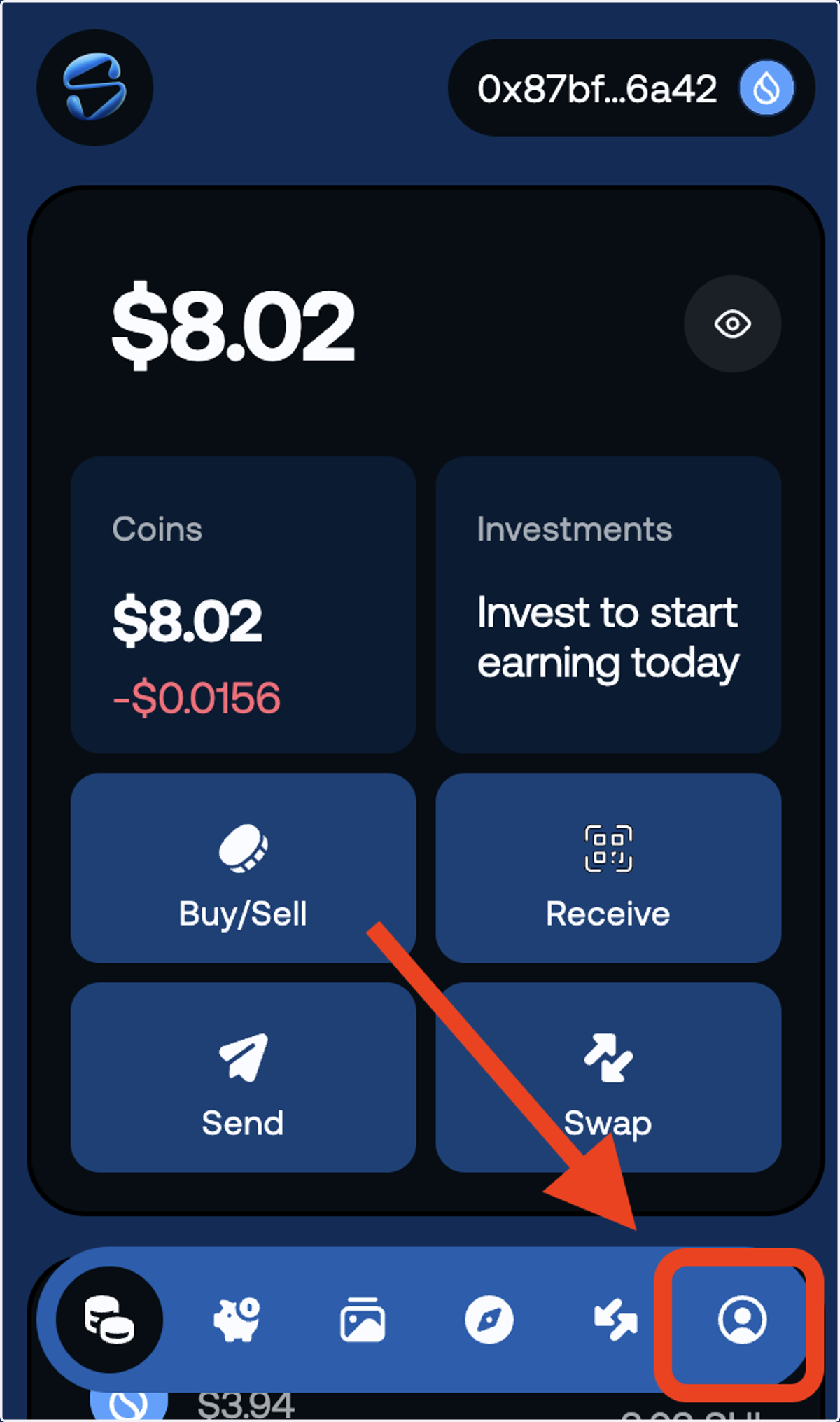
7. Click [Network] Button
![Click [Network] Button](https://images.tango.us/workflows/94990348-6b64-4bfd-b78d-6b9007f42900/steps/d10d89cd-4767-4873-9899-ce4dbad8e25d/a526ff38-efb3-4913-b50f-ac768e024b97.png?fp-x=0.5000&fp-y=0.5000&w=1200&border=F4F2F7&dpr=1.00)
8. Here, you can switch the network between Mainnet, Testnet, and Devnet.