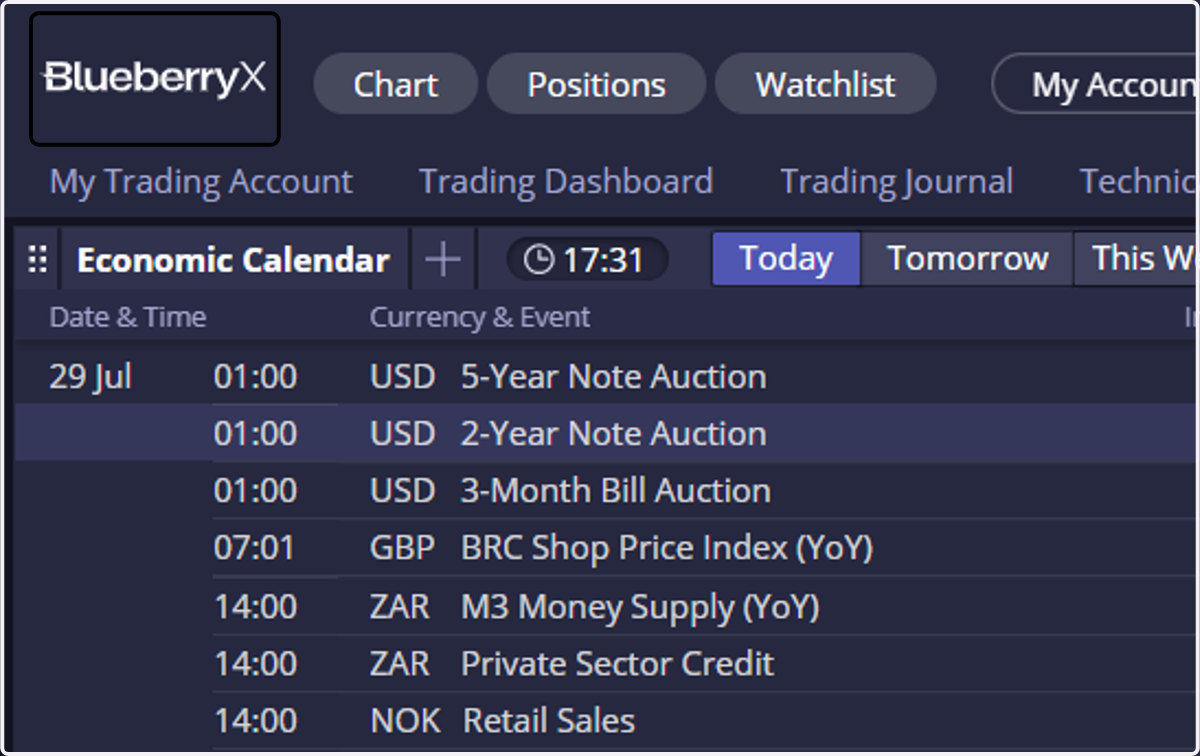
Blueberry.X / TradingView Password Reset
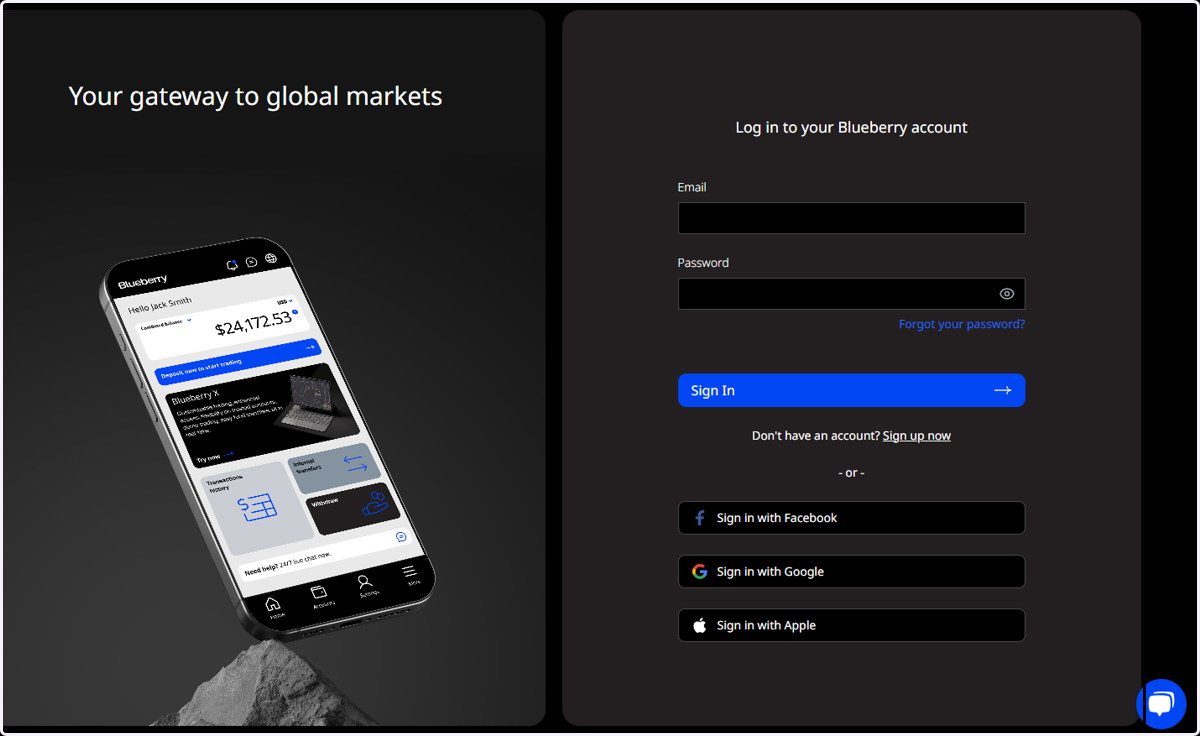
1. Click on Log in to your Blueberry account Client Portal...
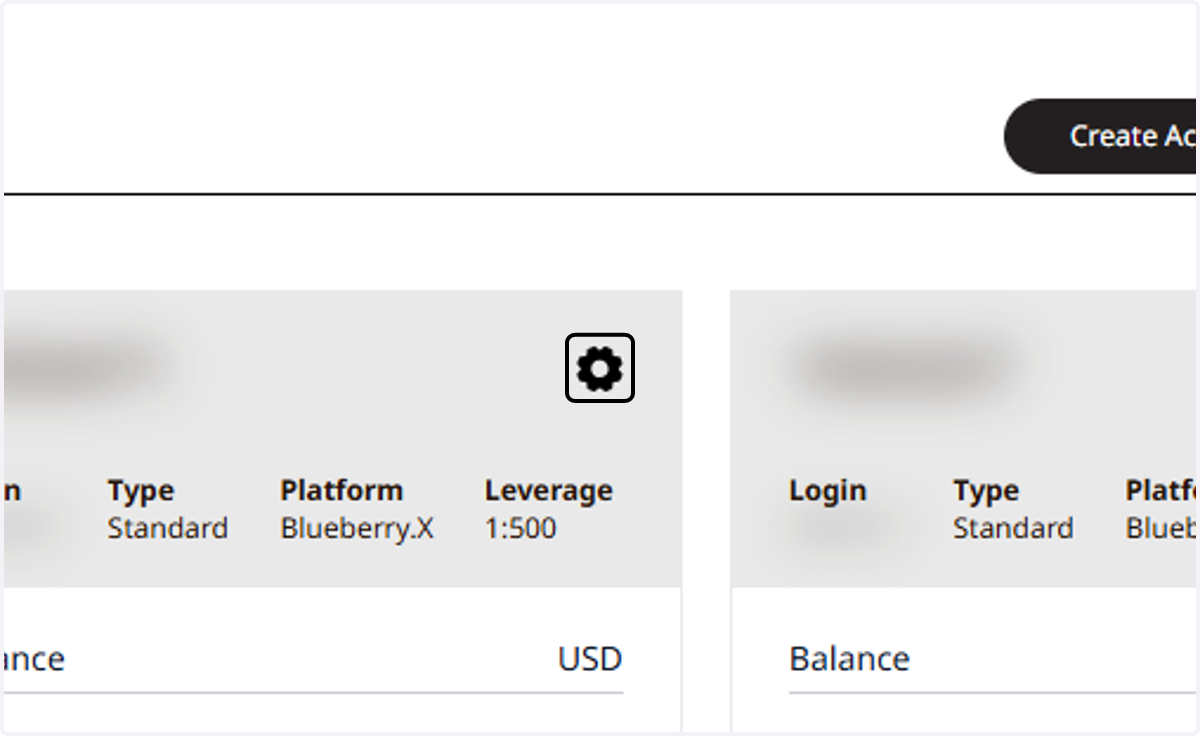
2. Select any of your DX / TradingView Accounts & Click on Settings
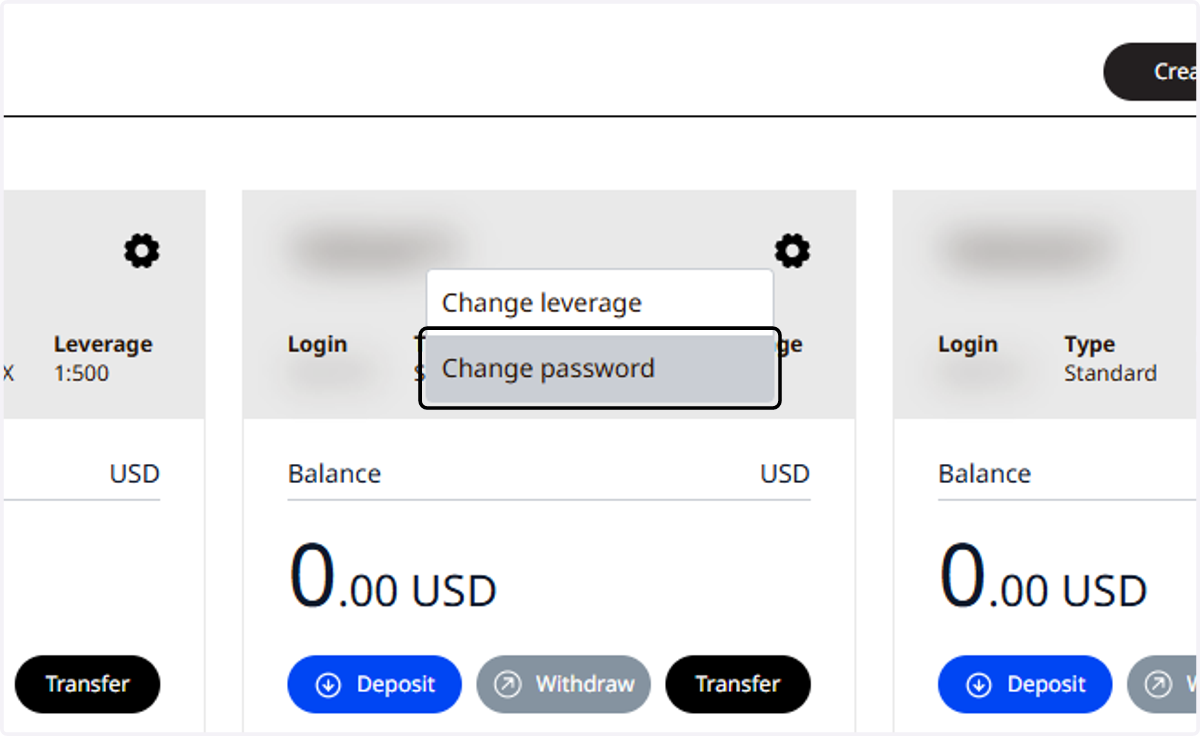
3. Click on Change password
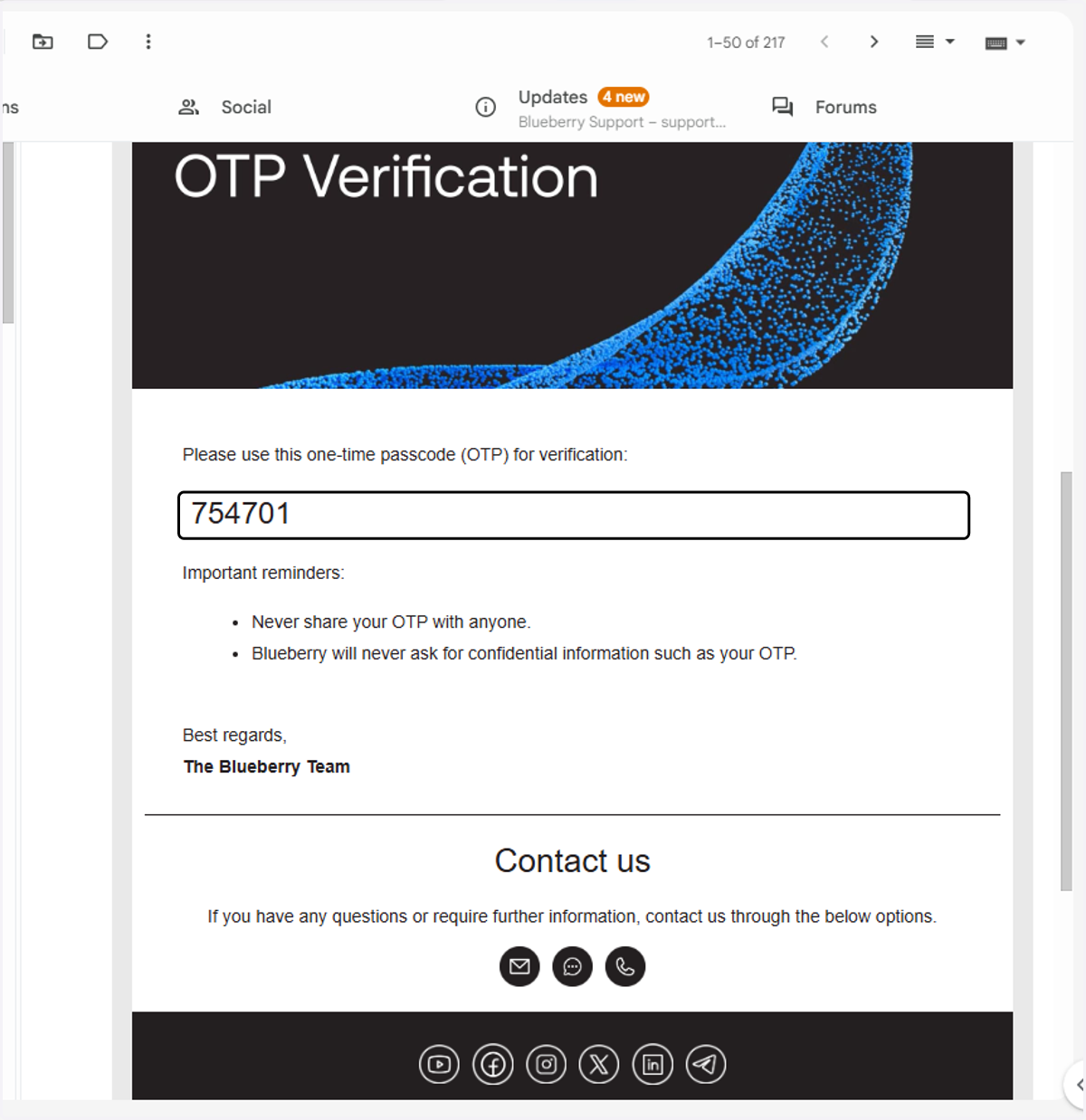
4. Go to your registered email and locate the One-Time-Password (OTP)
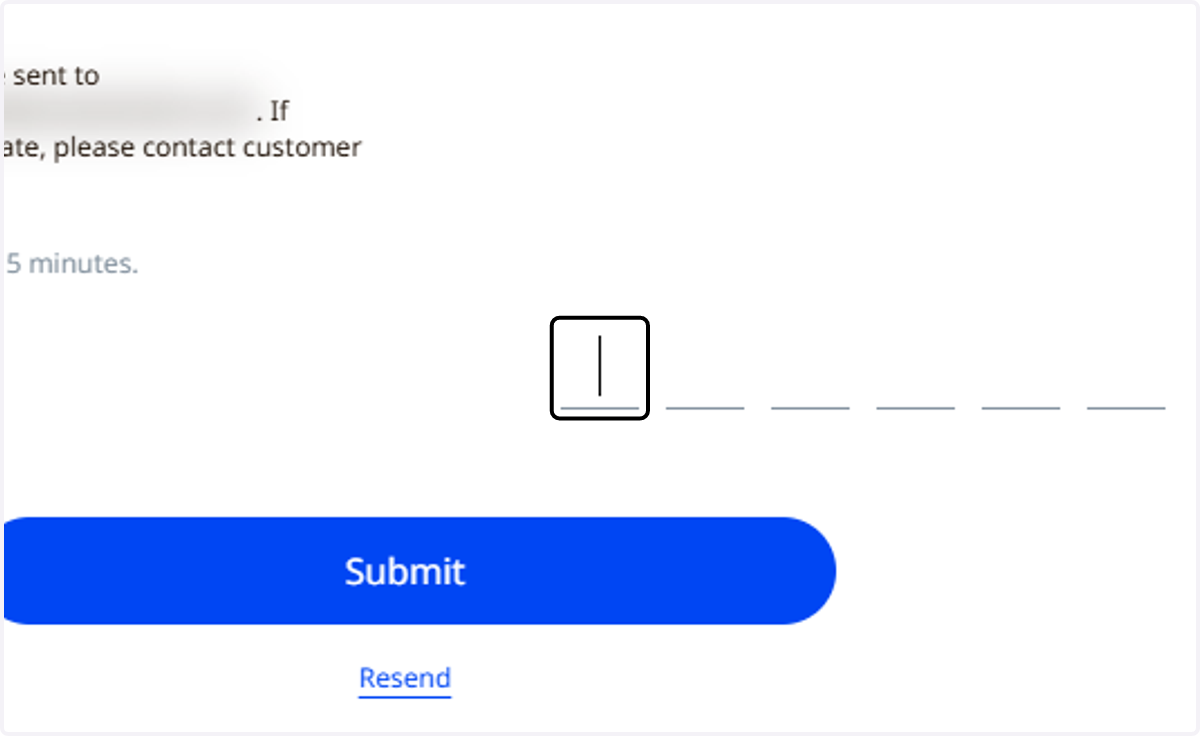
5. Copy the OTP...
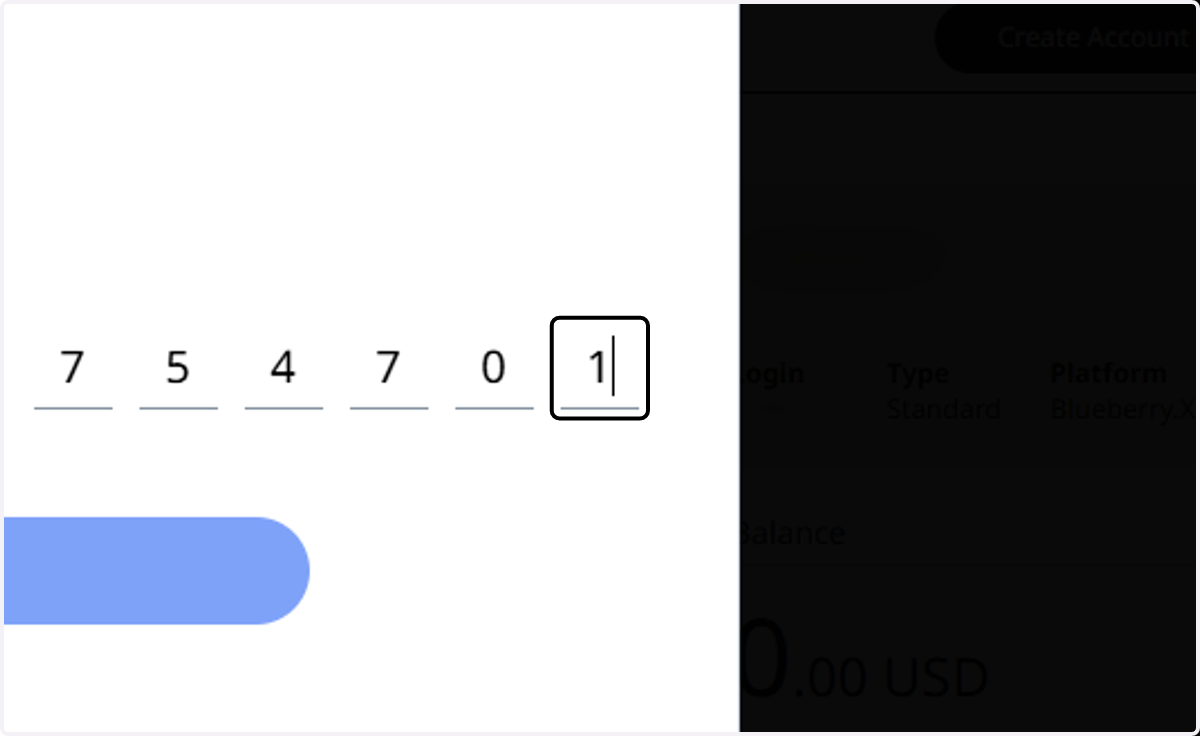
6. and enter on the OTP field.
7. A confirmation will be shown on your Client Portal.
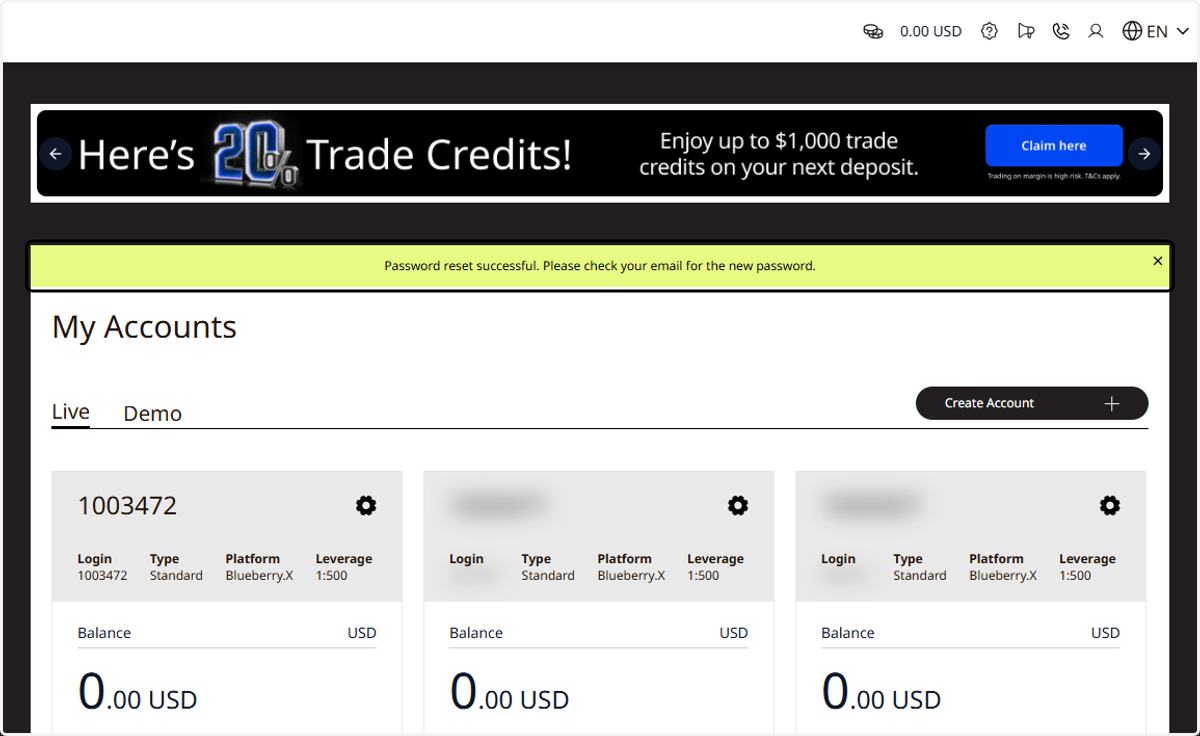
8. Locate your "temporary password"...
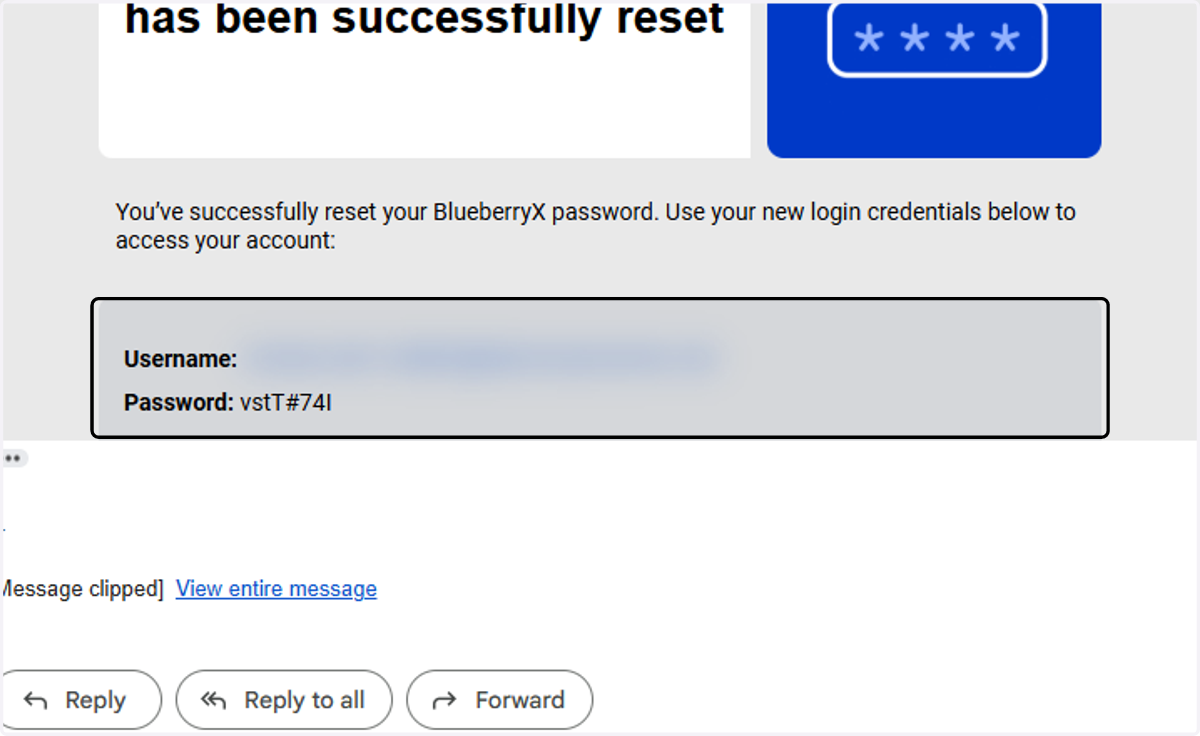
9. ...go to your Blueberry.X Trading Portal: https://trader.blueberrymarkets.com/
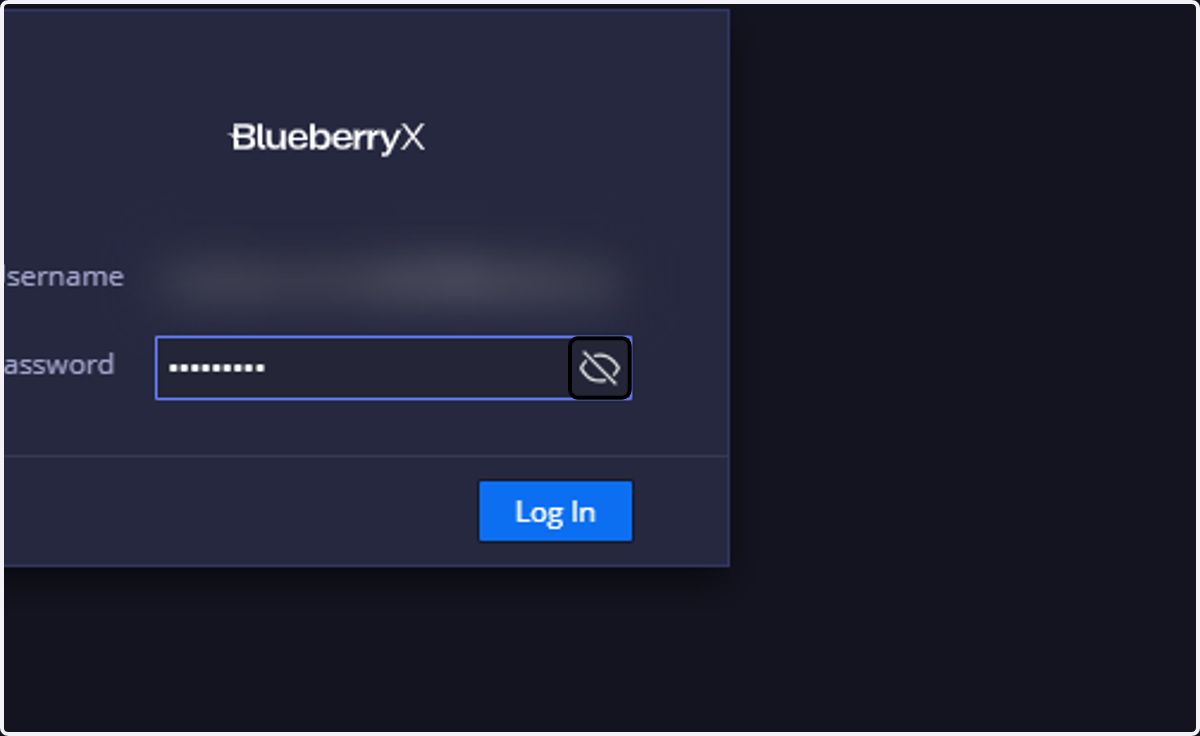
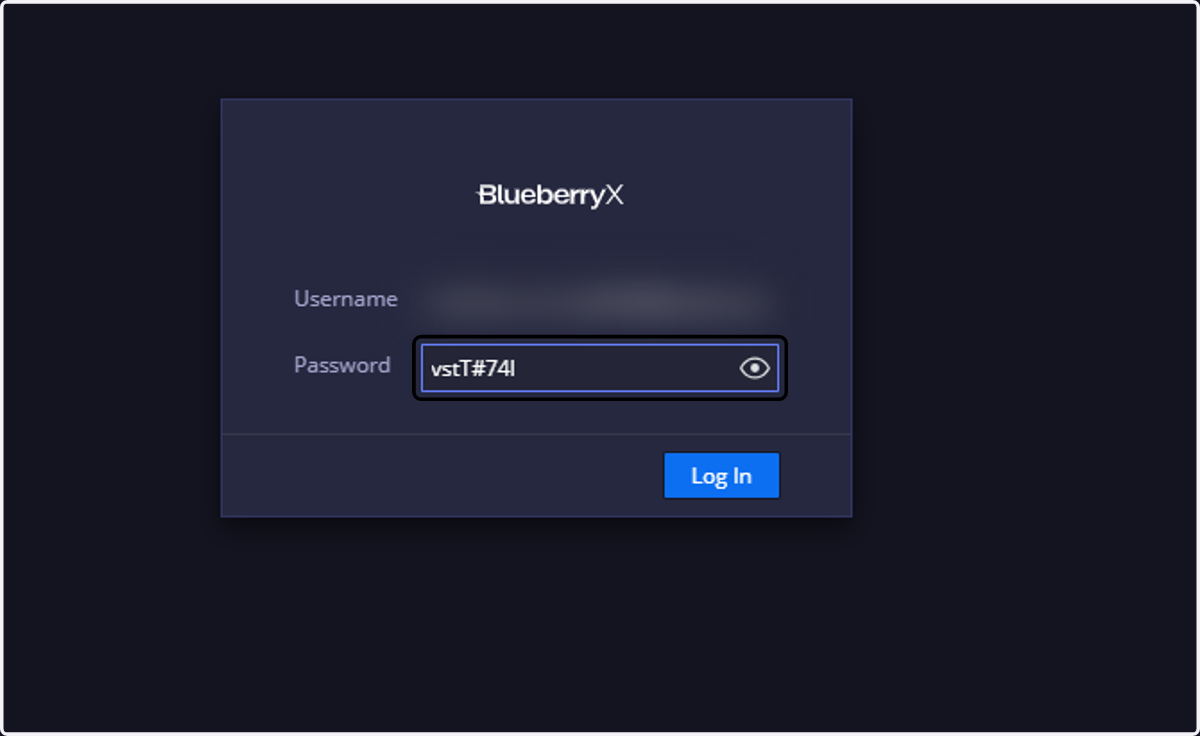
10. Enter the "temporary password"
11. Enter the temporary password (Current Password) and your "New Password"
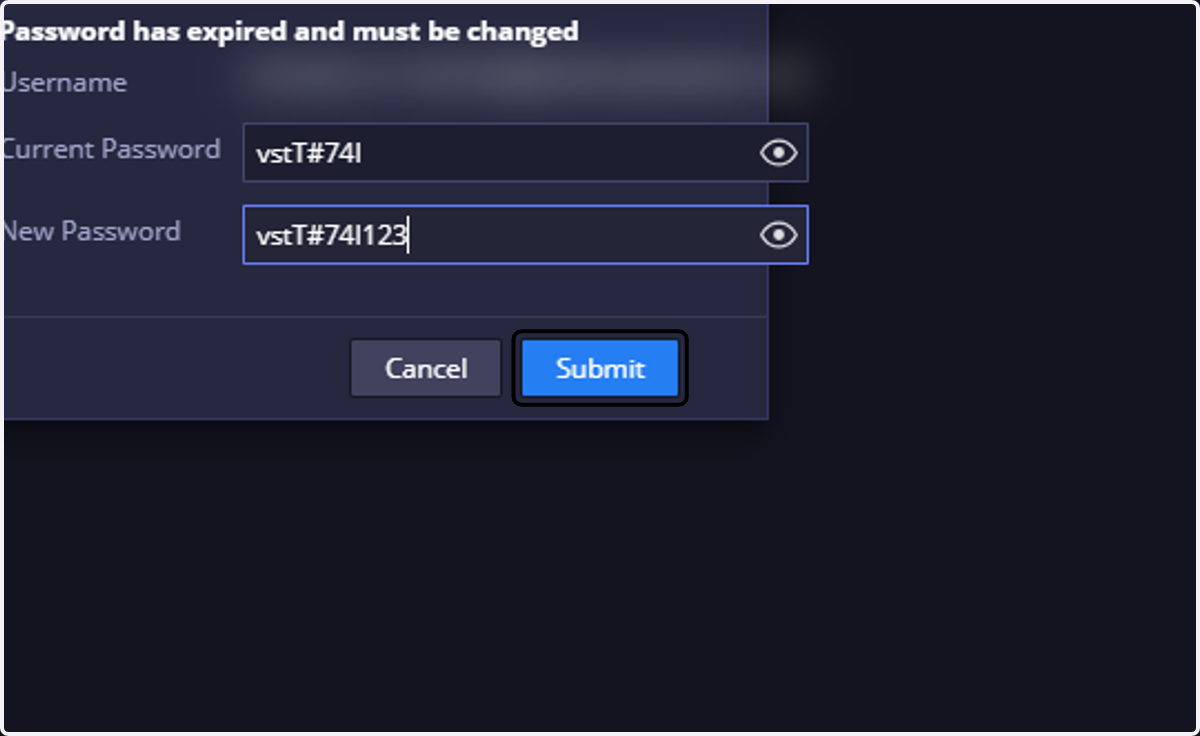
12. You will then be prompted to log in again.
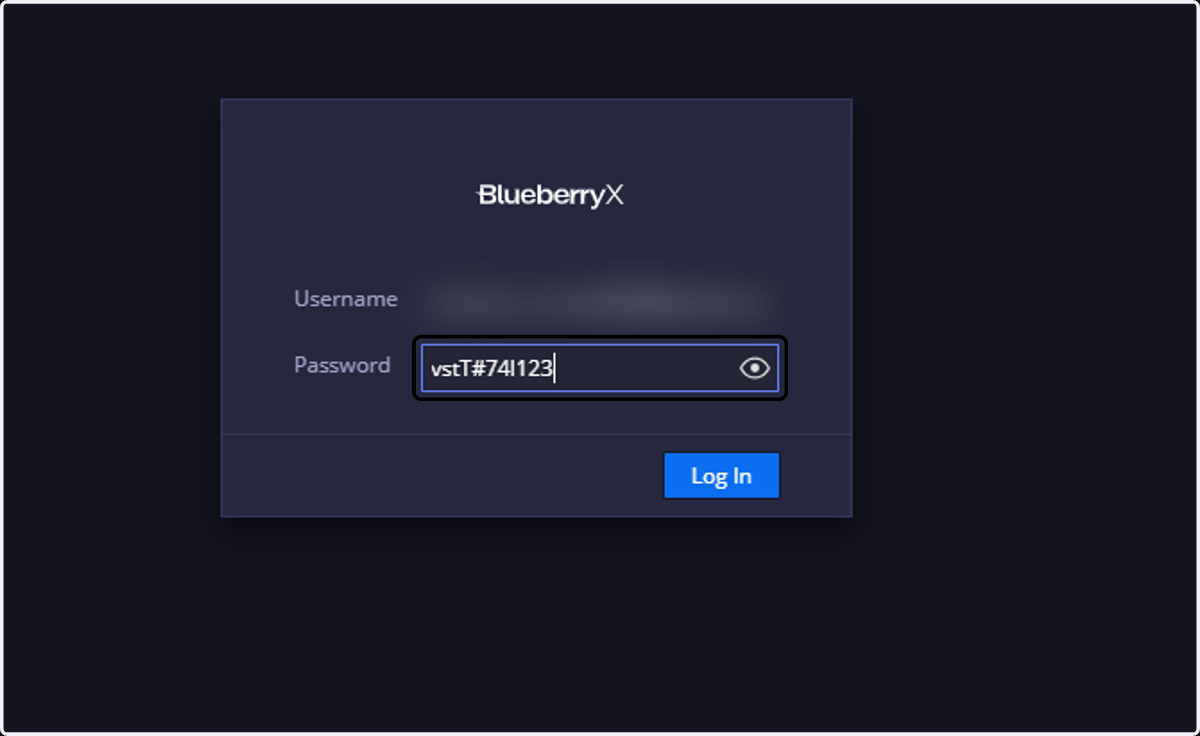
13. Enter your registered email and new password...
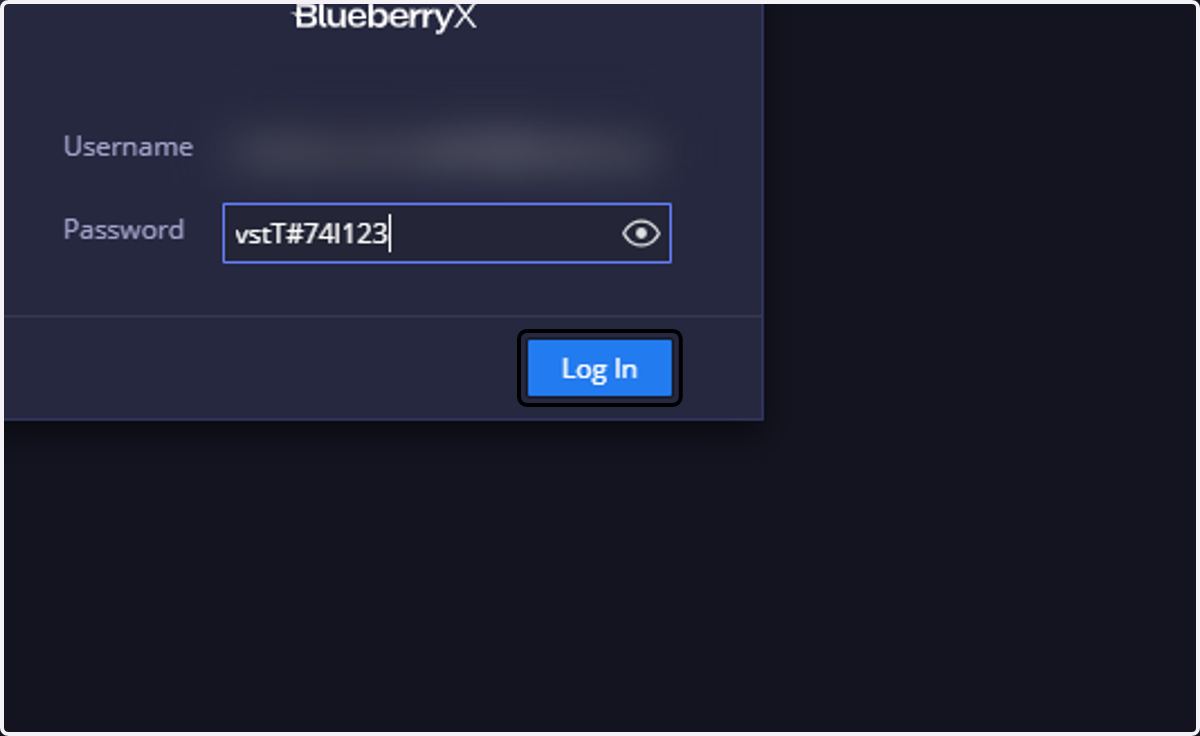
14. And that's it! You've successfully reset your password.