Viewing Geo-Connect on a Person Profile

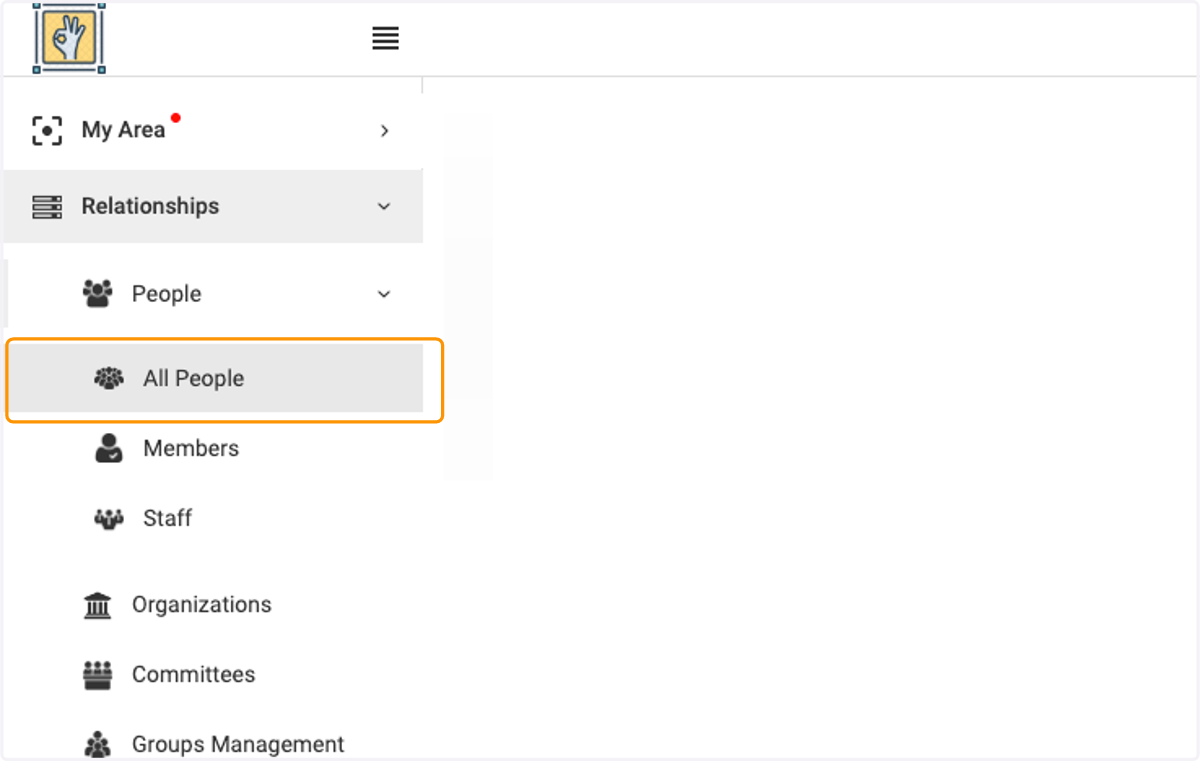
  1. 1. Click on All People

    Click on All People
  2. 2. Click on the person you wish to view
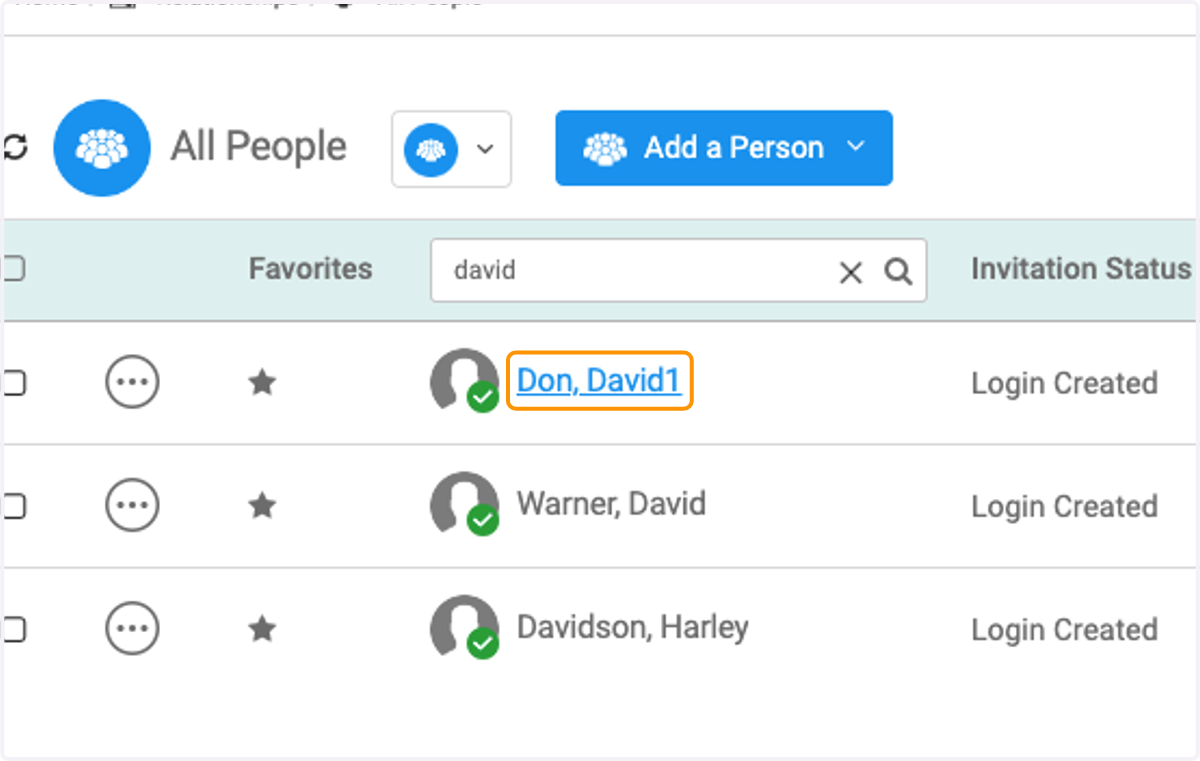
    Click on the person you wish to view
  3. 3. Click on POLITICAL INFORMATION tab
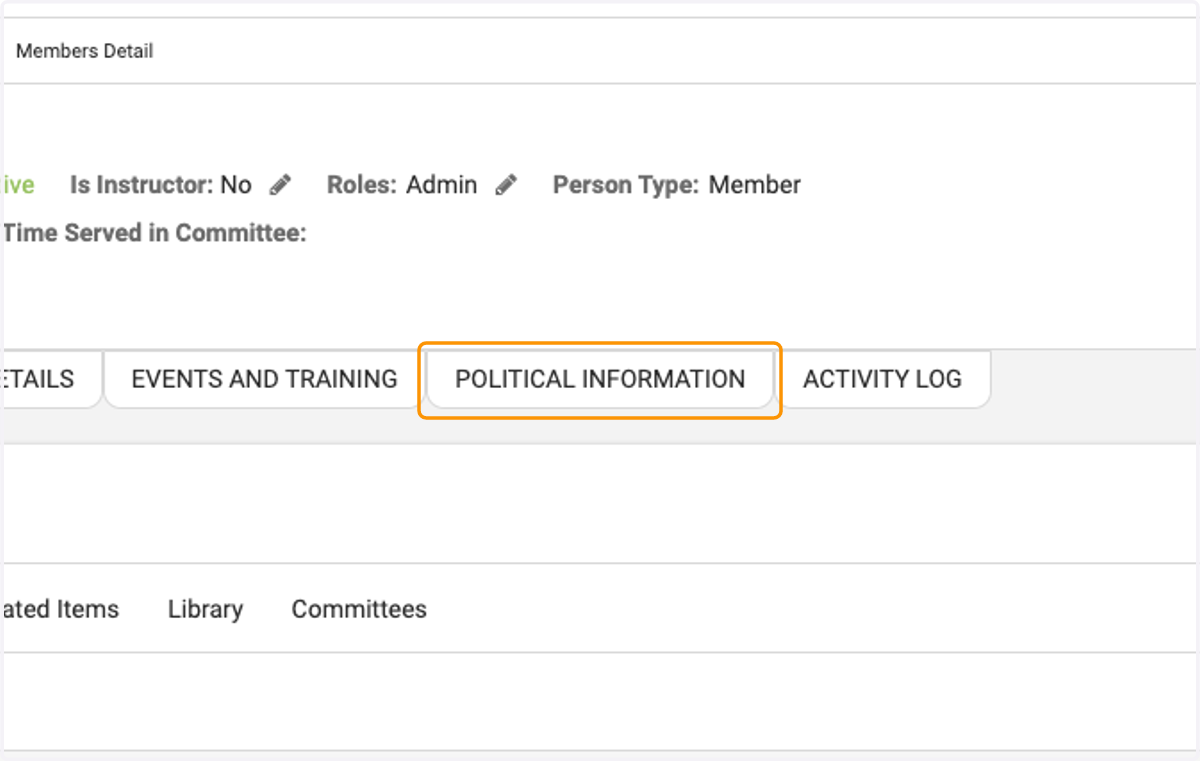
    Click on POLITICAL INFORMATION tab
  4. 4. You will find the person's elected officials
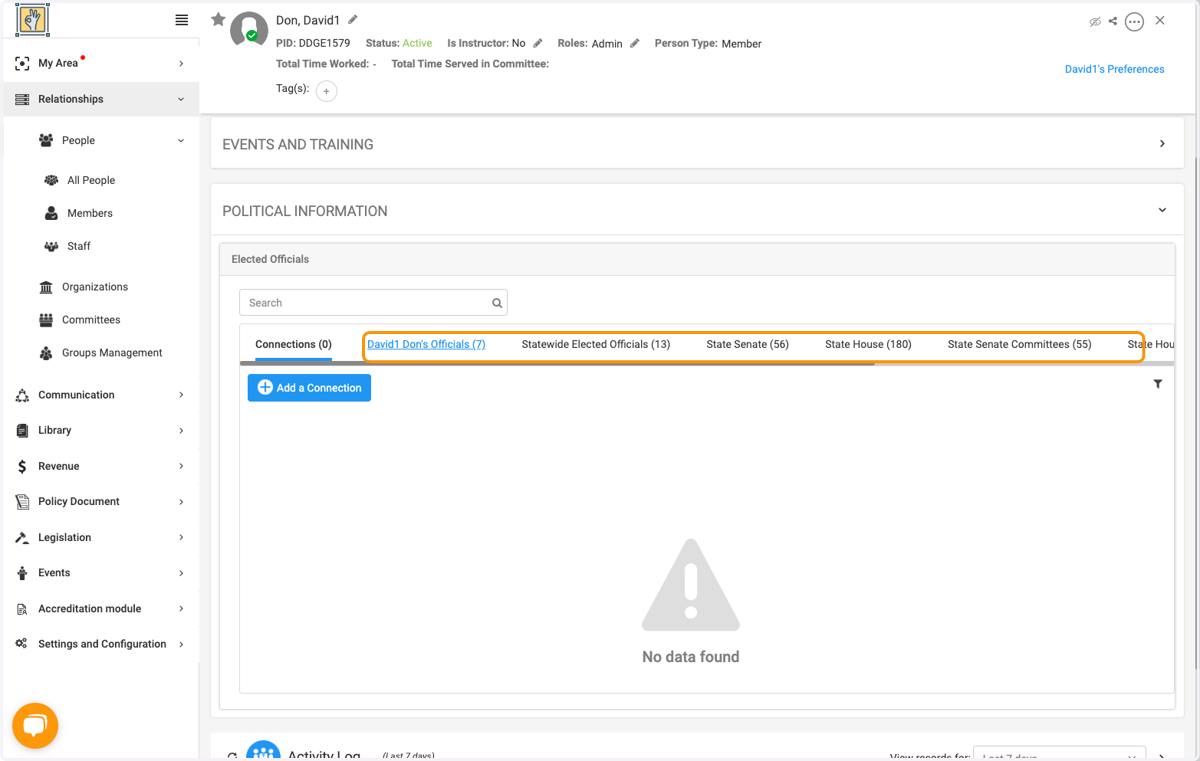
    You will find the person's elected officials
  5. 5. Click on Add a Connection to add a relationship with an elected official
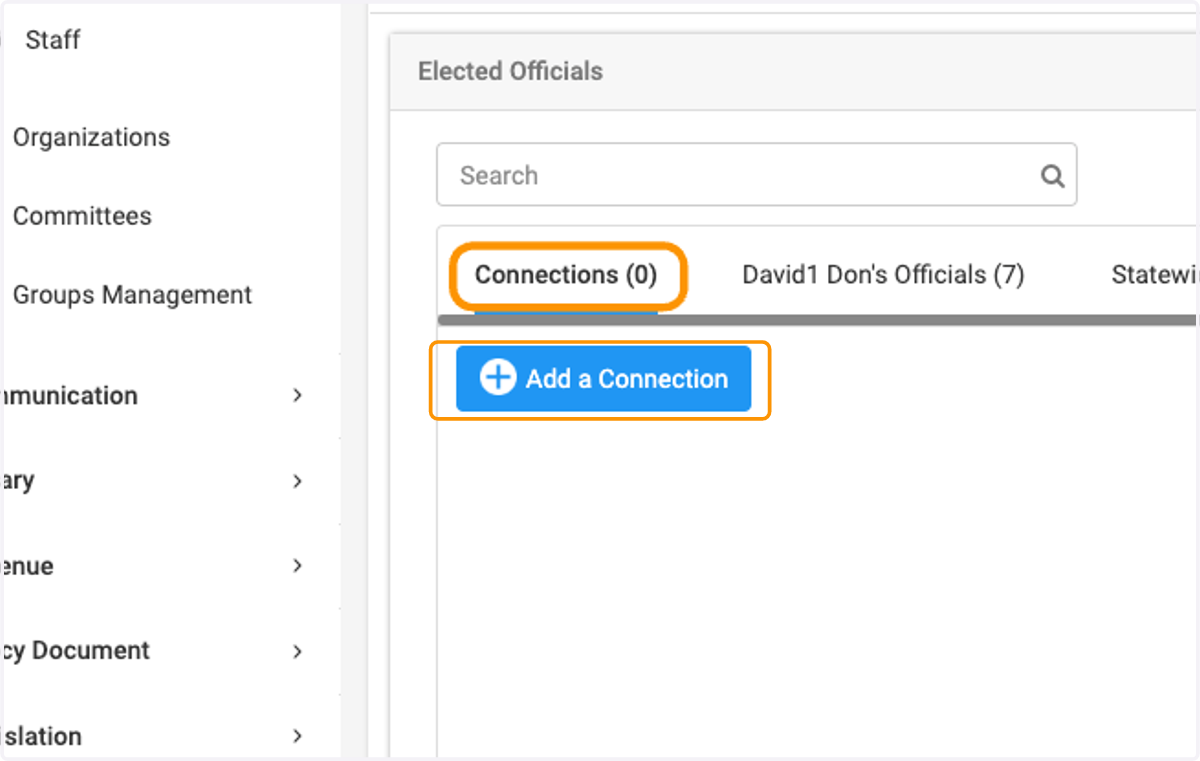
    Click on Add a Connection to add a relationship with an elected official
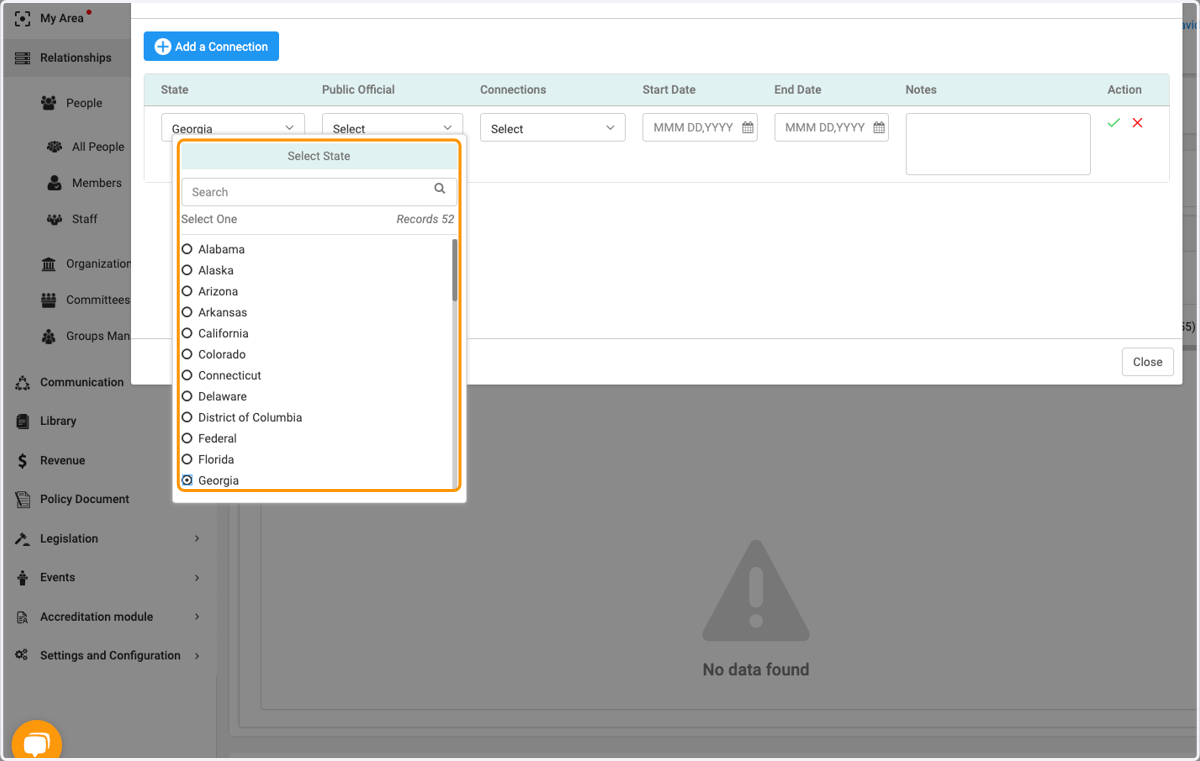
  6. 6. Select desired state

    Select desired state
  7. 7. Click on Select to select the official from the drop down list
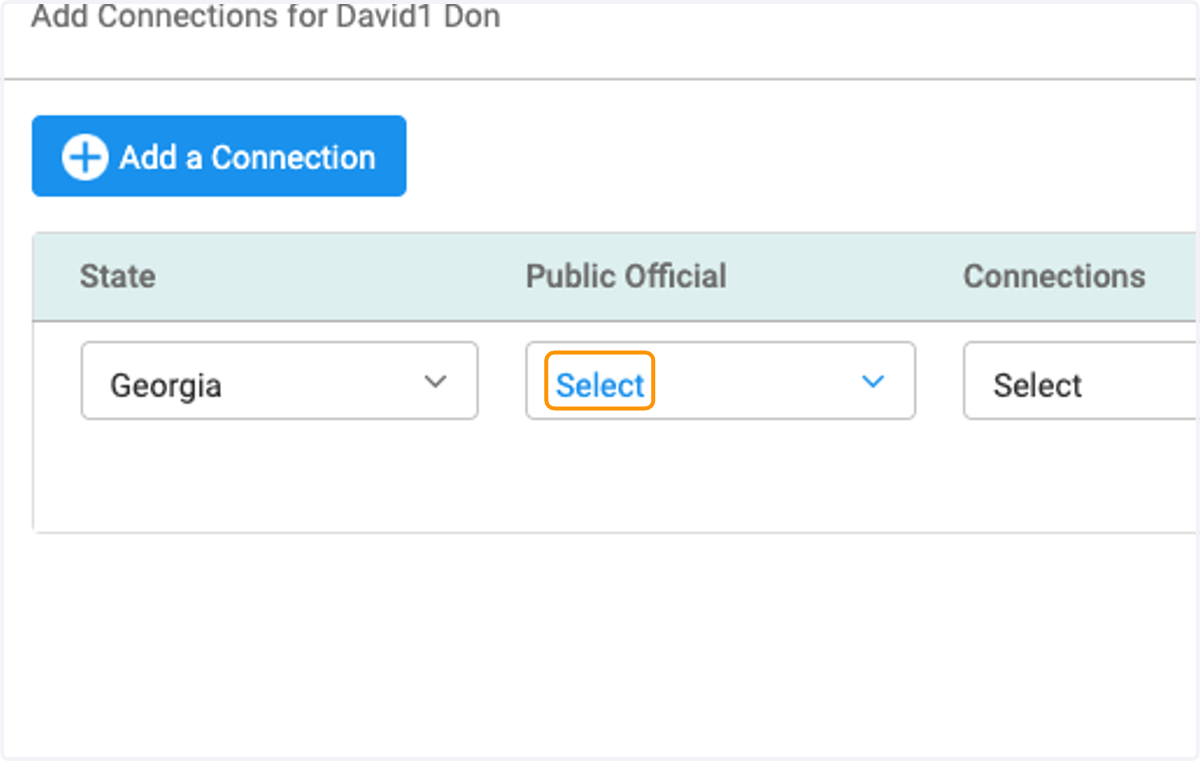
    Click on Select to select the official from the drop down list
  8. 8. Click on Select to add the type of connection they have
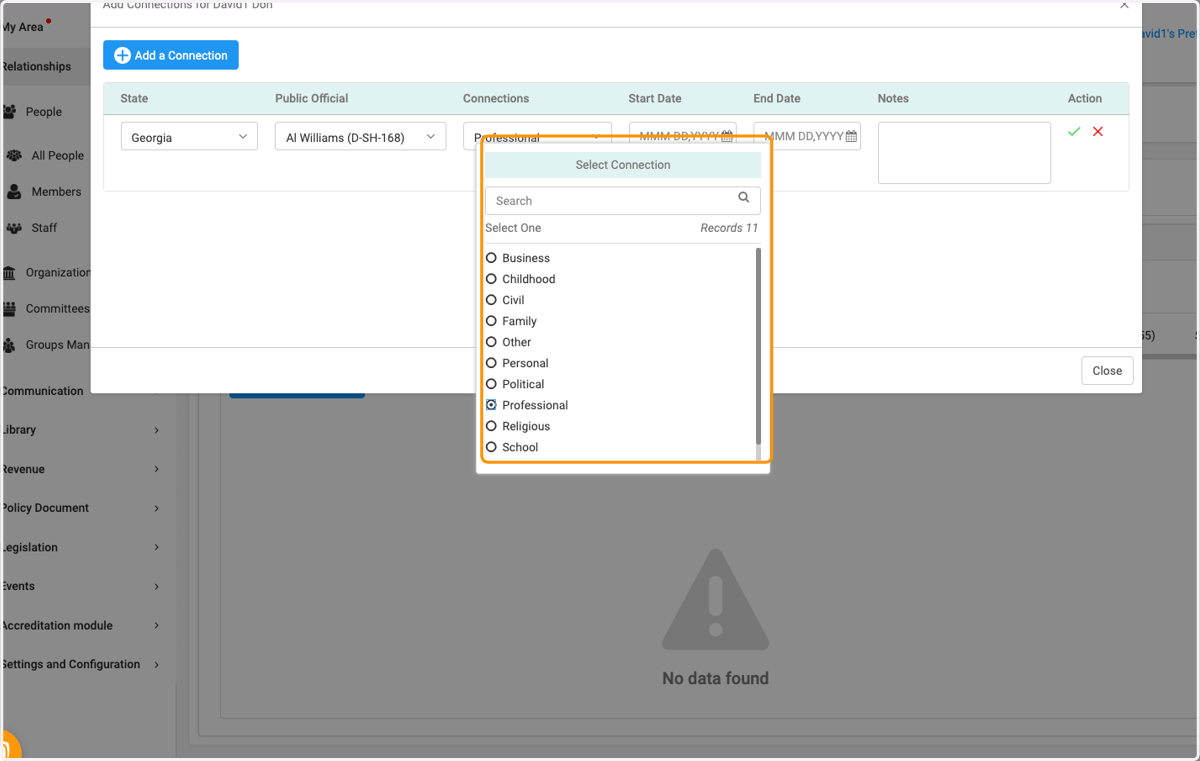
    Click on Select to add the type of connection they have
  9. 9. You can add a date and / or notes for the relationship
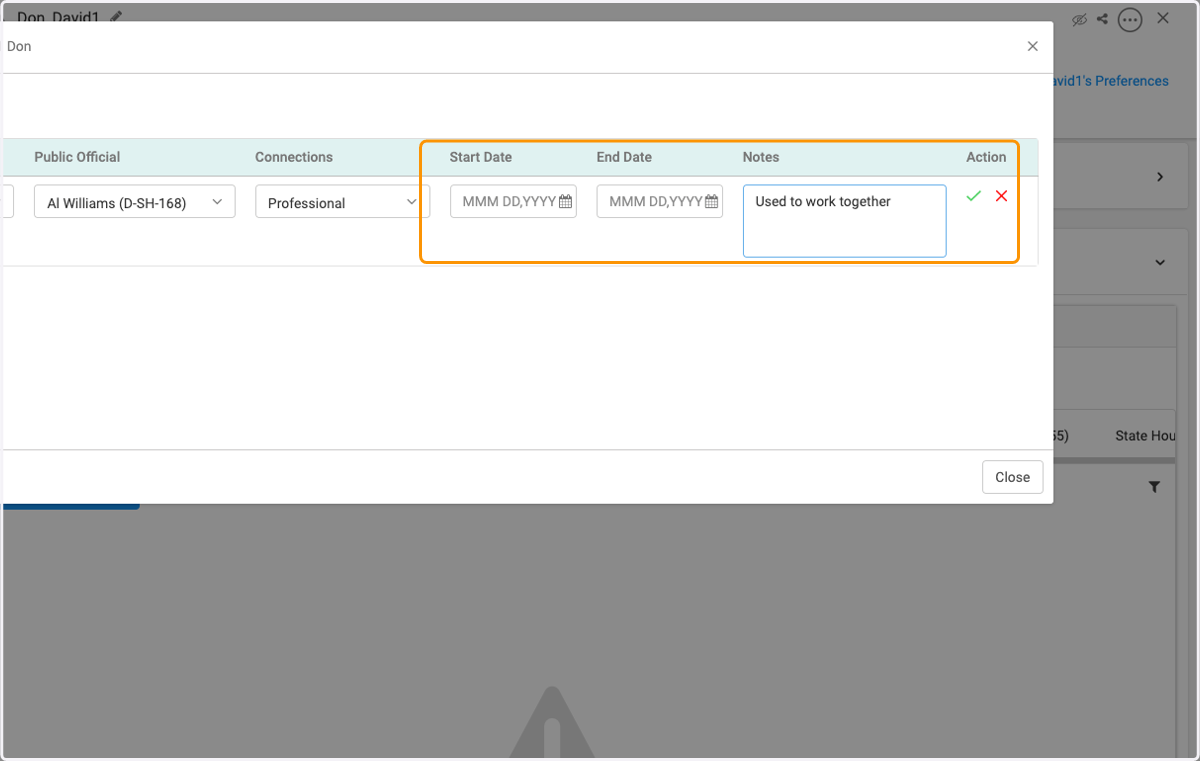
    You can add a date and / or notes for the relationship
  10. 10. Click on the green check when finished
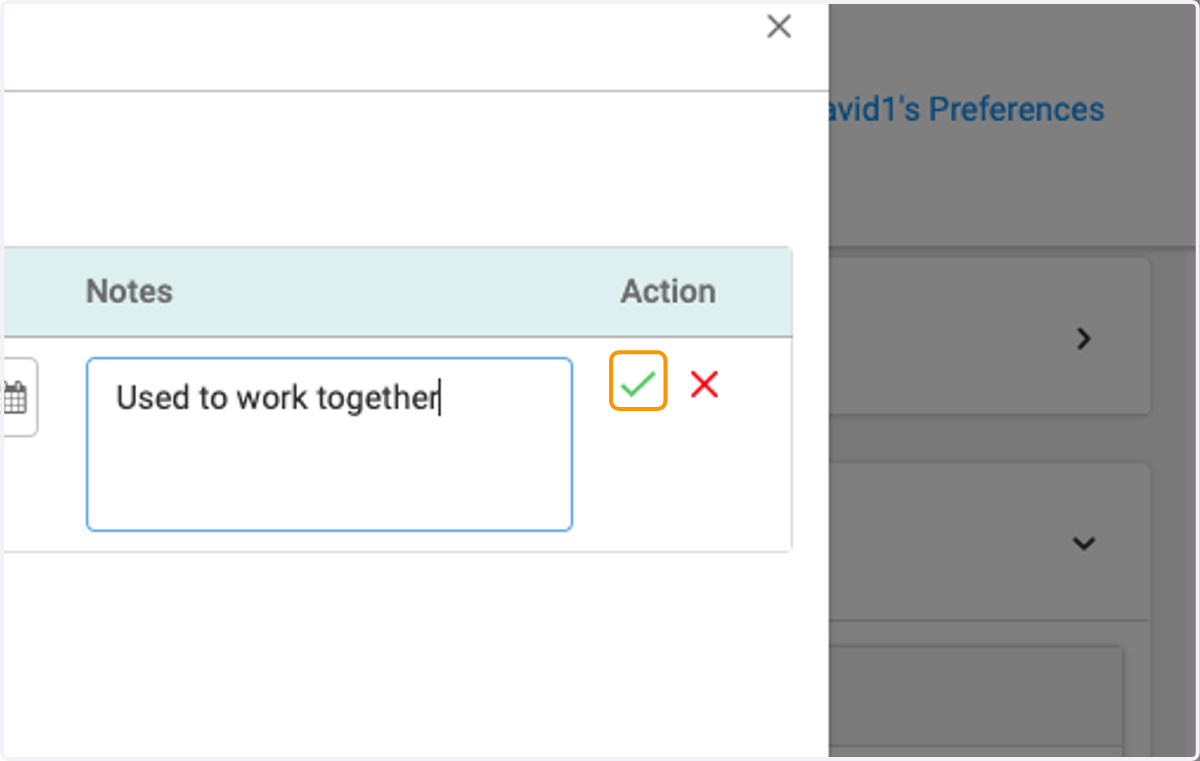
    Click on the green check when finished
  11. 11. Click on Close when done adding connections
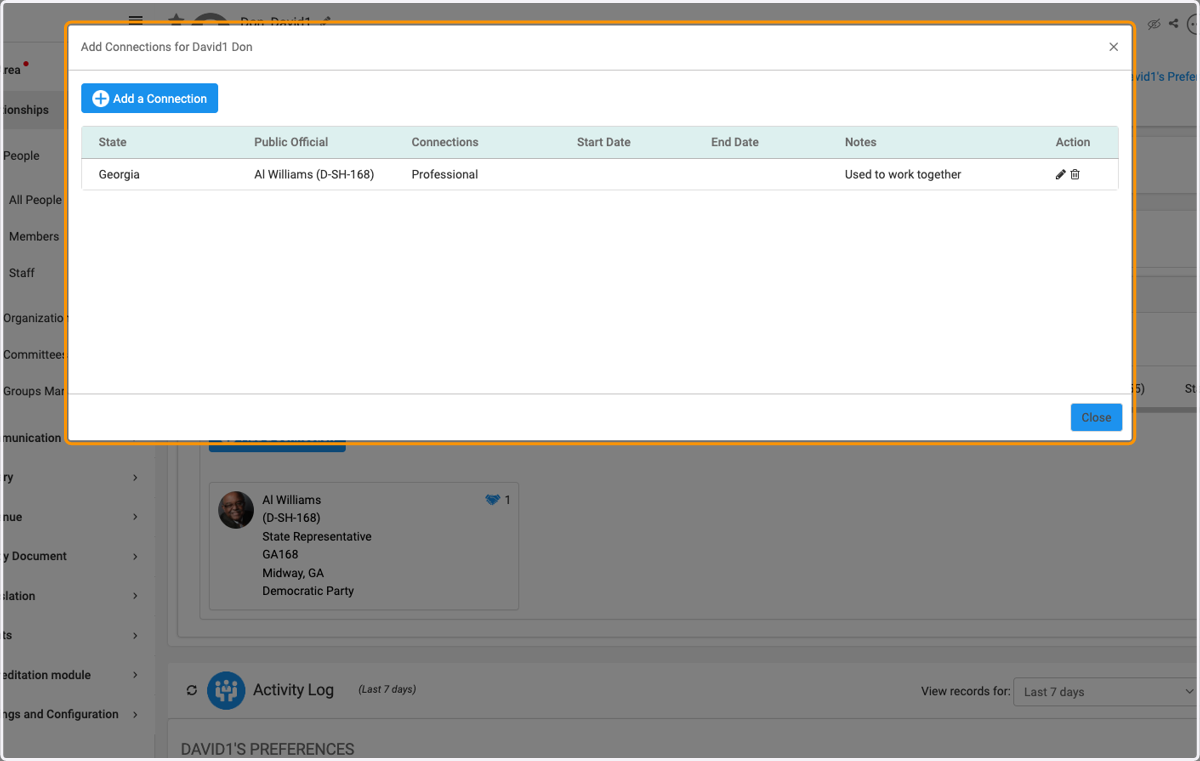
    Click on Close when done adding connections
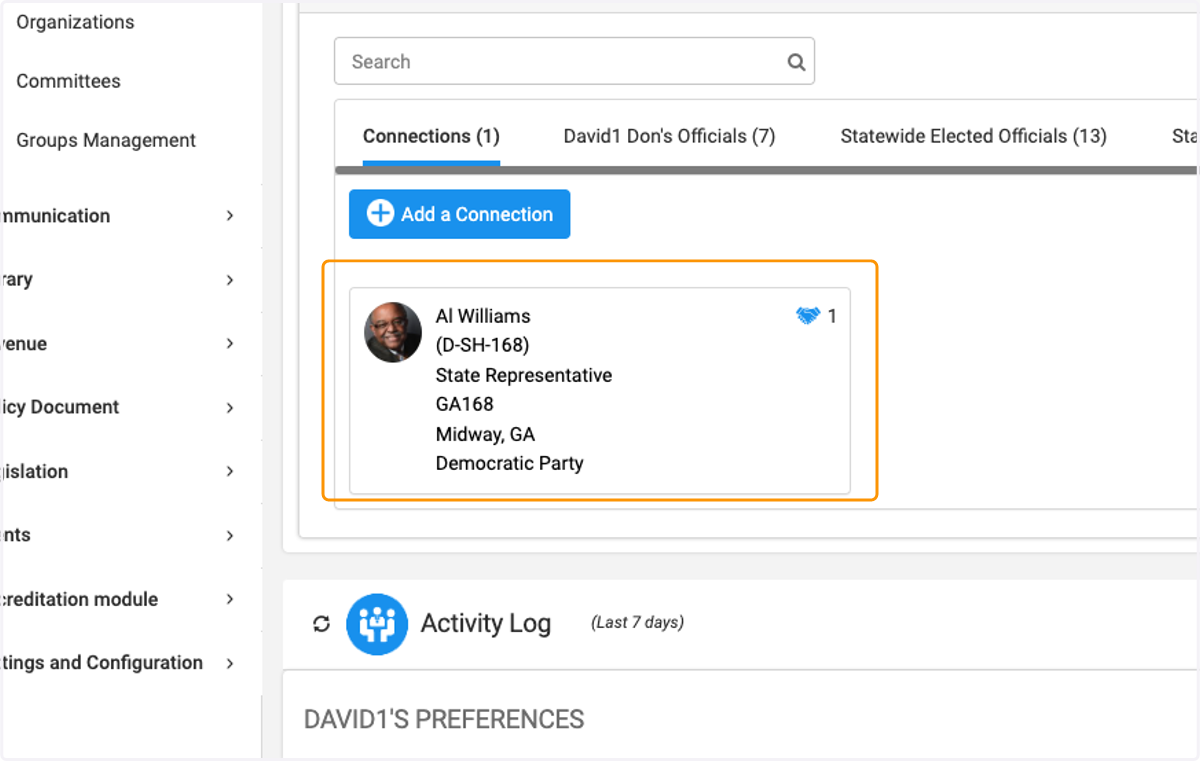
  12. 12. You will now see

    You will now see