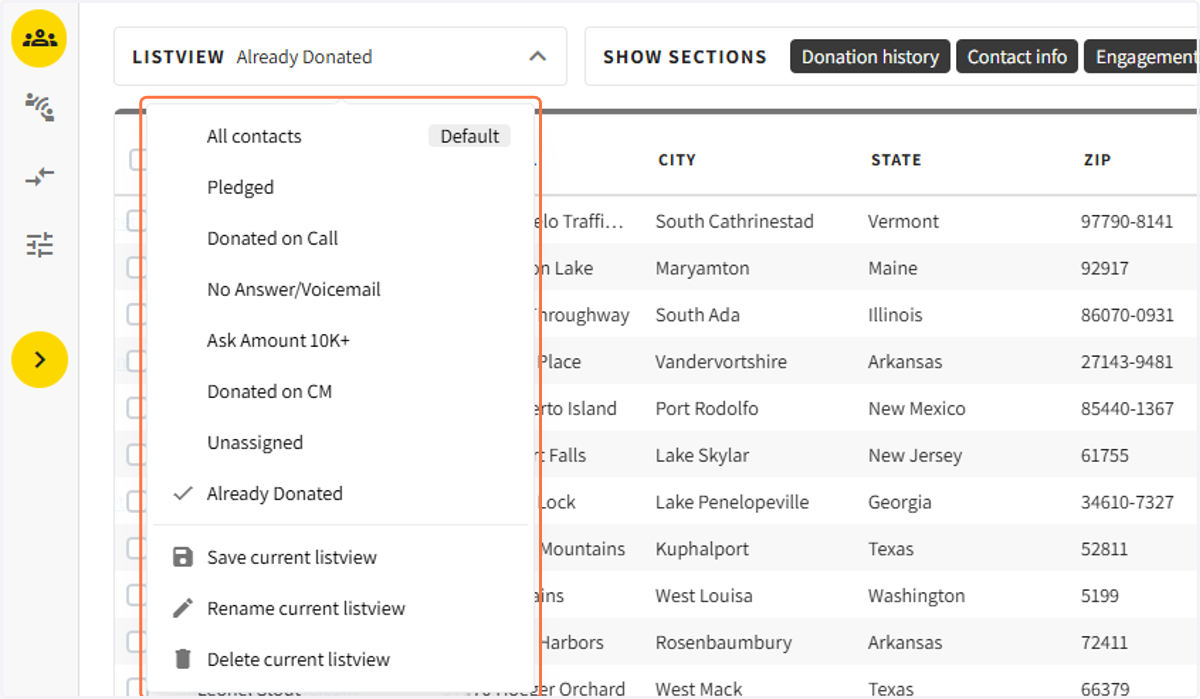
Creating List Views
1. Start by creating a filter
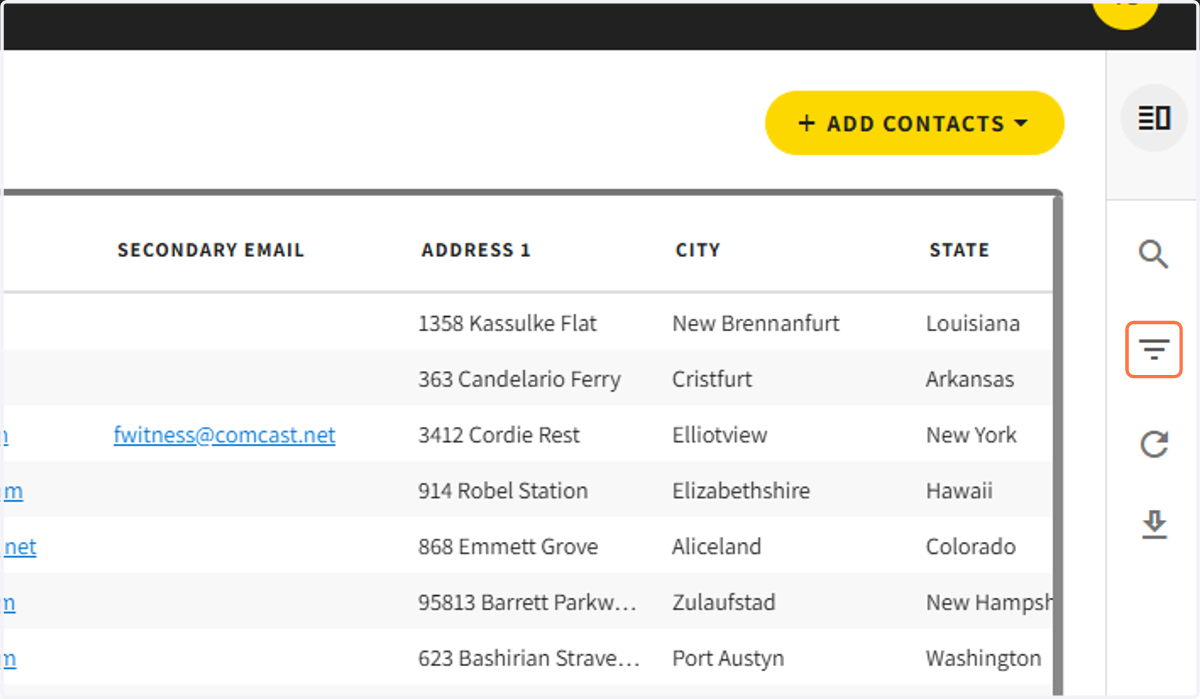
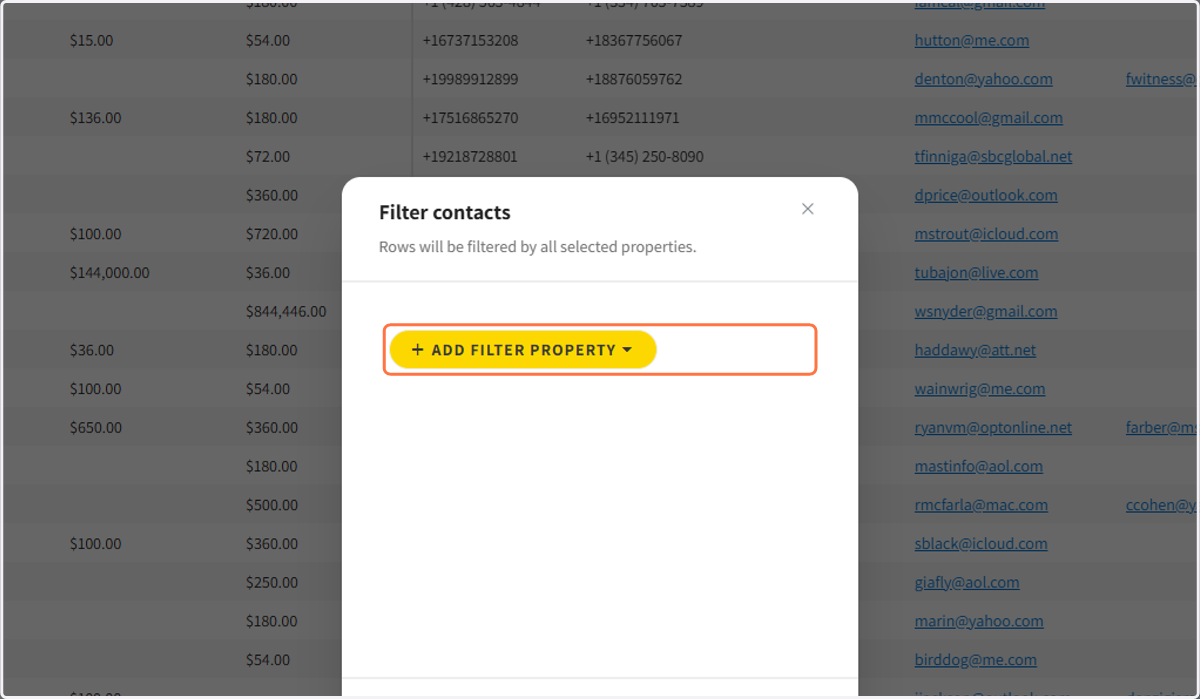
2. Choose the filter(s) the list view should be based on
3. Some commonly used filters are Call Status, Ask Amounts, Last Donation Amount, etc.
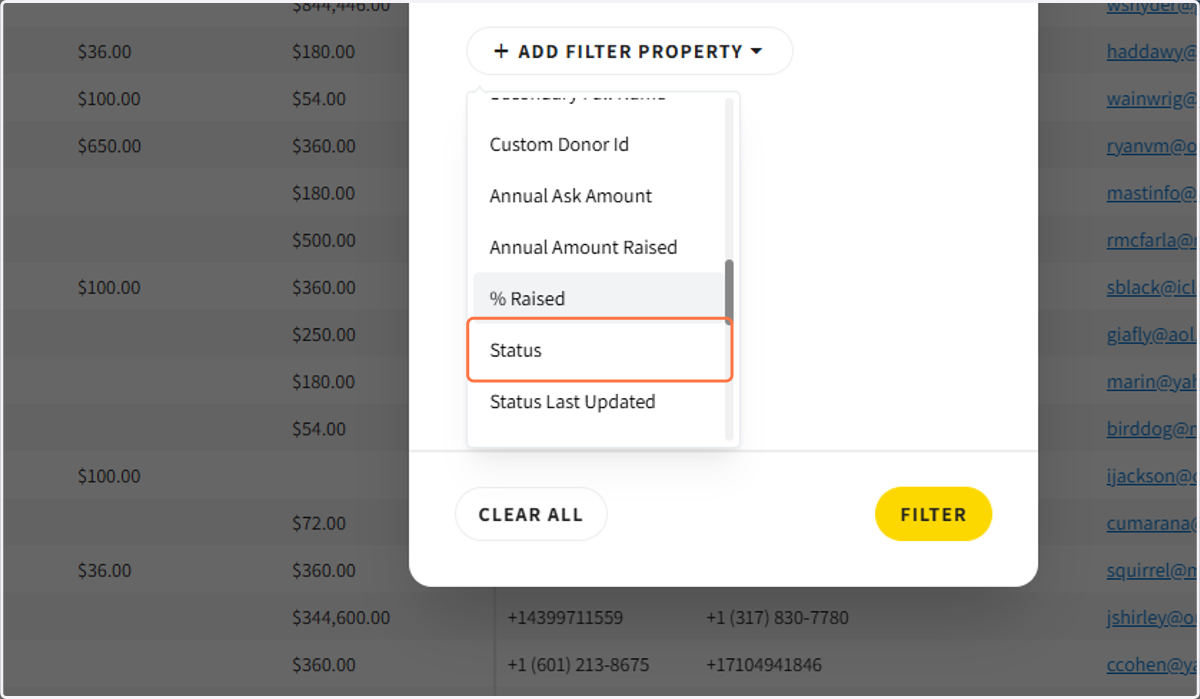
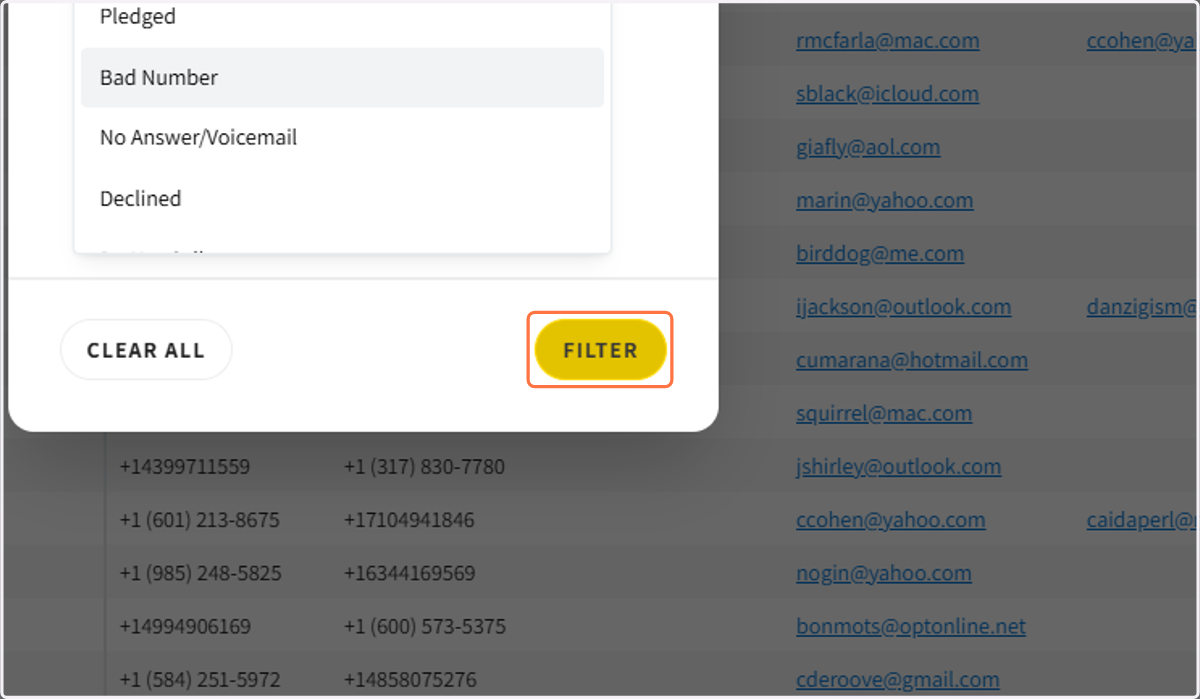
4. After you created your filter click on Filter
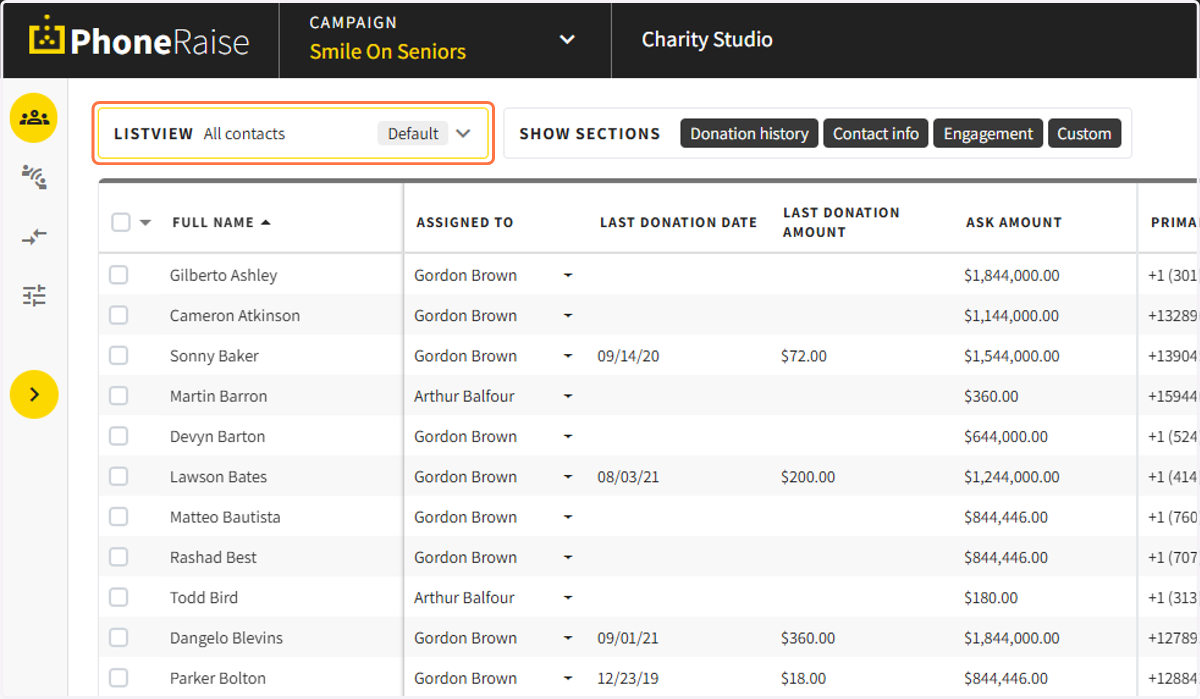
5. Next go to the listview dropdown
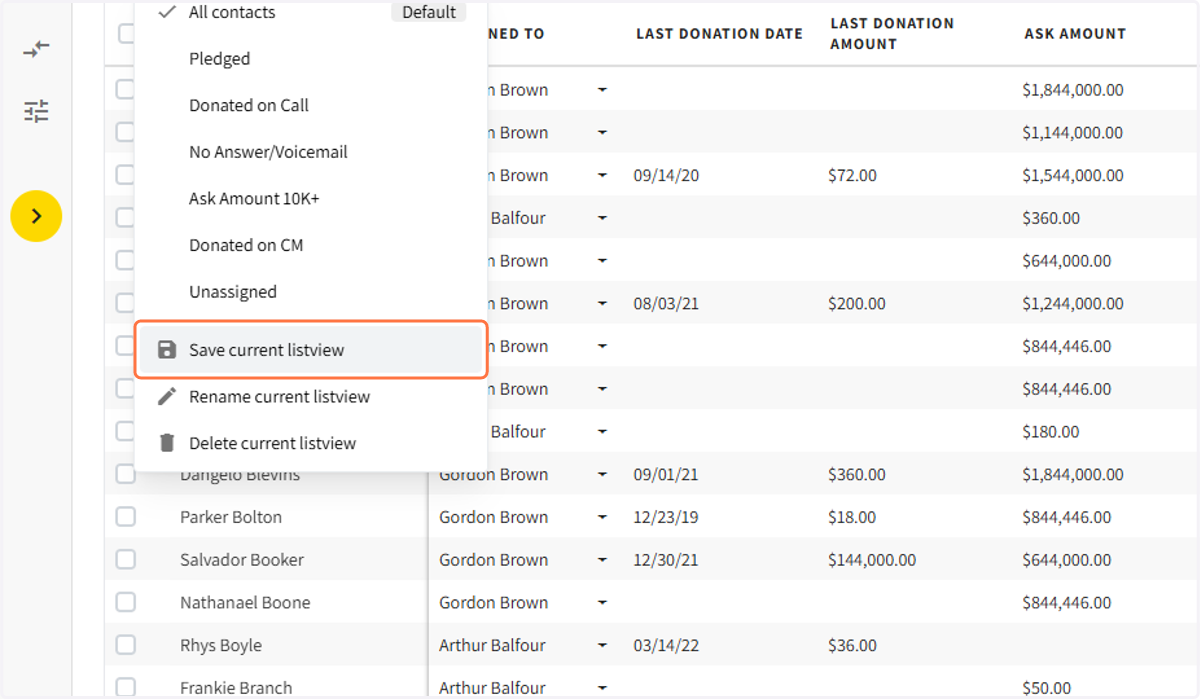
6. Click on save current listview
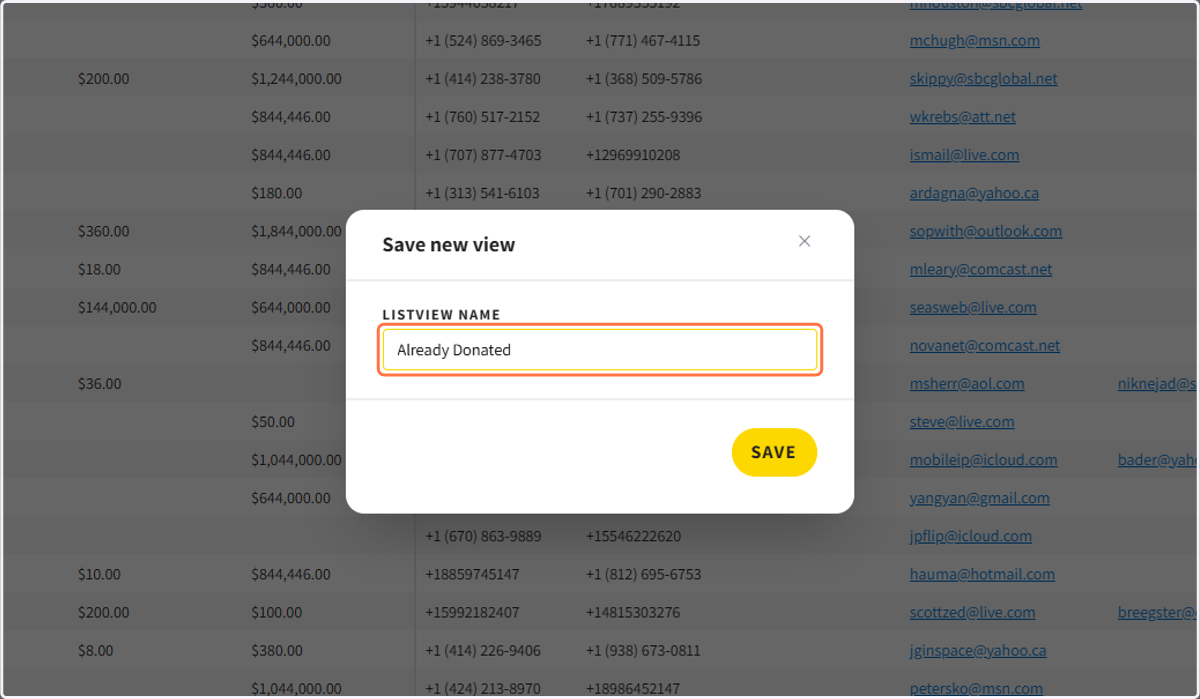
7. Give the listview a name and click save
8. In this example, the saved listview only shows statuses that are "already donated."
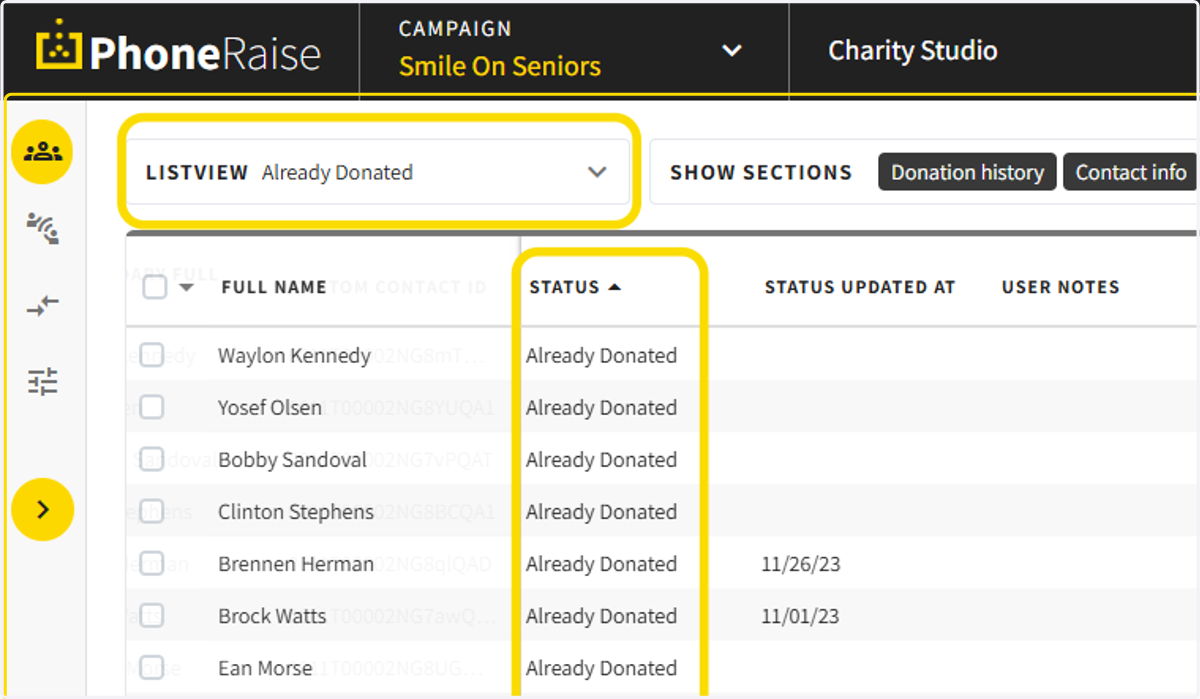
9. You can save multiple listviews, rename listviews, and delete listviews